Historical Development of Barcode Printing Technology (Part 5) |
*(Focus: Print Quality Standards, Verification Systems, Error Sources, and Advanced Materials Deep Technical Expansion)* |
30. Introduction to Barcode Print Quality Control |
30.1 |
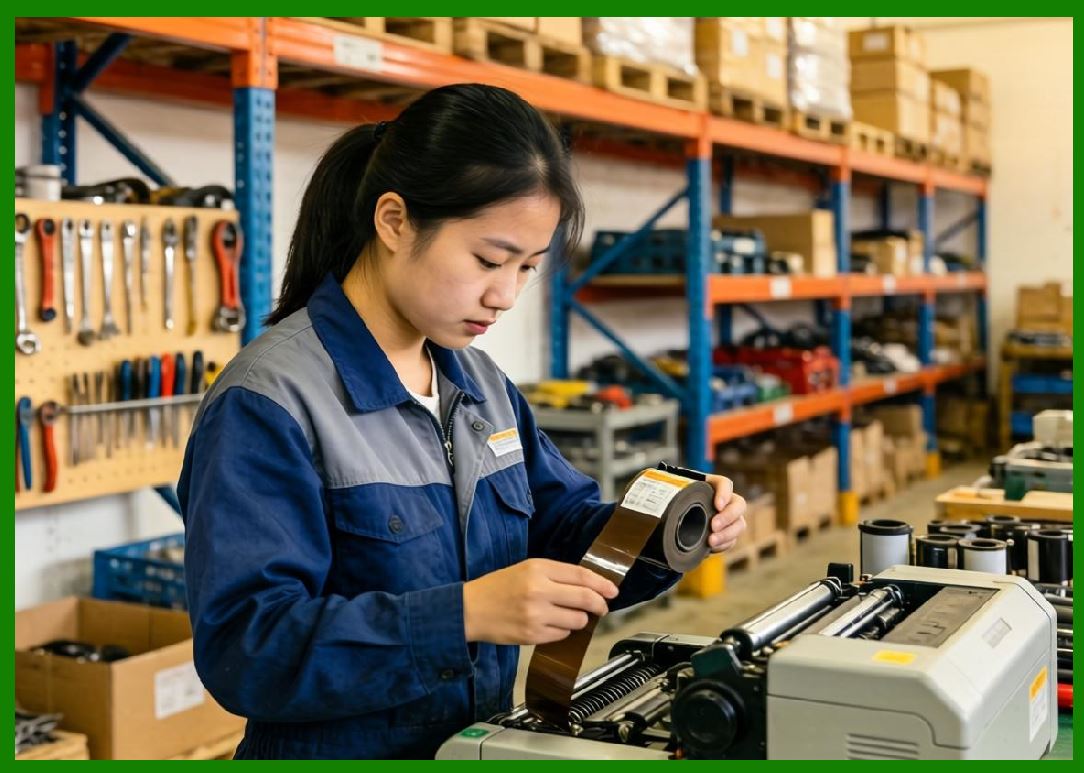
As barcode technology matured and became integral to mission-critical systems such as global logistics, healthcare, and retail the importance of print quality control increased dramatically. A barcode is only as effective as its readability, and even minor defects in printing can lead to scanning failures, operational delays, or costly errors. |
30.2 |
Unlike human-readable text, barcode symbols must adhere to strict geometric and optical specifications. These specifications are defined by international standards organizations to ensure interoperability across devices and industries. |
30.3 |
The development of barcode printing technology is therefore closely linked with the evolution of barcode quality standards, verification systems, and diagnostic methodologies. |
|
31. Barcode Quality Standards and Grading Systems |
31.1 Overview of International Standards |
31.1.1 |
Barcode quality is governed by international standards developed by organizations such as: |
31.1.1.1 |
ISO (International Organization for Standardization) |
31.1.1.2 |
ANSI (American National Standards Institute) |
31.1.1.3 |
GS1 (Global Standards Organization for barcodes) |
31.1.2 |
These standards define how barcodes should be printed and how their quality should be measured. |
31.2 ISO/IEC Barcode Standards |
31.2.1 |
Several ISO/IEC standards are particularly relevant to barcode print quality: |
31.2.1.1 |
ISO/IEC 15416 Linear barcode print quality test specification |
31.2.1.2 |
ISO/IEC 15415 2D barcode print quality test specification |
31.2.1.3 |
ISO/IEC 15426 Barcode verifier conformance specification |
31.2.2 |
These standards provide objective criteria for evaluating barcode quality. |
31.3 Grading System (A to F) |
31.3.1 |
Barcode quality is typically graded on a scale: |
31.3.1.1 |
Grade A (4.0) Excellent |
31.3.1.2 |
Grade B (3.0) Very good |
31.3.1.3 |
Grade C (2.0) Acceptable |
31.3.1.4 |
Grade D (1.0) Marginal |
31.3.1.5 |
Grade F (0.0) Fail |
31.3.2 |
Most industrial applications require a minimum grade of C or higher. |

|
32. Key Parameters in Barcode Quality Evaluation |
32.1 Symbol Contrast |
32.1.1 |
Symbol contrast measures the difference in reflectance between the darkest and lightest areas of the barcode. |
32.1.2 |
High contrast is essential for reliable scanning. |
32.1.3 |
Thermal printers typically produce high contrast due to solid black imaging. |
32.2 Edge Definition |
32.2.1 |
Edge definition refers to the sharpness of transitions between bars and spaces. |
32.2.2 |
Poor edge definition can result from: |
32.2.2.1 |
Ink spread |
32.2.2.2 |
Thermal overburn |
32.2.2.3 |
Mechanical vibration |
32.3 Modulation |
32.3.1 |
Modulation measures the uniformity of reflectance within the barcode. |
32.3.2 |
It indicates how well narrow elements are distinguished from wide elements. |
32.4 Decodability |
32.4.1 |
Decodability evaluates how closely the printed barcode matches its ideal reference. |
32.4.2 |
It accounts for dimensional accuracy and pattern integrity. |
32.5 Defects |
32.5.1 |
Defects include spots, voids, or irregularities in the printed symbol. |
32.5.2 |
Common causes include: |
32.5.2.1 |
Dirty printheads |
32.5.2.2 |
Damaged media |
32.5.2.3 |
Ribbon inconsistencies |
|
33. Barcode Verification Systems |
33.1 Difference Between Verification and Scanning |
33.1.1 |
Barcode scanning simply reads data from a symbol. |
33.1.2 |
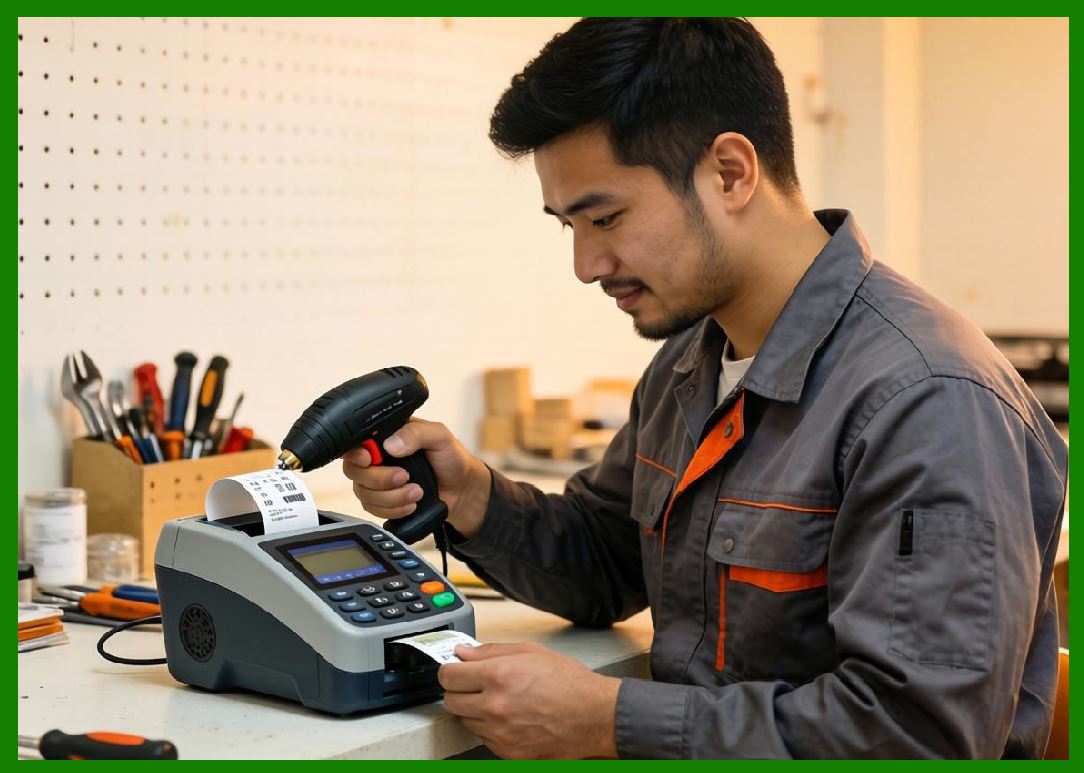
Barcode verification evaluates the quality of the printed symbol against standards. |
33.1.3 |
Verification is essential for ensuring compliance and reliability. |
33.2 Types of Barcode Verifiers |
33.2.1 |
Verifier devices are specialized instruments designed to measure barcode quality. |
33.2.2 |
They include: |
33.2.2.1 |
Linear barcode verifiers |
33.2.2.2 |
2D image-based verifiers |
33.2.2.3 |
Portable handheld verifiers |
33.3 Verification Process |
33.3.1 |
The verification process involves: |
33.3.1.1 |
Illuminating the barcode with controlled light |
33.3.1.2 |
Capturing reflectance data |
33.3.1.3 |
Analyzing signal profiles |
33.3.1.4 |
Calculating quality parameters |
33.3.2 |
The result is a detailed report with grades for each parameter. |
33.4 Importance in Industry |
33.4.1 |
Barcode verification is critical in industries such as: |
33.4.1.1 |
Healthcare (patient safety) |
33.4.1.2 |
Pharmaceuticals (regulatory compliance) |
33.4.1.3 |
Aerospace (traceability) |
33.4.2 |
Failure to meet quality standards can result in rejected shipments or regulatory penalties. |

|
34. Sources of Errors in Barcode Printing |
34.1 Mechanical Errors |
34.1.1 |
Mechanical issues can affect print quality: |
34.1.1.1 |
Misaligned printheads |
34.1.1.2 |
Worn rollers |
34.1.1.3 |
Uneven (pressure) |
34.2 Thermal Control Errors |
34.2.1 |
Improper heat control can lead to: |
34.2.1.1 |
Overburn (excessively wide bars) |
34.2.1.2 |
Underburn (faint or incomplete bars) |
34.3 Media-Related Issues |
34.3.1 |
Label material plays a significant role: |
34.3.1.1 |
Surface roughness |
34.3.1.2 |
Absorption properties |
34.3.1.3 |
Coating uniformity |
34.4 Ribbon-Related Issues (Thermal Transfer) |
34.4.1 |
Ribbon problems include: |
34.4.1.1 |
Wrinkling |
34.4.1.2 |
Poor (quality) |
34.4.1.3 |
Incorrect ribbon type |
34.5 Environmental Factors |
34.5.1 |
Environmental conditions can affect printing: |
34.5.1.1 |
Temperature |
34.5.1.2 |
Humidity |
34.5.1.3 |
Dust contamination |

|
35. Advanced Material Science in Barcode Printing |
35.1 Label Substrate Materials |
35.1.1 |
Modern barcode labels are made from various materials: |
35.1.1.1 |
Paper |
35.1.1.2 |
Polyester |
35.1.1.3 |
Polypropylene |
35.1.1.4 |
Polyimide (for extreme environments) |
35.1.2 |
Each material has unique properties affecting print quality and durability. |
35.2 Adhesive Technologies |
35.2.1 |
Adhesives must ensure label stability under different conditions: |
35.2.1.1 |
Permanent adhesives |
35.2.1.2 |
Removable adhesives |
35.2.1.3 |
High-temperature adhesives |
35.2.2 |
Adhesive failure can compromise barcode readability. |
35.3 Protective Coatings |
35.3.1 |
Coatings enhance durability: |
35.3.1.1 |
UV-resistant coatings |
35.3.1.2 |
Chemical-resistant coatings |
35.3.1.3 |
Abrasion-resistant layers |
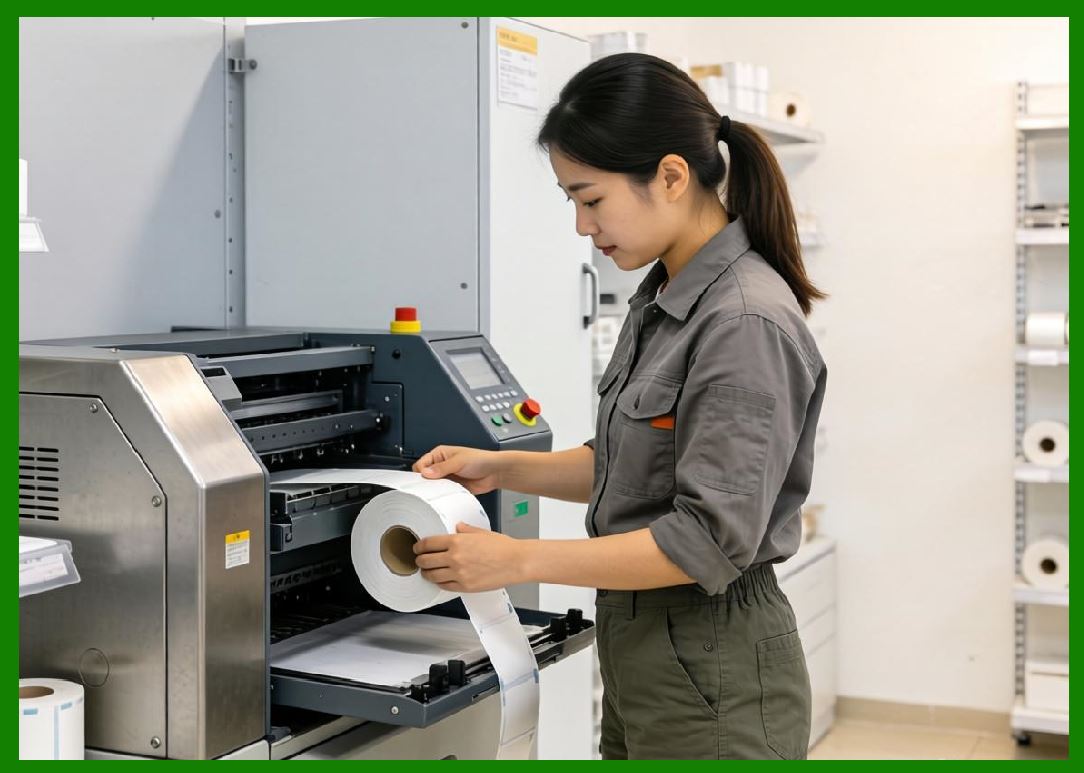
35.4 Ribbon Material Science |
35.4.1 |
Ribbon composition affects print performance: |
35.4.1.1 |
Melting point |
35.4.1.2 |
Viscosity |
35.4.1.3 |
Adhesion to substrate |
|
36. Optimization Techniques for High-Quality Printing |
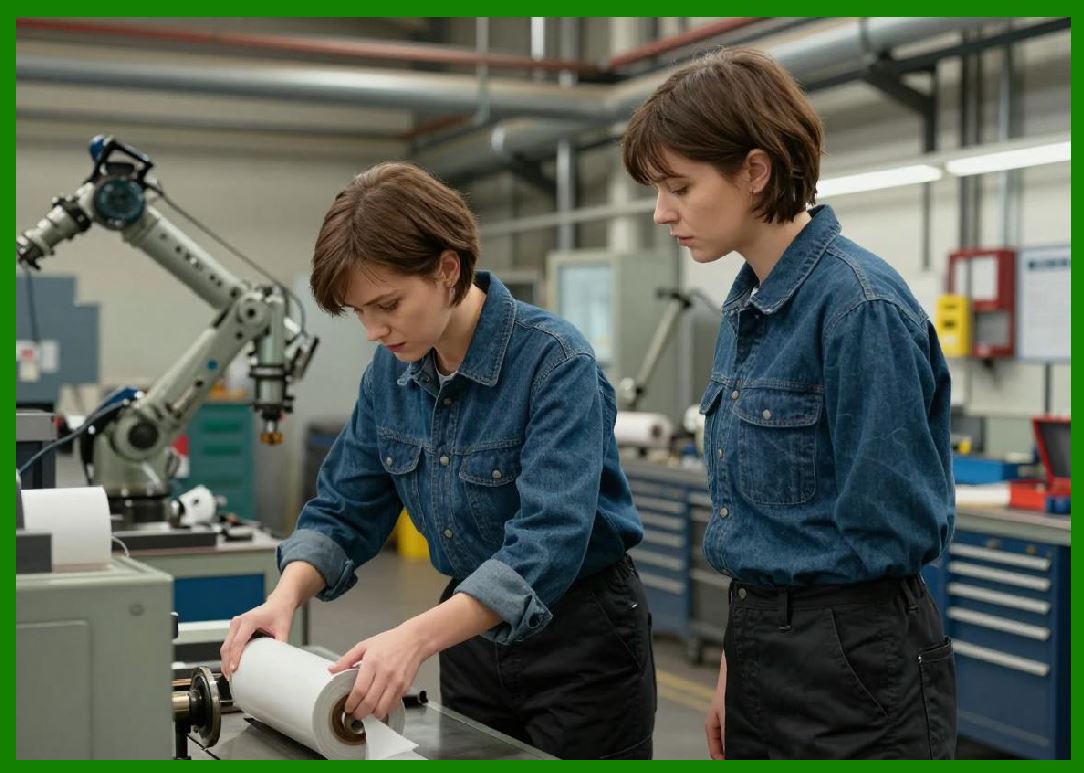
36.1 Printer Calibration |
36.1.1 |
Regular calibration ensures optimal performance. |
36.1.2 |
Parameters include: |
36.1.2.1 |
Print speed |
36.1.2.2 |
Darkness settings |
36.1.2.3 |
Media alignment |
36.2 Preventive Maintenance |
36.2.1 |
Maintenance practices include: |
36.2.1.1 |
Cleaning printheads |
36.2.1.2 |
Replacing worn components |
36.2.1.3 |
Using high-quality media |
36.3 Software Optimization |
36.3.1 |
Software settings can improve output: |
36.3.1.1 |
Resolution selection |
36.3.1.2 |
Barcode scaling |
36.3.1.3 |
Error correction configuration |
|
37. Future Trends in Print Quality Control |
37.1 |
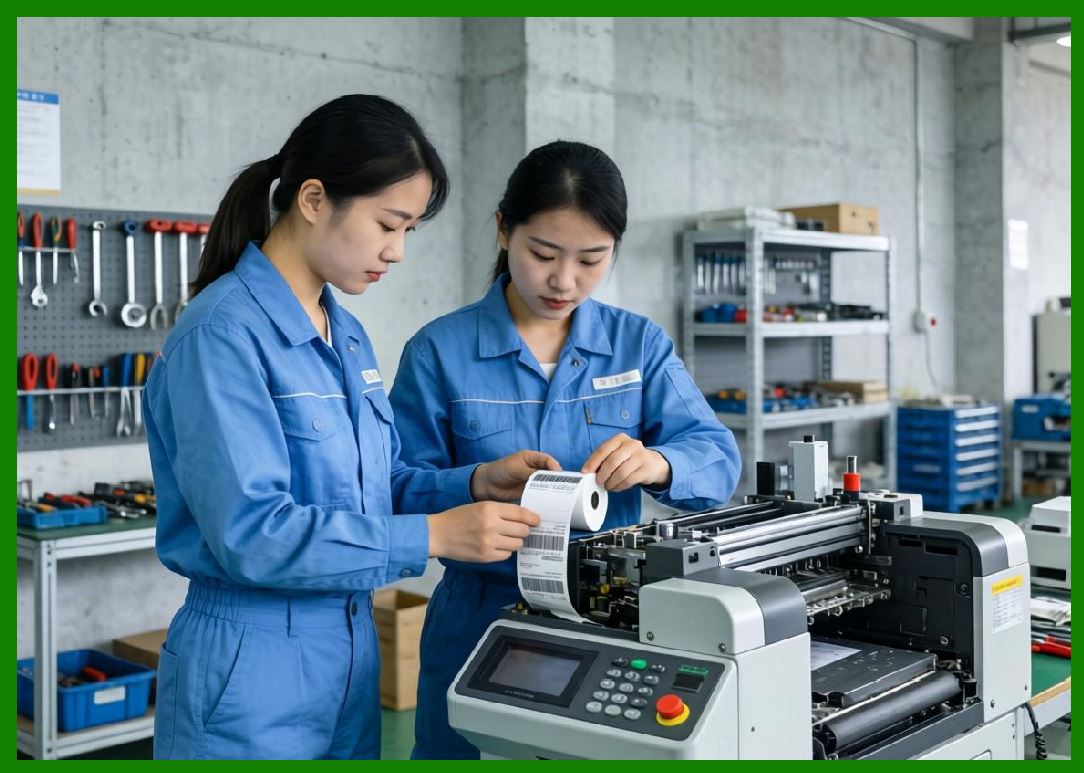
Emerging technologies include: |
37.1.1 |
AI-based quality monitoring |
37.1.2 |
Real-time verification during printing |
37.1.3 |
Automated defect detection |
37.2 |
These innovations aim to further improve reliability and efficiency. |
|
38. Summary of Part 5 |
38.1 |
Print quality is a critical factor in barcode system performance. |
38.2 |
International standards provide objective evaluation criteria. |
38.3 |
Verification systems ensure compliance and reliability. |
38.4 |
Multiple factors including mechanical, thermal, and environmental affect print quality. |
38.5 |
Advances in material science and optimization techniques continue to enhance barcode printing performance. |

|
Next Step |
* Environmental and durability challenges |
* Long-term label performance |
* Specialized industrial applications (extreme environments) |
* Security printing and anti-counterfeiting technologies |
 cs@easiersoft.com