Historical Development of Barcode Printing Technology (Part 6) |
*(Focus: Environmental Durability, Long-Term Performance, Extreme Applications, and Security Printing Technologies)* |
39. Introduction to Environmental and Durability Challenges |
39.1 |
As barcode technology expanded beyond controlled retail environments into logistics, manufacturing, healthcare, aerospace, and defense, the demands placed on barcode printing systems increased dramatically. Labels were no longer used only for short-term identification but were required to endure harsh environmental conditions over extended periods. |
39.2 |
Environmental durability became a critical design factor in barcode printing technology, influencing: |
39.2.1 |
Material selection |
39.2.2 |
Printing methods |
39.2.3 |
Adhesive chemistry |
39.2.4 |
Protective coatings |
39.3 |
Failure to maintain barcode readability under such conditions could result in: |
39.3.1 |
Loss of traceability |
39.3.2 |
Operational inefficiencies |
39.3.3 |
Regulatory non-compliance |

|
40. Environmental Stress Factors Affecting Barcode Labels |
40.1 Temperature Extremes |
40.1.1 |
Barcode labels are often exposed to extreme temperatures, including: |
40.1.1.1 |
High temperatures in industrial processes (e.g., manufacturing ovens) |
40.1.1.2 |
Low temperatures in cold storage and cryogenic environments |
40.1.2 |
High temperatures can cause: |
40.1.2.1 |
Thermal degradation of print |
40.1.2.2 |
Adhesive failure |
40.1.2.3 |
Substrate deformation |
40.1.3 |
Low temperatures can result in: |
40.1.3.1 |
Reduced adhesive bonding strength |
40.1.3.2 |
Brittleness of label materials |
40.2 Moisture and Humidity |
40.2.1 |
Exposure to water and high humidity levels can significantly impact barcode performance. |
40.2.2 |
Potential effects include: |
40.2.2.1 |
Ink or dye bleeding |
40.2.2.2 |
Delamination of label layers |
40.2.2.3 |
Reduced contrast |
40.2.3 |
Thermal transfer printing with resin ribbons is often preferred in such environments due to superior resistance. |
40.3 Chemical Exposure |
40.3.1 |
In many industries, labels are exposed to chemicals such as: |
40.3.1.1 |
Solvents |
40.3.1.2 |
Oils |
40.3.1.3 |
Cleaning agents |
40.3.2 |
Chemical exposure can cause: |
40.3.2.1 |
Image fading |
40.3.2.2 |
Surface erosion |
40.3.2.3 |
Adhesive breakdown |
40.4 Mechanical Stress and Abrasion |
40.4.1 |
Labels may be subjected to: |
40.4.1.1 |
Friction |
40.4.1.2 |
Scratching |
40.4.1.3 |
Impact |
40.4.2 |
Abrasion can physically remove printed (material), rendering the barcode unreadable. |
40.5 Ultraviolet (UV) Radiation |
40.5.1 |
Exposure to sunlight or UV sources can degrade barcode images. |
40.5.2 |
UV radiation causes: |
40.5.2.1 |
Fading of dyes and inks |
40.5.2.2 |
Breakdown of polymer substrates |

|
41. Long-Term Label Performance and Lifecycle |
41.1 Definition of Label Lifespan |
41.1.1 |
Label lifespan refers to the duration over which a barcode remains readable and functional. |
41.1.2 |
Lifespans vary depending on application: |
41.1.2.1 |
Short-term (days to weeks) |
41.1.2.2 |
Medium-term (months) |
41.1.2.3 |
Long-term (years or decades) |
41.2 Factors Influencing Longevity |
41.2.1 |
Key factors include: |
41.2.1.1 |
Printing method (direct thermal vs thermal transfer) |
41.2.1.2 |
Material selection |
41.2.1.3 |
Environmental exposure |
41.2.1.4 |
Handling conditions |
41.3 Degradation Mechanisms |
41.3.1 |
Barcode degradation can occur through: |
41.3.1.1 |
Chemical reactions |
41.3.1.2 |
Physical wear |
41.3.1.3 |
Environmental exposure |
41.3.2 |
Understanding these mechanisms is essential for designing durable labels. |
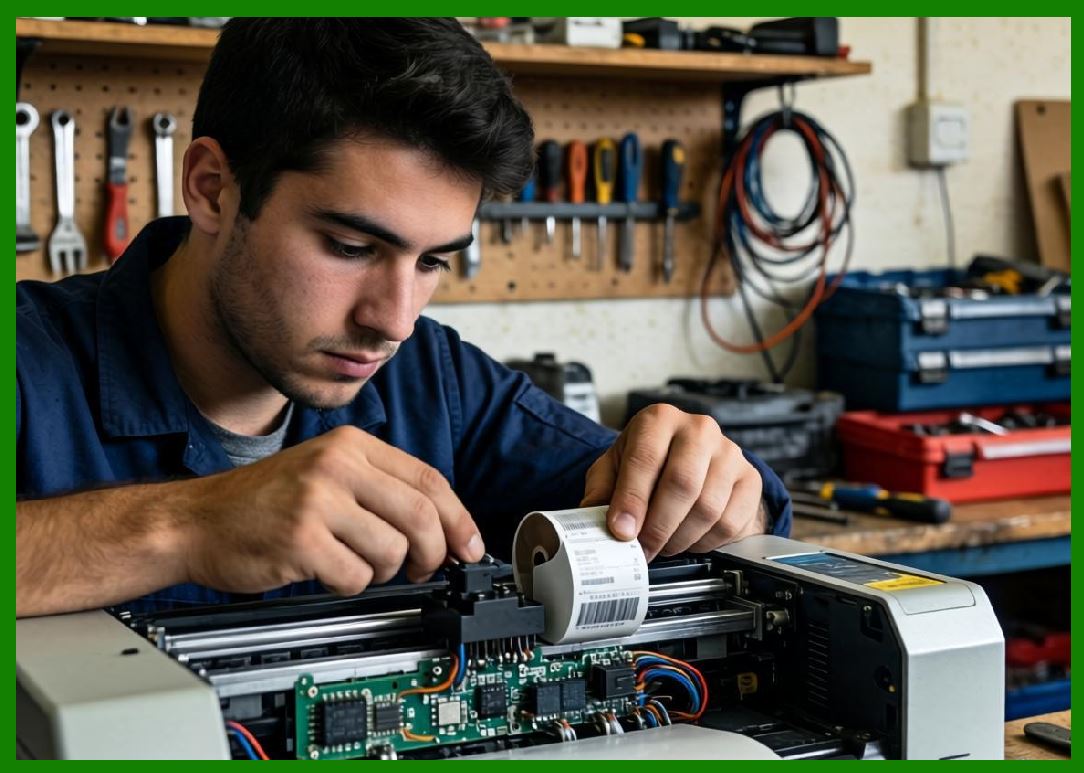
41.4 Testing and Certification |
41.4.1 |
Labels undergo rigorous testing to ensure durability: |
41.4.1.1 |
Accelerated aging tests |
41.4.1.2 |
Abrasion resistance tests |
41.4.1.3 |
Chemical exposure tests |
41.4.2 |
Industries such as electronics and aerospace often require certification standards. |
|
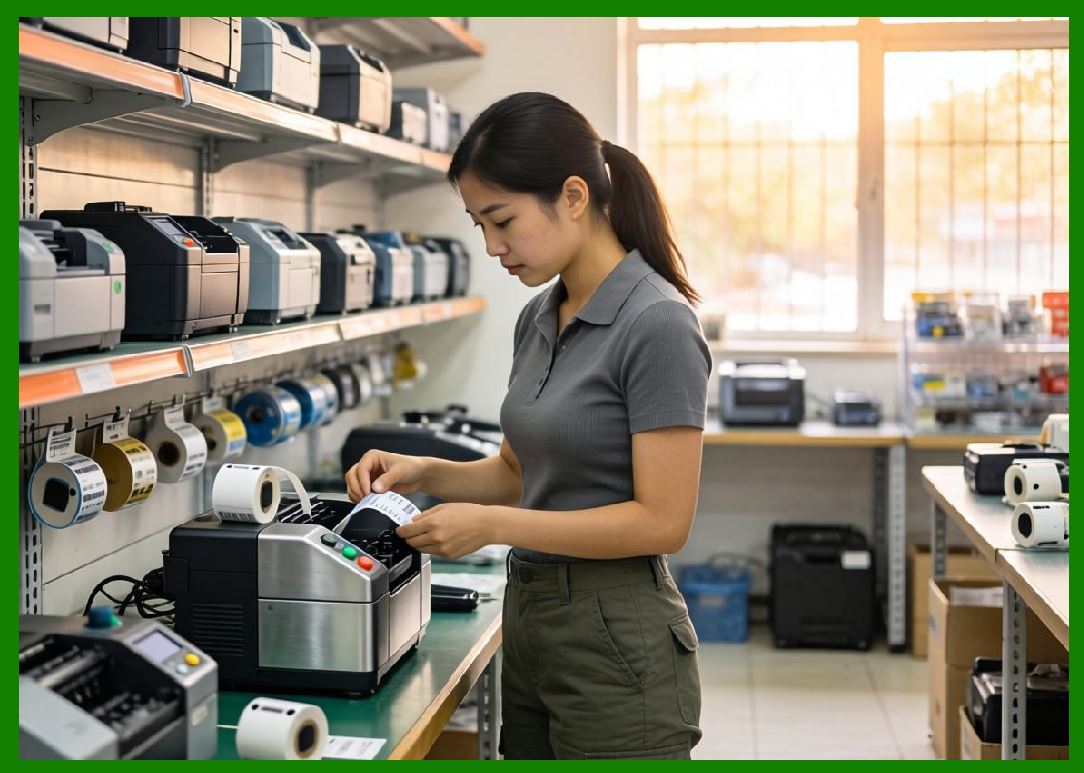
42. Specialized Industrial Applications |
42.1 Automotive Industry |
42.1.1 |
Barcode labels are used for: |
42.1.1.1 |
Part identification |
42.1.1.2 |
Assembly tracking |
42.1.1.3 |
Quality control |
42.1.2 |
Labels must withstand: |
42.1.2.1 |
High temperatures |
42.1.2.2 |
Oils and lubricants |
42.2 Aerospace and Defense |
42.2.1 |
Applications include: |
42.2.1.1 |
Component traceability |
42.2.1.2 |
Maintenance tracking |
42.2.2 |
Requirements include: |
42.2.2.1 |
Extreme durability |
42.2.2.2 |
Resistance to harsh environments |
42.2.2.3 |
Compliance with strict standards |
42.3 Electronics Manufacturing |
42.3.1 |
Barcodes are used on: |
42.3.1.1 |
Circuit boards |
42.3.1.2 |
Components |
42.3.2 |
Challenges include: |
42.3.2.1 |
High-density printing |
42.3.2.2 |
Heat resistance during soldering |
42.4 Healthcare and Pharmaceuticals |
42.4.1 |
Applications include: |
42.4.1.1 |
Patient identification |
42.4.1.2 |
Medication labeling |
42.4.1.3 |
Specimen tracking |
42.4.2 |
Labels must be: |
42.4.2.1 |
Sterilization-resistant |
42.4.2.2 |
Chemical-resistant |
|
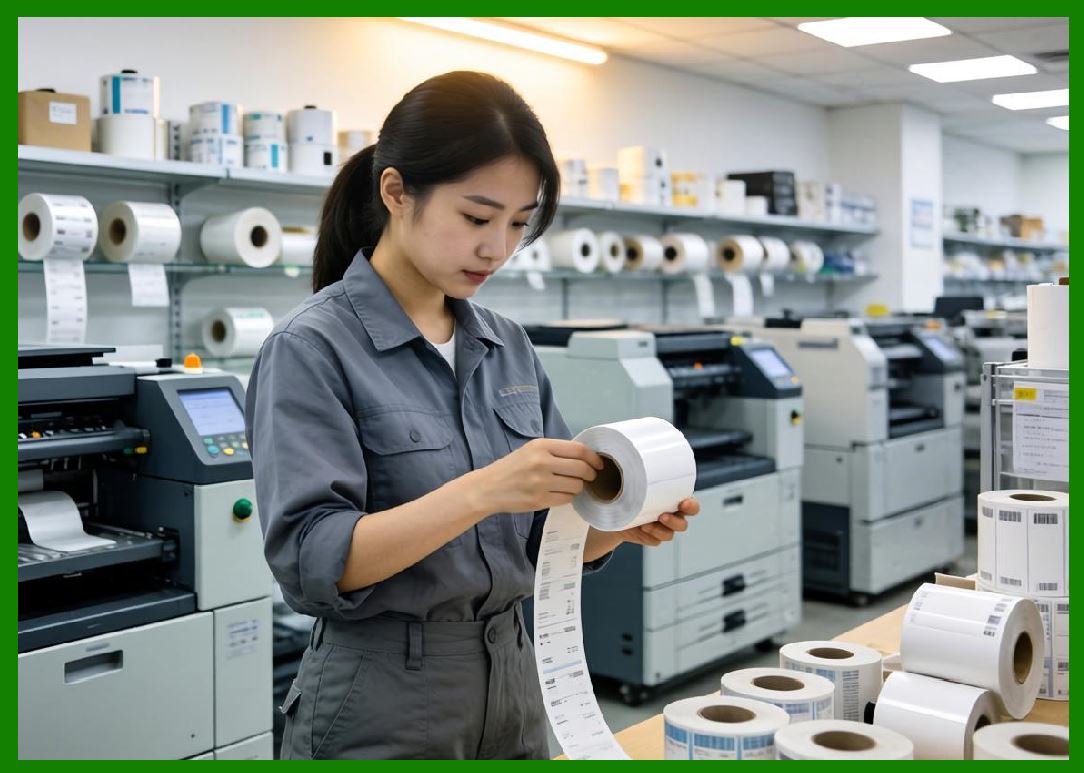
43. Extreme Environment Printing Technologies |
43.1 High-Temperature Labels |
43.1.1 |
Polyimide labels are commonly used for high-temperature applications. |
43.1.2 |
These labels can withstand temperatures exceeding 300°C. |
43.2 Cryogenic Labels |
43.2.1 |
Used in laboratories and medical storage. |
43.2.2 |
Must remain adhesive and readable at extremely low temperatures. |
43.3 Outdoor and Marine Applications |
43.3.1 |
Labels must resist: |
43.3.1.1 |
Saltwater corrosion |
43.3.1.2 |
UV exposure |
43.3.1.3 |
Weathering |
|
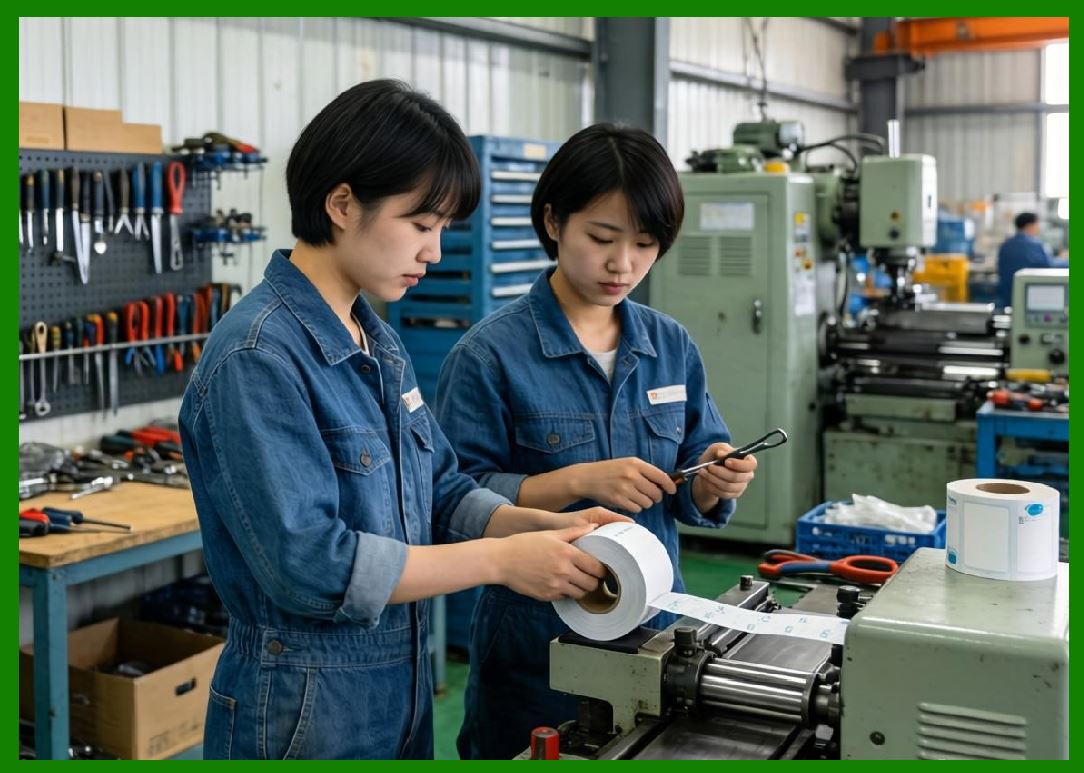
44. Security Printing and Anti-Counterfeiting Technologies |
44.1 Need for Secure Barcode Printing |
44.1.1 |
As barcode usage expanded, so did the risk of counterfeiting and fraud. |
44.1.2 |
Industries such as pharmaceuticals and luxury goods require secure labeling. |
44.2 Security Features in Barcode Labels |
44.2.1 |
Modern security printing includes: |
44.2.1.1 |
Tamper-evident labels |
44.2.1.2 |
Holographic elements |
44.2.1.3 |
Microtext printing |
44.2.1.4 |
UV-visible inks |
44.3 Digital Watermarking |
44.3.1 |
Invisible patterns embedded within printed images. |
44.3.2 |
Can be detected using specialized scanners. |
44.4 Serialization and Track-and-Trace |
44.4.1 |
Unique identifiers are assigned to each product. |
44.4.2 |
This enables: |
44.4.2.1 |
Product authentication |
44.4.2.2 |
Supply chain transparency |
44.5 Integration with 2D Barcodes |
44.5.1 |
2D barcodes enable: |
44.5.1.1 |
Storage of encrypted data |
44.5.1.2 |
Integration with authentication systems |
44.5.2 |
Technologies such as QR Code and Data Matrix are widely used in secure applications. |
|
45. Future Trends in Durable and Secure Barcode Printing |
45.1 |
Emerging innovations include: |
45.1.1 |
Nanomaterial-based inks |
45.1.2 |
Self-healing label surfaces |
45.1.3 |
Blockchain-based traceability systems |
45.1.4 |
AI-driven authentication |

|
46. Summary of Part 6 |
46.1 |
Environmental durability is a critical factor in modern barcode printing. |
46.2 |
Labels must withstand temperature, moisture, chemicals, and mechanical stress. |
46.3 |
Advanced materials and printing technologies enable long-term performance. |
46.4 |
Specialized applications require highly durable and compliant labeling solutions. |
46.5 |
Security printing technologies are increasingly important in preventing fraud. |
46.6 |
Future developments will further enhance durability, security, and traceability. |
|
Next Step |
* Global standardization (GS1 system evolution) |
* Barcode printing in global supply chains |
* Regulatory requirements across industries |
* Digital transformation and smart labeling ecosystems |
 cs@easiersoft.com