Historical Development of Barcode Printing Technology (Part 9) |
*(Focus: Deep Technical Foundations Thermal Printhead Physics, Signal Control, and Precision Imaging Mechanisms)* |
63. Introduction to the Physics of Barcode Printing |
63.1 |
At the most fundamental level, barcode printing technology is governed by principles of heat transfer, electrical control systems, materials science, and precision mechanics. While earlier sections described system-level evolution, this part explores the microscopic and physical mechanisms that determine how a barcode is actually formed. |
63.2 |
Understanding these principles is essential for explaining: |
63.2.1 |
Why certain printing technologies outperform others |
63.2.2 |
How high-resolution barcodes are achieved |
63.2.3 |
What limits printing precision and speed |
63.3 |
Thermal printing, as the dominant technology in barcode systems, will be the primary focus of this section. |

|
64. Thermal Printhead Microstructure |
64.1 Composition of the Thermal Printhead |
64.1.1 |
A thermal printhead is a highly engineered microelectronic device consisting of multiple layers: |
64.1.1.1 |
Ceramic substrate (mechanical support and thermal stability) |
64.1.1.2 |
Resistive heating elements (thin-film resistors) |
64.1.1.3 |
Conductive traces (electrical pathways) |
64.1.1.4 |
Protective overcoat (wear resistance) |
64.1.2 |
The heating elements are arranged in a linear array, with each element corresponding to a pixel. |
64.2 Thin-Film Resistor Technology |
64.2.1 |
The heating elements are typically made using thin-film deposition techniques. |
64.2.2 |
Materials used include: |
64.2.2.1 |
Tantalum nitride (TaN) |
64.2.2.2 |
Nickel-chromium alloys (NiCr) |
64.2.3 |
These materials are chosen for: |
64.2.3.1 |
Stable (resistance) under temperature variation |
64.2.3.2 |
High durability |
64.2.3.3 |
Fast thermal response |
64.3 Pixel Density and Resolution |
64.3.1 |
Resolution is determined by the spacing between heating elements. |
64.3.2 |
For example: |
64.3.2.1 |
203 DPI 8 dots/mm |
64.3.2.2 |
300 DPI 12 dots/mm |
64.3.2.3 |
600 DPI 24 dots/mm |
64.3.3 |
Higher density requires smaller and more precise heating elements. |

|
65. Heat Transfer Mechanisms in Thermal Printing |
65.1 Modes of Heat Transfer |
65.1.1 |
Thermal printing relies primarily on: |
65.1.1.1 |
Conduction (from printhead to media) |
65.1.1.2 |
Minimal convection (due to close contact) |
65.1.2 |
Efficient heat transfer is critical for accurate imaging. |
65.2 Thermal Contact Dynamics |
65.2.1 |
The printhead must maintain consistent contact with the media. |
65.2.2 |
Factors affecting contact include: |
65.2.2.1 |
Pressure uniformity |
65.2.2.2 |
Surface roughness |
65.2.2.3 |
Media thickness |
65.2.3 |
Poor contact leads to uneven heating and print defects. |
65.3 Heat Pulse Duration and Energy Control |
65.3.1 |
Each heating element is activated for a precise duration. |
65.3.2 |
The energy delivered is a function of: |
65.3.2.1 |
Voltage |
65.3.2.2 |
Current |
65.3.2.3 |
Time (pulse width) |
65.3.3 |
Accurate control of these parameters ensures consistent dot formation. |

|
66. Thermal Imaging Formation |
66.1 Dot Formation Process |
66.1.1 |
A printed dot is formed when a heating element raises the temperature of the media above a threshold. |
66.1.2 |
The process includes: |
66.1.2.1 |
Rapid heating |
66.1.2.2 |
Chemical or physical change |
66.1.2.3 |
Cooling and stabilization |
66.2 Dot Size and Shape Control |
66.2.1 |
Dot size depends on: |
66.2.1.1 |
Heat intensity |
66.2.1.2 |
Contact area |
66.2.1.3 |
Thermal diffusion |
66.2.2 |
Excessive heat causes dot expansion, leading to: |
66.2.2.1 |
Bar widening |
66.2.2.2 |
Loss of precision |
66.3 Thermal Diffusion Effects |
66.3.1 |
Heat spreads beyond the intended (point), affecting neighboring areas. |
66.3.2 |
This phenomenon limits resolution and must be carefully controlled. |

|
67. Electrical Control Systems in Thermal Printers |
67.1 Drive Circuits |
67.1.1 |
Each heating element is controlled by a drive circuit. |
67.1.2 |
These circuits regulate: |
67.1.2.1 |
Current flow |
67.1.2.2 |
Activation timing |
67.2 Multiplexing Techniques |
67.2.1 |
To reduce hardware complexity, elements are often controlled using multiplexing. |
67.2.2 |
This allows: |
67.2.2.1 |
Fewer (control) lines |
67.2.2.2 |
Efficient energy distribution |
67.3 Pulse Width Modulation (PWM) |
67.3.1 |
PWM is used to control heat output. |
67.3.2 |
By varying pulse width, the system can: |
67.3.2.1 |
Adjust dot intensity |
67.3.2.2 |
Compensate for environmental changes |
67.4 Feedback and Calibration Systems |
67.4.1 |
Sensors provide feedback on: |
67.4.1.1 |
Temperature |
67.4.1.2 |
Media position |
67.4.1.2 |
Printhead condition |
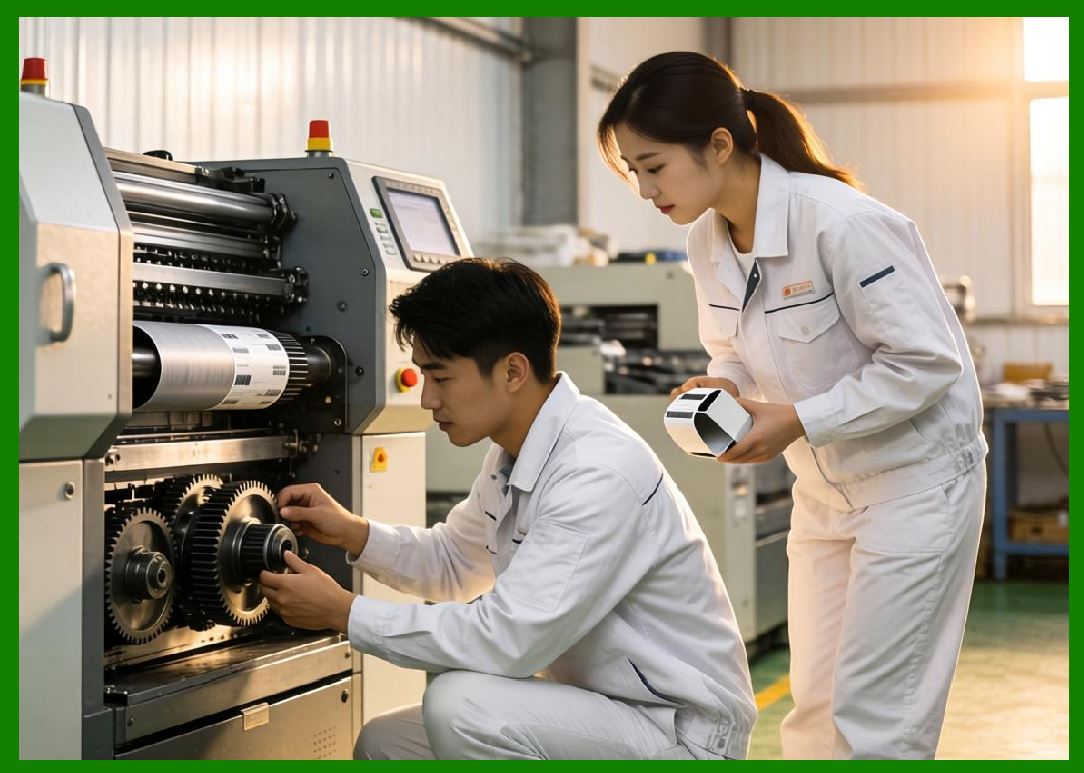
67.4.2 |
This enables real-time adjustments. |
|
68. Mechanical Precision and Motion Control |
68.1 Stepper Motor Operation |
68.1.1 |
Media movement is controlled by stepper motors. |
68.1.2 |
These motors provide: |
68.1.2.1 |
Precise incremental movement |
68.1.2.2 |
Repeatable positioning |
68.2 Synchronization Between Motion and Printing |
68.2.1 |
Accurate synchronization is critical. |
68.2.2 |
If timing is off, it can cause: |
68.2.2.1 |
Vertical distortion |
68.2.2.2 |
Misaligned bars |
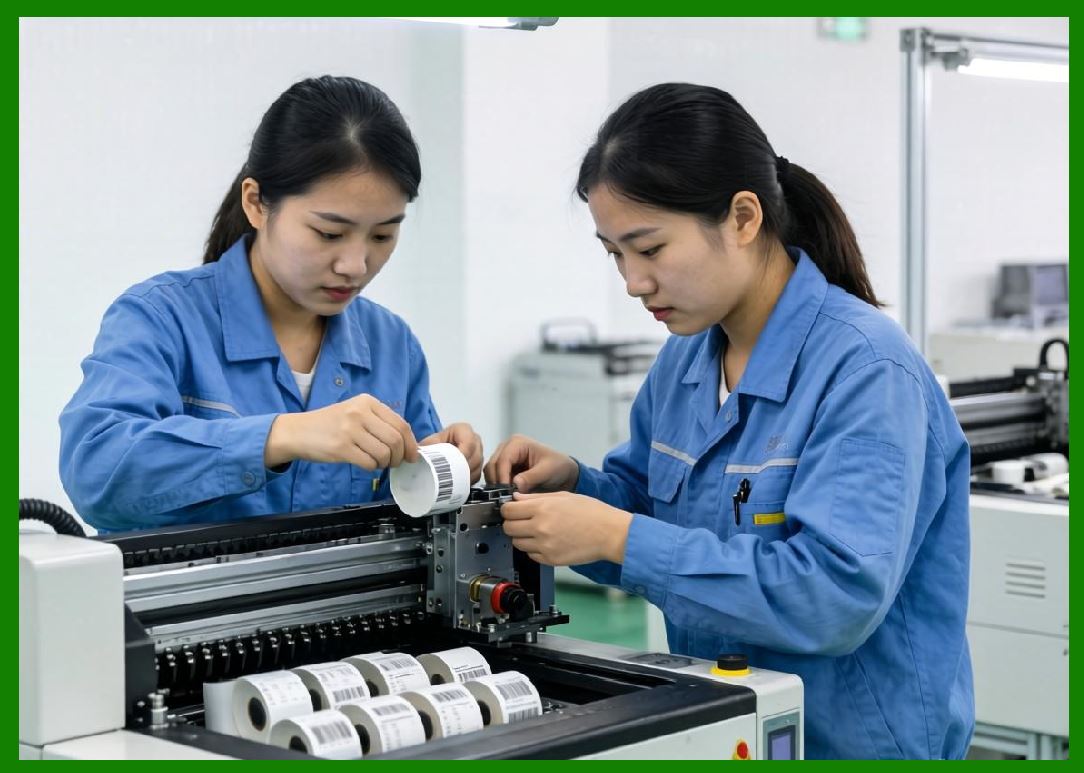
68.3 Mechanical Tolerances |
68.3.1 |
Tolerances in components such as rollers and guides affect print quality. |
68.3.2 |
High-precision manufacturing reduces variability. |
|
69. Limitations and Physical Constraints |
69.1 Resolution Limits |
69.1.1 |
Resolution is limited by: |
69.1.1.1 |
Size of heating elements |
69.1.1.2 |
Thermal diffusion |
69.2 Speed vs Quality Trade-Off |
69.2.1 |
Higher speeds reduce heat transfer time. |
69.2.2 |
This can lead to: |
69.2.2.1 |
Incomplete dot formation |
69.2.2.2 |
Reduced contrast |
69.3 Printhead Wear Mechanisms |
69.3.1 |
Printheads degrade over time due to: |
69.3.1.1 |
Friction |
69.3.1.2 |
Thermal cycling |
69.3.1.3 |
Contamination |

|
70. Advanced Optimization Techniques |
70.1 Adaptive Energy Control |
70.1.1 |
Modern systems adjust energy dynamically based on conditions. |
70.2 Thermal Compensation Algorithms |
70.2.1 |
Algorithms compensate for: |
70.2.1.1 |
Temperature gradients |
70.2.1.2 |
Printhead aging |
70.3 High-Speed Data Processing |
70.3.1 |
Efficient data pipelines ensure synchronization between control systems and mechanical motion. |

|
71. Summary of Part 9 |
71.1 |
Barcode printing is fundamentally governed by physical principles of heat transfer and electrical control. |
71.2 |
Thermal printheads are highly precise microelectronic devices. |
71.3 |
Accurate control of heat and motion is essential for high-quality barcode printing. |
71.4 |
Physical limitations such as thermal diffusion and mechanical tolerances define performance boundaries. |
71.5 |
Advanced control systems and algorithms are used to optimize printing performance. |

|
Next Step |
* Signal processing in barcode verification |
* Optical scanning physics |
* Decoding algorithms |
* Error correction mechanisms in printed barcodes |
 cs@easiersoft.com