1. Microcontroller (MCU) in Barcode Printers |
The Microcontroller Unit (MCU) in a barcode printer is the core brain of the printer, responsible for controlling all of its operations. Here¡¯s an in-depth look at its function and structure: |
1.1 Role of the MCU |
Processing Commands: The MCU processes input commands from external devices (e.g., a computer or mobile device). These could include commands like 'print this barcode,' 'set print density,' or 'change label size.' |
Interfacing with Sensors: The MCU interacts with sensors (like thermal or motion sensors) to monitor print status and adjust actions, such as adjusting the print head temperature. |
Communicating with Other Components: It sends signals to the print head, motors, and other critical components, ensuring synchronized operations for efficient printing. |
1.2 Hardware Components |
Processor: The MCU typically has a low-power processor capable of handling real-time tasks, such as processing data streams from input devices and managing print head heating. |
Memory: It includes both RAM (volatile) and Flash memory (non-volatile). The Flash memory stores firmware and calibration settings, while RAM is used to temporarily hold the data to be printed. |
I/O Ports: These ports manage communication between the MCU and external devices, including USB, Ethernet, and serial communication ports. The GPIO (General Purpose Input/Output) pins also allow it to control physical components like motors, sensors, and print head heaters. |
1.3 MCU's Role in Print Data Processing |
The MCU processes the barcode data format and converts it into print-ready instructions for the thermal print head. This often involves: |
Data Decoding: The printer receives a barcode image (either as a bitmap or vector format) and decodes it. |
Rasterization: The decoded image is converted into a raster format, or grid of pixels, that the print head can read and print. This involves transforming the image from a vector-based format into a bitmap representation. |
1.4 Control of Print Head |
The MCU controls the print head through a variety of mechanisms: |
Thermal Print Head Control: For thermal barcode printers, the MCU regulates the heating elements in the print head. It determines when and for how long each segment of the print head should be heated to produce clear, sharp marks. |
Print Resolution Adjustment: The MCU may adjust the print density (e.g., DPI - dots per inch) depending on the quality of the barcode required, controlling how many heating elements are activated per unit of time. |
|
Let¡¯s dive deeper into each of these subcomponents in the Microcontroller Unit (MCU) of the barcode printer: |
1. Microcontroller (MCU) in Barcode Printers (Expanded) |
The MCU is the heart of the barcode printer, coordinating all aspects of its functionality. It integrates hardware components, processes complex tasks, and enables real-time performance. Here's an expanded look at the MCU¡¯s architecture and its interaction with the other components. |
1.1 Role of the MCU |
The MCU plays a centralized control role in the barcode printer system. Its core tasks include: |
Command Processing: |
The printer typically receives commands in various formats, such as print data (barcodes, text), configurations (e.g., print density, label dimensions), and operational requests (e.g., feed paper, error states). |
These commands may come from external systems via communication interfaces like USB, Bluetooth, or Ethernet. The MCU decodes and interprets these commands, taking appropriate actions. |
Data Handling: |
The MCU can handle multiple types of data, including rasterized images (bitmap), vector-based graphics (such as 2D barcodes), and printer-specific formats (e.g., ZPL, EPL). |
It processes incoming data into a printable form (such as pixels for thermal printing), converting vector data into a grid that the thermal print head can handle. |
Print Management: |
The MCU must synchronize several key functions for efficient printing: |
Print timing: It times when the print head should be activated. |
Data buffering: It holds print data in RAM temporarily before it's sent to the print head. |
Error monitoring: If the printer runs out of paper or encounters a mechanical issue, the MCU initiates an error state and communicates the issue to the external system. |
Feedback Loop with Sensors: |
The MCU works in conjunction with various sensors, including motion sensors to track the movement of the media, temperature sensors for the print head, and sensor feedback to detect end-of-media (when the label roll is empty). |
|
1.2 Hardware Components of the MCU |
Barcode printers rely on the MCU's hardware to efficiently manage printing and data processing. Let¡¯s take a deeper look at each critical hardware component: |
Processor: |
The processor used in barcode printers typically includes a 16-bit or 32-bit microcontroller that supports real-time computing. This ensures that the printer can react quickly to changes in the print data or media status. |
Commonly used MCUs are from families like ARM Cortex-M, PIC (Microchip), and AVR (Atmel). These processors are capable of low power consumption while still offering sufficient processing power for managing high-speed print tasks. |
Memory: |
Flash Memory: This is non-volatile memory that holds the printer¡¯s firmware (the software that runs the printer). It¡¯s also used for storing configuration settings, such as label sizes, print resolution, and barcode symbology types. Flash memory can be updated or reprogrammed to update the printer¡¯s functions. |
RAM (Random Access Memory): This temporary memory is crucial for holding print data during the printing process. It stores the rasterized image of the barcode or graphic to be printed. Direct memory access (DMA) controllers often play a role in transferring this data efficiently. |
EEPROM (Electrically Erasable Programmable Read-Only Memory): EEPROM stores small amounts of configuration data and user preferences, like the default print settings, and can be updated without powering down the printer. |
I/O Ports: |
The MCU handles communication through various I/O ports: |
Serial (RS232): For legacy printer setups. |
USB: For modern printers that connect directly to PCs or mobile devices. |
Ethernet/Wi-Fi: For printers that operate in networked environments, allowing them to receive print jobs over a network. |
Parallel Ports: In some industrial setups, printers still use parallel ports for legacy systems. |
GPIO (General Purpose Input/Output): These pins control peripherals like motion sensors, print head heaters, and media sensors. They can read digital input (e.g., ¡°Is the paper jammed?¡±) or output control signals (e.g., activating the print head). |
|
1.3 MCU's Role in Data Processing and Print Management |
In this section, the focus is on how the MCU handles the incoming data and processes it into printable information. |
Data Decoding: |
Barcode printers often receive complex data in different formats. For example, a 2D barcode like a QR code contains encoded information such as a URL or product identifier. |
The MCU decodes this data and processes it into a printable format. The decoding process can happen in several ways: |
Bitmap Representation: For bitmap-based formats (like images or rasterized barcodes), the MCU decodes the data into a pixel matrix. It maps each pixel to a location on the print head to determine which heating elements should be activated. |
Vector Graphics: For vector-based formats (like vectorized barcodes), the MCU performs a rasterization process, converting vector paths into pixels. |
Rasterization: |
The process of rasterizing vector data into pixel data is crucial for thermal printing, where the print head activates individual dots (heating elements) to mark the paper. The MCU generates a bitmap image where each pixel corresponds to a dot on the print head. |
Image scaling and resolution settings also play a significant role. The MCU adjusts the resolution to match the required print density (DPI), typically 203, 300, or 600 DPI for barcode printers. |
Real-Time Print Control: |
The MCU controls the timing of the print head's heating elements. It coordinates the timing with the movement of the stepper motor (which drives paper movement). This ensures that the print head is activated at precise times to produce a high-quality printout. |
It also adjusts the print speed (e.g., how fast the media moves) and print intensity (how much heat to apply), ensuring the barcode is clear and scannable. |

|
1.4 Control of Print Head and Thermal Management |
The print head is one of the most critical components in a barcode printer, and the MCU plays a pivotal role in managing it. |
Thermal Print Head Control: |
Thermal printers use a print head made up of multiple tiny heating elements. Each element heats up to create a mark on the thermal paper. |
The MCU sends electrical signals to each heating element, controlling how long and how hot each one gets. This is crucial for producing clear and consistent marks, especially at high printing speeds. |
Thermal management is vital because the print head needs to cool down between prints. If the head overheats, it can damage the paper or reduce print quality. The MCU regulates heat dissipation by controlling the heating elements and monitoring the temperature through thermal sensors. |
Print Resolution Adjustment: |
The print resolution (DPI) dictates how sharp and detailed the barcode will appear. The MCU can dynamically adjust the resolution depending on the print job. |
For example, when printing small 1D barcodes or QR codes, a higher DPI is typically required for clarity. For larger text or labels, lower resolution might suffice. |
Dynamic Adjustments: |
The MCU can adjust the intensity of heat based on the print material (e.g., paper or synthetic labels) and the type of barcode to be printed. For high-density barcodes, the MCU increases the heat intensity for clear, dense lines. |
|
Summary |
The MCU is crucial for coordinating every aspect of the barcode printer¡¯s operation. It manages the receipt and decoding of print data, adjusts the print settings (resolution, speed, intensity), and ensures real-time control of the print head and sensors. By interfacing with various sensors and controlling critical hardware components, the MCU ensures the successful printing of barcodes with accuracy and speed. |

|
Production process and manufacturers of Microcontroller (MCU) of barcode printers |
The production process and manufacturers of the Microcontroller (MCU) in barcode printers involve several stages, from the design and fabrication of the MCU to its integration into barcode printer systems. Let's break down these stages and explore the key players in the market. |
2. Production Process of Microcontroller (MCU) for Barcode Printers |
2.1 Design and Architecture |
The production of an MCU begins with design and architecture. The design process includes: |
Specification Requirements: The barcode printer manufacturer collaborates with MCU vendors to define the necessary requirements, such as processing speed, I/O capabilities, memory capacity, and peripheral support (e.g., GPIO, USB, serial interfaces). |
Core Architecture: The design team chooses an appropriate processor core (e.g., ARM Cortex-M series, AVR, or PIC) based on power consumption, speed, and integration features (e.g., integrated timers, ADCs, communication interfaces). |
Peripheral Design: Designers define the I/O peripherals required, such as GPIO pins for print head control, serial communication for printer interfaces, and timers for real-time print control. |
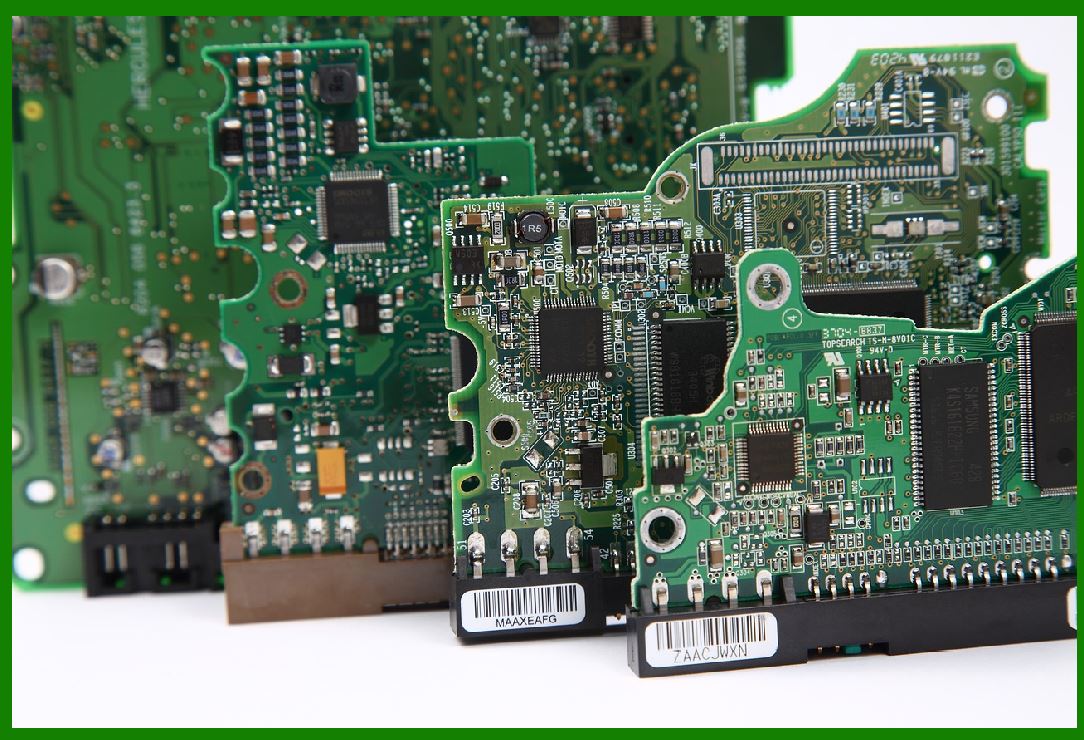
Power Management: The MCU needs efficient power management to handle the thermal print head¡¯s power demands, typically low power when idle and higher power when printing. |
|
2.2 Fabrication (Semiconductor Manufacturing) |
Once the design is finalized, the production process moves to semiconductor fabrication, which involves creating the physical chip that will be used in the barcode printer. The main steps are: |
Wafer Fabrication: Silicon wafers are produced using photolithography and etching techniques, where patterns of the MCU circuit are printed onto the silicon. |
Doping: Certain regions of the wafer are doped with chemicals to alter the electrical properties and create transistors and other semiconductor components. |
Layering: Multiple layers of material are applied to the wafer, and each layer undergoes etching to form the required structures for logic gates, memory cells, and connections between them. |
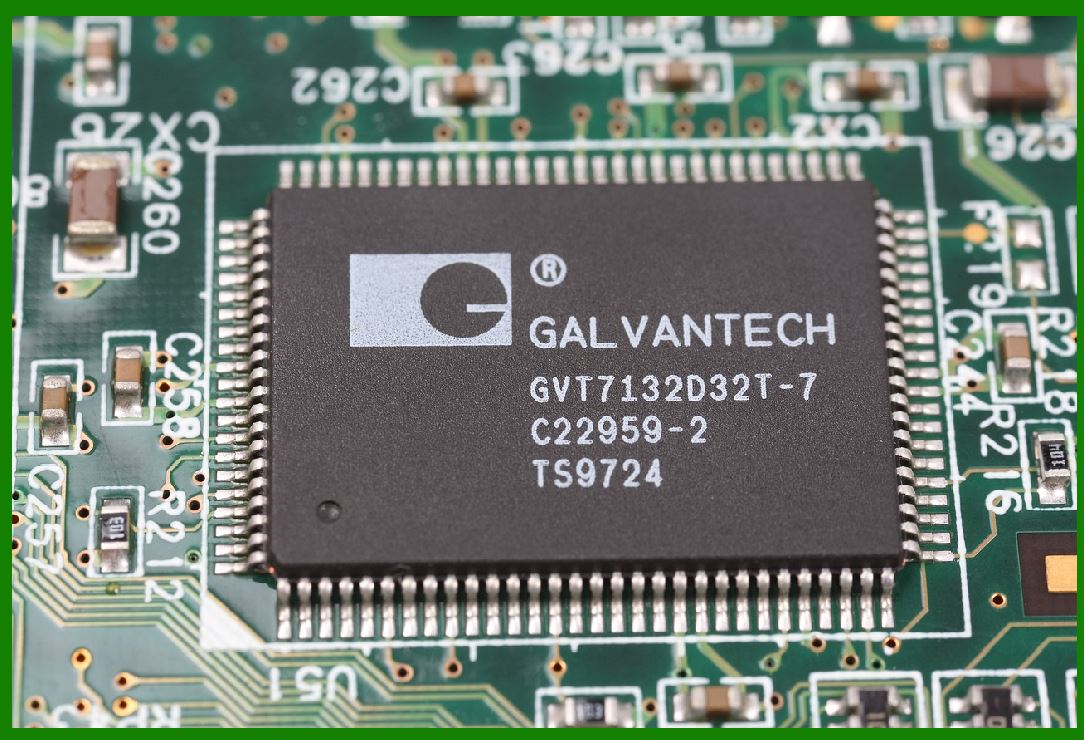
Packaging: Once the wafer has been processed, the individual MCU chips are cut, tested for functionality, and then packaged into plastic or ceramic packages. The packaging provides physical protection and connections to the external circuits. |
|
2.3 Testing and Quality Control |
Once the MCU has been fabricated, rigorous testing is done to ensure that it functions as expected. This includes: |
Functional Testing: Ensuring that the chip performs all required functions, such as processing input data, controlling peripheral devices, and interacting with sensors and motors. |
Stress Testing: The MCU is subjected to various environmental conditions (e.g., high temperature, high humidity) to check its reliability in the real-world application. |
Production Binning: Chips are categorized based on their performance (e.g., low power consumption or high processing speed) and assigned to different price tiers. |
2.4 Integration into Barcode Printers |
Once the MCU is tested and packaged, it is ready for integration into barcode printers. The integration process includes: |
Firmware Development: The barcode printer¡¯s manufacturer writes the firmware that runs on the MCU. This firmware is often customized to handle specific barcode symbologies, printing speeds, and interface requirements. |
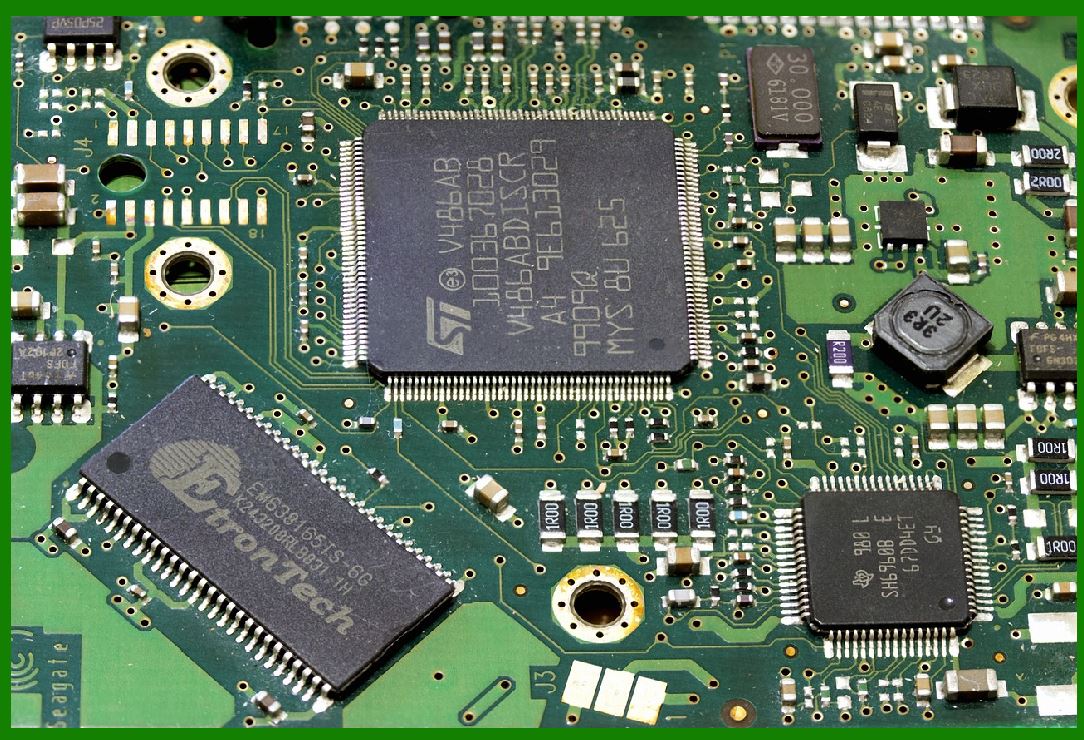
System Integration: The MCU is integrated into the printed circuit board (PCB) of the barcode printer. The board contains other components such as motor controllers, power supplies, sensors, and the thermal print head. |
Final Assembly: The barcode printer is assembled, and the integrated MCU interacts with other components (e.g., motors, sensors, and print heads) to ensure smooth operation. |
|
3. Key Manufacturers of MCUs for Barcode Printers |
Several key players in the semiconductor industry provide Microcontrollers (MCUs) specifically suited for barcode printers. These manufacturers offer a wide range of MCU options, each with distinct features optimized for printer performance. |
3.1 STMicroelectronics (STM32 Series) |
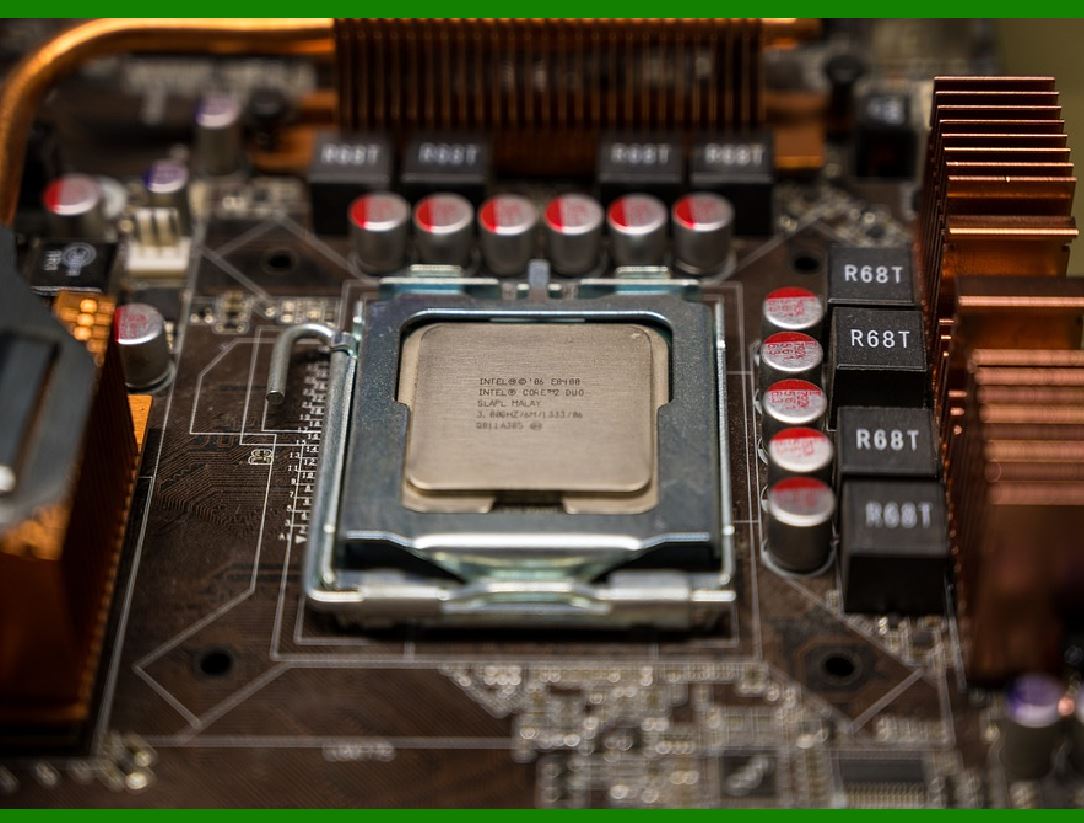
Overview: STMicroelectronics is a leading global semiconductor manufacturer known for its STM32 series of microcontrollers, which are widely used in barcode printers. |
Key Features: |
ARM Cortex-M cores: STM32 MCUs use ARM Cortex-M cores, offering a balance of processing power and low power consumption, making them ideal for barcode printers. |
Multiple I/O options: STM32 MCUs include support for GPIO, USART, USB, and I2C interfaces, making them versatile for communication with sensors, motors, and print heads. |
Wide Range of Options: STM32 offers a range of MCUs from entry-level to high-performance versions, allowing manufacturers to select the right MCU for their specific needs (processing power, I/O, and memory). |
Applications: STM32 MCUs are often found in high-end barcode printers requiring more complex functionalities, such as high-resolution printing, wireless communication, and advanced sensor integration. |
|
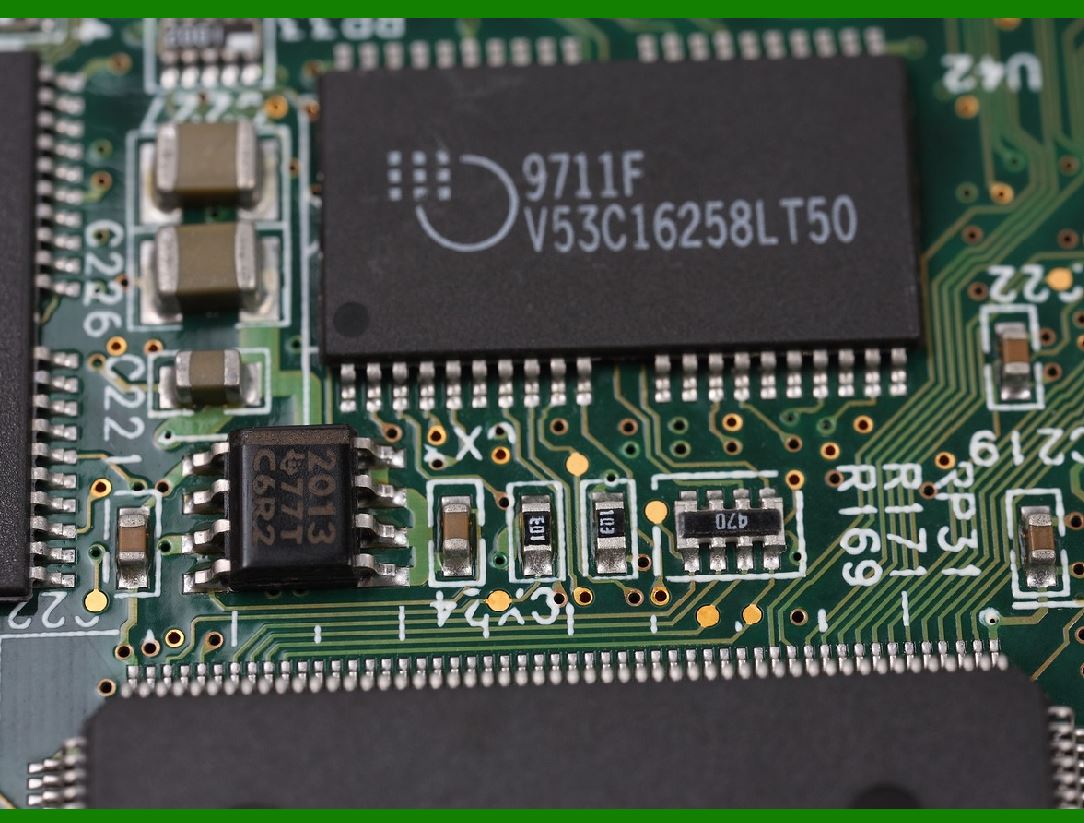
3.2 Microchip Technology (PIC and AVR Series) |
Overview: Microchip is another well-known manufacturer of microcontrollers, particularly its PIC and AVR families, which are often used in industrial and embedded systems, including barcode printers. |
Key Features: |
Low Power Consumption: The PIC and AVR MCUs are optimized for low power, making them suitable for applications like barcode printers, where energy efficiency is important. |
Rich Peripheral Set: These MCUs offer a wide range of communication interfaces, including I2C, SPI, and UART, for controlling peripherals like motors and sensors. |
Memory Options: PIC MCUs come in a variety of memory configurations, from small, low-cost options to larger MCUs with more Flash and RAM for data buffering and print management. |
Applications: Microchip¡¯s PIC and AVR series MCUs are typically found in entry-level and mid-range barcode printers, where processing demands are relatively low, and cost-efficiency is crucial. |
|
3.3 NXP Semiconductors (LPC Series) |
Overview: NXP¡¯s LPC series of microcontrollers are designed for a wide range of embedded applications, including barcode printers. |
Key Features: |
ARM Cortex-M cores: The LPC MCUs feature ARM Cortex-M cores, offering a good balance of performance and power efficiency. |
Real-Time Control: These MCUs are often used in systems that require real-time control, like barcode printers, where timing is crucial for coordinating print head movement and sensor feedback. |
Multiple Communication Protocols: NXP MCUs support a variety of communication interfaces, including I2C, SPI, and CAN, which are ideal for connecting sensors and other peripherals. |
Applications: LPC MCUs are used in mid-range barcode printers where a combination of performance, communication capabilities, and low power consumption are required. |
|
3.4 Renesas Electronics (RX and RL78 Series) |
Overview: Renesas is another key player in the MCU market, known for its RX and RL78 series, which are widely used in embedded systems, including barcode printers. |
Key Features: |
High Performance: RX series MCUs offer high processing speeds and large memory configurations, making them suitable for high-resolution and high-speed printers. |
Low Power: The RL78 series is designed for low-power applications, ideal for energy-efficient printers. |
Peripheral Integration: Renesas MCUs offer various integrated peripherals, such as timers, ADC, PWM, and I/O interfaces, essential for controlling motors, sensors, and print heads. |
Applications: Renesas MCUs are often found in high-performance barcode printers, especially those requiring advanced processing capabilities and real-time control. |
|
3.5 Texas Instruments (MSP430 and Tiva C Series) |
Overview: Texas Instruments offers the MSP430 and Tiva C series MCUs, both of which are used in various embedded applications, including barcode printers. |
Key Features: |
Ultra-Low Power: The MSP430 series is designed for ultra-low power consumption, making it ideal for energy-efficient barcode printers. |
High Performance: The Tiva C series offers ARM Cortex-M4 cores, which are ideal for more performance-intensive applications. |
Rich I/O Options: Texas Instruments MCUs offer a variety of interfaces for communication and control, including USB, SPI, and I2C. |
Applications: MSP430 MCUs are typically used in low-power, entry-level barcode printers, while Tiva C series MCUs are found in higher-end models requiring more performance. |
|
4. Summary |
The production of the MCU for barcode printers involves designing a chip tailored to meet the performance, power, and communication needs of barcode printers. Leading manufacturers like STMicroelectronics, Microchip Technology, NXP Semiconductors, Renesas Electronics, and Texas Instruments dominate the market with a wide range of MCUs optimized for different printing applications. |
These MCUs control all aspects of the printing process, including data handling, communication with peripherals, and real-time print head control, ensuring efficient and reliable barcode printing. |
 cs@easiersoft.com