Part 9: Detailed Explanation of Barcode Generation Engines and Symbology Processing in Printer Firmware |
1. Introduction to Barcode Generation in Printer Firmware |
Barcode generation is one of the most important responsibilities of printer firmware used in industrial label printing systems. In printers supporting Page Description Languages and command languages such as: |
1. ZPL |
2. EPL |
3. DPL |
4. TSPL |
5. SBPL |
6. IPL |
7. CPCL |
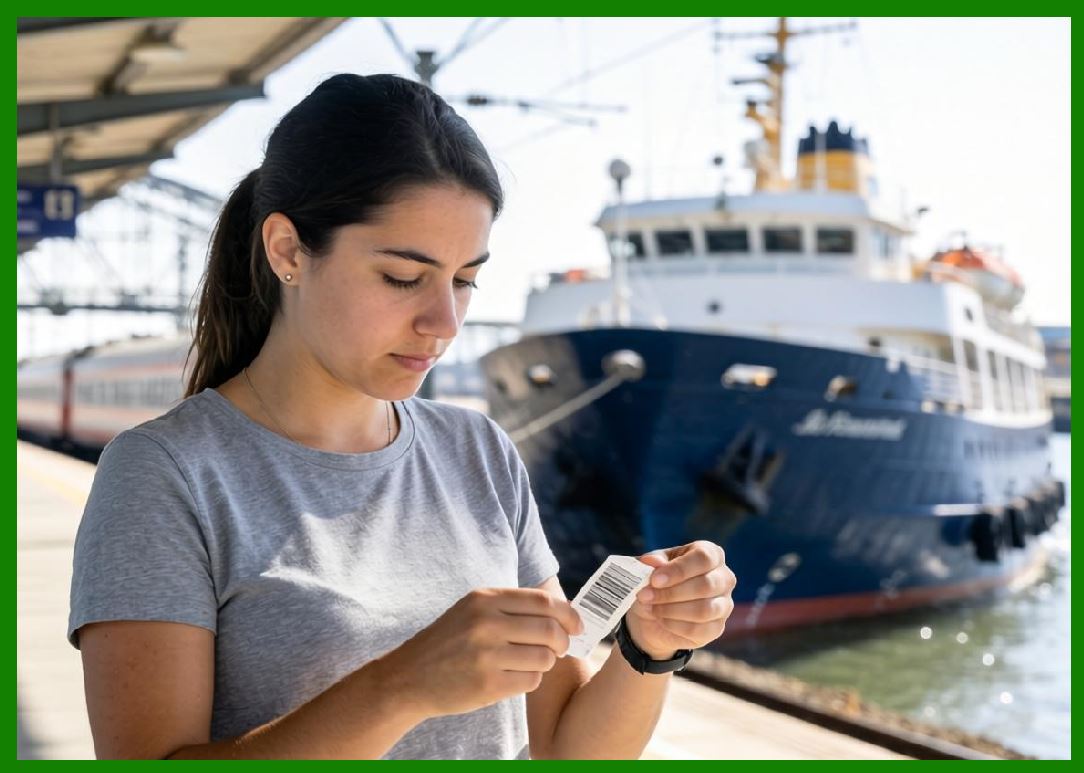
the firmware itself is usually responsible for generating barcode symbols internally rather than receiving pre-rendered barcode images from the host computer. |
|
This design provides major advantages: |
1. Reduced network traffic |
2. Faster print generation |
3. Higher barcode precision |
4. Smaller print jobs |
5. Improved scanner compatibility |
6. Dynamic variable-data printing |
7. Better scalability for enterprise systems |

|
Instead of sending a bitmap image, the host computer simply sends: |
1. Barcode type |
2. Data content |
3. Size parameters |
4. Orientation settings |
5. Error correction settings |
The firmware then generates the complete barcode mathematically and rasterizes it internally. |

|
This part explains in detail how barcode engines inside printer firmware work, including: |
1. Symbology processing |
2. Encoding algorithms |
3. Checksum generation |
4. Error correction systems |
5. Rasterization methods |
6. Module geometry calculations |
7. 1D and 2D barcode generation |
8. GS1 compliance |
9. Real-time barcode rendering optimization |

|
2. Why Barcode Generation Is Performed Inside Printer Firmware |
Modern barcode printers typically generate barcodes internally for several important reasons. |
2.1 Reduced Data Transmission |
Instead of sending thousands of pixels, the host only sends compact commands. |
Example: |
^BCN,100,Y,N,N |
^FD123456789^FS |
This drastically reduces communication bandwidth. |
2.2 Consistent Barcode Quality |
Internal barcode engines ensure: |
1. Accurate dimensions |
2. Proper quiet zones |
3. Valid checksums |
4. Scanner-friendly geometry |
2.3 Resolution Independence |
The firmware generates barcodes specifically for the printer actual DPI. |
This avoids scaling artifacts. |
2.4 Faster Variable Data Printing |
Dynamic serial numbers or shipping labels can be generated rapidly. |

|
3. Architecture of Barcode Generation Engines |
Barcode generation engines consist of several major modules. |
3.1 Symbology Parser |
Interprets barcode type definitions. |
3.2 Data Encoder |
Converts user data into barcode codewords or symbol structures. |
3.3 Checksum Generator |
Calculates required verification digits. |
3.4 Error Correction Generator |
Creates redundancy for damaged-code recovery. |
3.5 Geometry Generator |
Determines module layout and dimensions. |
3.6 Rasterization Engine |
Converts barcode structures into bitmap dots. |
|
4. Categories of Barcode Symbologies |
Barcode engines support multiple barcode families. |
4.1 Linear (1D) Barcodes |
Examples include: |
1. Code 39 |
2. Code 128 |
3. UPC-A |
4. EAN-13 |
5. Codabar |
6. Interleaved 2 of 5 |
7. Code 93 |
4.2 Stacked Barcodes |
Examples include: |
1. PDF417 |
2. MicroPDF417 |
3. GS1 DataBar Stacked |
4.3 Matrix (2D) Barcodes |
Examples include: |
1. QR Code |
2. Data Matrix |
3. Aztec Code |
4. MaxiCode |
4.4 Composite Symbologies |
Some systems combine linear and 2D components. |

|
5. Barcode Data Encoding Fundamentals |
The firmware must convert raw text into barcode-specific representations. |
5.1 Character Set Mapping |
Each barcode symbology defines legal characters. |
Example: |
Code 39 supports: |
1. A-Z |
2. 0-9 |
3. Limited symbols |
5.2 Encoding Tables |
Firmware contains lookup tables for character encoding. |
5.3 Symbolic Representation |
Characters become: |
1. Bars and spaces |
2. Modules |
3. Matrix cells |
4. Codewords |

|
6. Code 39 Encoding Engine |
Code 39 is one of the simplest barcode formats. |
6.1 Character Structure |
Each character contains: |
1. 5 bars |
2. 4 spaces |
With narrow/wide patterns. |
6.2 Encoding Tables |
Firmware stores predefined patterns for every character. |
6.3 Start/Stop Characters |
Code 39 requires start/stop delimiters. |
6.4 Rasterization |
The renderer converts wide/narrow patterns into dots. |

|
7. Code 128 Generation Engine |
Code 128 is more complex and highly efficient. |
7.1 Multiple Character Sets |
Code 128 includes: |
1. Set A |
2. Set B |
3. Set C |
7.2 Automatic Set Optimization |
Firmware may automatically switch sets for compact encoding. |
7.3 Checksum Calculation |
Checksum formula: |
Weighted modulo-103 calculation. |
7.4 Start and Stop Symbols |
The engine inserts proper framing patterns automatically. |
7.5 High-Density Rendering |
Code 128 requires precise module width calculations. |
|
8. UPC and EAN Barcode Processing |
Retail barcodes require strict standards compliance. |
8.1 Fixed-Length Structures |
UPC and EAN use fixed data lengths. |
8.2 Guard Bars |
Special guard patterns assist scanner synchronization. |
8.3 Check Digit Calculation |
Firmware automatically computes modulo-10 check digits. |
8.4 Human-Readable Text Placement |
The rendering engine positions readable numbers precisely. |

|
9. Interleaved 2 of 5 Processing |
Used heavily in logistics and warehousing. |
9.1 Pair-Based Encoding |
Digits encode in pairs. |
9.2 Bar/Space Interleaving |
Odd/even digits interleave bar patterns. |
9.3 Width Precision |
Scanner reliability depends heavily on ratio accuracy. |

|
10. PDF417 Generation Systems |
PDF417 is a stacked linear 2D symbology. |
10.1 Codeword Architecture |
Data converts into multiple codewords. |
10.2 Row Structure |
Symbols contain stacked rows. |
10.3 Reed-Solomon ECC |
Firmware generates extensive error correction. |
10.4 Cluster Patterns |
Rows use rotating cluster structures. |

|
11. QR Code Generation Engines |
QR Codes are among the most advanced barcode formats. |
11.1 Data Encoding Modes |
QR supports: |
1. Numeric |
2. Alphanumeric |
3. Byte mode |
4. Kanji mode |
11.2 Version Selection |
Firmware determines symbol size dynamically. |
11.3 Error Correction Levels |
Supported ECC levels include: |
1. L |
2. M |
3. Q |
4. H |
11.4 Reed-Solomon ECC Generation |
Firmware computes redundancy blocks. |
11.5 Mask Pattern Selection |
The engine evaluates multiple masking patterns. |
11.6 Finder Patterns |
QR Codes require precise finder structures. |
11.7 Timing Patterns |
Synchronization patterns ensure scanner alignment. |

|
12. Data Matrix Generation Systems |
Data Matrix is widely used in industrial applications. |
12.1 ECC200 Standard |
Modern Data Matrix uses ECC200 Reed-Solomon correction. |
12.2 Module Placement Algorithms |
Data bits are distributed according to standardized placement rules. |
12.3 L-Shaped Finder Pattern |
The renderer creates alignment borders. |
12.4 Compact Industrial Marking |
Data Matrix is optimized for small symbols. |

|
13. GS1 Barcode Processing |
GS1 standards are critical in logistics and retail. |
13.1 Application Identifiers |
GS1 uses structured data prefixes. |
13.2 FNC1 Characters |
Firmware inserts special GS1 separators automatically. |
13.3 GS1-128 Generation |
Code 128 engines support GS1 formatting rules. |
13.4 GS1 DataMatrix |
Industrial traceability systems rely heavily on GS1 DataMatrix. |

|
14. Checksum Calculation Systems |
Checksums improve barcode reliability. |
14.1 Purpose of Checksums |
Checksums detect: |
1. Print damage |
2. Scanner errors |
3. Data corruption |
14.2 Common Algorithms |
Examples include: |
1. Modulo-10 |
2. Modulo-43 |
3. Modulo-103 |
14.3 Automatic Calculation |
Firmware typically generates checksums automatically. |

|
15. Error Correction Systems |
2D barcodes often use advanced ECC systems. |
15.1 Reed-Solomon Coding |
Widely used in: |
1. QR Codes |
2. Data Matrix |
3. PDF417 |
15.2 Redundancy Generation |
ECC adds recoverable redundancy. |
15.3 Damage Recovery |
Scanners can reconstruct partially damaged symbols. |

|
16. Quiet Zone Management |
Quiet zones are mandatory blank areas around barcodes. |
16.1 Purpose |
Quiet zones allow scanner edge detection. |
16.2 Firmware Enforcement |
Barcode engines automatically reserve proper margins. |
16.3 Standards Compliance |
Incorrect quiet zones cause scan failures. |
|
17. Module Geometry Calculations |
Barcode readability depends heavily on geometry. |
17.1 Module Width |
The engine calculates precise bar widths. |
17.2 Aspect Ratios |
Certain symbologies require strict ratios. |
17.3 Dot Alignment |
Rasterization must align accurately with printer dots. |
|
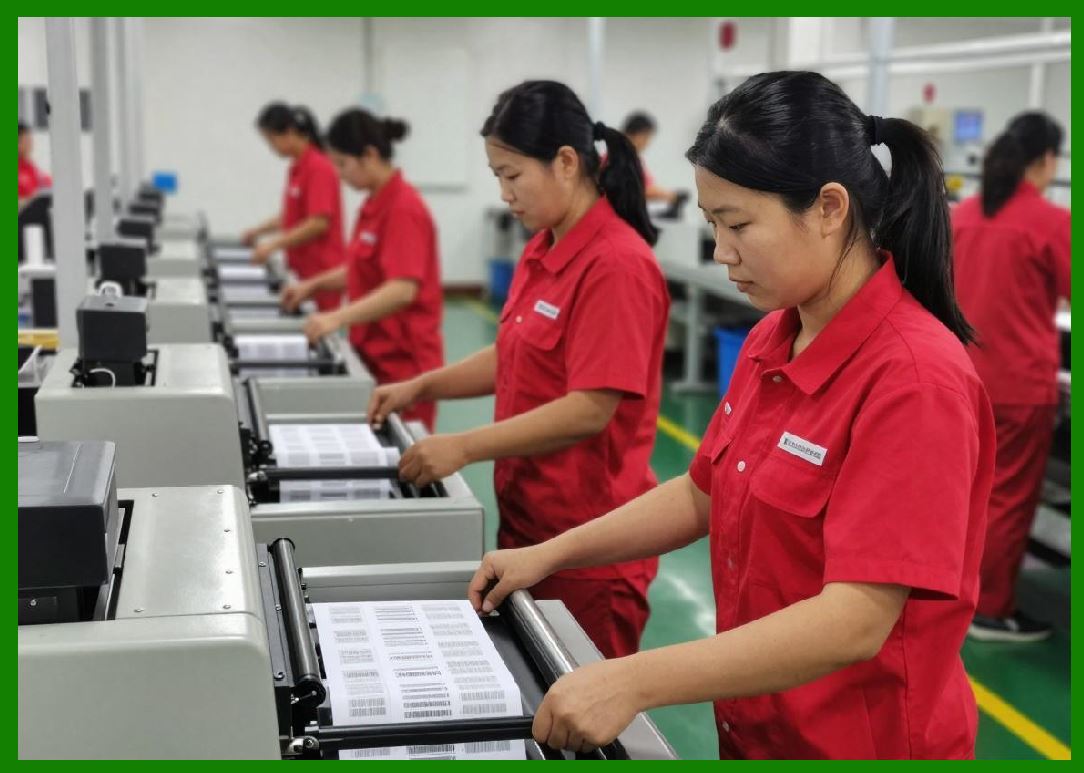
18. Barcode Rasterization |
Barcode structures become bitmap images. |
18.1 Binary Raster Generation |
Black modules become heated dots. |
18.2 Edge Precision |
Sharp edges improve scanner performance. |
18.3 Thermal Compensation |
Firmware adjusts rendering for thermal spread. |

|
19. Rotation and Scaling |
Barcodes may be rotated or resized. |
19.1 Rotation Support |
Supported orientations include: |
1. Normal |
2. Rotated |
3. Inverted |
19.2 Scaling Limitations |
Improper scaling may violate standards. |
19.3 DPI Adaptation |
Barcode generation adapts to printer resolution. |

|
20. Performance Optimization in Barcode Engines |
Industrial systems require high throughput. |
20.1 Lookup Table Optimization |
Precomputed encoding tables reduce CPU usage. |
20.2 Cached Symbols |
Repeated symbols may be cached. |
20.3 Streaming Barcode Rendering |
Large jobs render incrementally. |
|
21. Firmware Challenges in High-Speed Barcode Printing |
Industrial printing introduces major constraints. |
21.1 Real-Time Timing |
Barcode generation must keep pace with media movement. |
21.2 Printhead Synchronization |
Module placement depends on exact timing. |
21.3 Heat Distribution |
Dense symbols create thermal stress. |

|
22. Barcode Verification Considerations |
Good rendering alone is insufficient. |
22.1 ISO Verification Standards |
Barcodes may require formal verification grading. |
22.2 Common Print Defects |
Problems include: |
1. Voids |
2. Smearing |
3. Gain |
4. Misalignment |
22.3 Firmware Compensation Techniques |
Firmware may compensate for predictable distortions. |

|
23. Security Risks in Barcode Systems |
Barcodes may become attack vectors. |
23.1 Malicious Payloads |
Barcodes may contain dangerous encoded content. |
23.2 Data Validation |
Firmware may validate: |
1. Length |
2. Character sets |
3. Symbol integrity |
23.3 Memory Safety |
Malformed barcode commands may attempt buffer overflows. |
|
24. Emerging Barcode Technologies |
Barcode engines continue evolving. |
24.1 High-Capacity 2D Codes |
Modern systems increasingly use: |
1. Dense QR variants |
2. Color barcodes |
3. Hybrid symbologies |
24.2 Digital Link Systems |
GS1 Digital Link is transforming barcode ecosystems. |
24.3 RFID Integration |
Firmware increasingly combines: |
1. Printed barcodes |
2. RFID encoding |
|
25. Future of Firmware Barcode Engines |
Future systems will become increasingly advanced. |
25.1 AI-Assisted Print Optimization |
Future firmware may optimize symbols dynamically. |
25.2 Adaptive Error Compensation |
Machine learning may improve thermal compensation. |
25.3 Cloud-Based Barcode Validation |
Remote systems may verify symbol quality automatically. |
|
Detailed Technical Content Summary |
This part provided a comprehensive technical explanation of barcode generation engines and symbology processing systems inside industrial printer firmware. |
The discussion explored why barcode generation is typically performed inside the printer firmware itself and analyzed the internal architecture of barcode engines, including data encoders, checksum generators, error correction systems, geometry generators, and rasterization modules. |
Detailed technical explanations were provided for major barcode symbologies including Code 39, Code 128, UPC/EAN, Interleaved 2 of 5, PDF417, QR Code, and Data Matrix. The article also examined GS1 standards support, Application Identifiers, FNC1 handling, Reed-Solomon error correction, quiet zone management, and barcode geometry calculations. |
Additional sections explored barcode rasterization methods, thermal compensation systems, rotation and scaling, performance optimization techniques, verification standards, security considerations, and future developments involving GS1 Digital Link, RFID integration, and AI-assisted barcode optimization. |
This part established how barcode engines inside printer firmware are responsible for generating mathematically precise, standards-compliant, scanner-readable symbols under strict real-time and thermal printing constraints. |
|
Referenced URLs: |
[https://www.zebra.com](https://www.zebra.com) |
[https://supportcommunity.zebra.com](https://supportcommunity.zebra.com) |
[https://www.gs1.org](https://www.gs1.org) |
[https://www.iso.org](https://www.iso.org) |
[https://en.wikipedia.org/wiki/Barcode](https://en.wikipedia.org/wiki/Barcode) |
[https://en.wikipedia.org/wiki/QR_code](https://en.wikipedia.org/wiki/QR_code) |
[https://en.wikipedia.org/wiki/Data_Matrix](https://en.wikipedia.org/wiki/Data_Matrix) |
[https://en.wikipedia.org/wiki/PDF417](https://en.wikipedia.org/wiki/PDF417) |
[https://en.wikipedia.org/wiki/Code_128](https://en.wikipedia.org/wiki/Code_128) |
[https://en.wikipedia.org/wiki/Code_39](https://en.wikipedia.org/wiki/Code_39) |
[https://en.wikipedia.org/wiki/Reed%E2%80%93Solomon_error_correction](https://en.wikipedia.org/wiki/Reed%E2%80%93Solomon_error_correction) |
[https://en.wikipedia.org/wiki/GS1_DataMatrix](https://en.wikipedia.org/wiki/GS1_DataMatrix) |
[https://en.wikipedia.org/wiki/GS1_Digital_Link](https://en.wikipedia.org/wiki/GS1_Digital_Link) |
 cs@easiersoft.com