Part 12 |
Detailed Technical Explanation of RFID-Enabled Barcode Label Printers |
12. Firmware Architecture, Embedded Operating Systems, Real-Time Control Logic, and Device Intelligence Systems |
1. Introduction to RFID Printer Firmware Systems |
1.1 Role of Firmware in RFID Label Printers |
Firmware is the core embedded software layer that controls all operations of RFID-enabled barcode label printers. |
It coordinates: |
1. Thermal printing engine |
2. RFID encoding subsystem |
3. Mechanical motion control |
4. Sensor feedback loops |
5. Network communication |
6. Security and access control |
7. Job processing and memory management |
Without firmware, the printer is simply a collection of disconnected hardware modules. |

|
1.2 Firmware vs Software Separation |
RFID printers typically include: |
1. Low-level firmware (hardware control) |
2. Mid-level system firmware (device logic) |
3. High-level application firmware (print job processing) |
This layered architecture ensures stability and modularity. |
1.3 Real-Time Requirements |
RFID printing is a real-time system requiring: |
1. Deterministic timing |
2. Precise synchronization |
3. Low-latency processing |
4. Predictable execution cycles |
Any delay can cause: |
1. RFID encoding failure |
2. Print misalignment |
3. Data corruption |

|
2. Embedded Operating System Architecture |
2.1 RTOS-Based Systems |
Most industrial RFID printers use a Real-Time Operating System (RTOS). |
RTOS functions include: |
1. Task scheduling |
2. Memory management |
3. Interrupt handling |
4. Hardware abstraction |
2.2 Common RTOS Models |
Typical architectures include: |
1. Priority-based scheduling |
2. Time-sliced multitasking |
3. Event-driven execution |
2.3 Deterministic Execution |
RTOS ensures predictable execution of: |
1. Print commands |
2. RFID encoding cycles |
3. Motor control signals |
2.4 Interrupt Handling System |
Interrupts manage real-time hardware events such as: |
1. Label sensor triggers |
2. RFID tag responses |
3. Motor encoder pulses |

|
3. Firmware Layered Architecture |
3.1 Hardware Abstraction Layer (HAL) |
HAL isolates hardware-specific functions: |
1. Motor drivers |
2. RF modules |
3. Sensor inputs |
4. Printhead controllers |
3.2 Device Control Layer |
This layer manages: |
1. Media movement |
2. RFID encoding logic |
3. Print synchronization |
3.3 Application Layer |
Handles: |
1. Print job interpretation |
2. Label formatting |
3. Data parsing |
4. Command execution |
3.4 Communication Layer |
Manages external interfaces: |
1. Ethernet |
2. Wi-Fi |
3. USB |
4. Serial interfaces |

|
4. Print Job Processing Engine |
4.1 Job Reception |
Firmware receives print jobs from: |
1. ERP systems |
2. WMS systems |
3. Host applications |
4. Cloud services |
4.2 Job Parsing |
Jobs are parsed into: |
1. Barcode instructions |
2. RFID encoding commands |
3. Layout templates |
4. Variable data fields |
4.3 Job Queue Management |
The printer maintains: |
1. Priority queues |
2. FIFO buffers |
3. Batch job handling |
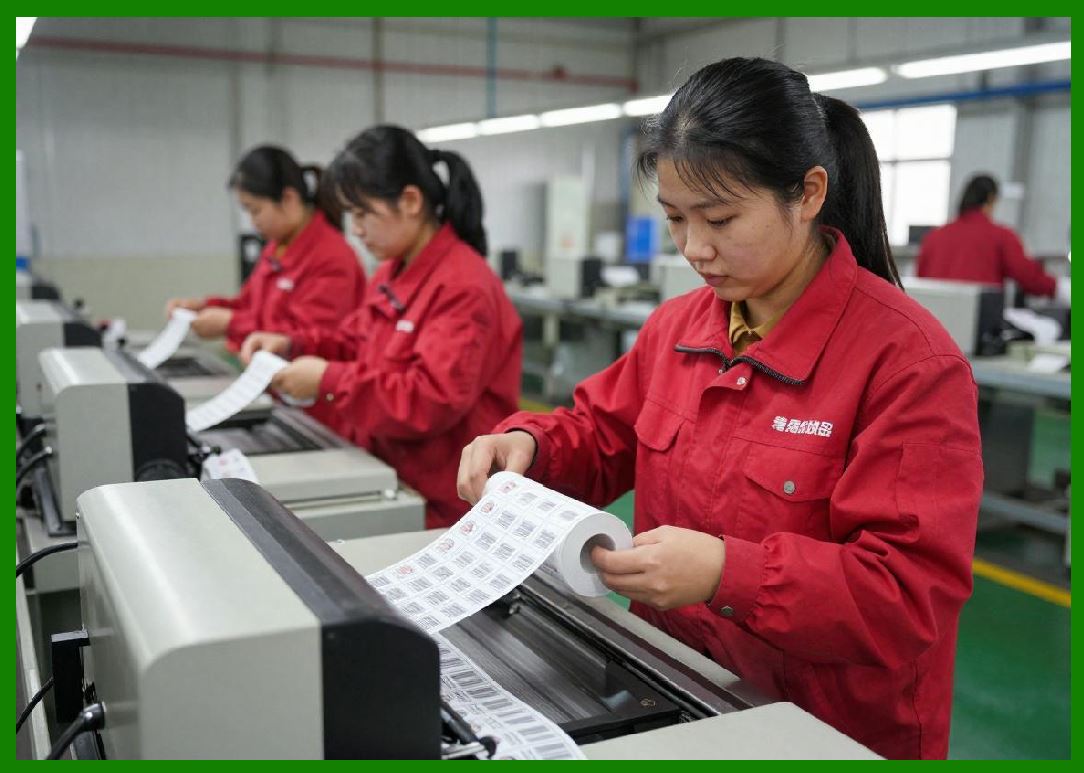
4.4 Job Execution Pipeline |
Execution includes: |
1. Data validation |
2. Resource allocation |
3. Printing and encoding |
4. Verification |
5. Logging |
|
5. RFID Control Firmware Logic |
5.1 RFID Task Scheduling |
RFID encoding tasks are tightly synchronized with: |
1. Media position |
2. RF antenna activation |
3. Print timing |
5.2 RF State Machine |
RFID firmware uses a state machine including: |
1. Idle state |
2. Inventory state |
3. Write state |
4. Verify state |
5. Error recovery state |
5.3 Tag Handling Logic |
Firmware must handle: |
1. Tag detection |
2. Tag selection |
3. EPC writing |
4. Memory locking |
5. Verification |
5.4 Error Handling and Recovery |
RFID errors are managed through: |
1. Retry logic |
2. RF power adjustment |
3. Tag rejection |
4. Re-encoding routines |

|
6. Motion Control Firmware Systems |
6.1 Stepper Motor Control Logic |
Firmware generates: |
1. Pulse sequences |
2. Acceleration curves |
3. Position tracking |
6.2 Servo Motor Feedback Loop |
Servo systems use: |
1. Encoders |
2. PID control algorithms |
3. Real-time adjustments |
6.3 Motion Synchronization |
Firmware ensures alignment between: |
1. Label movement |
2. Printhead activation |
3. RFID encoding timing |
6.4 Acceleration Profile Management |
Profiles include: |
1. Startup acceleration |
2. Constant speed control |
3. Deceleration curves |

|
7. Print Engine Firmware Control |
7.1 Thermal Printhead Control |
Firmware manages: |
1. Heating elements |
2. Dot activation timing |
3. Thermal compensation |
7.2 Print Density Control |
Adjusts: |
1. Darkness level |
2. Heat intensity |
3. Print speed balance |
7.3 Dot Matrix Timing Control |
Ensures precise activation of individual heating dots. |

|
8. Sensor Processing Firmware |
8.1 Sensor Input Filtering |
Firmware filters: |
1. Noise |
2. False triggers |
3. Signal fluctuations |
8.2 Label Detection Logic |
Detects: |
1. Label edges |
2. Gaps |
3. Black marks |
8.3 RFID Feedback Sensors |
Monitors: |
1. RF field strength |
2. Tag response timing |
3. Encoding success |

|
9. Memory Management in Firmware |
9.1 RAM Allocation |
Used for: |
1. Print buffers |
2. RFID data queues |
3. Image rendering |
9.2 Flash Storage Management |
Stores: |
1. Firmware images |
2. Fonts |
3. Label templates |
4. Media profiles |
9.3 Cache Optimization |
Caching improves: |
1. Print speed |
2. RFID processing |
3. Network response |

|
10. Security Systems in Firmware |
10.1 Access Control |
Firmware restricts: |
1. Configuration changes |
2. Network access |
3. RFID operations |
10.2 Authentication Mechanisms |
Includes: |
1. Password systems |
2. Digital certificates |
3. Role-based access |
10.3 Secure Boot Process |
Ensures only trusted firmware executes. |
10.4 Firmware Integrity Verification |
Uses: |
1. Hash validation |
2. Digital signatures |
3. CRC checks |

|
11. Firmware Update Mechanisms |
11.1 Local Firmware Updates |
Via: |
1. USB |
2. SD card |
3. Serial connection |
11.2 Network-Based Updates |
Through: |
1. Ethernet |
2. Wi-Fi |
3. Cloud services |
11.3 OTA (Over-The-Air) Updates |
Allows remote firmware upgrades without physical access. |
11.4 Update Rollback Systems |
If failure occurs: |
1. Previous firmware is restored |
2. System reboots safely |

|
12. Device Intelligence and Adaptive Firmware |
12.1 Adaptive Printing Logic |
Firmware can adjust: |
1. Speed |
2. Heat |
3. RF power |
based on conditions. |
12.2 Self-Optimization Systems |
Printers may learn: |
1. Media behavior |
2. Error patterns |
3. RF performance trends |
12.3 Predictive Maintenance Logic |
Firmware can predict: |
1. Printhead wear |
2. Motor fatigue |
3. RFID antenna degradation |

|
13. Multi-Tasking and Concurrency Management |
13.1 Parallel Processing Tasks |
Firmware manages simultaneously: |
1. Printing |
2. Encoding |
3. Communication |
4. Logging |
13.2 Task Prioritization |
Critical tasks include: |
1. RFID encoding (highest priority) |
2. Motion control |
3. Print rendering |
4. Network communication |
13.3 Deadlock Prevention |
Firmware prevents: |
1. Resource locking issues |
2. Task conflicts |
3. System freezes |

|
14. Diagnostic Firmware Systems |
14.1 Self-Test Routines |
On startup, printers test: |
1. Motors |
2. Sensors |
3. RF systems |
4. Printheads |
14.2 Continuous Diagnostics |
During operation, firmware monitors: |
1. System health |
2. Performance metrics |
3. Error rates |
14.3 Event Logging System |
Logs include: |
1. Print history |
2. RFID encoding results |
3. System errors |

|
15. Firmware Communication Protocols |
15.1 Internal Messaging Bus |
Firmware modules communicate via: |
1. Message queues |
2. Shared memory |
3. Event signals |
15.2 External Protocol Handling |
Supports: |
1. TCP/IP communication |
2. REST APIs |
3. Printer command languages |
15.3 Data Serialization Formats |
Common formats include: |
1. Binary commands |
2. XML structures |
3. JSON payloads |

|
16. Performance Optimization in Firmware |
16.1 CPU Utilization Control |
Firmware optimizes: |
1. Task scheduling |
2. Interrupt handling |
3. Processing load distribution |
16.2 Memory Efficiency |
Techniques include: |
1. Buffer reuse |
2. Dynamic allocation |
3. Memory pooling |
16.3 Latency Reduction |
Latency is reduced by: |
1. Preprocessing print jobs |
2. Parallel execution |
3. Hardware acceleration |

|
17. Fault Tolerance and Recovery Systems |
17.1 System Crash Recovery |
Firmware ensures: |
1. Safe restart |
2. Job recovery |
3. State restoration |
17.2 Power Failure Handling |
Systems include: |
1. Job persistence |
2. Memory backup |
3. Safe shutdown routines |
17.3 Error Isolation |
Faults are isolated to prevent: |
1. System-wide failure |
2. Data corruption |

|
18. Industrial Firmware Scalability |
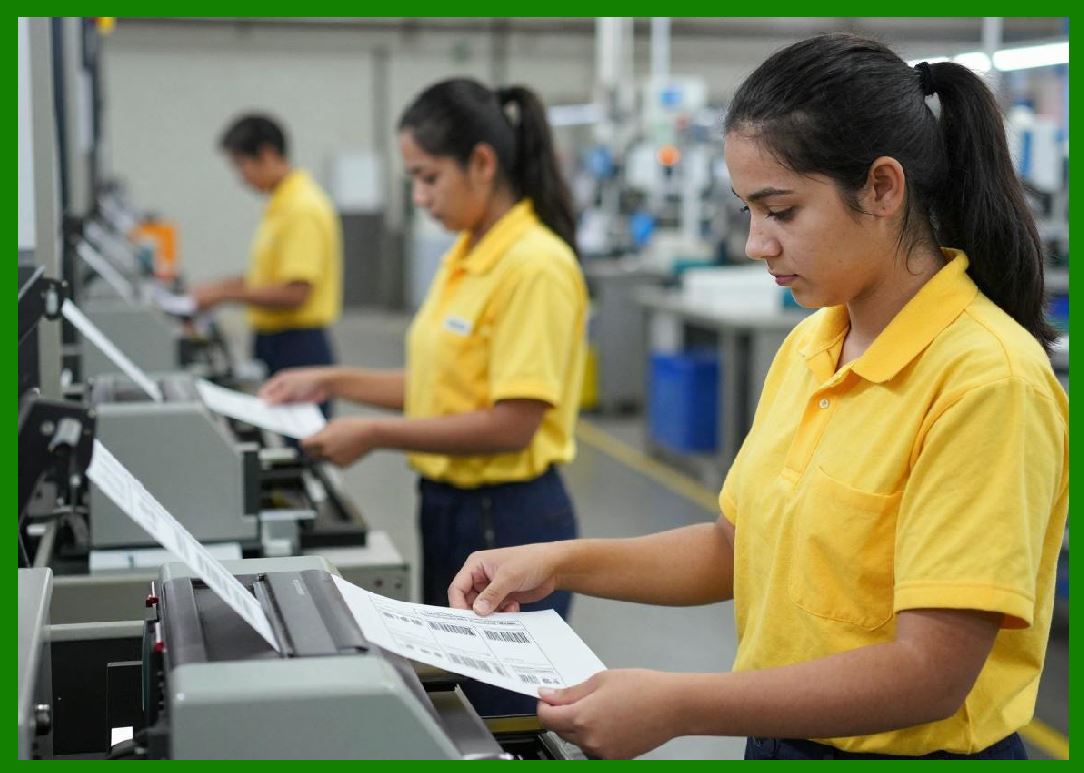
18.1 High-Volume Printing Environments |
Firmware must scale for: |
1. Thousands of labels per hour |
2. Continuous operation |
3. Multi-user environments |
18.2 Multi-Printer Coordination |
In industrial environments: |
1. Multiple printers share workloads |
2. Centralized control systems manage jobs |
18.3 Distributed Firmware Systems |
Large deployments use: |
1. Cloud-managed firmware |
2. Central configuration servers |
|
19. Future Firmware Technologies |
19.1 AI-Driven Firmware Systems |
Artificial intelligence may control: |
1. RF tuning |
2. Print optimization |
3. Error prediction |
19.2 Self-Healing Firmware |
Future systems may automatically: |
1. Fix corrupted modules |
2. Reconfigure settings |
3. Restore optimal performance |
19.3 Fully Autonomous Print Systems |
Printers may operate with: |
1. Minimal human input |
2. Continuous learning systems |
3. Adaptive production logic |
19.4 Quantum-Safe Firmware Security |
Future firmware may include: |
1. Post-quantum encryption |
2. Advanced authentication systems |
|
20. Integration of Firmware with Entire RFID Printing Ecosystem |
20.1 System-Wide Coordination |
Firmware acts as the central coordinator between: |
1. Mechanical systems |
2. RF systems |
3. Print engines |
4. Network systems |
20.2 Real-Time Synchronization |
All subsystems must remain synchronized within milliseconds. |
20.3 Unified Device Intelligence |
Modern printers behave as intelligent edge devices rather than simple peripherals. |

|
Detailed Technical Content Summary |
This Part provided a comprehensive technical explanation of firmware architecture, embedded operating systems, real-time control logic, and device intelligence systems in RFID-enabled barcode label printers. The article covered layered firmware architecture including hardware abstraction layers, device control layers, application layers, and communication layers. |
It further detailed RTOS-based scheduling, RFID control logic, motion control firmware, print engine management, sensor processing, memory systems, and security frameworks. The discussion included firmware update mechanisms, adaptive intelligence systems, multitasking strategies, diagnostic subsystems, and performance optimization techniques. |
Finally, the article explored fault tolerance, industrial scalability, distributed firmware architectures, and future technologies such as AI-driven firmware control, self-healing systems, and quantum-safe security models, emphasizing the central role of firmware in coordinating all RFID printer subsystems. |
End of Part 12. |
 cs@easiersoft.com