1. Introduction to Zhongshan Hongli Technology Co., Ltd. |
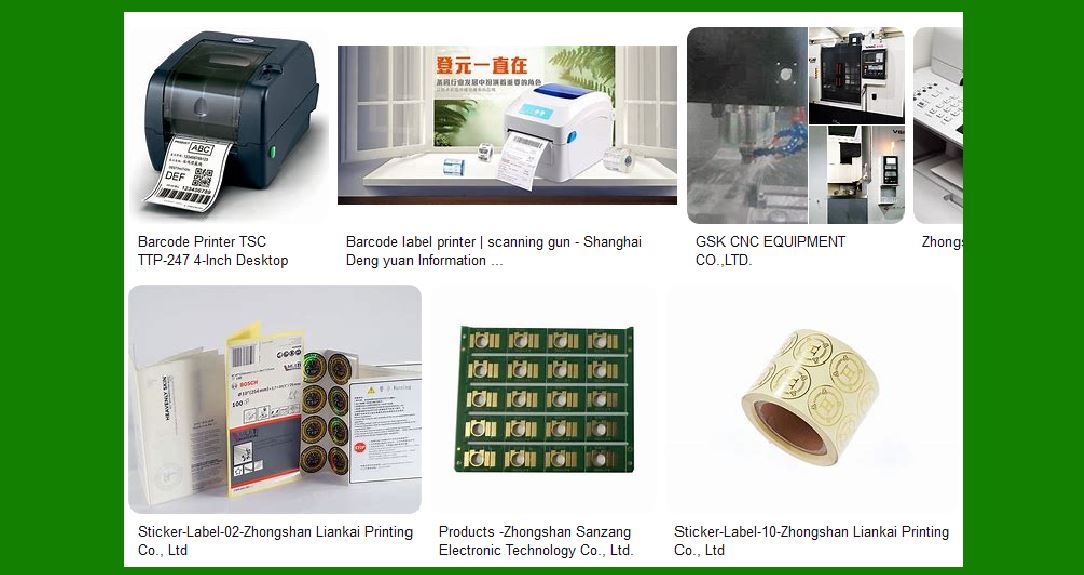
Zhongshan Hongli Technology Co., Ltd. is a prominent manufacturer specializing in the production of various types of printing equipment, including barcode label printers. The company is known for its innovative approach and high-quality products that cater to a wide range of industries such as retail, logistics, manufacturing, and healthcare. |
|
2. Product Overview |
The barcode label printers produced by Zhongshan Hongli are designed to meet the diverse needs of businesses. These printers are known for their reliability, efficiency, and advanced features. They are capable of printing high-quality labels that are essential for inventory management, product identification, and tracking. |

|
3. Key Features |
3.1. Printing Technology |
Zhongshan Hongli barcode label printers utilize thermal transfer and direct thermal printing technologies. Thermal transfer printing uses a ribbon to transfer ink onto the label, making it suitable for long-lasting labels. Direct thermal printing, on the other hand, does not use a ribbon and is ideal for short-term labeling needs. |
3.2. Print Resolution |
These printers offer high-resolution printing capabilities, typically ranging from 203 dpi to 600 dpi. This ensures that the printed labels are clear and easy to read, which is crucial for barcode scanning and product identification. |
3.3. Print Speed |
The printers are designed to operate at high speeds, with some models capable of printing up to 14 inches per second. This high-speed printing is beneficial for businesses that require large volumes of labels in a short amount of time. |
3.4. Connectivity Options |
Zhongshan Hongli barcode label printers come with various connectivity options, including USB, Ethernet, Wi-Fi, and Bluetooth. This allows for easy integration with existing systems and ensures that the printers can be used in different environments. |
3.5. Durability and Build Quality |
The printers are built to withstand harsh industrial environments. They are made from robust materials that ensure longevity and consistent performance even under heavy usage. |

|
4. Models and Variants |
Zhongshan Hongli offers a range of barcode label printers, each designed to meet specific needs. Some of the popular models include: |
4.1. Desktop Printers |
These are compact and ideal for small to medium-sized businesses. They are easy to use and maintain, making them perfect for office environments. |
4.2. Industrial Printers |
Designed for high-volume printing, these printers are suitable for large warehouses and manufacturing units. They offer high-speed printing and can handle large rolls of labels. |
4.3. Mobile Printers |
These portable printers are perfect for on-the-go labeling needs. They are lightweight and come with battery options, making them ideal for field operations. |

|
5. Applications |
The barcode label printers from Zhongshan Hongli are used in various industries for different applications: |
5.1. Retail |
In the retail sector, these printers are used for printing price tags, shelf labels, and product labels. They help in efficient inventory management and enhance the shopping experience for customers. |
5.2. Logistics and Warehousing |
In logistics and warehousing, barcode label printers are essential for tracking shipments, managing inventory, and ensuring accurate delivery of goods. |
5.3. Healthcare |
In healthcare, these printers are used for printing patient wristbands, medication labels, and laboratory samples. This helps in maintaining accurate records and ensuring patient safety. |
5.4. Manufacturing |
In manufacturing, barcode label printers are used for labeling products, parts, and packaging. This aids in quality control and traceability throughout the production process. |

|
6. Software and Integration |
Zhongshan Hongli barcode label printers come with user-friendly software that allows for easy design and printing of labels. The software supports various barcode formats and can be integrated with existing ERP and inventory management systems. |
7. Maintenance and Support |
The company provides comprehensive support and maintenance services for their printers. This includes regular software updates, troubleshooting assistance, and replacement of parts. The printers are designed for easy maintenance, with features like quick-change print heads and easy-to-load media. |

|
8. Environmental Considerations |
Zhongshan Hongli is committed to sustainability and environmental responsibility. Their printers are designed to be energy-efficient and use eco-friendly materials. The company also offers recycling programs for used ribbons and other consumables. |
9. Customer Reviews and Feedback |
Customers have praised Zhongshan Hongli barcode label printers for their reliability, ease of use, and high-quality output. Many businesses have reported increased efficiency and reduced downtime after switching to these printers. |

|
10. Conclusion |
Zhongshan Hongli barcode label printers are a reliable and efficient solution for businesses looking to improve their labeling processes. With a range of models to choose from, advanced features, and excellent customer support, these printers are a valuable addition to any business. |
 cs@easiersoft.com