About Barcode Scanner Settings: A Detailed Overview |
Barcode scanners are essential tools in modern inventory management, retail, logistics, and various industrial applications. These devices are designed to interpret data encoded in barcodes, and the effectiveness of this process depends significantly on how the scanner is set up. Barcode scanners are equipped with a wide range of configurable settings that allow them to function optimally under different conditions. These settings can influence scan frequency, sensitivity, the types of barcodes that can be read, and even how the scanner responds to environmental conditions like lighting and surface texture. This detailed guide will explore various barcode scanner settings, the impact of incorrect configurations, and how to adjust them for improved performance. |
1. Introduction to Barcode Scanner Settings |
Barcode scanners come in various forms, such as handheld scanners, fixed-mount scanners, and mobile devices. Each scanner has a set of settings that control its performance and compatibility with different types of barcodes. These settings allow users to tailor the scanner's behavior for different environments and use cases. Most barcode scanners support configuration through software tools, direct input from barcode configuration labels (printed sheets that contain codes for changing settings), or through a scanning interface provided by the manufacturer. |
Barcode scanners generally deal with several key parameters, including: |
Scan Frequency: The rate at which the scanner captures barcode data. |
Contrast Sensitivity: The ability to detect barcodes with different contrasts against backgrounds. |
Symbology Settings: The types of barcode symbologies the scanner can read, such as UPC, QR codes, or Code 128. |
Scan Angle and Distance: Settings that control the effective range and angle at which the scanner can read barcodes. |
Output Formatting: How the data is transmitted to the system after being scanned. |
|
2. Scan Frequency Settings |
Scan frequency is a critical setting that determines how quickly a barcode scanner captures data. The scan frequency, or scan rate, refers to how many times per second the scanner emits light or pulses to detect and capture barcode information. This setting is particularly important in environments where fast scanning is required, such as high-volume retail, manufacturing, or logistics. |
The scanner's scan rate is usually expressed in Hertz (Hz), with a higher number indicating a faster scan rate. For example, a scanner with a rate of 100 scans per second (100 Hz) will be able to read barcodes much quicker than one with a rate of 30 scans per second. |
Key considerations for scan frequency: |
High-Speed Environments: In environments where barcodes are scanned rapidly in succession (e.g., assembly lines, airports), a higher scan rate is necessary to keep up with the speed of operations. Scanners with high-frequency rates are better suited for applications that require quick and continuous scanning without interruption. |
Battery Life: Scanners with higher scan rates tend to consume more power, which can affect battery life in wireless or mobile barcode scanners. A scanner that is set to operate at a high scan frequency may require more frequent charging or a larger battery capacity. |
Barcode Quality and Symbology: Some low-quality or damaged barcodes might require slower scan rates to ensure accurate reading, as higher speeds could lead to scanning errors or missed scans. |
|
3. Contrast Sensitivity Settings |
Contrast sensitivity refers to the scanner's ability to detect the barcode in varying levels of contrast against the background. This setting is especially important in environments where barcodes may be printed on materials with inconsistent or low contrast, such as shiny surfaces, dark backgrounds, or faded labels. |
Scanners typically come with an adjustable sensitivity setting that can help them distinguish the barcode from its background. For instance, the scanner can be configured to increase or decrease the brightness of the laser or LED light emitted during scanning. |
Key considerations for contrast sensitivity: |
Environmental Factors: Lighting conditions play a significant role in how well barcodes are detected. In low-light environments, increasing the scanner's contrast sensitivity can improve detection. However, in overly bright environments, such as direct sunlight, the scanner may struggle to detect the barcode, even if the contrast setting is adjusted. |
Surface and Material Variability: Barcodes printed on glossy or textured surfaces may require additional adjustments in contrast sensitivity. For example, scanning a barcode on a glossy, reflective surface might necessitate reducing the scanner's sensitivity to avoid false readings caused by reflections. |
Barcode Print Quality: Poor-quality printing, such as misalignment or ink smudging, may affect the contrast between the dark bars and the white spaces. In such cases, the scanner's contrast sensitivity should be optimized to enhance detection. |
|
4. Symbology Settings |
Barcode symbology refers to the specific format in which the barcode information is encoded. Common barcode symbologies include: |
1D Barcodes: These include symbologies like UPC, EAN, Code 39, and Code 128. They are linear barcodes that represent data through a series of vertical bars and spaces of varying widths. |
2D Barcodes: These include QR codes, Data Matrix, and PDF417. 2D barcodes encode data in both horizontal and vertical dimensions, allowing them to store more information than 1D barcodes. |
Stacked Barcodes: These are similar to 1D barcodes but use multiple rows to encode data, such as in the case of the PDF417 symbology. |
Postnet/Intelligent Mail: Used by postal services for mailing systems. |
Each barcode scanner is typically capable of reading a selection of these symbologies. However, scanners often have settings that allow the user to enable or disable the scanning of specific symbologies. For instance, a barcode scanner may be set to scan only Code 128 and QR codes, excluding other formats like EAN-13 or UPC-A. |
Key considerations for symbology settings: |
Correct Symbology Detection: If the scanner is not configured to read a particular barcode format (symbology), it will either fail to read the barcode or produce an error. For example, if a store's scanner is not set to recognize QR codes, it will be unable to scan QR labels. |
Environment-Specific Requirements: In some environments, certain symbologies are more common than others. For example, in retail environments, UPC and EAN codes are prevalent, whereas logistics and shipping systems often use 2D barcodes like Data Matrix or QR codes for tracking items. |
Custom Symbology Configurations: Some barcode scanners allow users to create or download custom symbologies for specialized applications. This feature is useful for businesses that create their own barcodes for internal tracking purposes. |
|
5. Scan Angle and Distance Settings |
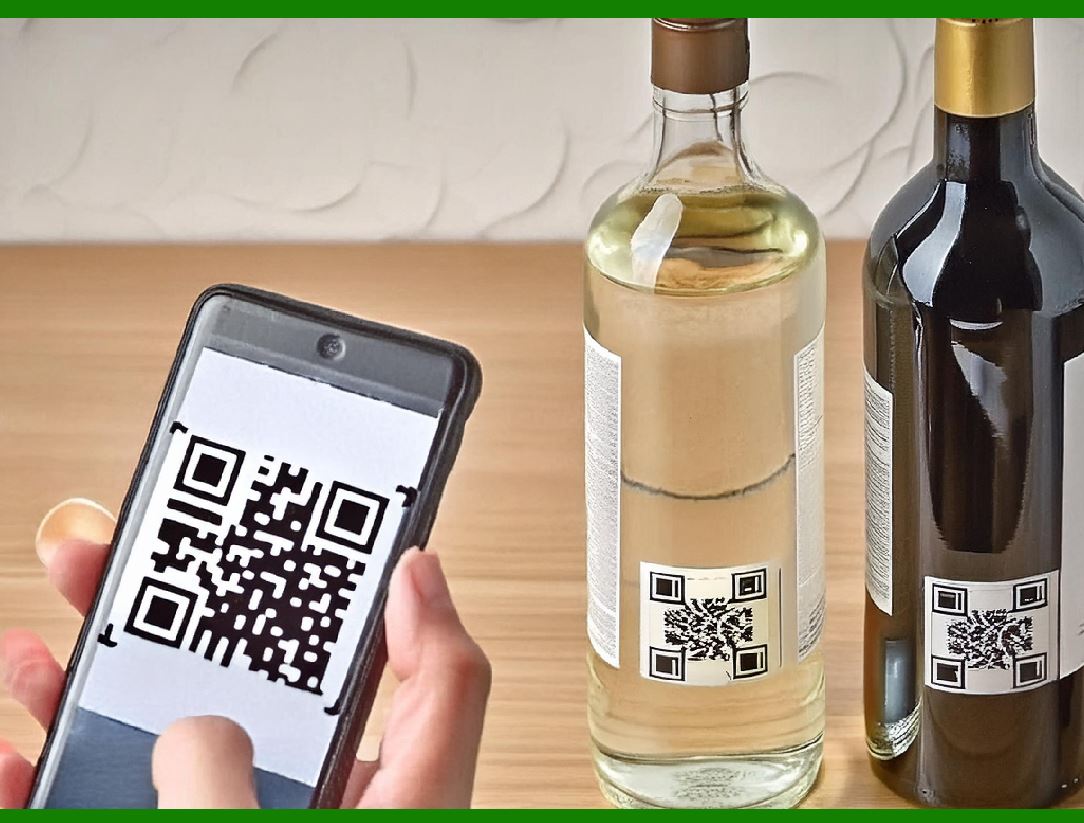
The scan angle and distance settings determine the range and the field of view from which a scanner can successfully read a barcode. These settings are particularly important for fixed-mount scanners used in applications like conveyor belts or point-of-sale terminals. |
Key considerations for scan angle and distance: |
Short Range vs. Long Range: Some barcode scanners are designed to read barcodes at close distances, making them ideal for point-of-sale environments, while others are optimized for long-range scanning. A scanner's long-range capability is essential for applications like warehouse management, where barcodes may be positioned at varying heights or distances. |
Angle of Scan: The angle at which the scanner can read a barcode is another critical factor. Scanners with wide-angle lenses can read barcodes from different orientations, which is particularly helpful when barcodes are placed at random angles or are difficult to orient manually. |
Adjustable Range: Many modern barcode scanners allow users to adjust the range at which they will attempt to read a barcode. This setting is helpful in environments with varying distances between the scanner and the barcode labels. |
|
6. Output Formatting and Data Parsing |
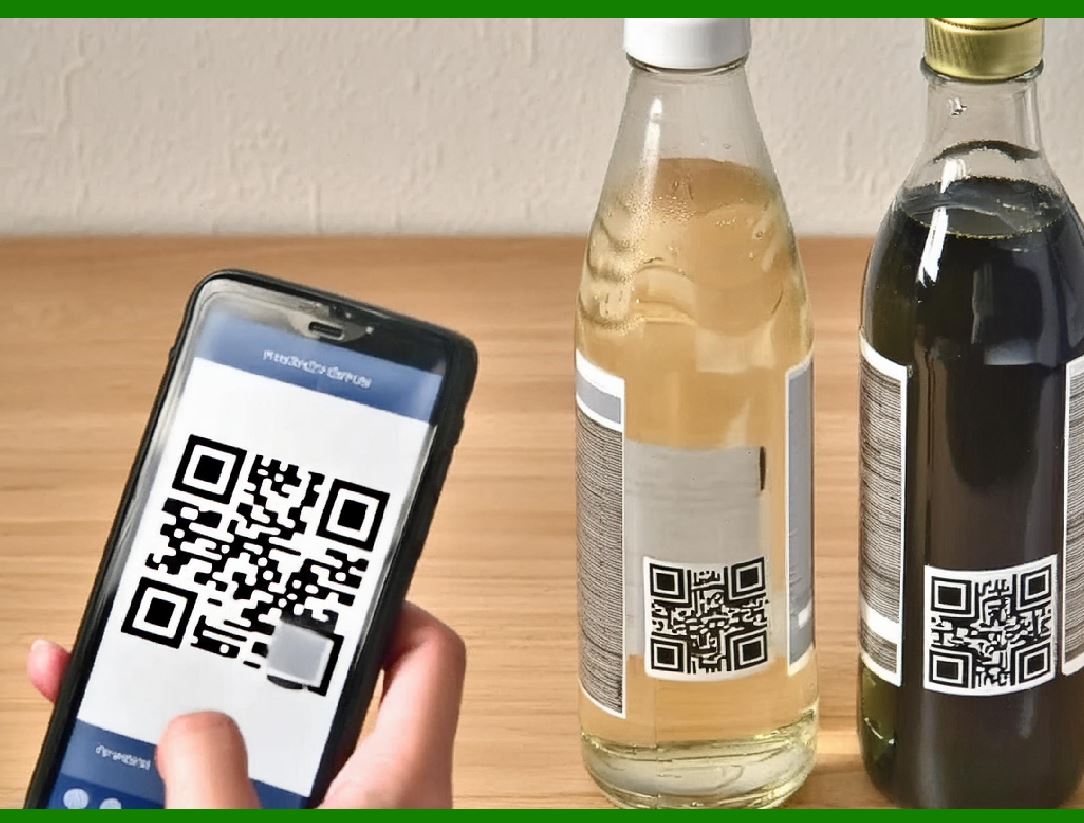
Output formatting refers to how the scanned data is transmitted from the scanner to the computer or point-of-sale system. Barcode scanners can be configured to output data in different formats, such as ASCII, UTF-8, or through a series of custom characters. This ensures that the data is compatible with various software applications, such as inventory management systems or customer relationship management (CRM) tools. |
Data parsing allows the scanner to interpret and process the information contained within the barcode. For example, a scanner may be configured to ignore certain characters in a barcode, rearrange the data, or append specific prefixes or suffixes to the output. |
Key considerations for output formatting and data parsing: |
Compatibility with Software: The scanner's output format must align with the software or system that processes the scanned data. If the format is incompatible, the data will not be recognized or processed correctly, leading to errors. |
Data Parsing Rules: Scanners with customizable data parsing capabilities can be set up to modify the way data is output. For example, a scanner might remove leading zeros, rearrange the fields in a structured barcode, or add a specific prefix to indicate the type of item being scanned. |
Buffering and Delays: Some scanners allow users to configure how data is sent. A scanner may buffer the data before transmitting it, which can introduce delays in high-speed environments. Adjusting this buffer setting ensures a smoother operation and helps avoid errors during rapid scanning. |
|
7. Environmental and External Settings |
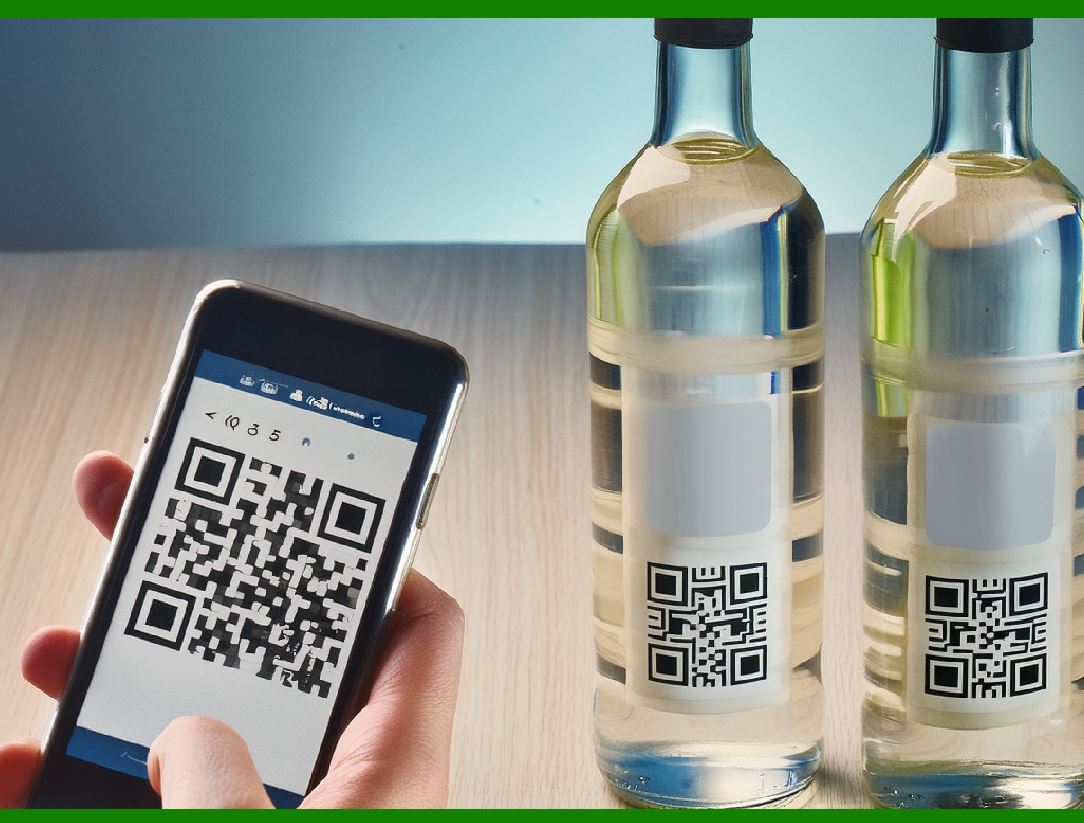
Barcode scanners often operate in challenging environments with factors such as fluctuating temperatures, humidity, or bright lighting conditions. As a result, manufacturers provide settings to help the scanner function optimally in these conditions. |
Key considerations for environmental settings: |
Temperature Sensitivity: Some barcode scanners have a built-in temperature range, and operating outside this range may affect performance. Users can adjust settings for temperature compensation, ensuring that the scanner performs well in extreme conditions. |
Lighting Adjustments: In environments with harsh lighting conditions, such as warehouses with bright overhead lights or outdoor scanning under the sun, users may need to adjust the scanner's settings to compensate for glare or reflection, enabling accurate barcode reading. |
Dust and Moisture Resistance: Scanners designed for industrial or outdoor use may have additional settings that help protect against dust and moisture. These settings can adjust the sensor's sensitivity to prevent false readings caused by environmental contaminants. |
|
8. Conclusion: Importance of Proper Configuration |
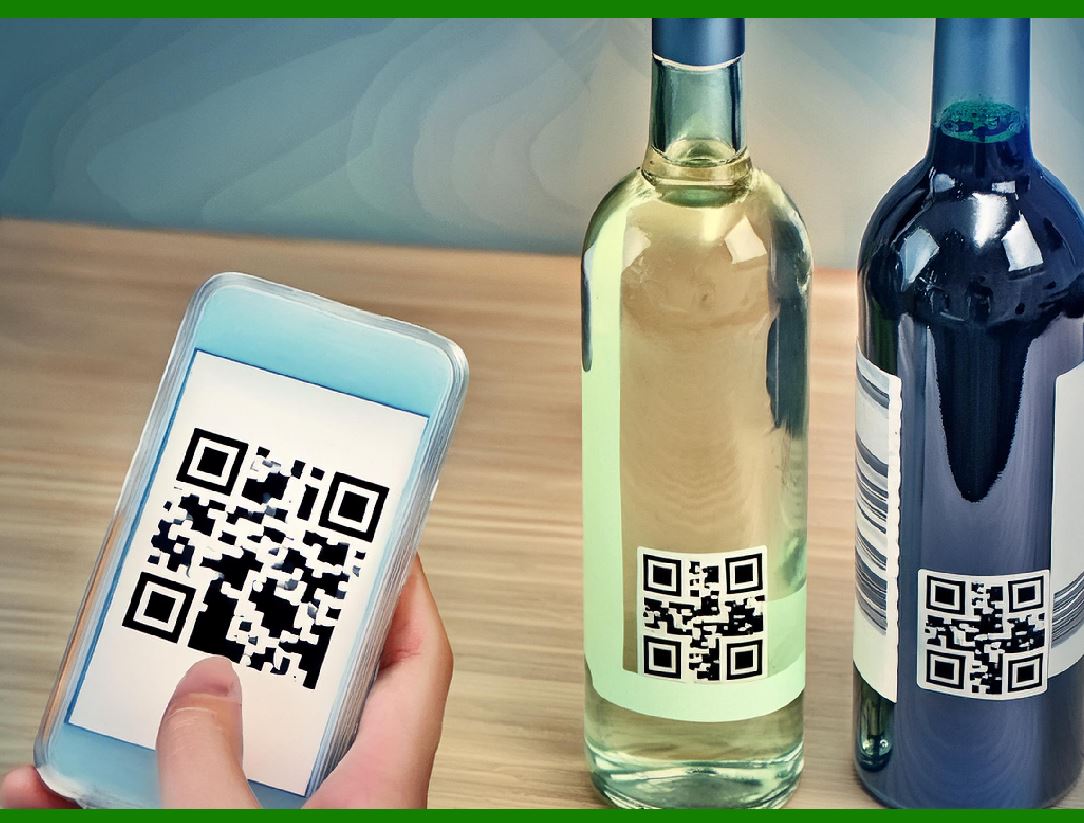
In conclusion, the settings on a barcode scanner are crucial to ensuring accurate and efficient barcode scanning. By adjusting scan frequency, contrast sensitivity, symbology settings, scan angle, output formatting, and environmental compensation, users can optimize their barcode scanner's performance to meet the specific needs of their industry or environment. |
Failure to configure these settings correctly can lead to misreads, missed scans, or poor scanner performance. Therefore, understanding how to adjust and fine-tune each of these settings is essential for getting the most out of a barcode scanning system, whether it is in a retail store, warehouse, hospital, or any other industry that relies on barcode scanning technology. |
|
Practical Examples of Barcode Scanner Settings and Their Impact |
Understanding barcode scanner settings in theory is one thing, but applying them in real-world situations is crucial to achieving optimal performance. Below are several practical examples illustrating how proper barcode scanner settings can improve efficiency, accuracy, and user experience in various industries. |
1. Retail Environment - High-Volume POS Scanning |
Scenario: |
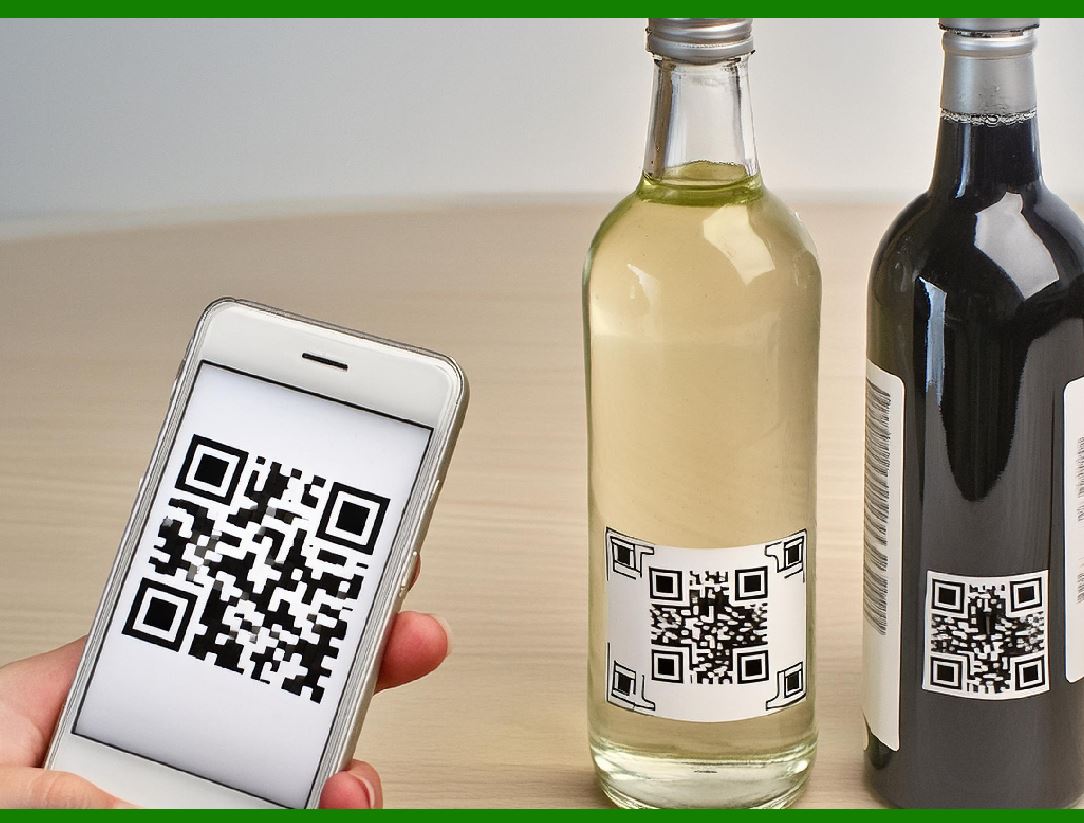
A retail store with a busy point-of-sale (POS) counter requires the use of barcode scanners to quickly and accurately scan a variety of products. These products might include small items with standard UPC codes, as well as larger items with QR codes for promotions or loyalty programs. |
Key Settings and Adjustments: |
Scan Frequency (High-Speed Scanning): |
Retail environments often demand high-speed scanning to process customer transactions quickly. In this scenario, the scanner should be set to a high scan rate, such as 200 scans per second. This ensures that the scanner can read barcodes rapidly even when customers are lined up with multiple items. |
Symbology Settings (Multiple Symbologies): |
The retail store uses a combination of 1D barcodes (UPC, EAN) for regular items and 2D barcodes (QR codes) for promotional materials. The barcode scanner should be set to recognize both symbologies to avoid missed scans, ensuring that it can handle both types of codes. If the scanner is only set to read UPC codes, the cashier may have difficulty scanning QR codes from promotional flyers, leading to customer frustration. |
Contrast Sensitivity (Handling Various Surface Textures): |
Items in the store might have barcodes printed on different surfaces, from glossy packaging to matte labels. The scanner should be configured with moderate contrast sensitivity. If set too high, it might struggle to detect barcodes on matte surfaces; if set too low, it might not detect the barcode on shiny, reflective surfaces like those found on certain cosmetics packaging. A balanced setting ensures that the scanner performs well under different lighting and surface conditions. |
Outcome: |
With the proper scan frequency, symbology recognition, and contrast sensitivity settings, the barcode scanner helps cashiers process transactions quickly, reducing wait times and preventing errors in barcode scanning. |
|
2. Warehouse Environment - Large-Scale Inventory Management |
Scenario: |
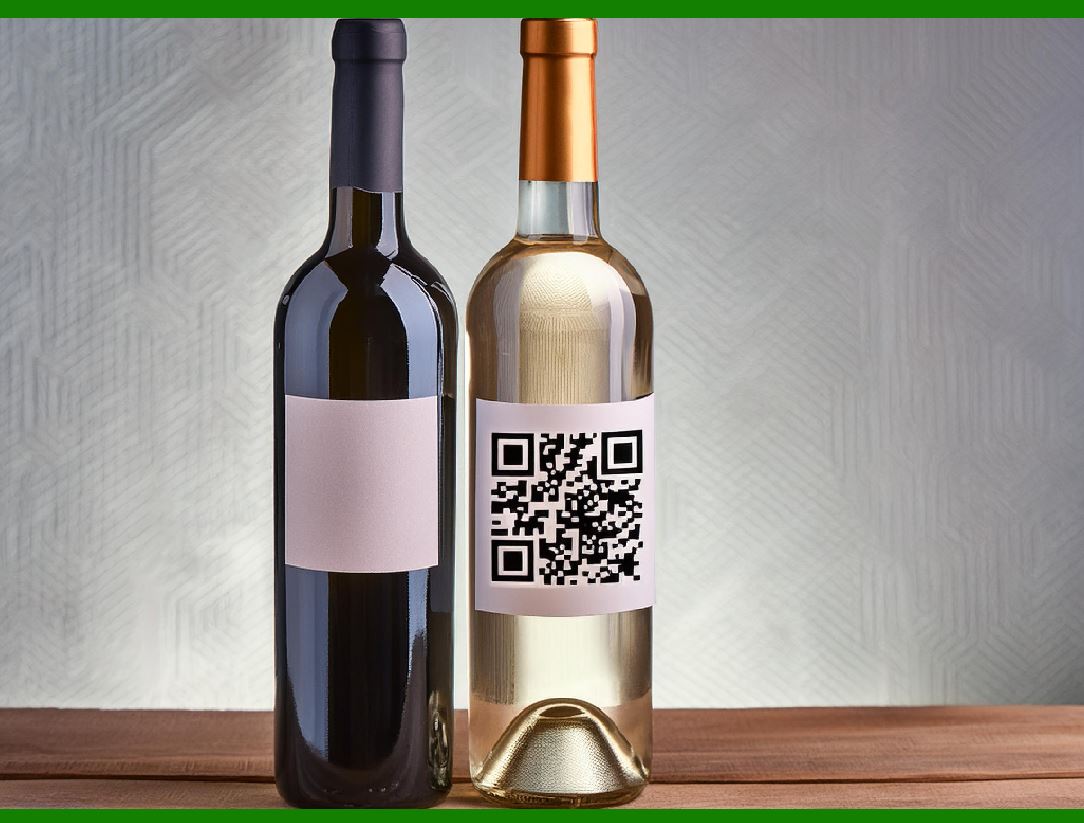
A warehouse needs to track inventory across multiple aisles and shelves. Barcodes are printed on each item and pallet, but these barcodes vary in size and are sometimes placed at varying angles. Warehouse workers need to quickly scan barcodes from distances of several feet and from different angles as they move through the warehouse with a handheld scanner. |
Key Settings and Adjustments: |
Scan Angle and Distance (Long-Range Scanning): |
Since workers are scanning items on shelves that may be several feet away, the scanner should be configured for long-range scanning. A setting that allows scanning from 6-10 feet is ideal for quickly identifying barcodes without needing to be right next to the shelf. Additionally, a wider scan angle will allow the scanner to read barcodes from different orientations, helping workers scan barcodes on items placed at odd angles. |
Contrast Sensitivity (Handling Variability in Barcode Print Quality): |
In a warehouse, barcodes might be exposed to wear and tear, causing some to become faded or damaged. A lower contrast sensitivity setting ensures that the scanner can still detect these barcodes, even if they are not as crisp as when they were originally printed. If the setting were too high, the scanner may struggle to read barcodes that have faded over time. |
Symbology Settings (Multiple Symbologies and Custom Formats): |
The warehouse may be using multiple symbologies: standard 1D barcodes for individual products (Code 128 or UPC) and 2D barcodes (QR codes or Data Matrix) for pallet-level tracking. Additionally, custom symbologies might be used for internal tracking. The scanner should be set to recognize all these symbologies, ensuring seamless scanning of items at both the unit and pallet levels. |
Outcome: |
By configuring the scanner for long-range scanning, multi-angle detection, and a balanced contrast sensitivity, the warehouse can improve efficiency and reduce errors in inventory management. Workers are able to quickly scan items on shelves or pallets, even in challenging environments, without the need for close proximity or manual adjustments. |
|
3. Healthcare Environment - Medical Equipment and Patient Tracking |
Scenario: |
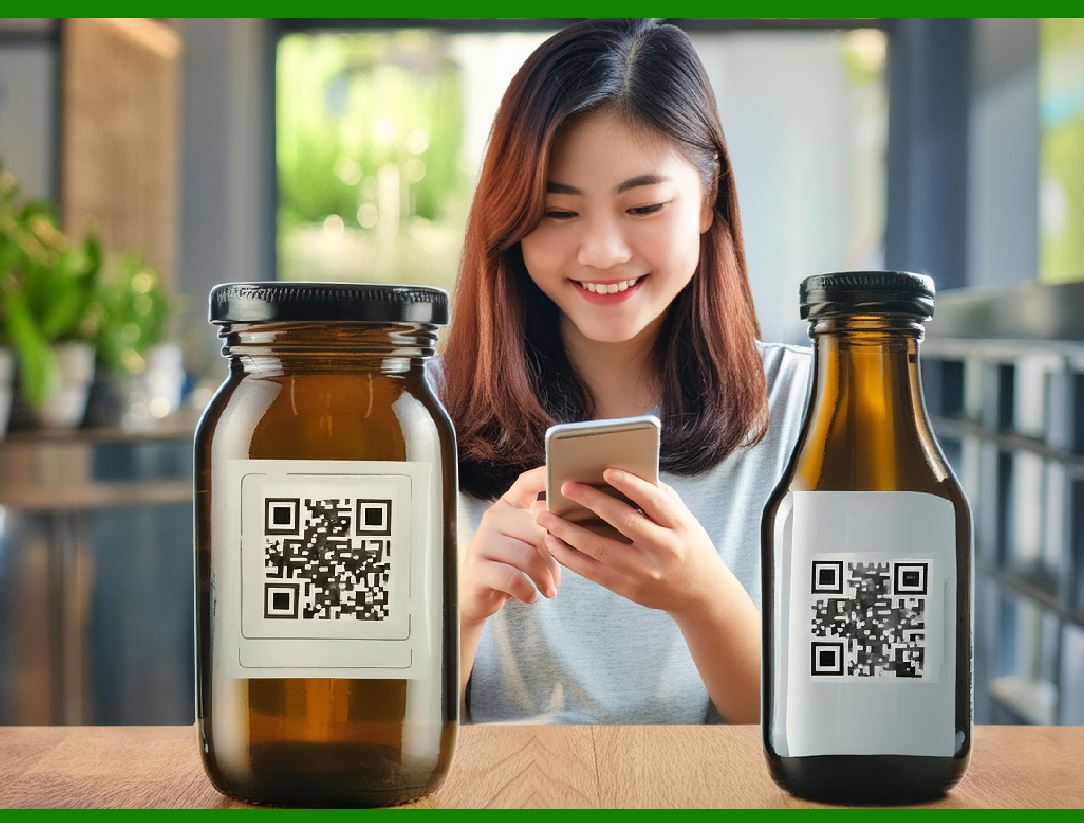
In a hospital or clinic, barcode scanners are used to track patient records, medications, and medical equipment. Barcodes are often attached to patient wristbands, medication containers, and surgical tools. The scanning system needs to be precise, fast, and able to handle a variety of barcode formats. |
Key Settings and Adjustments: |
Symbology Settings (Multiple Barcode Types): |
In healthcare settings, patient wristbands typically use 1D barcodes (e.g., Code 39 or Code 128), while medication containers and equipment might use 2D barcodes (e.g., Data Matrix or QR codes). The scanner must be configured to recognize both types of barcodes. Incorrect symbology settings can lead to missed scans, which could result in medical errors or delays in treatment. |
Contrast Sensitivity (Fading and Low-Contrast Labels): |
Barcodes on patient wristbands and medical equipment can sometimes become smudged or worn out, resulting in low-contrast or faded labels. The scanner should be adjusted for higher contrast sensitivity to read these barcodes, ensuring that even labels that are not printed clearly are still captured accurately. |
Scan Frequency (Optimizing for Frequent and Quick Scans): |
In a hospital, scanning needs to be done quickly and frequently. Medical staff might need to scan barcodes on medication bottles, patient wristbands, and surgical tools in quick succession. The scan rate should be high to prevent any delays in patient care, ensuring that the system reads barcodes efficiently even when multiple items need to be scanned rapidly. |
Output Formatting (Data Integrity and Compatibility): |
The scanner should output data in a format that is compatible with the hospital's electronic health record (EHR) system. This includes removing unnecessary characters (like leading zeros or spaces) and formatting the data correctly for seamless integration into the patient's record. |
Outcome: |
By configuring the scanner to handle multiple barcode types, adjust contrast sensitivity, and provide quick scanning, the hospital can maintain an efficient workflow. This ensures that patient safety is upheld, medications are correctly administered, and equipment is tracked accurately. |
|
4. Manufacturing Environment - Production Line Quality Control |
Scenario: |
In a manufacturing facility, barcode scanners are used to track products along the production line. Each product has a barcode that includes details about its production date, batch number, and quality control status. Workers need to scan barcodes on moving items at various stages of production. |
Key Settings and Adjustments: |
Scan Frequency (High-Speed Scanning for Moving Items): |
In this scenario, the barcode scanner must be able to read barcodes quickly, even as items move along a fast-paced production line. A high scan frequency (e.g., 500 scans per second) ensures that the scanner can read barcodes on fast-moving products without delays or missed scans. |
Scan Angle and Distance (Fixed-Mount Scanning and Wide Coverage): |
A fixed-mount scanner installed at a particular point along the production line needs to be adjusted for the optimal scan angle and distance to capture barcodes on products at various speeds and orientations. A wide scan angle is crucial for ensuring that items moving on the line are always within the scanner's field of view. |
Contrast Sensitivity (Handling Barcode Quality Issues): |
During manufacturing, barcodes may become smeared or slightly misprinted. The scanner should be set with moderate contrast sensitivity to compensate for such imperfections. This ensures that even when barcodes are not printed perfectly, they are still read reliably. Symbology Settings (Consistent Format for Tracking and Quality Control): |
The production line uses a consistent barcode format, likely Code 128, to track the products. The scanner should be configured to read this specific symbology to prevent errors when scanning barcodes on items passing through different stages of production. |
Outcome: |
With the proper configuration, including fast scan rates, appropriate scan distance, and angle, the scanner can reliably capture barcode data on moving products, ensuring that each item is tracked correctly. This helps maintain production line efficiency and ensures that quality control processes are followed without delay. |
|
5. Outdoor Environment - Logistics and Shipping |
Scenario: |
A logistics company uses barcode scanners to track parcels in a large outdoor yard. Barcodes are printed on shipping labels, which may be exposed to the elements (rain, dirt, or direct sunlight). Workers need to scan barcodes from varying distances and angles as parcels are loaded onto trucks. |
Key Settings and Adjustments: |
Contrast Sensitivity (Handling Outdoor Conditions): |
Exposure to direct sunlight can cause glare or reflections on barcode labels, making them harder to scan. The scanner should be set with high contrast sensitivity to account for these environmental factors, ensuring that barcodes are still readable in bright conditions. |
Scan Angle and Distance (Long-Range Scanning in Open Yard): |
Workers in a logistics yard need to scan barcodes on parcels that are sometimes stacked or placed at varying heights. A long-range scanner capable of reading barcodes from 6 to 15 feet away is essential. Additionally, the scanner should have an adjustable scan angle to handle barcodes placed at different orientations. |
Environmental Compensation (Dust and Moisture Resistance): |
Since the logistics yard is exposed to the elements, the scanner should be configured to handle adverse environmental conditions, such as dust or moisture. The scanner's settings should account for these factors to ensure reliable operation. |
Outcome: |
By adjusting for outdoor environmental factors, such as sunlight and moisture, and configuring the scanner for long-range and multi-angle scanning, the logistics company can maintain efficiency and ensure accurate tracking of parcels in all conditions. |
|
Conclusion: |
These examples demonstrate the importance of adjusting barcode scanner settings to meet specific environmental conditions and operational requirements. Whether it's optimizing scan frequency for high-speed transactions, adjusting sensitivity for worn or faded barcodes, or configuring symbology settings to ensure compatibility with multiple formats, the right settings ensure that barcode scanners perform at their best, improving efficiency, reducing errors, and enhancing overall productivity. |
 cs@easiersoft.com