Understanding Industry-Specific Barcode Scanning Requirements | Barcode scanning technology is critical across various industries, each of which has distinct needs and demands. Understanding these requirements is essential for selecting the right scanning equipment and ensuring operational efficiency. This detailed description will explore how different industries utilize barcode scanners and the specific features they require. | 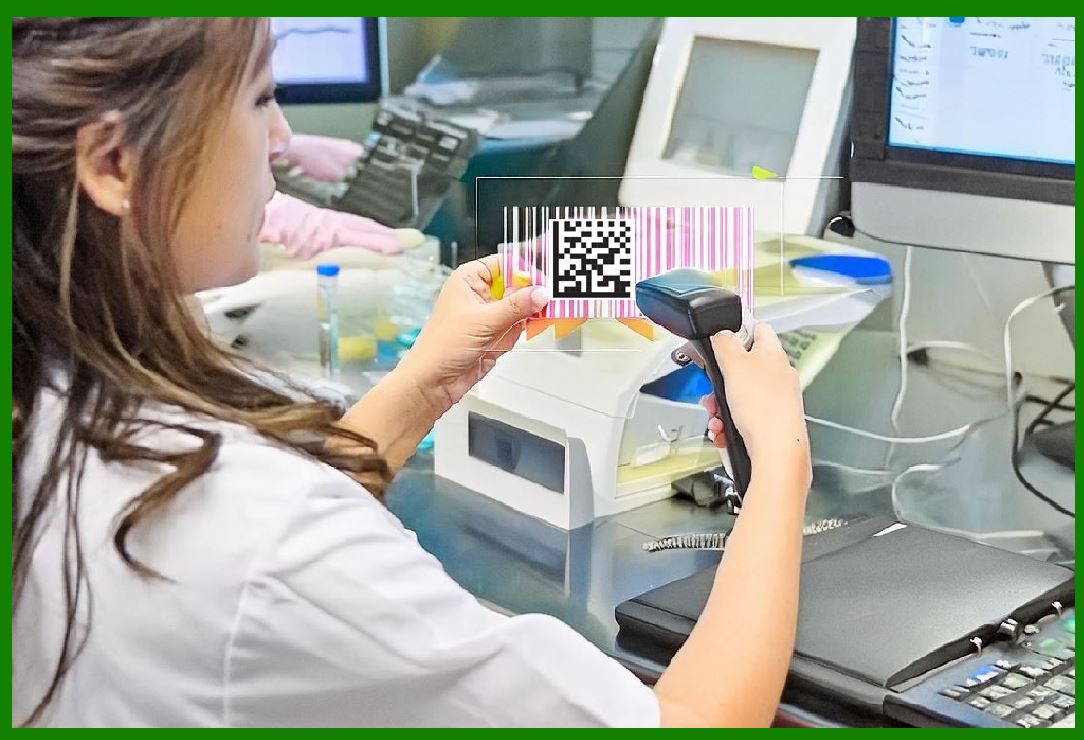
| 1. Retail Industry | The retail industry is characterized by high transaction volumes and a need for rapid processing to keep checkout lines moving efficiently. Here's a breakdown of the key scanning requirements and features for retail environments: | 1.High-Speed Scanning: Retail environments require barcode scanners that can quickly read barcodes to process transactions efficiently. High-speed scanning minimizes checkout delays and improves customer satisfaction. 2.Omnidirectional Scanning: To accommodate a wide range of product orientations, omnidirectional scanners are essential. These scanners can read barcodes from any angle, making them ideal for busy checkout counters where products may be positioned haphazardly. 3.Durability and Ergonomics: While retail scanners need to be fast, they should also be durable and comfortable for cashier use. Handheld scanners should be lightweight and ergonomically designed to prevent fatigue during prolonged use. 4.Connectivity Options: Retail environments often use integrated systems that include point-of-sale (POS) terminals. Scanners must support various connectivity options, such as USB, Bluetooth, or serial connections, to seamlessly integrate with existing POS systems. 5.Price and Inventory Management: Scanners in retail are also used for inventory management and price checks. They should be capable of handling a variety of barcode formats and should integrate with inventory management systems to update stock levels in real-time. 6.Integration with Loyalty Programs: Many retail operations use barcode scanning to manage loyalty programs and promotions. Scanners should be able to read promotional codes and integrate with CRM systems to provide discounts and track customer purchases. | 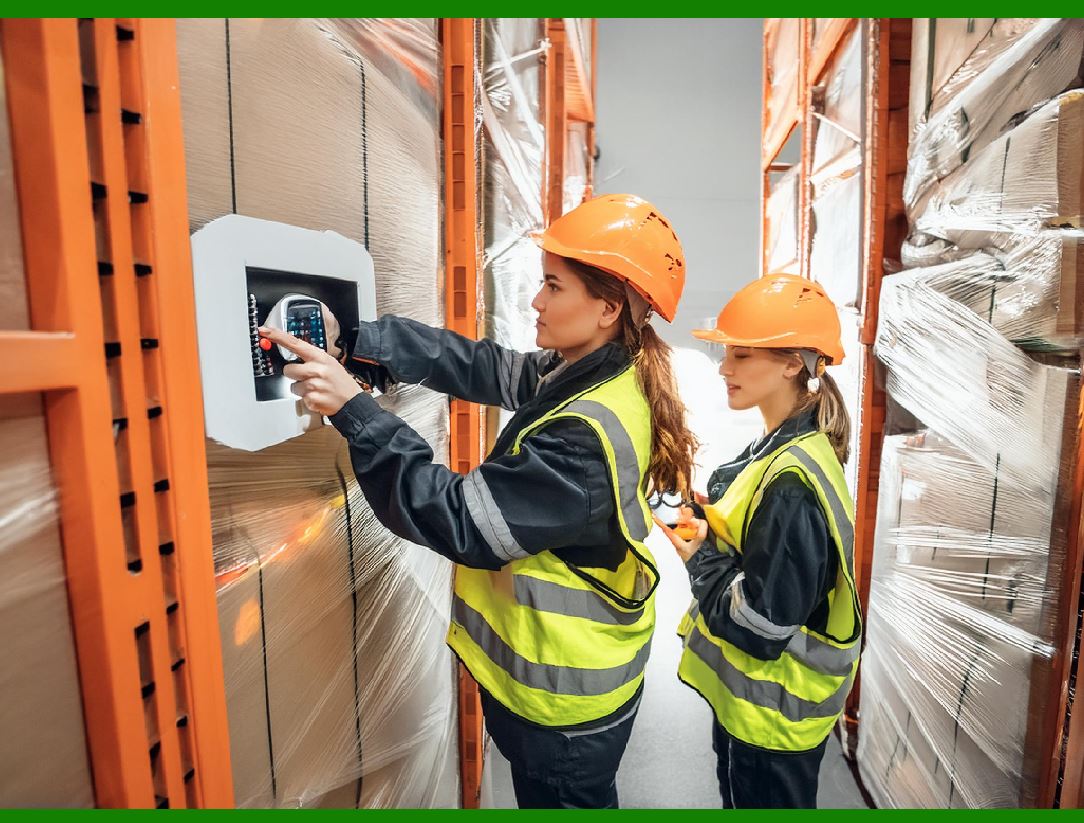
| 2. Logistics and Warehousing | Logistics and warehousing environments involve the movement of goods across supply chains and require barcode scanning solutions that address specific challenges: | 1.Ruggedness and Durability: Scanners used in logistics must be rugged to withstand harsh conditions such as drops, vibrations, and exposure to dust and moisture. Handheld scanners with rugged designs and industrial-grade housings are essential. 2.Long-Range Scanning: In large warehouses, scanners often need to read barcodes from a distance. Long-range scanners or imaging scanners with extended depth-of-field are crucial for scanning barcodes on high or deep storage racks. 3.Wireless Connectivity: Mobility is crucial in warehouses, where workers frequently move between locations. Wireless scanners that use Bluetooth or Wi-Fi reduce the need for cables and allow for more flexible operations. 4.Battery Life: Given the extended use and mobility in warehousing environments, scanners should have long-lasting batteries to ensure they remain operational throughout the shift without frequent recharging. 5.Compatibility with Warehouse Management Systems (WMS): Scanners need to integrate seamlessly with WMS software to facilitate real-time data updates, inventory tracking, and order processing. Compatibility with various WMS solutions is essential for efficient warehouse operations. 6.Support for Multiple Barcode Formats: Logistics often involves handling various types of barcodes, including 1D and 2D formats. Scanners should be versatile enough to read different barcode types used in logistics and shipping. | 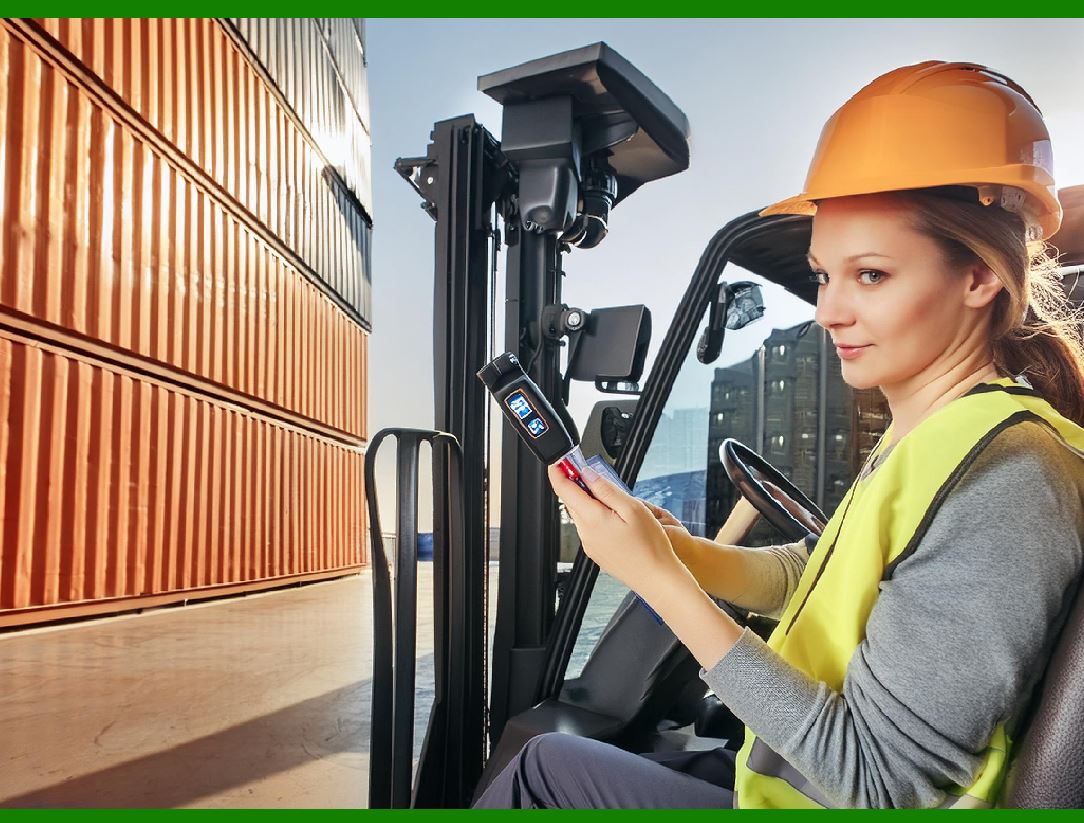
| 3. Healthcare Industry | In the healthcare sector, barcode scanning is critical for ensuring patient safety, accuracy in medication administration, and efficient management of medical supplies: | 1.Accuracy and Reliability: Scanners must be highly accurate to prevent errors in patient identification and medication administration. Reliability is paramount, as any failure could impact patient safety. 2.Hygiene and Sterilization: Healthcare environments require scanners to be easy to clean and disinfect. Scanners used in these settings should have smooth, non-porous surfaces and be designed to withstand regular cleaning with disinfectants. 3.Integration with Electronic Health Records (EHR): Scanners must integrate with EHR systems to ensure accurate patient records and medication administration. This integration helps in maintaining comprehensive and up-to-date patient information. 4.Compact and Portable Design: Scanners in healthcare settings often need to be compact and portable to fit into tight spaces and be easily carried by healthcare professionals. Handheld scanners should be lightweight and ergonomically designed for comfortable use. 5.High-Contrast and Low-Light Readability: In some healthcare environments, barcodes may be printed on labels with varying contrasts or in low-light conditions. Scanners should be capable of reading barcodes under these challenging conditions. 6.Compliance with Healthcare Standards: Scanners used in healthcare must comply with relevant industry standards and regulations, such as those set by the FDA or similar regulatory bodies. Compliance ensures that the devices meet safety and performance criteria specific to healthcare. | 
| 4. Manufacturing | In manufacturing, barcode scanning supports various processes, including inventory management, quality control, and production tracking. The requirements include: | 1.Durability and Performance: Manufacturing environments are often harsh, with exposure to dust, dirt, and extreme temperatures. Scanners must be rugged and capable of operating reliably in these conditions. 2.Speed and Accuracy: Fast and accurate scanning is essential for keeping production lines running smoothly and minimizing downtime. High-performance scanners ensure that items are quickly and accurately tracked through the manufacturing process. 3.Integration with Manufacturing Execution Systems (MES): Scanners should integrate with MES software to provide real-time data on production progress, track defects, and manage inventory levels. This integration supports efficient manufacturing operations and quality control. 4.Support for Various Barcode Types: Manufacturing processes may involve multiple barcode types, including 1D and 2D codes. Scanners must be capable of reading diverse barcode formats used for different applications within the manufacturing process. 5.Rugged Design for Industrial Use: Scanners should be built to withstand the rigors of industrial environments, including vibrations, drops, and exposure to chemicals. Rugged designs help ensure long-term reliability and performance. 6.Ergonomics for Operators: Manufacturing workers may use scanners for extended periods. Ergonomic designs that reduce strain and fatigue are important for maintaining productivity and worker comfort. | 
| 5. Transportation and Logistics | Transportation and logistics require barcode scanning to manage cargo, shipments, and tracking across various modes of transport. Key requirements include: | 1.High-Performance Scanning: Scanners must be able to quickly and accurately read barcodes on moving items and from a distance, especially in high-volume environments such as sorting facilities and cargo terminals. 2.Durability and Shock Resistance: Equipment used in transportation must be durable and shock-resistant to handle the physical demands of handling and shipping. Scanners should be able to withstand impacts and environmental factors like temperature extremes. 3.Versatility in Barcode Reading: Transportation and logistics involve various types of barcodes, including labels on packages, pallets, and shipping documents. Scanners must be versatile and capable of reading different barcode formats. 4.Real-Time Data Integration: Scanners should integrate with tracking systems and databases to provide real-time updates on shipment status, location, and inventory levels. This integration is crucial for efficient logistics management. 5.Wireless Communication: Wireless scanners reduce the need for cables and facilitate easier handling of goods. Bluetooth or Wi-Fi connectivity helps streamline operations and allows for greater mobility within transportation and logistics environments. 6.Enhanced Connectivity with Shipping Systems: Scanners must be compatible with shipping and tracking systems to ensure accurate data entry and processing. Integration with these systems supports efficient management of shipments and delivery processes. | 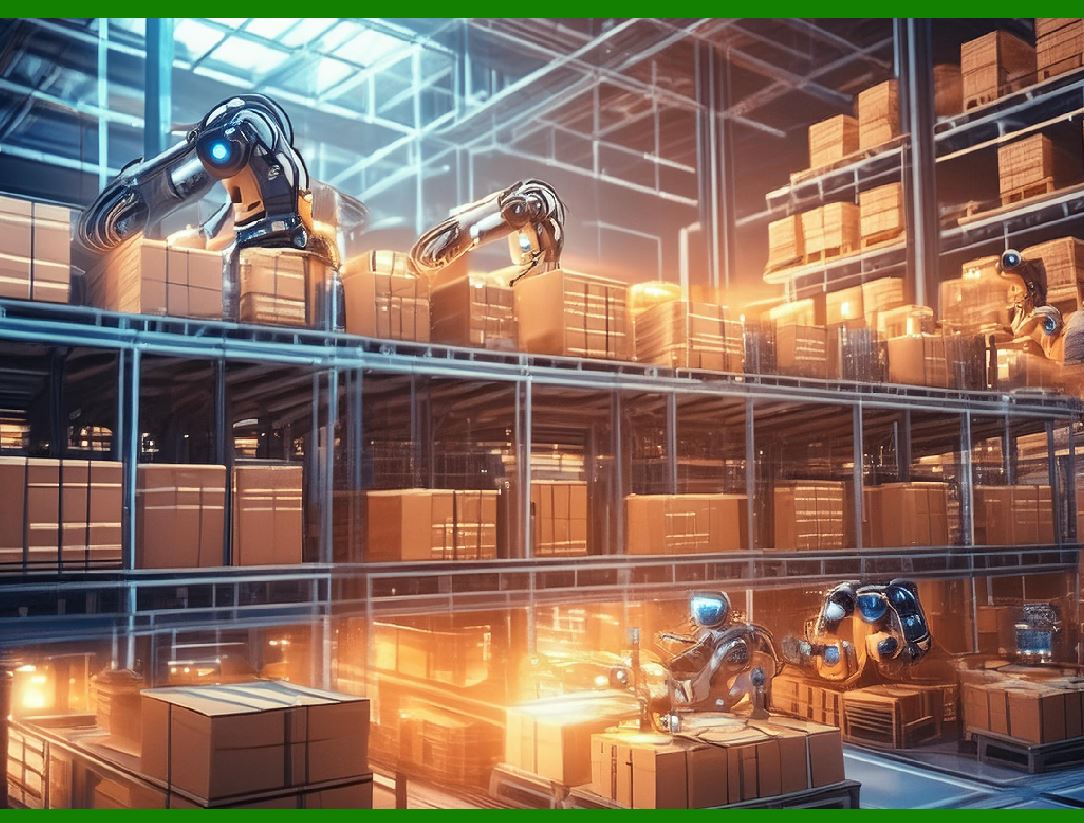
| 6. Education and Library Management | In educational institutions and libraries, barcode scanning is used for cataloging, inventory management, and student tracking. The specific needs include: | 1.Ease of Use: Scanners should be user-friendly to accommodate staff and students who may have varying levels of technical expertise. Intuitive interfaces and simple operations are important for widespread adoption. 2.Accuracy in Cataloging: Accurate scanning is crucial for cataloging books, educational materials, and resources. Scanners must ensure precise data capture to maintain accurate records and facilitate efficient management. 3.Durability for Frequent Use: In busy libraries and educational settings, scanners are used frequently. Devices should be durable and able to withstand frequent handling and potential rough use. 4.Integration with Library Management Systems (LMS): Scanners must integrate with LMS software to manage book checkouts, returns, and inventory tracking. Seamless integration supports efficient library operations and enhances user experience. 5.Compact and Lightweight Design: For ease of handling and portability, scanners should be compact and lightweight. This is particularly important for handheld devices used by library staff and students. 6.Support for Various Barcode Formats: Educational and library systems may use different barcode formats, including those for books, student ID cards, and other resources. Scanners need to support multiple barcode types to accommodate diverse needs. | 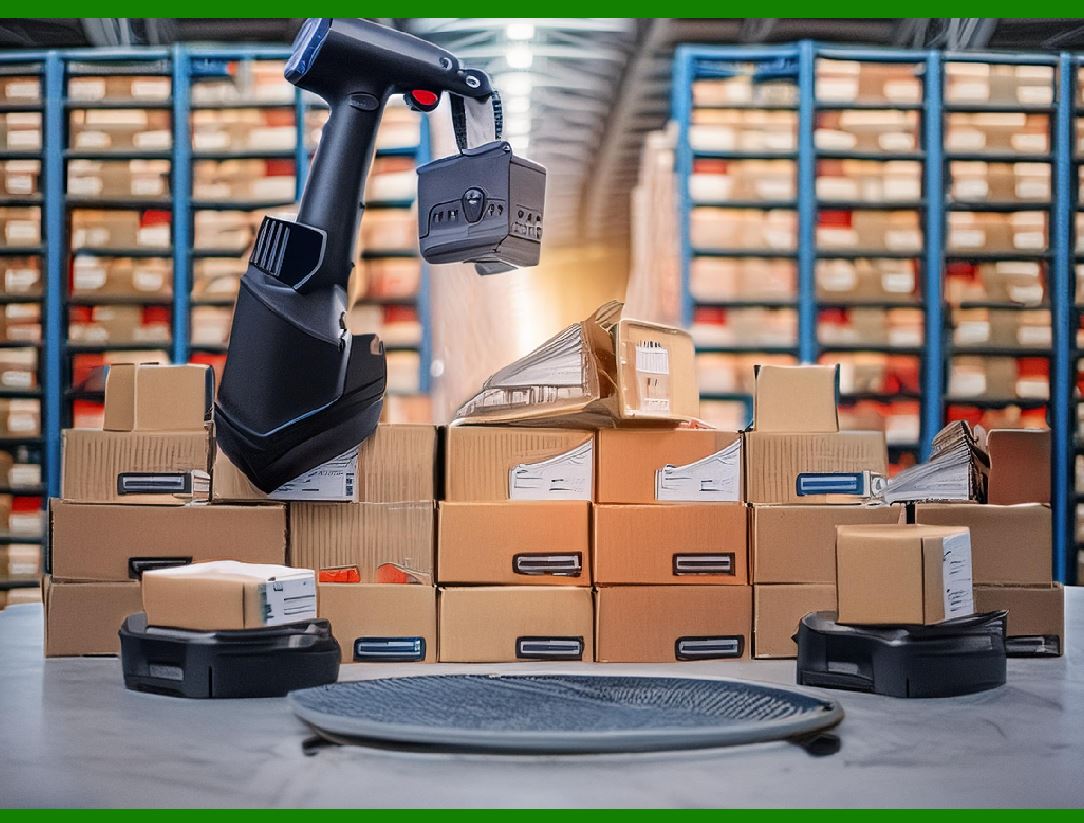
| Conclusion | In summary, the requirements for barcode scanning technology vary significantly across different industries. Retail environments demand high-speed, omnidirectional scanners with robust connectivity and integration features. Logistics and warehousing require rugged, long-range, and wireless scanners that can handle diverse barcode formats. Healthcare settings prioritize accuracy, hygiene, and integration with electronic health records. Manufacturing environments need durable, high-performance scanners with integration capabilities for manufacturing execution systems. Transportation and logistics benefit from high-performance, versatile scanners with real-time data integration and wireless communication. Educational institutions and libraries require user-friendly, durable, and compact scanners that integrate with library management systems. | Understanding these industry-specific requirements is essential for selecting the appropriate barcode scanning technology, ensuring operational efficiency, and meeting the unique needs of each sector. | 
|
|
 cs@easiersoft.com