Detailed description of barcode scanner |
1. Basic concept and working principle of barcode scanner |
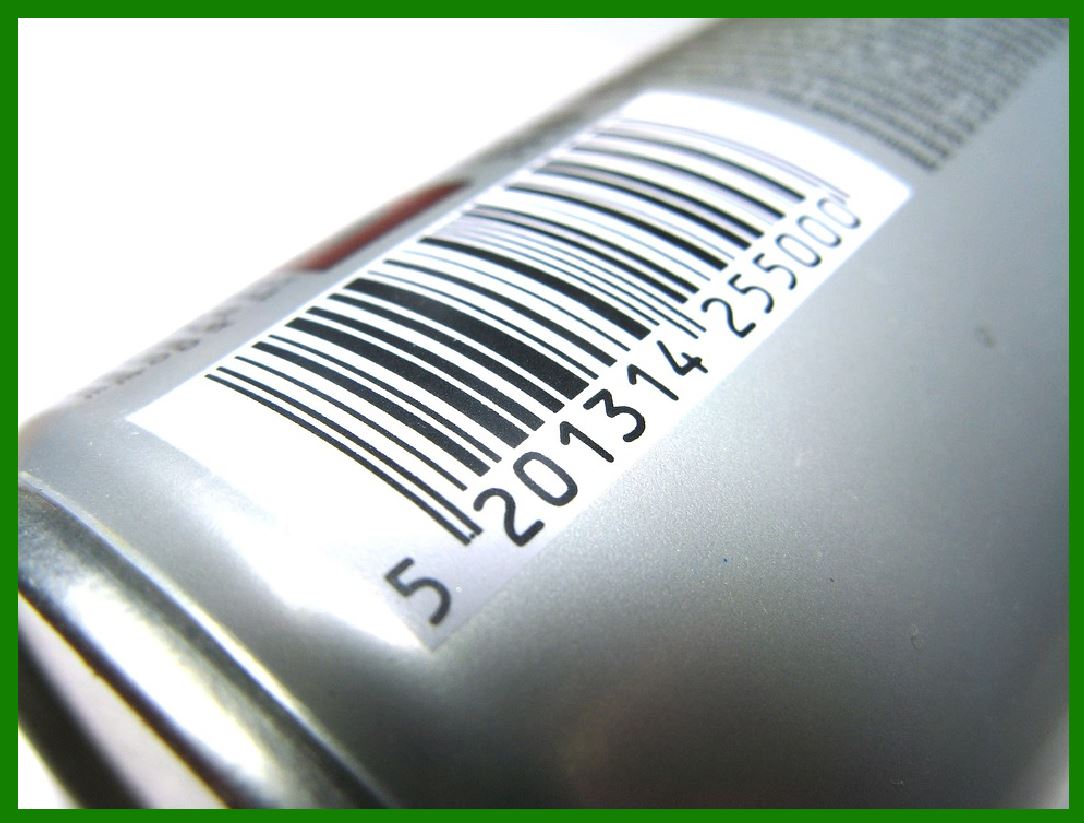
A barcode scanner is an electronic device used to read barcode information. It converts the black and white stripe pattern in the barcode into digital or character information that can be recognized by the computer through optical sensing technology. This device plays a vital role in modern business, logistics, inventory management and retail. |
1.1 Basic working principle |
The working principle of the barcode scanner is based on photoelectric conversion technology. When the scanner illuminates the barcode, the black stripes absorb light and the white stripes reflect light. The photoelectric sensor inside the scanner detects the changes in the intensity of these reflected lights and converts them into electrical signals. These electrical signals are then processed by the decoder and converted into corresponding digital or character information. |
1.2 Workflow decomposition |
Light source emission: The scanner emits a beam of light (usually laser or LED light) to illuminate the surface of the barcode. |
Light reflection: The white part of the barcode reflects most of the light, and the black part absorbs most of the light. |
Signal reception: The photoelectric sensor of the scanner receives the reflected light and converts it into an analog electrical signal. |
Signal conversion: The analog signal is converted into a digital signal. |
Decoding: The built-in or external decoder interprets the digital signal into the actual information represented by the barcode. |
Data transmission: The decoded information is transmitted to the connected computer or POS system via wired or wireless means. |
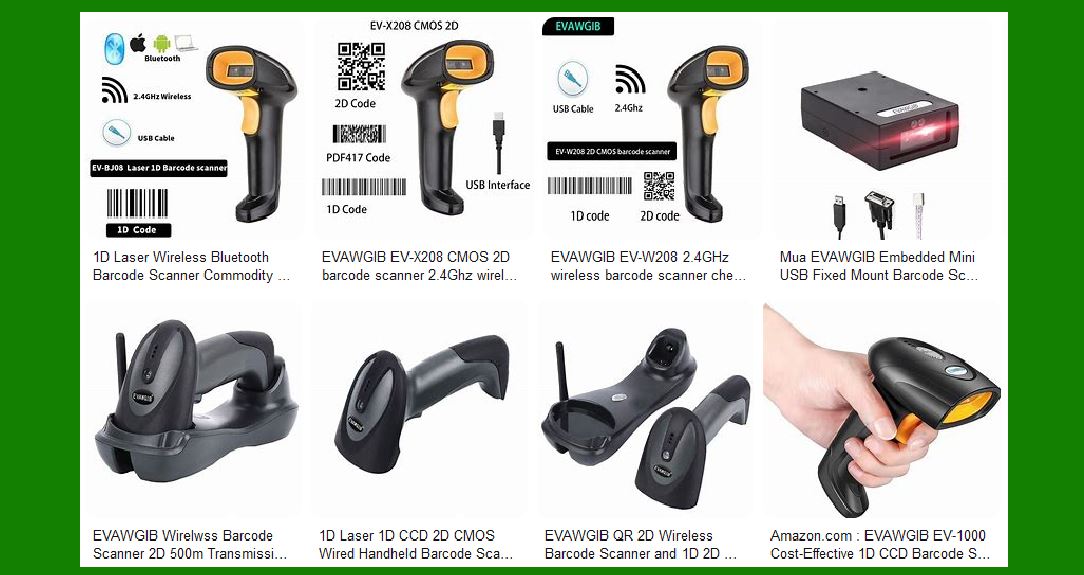
|
2. Main types of barcode scanners |
Depending on the technical principles and usage methods, barcode scanners can be divided into many types, each with its specific application scenarios and advantages and disadvantages. |
2.1 Classification by technical principles |
2.1.1 Laser scanners |
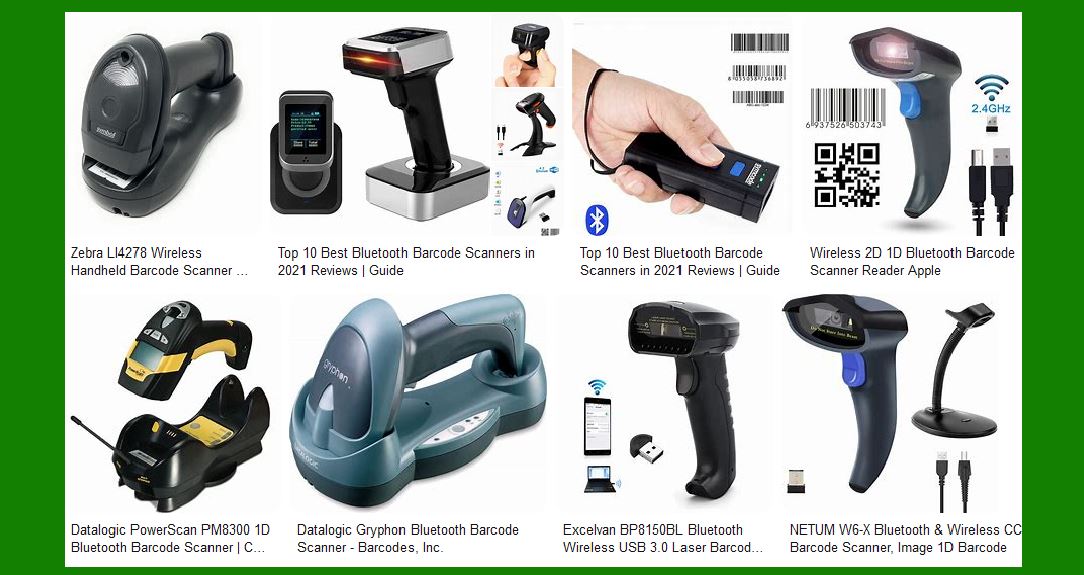
Laser scanners use laser diodes as light sources and use rotating or oscillating mirrors to quickly scan the laser beam on the barcode. This type of scanner has the characteristics of long scanning distance (up to several meters) and high accuracy, and is particularly suitable for retail and warehousing environments. |
2.1.2 CCD scanners (charge-coupled device scanners) |
CCD scanners use a row of tiny light sensors to detect the reflected light of the barcode. It requires close contact with the barcode (usually 1-3 cm), but has a simple structure, is durable and has a low cost, making it suitable for office and light industrial applications. |
2.1.3 Linear Imaging Scanners |
These scanners use camera technology to capture a one-dimensional image of the barcode, which is then decoded through digital processing. They are more tolerant of barcode quality and angle than CCD scanners. |
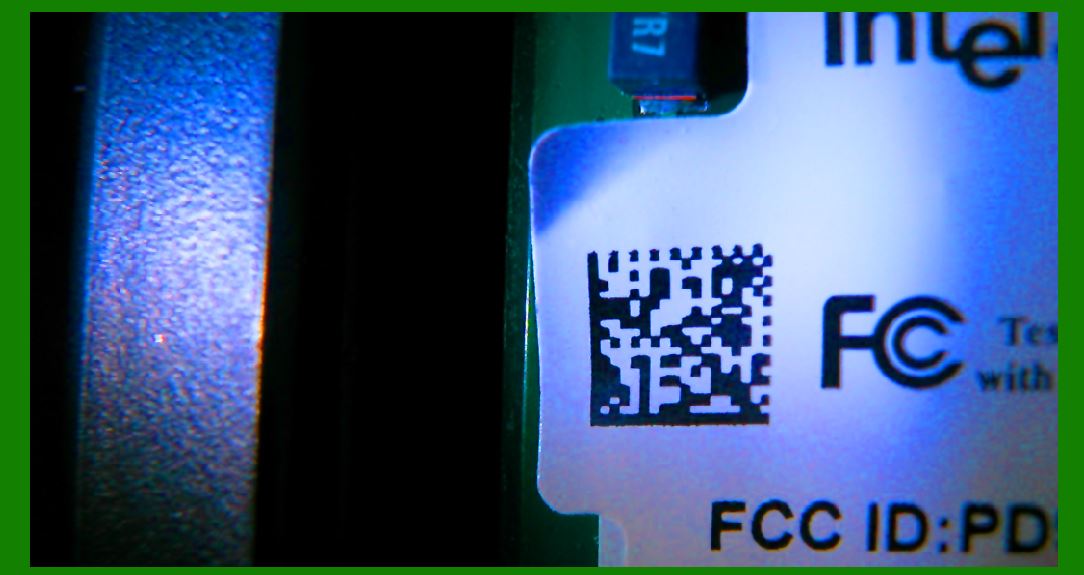
2.1.4 2D Imaging Scanners |
2D imaging scanners can read both one-dimensional barcodes and two-dimensional codes (such as QR codes). They use an area array image sensor to capture an image of the entire barcode, which is then decoded through complex image processing algorithms. This type of scanner has the lowest requirements for the orientation and position of the barcode and is the most flexible in application. |
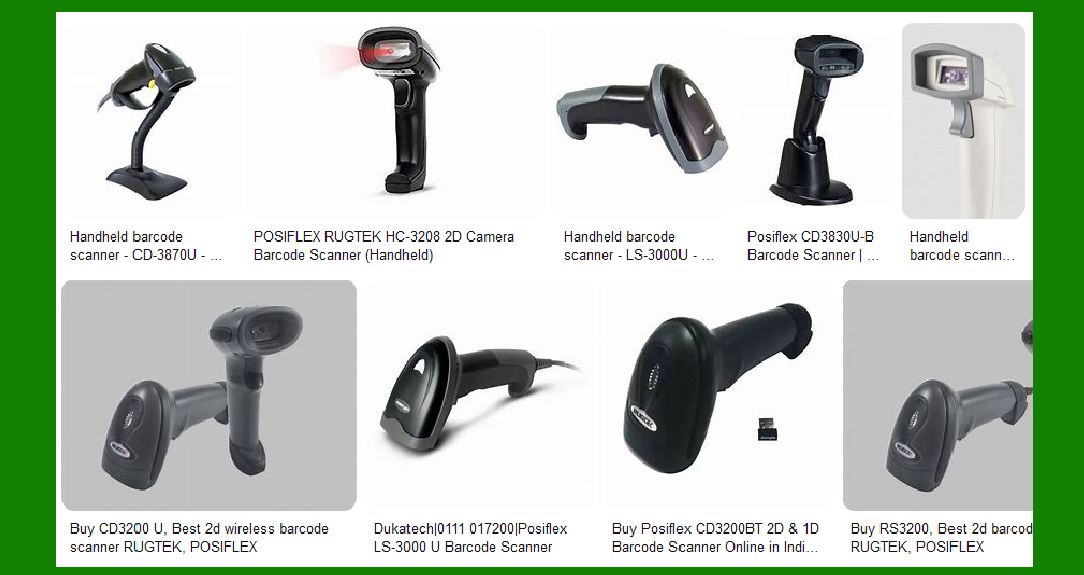
|
2.2 Classification by usage |
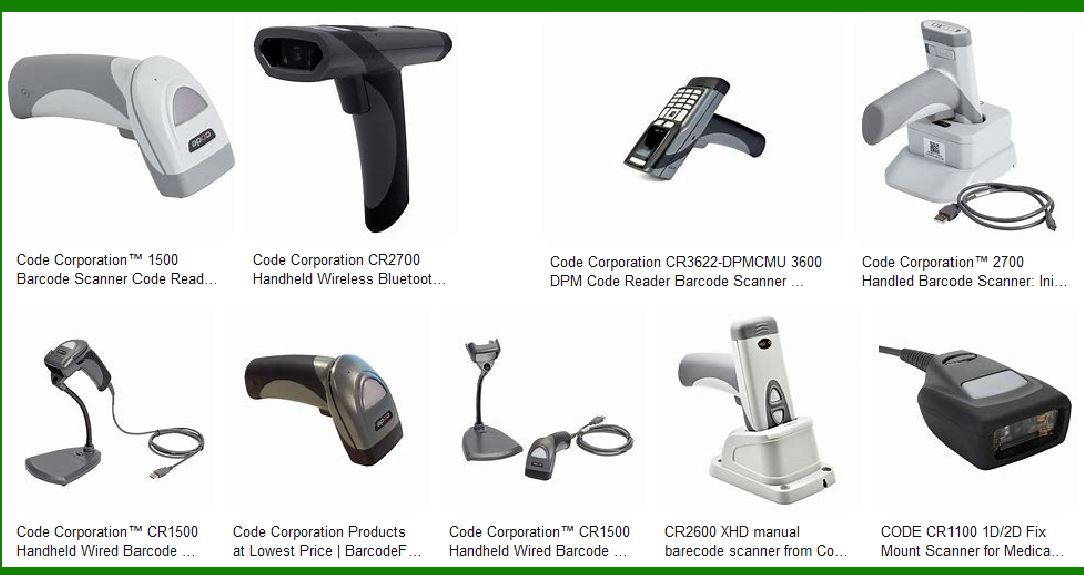
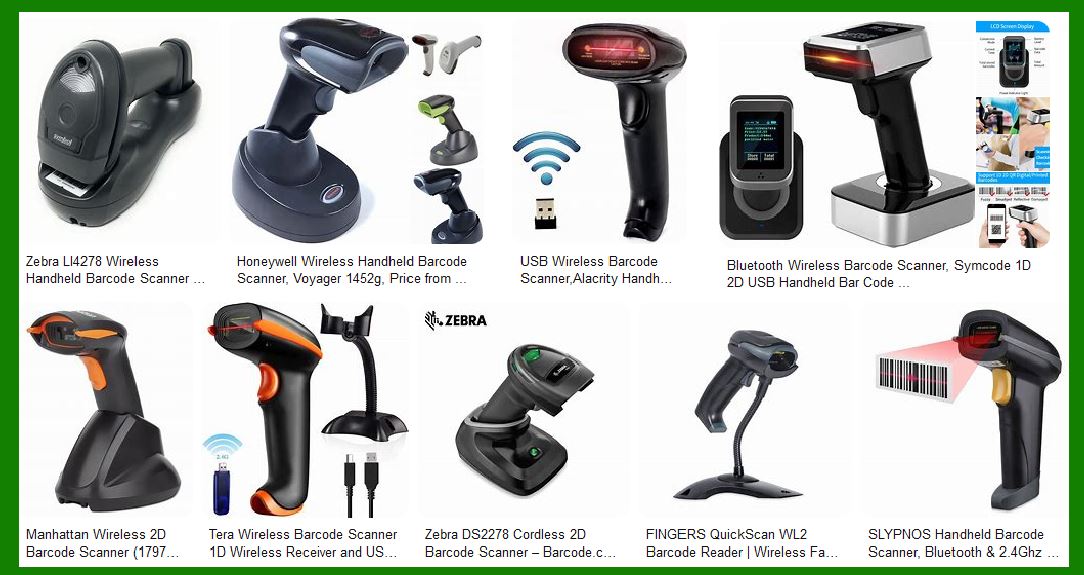
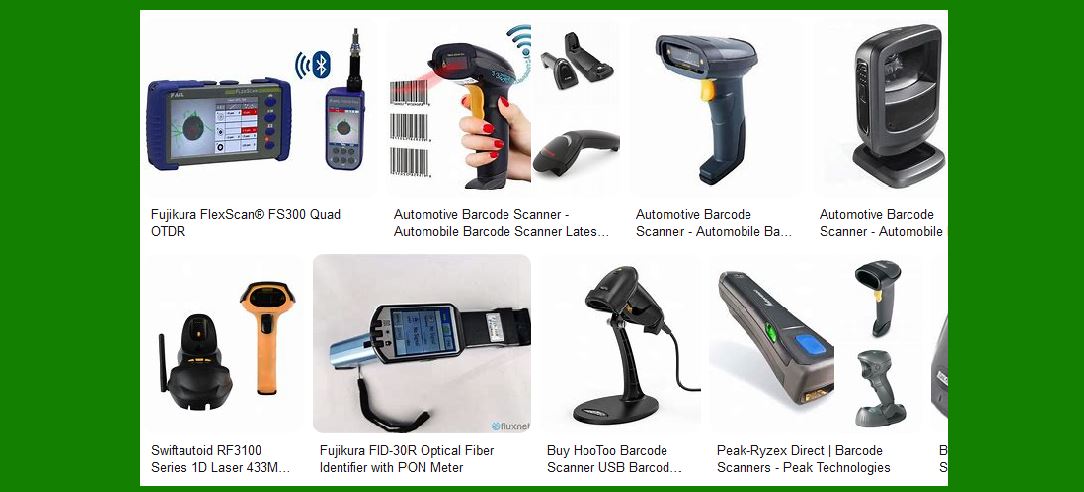
2.2.1 Handheld Scanners |
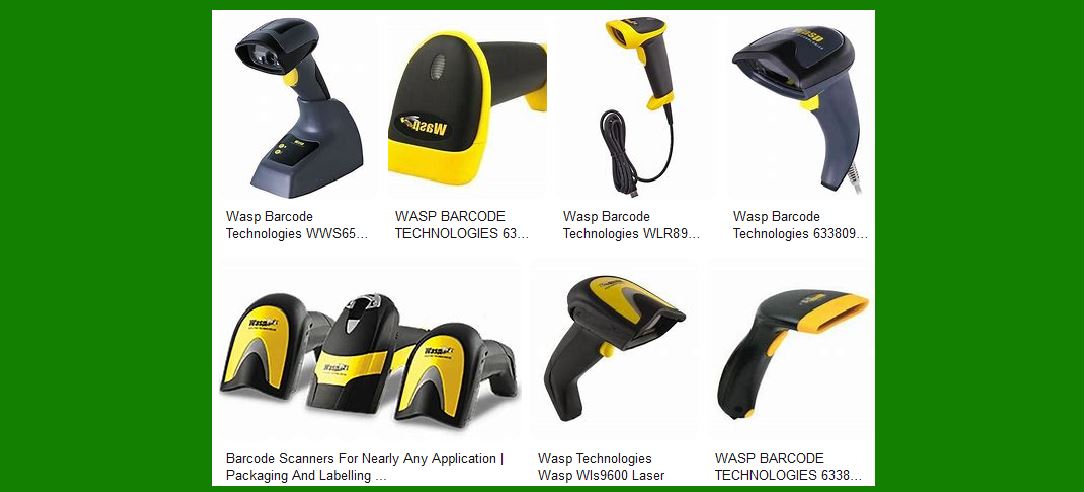
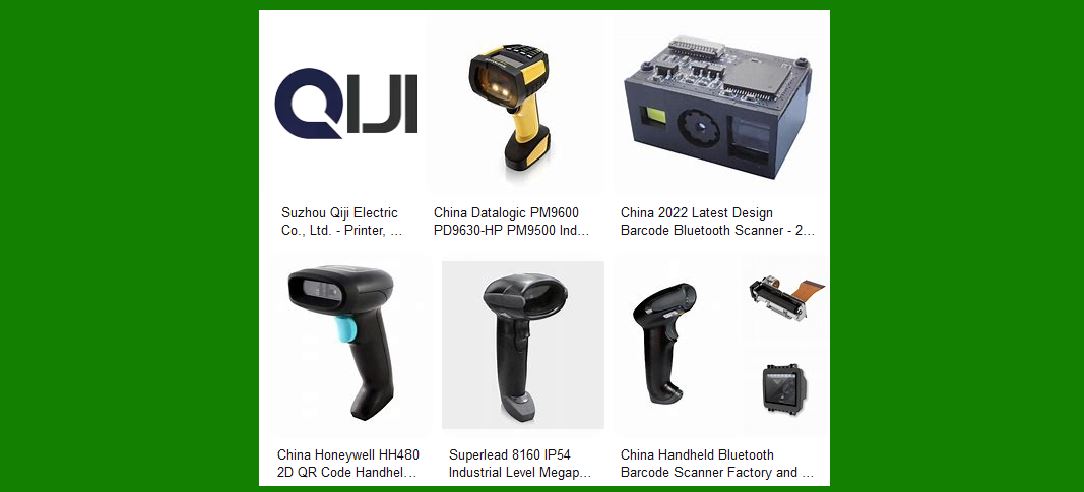
The most common type, which requires the operator to hold the device and aim it at the barcode to scan. Suitable for a variety of retail, warehousing and industrial environments. |
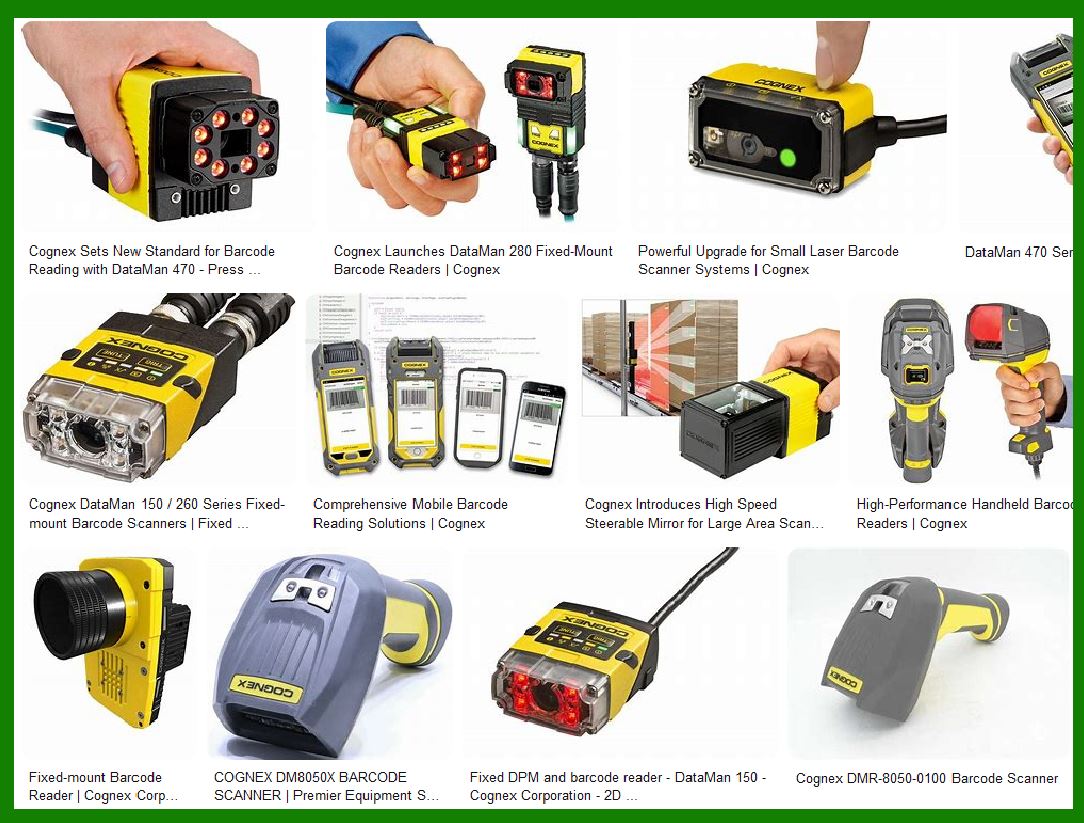
2.2.2 Fixed Scanners |
Mounted in a fixed position, it automatically reads items with barcodes as they pass through its scanning area. Commonly used in production lines, logistics sorting systems and supermarket checkout counters. |
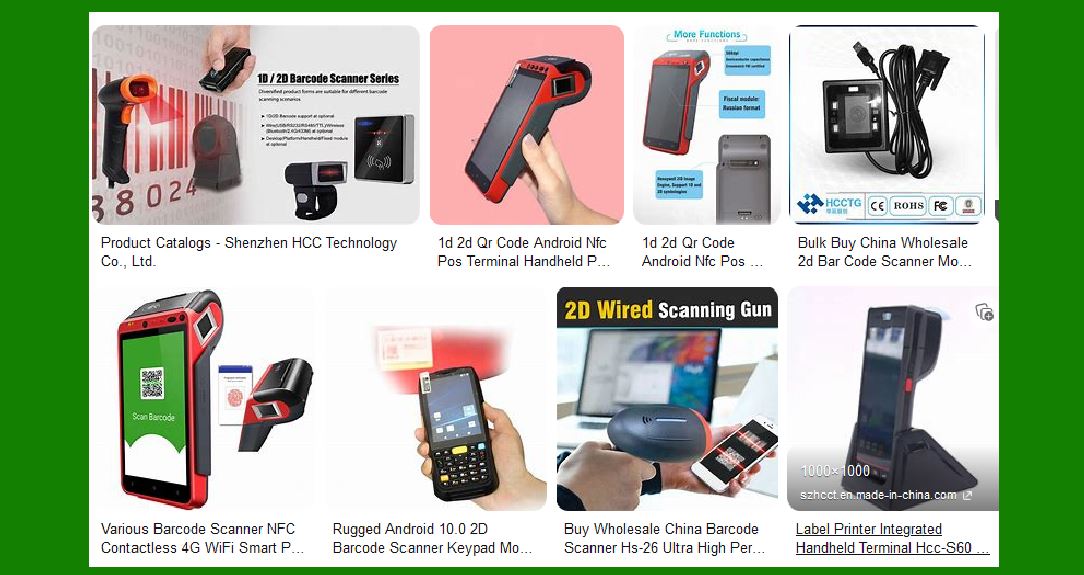
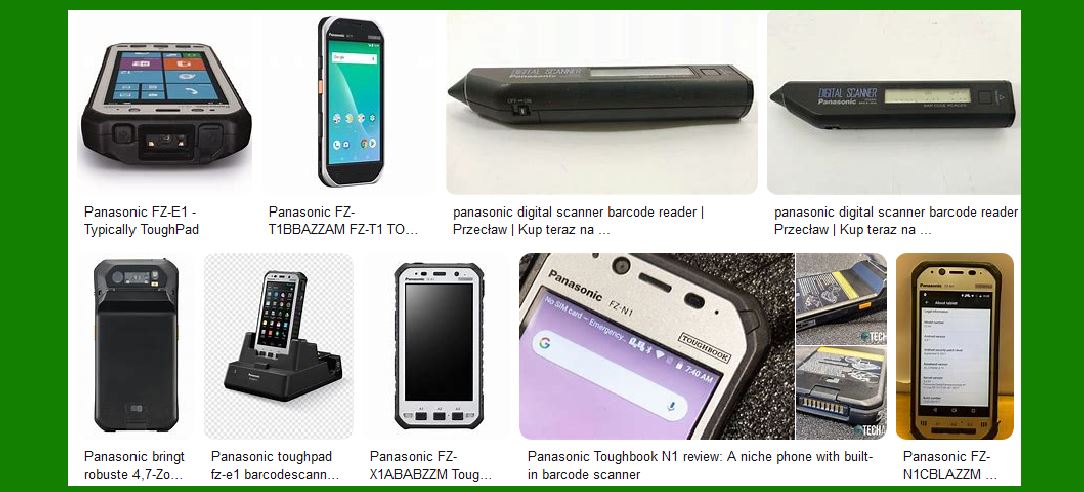
2.2.3 Portable Data Terminal |
Combines scanning function and mobile computing power, with display and keyboard, can directly process scanned data. Widely used in inventory management and field service. |
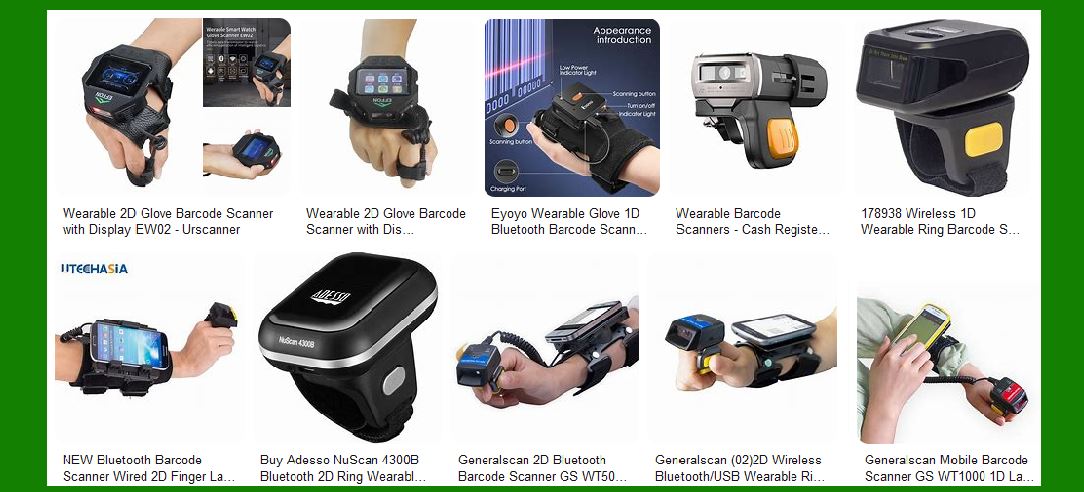
2.2.4 Wearable Scanner |
Can be worn on fingers or wrists, freeing hands while realizing scanning function. Suitable for work scenes such as warehouse picking that require frequent use of hands. |
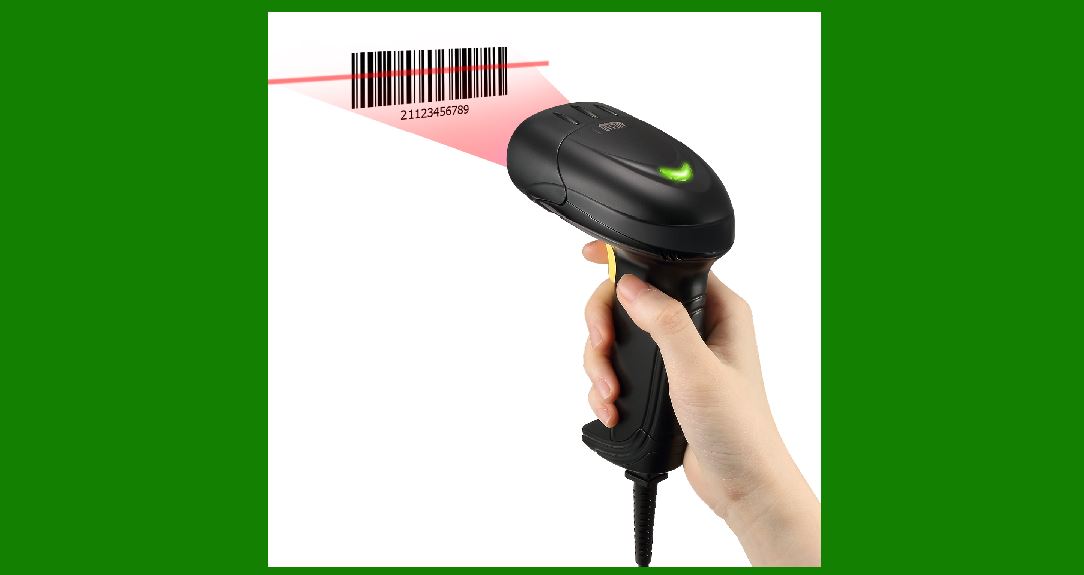
|
3. Key Technical Parameters of Barcode Scanner |
When selecting a barcode scanner, you need to consider a number of technical parameters, which directly affect the performance and application range of the device. |
3.1 Scanning Resolution |
The resolution determines the minimum bar width that the scanner can recognize, usually in mil (one thousandth of an inch). High-resolution scanners can read denser barcodes. |
3.2 Scanning Distance |
Refers to the farthest distance at which the scanner can effectively read the barcode. Laser scanners usually have a longer scanning distance, while CCD scanners require close contact. |
3.3 Scanning Angle |
Refers to the maximum allowable angle between the scanning beam and the barcode plane. A wide scanning angle makes the operation more flexible and convenient. |
3.4 Scanning Speed |
Refers to the number of scans that can be completed per unit time. High-speed scanners are suitable for scanning fast-moving items such as assembly lines. |
3.5 Decoding Capability |
Refers to the types of barcodes that the scanner can recognize, including UPC, EAN, Code 39, Code 128, QR code and other standards. |
3.6 Interface Type |
Common interfaces include USB, RS-232, PS/2, Bluetooth, etc., which determine how the scanner connects to the host system and how data is transmitted. |
3.7 Environmental Adaptability |
Includes dust and water resistance level (such as IP level), drop resistance height, operating temperature range, etc., which are particularly important for industrial environments. |
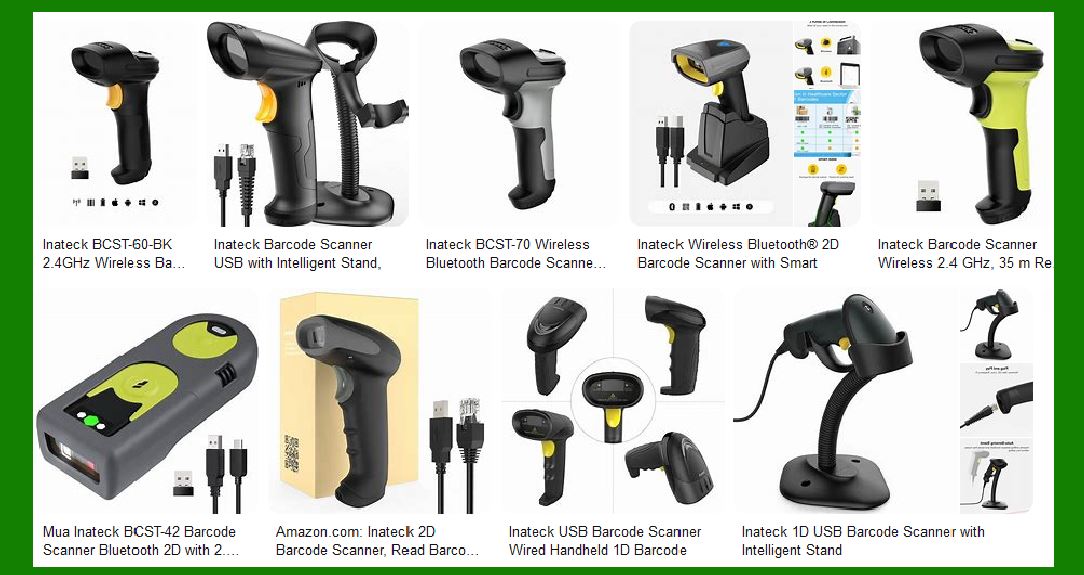
|
4. Application Fields of Barcode Scanners |
Barcode scanning technology has penetrated into every aspect of modern society, and its application scenarios can be found in almost every industry. |
4.1 Retail |
The retail industry is the earliest and most widely used field for barcode scanners. From supermarket cashiers to inventory management, barcode scanning has greatly improved efficiency and accuracy. |
4.1.1 POS system |
Quickly and accurately read product barcodes at the cash register to achieve instant price query and sales records. |
4.1.2 Price verification |
Use a portable scanner to verify whether the shelf price is consistent with the system price. |
4.1.3 Inventory management |
Scan product barcodes to achieve rapid inventory counting and reduce manual errors. |
4.2 Logistics and warehousing |
The logistics industry relies on barcode technology to achieve accurate tracking and management of goods. |
4.2.1 Goods sorting |
Use fixed or handheld scanners to quickly sort packages at the distribution center. |
4.2.2 Transportation tracking |
Scan the barcodes of goods at each transportation link to achieve full tracking. |
4.2.3 Warehouse Management |
Maintain real-time and accurate inventory records by scanning inbound, outbound and shifted items. |
4.3 Manufacturing |
Manufacturing uses barcode technology to track raw materials, work-in-progress and finished products to achieve lean production. |
4.3.1 Production Line Tracking |
Scan the barcode of each workpiece to record production progress and quality data. |
4.3.2 Quality Control |
Associate products with test data through barcodes to facilitate quality traceability. |
4.3.3 Asset Management |
Barcode tools, equipment and molds for easy management and maintenance. |
4.4 Healthcare |
The medical industry uses barcode technology to improve patient safety and operational efficiency. |
4.4.1 Patient Identification |
Scan the barcode on the patient's wristband to ensure correct treatment and medication. |
4.4.2 Drug Management |
Track drugs from procurement to distribution to prevent errors and expiration. |
4.4.3 Specimen Tracking |
Ensure that the specimens tested are accurately matched to the patients to avoid confusion. |
4.5 Library and Archives Management |
Barcode technology simplifies the borrowing, returning and inventory management of books and archives. |
4.6 Ticketing and Access Control |
Event ticketing and building access control systems widely use barcodes or QR codes as a means of identity verification. |
|
5. Selection and Use Recommendations for Barcode Scanners |
Selecting the right barcode scanner requires consideration of many factors. Here are some key guidelines. |
5.1 Application Environment Assessment |
5.1.1 Indoor or Outdoor Use |
Outdoor use requires a higher brightness display and stronger ambient light immunity. |
5.1.2 Ambient Light Conditions |
Strong or low light environments may require specially designed scanners. |
5.1.3 Harsh Environmental Factors |
Dusty, humid, hot or corrosive environments require scanners with corresponding protection levels. |
5.2 Barcode Type and Quality |
5.2.1 Barcode Type |
Confirm the type of barcode to be read (1D, 2D, special format). |
5.2.2 Barcode Quality |
Poor quality or damaged barcodes may require a more advanced scanner to read reliably. |
5.2.3 Barcode Size |
Very small or very large barcodes require scanners with special resolutions. |
5.3 Frequency and Intensity of Use |
5.3.1 Scan Volume |
High-traffic environments require durable and high-speed scanners. |
5.3.2 Intensity of Use |
Industrial environments often require more rugged designs and longer life. |
5.4 Ergonomic Considerations |
5.4.1 Posture of Use |
Frequent use requires consideration of operator comfort to avoid repetitive strain injuries. |
5.4.2 Weight and Balance |
Device that is to be handheld for extended periods of time should be lightweight and well balanced. |
5.5 System Integration Requirements |
5.5.1 Existing System Compatibility |
Ensure that the scanner is compatible with existing software and hardware systems. |
5.5.2 Future Scalability |
Consider possible future business growth and technology development needs. |
|
6. Barcode Scanner Maintenance and Troubleshooting |
Proper maintenance can extend the life of the scanner and maintain optimal performance. |
6.1 Daily Maintenance |
6.1.1 Cleaning |
Clean the scanning window regularly, using appropriate cleaning agents and soft cloth. |
6.1.2 Inspection |
Regularly check the cable, connector and housing for damage. |
6.1.3 Firmware Update |
Pay attention to firmware updates released by the manufacturer to maintain optimal performance and security. |
6.2 Common Problems and Solutions |
6.2.1 Unable to read barcodes |
Possible reasons: improper scanning distance, damaged barcode, wrong scanning angle, light interference. |
Solution: Adjust the distance and angle, clean the barcode, and avoid direct strong light. |
6.2.2 Misread or partial read |
Possible causes: poor barcode quality, scanner resolution mismatch, incorrect decoding settings. |
Solution: Improve barcode quality, adjust scanner settings, and select appropriate resolution. |
6.2.3 No power or response |
Possible causes: power failure, cable damage, interface problem. |
Solution: Check power and connection, try different interfaces or hosts. |
6.2.4 Communication error |
Possible causes: interface setting mismatch, driver problem, cable failure. |
Solution: Check communication settings, reinstall driver, and replace cable. |
|
7. Future development trends of barcode scanning technology |
Barcode scanning technology is still developing, and the following trends may appear in the future. |
7.1 Technology integration |
7.1.1 Integration with RFID |
Barcode scanners may integrate RFID reading functions to provide more comprehensive automatic recognition capabilities. |
7.1.2 Augmented Reality Integration |
Provide real-time additional information display during scanning through AR technology. |
7.2 Performance Improvement |
7.2.1 Faster Scanning Speed |
Adapt to the needs of high-speed automated production lines. |
7.2.2 Longer Scanning Distance |
Achieve automatic recognition in a wider range. |
7.2.3 Wider Scanning Angle |
Further improve operational convenience. |
7.3 Intelligent Development |
7.3.1 Artificial Intelligence Assistance |
AI technology helps identify damaged or blurred barcodes. |
7.3.2 Automatic Learning |
The scanner automatically adapts to different environments and barcode characteristics. |
7.3.3 Predictive Maintenance |
Monitor the status of the device through sensors to predict possible failures. |
7.4 Application Extension |
7.4.1 Mobile Payment |
Support more types of mobile payment QR code recognition. |
7.4.2 Identity Authentication |
Play a greater role in the security field, such as document verification. |
7.4.3 IoT Node |
As an important terminal device for IoT data collection. |
As the core device of automatic identification technology, the development of barcode scanners will continue to promote the improvement of business efficiency and information level. With the advancement of technology, future barcode scanners will be more intelligent, multifunctional and user-friendly, and play a greater role in all walks of life. |
|
The advantages and disadvantages of laser and LED barcode scanners |
Detailed comparison of laser and LED barcode scanners |
1. Technical principle differences |
1.1 Working principle of laser scanner |
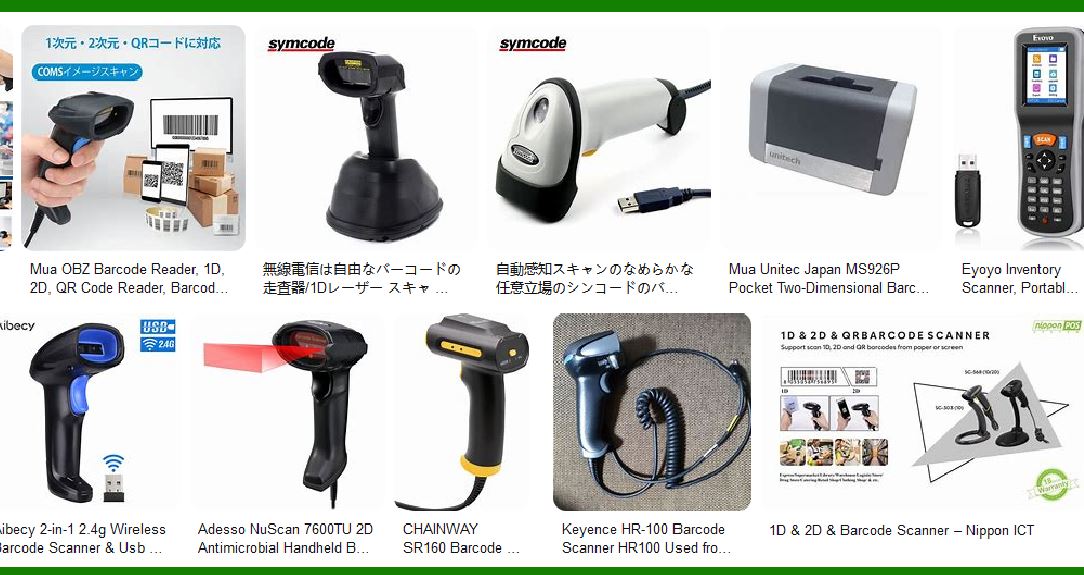
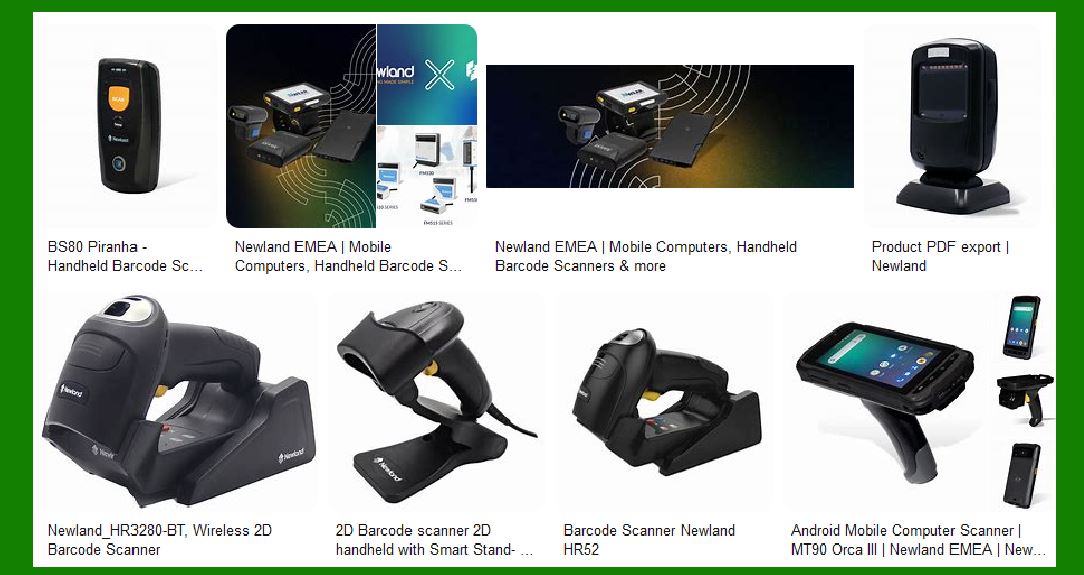
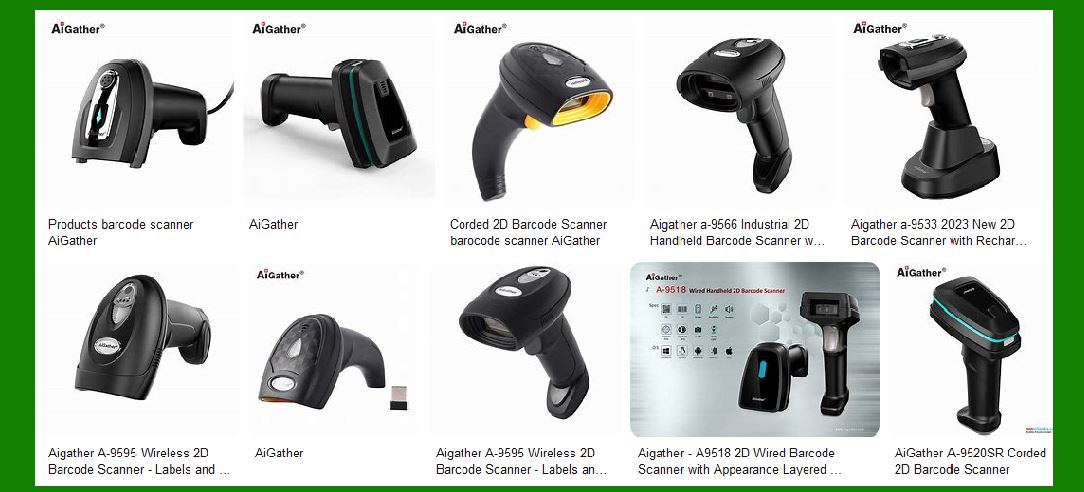
Laser scanners use laser diodes as light sources, and use a precise optical system (usually including a rotating mirror or a swinging mirror) to quickly scan the laser beam on the barcode surface. The high directivity and monochromaticity of the laser enable it to form a very thin and bright scanning line, and identify the barcode pattern by detecting the change in the intensity of the reflected light. |
1.2 Working principle of LED scanner |
LED scanners use an array of light-emitting diodes as a light source to illuminate the entire barcode area. CCD (charge-coupled device) or linear image sensor detects the reflected light pattern. LED light source has a large divergence angle, forming a planar illumination rather than a single scan line, and decodes information by measuring the light and dark contrast of the entire barcode area. |
|
2. Comparison of main performance |
2.1 Scanning distance |
Laser scanner: |
Advantages: Typical working distance 15-50 cm, some industrial models can reach several meters |
Disadvantages: It may be difficult to focus at very close distances (<5cm) |
LED scanner: |
Advantages: Stable performance at close distances (1-10 cm) |
Disadvantages: Generally no more than 30 cm, and the cost of long-distance models increases significantly |
2.2 Scanning speed |
Laser scanner: |
Advantages: It can scan more than 1,000 times per second, suitable for high-speed applications |
Disadvantages: Mechanical scanning components have theoretical life limits |
LED scanner: |
Advantages: No moving parts, longer theoretical life |
Disadvantages: Typical scanning speed 100-300 times per second, high-speed models are more expensive |
2.3 Barcode adaptability |
Laser scanner: |
Advantages: Can read high-density barcodes (the narrowest bar width can reach 3mil) |
Disadvantages: Poor reading effect on curved barcodes (such as cylindrical containers) |
LED scanner: |
Advantages: High tolerance for curved and slightly damaged barcodes |
Disadvantages: Difficult to read high-density barcodes (<5mil) |
|
3. Comparison of environmental adaptability |
3.1 Light conditions |
Laser scanner: |
Excellent performance in strong light environment (high signal-to-noise ratio) |
No auxiliary lighting is required in dark environment |
LED scanner: |
May fail under strong direct light |
Usually requires additional lighting compensation |
3.2 Temperature range |
Laser scanner: |
Operating temperature is usually -10¡æ to 50¡æ |
Low temperature may affect mechanical scanning components |
LED scanner: |
Operating temperature can reach -20¡æ to 60¡æ |
All-solid-state design is more resistant to extreme temperatures |
3.3 Shock resistance |
Laser scanner: |
Mechanical scanning mechanism is sensitive to vibration |
Drops may cause optical path deviation |
LED scanner: |
No moving parts, strong shock resistance |
Industrial-grade products can withstand a 2-meter drop |
|
4. Cost and maintenance comparison |
4.1 Initial cost |
Laser scanner: |
Entry level: 100 100 300 |
Industrial grade: 500?500?2000 |
LED scanner: |
Entry level: 50?50?150 |
Industrial grade: 200?200?800 |
4.2 Service life |
Laser scanner: |
Laser diode service life is about 50,000 hours |
Mechanical scanning component service life is about 1-5 million scans |
LED scanner: |
LED light source service life is about 100,000 hours |
No mechanical wear parts |
4.3 Maintenance requirements |
Laser scanner: |
Optical window needs to be cleaned regularly |
Scanning mechanism may need calibration |
Laser power decays over time |
LED scanner: |
Only keep the reading window clean |
Almost no regular maintenance required |
|
5. Typical application scenarios |
5.1 Preferred scenarios for laser scanners |
Retail POS systems (especially large supermarkets) |
Warehouse logistics (high shelf scanning) |
Production lines (medium and long distance scanning) |
Occasions where high-density barcodes need to be scanned |
5.2 LED scanner advantage scenarios |
Convenience stores and small retail stores |
Libraries and document management |
Health care (ward drug management) |
Mobile data collection (handheld terminal) |
|
6. Technology development trends |
6.1 Laser scanner development direction |
Solid-state laser scanning (eliminating moving parts) |
Blue laser technology (improving barcode contrast) |
Adaptive focus system |
6.2 LED scanner innovation direction |
Multi-spectrum LED array |
Intelligent lighting control |
CMOS sensor integration |
|
7. Selection recommendations |
7.1 When to choose a laser scanner |
Long-distance scanning is required |
Handling high-density barcodes |
High-speed scanning requirements |
Working in strong light environments |
7.2 When to choose an LED scanner |
Limited budget |
Mainly scanning standard density barcodes |
Lightweight equipment is required |
Harsh physical environment (vibration, risk of falling) |
7.3 Compromise solution |
Hybrid light source scanner (laser + LED) |
Linear imaging scanner |
Use different devices according to specific application scenarios |
Laser and LED scanners each have their own irreplaceable advantages, and solutions that use both are common in modern business environments. With technological advances, the performance gap between the two types of products is narrowing, but the core differences determined by the basic principles will still exist for a long time. |
|
Can mobile phones be used as barcode scanners? |
1. Feasibility of using mobile phones as barcode scanners |
Modern smartphones can be used as fully functional barcode scanners, thanks to the following technical foundations: |
1.1 Hardware support |
High-performance camera: Modern mobile phone cameras usually have a resolution of more than 12 million pixels, far exceeding the sensor requirements of professional scanners |
Autofocus system: Phase detection and laser-assisted focus technology enable mobile phones to quickly lock barcodes |
LED flash: Provides necessary lighting conditions to assist scanning in low-light environments |
Powerful processor: Enough to process images and decode operations in real time |
1.2 Software support |
Operating system built-in functions: Both iOS and Android systems natively support barcode scanning |
Rich API interfaces: Developers can easily call cameras and decoding libraries |
Massive scanning applications: App Store and Google Play provide hundreds of free/paid scanning applications |
|
2. Technical implementation of mobile phone barcode scanning |
2.1 Image acquisition |
The mobile phone continuously captures image streams through the camera, and uses the following technologies to optimize acquisition: |
Dynamic frame rate adjustment: Automatically adjust the acquisition speed according to the ambient light |
Intelligent exposure control: Ensure the best contrast in the barcode area |
Multi-frame synthesis: Merge multiple images to improve quality in low-light environments |
2.2 Barcode recognition |
Typical recognition processes include: |
Image preprocessing: grayscale, binarization, noise reduction |
Region detection: Locate the barcode through edge detection and pattern matching |
Angle correction: Perspective transformation corrects the tilt angle |
Decoding analysis: Apply the corresponding decoding algorithm according to the barcode type |
Verification: Check the check digit to ensure accuracy |
2.3 Decoding support |
Mainstream mobile phone scanning solutions support: |
One-dimensional barcodes: UPC/EAN, Code 39/128, ITF, etc. |
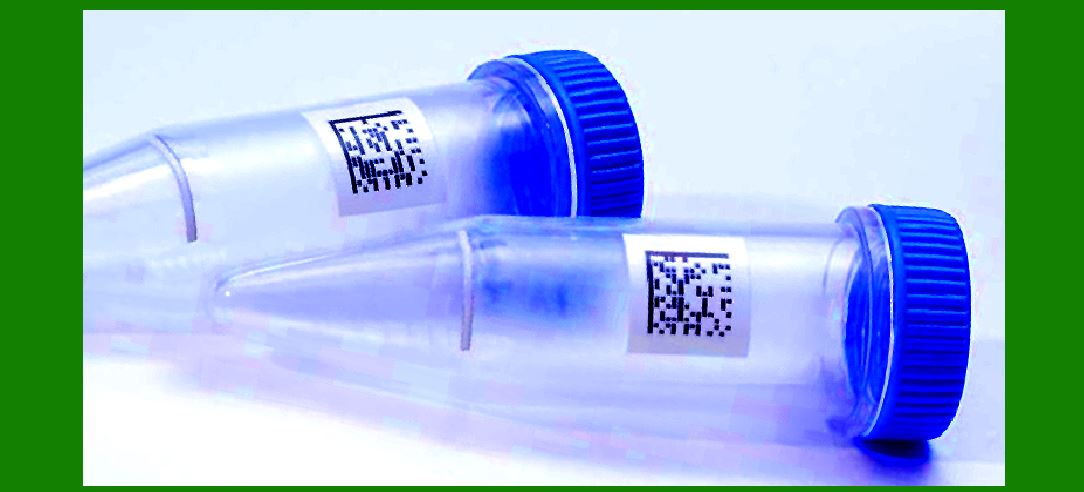
Two-dimensional codes: QR Code, Data Matrix, PDF417, etc. |
Special formats: Aztec, MaxiCode, etc. |
|
3. Performance comparison between mobile phone scanning and professional equipment |
3.1 Advantages |
Comparative Dimensions Advantages of Mobile Scanning |
Portability Available at any time, no need to carry additional equipment |
Cost Zero marginal cost (existing equipment) |
Function expansion can integrate value-added functions such as payment and price comparison |
Update and maintenance Get new functions instantly through App updates |
Data utilization Directly connect to the Internet to obtain relevant information |
3.2 Disadvantages |
Comparative Dimensions Advantages of Professional Scanners |
Scanning speed Professional equipment is usually 3-5 times faster |
Reading distance Laser scanners can reach several meters |
Environmental adaptability Professional equipment performs more stably in strong light/weak light |
Ergonomic special handle design is suitable for high-frequency scanning |
Durability Industrial-grade equipment can withstand harsh environments |
|
4. Analysis of typical application scenarios |
4.1 Most applicable scenarios for mobile scanning |
Consumer applications: |
Product information query |
Price comparison |
Coupon redemption |
Mobile payment |
Light business applications: |
Small inventory management |
Event check-in |
Document management |
Personal belongings organization |
4.2 Scenarios that still require professional equipment |
High-frequency commercial applications: |
Supermarket checkout counter |
Logistics sorting center |
Production line tracking |
Special environment applications: |
Outdoor warehouse management |
Industrial production line |
Low-temperature refrigeration environment |
|
5. Methods to improve mobile phone scanning performance |
5.1 Hardware optimization |
External lens: Add a macro lens to improve close-range scanning quality |
Special lighting: Use a ring fill light to improve lighting conditions |
Physical bracket: Fix the position of the mobile phone to achieve stable scanning |
5.2 Software optimization |
Professional scanning app: |
Scandit (enterprise solution) |
Scanbot (document scanning expert) |
NeoReader (multi-function recognition) |
Parameter settings: |
Adjust the focus mode to continuous autofocus |
Set appropriate exposure compensation |
Enable high-performance decoding mode |
5.3 Usage tips |
Keep the barcode flat |
Ensure the appropriate distance (usually 10-30cm) |
Avoid strong reflections |
Try to read difficult barcodes from multiple angles |
|
6. Security precautions |
6.1 Privacy risks |
Scanning apps may collect usage data |
Malware may spread through barcodes |
Sensitive information barcodes should be handled with caution |
6.2 Protection suggestions |
Download scanning software from the official app store |
Check app permission settings |
Update the operating system and apps regularly |
Do not scan barcodes from unknown sources |
|
7. Future development trends |
7.1 Technological progress |
AI enhanced recognition: Neural networks improve the recognition rate of fuzzy barcodes |
Multi-code scanning: Simultaneously recognize multiple barcodes in the picture |
AR integration: Overlay the augmented reality information associated with the barcode |
7.2 Application expansion |
Smart home control: configure IoT devices through barcodes |
Identity authentication: encrypted QR codes for secure login |
Industrial maintenance: equipment QR codes are associated with maintenance manuals |
Mobile phones have matured as barcode scanners and can completely replace dedicated devices in most non-professional scenarios. With the advancement of computational photography technology and AI algorithms, mobile phone scanning performance will continue to improve in the future, and the application boundaries will be further expanded. However, in high-frequency, professional application scenarios, dedicated scanners will still maintain their irreplaceable advantage. |
 cs@easiersoft.com