1. Introduction to TEKLYNX International |
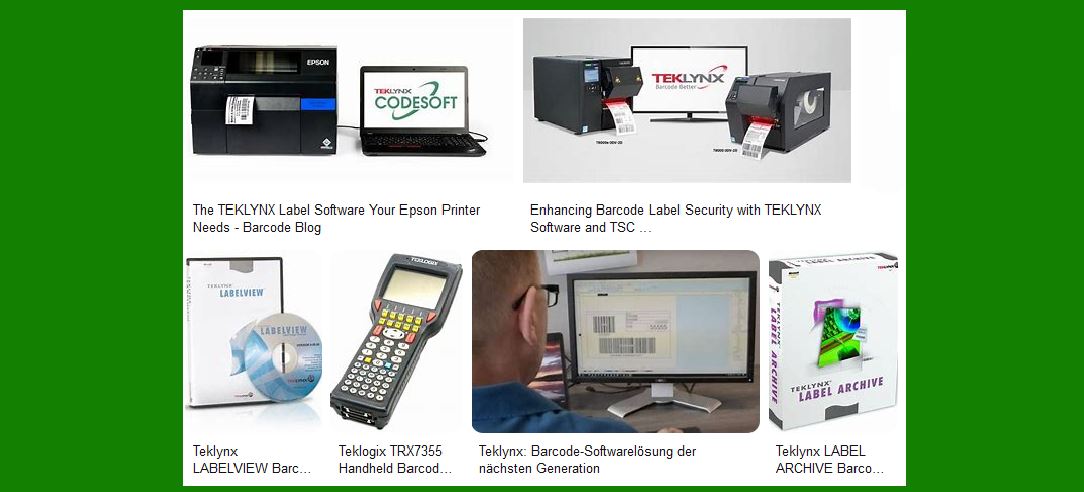
TEKLYNX International is a leading provider of barcode label design, printing, and management software. Their solutions are designed to help businesses of all sizes improve efficiency, accuracy, and compliance in their labeling processes. TEKLYNX software is used across various industries, including manufacturing, healthcare, logistics, and retail. |
|
2. TEKLYNX Software Solutions |
TEKLYNX offers a range of software solutions tailored to different labeling needs. These solutions include: |
2.1. CODESOFT |
CODESOFT is a powerful barcode label creation and integration software. It supports over 100 barcode symbologies and offers advanced features such as database connections, RFID encoding, and label design wizards. CODESOFT is ideal for businesses that require complex label designs and integration with enterprise systems. |
2.2. LABELVIEW |
LABELVIEW is a user-friendly barcode label design software that simplifies the creation of labels. It offers a familiar Windows interface, making it easy for users to design and print labels quickly. LABELVIEW supports a wide range of barcode symbologies and is suitable for small to medium-sized businesses. |
2.3. LABEL MATRIX |
LABEL MATRIX is an entry-level barcode label design software that provides basic labeling capabilities. It is designed for small businesses that need a cost-effective solution for creating and printing barcode labels. LABEL MATRIX offers an intuitive interface and supports a variety of barcode symbologies. |
2.4. TEKLYNX CENTRAL |
TEKLYNX CENTRAL is a centralized label management solution that combines label design, traceability, and print automation. It allows businesses to standardize their labeling processes and ensure compliance with industry regulations. TEKLYNX CENTRAL is ideal for large enterprises with complex labeling requirements. |

|
3. Integration with Barcode Scanners |
TEKLYNX software is designed to integrate seamlessly with a wide range of barcode scanners. This integration allows businesses to automate data entry, reduce errors, and improve efficiency. Key features of TEKLYNX software integration with barcode scanners include: |
3.1. Data Capture |
Barcode scanners can capture data from labels and input it directly into TEKLYNX software. This eliminates the need for manual data entry and reduces the risk of errors. |
3.2. Real-Time Validation |
TEKLYNX software can validate barcode data in real-time, ensuring that the information captured by the scanner is accurate and complete. This is particularly important for industries that require strict compliance with labeling standards. |
3.3. Print Automation |
TEKLYNX software can automate the printing of labels based on data captured by barcode scanners. This streamlines the labeling process and ensures that labels are printed accurately and efficiently. |

|
4. Barcode Verification Solutions |
TEKLYNX partners with industry-leading printer and barcode verifier manufacturers to offer end-to-end barcode verification solutions. These solutions ensure that every barcode is scanned and verified, providing complete traceability for every label. Key features of TEKLYNX barcode verification solutions include: |
4.1. Verification Results |
Verification results are written back to a database, providing a complete history of every label and barcode. This ensures that businesses can trace any issues back to their source and take corrective action. |
4.2. Compliance |
TEKLYNX barcode verification solutions help businesses comply with industry regulations by ensuring that all barcodes meet the required standards. This is particularly important for industries such as healthcare and pharmaceuticals, where accurate labeling is critical. |

|
5. Benefits of Using TEKLYNX Software |
Using TEKLYNX software in conjunction with barcode scanners offers several benefits, including: |
5.1. Improved Efficiency |
Automating data capture and label printing reduces the time and effort required to create and print labels. This improves overall efficiency and allows businesses to focus on other critical tasks. |
5.2. Reduced Errors |
By eliminating manual data entry, TEKLYNX software reduces the risk of errors in the labeling process. This ensures that labels are accurate and compliant with industry standards. |
5.3. Enhanced Traceability |
TEKLYNX software provides complete traceability for every label and barcode, allowing businesses to track their products throughout the supply chain. This is particularly important for industries that require strict compliance with labeling regulations. |

|
6. TEKLYNX Professional Services |
TEKLYNX offers a range of professional services to help businesses implement and optimize their labeling solutions. These services include: |
6.1. Implementation |
TEKLYNX provides implementation services to help businesses set up their labeling solutions. This includes configuring the software, integrating it with existing systems, and training staff on how to use it effectively. |
6.2. Support |
TEKLYNX offers ongoing support to ensure that businesses can continue to use their labeling solutions effectively. This includes technical support, software updates, and access to a knowledge base of resources. |
6.3. Customization |
TEKLYNX can customize its software solutions to meet the specific needs of businesses. This includes developing custom features, integrating with third-party systems, and creating bespoke label designs. |

|
7. Conclusion |
While TEKLYNX International does not manufacture barcode scanners, its software solutions are designed to integrate seamlessly with a wide range of barcode scanners. This integration allows businesses to automate their labeling processes, improve efficiency, and ensure compliance with industry regulations. By using TEKLYNX software in conjunction with barcode scanners, businesses can achieve accurate and efficient labeling, enhanced traceability, and reduced errors. |
 cs@easiersoft.com