1. Introduction to Barcode Scanner Maintenance and Troubleshooting |
Barcode scanners are essential tools in various industries, from retail to logistics, healthcare, and manufacturing. They ensure that data is quickly and accurately captured, improving efficiency and reducing human error. However, like any piece of technology, barcode scanners require regular maintenance and attention to ensure optimal performance. |
This document outlines the key steps for daily maintenance and common troubleshooting of barcode scanners, providing detailed instructions and practical tips. The following sections will cover: |
Basic understanding of barcode scanner technology |
Daily maintenance tasks |
Common issues and their troubleshooting steps |
Preventive care strategies to reduce the likelihood of scanner failure |
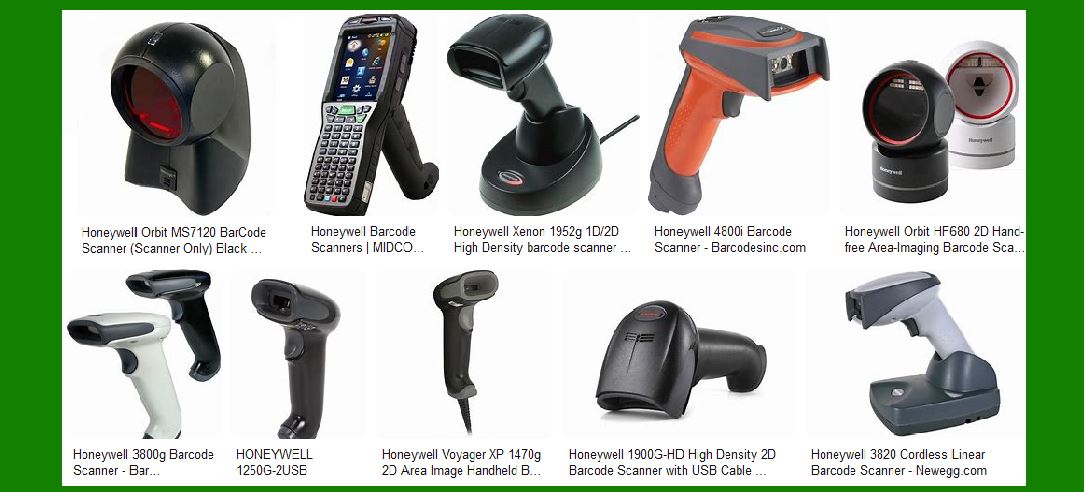
|
2. Understanding Barcode Scanners: A Brief Overview |
Before diving into maintenance and troubleshooting, it's important to understand how barcode scanners work. Barcode scanners typically use one of three main types of scanning technologies: |
Laser Scanners: Use a laser beam to read the barcode. |
Imager Scanners (2D Scanners): Use a camera and imaging sensor to capture and decode barcodes. |
Linear CCD Scanners: Similar to laser scanners but use a linear Charge-Coupled Device (CCD) to capture the barcode. |
Each scanner type has its own unique maintenance requirements, so understanding the technology behind the scanner will help in identifying the causes of issues and applying the appropriate solutions. |
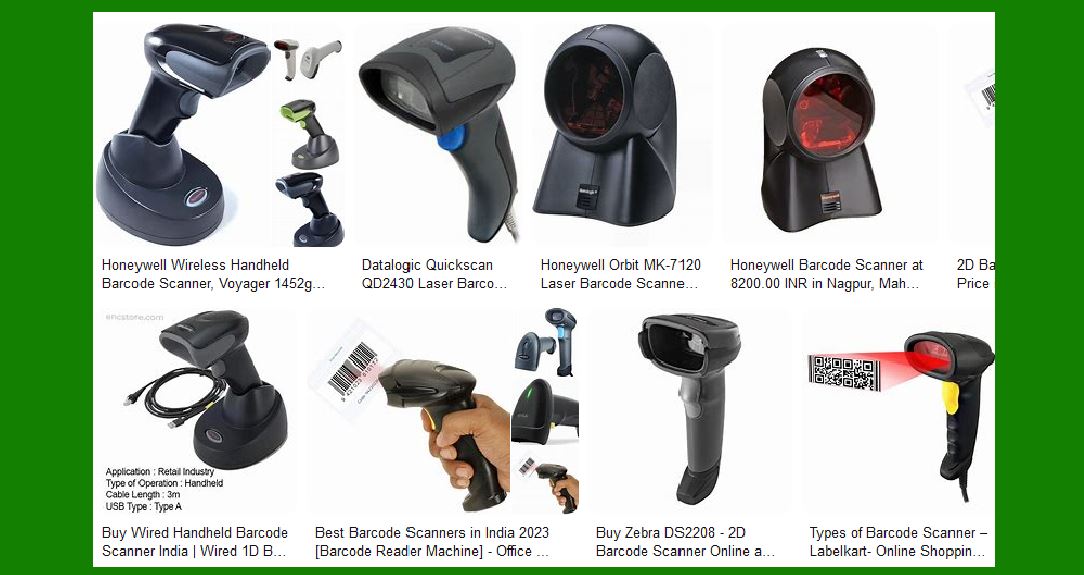
|
3. Daily Maintenance Tasks for Barcode Scanners |
Daily maintenance is essential to ensure the longevity of the barcode scanner and prevent minor issues from escalating into more serious problems. These tasks are typically quick and easy to perform but are critical for keeping the scanner in good working condition. |
3.1 Clean the Scanner Lens and Window |
The lens and window of the barcode scanner can accumulate dust, fingerprints, and other debris over time, which can hinder the scanner's ability to read barcodes effectively. Cleaning the scanner lens should be done daily using the following steps: |
Use a microfiber cloth to gently wipe the scanner window. |
If necessary, use a small amount of water or isopropyl alcohol to dampen the cloth. |
Ensure that the lens is thoroughly dry before using the scanner again to prevent any damage or moisture buildup. |
3.2 Inspect Cables and Connectors |
Barcode scanners often rely on cables for power or data transmission. A loose or damaged cable can cause intermittent or total failure of the scanner. Here's how to inspect cables and connectors: |
Check the power cable and data cables for any visible signs of wear, fraying, or breakage. |
Ensure that all connectors are securely plugged into their respective ports. |
For wireless scanners, ensure that the charging base or docking station is correctly connected and the scanner's battery is fully charged. |
3.3 Test Scanner Functionality |
Perform a brief test each day to ensure the scanner is working properly. Scan a barcode and verify that the scanner: |
Correctly detects the barcode. |
Successfully decodes the data. |
Sends the decoded information to the appropriate system or device. |
If any issues arise during this test, take note of the symptoms and proceed with troubleshooting. |
3.4 Check for Firmware Updates |
Many barcode scanners have firmware that can be updated to improve functionality and fix bugs. Check the manufacturer's website or management software for any available updates. Regular updates ensure that the scanner has the latest features and is operating at peak performance. |
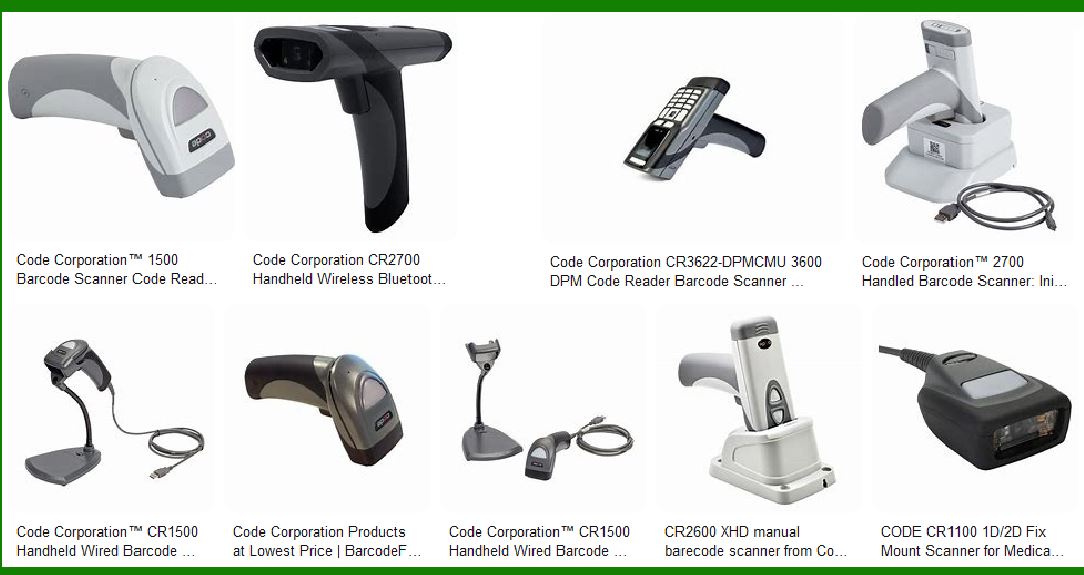
|
4. Common Barcode Scanner Problems and Troubleshooting |
Despite daily maintenance, barcode scanners can occasionally encounter issues. Below are some of the most common problems and how to troubleshoot them. |
4.1 Scanner Does Not Power On |
If the scanner does not power on, it can be due to several factors: |
Battery Issues (for wireless scanners): If the scanner is battery-powered, ensure the battery is charged. If the scanner still doesn't power on after charging, try replacing the battery. |
Power Supply Issues (for wired scanners): Check if the power cord is plugged in and that there is power to the outlet. Try using a different outlet or power adapter. |
Internal Hardware Failure: If neither of the above steps resolves the issue, the scanner may have an internal hardware problem. Contact the manufacturer or a professional technician for repair. |
4.2 Scanner Is Unable to Read Barcodes |
When a scanner is unable to read barcodes, it could be due to: |
Dirty Lens or Window: As mentioned earlier, dirt and dust can block the scanner's sensor. Clean the lens as per the daily maintenance steps. |
Barcode Quality Issues: Poor-quality barcodes (e.g., faded, damaged, or printed incorrectly) can be difficult for the scanner to read. Ensure the barcode is printed clearly and is in good condition. |
Incorrect Configuration: Some scanners require specific settings to read certain types of barcodes. Verify that the scanner is configured to read the desired barcode type (e.g., UPC, QR code, etc.). |
4.3 Scanner Misreads Barcodes or Skips Data |
If the scanner reads a barcode incorrectly or skips data, check the following: |
Environmental Factors: Bright lighting, reflections, or high levels of ambient noise can interfere with scanning. Ensure the scanner is being used in an appropriate environment. |
Scanner Alignment: Ensure that the scanner is properly aligned with the barcode. If the scanner is too close or too far from the barcode, it may misread or fail to read it. |
Scanner Settings: Ensure that the scanner's settings (such as contrast sensitivity, focus, or scan speed) are correctly adjusted for the type of barcode being used. |
4.4 Scanner Disconnects Frequently |
For wireless scanners, frequent disconnections can be caused by: |
Weak Battery: Ensure that the scanner is sufficiently charged or replace the battery. |
Interference: Other wireless devices may be causing interference. Move the scanner to a different area or adjust the wireless channel settings. |
Out of Range: Ensure the scanner is within the range of the receiver or base station. |
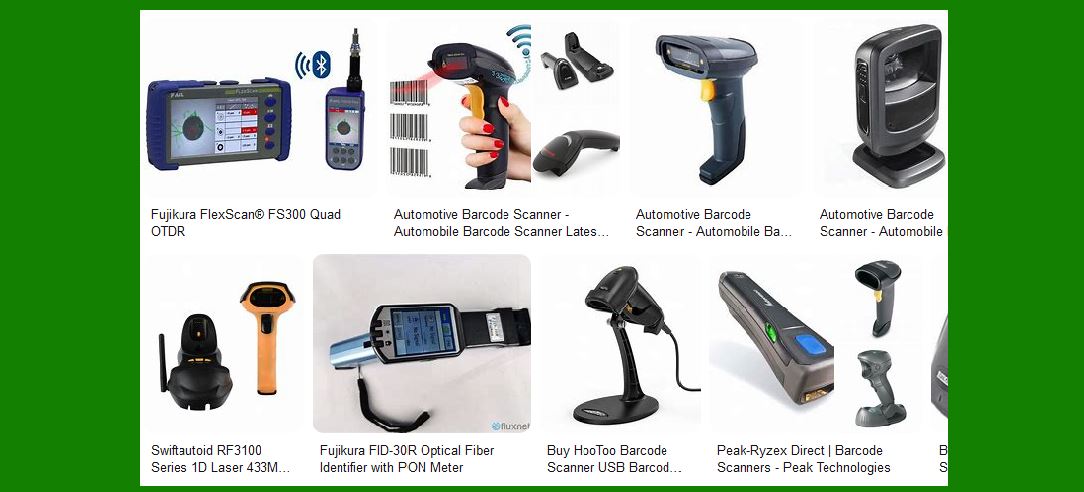
|
5. Preventive Care to Avoid Common Issues |
Preventive care is essential to keep the barcode scanner functioning optimally. By proactively addressing potential problems, you can reduce downtime and avoid costly repairs. |
5.1 Store the Scanner Properly |
When not in use, store the barcode scanner in a safe, clean environment. Avoid placing the scanner in areas where it could be exposed to excessive moisture, dust, or temperature extremes. If the scanner is used in a high-traffic area, use a protective case or docking station to prevent physical damage. |
5.2 Regular Calibration and Alignment |
Regularly calibrate and align the scanner to ensure that it is reading barcodes accurately. Most scanners come with calibration tools or software that can help with this process. It is recommended to perform calibration at least once a month, or more frequently in high-volume environments. |
5.3 Training and Best Practices |
Ensure that all employees or users of the barcode scanner are trained in proper usage and handling. This includes: |
Properly positioning the scanner over the barcode. |
Avoiding the use of damaged or worn-out barcodes. |
Reporting any issues with the scanner promptly to minimize delays in production. |
|
6. Advanced Troubleshooting and Repairs |
If the common troubleshooting steps do not resolve the issue, more advanced diagnostics may be necessary. This could include: |
Firmware Reinstallation: Some issues, such as poor performance or failure to read specific barcode types, may be resolved by reinstalling or updating the scanner's firmware. |
Component Replacement: If internal components like the sensor or laser module are damaged, they may need to be replaced. This is typically done by a technician or service center. |
Factory Reset: In some cases, a factory reset may be required to restore the scanner to its default settings. Be sure to back up any necessary configurations before performing a reset. |
|
7. Conclusion and Ongoing Maintenance |
Barcode scanners are essential tools for many businesses and industries. Regular maintenance, daily care, and addressing common issues promptly can significantly extend the life of the scanner and improve overall performance. |
By following the outlined procedures for cleaning, testing, and troubleshooting, you can ensure that the scanner remains operational and efficient. However, always refer to the manufacturer's manual for model-specific advice and maintenance guidelines. |
If you encounter more complex issues, don't hesitate to reach out to the manufacturer's support team or consult with a professional technician for assistance. |

|
1. Introduction to Barcode Scanner Reliability |
Barcode scanners are essential tools in various industries, including retail, logistics, healthcare, and manufacturing. The reliability of a barcode scanner is a critical factor in ensuring operational efficiency and minimizing downtime. The key to high reliability and low failure rates lies in several factors, such as the quality of construction, sensor technology, durability, and how well the scanner is maintained. |
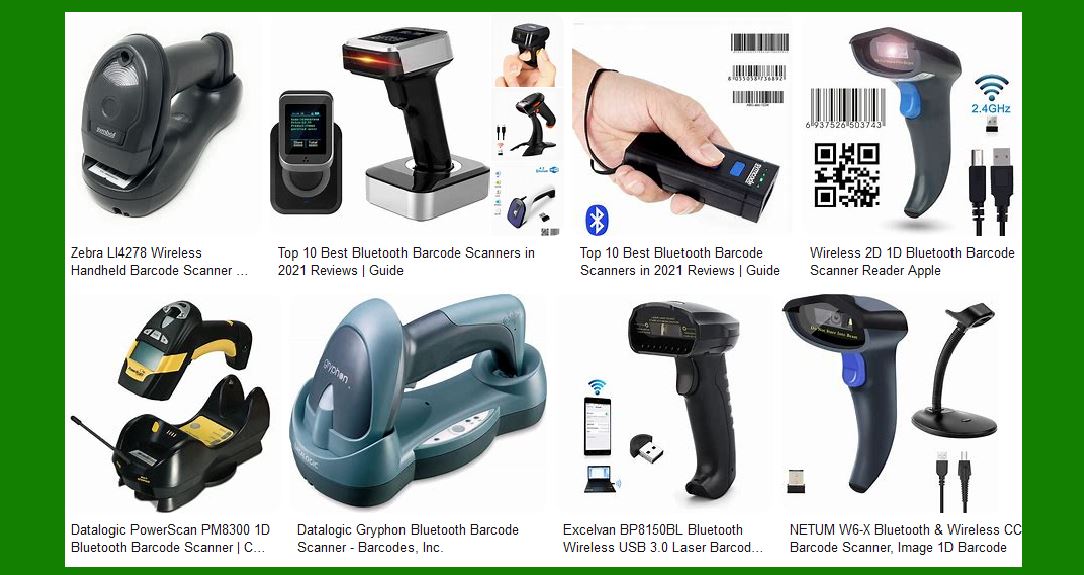
This guide will cover different types of barcode scanners, the reliability metrics of each, and important considerations for selecting and maintaining a reliable scanner. |
|
2. Types of Barcode Scanners |
2.1 Handheld Barcode Scanners |
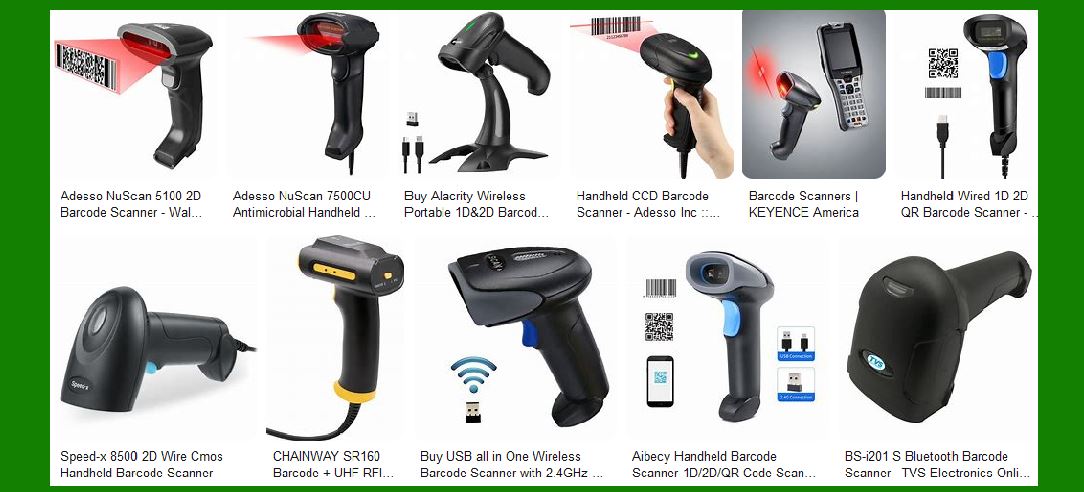
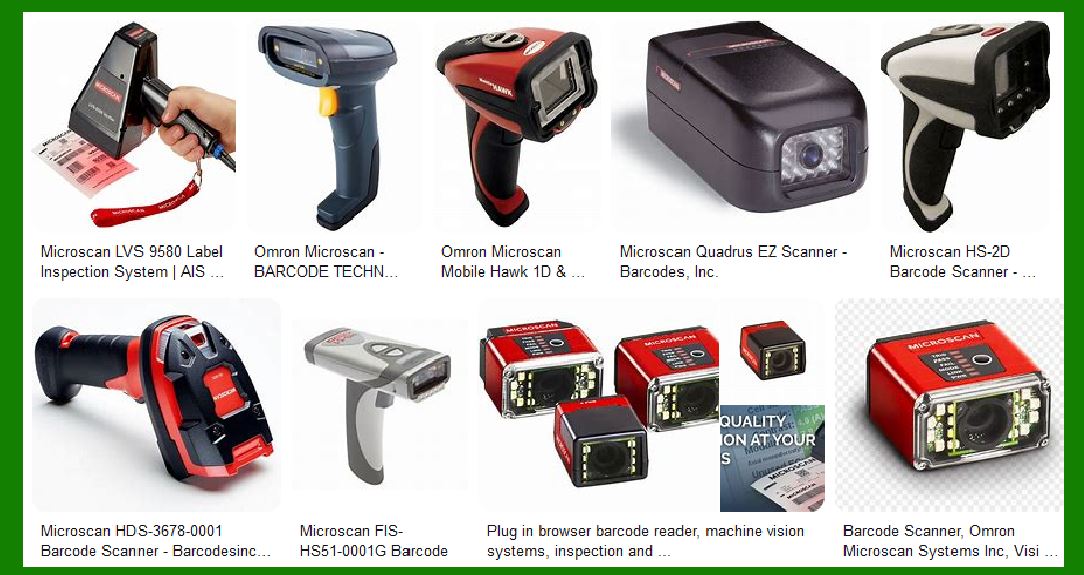
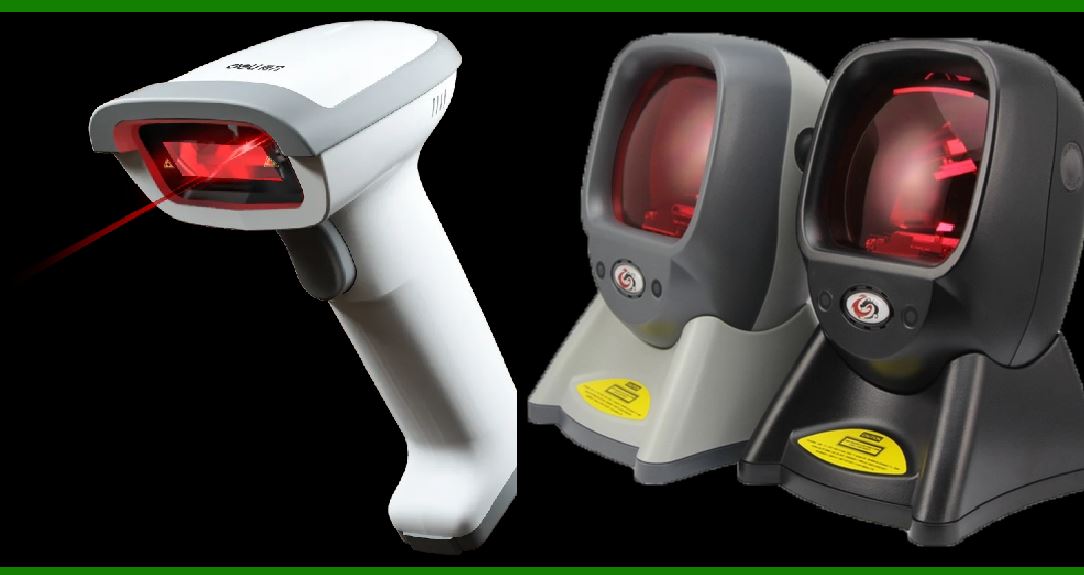
Handheld barcode scanners are one of the most commonly used types. They are designed for mobility and are typically used in retail, warehouse management, and inventory tracking. These scanners come in various configurations, such as laser scanners, CCD (charge-coupled device) scanners, and 2D imager scanners. |
Laser Scanners: These are traditional barcode scanners that use laser beams to read the barcode. They are reliable for reading linear (1D) barcodes but can struggle with 2D barcodes and may not perform well in certain lighting conditions. |
CCD Scanners: These scanners use light sensors to capture the reflection of light off the barcode. They tend to be more durable than laser scanners but have a shorter scanning range. |
2D Imager Scanners: These are versatile scanners capable of reading both 1D and 2D barcodes. They are highly reliable due to their ability to capture barcodes from various angles and in various orientations. |
2.2 Fixed-Mount Barcode Scanners |
Fixed-mount barcode scanners are typically used in environments where the scanner is integrated into a system and used for automated scanning. These scanners are often found in industrial applications, point-of-sale (POS) systems, and kiosks. |
Linear Imagers: Fixed-mount linear imagers are designed to read 1D barcodes and can be mounted in places where they will automatically scan items as they pass by. These are reliable when used in controlled environments but may require periodic calibration. |
2D Imagers: Fixed 2D imagers are more advanced and can scan both 1D and 2D barcodes. These scanners are highly reliable in busy or industrial settings where a high throughput of barcodes is expected. |
2.3 Wearable Barcode Scanners |
Wearable barcode scanners are designed for workers who need to use both hands. These scanners are commonly found in warehouses or distribution centers where employees pick and scan items without needing to stop or hold a handheld device. |
Ring Scanners: These are small, wearable scanners worn on the finger or hand, allowing for increased mobility and hands-free scanning. These are suitable for workers involved in picking, sorting, or packaging. |
Wrist-Mounted Scanners: These scanners are worn on the wrist, offering a balance of mobility and accessibility. |
2.4 Mobile Computers with Barcode Scanners |
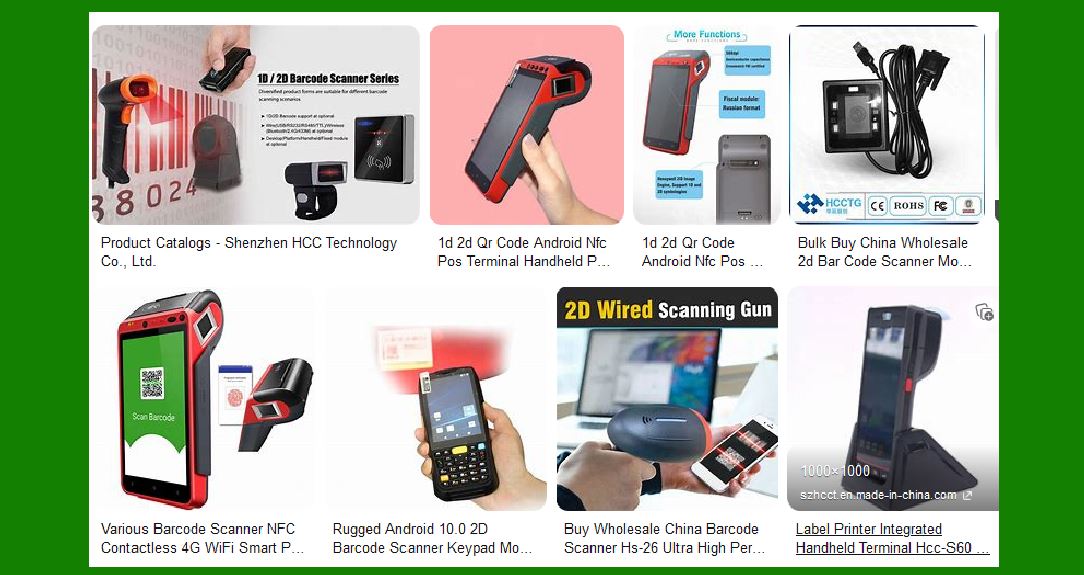
Mobile computers with integrated barcode scanners combine a handheld scanner with a portable computer or tablet. These devices are typically used in environments that require data entry alongside barcode scanning, such as inventory management and asset tracking. |
Rugged Mobile Computers: These are designed for tough environments and can withstand drops, temperature extremes, and moisture. Brands like Zebra and Honeywell offer models that are reliable for continuous use in industrial settings. |
|
3. Key Factors Impacting Reliability |
3.1 Durability and Build Quality |
Durability is one of the most important factors when considering a barcode scanner's reliability. Scanners that are exposed to harsh environments, such as factories or warehouses, must be built to withstand drops, dust, and moisture. |
IP Rating (Ingress Protection): The higher the IP rating, the better the scanner's protection against dust and water. For example, a scanner with an IP65 rating can withstand water jets and dust ingress, making it highly reliable in harsh environments. |
Drop Resistance: A reliable barcode scanner should be able to survive accidental drops. For example, scanners with rubberized housings and reinforced corners can withstand drops from heights of 1.5 meters or more without failing. |
3.2 Sensor Technology |
The type of sensor in the scanner determines its ability to read barcodes effectively. Modern barcode scanners use various sensor technologies, such as laser, CCD, and 2D imagers. Each type has its own advantages and limitations: |
Laser Scanners: Excellent for reading linear barcodes with high precision, even from a distance. However, they may not perform well with damaged or poorly printed barcodes. |
CCD Scanners: More durable than laser scanners and can capture images of barcodes over a wider area. However, they have limited range compared to laser scanners. |
2D Imager Scanners: Can read both 1D and 2D barcodes, providing flexibility. They also tend to perform better in poor lighting conditions and can read barcodes from different angles. |
3.3 Performance and Speed |
The speed at which a barcode scanner can read a barcode is another key factor in its reliability. Scanners that provide fast and accurate readings will reduce delays and increase productivity. Key metrics to evaluate include: |
Scan Rate: The number of scans a scanner can perform per second. Higher scan rates ensure that barcodes can be read quickly, reducing bottlenecks in operations. |
First-Time Read Accuracy: Scanners with high first-time read accuracy minimize the need for rescanning, thus increasing reliability. |
3.4 Battery Life and Power Management |
For handheld and mobile barcode scanners, battery life is a critical factor. A scanner with a long battery life reduces downtime and ensures that operations run smoothly. |
Battery Type: Scanners that use lithium-ion or lithium-polymer batteries tend to have longer lifespans and quicker charging times. It's important to choose a scanner with a battery that can last through an entire shift or longer. |
Power Saving Features: Scanners with automatic sleep modes or power-saving features can significantly extend battery life. |
|
4. Best Barcode Scanners for Reliability and Low Failure Rates |
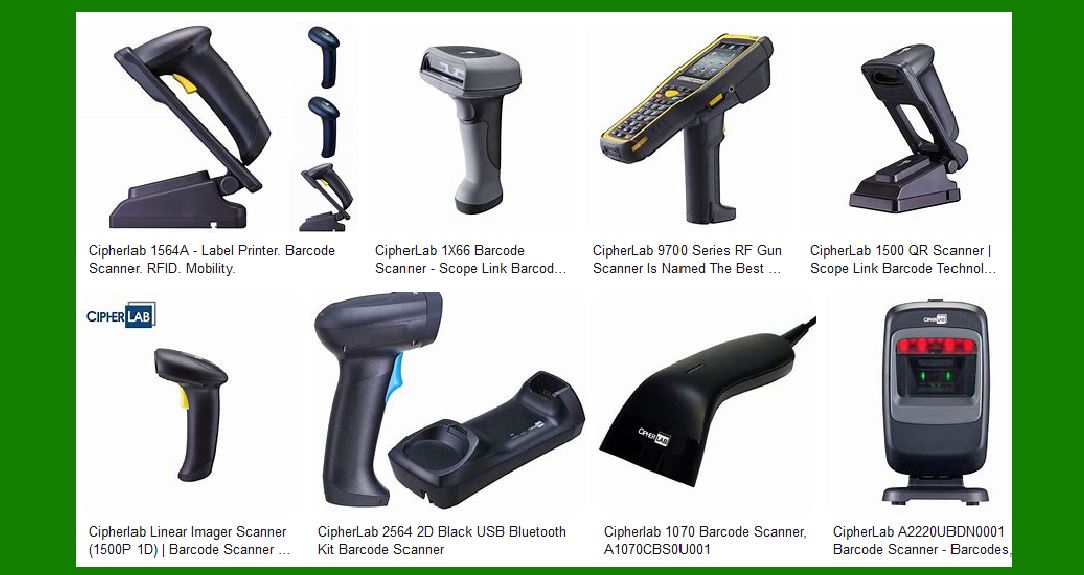
Below are some of the most reliable barcode scanners that are known for their durability, low failure rates, and high performance: |
4.1 Zebra DS3600 Series (Handheld and Fixed-Mount) |
The Zebra DS3600 series is designed for rugged environments and comes in both handheld and fixed-mount models. This series is built to handle extreme conditions, including drops, dust, and water exposure. |
Reliability: IP67-rated, designed to withstand repeated drops onto concrete. |
Performance: Capable of scanning 1D, 2D, and direct part marks (DPM). It offers fast first-time read accuracy and works well with poorly printed barcodes. |
4.2 Honeywell Xenon 1900 (Handheld) |
The Honeywell Xenon 1900 is a versatile handheld scanner capable of reading both 1D and 2D barcodes. It is widely used in retail, healthcare, and industrial applications. |
Reliability: Built to last with an IP41 rating and able to withstand drops of up to 1.8 meters. |
Performance: Known for its high-performance scanning capabilities, including fast and accurate scanning even in challenging conditions. |
4.3 Datalogic Gryphon I GD4500 (Handheld) |
The Gryphon I GD4500 is a robust handheld scanner designed for a variety of industries. It's a 2D imager that excels in reading both 1D and 2D barcodes. |
Reliability: IP52-rated for protection against dust and moisture. Can survive drops from heights of up to 1.8 meters. |
Performance: High-performance scanning with excellent motion tolerance and accuracy, even with damaged or poorly printed barcodes. |
4.4 Zebra WT6000 (Wearable) |
The Zebra WT6000 is a rugged, wearable mobile computer with an integrated barcode scanner, designed for hands-free operation in demanding environments like warehouses and distribution centers. |
Reliability: Built to survive drops and exposure to dust and moisture. It features a high-quality, ergonomic design that ensures comfort for long hours of use. |
Performance: Offers quick scanning, with flexible connectivity options and a long-lasting battery. |
|
5. Maintenance Practices for Reliable Scanning |
Proper maintenance is crucial to extending the lifespan of barcode scanners and reducing the risk of failure. The following best practices can help ensure that scanners continue to perform reliably: |
5.1 Regular Cleaning |
Dust, dirt, and debris can accumulate on the lenses and sensors of barcode scanners, reducing their effectiveness. Regular cleaning is essential for maintaining high performance. Use a soft, lint-free cloth to wipe the scanner's lens and sensor. Avoid using harsh chemicals that could damage the scanner's surface. |
5.2 Periodic Calibration |
Many barcode scanners require periodic calibration to ensure they maintain optimal performance. This is especially important for fixed-mount scanners, which are used in high-volume environments. |
5.3 Software and Firmware Updates |
Barcode scanners often come with firmware and software that can be updated to improve performance or fix bugs. It's important to keep these updates up-to-date to ensure the scanner is operating at peak efficiency. |
5.4 Battery Management |
For handheld scanners, battery management is crucial for extending the battery's lifespan. Avoid letting the battery fully discharge on a regular basis, as this can reduce its effectiveness. Instead, try to recharge the battery before it gets too low. |
|
6. Conclusion |
When selecting a barcode scanner with high reliability and low failure rate, it's important to consider the environment in which the scanner will be used, the types of barcodes you need to scan, and the scanner's overall durability and performance. Choosing high-quality scanners from reputable brands like Zebra, Honeywell, and Datalogic can significantly reduce failure rates and ensure long-term reliability. |
Regular maintenance, proper care, and choosing the right scanner for the job are key to ensuring that your barcode scanning operations run smoothly with minimal downtime. |
|
Which barcode scanner has low maintenance cost? |
When selecting a barcode scanner with low maintenance costs, several factors should be considered, including the durability, build quality, ease of maintenance, and availability of support and spare parts. Generally, scanners that are robust, use long-lasting components, and have easy-to-replace parts or fewer moving components tend to have lower maintenance costs. |
Here are some barcode scanners known for their low maintenance costs: |
1. Zebra DS2200 Series (Handheld) |
Zebra's DS2200 series is a low-cost, entry-level scanner that offers reliable performance for retail, light industrial, and warehouse environments. |
Low Maintenance Costs: The DS2200 series is designed with durability in mind, but its simple construction and minimal moving parts mean there are fewer components that can fail. |
Durability: While not as rugged as some higher-end models, it is still capable of withstanding drops from around 1.5 meters (5 feet) and offers a 5-year warranty. |
Maintenance: It requires minimal maintenance and is easy to replace components like the cable or battery if needed. |
Support: Zebra provides good technical support and a large network of service providers, making repairs and replacements relatively easy. |
|
2. Honeywell Voyager 1202g (Handheld) |
The Honeywell Voyager 1202g is a wireless scanner that offers solid performance at an affordable price. It is commonly used in retail and light warehouse environments. |
Low Maintenance Costs: This scanner uses fewer mechanical components compared to more complex models, reducing the risk of failure. The battery can be easily replaced, and firmware updates are simple to perform. |
Durability: The Voyager 1202g is designed for light to moderate use, with drop resistance up to 1.5 meters. The construction is durable, but the scanner isn't built for rough industrial environments, which helps keep its maintenance costs low. |
Support: Honeywell's support is extensive, and you can easily find replacement parts for the scanner, which reduces the maintenance burden. |
|
3. Datalogic QuickScan QD2131 (Handheld) |
The Datalogic QuickScan QD2131 is an affordable and reliable handheld scanner designed for 1D barcode reading. It is popular in retail and light industrial applications. |
Low Maintenance Costs: This scanner is built with durability in mind and requires minimal maintenance. It has fewer moving parts than more complex 2D scanners, and its construction reduces the likelihood of internal damage. |
Durability: The QD2131 can withstand drops from up to 1.5 meters and is built to handle day-to-day wear and tear in non-industrial environments. |
Support: Datalogic offers solid customer support and a warranty, and replacement parts are generally inexpensive and easy to replace. |
|
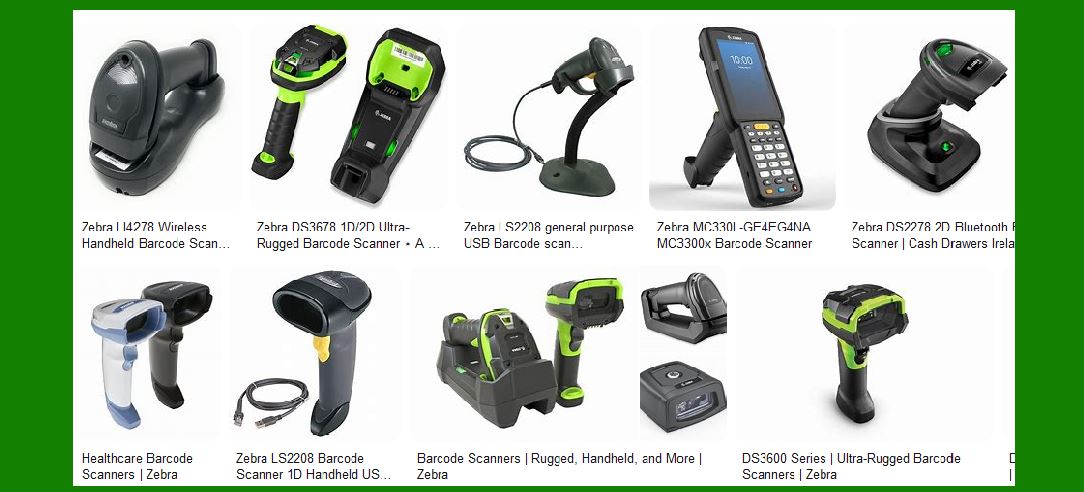
4. Zebra LI3608-ER (Handheld) |
The Zebra LI3608-ER is a rugged barcode scanner designed for industrial and warehouse environments. While it's designed for tougher conditions, its maintenance cost is still relatively low. |
Low Maintenance Costs: Built with fewer moving parts and robust electronics, the LI3608-ER is less likely to fail under normal conditions. Its durability helps reduce the need for repairs. |
Durability: With an IP67 rating, it can withstand exposure to dust, water, and extreme temperatures. It also offers a 2.4-meter (8-foot) drop resistance. |
Support: Zebra provides excellent customer support, and spare parts for this model are widely available, which contributes to lower long-term maintenance costs. |
|
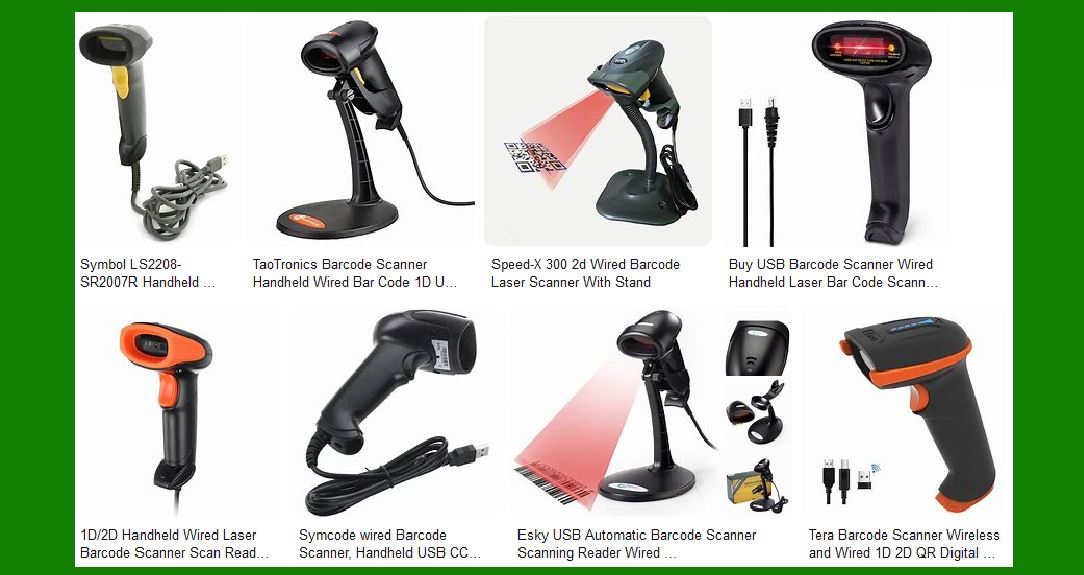
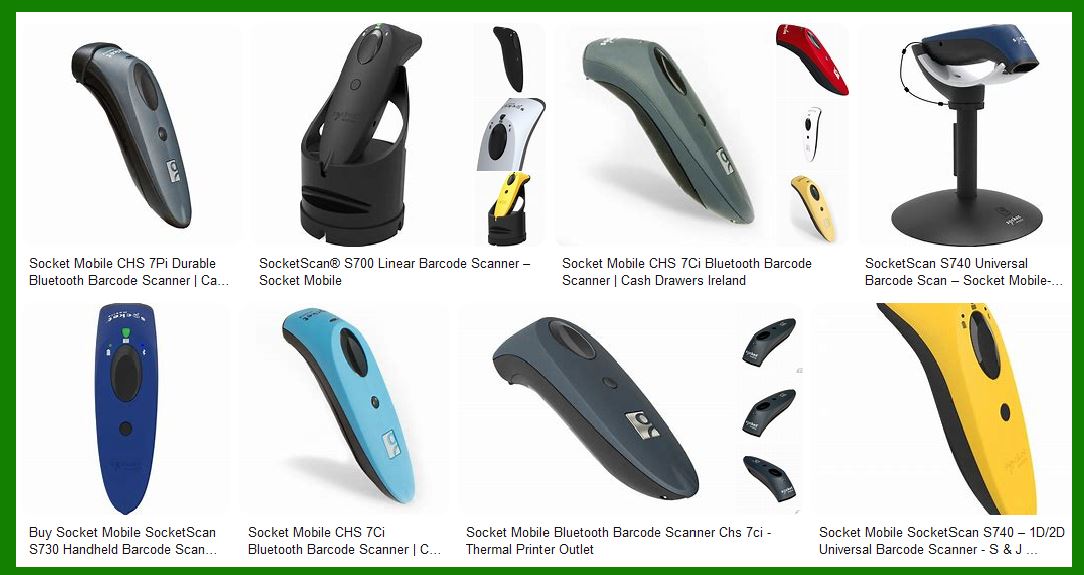
5. Motorola Symbol LS2208 (Handheld) |
The Symbol LS2208 from Motorola (now part of Zebra) is a reliable, budget-friendly barcode scanner widely used in retail, healthcare, and light industrial settings. |
Low Maintenance Costs: The LS2208 is known for its reliability and longevity. With fewer electronic components and a simple design, it is a relatively low-maintenance option. |
Durability: Although not as rugged as more expensive models, the LS2208 still has a solid build that can handle typical drop conditions and light wear and tear. |
Support: Motorola, now Zebra, offers excellent support, and spare parts for the LS2208 are affordable and easy to find. |
|
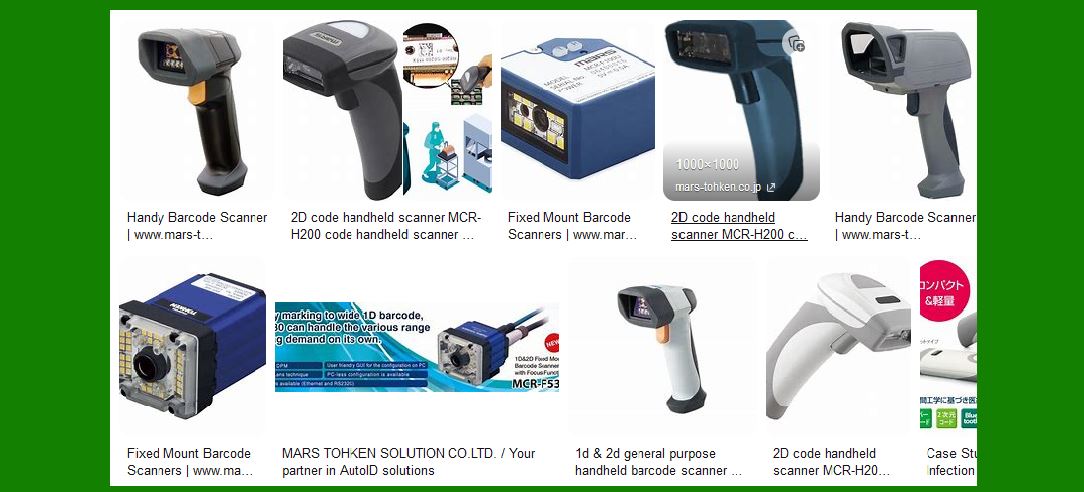
6. Honeywell 1900g (Handheld) |
The Honeywell 1900g is a 2D imager scanner, known for its reliability and flexibility, able to read both 1D and 2D barcodes. |
Low Maintenance Costs: The 1900g has a robust design with minimal moving parts, and its build quality ensures fewer failures. It is easy to maintain, and replacement parts like the battery or cable are inexpensive. |
Durability: This scanner is designed for moderate use and can withstand drops from 1.5 meters, making it suitable for retail or light industrial environments. |
Support: Honeywell's extensive support network ensures that repairs and part replacements are straightforward and affordable. |
|
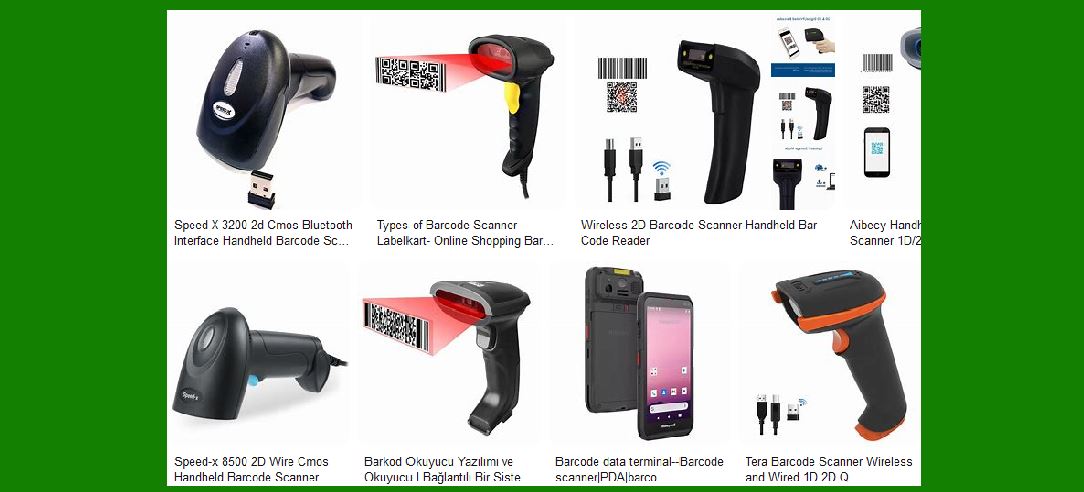
7. Datalogic Gryphon I GD4400 (Handheld) |
The Datalogic Gryphon I GD4400 is a 2D imager scanner capable of reading a wide variety of barcodes. It's commonly used in retail and healthcare environments. |
Low Maintenance Costs: With an ergonomic and durable design, the Gryphon GD4400 is built to last. Its easy-to-maintain parts and straightforward design reduce the overall cost of ownership. |
Durability: The scanner is capable of surviving drops up to 1.8 meters and offers good protection against dust and moisture, which makes it a good investment for environments with moderate handling. |
Support: Datalogic provides a solid warranty and support options, and the scanner's repair parts are affordable and easy to replace. |
|
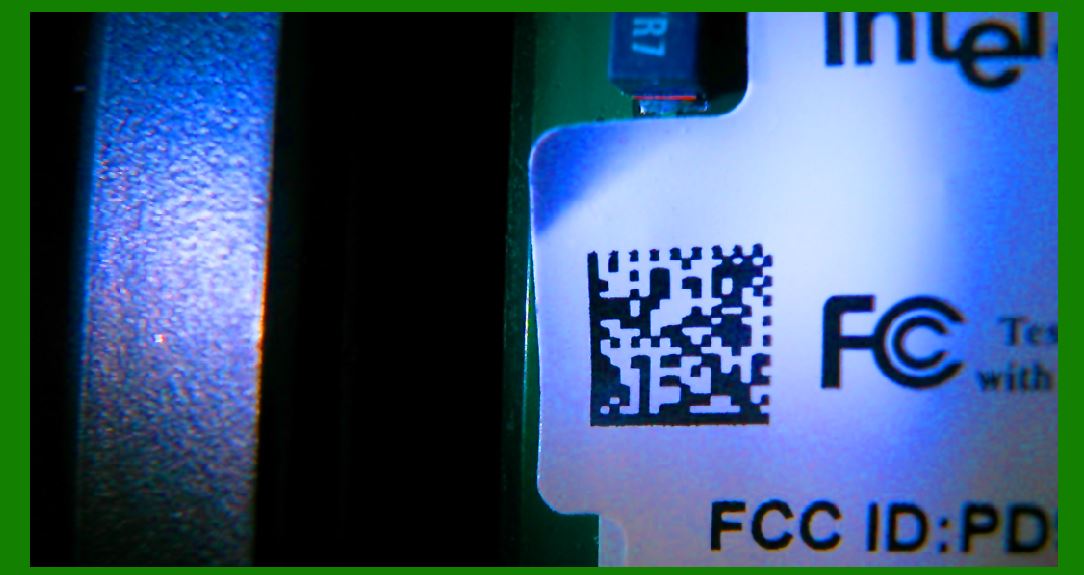
8. Epson M-G220 (Handheld) |
The Epson M-G220 is a compact, high-performance 2D imager scanner designed for retail and light industrial applications. |
Low Maintenance Costs: Known for its cost-effective operation, this scanner is reliable and built with long-lasting materials that don't require frequent repairs. |
Durability: The M-G220 can withstand drops from about 1.5 meters and is designed for environments with moderate handling. |
Support: Epson offers good support and warranty services, and parts are typically affordable and easily sourced. |
|
9. Key Factors Influencing Maintenance Costs |
Several factors can contribute to the maintenance costs of barcode scanners. These include: |
Durability and Build Quality: Scanners that are designed for industrial or rough environments tend to have higher upfront costs but lower long-term maintenance costs due to their durability. |
Type of Barcode Being Scanned: If your environment involves scanning damaged or poorly printed barcodes, the scanner may require more maintenance or repairs. Choose scanners with better error correction capabilities, such as 2D imagers. |
Ease of Repair: Scanners with fewer mechanical parts or simpler designs are generally less expensive to repair and maintain. |
Availability of Parts: Scanners from well-known brands with widespread availability of parts will generally have lower maintenance costs because parts are easier to find and replace. |
|
10. Conclusion |
When looking for barcode scanners with low maintenance costs, it's essential to focus on models with durable, simple designs that require minimal servicing and have easily replaceable parts. Entry-level handheld scanners like the Zebra DS2200, Honeywell Voyager 1202g, and Datalogic QuickScan QD2131 are great options for those looking to minimize ongoing maintenance costs. |
For more rugged environments or industrial applications, scanners such as the Zebra LI3608-ER or Honeywell 1900g offer the reliability and low failure rates required to keep long-term maintenance costs down. |
Ultimately, selecting a barcode scanner with a lower total cost of ownership (TCO) means choosing a model that balances durability, performance, and ease of maintenance. |
 cs@easiersoft.com