Barcode Technology

Barcode History

Barcode Label Paper

Barcode Printer

Barcode Application

Inventory Management

AI Barcode QRCode

Barcode Scanner

Barcode Software

Barcode Software B

Barcode Software C

Barcode Software D

Barcode Software E

New Technology A

New Technology B

Robot Technology

Barcode Types

Barcode Types B

Barcode Types C

Barcode Types D

Barcode Types E

Barcode Types F

Electronic Technology

Psychology at Work

Barcode Technology and Barcode Software Related   <<< Back to Directory <<<

Desktop or handheld barcode scanner

Desktop or handheld barcode scanner

The choice between desktop and handheld scanners depends on factors like mobility, volume, and specific use case.

They serve various purposes across different contexts.

1. Retail and Inventory Management:

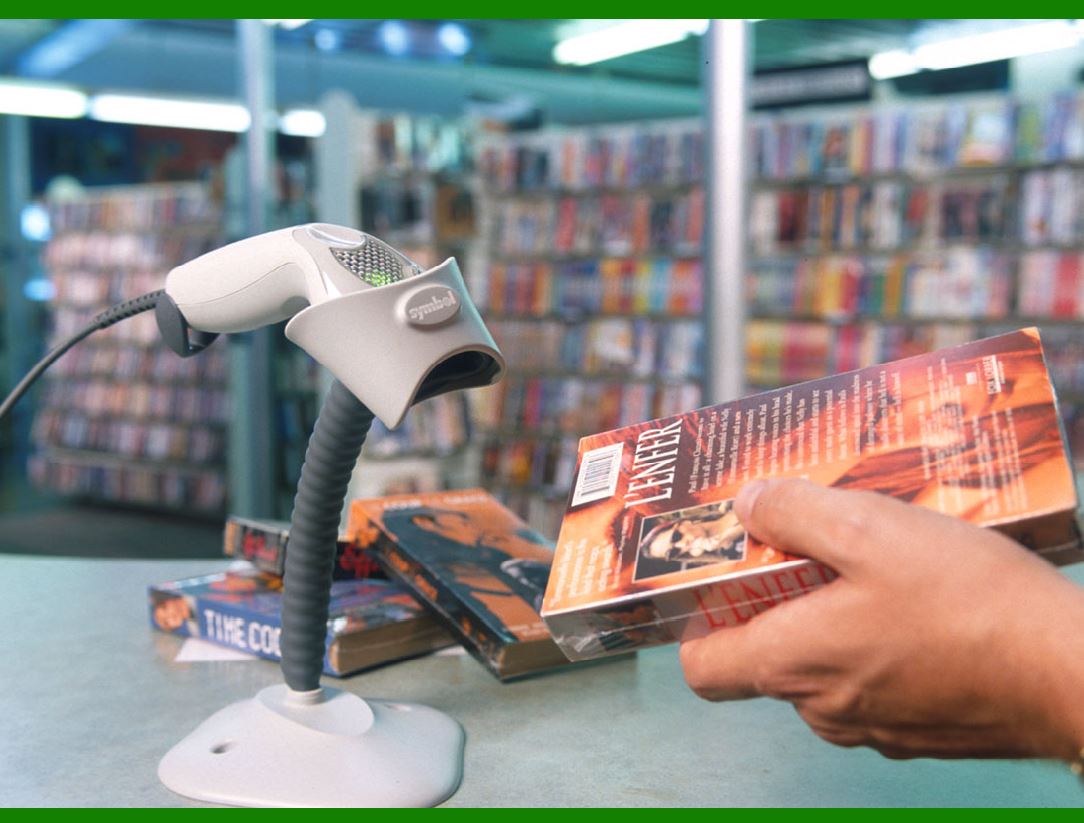
.......Desktop Scanners: These are commonly used at checkout counters in retail stores. Cashiers scan product barcodes to process sales quickly and accurately.

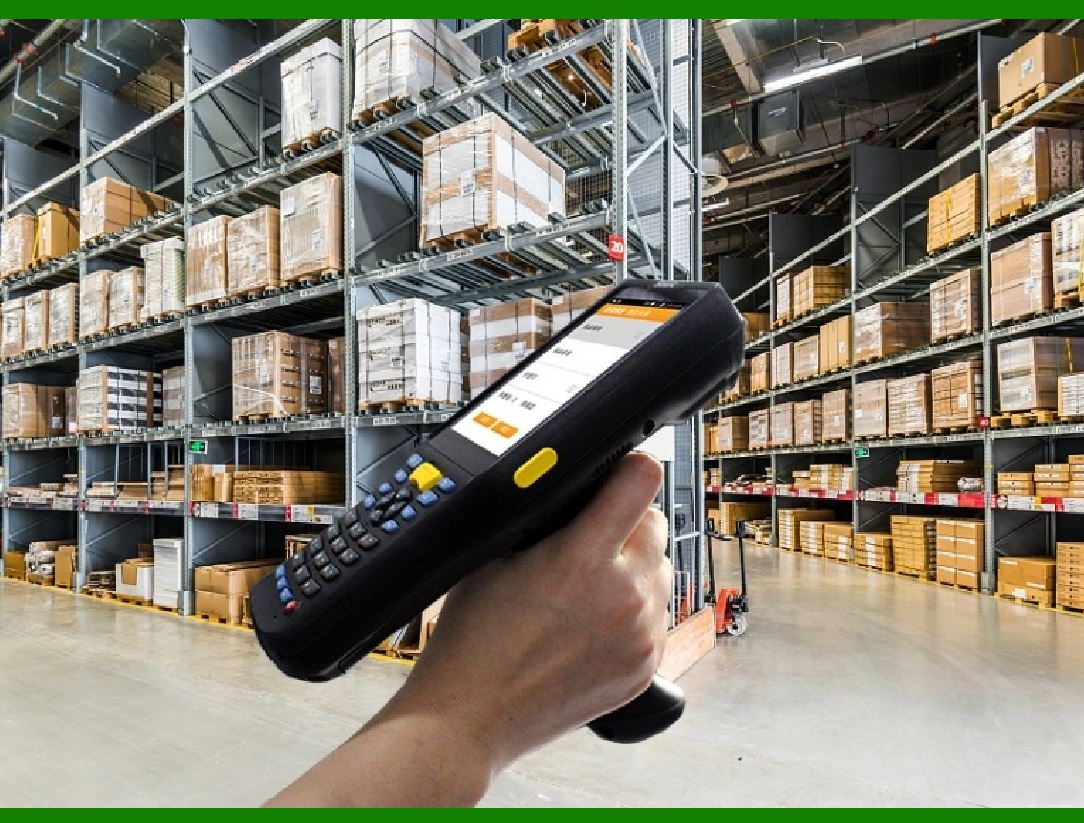
.......Handheld Scanners: These are versatile tools for inventory management. Staff can scan items on shelves, track stock levels, and update inventory databases.

2. Warehouse and Logistics:

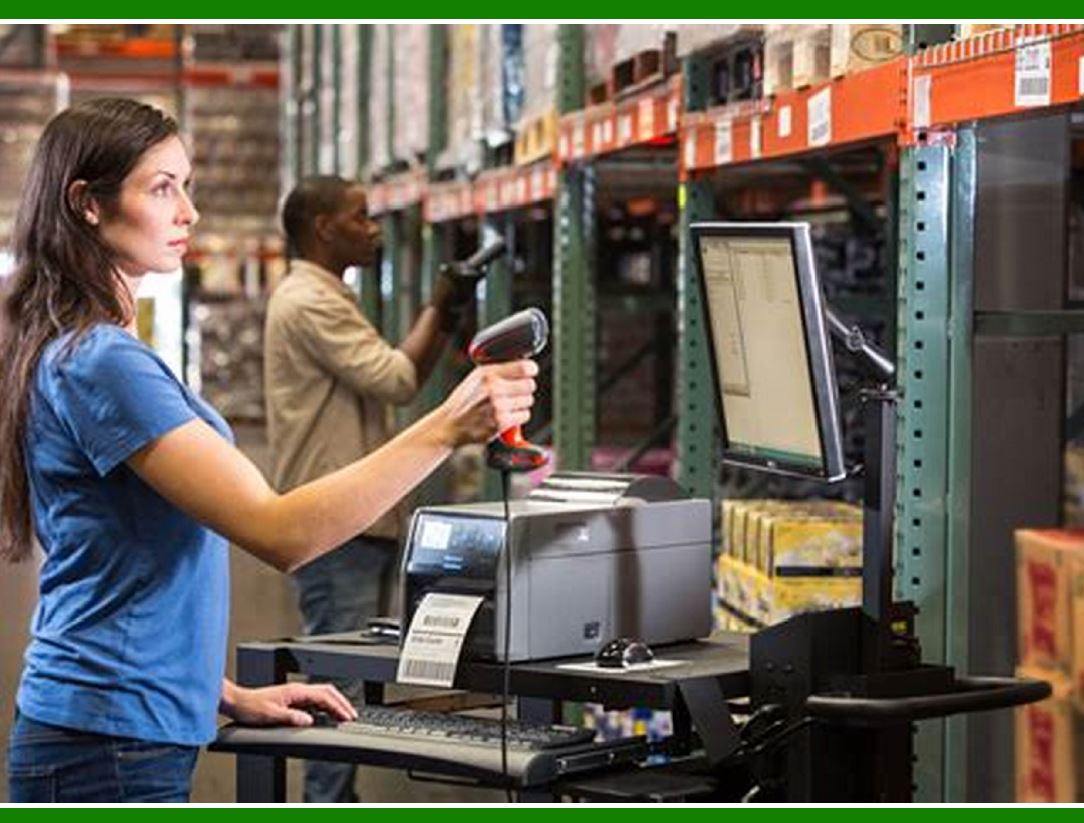
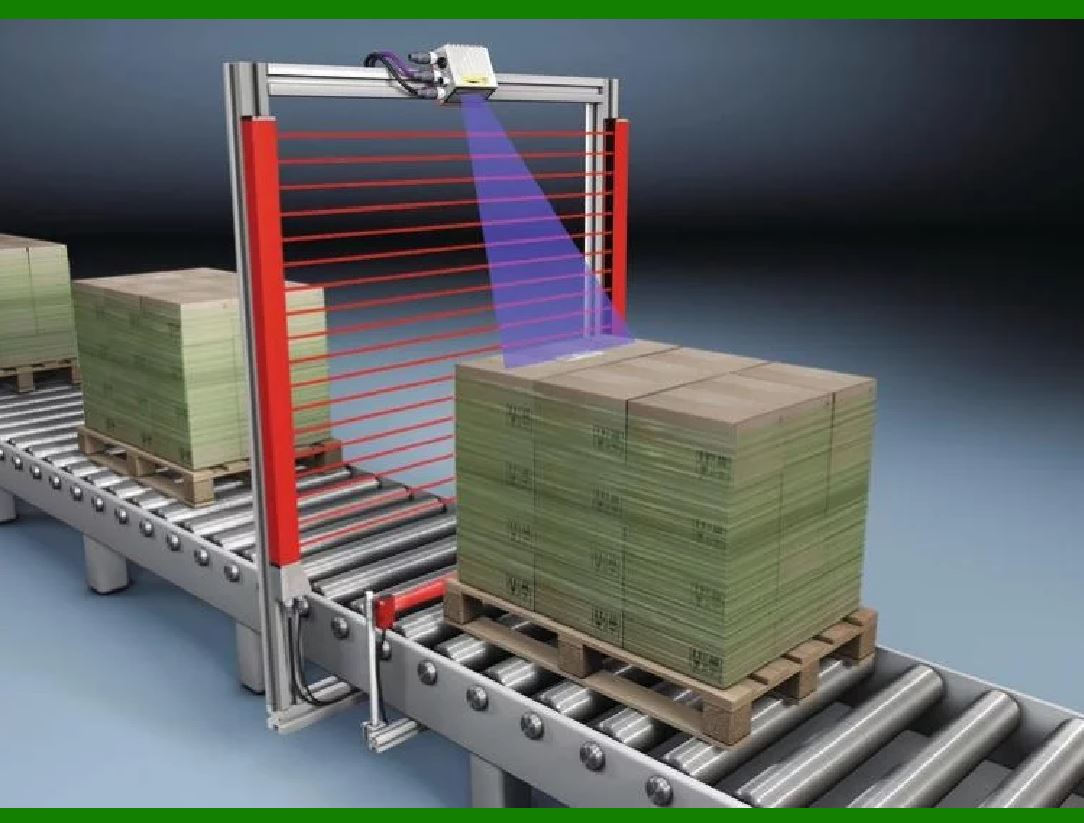
.......Desktop Scanners: In warehouses, desktop scanners are often mounted on workstations. They help with receiving shipments, picking orders, and stocking shelves.

.......Handheld Scanners: Warehouse workers use handheld scanners to scan barcodes on packages, track shipments, and manage inventory. They're portable and efficient.

3. Healthcare and Pharmaceuticals:

.......Desktop Scanners: Used in pharmacies to scan medication barcodes during dispensing. They ensure accurate prescriptions and reduce errors.

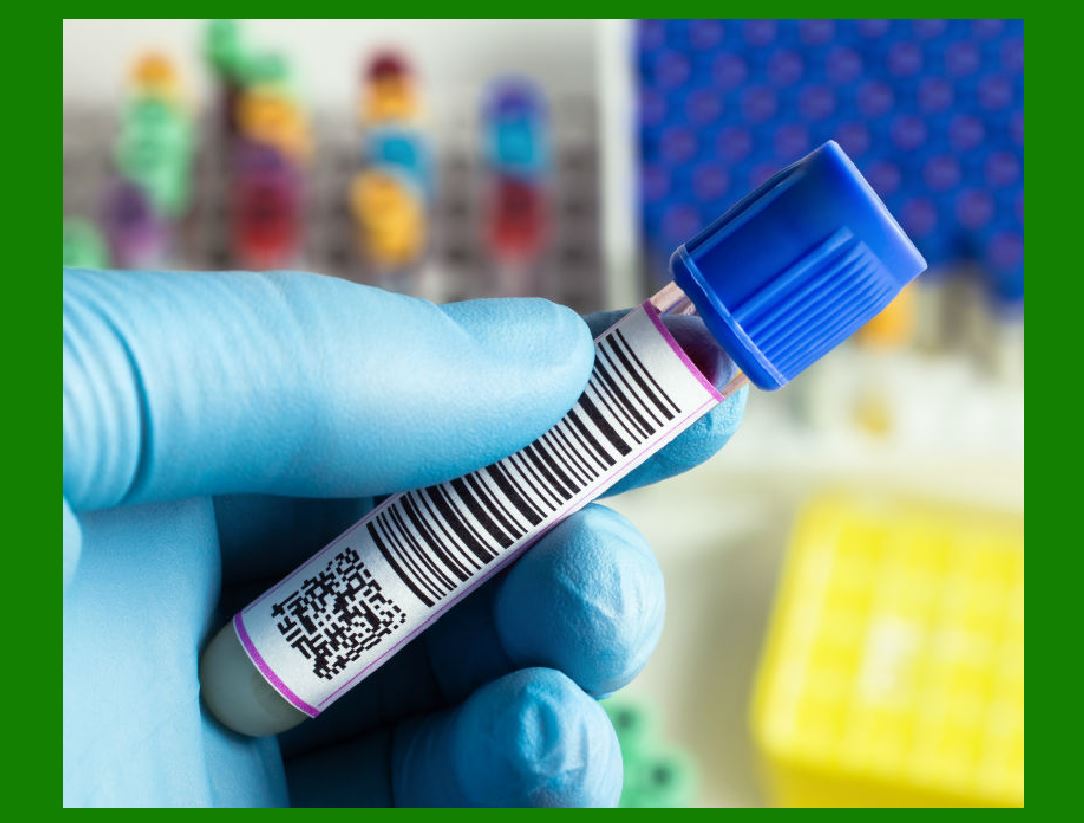
.......Handheld Scanners: Nurses and doctors use handheld scanners to verify patient information, scan wristbands, and manage medical supplies.

4. Ticketing and Access Control:

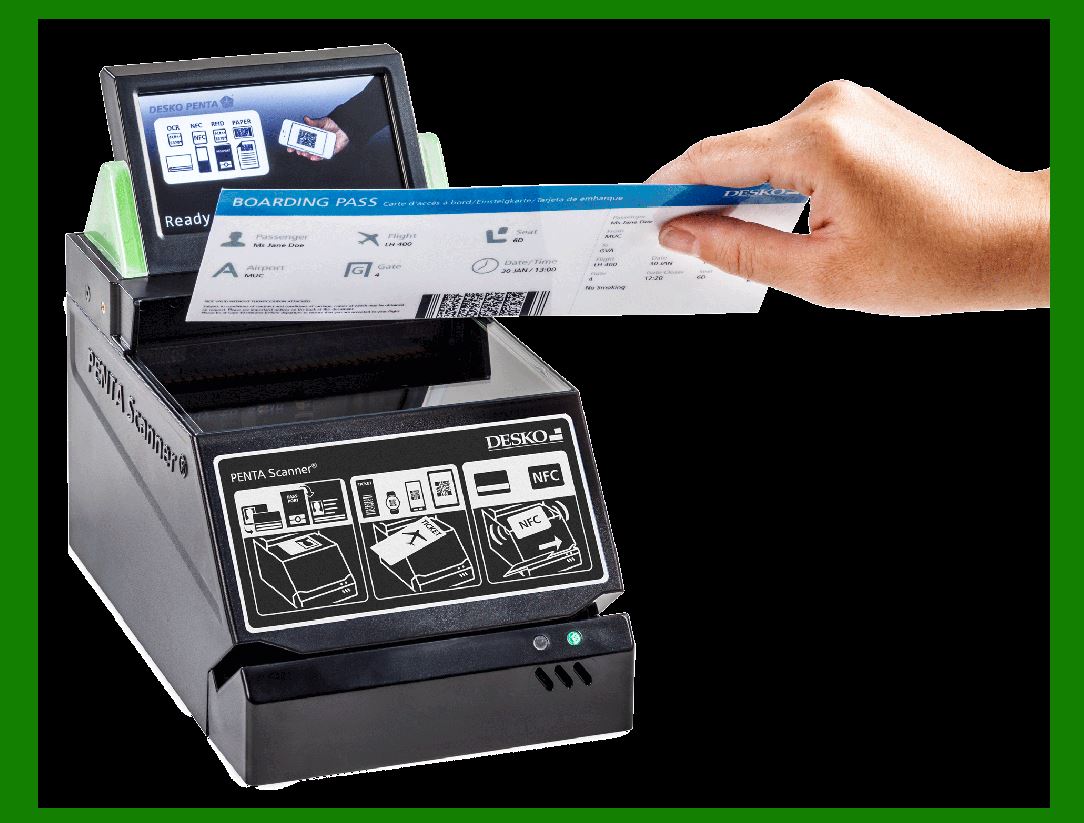
.......Desktop Scanners: At ticket counters, they validate event tickets, boarding passes, or admission tickets.

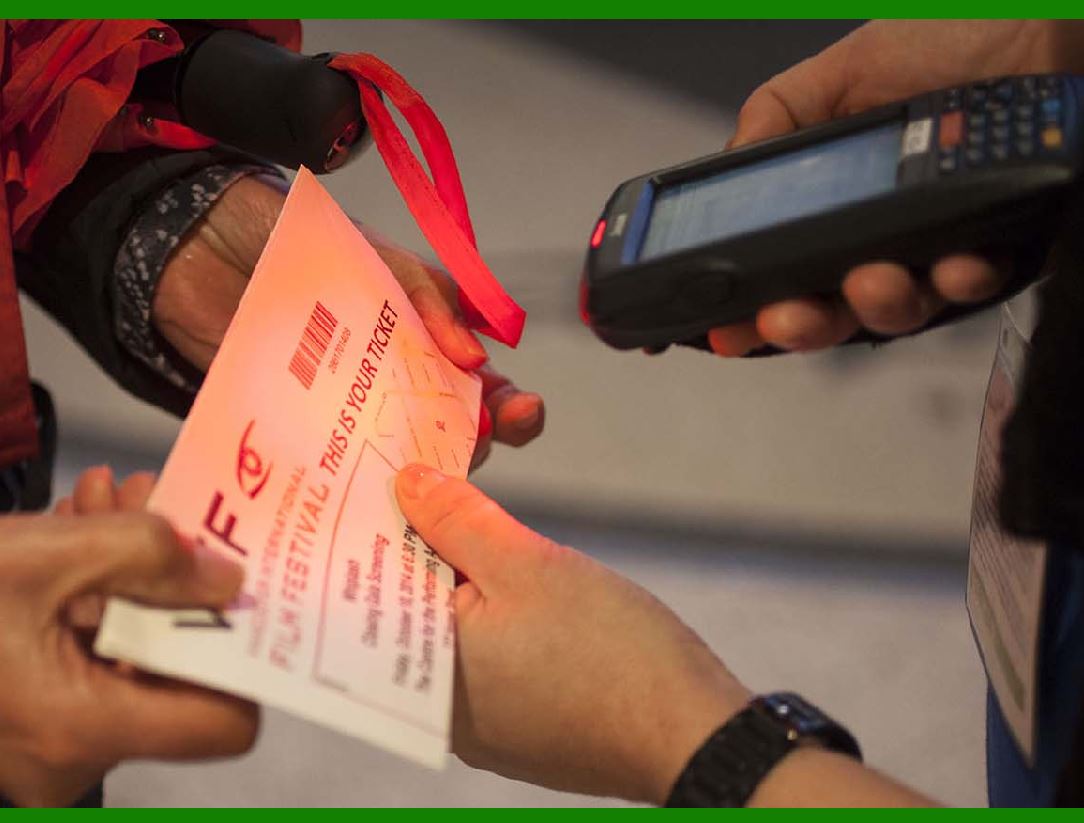
.......Handheld Scanners: Event staff use handheld scanners at entrances to verify tickets, control access, and prevent unauthorized entry.

5. Manufacturing and Quality Control:

.......Desktop Scanners: Used in production lines to track components and finished goods. They ensure quality control by scanning product labels.

.......Handheld Scanners: Inspectors use them for spot checks, verifying serial numbers, and ensuring compliance with standards.

6. Library and Education:

.......Desktop Scanners: Libraries use them for check-in/check-out processes. Students and researchers can scan book barcodes for catalog searches.

.......Handheld Scanners: Librarians use handheld scanners for inventory audits and locating misplaced books.

7. Mobile Apps and Smart Devices:

.......Handheld Scanners: Mobile apps turn smartphones into handheld scanners. They're used for price comparison, product information, and loyalty programs.

8. Event Management and Conferences:

.......Desktop Scanners: Event organizers use them for badge printing and attendee check-in.

.......Handheld Scanners: Staff scan attendee badges during sessions, workshops, and networking events.


EasierSoft Barcode Label Design & Bulk Printing Software

---- Use Excel Data to Batch Print Barcodes on Label Sheets or Roll Labels  

---- How to use this barcode software

Download:  Free Barcode Software + Barcode Label Designer

Download Free Barcode Software at Softonic

     Download at CNET

Once you obtain a GS1/UPC/EAN barcode, or other barcode type and QR code, you can use our free software to batch print barcode labels onto Roll label paper using a professional label printer, or to batch print barcodes onto Avery 5160 label sheets using a regular laser or inkjet printer. Our software has free and paid versions.

The free version fully meets your needs for batch printing GS1/UPC/EAN barcodes. The paid version can import data from Excel and databases to batch print barcode labels with different values.

How to Start

Input Data

Import Excel Data

Print Barcode

Barcode Format

Label Designer

All Screen Shot

Export Barcode Image

Save Template

Output Word Excel

How to Use & FAQ:

Barcode text font setting

Generate ISBN barcode

Predefined label templates

Printing setup

Save settings

Serial number generator

The supported barcode types

Load Excel data (pro)

Manually copy data from Excel files

Filter some data for printing

Edit imported barcode data

Input data (Pro)

Label Designer

Edit data in Label designer

Label Designer - Add new label

Label Designer - Printing

Set the barcode label format to be printed

Other Barcode Label Format Settings

Barcode types supported by this program

Barcode Label Font Settings

Configuring the Barcode Print Rotation

Text Alignment for Barcode Labels

Automatically Adjusting Barcode Width

Text Beneath the Barcode

Configuring Barcode Size

Auto Calculate the Barcode Size

Export Barcode images

Export Barcode Image Format

File Names for Exported Barcode

Resolution of Exported Barcode Images

Fixed Folder for Exporting Barcode

Default Barcode Image Export Format

Print bulk barcodes quickly

Print barcodes to Avery 5160 label

How to bulk Barcode Printing

Sample - Avery 5162 (2x7) Label Sheet

Example: Print barcodes to 5*3cm roll

Example: Print barcodes to 5161 label

Example: Print barcodes to 5162 label

Example: Print barcodes to 5163 label

Example: Print barcodes to 5164 label

Example: Print portrait orientation 5164

Example: Print barcodes to 5167 label

Example: Print barcodes to 5168 label

Example: Print portrait orientation 5168

Example: Print barcodes to 5169 label

Example: Print barcodes to 5660 label

Example: Print barcodes to 5661 label

Example: Print barcodes to 5662 label

Example: Print barcodes to 5663 label

Highlights

Excel integration: Import data directly from Excel to generate and print barcodes in bulk.

Label designer: Create complex labels with multiple barcodes, text, logos, and shapes.

Batch printing: Print thousands of barcodes at once using standard inkjet/laser printers or professional barcode printers.


Flexible editions:

Standard Edition: Simple batch printing with Excel data.

Professional Edition: Adds command-line automation for workflow integration.

Label Designer Edition: Advanced design features for complex labels.


Why Choose Our Barcode Solutions?

Cost-effective: Free online generator and permanent free desktop version available.

Easy to use: No technical expertise required—just input data and print.

Versatile: Supports nearly all 1D and 2D barcode types, including QR codes.

Trusted: Recommended by CNET and widely downloaded by users worldwide.


Suitable Use Cases

Small businesses and startups needing quick barcode labels for products.

Retailers and online sellers managing inventory with batch barcode printing.

Manufacturers requiring sequential or custom barcode labels for packaging.

Educational and testing environments where barcodes are used for tracking.


CONTACT

cs@easiersoft.com

If you have any question, please feel free to email us.


https://free-barcode.com


<<< Back to Directory <<<     Barcode Generator     Barcode Freeware     Privacy Policy