Detailed Explanation of the Principles and Structure of Barcode Scanner |
Part 11: Software Architecture, Firmware Design, and System-Level Intelligence |
1. Introduction to Software in Barcode Scanners |
1.1 Role of Software in Barcode Scanning Systems |
While hardware captures and processes physical signals, software determines how those signals are interpreted, managed, and integrated into larger systems. |
Software in barcode scanners is responsible for: |
1. Controlling hardware components |
2. Executing decoding algorithms |
3. Managing communication protocols |
4. Providing configuration and diagnostics |
5. Integrating with external applications |
Without software, a barcode scanner would function only as a passive optical device. |
1.2 Layers of Barcode Scanner Software Architecture |
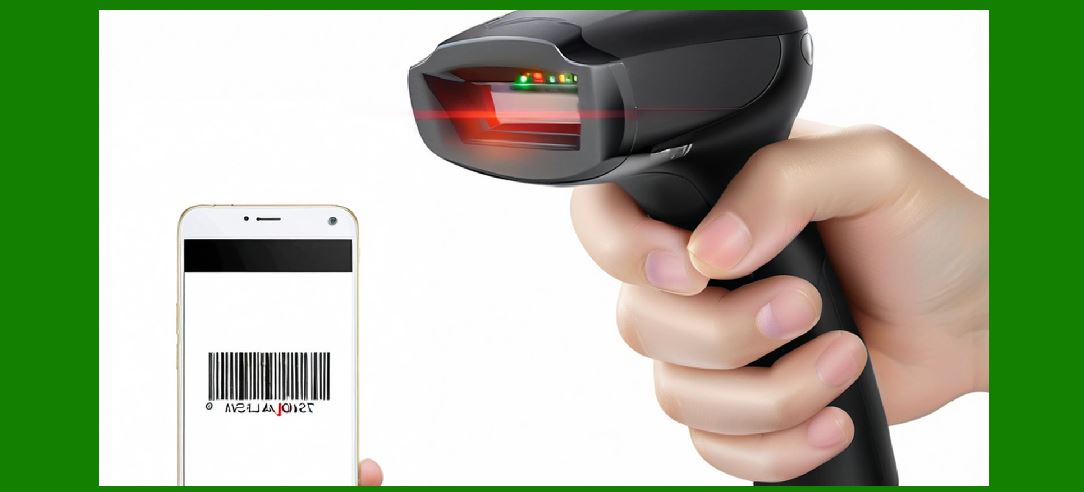
A typical barcode scanner software stack includes: |
1. Firmware layer (embedded core control) |
2. Driver layer (OS communication interface) |
3. Application interface layer (APIs, SDKs) |
4. Host system integration layer (ERP, POS, WMS systems) |
Each layer builds upon the previous one to enable full functionality. |
|
2. Firmware Architecture |
2.1 Definition of Firmware |
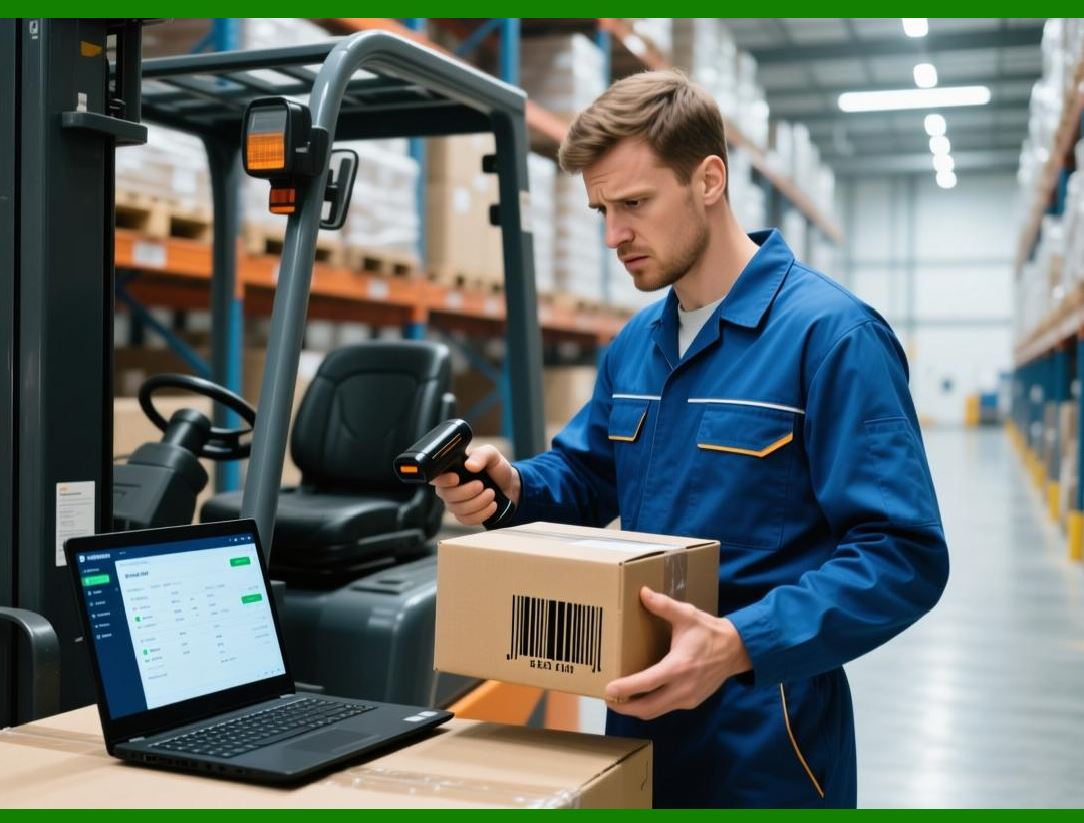
Firmware is low-level software embedded directly into the scanner hardware. It is stored in non-volatile memory such as Flash. |
It controls: |
1. Sensor operation |
2. Signal processing |
3. Decoding logic |
4. Communication interfaces |
2.2 Firmware Execution Environment |
Firmware typically runs on: |
1. Microcontrollers |
2. Embedded processors |
3. System-on-chip (SoC) architectures |
2.3 Real-Time Constraints |
Barcode scanning is a real-time process requiring: |
1. Immediate response to triggers |
2. Low-latency decoding |
3. Continuous signal processing |
2.4 Firmware Update Mechanisms |
Firmware can be updated via: |
1. USB connection |
2. Wireless updates (Wi-Fi/Bluetooth) |
3. Docking stations |
Updates may include: |
* Bug fixes |
* New barcode symbology support |
* Performance improvements |
|
3. Embedded Operating Systems |
3.1 Need for Embedded OS |
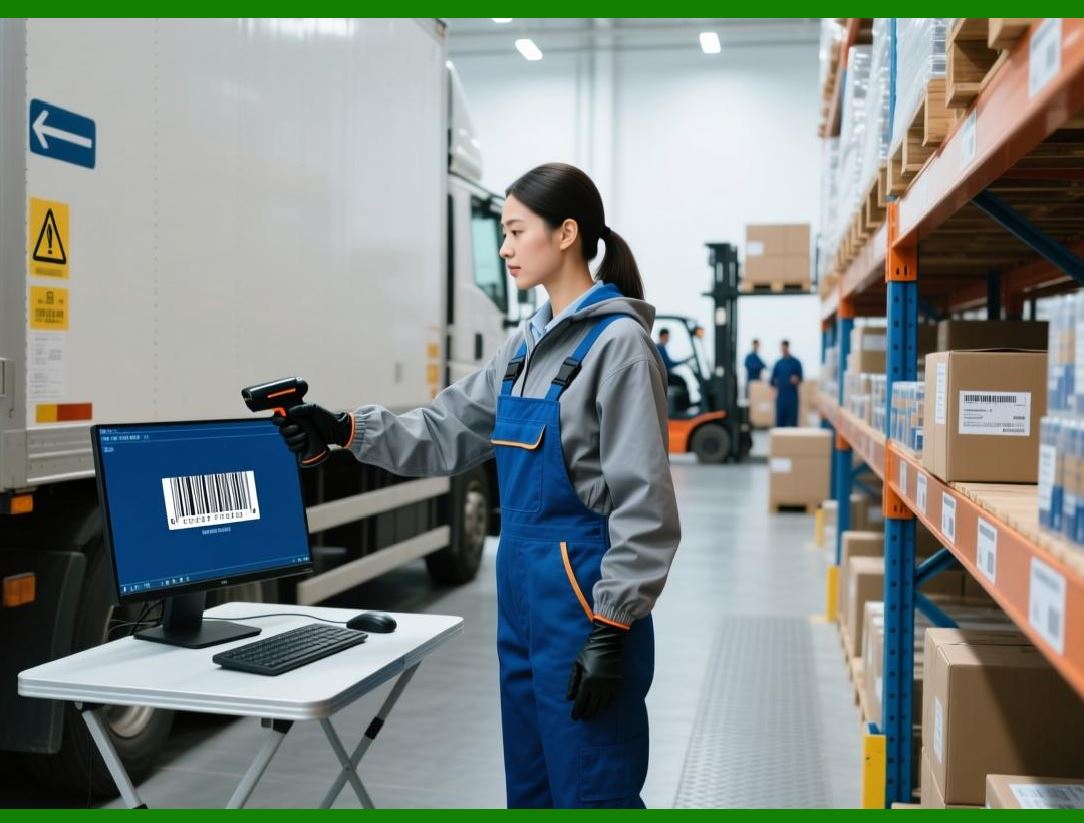
Advanced scanners use embedded operating systems to manage: |
1. Multitasking |
2. Memory allocation |
3. Device drivers |
4. Power management |
3.2 Common Types of Embedded OS |
1. Real-Time Operating Systems (RTOS) |
* Deterministic performance |
* Used in industrial scanners |
2. Lightweight Linux-based systems |
* Used in high-end smart scanners |
* Support networking and cloud integration |
3.3 RTOS Characteristics |
1. Predictable timing behavior |
2. Priority-based task scheduling |
3. Minimal latency |
|
4. Driver Architecture |
4.1 Purpose of Device Drivers |
Drivers act as intermediaries between: |
1. Scanner hardware |
2. Operating system |
They translate hardware signals into standardized data formats. |
4.2 Types of Drivers |
1. USB HID drivers |
2. Serial communication drivers |
3. Custom SDK drivers |
4.3 Driver Functions |
1. Device recognition |
2. Data formatting |
3. Communication handling |
4. Error reporting |
5. Application Programming Interfaces (APIs) |
5.1 Role of APIs in Barcode Scanners |
APIs allow software applications to interact with scanners. |
They enable: |
1. Data retrieval |
2. Device configuration |
3. Event handling |
5.2 Common API Functions |
1. Start/stop scanning |
2. Retrieve decoded data |
3. Configure symbology settings |
4. Manage device status |
5.3 SDK (Software Development Kit) |
SDKs typically include: |
1. APIs |
2. Sample code |
3. Documentation |
4. Testing tools |

|
6. Data Processing Software |
6.1 Pre-Processing Layer |
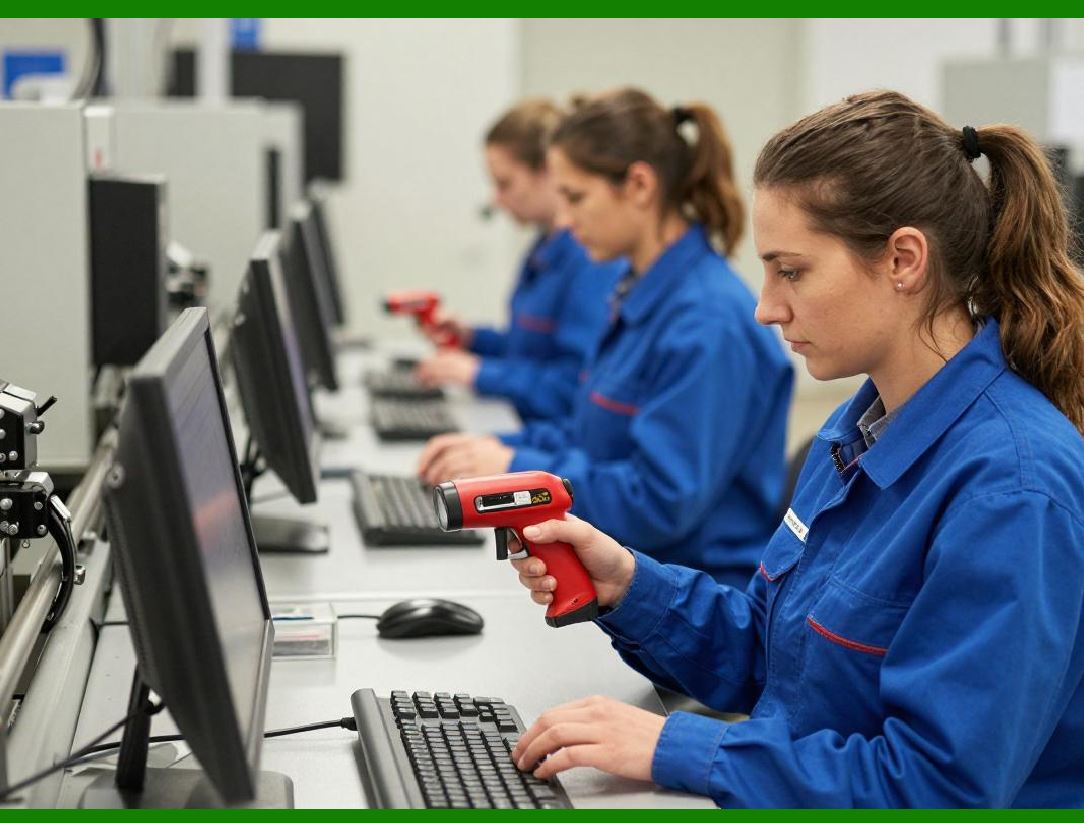
Before decoding, software may: |
1. Clean raw image data |
2. Adjust contrast |
3. Normalize brightness |
6.2 Decoding Engine |
The decoding engine: |
1. Identifies barcode type |
2. Applies decoding algorithms |
3. Extracts encoded data |
6.3 Post-Processing Layer |
After decoding: |
1. Data is validated |
2. Formatting rules are applied |
3. Output is prepared for transmission |
|
7. Configuration and Control Software |
7.1 Device Configuration Methods |
1. Barcode-based configuration sheets |
2. PC software utilities |
3. Mobile applications |
7.2 Configurable Parameters |
1. Symbology enable/disable |
2. Scan mode selection |
3. Sound and indicator settings |
4. Communication settings |
7.3 Profile Management |
Advanced scanners support: |
1. Multiple configuration profiles |
2. Switching between environments |
|
8. Error Handling and Diagnostics Software |
8.1 Error Detection |
Software monitors: |
1. Scan failures |
2. Communication errors |
3. Hardware malfunctions |
8.2 Logging Systems |
1. Event logs |
2. Error logs |
3. Performance logs |
8.3 Diagnostic Tools |
Used for: |
1. System testing |
2. Maintenance |
3. Troubleshooting |
|
9. Power Management Software |
9.1 Software-Controlled Power Modes |
1. Active scanning mode |
2. Idle mode |
3. Sleep mode |
9.2 Intelligent Power Adjustment |
Software dynamically adjusts: |
1. Sensor brightness |
2. Processing power |
3. Wireless transmission strength |

|
10. Communication Software Stack |
10.1 Protocol Handling |
Software manages: |
1. USB communication |
2. Bluetooth pairing |
3. Wi-Fi connectivity |
10.2 Data Encoding and Packaging |
Before transmission: |
1. Data is formatted |
2. Packets are structured |
3. Integrity checks are added |
10.3 Synchronization Mechanisms |
Ensures: |
1. Real-time data transfer |
2. Avoidance of packet loss |
|
11. Cloud and Network Integration Software |
11.1 Cloud Connectivity |
Modern scanners can send data to: |
1. Cloud databases |
2. SaaS platforms |
3. Enterprise systems |
11.2 IoT Integration |
Scanners act as IoT devices: |
1. Continuously transmit data |
2. Support remote monitoring |
11.3 Edge Computing Support |
Some processing occurs locally: |
1. Reduces latency |
2. Minimizes network load |
|
12. Security Software Layer |
12.1 Data Encryption |
Protects transmitted data using: |
1. AES encryption |
2. TLS protocols |
12.2 Authentication Systems |
1. Device pairing |
2. Access control |
12.3 Firmware Security |
1. Secure boot |
2. Anti-tampering mechanisms |

|
13. Performance Optimization Software |
13.1 Algorithm Optimization |
1. Faster decoding algorithms |
2. Reduced computational complexity |
13.2 Resource Management |
1. Memory optimization |
2. CPU load balancing |
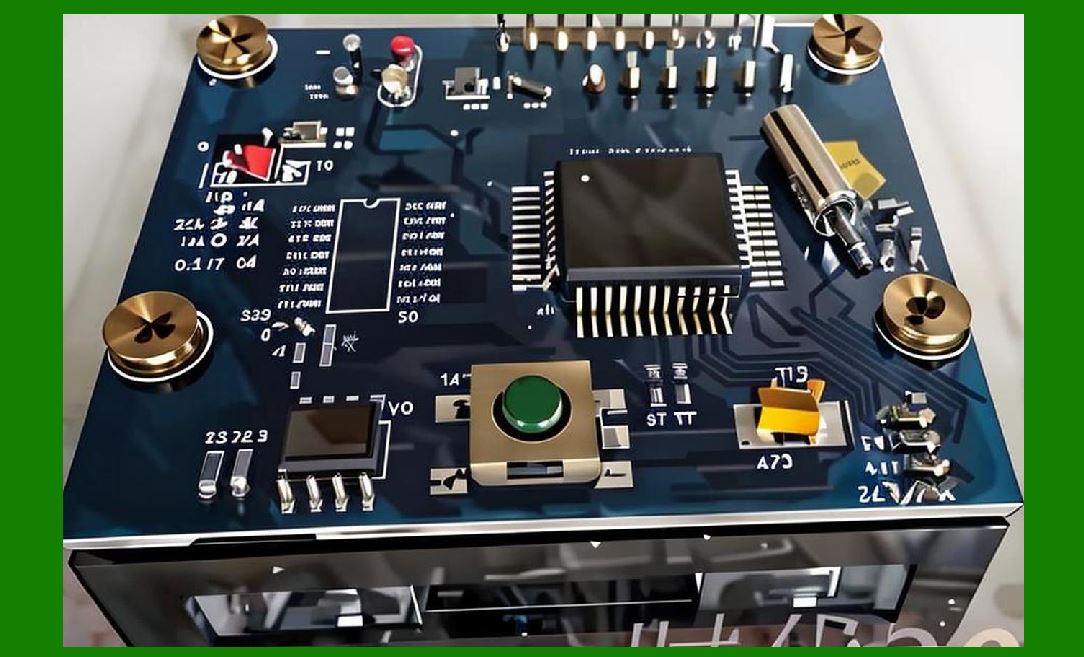
13.3 Parallel Processing |
1. Simultaneous image analysis |
2. Multi-threaded decoding |
|
14. User Interface Software |
14.1 On-Device UI |
Some scanners include: |
1. LCD screens |
2. LED indicators |
3. Buttons for configuration |
14.2 Mobile and PC Interfaces |
1. Configuration apps |
2. Monitoring dashboards |
|
15. Future Trends in Barcode Scanner Software |
15.1 AI-Driven Decoding |
1. Improved recognition accuracy |
2. Learning-based correction |
15.2 Fully Cloud-Native Scanners |
1. Offload processing to cloud |
2. Real-time analytics |
15.3 Autonomous Device Management |
1. Self-updating firmware |
2. Predictive maintenance |

|
16. Summary of Part 11 |
In this section, we explored the software intelligence behind barcode scanners: |
1. Firmware architecture and real-time constraints |
2. Embedded operating systems (RTOS and Linux-based systems) |
3. Device drivers and communication layers |
4. APIs and SDK integration |
5. Data processing pipelines |
6. Configuration and control systems |
7. Diagnostics and error handling |
8. Power management software |
9. Communication and networking software |
10. Cloud and IoT integration |
11. Security mechanisms |
12. Performance optimization techniques |
13. User interface software |
14. Future AI and cloud-based trends |
Software transforms barcode scanners from simple optical devices into intelligent, networked data acquisition systems. |
|
Next Step |
In Part 12, we will explore: |
* Industrial applications of barcode scanners |
* Retail, logistics, healthcare, and manufacturing use cases |
* System integration in real-world environments |
* Workflow optimization through barcode automation |
 cs@easiersoft.com