Detailed Explanation of the Principles and Structure of Barcode Scanner |
Part 12: Industrial Applications and Real-World Deployment Scenarios |
1. Introduction to Barcode Scanner Applications |
1.1 Why Applications Matter |
Barcode scanners are not just technical devices; they are core infrastructure tools in modern industry. Their value comes from how they are deployed in real operational environments. |
Applications determine: |
1. Required scanning speed |
2. Required durability level |
3. Communication method |
4. Integration complexity |
5. Type of barcode symbology used |
1.2 Major Industry Sectors |
Barcode scanners are widely used in: |
1. Retail and point-of-sale systems |
2. Logistics and warehousing |
3. Manufacturing and production lines |
4. Healthcare and pharmaceuticals |
5. Transportation and postal services |
6. Government and identification systems |
Each sector imposes different technical requirements. |
|
2. Retail Industry Applications |
2.1 Point-of-Sale (POS) Systems |
Retail checkout systems are one of the most common applications. |
2.1.1 Workflow |
1. Product barcode is scanned |
2. System retrieves product information |
3. Price is calculated |
4. Transaction is completed |
2.1.2 Scanner Requirements |
1. High-speed scanning |
2. Omnidirectional reading capability |
3. Compatibility with UPC/EAN barcodes |
4. High first-pass read rate |
2.2 Inventory Management in Retail |
1. Stock tracking |
2. Shelf replenishment |
3. Price updates |
2.3 Self-Checkout Systems |
1. Customers scan items themselves |
2. Requires intuitive scanning feedback |
3. High tolerance for user error |

|
3. Logistics and Warehousing |
3.1 Warehouse Operations |
Barcode scanners are essential for managing large-scale inventory systems. |
3.2 Key Use Cases |
1. Receiving goods |
2. Storage allocation |
3. Order picking |
4. Shipping verification |
3.3 Workflow Example |
1. Item arrives scanned |
2. System assigns storage location |
3. Worker picks item scans again |
4. Item shipped final scan confirms dispatch |
3.4 Scanner Requirements |
1. Long-range scanning |
2. Rugged construction |
3. Wireless connectivity |
4. High battery life |
3.5 Wearable Scanners in Warehousing |
1. Mounted on wrist or finger |
2. Hands-free operation |
3. Increases efficiency in picking operations |
|
4. Manufacturing Industry Applications |
4.1 Production Line Tracking |
Barcode scanners are integrated into production systems. |
4.2 Key Functions |
1. Component tracking |
2. Assembly verification |
3. Quality control |
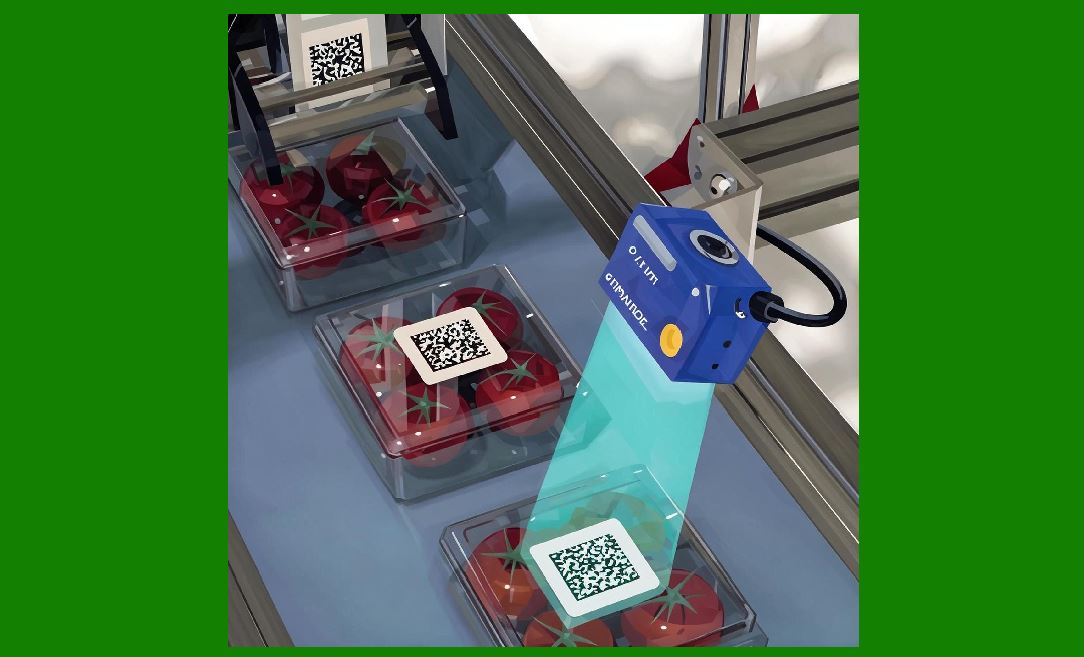
4.3 Fixed-Mount Scanners in Automation |
1. Installed on conveyor belts |
2. Automatically scan moving items |
3. Operate continuously |
4.4 Traceability Systems |
1. Track raw materials |
2. Monitor production stages |
3. Record finished goods |
4.5 Requirements in Manufacturing |
1. High durability |
2. Resistance to dust and vibration |
3. Continuous operation capability |

|
5. Healthcare Applications |
5.1 Patient Identification |
Barcode scanners are used for: |
1. Patient wristbands |
2. Medical records verification |
5.2 Medication Management |
1. Drug packaging scanning |
2. Dosage verification |
3. Administration tracking |
5.3 Laboratory Systems |
1. Sample tracking |
2. Test tube identification |
3. Result linking |
5.4 Scanner Requirements in Healthcare |
1. High accuracy |
2. Compatibility with small 2D codes |
3. Easy disinfection |
4. Error-proof operation |
|
6. Pharmaceutical Industry |
6.1 Drug Serialization |
Each pharmaceutical product has a unique barcode. |
6.2 Supply Chain Tracking |
1. Manufacturing |
2. Distribution |
3. Pharmacy dispensing |
6.3 Anti-Counterfeiting Measures |
1. Unique identifiers |
2. Secure data encoding |

|
7. Transportation and Postal Systems |
7.1 Parcel Tracking Systems |
Barcode scanners are used at every stage of delivery. |
7.2 Workflow |
1. Package is labeled and scanned |
2. Transit checkpoints scan again |
3. Delivery confirmation scan |
7.3 Postal Barcode Systems |
1. Intelligent Mail Barcode (IMb) |
2. Sorting automation systems |
7.4 Scanner Requirements |
1. High-speed bulk scanning |
2. Long-distance reading capability |
3. Automated sorting compatibility |
|
8. Government and Identification Systems |
8.1 ID Cards and Licenses |
Barcodes are used in: |
1. Driver licenses |
2. National ID cards |
3. Government permits |
8.2 Border Control Systems |
1. Passport scanning |
2. Entry/exit tracking |
8.3 Voting Systems |
1. Ballot tracking |
2. Election verification |

|
9. Education and Library Systems |
9.1 Library Management |
1. Book checkout |
2. Inventory tracking |
3. Return processing |
9.2 Student ID Systems |
1. Attendance tracking |
2. Access control |
|
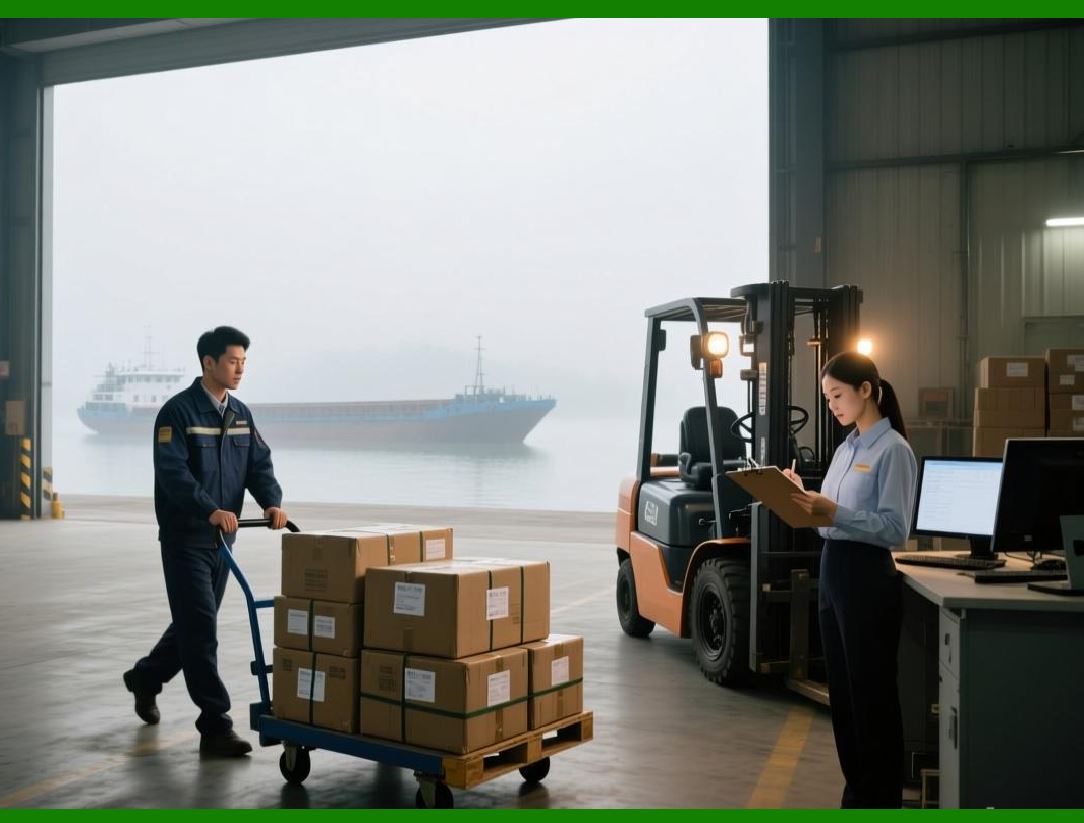
10. E-Commerce and Fulfillment Centers |
10.1 Order Processing |
1. Item picking |
2. Packing verification |
3. Shipping confirmation |
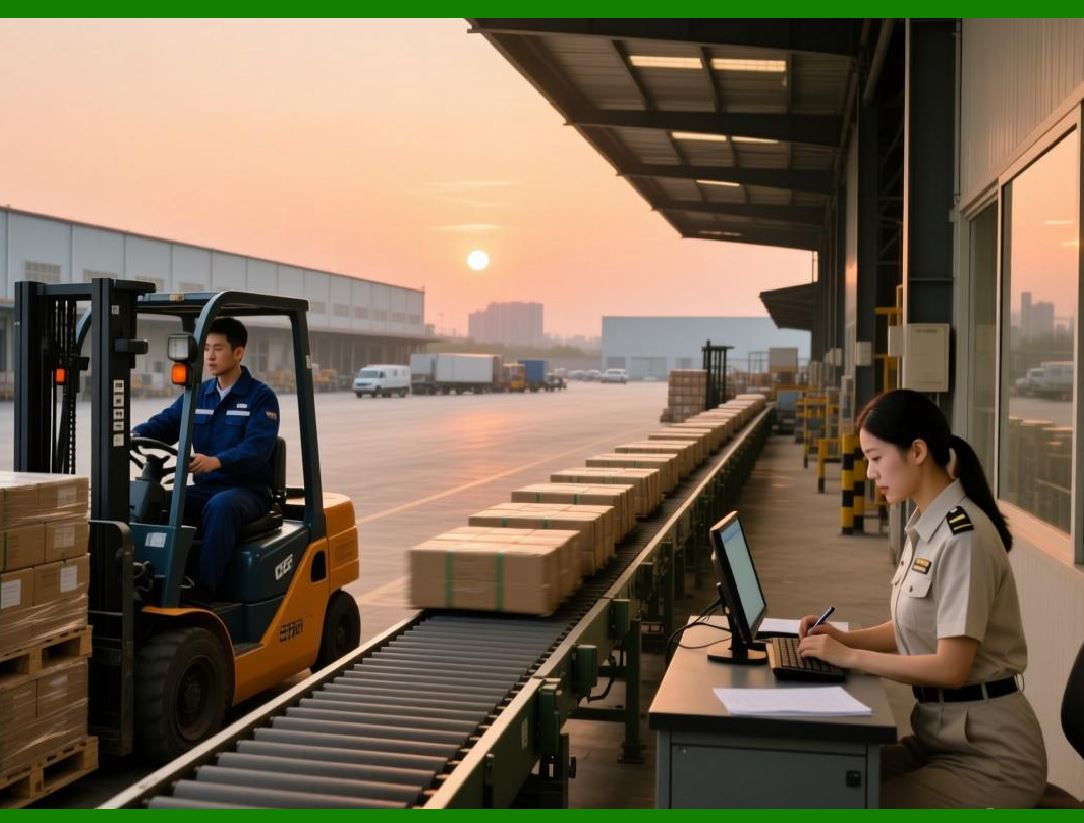
10.2 High-Speed Sorting |
1. Automated conveyor systems |
2. Multi-directional scanning |
10.3 Requirements |
1. High throughput |
2. Error-free scanning |
3. Integration with cloud systems |
|
11. Industrial Automation Systems |
11.1 Smart Factories |
Barcode scanners are integrated into Industry 4.0 systems. |
11.2 Machine-to-Machine Communication |
1. Automated data exchange |
2. Real-time monitoring |
11.3 Robotics Integration |
1. Robots scan components |
2. Automated decision-making |
|
12. Field Services and Mobile Operations |
12.1 Utility Services |
1. Meter reading |
2. Equipment tracking |
12.2 Construction Sites |
1. Material tracking |
2. Equipment inventory |
12.3 Requirements |
1. Rugged design |
2. Wireless communication |
3. Long battery life |

|
13. System Integration in Enterprises |
13.1 ERP Integration |
1. Inventory synchronization |
2. Supply chain visibility |
13.2 WMS Integration |
1. Warehouse optimization |
2. Real-time stock updates |
13.3 API-Based Integration |
1. Custom enterprise workflows |
2. Automated reporting |

|
14. Performance Optimization in Real Environments |
14.1 High-Throughput Environments |
1. Multiple scans per second |
2. Parallel processing systems |
14.2 Error Reduction Strategies |
1. Redundant scanning |
2. Validation systems |
14.3 Workflow Automation |
1. Reduced manual intervention |
2. Increased operational efficiency |
|
15. Future Industrial Trends |
15.1 Smart Warehouses |
1. Fully automated scanning systems |
2. AI-driven logistics |
15.2 Robotics and Vision Systems |
1. Autonomous scanning robots |
2. Computer vision integration |
15.3 Digital Supply Chains |
1. End-to-end traceability |
2. Real-time analytics |
|
16. Summary of Part 12 |
In this section, we explored the real-world applications of barcode scanners across industries: |
1. Retail and POS systems |
2. Logistics and warehousing |
3. Manufacturing and automation |
4. Healthcare and pharmaceuticals |
5. Transportation and postal services |
6. Government identification systems |
7. Education and libraries |
8. E-commerce fulfillment |
9. Industrial automation and robotics |
10. Field services and mobile operations |
11. Enterprise system integration |
12. Performance optimization in real environments |
13. Future trends in smart industries |
Barcode scanners serve as critical infrastructure enabling automation, traceability, and efficiency across nearly every modern industry. |

|
Next Step |
In Part 13, we will explore: |
* Barcode scanner calibration and maintenance |
* Quality control and testing methods |
* Troubleshooting common scanning issues |
* Long-term reliability engineering |
 cs@easiersoft.com