Detailed Explanation of the Principles and Structure of Barcode Scanner |
Part 13: Calibration, Maintenance, Quality Control, and Troubleshooting |
1. Introduction to Maintenance and Reliability |
1.1 Why Maintenance Matters |
Barcode scanners are precision devices combining optics, electronics, and software. Over time, performance can degrade due to: |
1. Dust accumulation |
2. Mechanical wear |
3. Optical misalignment |
4. Battery degradation |
5. Software drift or configuration errors |
Regular maintenance ensures: |
* Stable scanning accuracy |
* Long operational lifespan |
* Reduced downtime |
* Consistent data quality |
1.2 Reliability as a System Property |
Reliability depends on: |
1. Hardware durability |
2. Software stability |
3. Environmental resilience |
4. Proper maintenance routines |
Even small degradation in any subsystem can affect overall scanning performance. |

|
2. Calibration of Barcode Scanners |
2.1 What is Calibration |
Calibration is the process of adjusting a barcode scanner so that its output matches known standards under defined conditions. |
It ensures: |
1. Accurate decoding |
2. Consistent performance |
3. Standard compliance |
2.2 Optical Calibration |
2.2.1 Light Source Calibration |
1. Adjust brightness of LEDs or laser intensity |
2. Ensure uniform illumination |
3. Prevent overexposure or underexposure |
2.2.2 Sensor Calibration |
1. Normalize sensor sensitivity |
2. Adjust gain levels |
3. Balance pixel response in imaging scanners |
2.2.3 Lens Alignment Calibration |
1. Correct focus distance |
2. Align optical axis |
3. Eliminate distortion |
2.3 Electrical Calibration |
1. Adjust amplifier gain |
2. Set ADC reference levels |
3. Ensure stable signal conversion |
2.4 Software Calibration |
1. Threshold tuning |
2. Decoding parameter adjustment |
3. Symbology optimization |

|
3. Quality Control in Barcode Scanning Systems |
3.1 Purpose of Quality Control |
Quality control ensures that: |
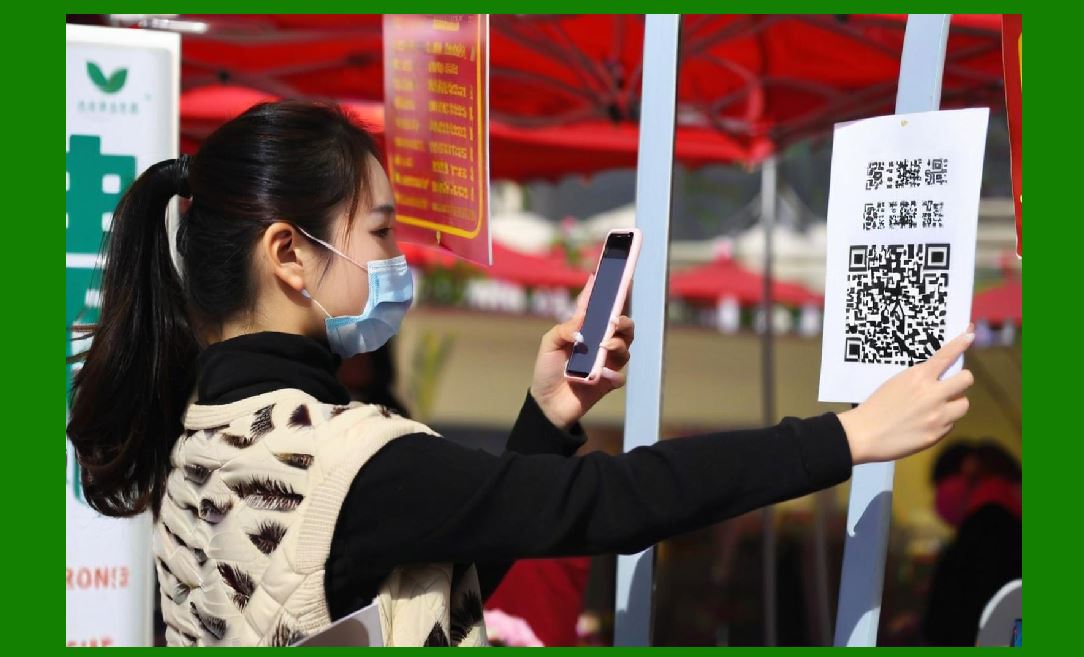
1. Barcodes are readable |
2. Scanner output is accurate |
3. System performance meets standards |
3.2 Barcode Quality Verification |
Barcode quality is evaluated using: |
1. Contrast |
2. Edge sharpness |
3. Modulation |
4. Decodability |
5. Symbol integrity |
3.3 Grading Systems |
Barcodes are often graded (e.g., A to F): |
1. High grade easy to scan |
2. Low grade prone to errors |
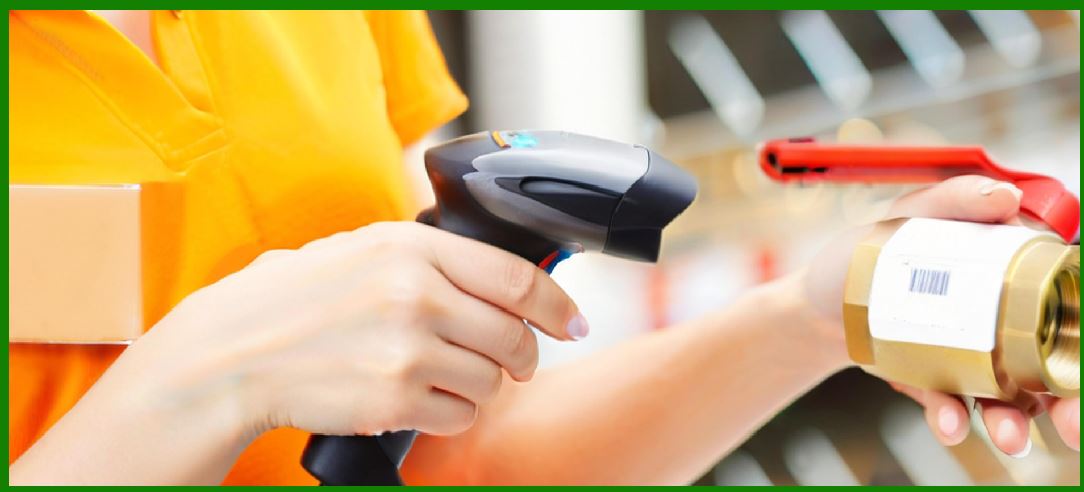
3.4 Scanner Self-Diagnostics |
Modern scanners can: |
1. Test internal components |
2. Validate sensor performance |
3. Detect calibration drift |
|
4. Preventive Maintenance |
4.1 Cleaning Procedures |
Regular cleaning includes: |
1. Optical window cleaning |
2. Sensor surface inspection |
3. Dust removal from housing |
4.2 Environmental Protection Maintenance |
1. Check sealing integrity |
2. Inspect rubber gaskets |
3. Ensure IP rating compliance |
4.3 Mechanical Inspection |
1. Check trigger durability |
2. Inspect cable wear |
3. Verify housing integrity |
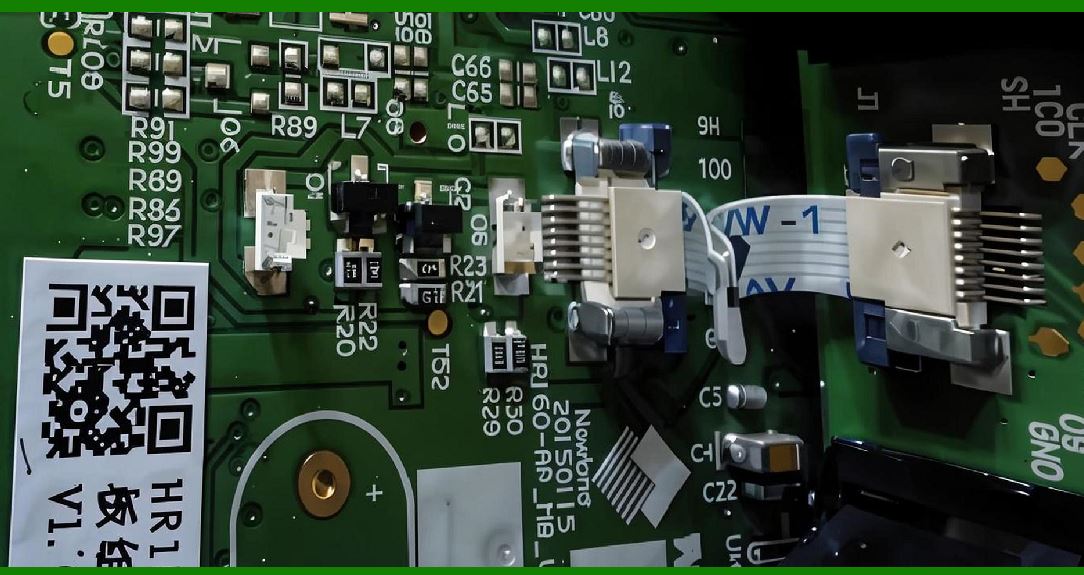
4.4 Battery Maintenance |
1. Avoid deep discharge cycles |
2. Maintain proper charging habits |
3. Replace degraded batteries |
|
5. Corrective Maintenance |
5.1 Identifying Failures |
Common failure symptoms: |
1. Inconsistent scanning |
2. No response from device |
3. Partial or incorrect decoding |
5.2 Hardware Repairs |
1. Replace damaged sensors |
2. Repair optical components |
3. Fix connector issues |
5.3 Firmware Reinstallation |
1. Restore factory firmware |
2. Fix corrupted software |
3. Reinitialize system parameters |

|
6. Common Scanning Problems and Troubleshooting |
6.1 Barcode Not Readable |
Possible causes: |
1. Poor print quality |
2. Low contrast |
3. Damaged barcode |
Solutions: |
1. Increase illumination |
2. Adjust scanner angle |
3. Use image enhancement mode |
6.2 Partial Scanning Errors |
Causes: |
1. Motion blur |
2. Misalignment |
3. Insufficient resolution |
Solutions: |
1. Stabilize scanning |
2. Reduce movement |
3. Increase scanning distance accuracy |
6.3 Incorrect Data Output |
Causes: |
1. Wrong symbology selected |
2. Decoding misconfiguration |
3. Software mismatch |
Solutions: |
1. Enable auto-symbology detection |
2. Reset configuration |
3. Update firmware |
6.4 Intermittent Connectivity Issues |
Causes: |
1. Wireless interference |
2. Cable damage |
3. Driver issues |
Solutions: |
1. Re-pair Bluetooth devices |
2. Replace cables |
3. Reinstall drivers |

|
7. Environmental Troubleshooting |
7.1 Low Light Conditions |
1. Increase scanner illumination |
2. Use imaging mode |
7.2 Excessive Ambient Light |
1. Use optical filters |
2. Adjust exposure settings |
7.3 Dust and Contamination |
1. Clean scan window |
2. Improve enclosure sealing |
|
8. Performance Degradation Over Time |
8.1 Optical Degradation |
1. Lens scratches |
2. Sensor aging |
3. LED brightness reduction |
8.2 Mechanical Wear |
1. Trigger fatigue |
2. Housing loosening |
3. Connector wear |
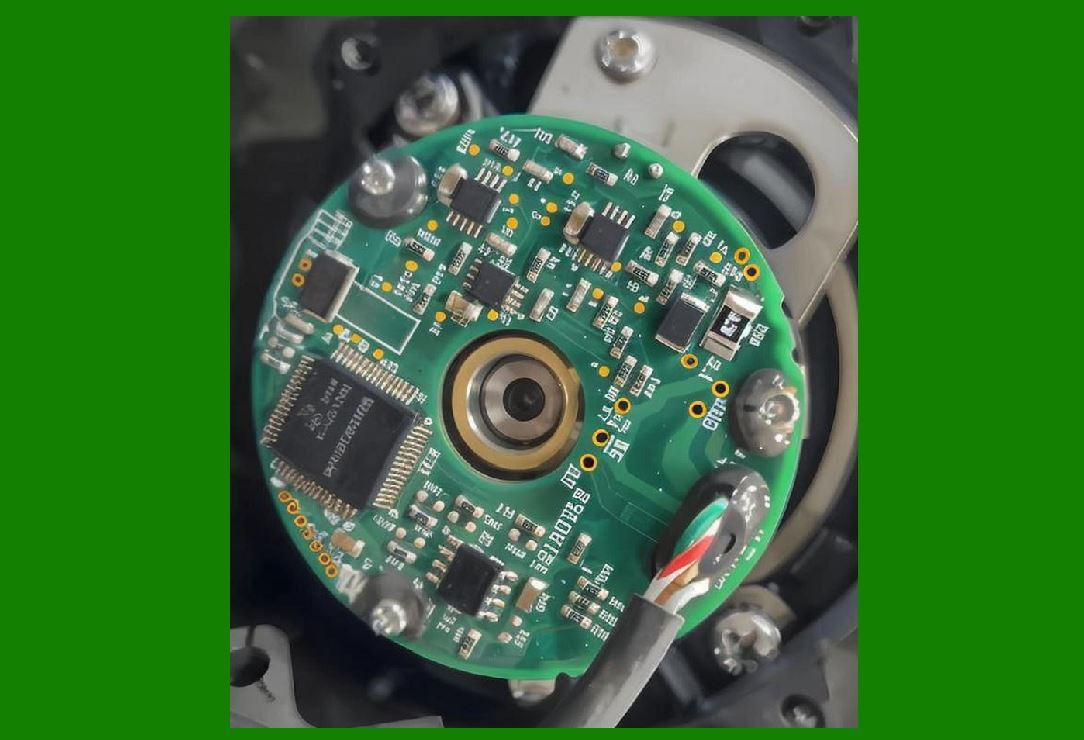
8.3 Electronic Aging |
1. Capacitor degradation |
2. Processor heat stress |
|
9. Diagnostic Tools and Techniques |
9.1 Built-In Diagnostics |
Modern scanners include: |
1. Self-test routines |
2. LED and sensor checks |
3. Communication tests |
9.2 External Diagnostic Software |
Used for: |
1. Performance monitoring |
2. Error logging |
3. Configuration analysis |
9.3 Field Testing Methods |
1. Test barcode sheets |
2. Controlled environment scanning |
3. Real-world validation |

|
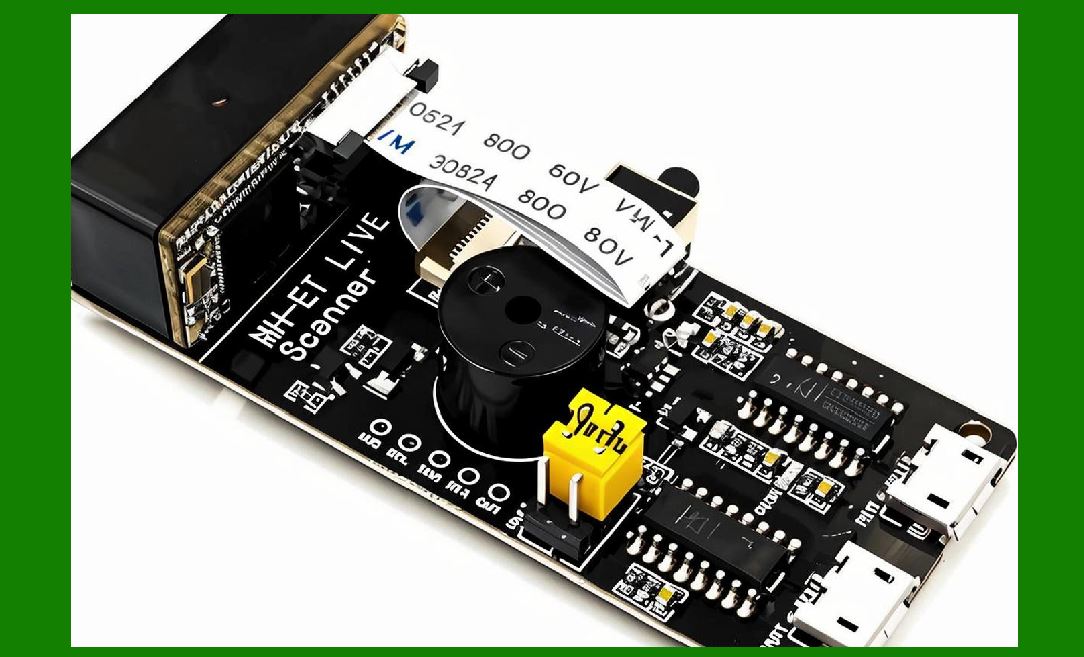
10. Calibration Standards and Compliance |
10.1 Industry Standards |
1. ISO barcode quality standards |
2. GS1 specifications |
3. ANSI grading systems |
10.2 Compliance Requirements |
1. Accuracy thresholds |
2. Decodability metrics |
3. Environmental tolerance standards |
|
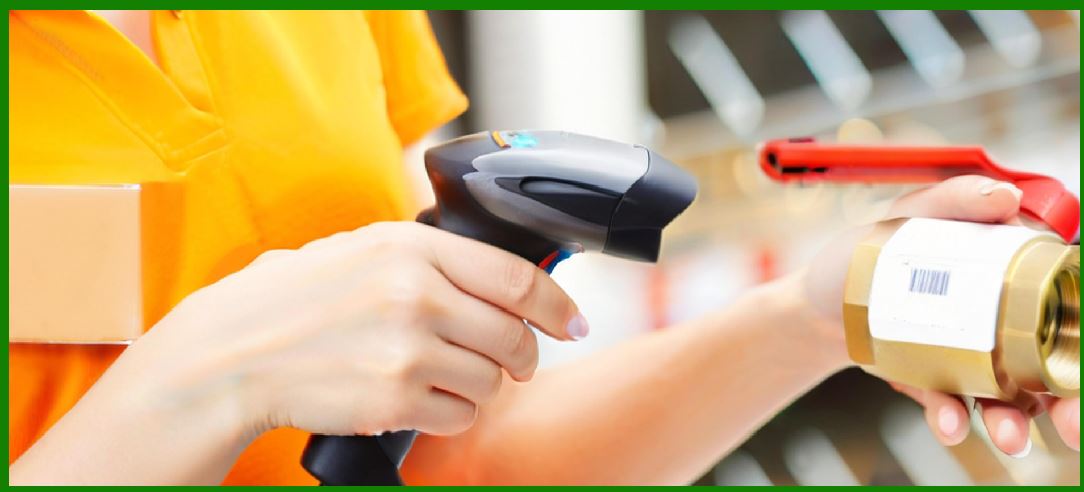
11. Maintenance Scheduling Strategies |
11.1 Preventive Scheduling |
1. Regular inspection intervals |
2. Routine cleaning schedules |
11.2 Usage-Based Maintenance |
1. Maintenance based on scan count |
2. Performance-based triggers |
11.3 Predictive Maintenance |
1. AI-based failure prediction |
2. Sensor health monitoring |
|
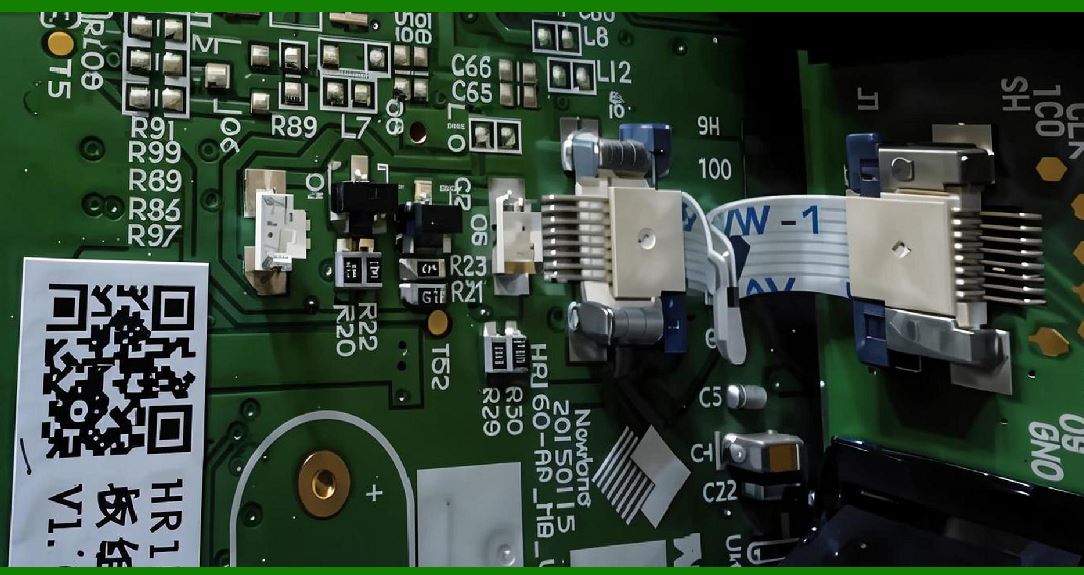
12. Reliability Engineering in Barcode Scanners |
12.1 Redundancy Design |
1. Multiple sensor pathways |
2. Backup decoding algorithms |
12.2 Fault Tolerance |
1. Continue operation despite partial failure |
2. Graceful degradation |
12.3 Mean Time Between Failures (MTBF) |
1. Measures expected operational lifespan |
2. Used for industrial-grade scanners |
|
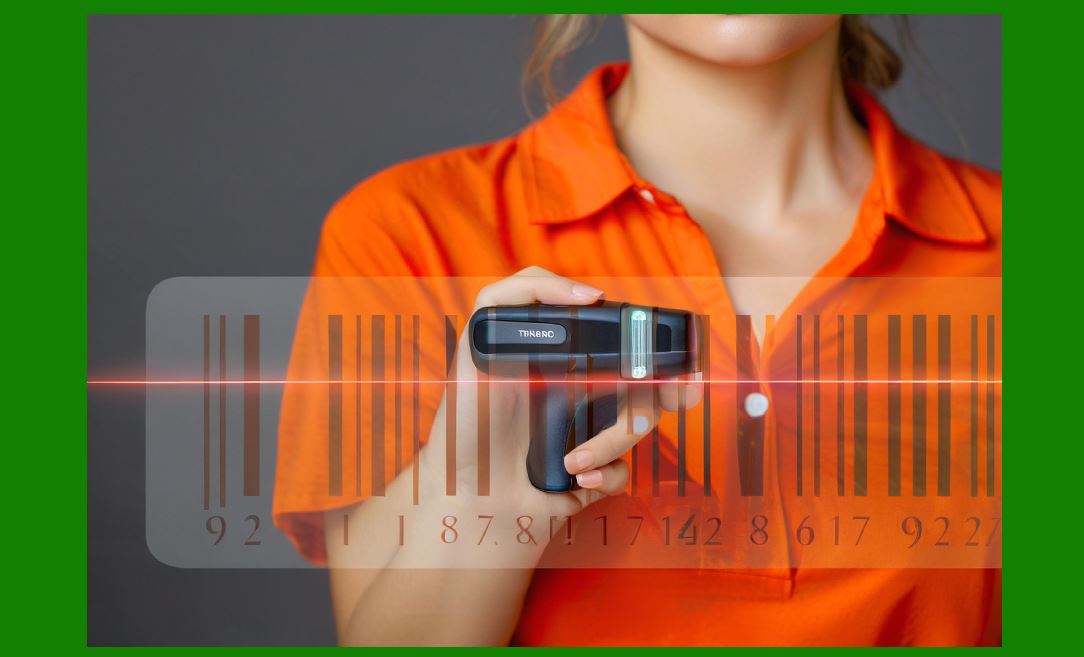
13. Optimization After Maintenance |
13.1 Recalibration Procedures |
1. Reset optical parameters |
2. Reconfigure decoding thresholds |
13.2 Performance Verification |
1. Speed testing |
2. Accuracy validation |
13.3 System Re-integration |
1. Reconnect to host systems |
2. Verify communication stability |
|
14. Future Trends in Maintenance and Diagnostics |
14.1 AI-Based Self-Healing Systems |
1. Automatic error correction |
2. Adaptive recalibration |
14.2 Remote Diagnostics |
1. Cloud-based monitoring |
2. Remote firmware updates |
14.3 Predictive Maintenance Analytics |
1. Failure prediction models |
2. Usage pattern analysis |

|
15. Summary of Part 13 |
In this section, we explored how barcode scanners are maintained and kept reliable over time: |
1. Calibration of optical, electronic, and software systems |
2. Quality control and barcode grading |
3. Preventive and corrective maintenance strategies |
4. Common scanning problems and troubleshooting methods |
5. Environmental and mechanical failure analysis |
6. Diagnostic tools and testing methods |
7. Industry standards and compliance requirements |
8. Maintenance scheduling approaches |
9. Reliability engineering principles |
10. Emerging AI-based maintenance technologies |
Proper calibration and maintenance ensure barcode scanners remain accurate, stable, and efficient throughout their operational lifecycle. |
|
Next Step |
In Part 14, we will explore: |
* Advanced imaging technologies in barcode scanners |
* CMOS vs CCD evolution in depth |
* Computational imaging and AI enhancement |
* Multi-frame scanning and HDR techniques |
 cs@easiersoft.com