Detailed Explanation of the Principles and Structure of Barcode Scanner |
Part 14: Advanced Imaging Technologies in Modern Barcode Scanners |
1. Introduction to Advanced Imaging in Barcode Scanners |
1.1 Why Imaging Technology Matters |
Modern barcode scanners have largely shifted from simple laser-based systems to advanced imaging-based systems. This shift is driven by: |
1. Growth of 2D barcodes (QR, Data Matrix, PDF417) |
2. Demand for omnidirectional scanning |
3. Need for reading damaged or poorly printed codes |
4. Integration with mobile and cloud systems |
Imaging technology allows scanners to see barcodes as images rather than just reflect light patterns. |
1.2 Concept of Digital Image-Based Scanning |
Unlike laser scanners that rely on a single light beam, imaging scanners: |
1. Capture a full image frame |
2. Digitize the scene |
3. Analyze patterns using software algorithms |
4. Extract encoded data from pixel structures |
This transforms barcode scanning into a computer vision problem. |

|
2. CCD vs CMOS Imaging Sensors |
2.1 CCD (Charge-Coupled Device) Sensors |
2.1.1 Structure and Operation |
1. Light hits photodiodes |
2. Charges are transferred across the chip |
3. Signal is read out sequentially |
2.1.2 Characteristics |
1. High image quality |
2. Low noise |
3. Slower readout speed |
4. Higher power consumption |
2.1.3 Usage in Barcode Scanners |
1. Older generation imaging scanners |
2. Industrial applications requiring precision |
2.2 CMOS (Complementary Metal-Oxide-Semiconductor) Sensors |
2.2.1 Structure and Operation |
1. Each pixel has its own amplifier |
2. Data is read directly from each pixel |
3. Parallel processing capability |
2.2.2 Characteristics |
1. High-speed image capture |
2. Low power consumption |
3. Integration with processing units |
4. Cost-effective manufacturing |
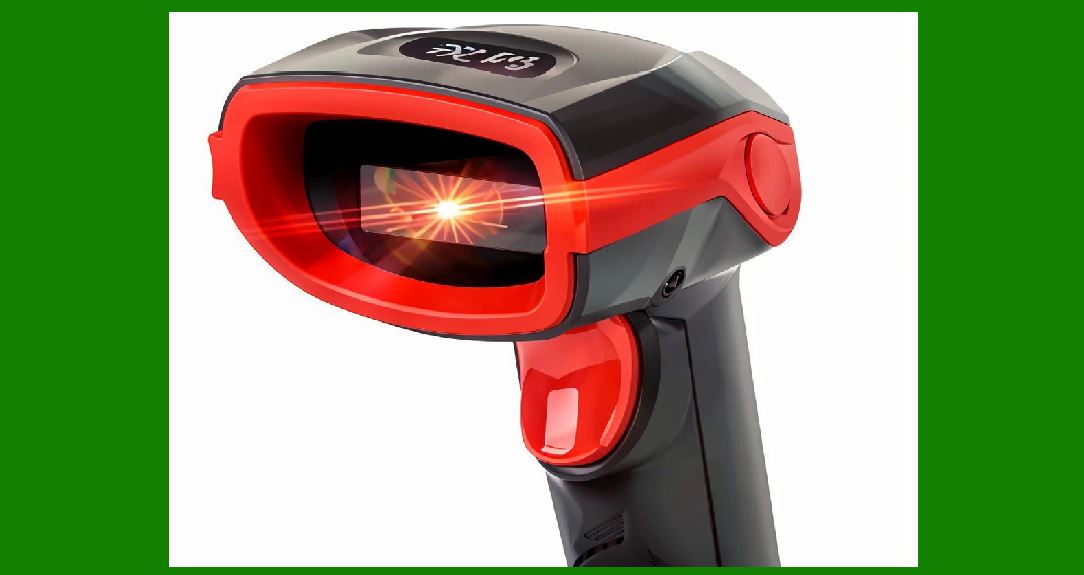
2.2.3 Dominance in Modern Scanners |
CMOS sensors have become the standard due to: |
1. Faster performance |
2. Lower cost |
3. Better integration with AI processing |
|
3. Image Formation in Barcode Scanners |
3.1 Exposure Process |
1. Light reflects from barcode surface |
2. Lens focuses light onto sensor |
3. Sensor converts photons into electrical signals |
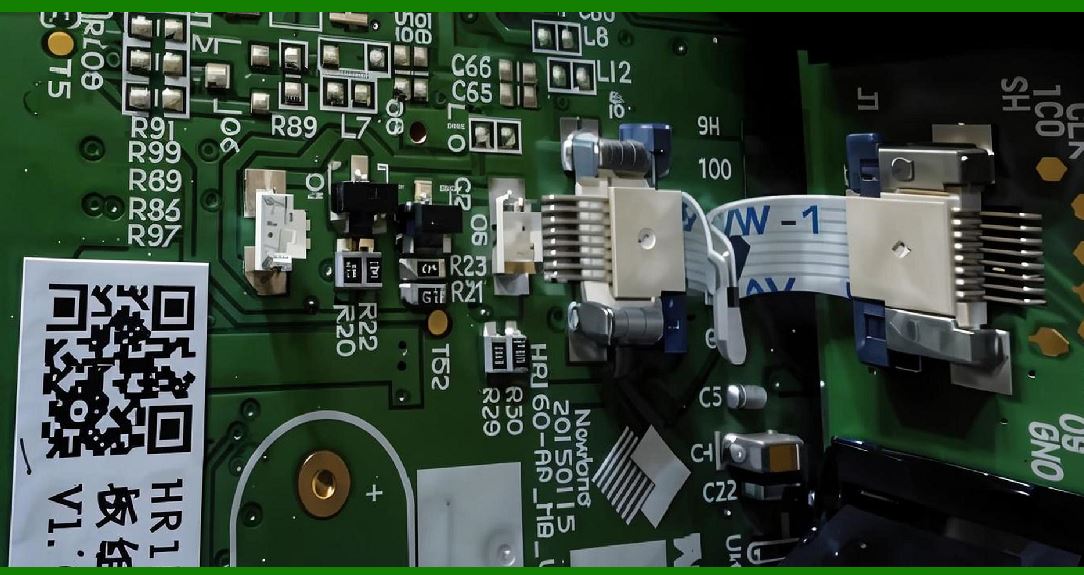
3.2 Pixel Array Structure |
1. Each pixel represents brightness value |
2. Entire barcode becomes a digital matrix |
3. Resolution determines readability |
3.3 Grayscale Conversion |
1. Color image grayscale image |
2. Reduces computational complexity |
3. Enhances contrast between bars and spaces |
|
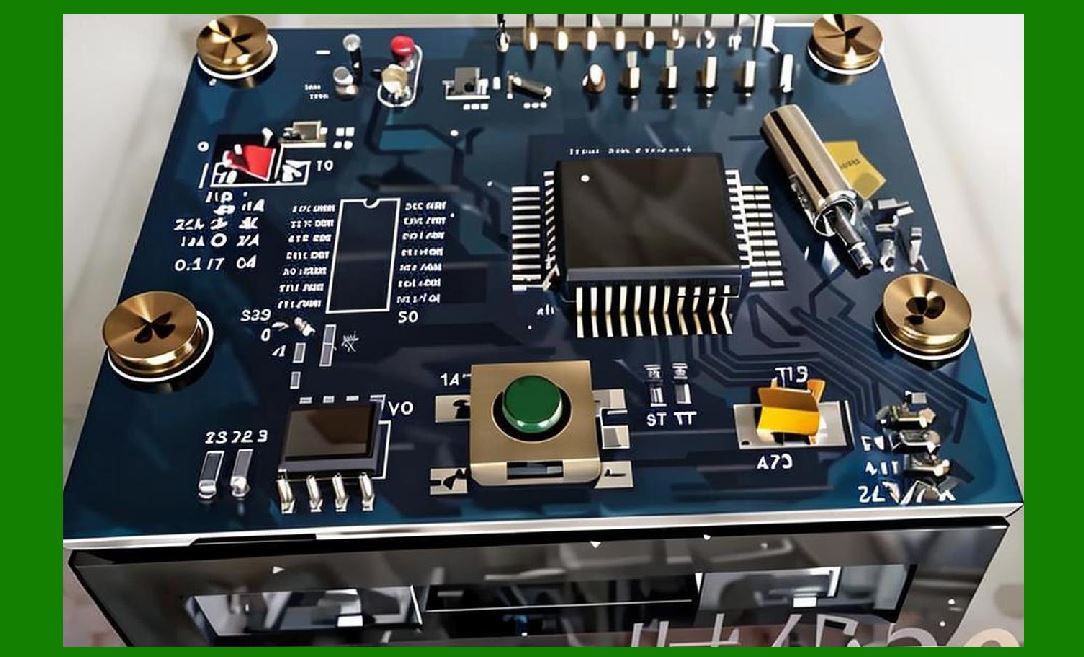
4. Image Processing Pipeline |
4.1 Pre-Processing Stage |
1. Noise reduction |
2. Contrast enhancement |
3. Background suppression |
4.2 Binarization |
1. Converts grayscale to black/white image |
2. Threshold-based decision making |
3. Critical for barcode segmentation |
4.3 Edge Detection |
1. Identifies barcode boundaries |
2. Detects module transitions |
3. Improves decoding accuracy |
4.4 Geometric Correction |
1. Rotation correction |
2. Perspective distortion adjustment |
3. Skew compensation |
|
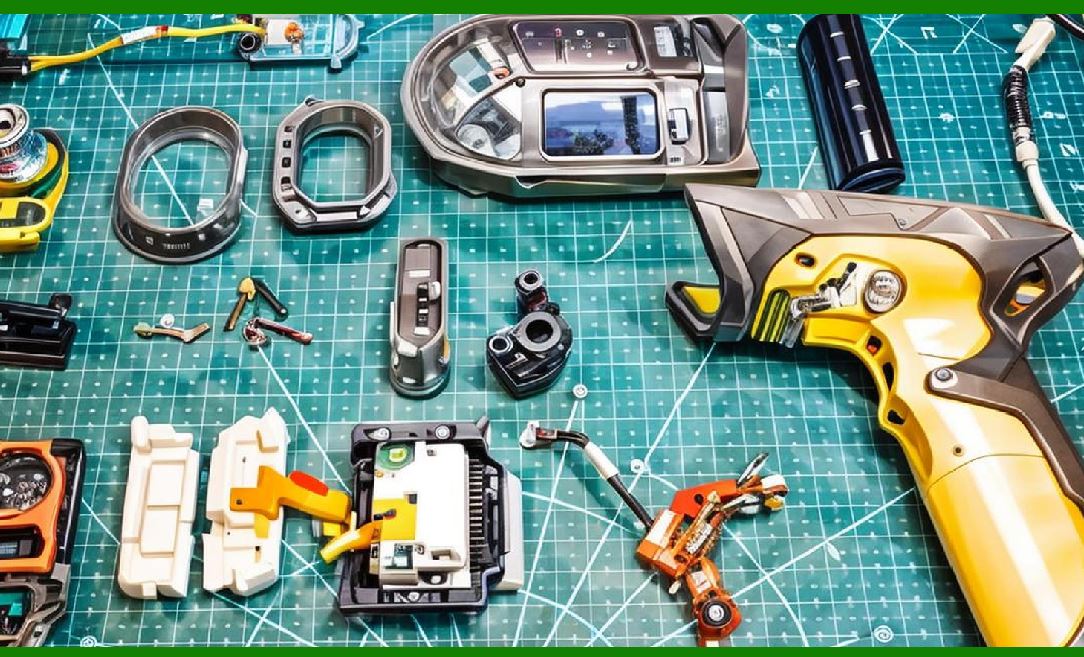
5. Multi-Frame Imaging Technology |
5.1 Concept of Multi-Frame Capture |
Instead of relying on a single image: |
1. Multiple frames are captured rapidly |
2. Frames are combined for better quality |
5.2 Benefits |
1. Reduces motion blur |
2. Improves decoding reliability |
3. Enhances low-light performance |
5.3 Frame Fusion Techniques |
1. Temporal averaging |
2. Best-frame selection |
3. Weighted merging |
|
6. HDR (High Dynamic Range) Imaging |
6.1 Problem of Dynamic Lighting |
Barcode scanners often face: |
1. Very bright reflections |
2. Deep shadows |
6.2 HDR Solution |
1. Multiple exposures are taken |
2. Images are merged into a single balanced image |
6.3 Advantages |
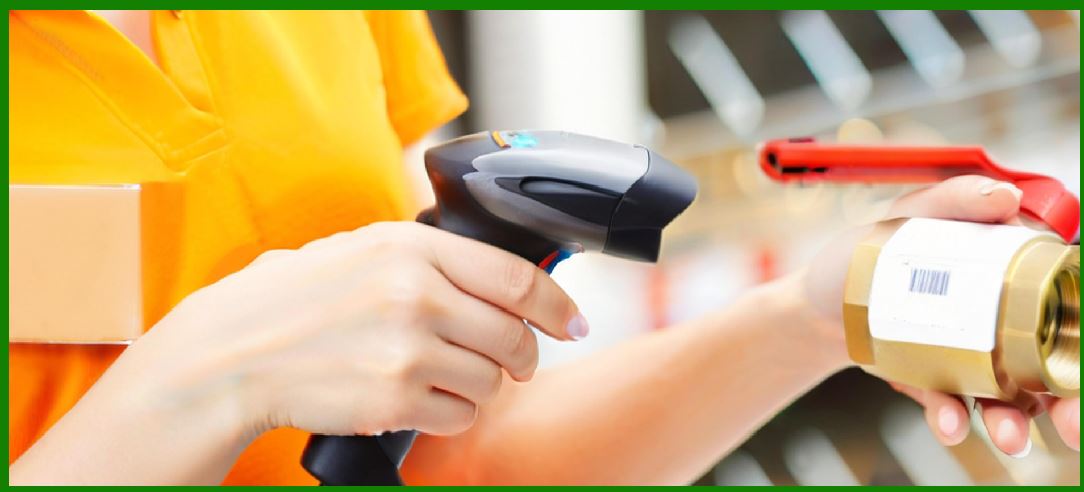
1. Improved readability in harsh lighting |
2. Better contrast recovery |
3. Enhanced barcode detection in reflective surfaces |
|
7. Computational Imaging in Barcode Scanners |
7.1 Definition |
Computational imaging uses algorithms to enhance or reconstruct images beyond raw sensor output. |
7.2 Techniques Used |
1. Super-resolution reconstruction |
2. Deblurring algorithms |
3. Noise suppression models |
7.3 Impact on Barcode Reading |
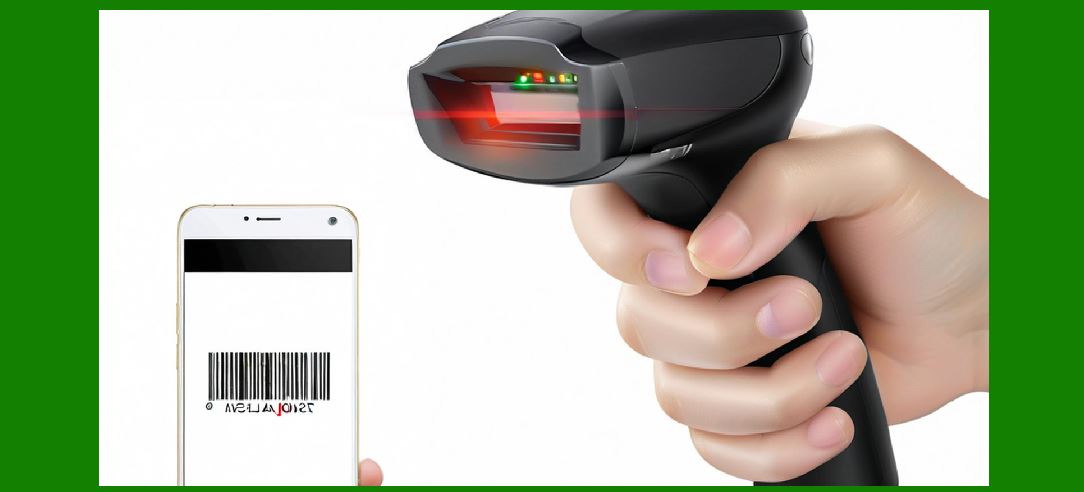
1. Enables reading damaged barcodes |
2. Improves performance in poor conditions |
3. Enhances small or dense barcode decoding |
|
8. AI and Machine Learning in Imaging Scanners |
8.1 Role of AI |
AI is increasingly used to: |
1. Detect barcode regions |
2. Classify barcode types |
3. Correct distortions |
4. Improve decoding accuracy |
8.2 Deep Learning Models |
1. Convolutional Neural Networks (CNNs) |
2. Object detection models |
3. Pattern recognition systems |
8.3 Adaptive Learning |
1. Scanner improves over time |
2. Adjusts to environmental conditions |
3. Learns from scanning errors |
|
9. Low-Light and Noisy Image Handling |
9.1 Low-Light Challenges |
1. Weak signal strength |
2. Increased noise levels |
9.2 Enhancement Techniques |
1. Gain amplification |
2. Noise filtering |
3. Adaptive exposure control |
9.3 Infrared Illumination |
Some scanners use: |
1. IR LEDs |
2. Invisible illumination |
3. Enhanced low-light performance |
|
10. Motion Compensation in Imaging Scanners |
10.1 Motion Blur Problem |
Caused by: |
1. Fast-moving objects |
2. Hand movement |
3. Conveyor systems |
10.2 Compensation Methods |
1. High-speed shutter capture |
2. Frame freezing techniques |
3. Algorithmic deblurring |
10.3 Predictive Motion Tracking |
1. Estimates object movement |
2. Adjusts capture timing |

|
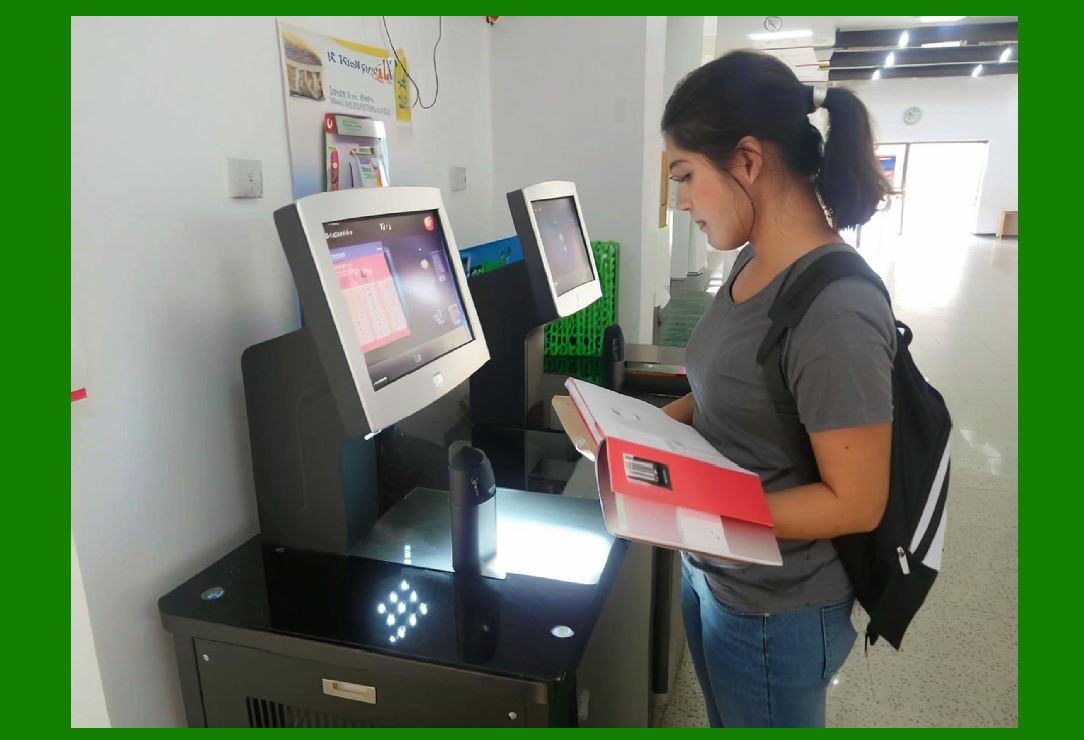
11. Depth of Field and 3D Imaging |
11.1 Depth of Field Enhancement |
1. Advanced lens systems |
2. Multi-focus imaging |
11.2 3D Imaging Concepts |
Some advanced scanners can: |
1. Estimate object distance |
2. Adjust focus dynamically |
11.3 Benefits |
1. Faster scanning at varying distances |
2. Improved usability in industrial environments |
|
12. Optical Distortion Correction |
12.1 Types of Distortion |
1. Barrel distortion |
2. Perspective distortion |
3. Lens curvature effects |
12.2 Correction Techniques |
1. Mathematical transformation models |
2. Calibration grids |
3. Real-time correction algorithms |

|
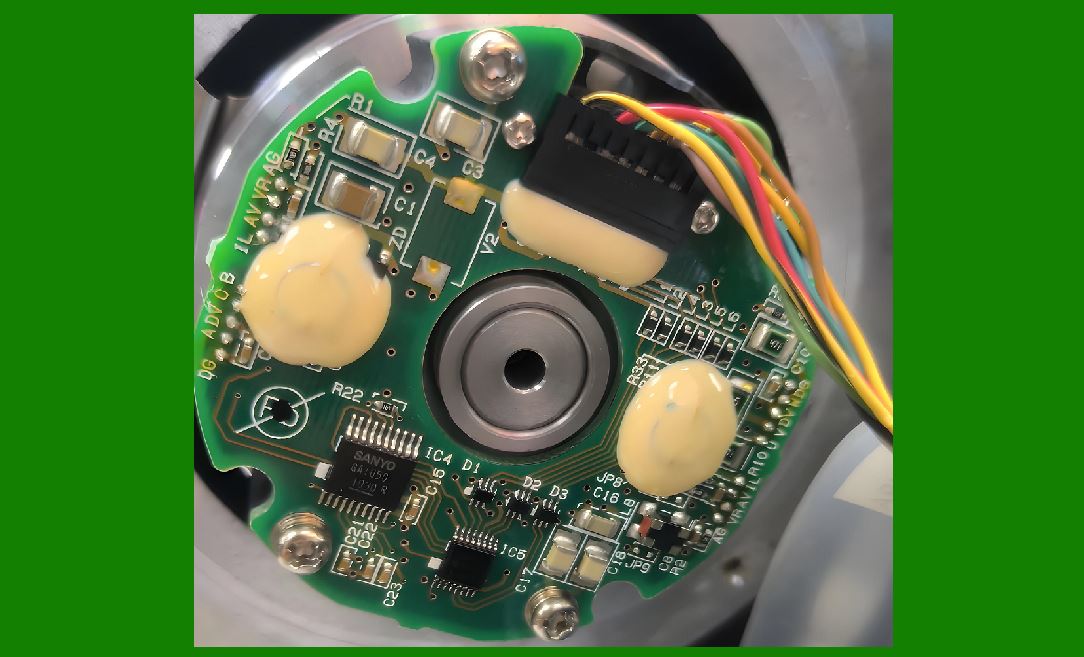
13. Multi-Symbology Image Recognition |
13.1 Challenge |
Multiple barcode types may appear in one image. |
13.2 Solution |
1. Region segmentation |
2. Pattern classification |
3. Parallel decoding |
|
14. Future Trends in Imaging Technology |
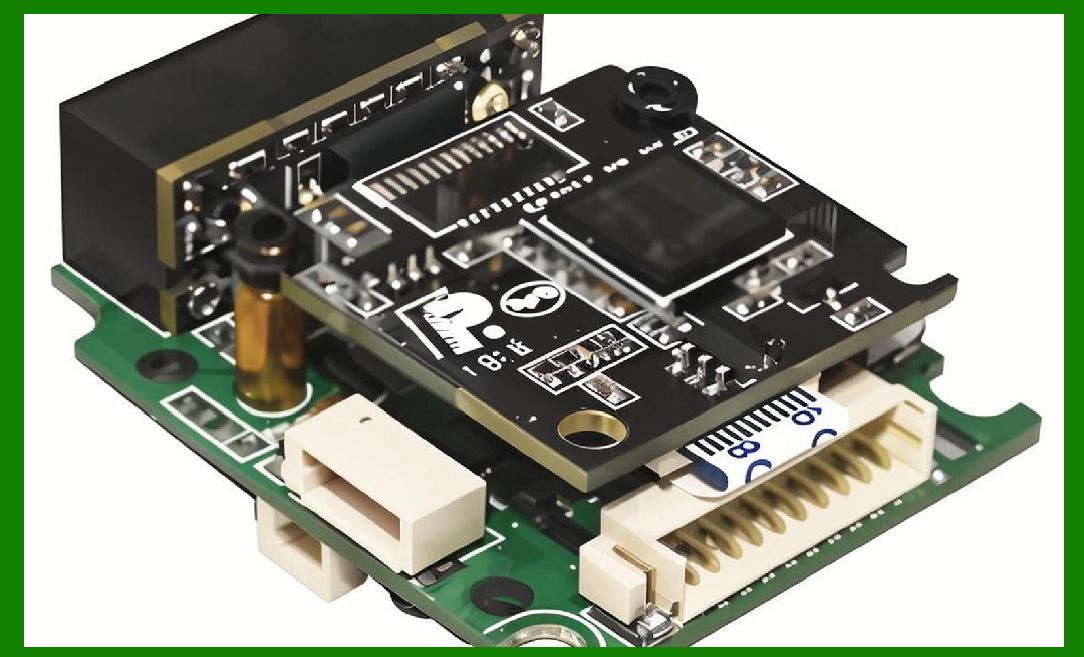
14.1 Ultra-High Resolution Sensors |
1. Smaller barcode recognition |
2. Increased precision |
14.2 AI-Native Imaging Pipelines |
1. Real-time neural processing |
2. Fully adaptive scanning systems |
14.3 Quantum and Photonic Imaging (Emerging Research) |
1. Ultra-sensitive light detection |
2. Extremely low-energy scanning |
14.4 Fully Autonomous Vision Scanners |
1. Self-calibrating imaging systems |
2. Zero-configuration operation |
|
15. Summary of Part 14 |
In this section, we explored advanced imaging technologies in barcode scanners: |
1. CCD vs CMOS sensor technologies |
2. Image formation and pixel processing |
3. Full image processing pipeline |
4. Multi-frame imaging systems |
5. HDR imaging for complex lighting |
6. Computational imaging techniques |
7. AI and machine learning integration |
8. Low-light and infrared enhancements |
9. Motion compensation methods |
10. Depth of field and 3D imaging |
11. Optical distortion correction |
12. Multi-symbology image recognition |
13. Future trends in intelligent imaging systems |
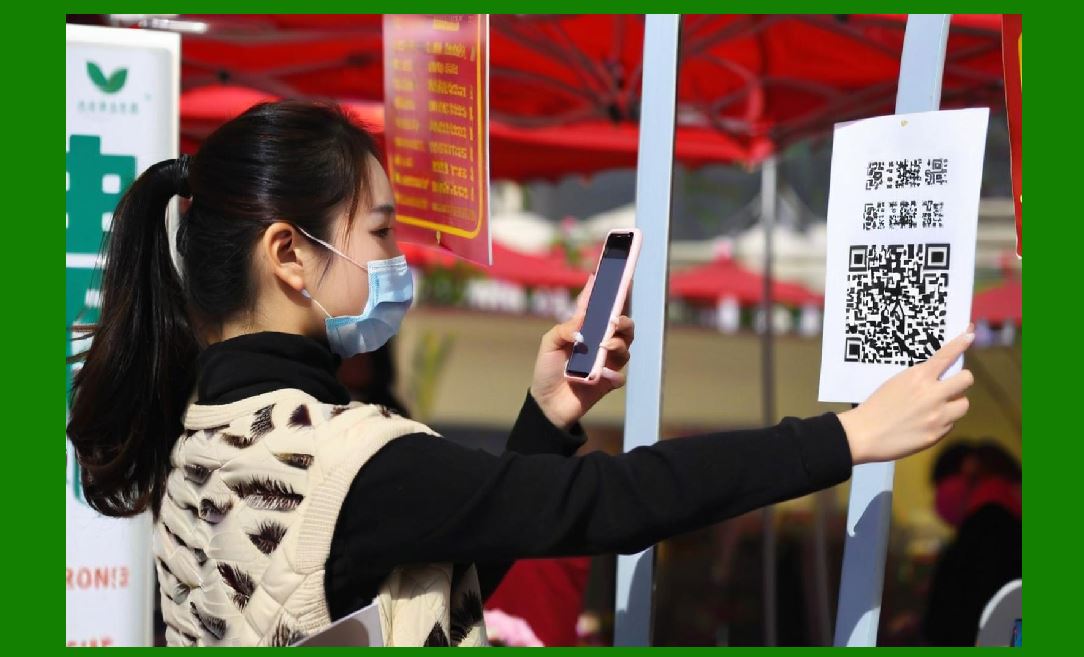
These technologies transform barcode scanners from simple optical readers into advanced machine vision systems capable of intelligent interpretation. |
|
Next Step |
In Part 15, we will explore: |
* Barcode scanner hardware architecture in full detail |
* Microcontrollers, processors, and SoC designs |
* Signal processing pipelines at hardware level |
* Memory systems and embedded architecture design |
 cs@easiersoft.com