Detailed Explanation of the Principles and Structure of Barcode Scanner |
Part 15: Hardware Architecture, Processors, Memory Systems, and Embedded Design |
1. Introduction to Barcode Scanner Hardware Architecture |
1.1 Why Hardware Architecture Matters |
The performance of a barcode scanner is ultimately determined by its internal hardware design. Even the most advanced software cannot compensate for weak hardware. |
Hardware architecture defines: |
1. Processing speed |
2. Image decoding capability |
3. Power efficiency |
4. Real-time responsiveness |
5. System reliability |
1.2 Main Hardware Subsystems |
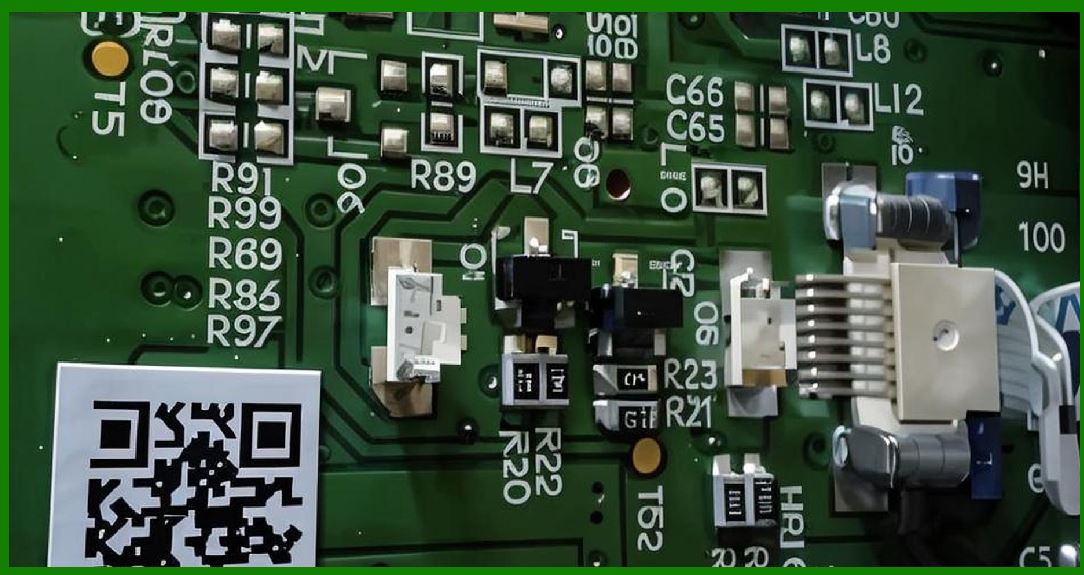
A modern barcode scanner typically consists of: |
1. Optical subsystem (sensor + lens + illumination) |
2. Processing subsystem (CPU / DSP / SoC) |
3. Memory subsystem |
4. Communication subsystem |
5. Power management subsystem |
6. Control interface subsystem |
|
2. Central Processing Units in Barcode Scanners |
2.1 Role of the Processor |
The processor is the “brainof the scanner. It handles: |
1. Image decoding |
2. Signal processing |
3. System control |
4. Communication handling |
2.2 Types of Processors Used |
2.2.1 Microcontrollers (MCUs) |
1. Low power consumption |
2. Simple control tasks |
3. Used in basic scanners |
2.2.2 Digital Signal Processors (DSPs) |
1. Optimized for image processing |
2. Efficient mathematical computation |
3. Used in mid-range scanners |
2.2.3 System-on-Chip (SoC) |
1. Integrates CPU, GPU, DSP, memory controller |
2. High-performance imaging support |
3. Used in advanced imaging scanners |
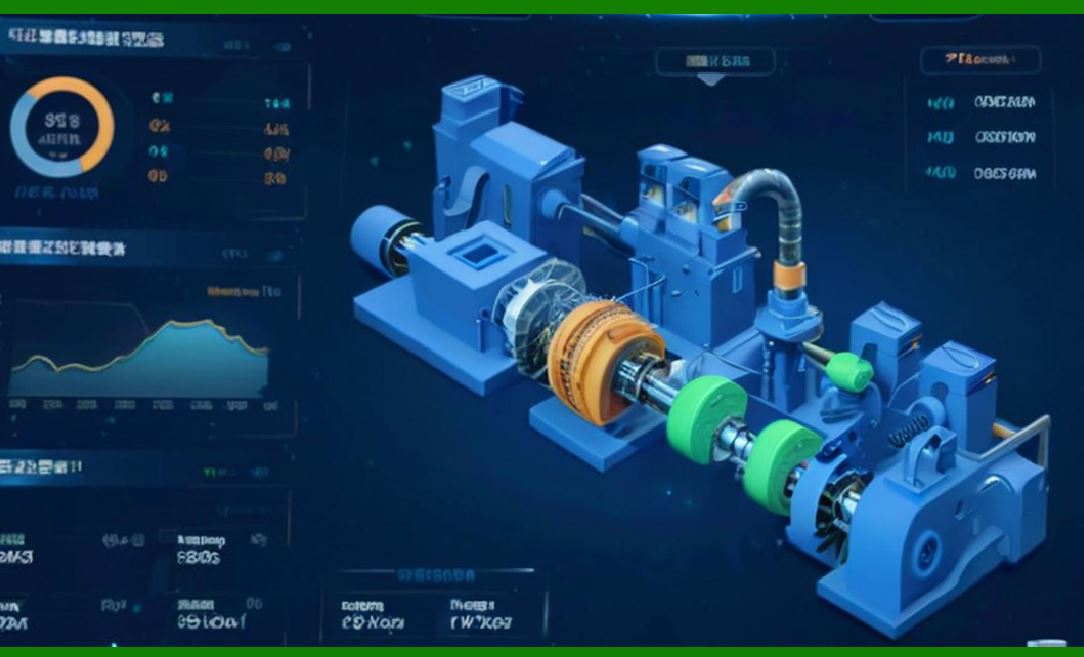
2.3 Multi-Core Processing |
Modern scanners often use: |
1. Parallel decoding pipelines |
2. Dedicated cores for imaging and communication |
3. Load balancing between tasks |
|
3. Image Signal Processing Pipeline (Hardware Level) |
3.1 Analog Front End (AFE) |
1. Converts light signals into electrical signals |
2. Amplifies weak signals |
3. Filters noise |
3.2 Analog-to-Digital Conversion (ADC) |
1. Converts analog signals into digital values |
2. Determines resolution quality |
3. Impacts decoding accuracy |
3.3 Digital Signal Processing Unit |
1. Performs real-time image enhancement |
2. Executes filtering and transformation |
3. Prepares data for decoding engine |
|
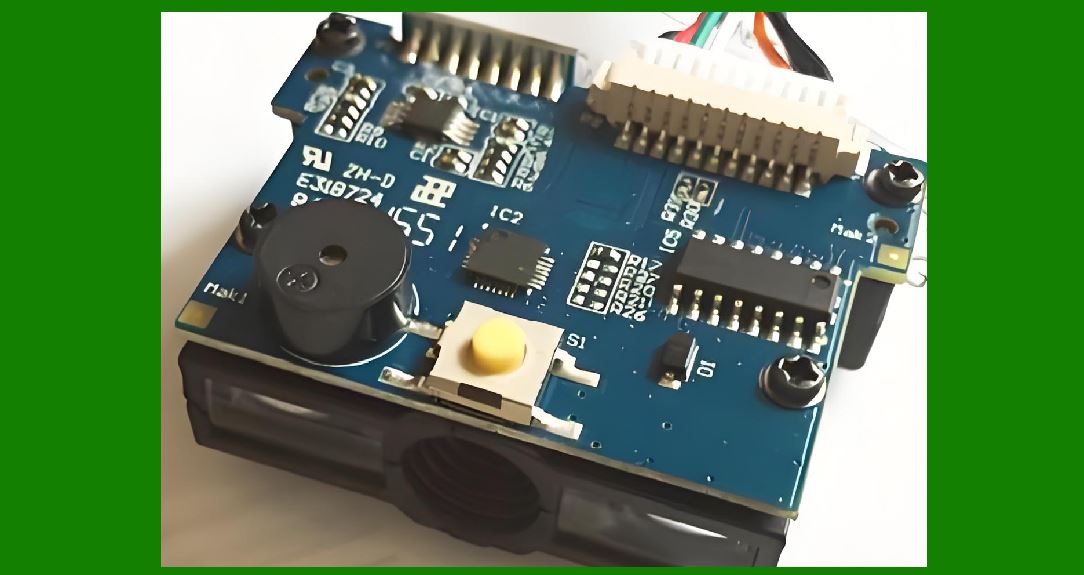
4. Memory Systems in Barcode Scanners |
4.1 Types of Memory |
Barcode scanners use multiple memory types: |
1. RAM (volatile memory) |
2. Flash memory (non-volatile storage) |
3. Cache memory (high-speed temporary storage) |
4.2 RAM Usage |
RAM is used for: |
1. Image buffering |
2. Temporary decoding data |
3. Real-time processing tasks |
4.3 Flash Memory Usage |
Flash memory stores: |
1. Firmware |
2. Configuration settings |
3. Symbology libraries |
4.4 Cache Memory Role |
1. Speeds up repeated operations |
2. Reduces processing latency |
3. Improves decoding performance |
|
5. Data Flow Architecture |
5.1 Step-by-Step Data Flow |
1. Optical capture |
2. Sensor conversion |
3. Analog signal amplification |
4. ADC conversion |
5. DSP preprocessing |
6. CPU decoding |
7. Output formatting |
8. Transmission to host |
5.2 Pipeline Processing |
Modern scanners use pipeline architecture: |
1. Multiple stages operate simultaneously |
2. Increases throughput |
3. Reduces latency |

|
6. Embedded System Architecture |
6.1 Definition |
Embedded architecture integrates hardware and software into a dedicated system designed for barcode scanning. |
6.2 Key Characteristics |
1. Real-time operation |
2. Task-specific design |
3. Low power consumption |
4. High reliability |
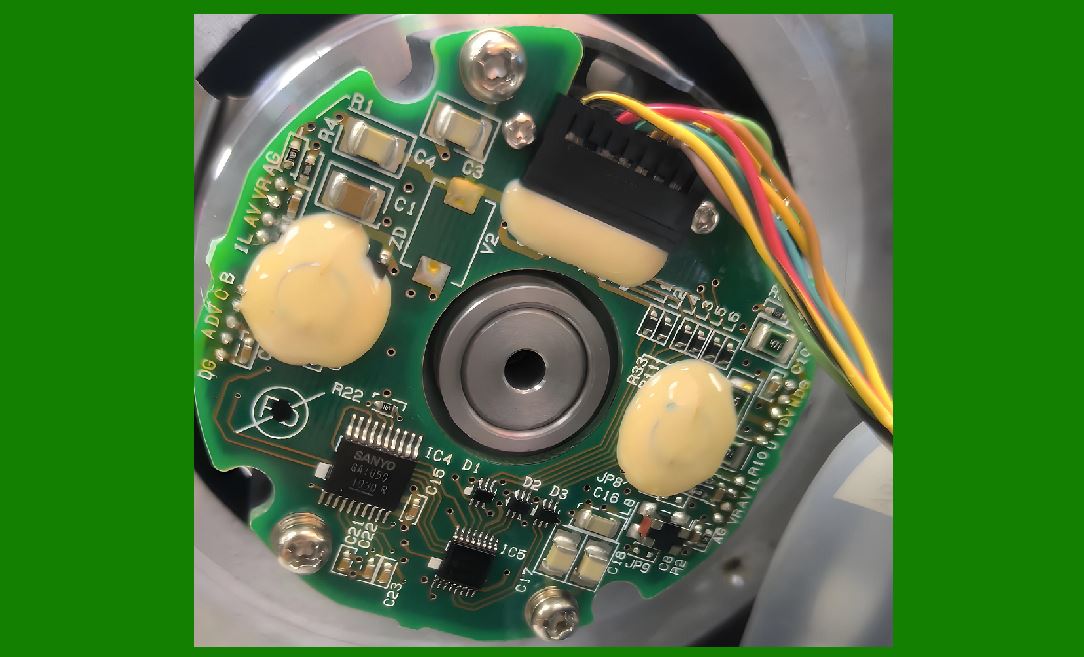
6.3 Modular Design |
Hardware is divided into modules: |
1. Optical module |
2. Processing module |
3. Communication module |
4. Power module |
|
7. Timing and Synchronization Systems |
7.1 Clock Systems |
1. System clock controls execution timing |
2. Synchronizes all hardware components |
7.2 Timing Constraints |
Barcode scanning requires: |
1. Microsecond-level precision |
2. Deterministic execution |
7.3 Interrupt Handling |
1. External trigger events |
2. Real-time scan activation |
3. Priority-based processing |

|
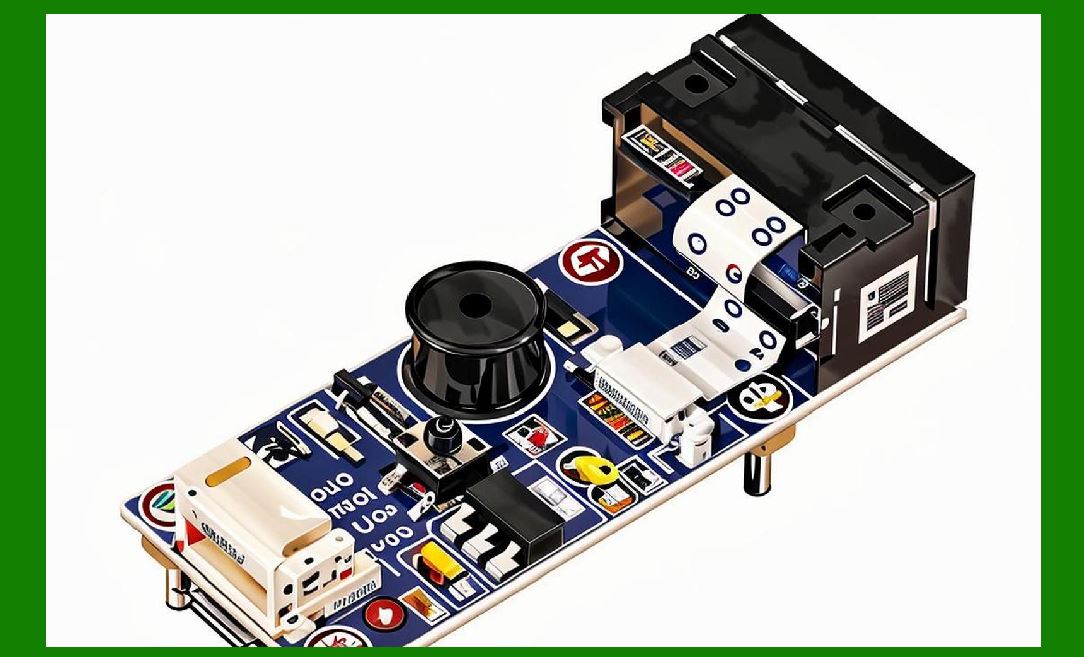
8. Hardware Acceleration Techniques |
8.1 Purpose of Hardware Acceleration |
To improve performance by offloading tasks from the CPU. |
8.2 Common Accelerators |
1. Image processing units (IPU) |
2. Graphics processing units (GPU) |
3. Dedicated decoding chips |
8.3 Benefits |
1. Faster decoding |
2. Lower CPU load |
3. Improved energy efficiency |
|
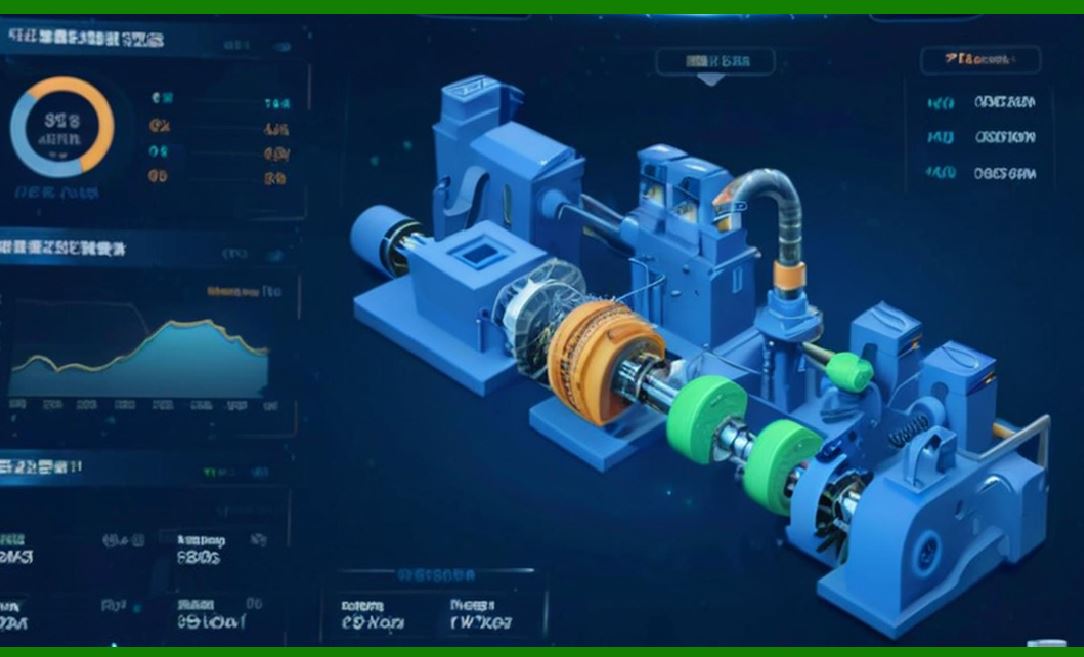
9. Power Management Hardware Integration |
9.1 Voltage Regulation Modules |
1. Ensure stable voltage supply |
2. Protect sensitive components |
9.2 Power Distribution Networks |
1. Allocate power to subsystems |
2. Balance energy consumption |
9.3 Thermal Sensors |
1. Monitor internal temperature |
2. Prevent overheating |
|
10. Communication Hardware Interfaces |
10.1 Interface Controllers |
1. USB controllers |
2. Bluetooth modules |
3. Wi-Fi chipsets |
10.2 Signal Conversion Hardware |
1. Converts internal data to transmission format |
2. Ensures compatibility with external systems |
10.3 Buffering Systems |
1. Temporary storage for outgoing data |
2. Prevents data loss during transmission |
|
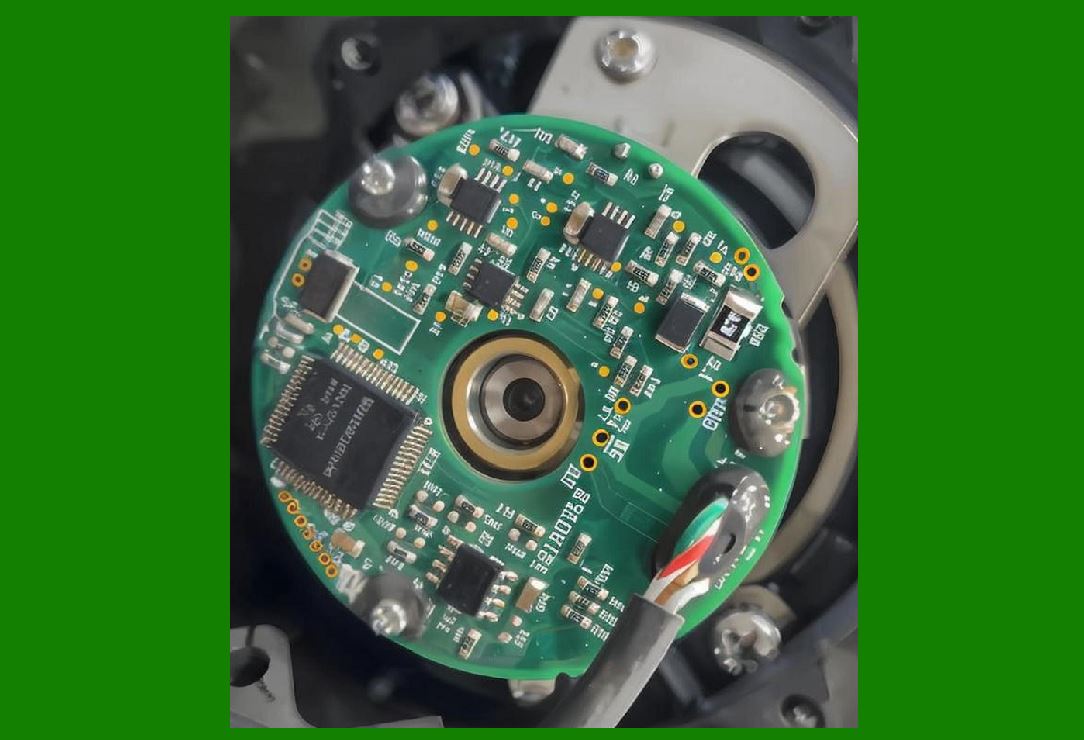
11. Printed Circuit Board (PCB) Design |
11.1 PCB Layout Importance |
The PCB determines: |
1. Signal integrity |
2. Power efficiency |
3. Device size |
11.2 Layered PCB Structure |
1. Signal layer |
2. Power layer |
3. Ground layer |
11.3 Noise Reduction Design |
1. Shielding techniques |
2. Ground separation |
3. Trace optimization |
|
12. Miniaturization and Integration |
12.1 System Miniaturization Trends |
Modern scanners are becoming: |
1. Smaller |
2. Lighter |
3. More integrated |
12.2 System-on-Chip Integration |
1. Combines multiple components |
2. Reduces physical footprint |
3. Improves efficiency |

|
13. Reliability Engineering in Hardware Design |
13.1 Redundant Design |
1. Backup circuits |
2. Fail-safe mechanisms |
13.2 Component Durability |
1. Industrial-grade chips |
2. High-temperature tolerance |
13.3 Fault Isolation |
1. Prevents system-wide failure |
2. Localizes hardware issues |

|
14. Future Trends in Hardware Architecture |
14.1 AI-Integrated Chips |
1. On-device machine learning |
2. Real-time pattern recognition |
14.2 Neuromorphic Hardware |
1. Brain-inspired processing |
2. Ultra-low latency scanning |
14.3 Ultra-Low Power Architecture |
1. Energy harvesting systems |
2. Near-zero standby consumption |
14.4 Fully Integrated Vision SoCs |
1. Complete scanning system on a single chip |
2. Minimal external components |

|
15. Summary of Part 15 |
In this section, we explored the internal hardware architecture of barcode scanners: |
1. Processor types (MCU, DSP, SoC) |
2. Image signal processing pipeline |
3. Memory systems (RAM, Flash, Cache) |
4. Data flow and pipeline architecture |
5. Embedded system design principles |
6. Timing and synchronization mechanisms |
7. Hardware acceleration technologies |
8. Power and thermal management hardware |
9. Communication interfaces |
10. PCB design and system integration |
11. Miniaturization trends |
12. Reliability engineering principles |
13. Future hardware innovations |
Hardware architecture forms the foundation that enables all barcode scanner capabilities, from simple 1D scanning to advanced AI-based imaging systems. |

|
Next Step |
In Part 16, we will explore: |
* Optical system design in barcode scanners |
* Lens structures and light path engineering |
* Laser optics vs imaging optics comparison |
* Illumination systems and optical physics |
 cs@easiersoft.com