Detailed Explanation of the Principles and Structure of Barcode Scanner |
Part 18: Barcode Decoding Algorithms, Pattern Recognition, and Error Correction Logic |
1. Introduction to Barcode Decoding Algorithms |
1.1 What Decoding Means |
Decoding is the process of converting processed optical signals (or images) into meaningful digital data such as numbers, text, or identifiers. |
In simple terms: |
1. Optical input |
2. Processed signal |
3. Pattern interpretation |
4. Digital output (data string) |
1.2 Why Algorithms Are Necessary |
Barcodes are not read directly like text. Instead, scanners must: |
1. Interpret patterns |
2. Match structures to known rules |
3. Correct distortions and noise |
4. Validate results |
This requires complex algorithmic processing. |

|
2. General Structure of a Decoding Algorithm |
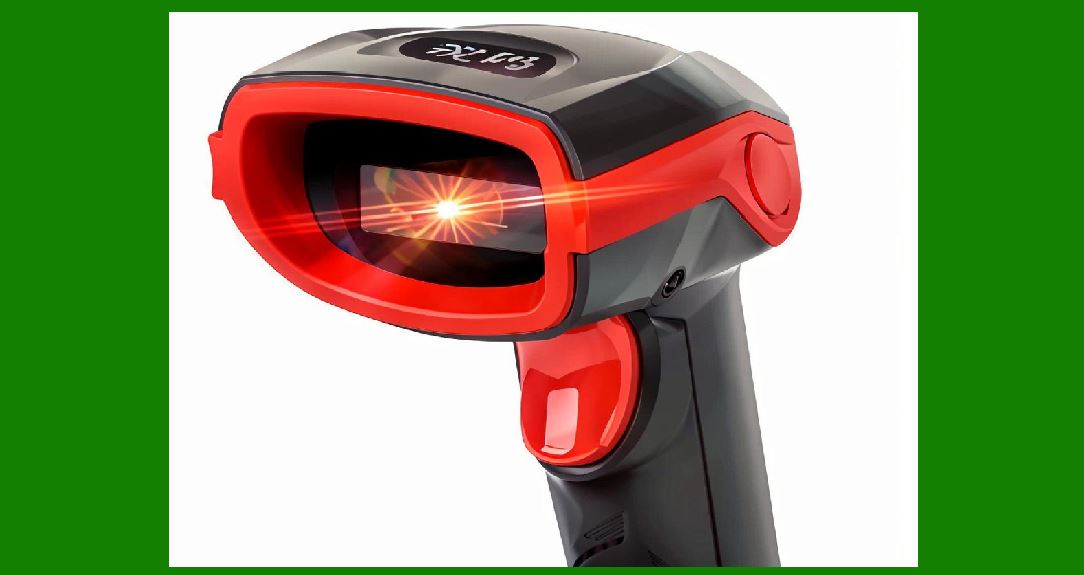
A typical decoding algorithm includes: |
1. Input acquisition |
2. Preprocessing |
3. Segmentation |
4. Pattern recognition |
5. Symbol decoding |
6. Validation |
7. Output formatting |
Each stage refines the data further. |
|
3. 1D Barcode Decoding Algorithms |
3.1 Basic Principle of 1D Decoding |
1D barcodes encode data using: |
* Width of bars |
* Width of spaces |
Decoding relies on measuring these widths accurately. |
3.2 Edge-Based Decoding Method |
3.2.1 Process |
1. Detect transitions between black and white |
2. Measure distance between edges |
3. Convert distances into narrow/wide units |
4. Map units to character patterns |
3.2.2 Advantages |
1. Simple and fast |
2. Low computational cost |
3.2.3 Limitations |
1. Sensitive to distortion |
2. Requires clean edges |

|
4. Template Matching Algorithms |
4.1 Concept |
The scanner compares scanned patterns against predefined templates. |
4.2 Process |
1. Extract signal pattern |
2. Normalize widths |
3. Compare with stored character library |
4. Select best match |
4.3 Use Cases |
1. Code 39 |
2. Code 128 |
3. EAN/UPC systems |

|
5. Run-Length Encoding Interpretation |
5.1 Principle |
Barcodes are interpreted as sequences of: |
* Black bar length |
* White space length |
5.2 Example Logic |
1. Convert signal into run-length sequence |
2. Normalize ratios |
3. Match to encoding rules |

|
6. 2D Barcode Decoding Algorithms |
6.1 Fundamental Difference |
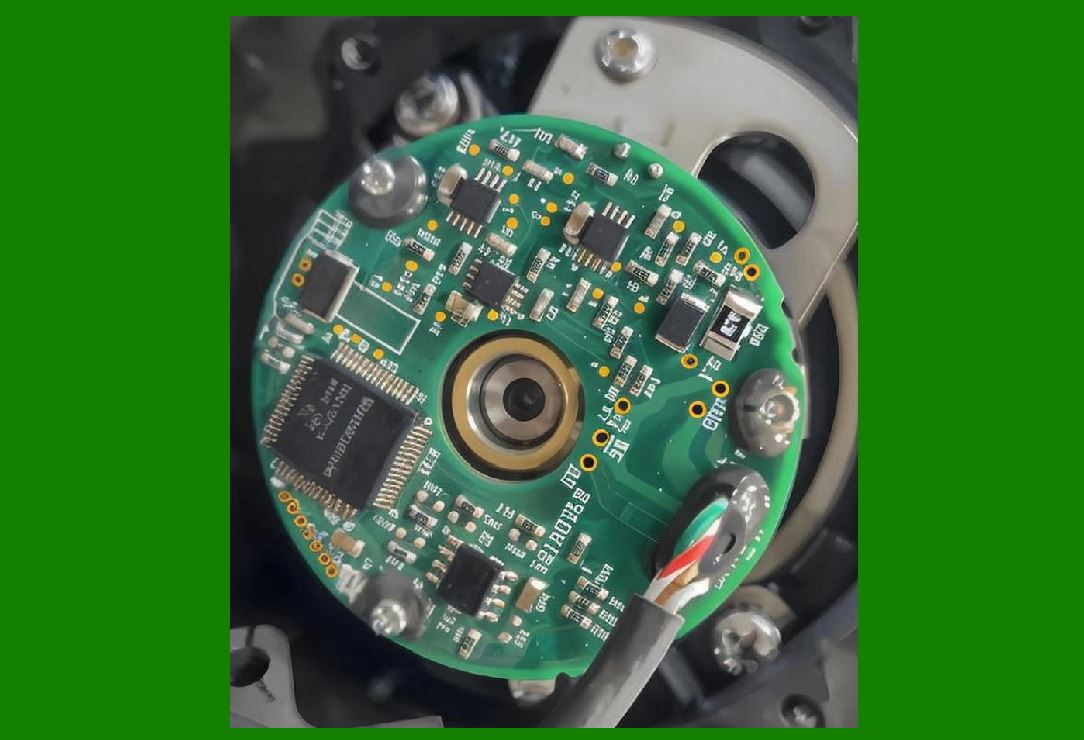
Unlike 1D codes, 2D barcodes require: |
1. Image processing |
2. Spatial decoding |
3. Matrix reconstruction |
|
7. QR Code Decoding Process |
7.1 Step 1: Finder Pattern Detection |
1. Locate three corner squares |
2. Establish orientation |
3. Define coordinate system |
7.2 Step 2: Alignment and Perspective Correction |
1. Correct skewed images |
2. Normalize square grid |
7.3 Step 3: Module Sampling |
1. Divide image into grid cells |
2. Measure black/white state |
7.4 Step 4: Data Extraction |
1. Convert modules into binary stream |
2. Apply mask removal rules |
7.5 Step 5: Error Correction |
1. Apply Reed-Solomon decoding |
2. Recover missing or damaged data |

|
8. Data Matrix Decoding Algorithm |
8.1 L-Pattern Detection |
1. Identify solid border (L-shape) |
2. Locate timing pattern |
8.2 Grid Reconstruction |
1. Define cell matrix |
2. Map pixels into modules |
8.3 Data Extraction and Correction |
1. Read encoded bits |
2. Apply error correction codes |
|
9. PDF417 Decoding Algorithm |
9.1 Multi-Row Structure Handling |
1. Decode each row independently |
2. Reconstruct logical sequence |
9.2 Row Linking Logic |
1. Identify row indicators |
2. Merge data streams |
9.3 Error Correction Levels |
1. Adjustable redundancy |
2. High tolerance for damage |

|
10. Pattern Recognition Techniques |
10.1 Role of Pattern Recognition |
Used to identify: |
1. Barcode type |
2. Orientation |
3. Data structure |
10.2 Feature Extraction |
Algorithms extract: |
1. Edges |
2. Corners |
3. Module density |
10.3 Classification Methods |
1. Rule-based classification |
2. Machine learning classification |

|
11. Geometric Correction Algorithms |
11.1 Perspective Distortion |
Occurs when barcode is viewed at an angle. |
11.2 Correction Methods |
1. Homography transformation |
2. Affine transformation |
3. Grid normalization |
11.3 Rotation Handling |
1. Detect orientation markers |
2. Rotate image to standard alignment |

|
12. Noise Handling in Decoding |
12.1 Noise Types |
1. Optical noise |
2. Motion blur |
3. Printing defects |
12.2 Noise Reduction Strategies |
1. Median filtering |
2. Gaussian smoothing |
3. Adaptive thresholding |
|
13. Error Correction Algorithms |
13.1 Purpose |
To recover data even when barcode is partially damaged. |

|
14. Reed-Solomon Error Correction (Core of 2D Codes) |
14.1 Principle |
1. Adds redundant data during encoding |
2. Allows reconstruction of missing information |
14.2 Mathematical Basis |
1. Polynomial arithmetic over finite fields |
2. Syndrome calculation |
3. Error location and correction |
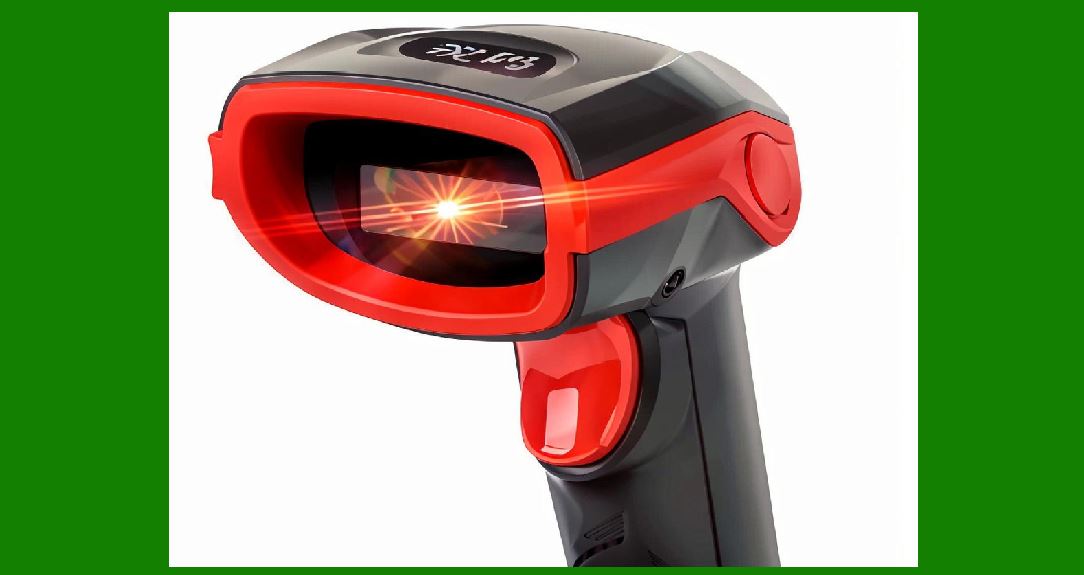
14.3 Strength |
1. Can recover large portions of missing data |
2. Used in QR, Data Matrix, PDF417 |
|
15. Checksum Verification (1D Codes) |
15.1 Purpose |
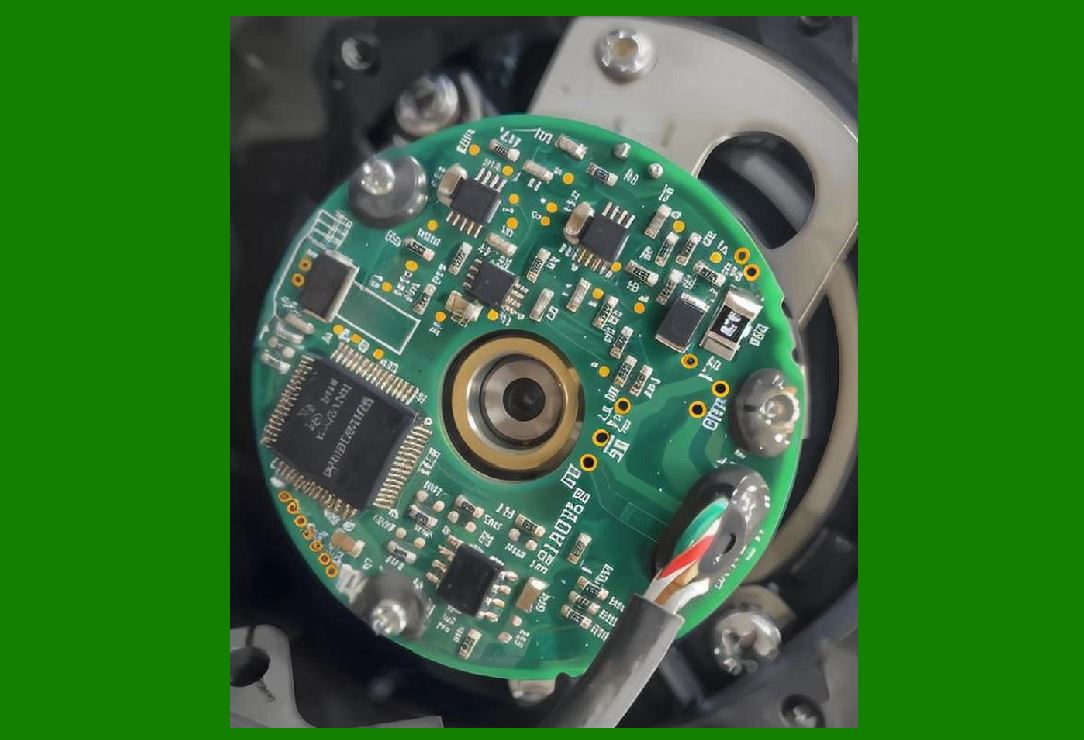
Ensures basic data integrity. |
15.2 Method |
1. Sum or weighted sum of digits |
2. Compare with expected value |
|
16. Decoding Optimization Techniques |
16.1 Parallel Processing |
1. Multiple decoding threads |
2. Simultaneous symbology testing |
16.2 Early Rejection |
1. Quickly discard invalid patterns |
2. Improve processing speed |
16.3 Confidence Scoring |
1. Assign probability to decoded result |
2. Select highest-confidence output |

|
17. Machine Learning in Decoding |
17.1 AI-Based Recognition |
1. Detect barcode regions |
2. Predict missing patterns |
17.2 Neural Network Decoding |
1. Image feature map |
2. Feature map decoded output |
17.3 Adaptive Improvement |
1. Learns from scanning history |
2. Improves accuracy over time |
|
18. Real-Time Decoding Constraints |
18.1 Speed Requirements |
1. Must decode within milliseconds |
2. No perceptible delay to user |
18.2 Streaming Data Processing |
1. Continuous image input |
2. Instant decoding pipeline |
|
19. Future Trends in Decoding Algorithms |
19.1 Fully AI-Driven Decoding |
1. No rule-based decoding needed |
2. End-to-end neural interpretation |
19.2 Self-Healing Decoding Systems |
1. Automatically adapt to damaged barcodes |
2. Predict missing regions |
19.3 Quantum-Inspired Algorithms |
1. Parallel probability evaluation |
2. Ultra-fast pattern matching |

|
20. Summary of Part 18 |
In this section, we explored barcode decoding algorithms in depth: |
1. Structure of decoding pipelines |
2. 1D decoding methods (edge-based, template matching, run-length) |
3. 2D decoding processes (QR, Data Matrix, PDF417) |
4. Pattern recognition and feature extraction |
5. Geometric correction techniques |
6. Noise handling and filtering |
7. Error correction (Reed-Solomon, checksum) |
8. Optimization strategies |
9. Machine learning-based decoding |
10. Real-time processing constraints |
11. Future AI and quantum-inspired decoding systems |
Decoding algorithms are the “intelligence layerof barcode scanners, transforming raw signals into reliable structured data. |
|
Next Step |
In Part 19 (Final Part), we will explore: |
* Full system integration architecture |
* End-to-end workflow of barcode scanning systems |
* Industrial optimization strategies |
* Future evolution of barcode scanner technology |
 cs@easiersoft.com