Detailed Explanation of the Principles and Structure of Barcode Scanner |
Part 19: System Integration, End-to-End Workflow, Industrial Optimization, and Future Evolution |
1. Introduction to Full-System Integration |
1.1 What System Integration Means |
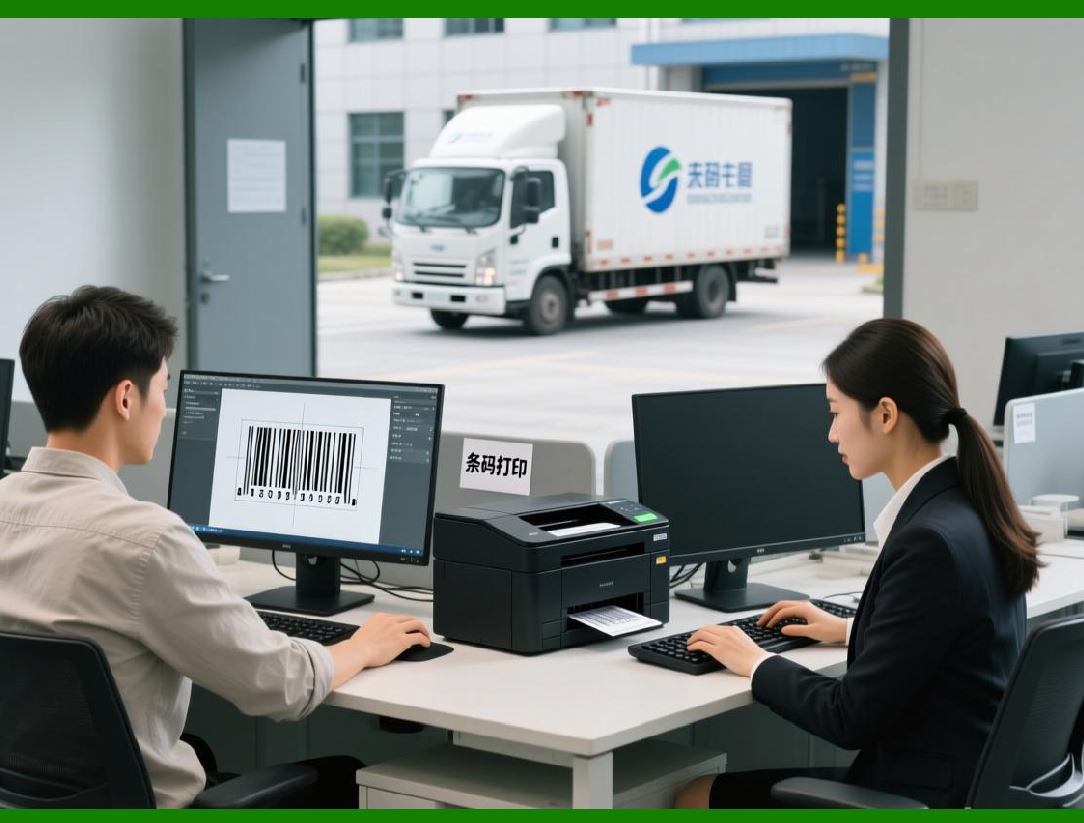
A barcode scanner is rarely used as a standalone device. In real-world environments, it is part of a larger digital ecosystem that includes: |
1. Enterprise software systems |
2. Databases |
3. Cloud platforms |
4. Network infrastructure |
5. Automation equipment |
System integration is the process of connecting all these components into a unified workflow. |
1.2 Core Objective of Integration |
The goal is to ensure: |
1. Seamless data flow |
2. Real-time synchronization |
3. Minimal human intervention |
4. High accuracy and traceability |
|
2. End-to-End Barcode Scanning Workflow |
2.1 Complete Lifecycle of a Barcode Scan |
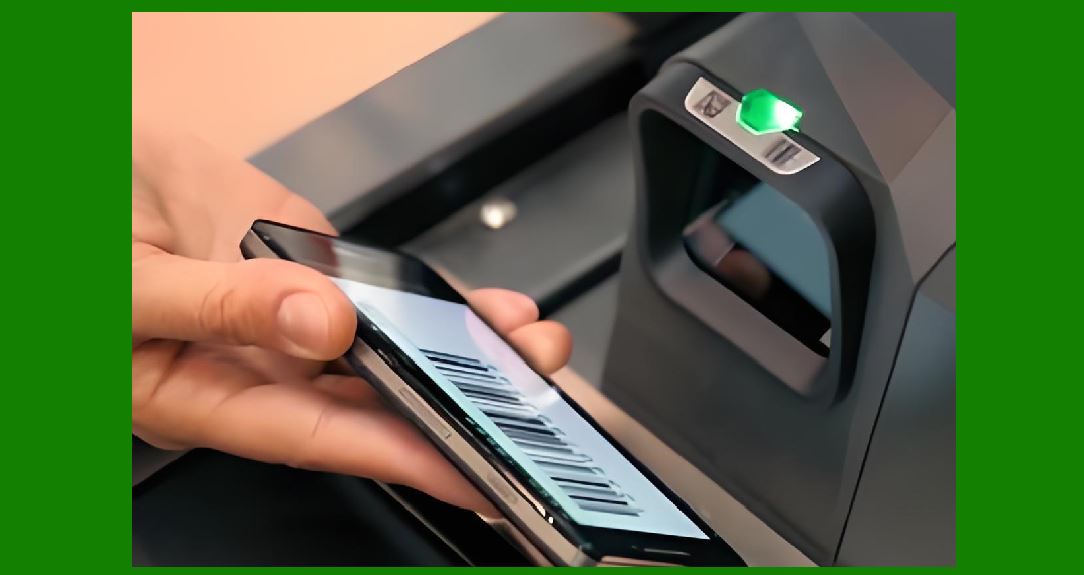
A full barcode scanning process includes the following stages: |
2.1.1 Stage 1: Barcode Creation |
1. Data is generated in a system (ERP, POS, inventory system) |
2. Barcode is encoded using a specific symbology |
3. Barcode is printed or embedded |
2.1.2 Stage 2: Physical Representation |
1. Barcode appears on product, label, or packaging |
2. Physical quality affects readability |
3. Environmental factors may degrade print quality |
2.1.3 Stage 3: Optical Capture |
1. Scanner illuminates barcode |
2. Optical system captures reflected light |
3. Image or signal is generated |
2.1.4 Stage 4: Signal Processing |
1. Analog signal is converted to digital |
2. Noise is filtered |
3. Image is enhanced |
2.1.5 Stage 5: Decoding |
1. Algorithm interprets pattern |
2. Data is reconstructed |
3. Error correction is applied |
2.1.6 Stage 6: Data Transmission |
1. Decoded data is sent to host system |
2. Communication via USB, Wi-Fi, or Bluetooth |
2.1.7 Stage 7: System Response |
1. Inventory updated |
2. Transaction recorded |
3. Logistics workflow triggered |
|
3. Integration with Enterprise Systems |
3.1 ERP (Enterprise Resource Planning) |
Barcode scanners integrate with ERP systems to: |
1. Track inventory levels |
2. Manage procurement |
3. Automate reporting |
3.2 WMS (Warehouse Management Systems) |
1. Real-time stock tracking |
2. Location-based storage control |
3. Automated picking routes |
3.3 POS (Point of Sale Systems) |
1. Instant product lookup |
2. Price calculation |
3. Transaction recording |
3.4 CRM (Customer Relationship Management) |
1. Track customer purchases |
2. Link product usage history |
3. Improve customer insights |
|
4. Communication Layer Integration |
4.1 Wired Communication Systems |
1. USB HID mode |
2. Serial RS-232 |
3. Ethernet connections |
4.2 Wireless Communication Systems |
1. Bluetooth pairing |
2. Wi-Fi transmission |
3. Cloud synchronization |
4.3 Protocol Standardization |
1. ASCII data formats |
2. JSON-based APIs |
3. GS1 standard encoding |

|
5. Industrial Automation Integration |
5.1 Conveyor Systems |
1. Items move automatically |
2. Fixed scanners capture data in real time |
5.2 Robotics Integration |
1. Robots scan items autonomously |
2. Decisions made based on scanned data |
5.3 Smart Factory Systems (Industry 4.0) |
1. Fully digital production tracking |
2. Machine-to-machine communication |
3. Predictive analytics |
|
6. Cloud and IoT Integration |
6.1 Cloud-Based Data Processing |
1. Scan data sent to cloud servers |
2. Centralized analytics |
3. Global accessibility |
6.2 IoT Device Networking |
1. Each scanner acts as a smart node |
2. Continuous data streaming |
3. Remote monitoring |
6.3 Edge + Cloud Hybrid Models |
1. Local processing for speed |
2. Cloud processing for analytics |

|
7. Performance Optimization in Real Systems |
7.1 Throughput Optimization |
1. High-speed scanning pipelines |
2. Parallel processing of multiple scans |
7.2 Latency Reduction |
1. Hardware acceleration |
2. Streamlined decoding algorithms |
7.3 Error Minimization |
1. Redundant scanning |
2. Multi-angle capture |
3. Confidence scoring systems |
|
8. Scalability of Barcode Systems |
8.1 Small-Scale Systems |
1. Retail stores |
2. Simple inventory systems |
8.2 Large-Scale Systems |
1. Global logistics networks |
2. Multi-warehouse operations |
8.3 Scalability Challenges |
1. Data volume growth |
2. Network congestion |
3. Synchronization delays |

|
9. Security and Data Integrity in Integration |
9.1 Data Protection Mechanisms |
1. Encryption during transmission |
2. Secure authentication protocols |
9.2 Access Control |
1. Role-based system access |
2. Device-level authentication |
9.3 Integrity Validation |
1. Checksums |
2. Hash verification |
3. Redundant validation systems |
|
10. Reliability and Fault Tolerance in Integrated Systems |
10.1 Redundant Architecture |
1. Backup scanners |
2. Failover communication channels |
10.2 Error Recovery Systems |
1. Automatic re-scanning |
2. Data retransmission |
10.3 System Resilience |
1. Operation under partial failure |
2. Graceful degradation |

|
11. Human-Computer Interaction in Barcode Systems |
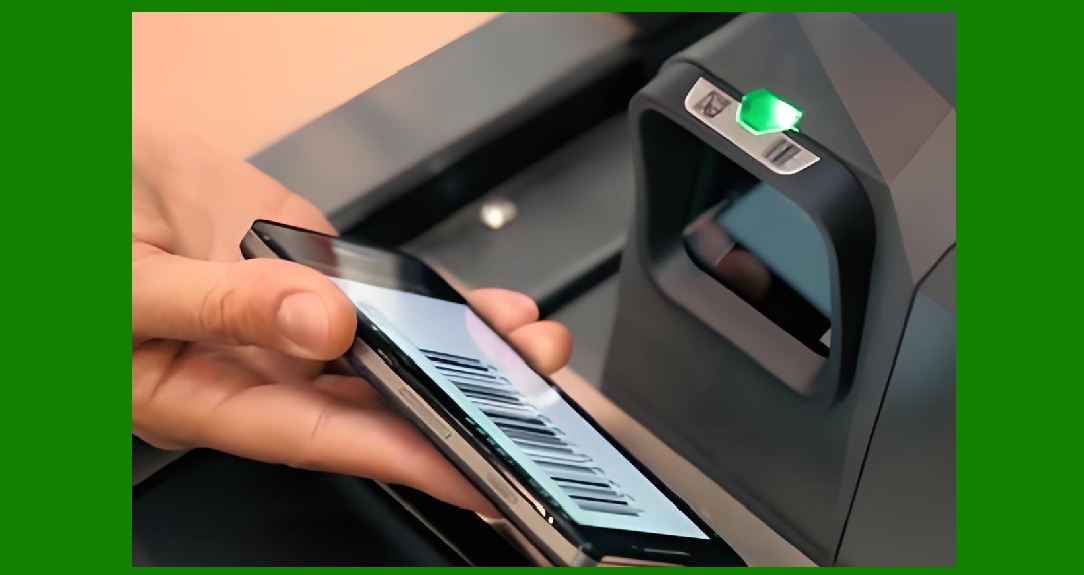
11.1 User Feedback Mechanisms |
1. Beep sounds |
2. LED indicators |
3. Screen messages |
11.2 Usability Optimization |
1. Ergonomic scanner design |
2. Simple trigger operation |
3. Minimal user training required |
|
12. Industrial Optimization Strategies |
12.1 Workflow Automation |
1. Eliminate manual data entry |
2. Reduce human error |
12.2 Process Standardization |
1. Unified scanning protocols |
2. Standardized barcode formats |
12.3 Lean Inventory Management |
1. Just-in-time tracking |
2. Reduced waste |
|
13. Future Evolution of Barcode Scanner Systems |
13.1 Fully Autonomous Scanning Systems |
1. No manual scanning required |
2. AI-driven object recognition |
13.2 Computer Vision Replacement of Barcodes |
1. Object recognition replaces labels |
2. Visual AI tracking systems |
13.3 Blockchain-Based Traceability |
1. Immutable scan records |
2. Supply chain transparency |
13.4 Universal Digital Identification |
1. One code for all systems |
2. GS1 Digital Link evolution |
|
14. Integration with Emerging Technologies |
14.1 Artificial Intelligence |
1. Predictive scanning |
2. Adaptive decoding systems |
14.2 5G and High-Speed Networks |
1. Instant data transmission |
2. Real-time global synchronization |
14.3 Augmented Reality (AR) |
1. Visual scan overlays |
2. Interactive warehouse guidance |
|
15. Final System Architecture Summary |
A complete barcode scanner ecosystem includes: |
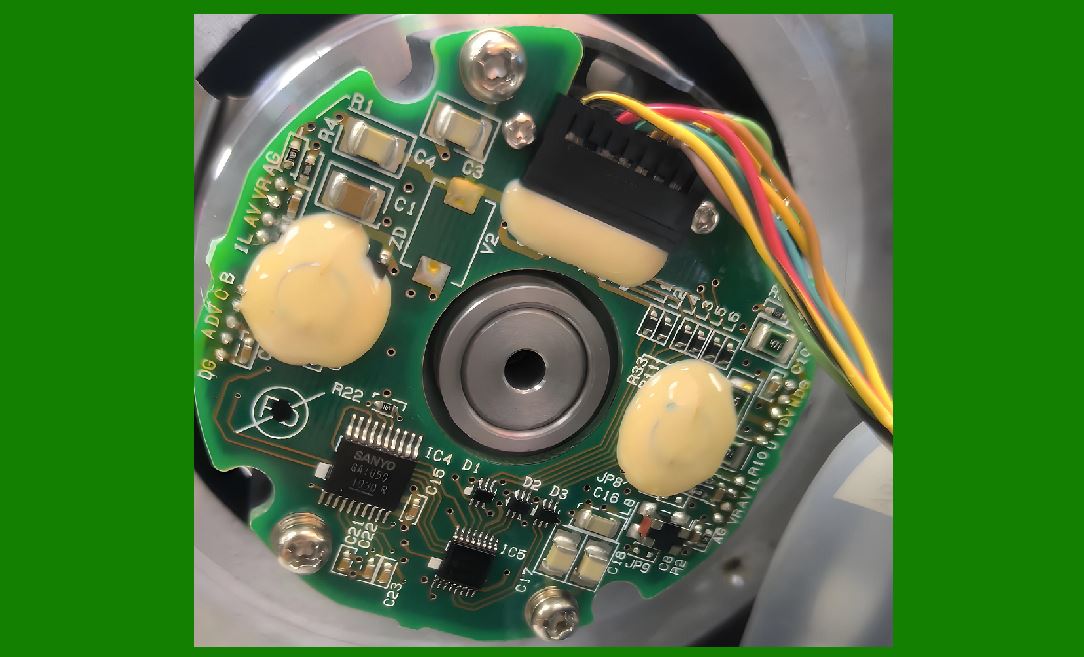
1. Optical hardware subsystem |
2. Signal processing pipeline |
3. Decoding algorithms |
4. Embedded processing hardware |
5. Communication networks |
6. Enterprise software systems |
7. Cloud and IoT infrastructure |
8. Industrial automation layers |
9. Security and fault-tolerance systems |
All layers work together to create a fully automated data capture ecosystem. |
|
16. Final Conclusion of the Entire Series |
Across all 19 parts, we have explored the barcode scanner from fundamental principles to advanced system integration: |
1. Optical physics and light behavior |
2. Sensor and imaging technologies |
3. Signal processing and ADC conversion |
4. Hardware architecture and embedded systems |
5. Software design and firmware structure |
6. Decoding algorithms for 1D and 2D barcodes |
7. Error correction and mathematical models |
8. Industrial applications across sectors |
9. Maintenance, calibration, and reliability engineering |
10. Full system integration with enterprise and cloud environments |
11. Future trends including AI, IoT, and autonomous systems |
Barcode scanners are no longer simple readers they are now intelligent data acquisition nodes in global digital infrastructure. |
 cs@easiersoft.com