Detailed Explanation of the Principles and Structure of Barcode Scanner |
Part 5: Mechanical Structure, Physical Design, and Ergonomics |
1. Introduction to Mechanical Design in Barcode Scanners |
1.1 Importance of Mechanical Structure |
While optics and electronics define performance, the mechanical structure determines how effectively a barcode scanner can be used in real-world environments. |
Mechanical design directly affects: |
1. Durability and lifespan |
2. User comfort and efficiency |
3. Resistance to environmental conditions |
4. Integration into different workflows |
A poorly designed mechanical structure can undermine even the most advanced internal technology. |
1.2 Core Objectives of Mechanical Design |
The physical design of barcode scanners aims to achieve: |
1. Structural Integrity Withstand drops, shocks, and vibrations |
2. Ergonomic Efficiency Reduce user fatigue |
3. Environmental Protection Resist dust, water, and chemicals |
4. Compactness and Portability Facilitate mobility |
5. Ease of Maintenance Allow quick repair or replacement |

|
2. Structural Components of Barcode Scanners |
2.1 Outer Housing (Enclosure) |
The outer housing protects internal components and provides user interface surfaces. |
2.1.1 Materials Used |
1. ABS Plastic |
* Lightweight and cost-effective |
* Common in consumer-grade scanners |
2. Polycarbonate (PC) |
* Higher impact resistance |
* Used in industrial scanners |
3. Rubber Overmolding |
* Enhances grip |
* Absorbs shock during drops |
2.1.2 Design Considerations |
1. Impact resistance |
2. Thermal management |
3. Chemical resistance |
4. Aesthetic appearance |
2.2 Internal Frame and Mounting Structure |
The internal frame supports: |
1. Optical components |
2. Circuit boards |
3. Sensors and lenses |
Design requirements: |
1. Precise alignment |
2. Vibration resistance |
3. Minimal deformation over time |
2.3 Scan Window |
The scan window is the transparent surface through which light passes. |
2.3.1 Materials |
1. Glass |
2. Polycarbonate |
3. Acrylic |
2.3.2 Requirements |
1. High optical clarity |
2. Scratch resistance |
3. Anti-reflective properties |
Damage to the scan window can significantly degrade performance. |

|
3. Ergonomic Design Principles |
3.1 Importance of Ergonomics |
Barcode scanners are often used repeatedly throughout the day. Poor ergonomics can lead to: |
1. User fatigue |
2. Reduced productivity |
3. Repetitive strain injuries |
3.2 Handheld Scanner Design |
3.2.1 Grip Design |
1. Contoured shapes for natural hand fit |
2. Non-slip surfaces |
3. Balanced weight distribution |
3.2.2 Weight Considerations |
1. Lightweight designs reduce fatigue |
2. Heavier scanners may offer durability but reduce comfort |
3.2.3 Center of Gravity |
Proper balance ensures: |
1. Easier handling |
2. Reduced wrist strain |
3.3 Trigger Mechanisms |
3.3.1 Types of Triggers |
1. Mechanical switches |
2. Capacitive touch triggers |
3. Automatic (hands-free) triggers |
3.3.2 Design Factors |
1. Actuation force |
2. Durability (millions of presses) |
3. Tactile feedback |
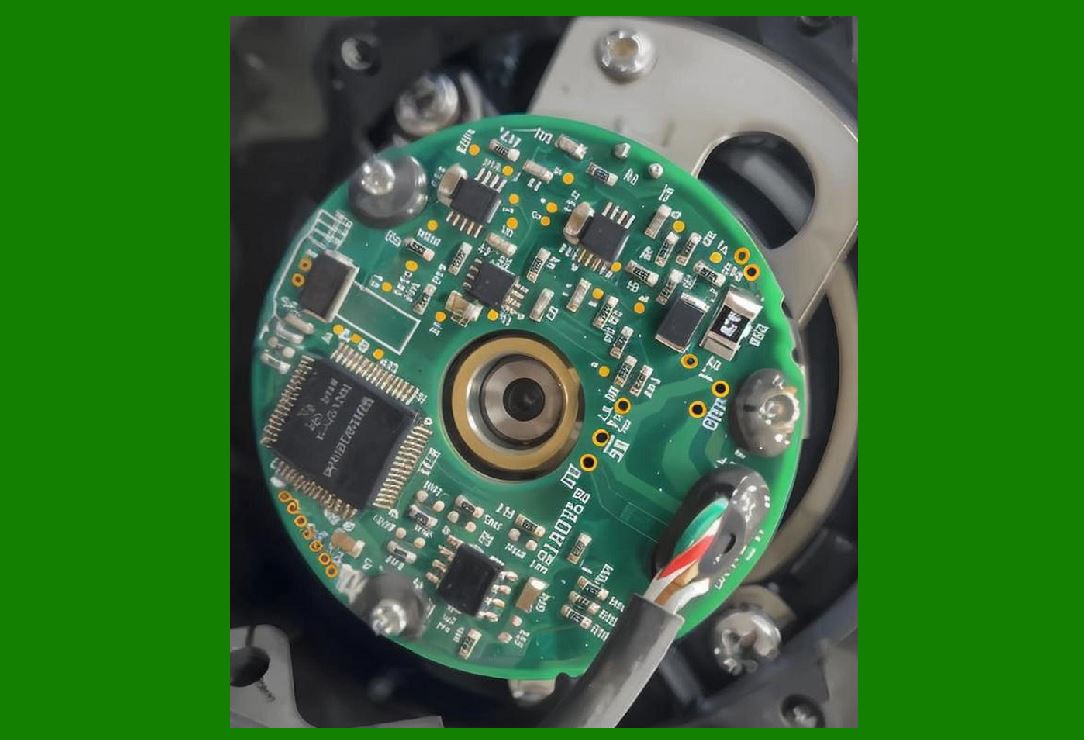
3.4 User Feedback Systems |
Scanners provide feedback through: |
1. Audible beeps |
2. LED indicators |
3. Vibration (in some models) |
This confirms successful scans and improves efficiency. |
|
4. Types of Barcode Scanner Form Factors |
4.1 Handheld Scanners |
1. Most common type |
2. Used in retail, logistics, healthcare |
3. Portable and versatile |
4.2 Fixed-Mount Scanners |
1. Installed in a fixed position |
2. Used in production lines |
3. Enable automated scanning |
4.3 Presentation Scanners |
1. Designed for hands-free operation |
2. Common in retail checkout counters |
3. Automatically detect barcodes |
4.4 Wearable Scanners |
1. Mounted on fingers or wrists |
2. Used in warehouse environments |
3. Improve efficiency in picking operations |
4.5 Embedded Scanners |
1. Integrated into kiosks or machines |
2. Used in ticketing, access control |

|
5. Environmental Protection and Ruggedization |
5.1 Importance of Environmental Protection |
Scanners often operate in harsh environments: |
1. Warehouses |
2. Factories |
3. Outdoor settings |
5.2 IP Ratings (Ingress Protection) |
IP ratings define resistance to: |
1. Dust (first digit) |
2. Water (second digit) |
Examples: |
1. IP54 Limited dust and splash resistance |
2. IP65 Dust-tight and water-resistant |
3. IP67 Waterproof for temporary immersion |
5.3 Drop Resistance |
Industrial scanners are designed to withstand: |
1. Multiple drops (e.g., 1.5meters) |
2. Impacts on concrete surfaces |
5.4 Temperature Tolerance |
Scanners must operate in: |
1. Cold storage environments |
2. High-temperature industrial settings |
5.5 Chemical Resistance |
Important for: |
1. Healthcare environments |
2. Manufacturing plants |
Materials must resist: |
* Cleaning agents |
* Oils and solvents |

|
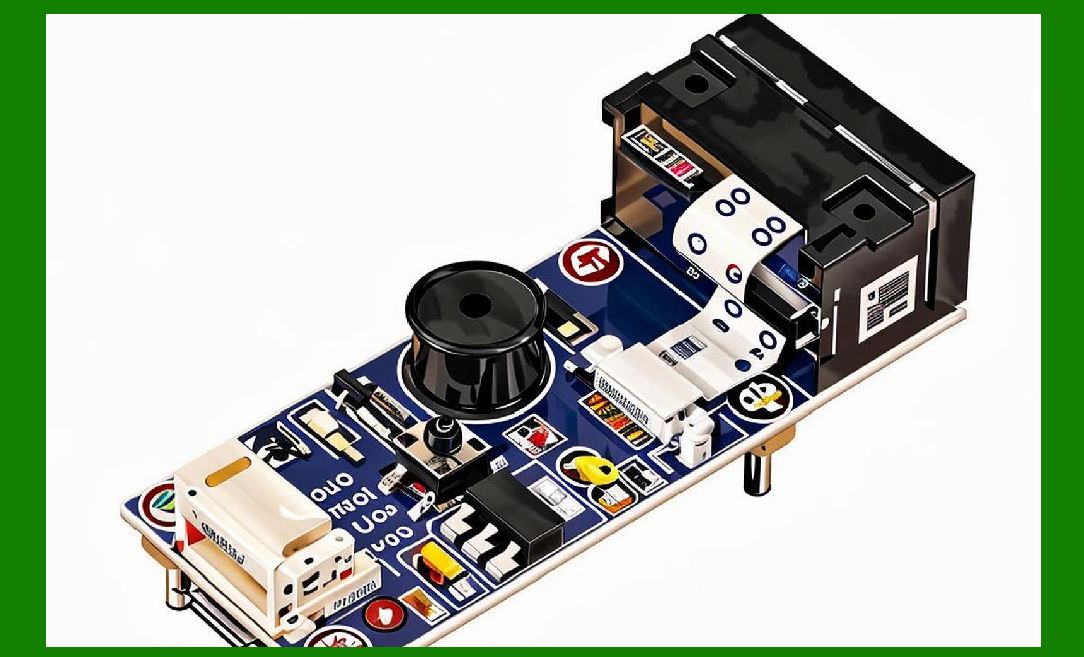
6. Thermal Management |
6.1 Heat Generation Sources |
1. Light sources |
2. Processors |
3. Power circuits |
6.2 Cooling Methods |
1. Passive cooling (heat dissipation through housing) |
2. Thermal conductive materials |
6.3 Design Considerations |
1. Prevent overheating |
2. Maintain stable performance |
3. Extend component lifespan |
|
7. Mechanical Reliability and Durability |
7.1 Stress and Fatigue Analysis |
Repeated use can cause: |
1. Material fatigue |
2. Structural weakening |
Design must account for: |
* Long-term durability |
* High usage cycles |
7.2 Sealing and Gaskets |
Used to: |
1. Prevent dust entry |
2. Protect against moisture |
7.3 Connector Durability |
Ports and connectors must withstand: |
1. Frequent plugging/unplugging |
2. Mechanical stress |

|
8. Modular Design and Maintainability |
8.1 Modular Components |
Some scanners are designed with replaceable parts: |
1. Scan engine modules |
2. Batteries |
3. Interface modules |
8.2 Ease of Repair |
Design considerations: |
1. Accessible internal components |
2. Minimal disassembly steps |
8.3 Upgrade Capability |
Allows: |
1. Firmware updates |
2. Hardware enhancements |

|
9. Industrial vs Consumer Scanner Design |
9.1 Consumer-Grade Scanners |
1. Lower cost |
2. Lightweight |
3. Limited durability |
9.2 Industrial-Grade Scanners |
1. Rugged construction |
2. High durability |
3. Advanced features |
9.3 Trade-offs |
1. Cost vs durability |
2. Weight vs robustness |
3. Simplicity vs functionality |

|
10. Aesthetic and Industrial Design |
10.1 Visual Design |
1. Modern appearance |
2. Brand identity |
3. User appeal |
10.2 Functional Aesthetics |
Design must balance: |
1. Appearance |
2. Practical usability |

|
11. Safety Considerations |
11.1 Laser Safety |
Laser scanners must comply with safety standards: |
1. Class 1 or Class 2 lasers |
2. Safe for human exposure |
11.2 Electrical Safety |
1. Insulation |
2. Protection against short circuits |
11.3 Ergonomic Safety |
1. Prevent repetitive strain injuries |
2. Reduce user fatigue |

|
12. Future Trends in Mechanical Design |
12.1 Miniaturization |
1. Smaller, lighter devices |
2. Integration into mobile devices |
12.2 Wearable and Hands-Free Designs |
1. Increased productivity |
2. Improved ergonomics |
12.3 Sustainable Materials |
1. Eco-friendly plastics |
2. Recyclable components |
13. Summary of Part 5 |
In this section, we explored the physical and mechanical aspects of barcode scanners: |
1. Structural components and materials |
2. Ergonomic design principles |
3. Various scanner form factors |
4. Environmental protection and ruggedization |
5. Thermal management |
6. Durability and reliability |
7. Modular design and maintainability |
8. Differences between industrial and consumer designs |
9. Aesthetic considerations |
10. Safety requirements |
11. Future design trends |
The mechanical design ensures that barcode scanners are not only functional but also reliable, durable, and user-friendly in real-world applications. |
|
Next Step |
In Part 6, we will explore: |
* Different types of barcode scanners in depth |
* Laser scanners, CCD scanners, and image-based scanners |
* Comparative analysis of technologies |
* Application scenarios for each type |
* Advantages and limitations |
 cs@easiersoft.com