Detailed Explanation of the Principles and Structure of Barcode Scanner |
Part 6: Types of Barcode Scanners and Their Technical Characteristics |
1. Introduction to Barcode Scanner Classification |
1.1 Importance of Scanner Classification |
Barcode scanners are not a single uniform technology. They are designed in multiple forms to suit different: |
1. Application environments |
2. Barcode types |
3. Performance requirements |
4. Cost constraints |
Understanding scanner types is essential for selecting the right device for a specific use case. |
1.2 Main Classification Criteria |
Barcode scanners can be classified based on: |
1. Scanning technology (laser, CCD, imaging) |
2. Form factor (handheld, fixed, wearable) |
3. Connectivity (wired, wireless) |
4. Application domain (retail, industrial, healthcare) |
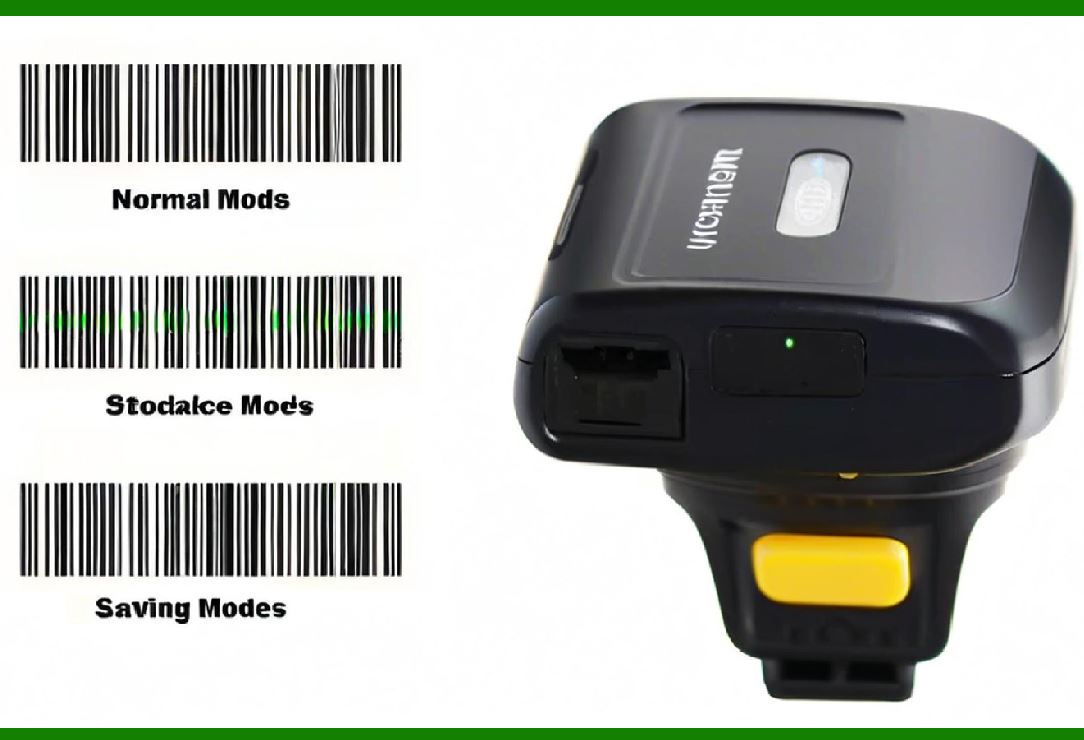
This section focuses primarily on classification by scanning technology, which directly relates to working principles. |
|
2. Pen-Type (Wand) Barcode Scanners |
2.1 Overview |
Pen-type scanners, also known as wand scanners, are among the earliest barcode scanning devices. |
They consist of: |
1. A light source |
2. A photodiode |
3. A pen-like housing |
2.2 Working Principle |
1. The user manually drags the tip across the barcode |
2. Light reflects from the surface |
3. The photodiode detects variations in reflection |
4. Signals are converted into data |
2.3 Advantages |
1. Low cost |
2. Simple design |
3. No complex optics |
2.4 Limitations |
1. Requires steady manual motion |
2. High user dependency |
3. Low accuracy |
4. Not suitable for high-speed environments |
2.5 Application Scenarios |
1. Educational purposes |
2. Low-volume inventory tasks |
3. Legacy systems |
|
3. Laser Barcode Scanners |
3.1 Overview |
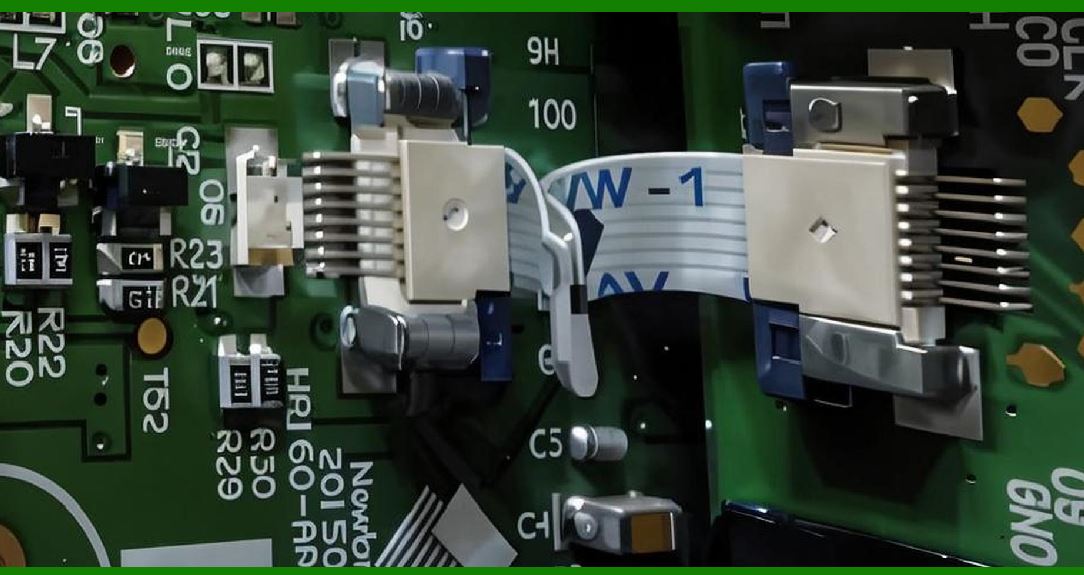
Laser scanners are one of the most widely used types, especially for 1D barcodes. |
3.2 Working Principle |
1. A laser diode emits a narrow beam |
2. A moving mirror scans the beam across the barcode |
3. Reflected light is captured by a photodetector |
4. Signal is processed into digital data |
3.3 Types of Laser Scanners |
3.3.1 Single-Line Laser Scanners |
1. Produce a single scanning line |
2. Require alignment with barcode |
3.3.2 Multi-Line (Raster) Scanners |
1. Generate multiple scanning lines |
2. Improve readability |
3.3.3 Omnidirectional Laser Scanners |
1. Use complex mirror systems |
2. Create crisscross scanning patterns |
3. Allow scanning from any angle |
3.4 Advantages |
1. High scanning speed |
2. Long reading distance |
3. Mature and reliable technology |
3.5 Limitations |
1. Cannot read 2D barcodes |
2. Sensitive to damage in scanning mechanism |
3. Moving parts may wear out |
3.6 Application Scenarios |
1. Retail checkout systems |
2. Warehouse operations |
3. Logistics tracking |
|
4. CCD (Charge-Coupled Device) Barcode Scanners |
4.1 Overview |
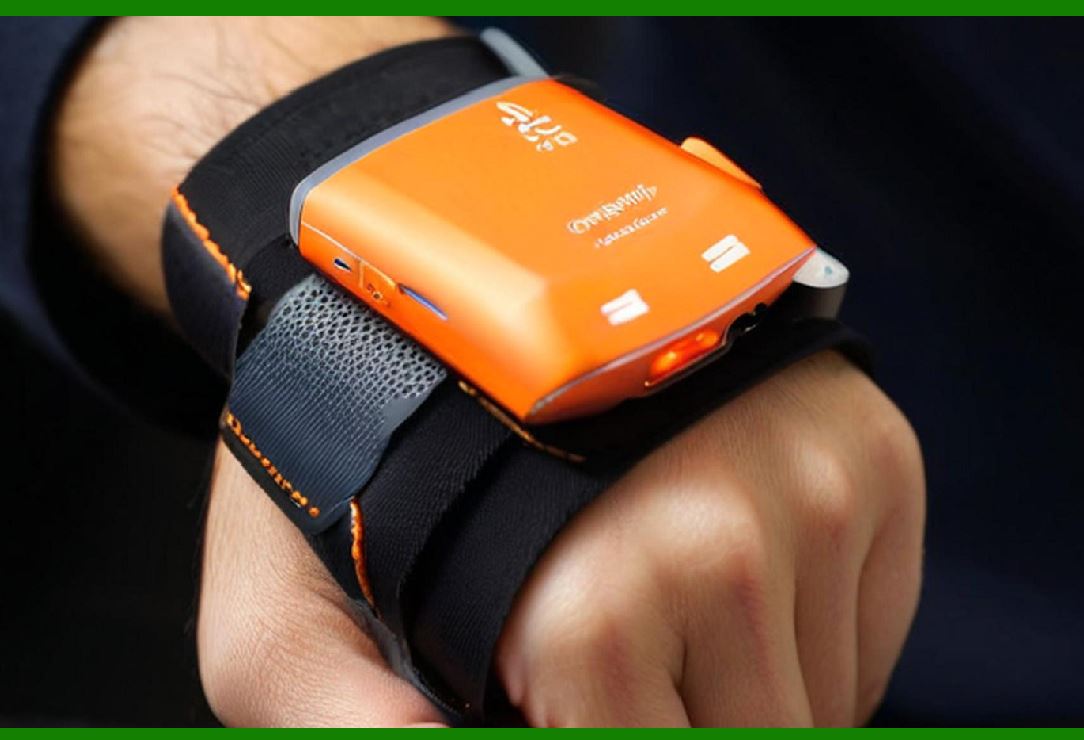
CCD scanners use an array of light sensors to capture barcode data. |
4.2 Working Principle |
1. LED illuminates the barcode |
2. Reflected light is captured by a linear sensor array |
3. Each sensor measures light intensity |
4. Data is processed into digital signals |
4.3 Characteristics |
1. No moving parts |
2. Fixed scanning distance |
3. Contact or near-contact scanning |
4.4 Advantages |
1. Durable and reliable |
2. Lower cost than laser scanners |
3. Resistant to mechanical wear |
4.5 Limitations |
1. Limited scanning distance |
2. Narrow field of view |
3. Cannot read 2D codes |
4.6 Application Scenarios |
1. Retail POS systems |
2. Office environments |
3. Light industrial use |
|
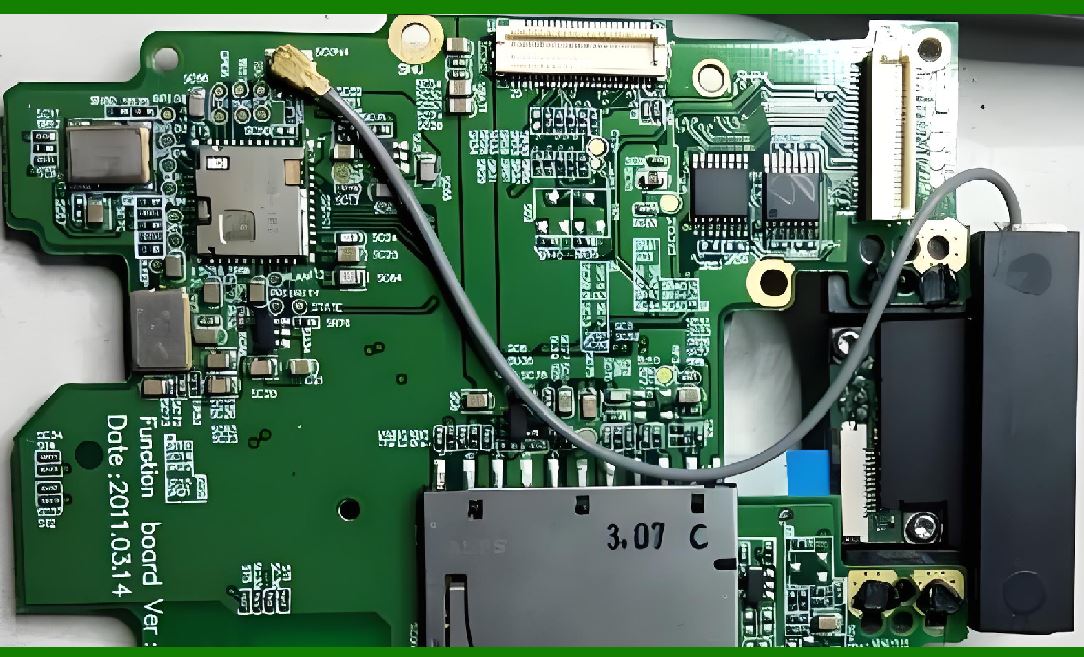
5. Image-Based (2D Imager) Barcode Scanners |
5.1 Overview |
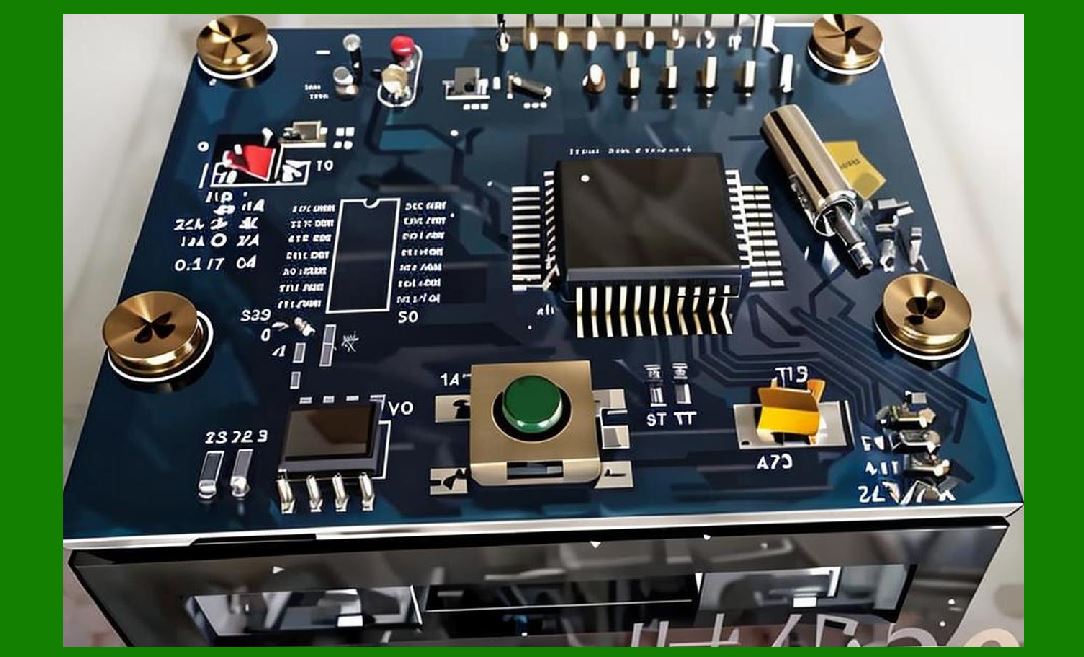
Image-based scanners represent the most advanced and versatile technology. |
5.2 Working Principle |
1. Capture a digital image of the barcode |
2. Process the image using software algorithms |
3. Decode both 1D and 2D barcodes |
5.3 Types of Image Sensors |
1. CMOS sensors (most common) |
2. CCD sensors (less common in modern devices) |
5.4 Advantages |
1. Supports all barcode types (1D and 2D) |
2. No moving parts |
3. High durability |
4. Can read damaged or distorted barcodes |
5.5 Limitations |
1. Higher cost |
2. More complex processing requirements |
3. May require better lighting conditions |
5.6 Application Scenarios |
1. Mobile payment systems |
2. Healthcare (patient identification) |
3. Industrial automation |
4. Logistics and warehousing |
|
6. Linear Imagers vs Area Imagers |
6.1 Linear Imagers |
1. Capture a single line of pixels |
2. Similar to CCD but more advanced |
3. Used for 1D barcodes |
6.2 Area Imagers |
1. Capture full 2D images |
2. Support both 1D and 2D codes |
3. Enable advanced features like OCR |

|
7. Omnidirectional Imaging Scanners |
7.1 Overview |
These scanners use image sensors combined with wide-angle optics. |
7.2 Features |
1. Read barcodes from any orientation |
2. No need for precise alignment |
3. High-speed operation |
7.3 Applications |
1. Retail checkout |
2. Self-service kiosks |
3. High-throughput environments |

|
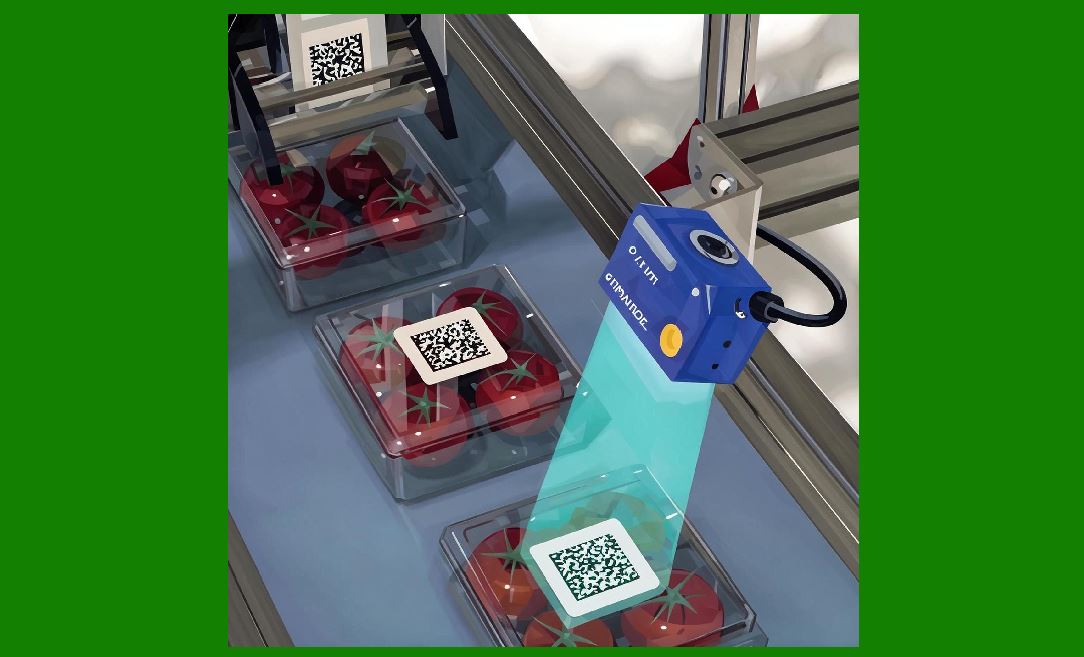
8. Fixed-Mount Industrial Scanners |
8.1 Overview |
Designed for automated systems. |
8.2 Features |
1. Continuous scanning |
2. Integration with conveyor systems |
3. High durability |
8.3 Applications |
1. Manufacturing lines |
2. Automated warehouses |
3. Quality control systems |
|
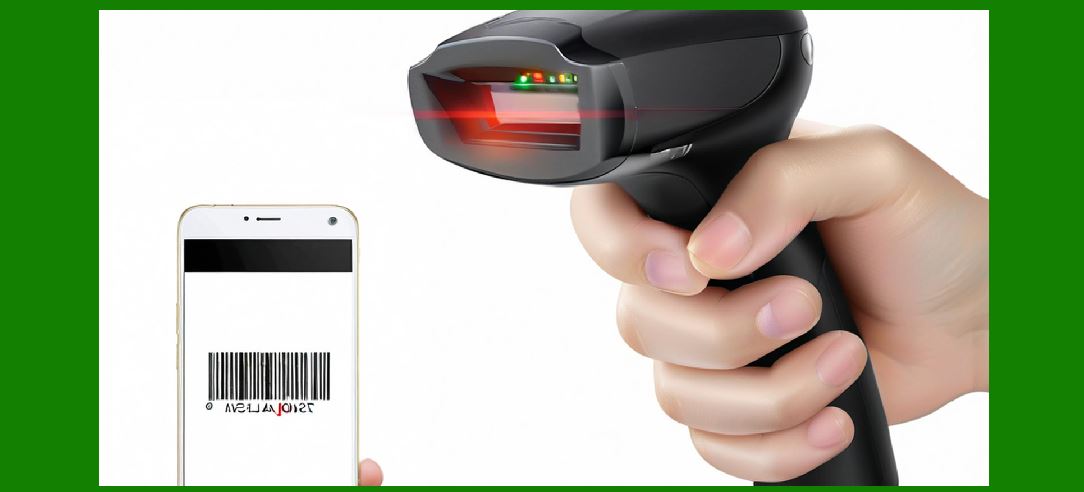
9. Wireless Barcode Scanners |
9.1 Overview |
Wireless scanners provide mobility and flexibility. |
9.2 Technologies Used |
1. Bluetooth |
2. Wi-Fi |
3. Proprietary RF systems |
9.3 Advantages |
1. Increased mobility |
2. Reduced cable clutter |
3. Improved workflow efficiency |
9.4 Limitations |
1. Battery dependency |
2. Potential connectivity issues |
|
10. Wearable Barcode Scanners |
10.1 Overview |
Designed for hands-free operation. |
10.2 Features |
1. Mounted on fingers or wrists |
2. Lightweight and compact |
3. Integrated with mobile devices |
10.3 Applications |
1. Warehouse picking |
2. Logistics operations |
3. E-commerce fulfillment |
|
11. Smartphone-Based Scanners |
11.1 Overview |
Modern smartphones can function as barcode scanners. |
11.2 Working Principle |
1. Use built-in camera |
2. Apply software-based decoding |
11.3 Advantages |
1. No additional hardware required |
2. High flexibility |
3. Easy integration with apps |
11.4 Limitations |
1. Lower performance compared to dedicated scanners |
2. Dependent on camera quality |
|
12. Comparison of Scanner Technologies |
12.1 Performance Factors |
Different technologies vary in: |
1. Speed |
2. Accuracy |
3. Durability |
4. Cost |
12.2 General Comparison Insights |
1. Laser scanners excel in speed and distance |
2. CCD scanners offer durability and simplicity |
3. Imaging scanners provide versatility and advanced capabilities |
|
13. Selection Criteria for Barcode Scanners |
13.1 Application Requirements |
1. Type of barcodes (1D or 2D) |
2. Scanning distance |
3. Environment |
13.2 Operational Considerations |
1. Frequency of use |
2. User skill level |
3. Integration with systems |
13.3 Cost Considerations |
1. Initial investment |
2. Maintenance costs |
3. Total cost of ownership |
|
14. Future Trends in Scanner Types |
14.1 Shift Toward Imaging Technology |
1. Increasing adoption of 2D barcodes |
2. Decline of laser scanners |
14.2 Integration with AI |
1. Improved decoding |
2. Enhanced image processing |
14.3 Hybrid Devices |
1. Combine scanning with computing |
2. Integration with IoT systems |

|
15. Summary of Part 6 |
In this section, we explored the different types of barcode scanners: |
1. Pen-type scanners and their simplicity |
2. Laser scanners and their high-speed capabilities |
3. CCD scanners and their durability |
4. Image-based scanners and their versatility |
5. Linear vs area imagers |
6. Omnidirectional scanners |
7. Fixed-mount industrial scanners |
8. Wireless and wearable scanners |
9. Smartphone-based scanning |
10. Comparison and selection criteria |
11. Future technological trends |
Each scanner type is optimized for specific use cases, and understanding these differences is essential for effective deployment. |

|
Next Step |
In Part 7, we will explore: |
* Barcode symbologies and their structures |
* Encoding principles of major 1D barcodes |
* Structure of 2D barcodes (QR, Data Matrix, PDF417) |
* How scanner design adapts to different symbologies |
 cs@easiersoft.com