Detailed Explanation of the Principles and Structure of Barcode Scanner |
Part 8: Performance Factors, Environmental Influences, and Real-World Optimization |
1. Introduction to Barcode Scanner Performance |
1.1 Definition of Performance in Barcode Scanning |
Barcode scanner performance refers to the ability of a device to accurately and efficiently read barcodes under various real-world conditions. |
Key performance indicators include: |
1. Read accuracy |
2. Scan speed |
3. First-pass read rate |
4. Tolerance to environmental conditions |
5. Reliability over time |
1.2 Importance of Performance Optimization |
In practical applications, scanners rarely operate under ideal conditions. Performance optimization is essential because: |
1. Poor scanning leads to operational delays |
2. Errors can disrupt inventory systems |
3. Low efficiency increases labor costs |
|
2. Optical Performance Factors |
2.1 Contrast Ratio |
Contrast ratio is the difference between light and dark areas of a barcode. |
1. High contrast improves readability |
2. Low contrast makes decoding difficult |
Factors affecting contrast: |
* Ink quality |
* Surface reflectivity |
* Lighting conditions |
2.2 Resolution and Minimum Element Width |
Resolution defines the smallest barcode element that can be detected. |
1. Measured in mils (thousandths of an inch) |
2. Higher resolution allows reading dense barcodes |
2.3 Depth of Field |
Depth of field is the range of distances within which the barcode can be read. |
1. Affected by lens design |
2. Influenced by light intensity |
3. Varies by scanner type |
2.4 Field of View |
Field of view determines how much area the scanner can capture. |
1. Wider field allows easier targeting |
2. Narrow field provides higher precision |
|
3. Environmental Lighting Conditions |
3.1 Ambient Light Impact |
External light sources can interfere with scanning: |
1. Sunlight may saturate sensors |
2. Fluorescent lights can introduce flicker |
3. LED lighting may cause interference patterns |
3.2 Low-Light Conditions |
Challenges: |
1. Insufficient illumination |
2. Reduced signal strength |
Solutions: |
1. Built-in illumination systems |
2. High-sensitivity sensors |
3.3 Glare and Reflection |
Glossy surfaces can cause specular reflection: |
1. Creates bright spots |
2. Obscures barcode patterns |
Mitigation techniques: |
1. Polarized filters |
2. Adjusting scanning angle |

|
4. Surface and Material Effects |
4.1 Surface Texture |
1. Matte surfaces provide consistent reflection |
2. Rough surfaces scatter light unpredictably |
4.2 Curved Surfaces |
Curvature can distort barcode patterns: |
1. Alters perceived widths |
2. Requires geometric correction |
4.3 Transparent and Reflective Materials |
1. Glass and plastic can cause reflection issues |
2. May require specialized scanning techniques |
|
5. Motion and Scanning Dynamics |
5.1 Motion Blur |
Occurs when either the scanner or barcode is moving. |
Effects: |
1. Blurred image |
2. Reduced decoding accuracy |
5.2 Scanning Speed |
1. Faster scanning improves productivity |
2. Excessive speed may reduce accuracy |
5.3 Motion Compensation Techniques |
1. Faster shutter speeds |
2. Image stabilization algorithms |
3. Predictive decoding |
|
6. Barcode Quality and Print Characteristics |
6.1 Print Quality Factors |
1. Ink consistency |
2. Edge sharpness |
3. Alignment accuracy |
6.2 Barcode Defects |
Common defects include: |
1. Smudging |
2. Fading |
3. Broken bars |
4. Ink spread |
6.3 Barcode Verification Standards |
Verification ensures barcode quality meets standards. |
Parameters include: |
1. Symbol contrast |
2. Modulation |
3. Defects |
4. Decodability |

|
7. Scanning Angle and Orientation |
7.1 Angle of Incidence |
The angle between the scanner and barcode affects reflection. |
1. Perpendicular angle provides best results |
2. Oblique angles may reduce readability |
7.2 Skew and Rotation |
Barcodes may be rotated or tilted. |
Modern scanners handle: |
1. Rotational variance |
2. Skew correction |
7.3 Omnidirectional Scanning Advantages |
1. Eliminates need for precise alignment |
2. Improves user efficiency |

|
8. Distance and Range Considerations |
8.1 Near-Field vs Far-Field Scanning |
1. Near-field: close-range scanning |
2. Far-field: long-distance scanning |
8.2 Factors Affecting Range |
1. Light intensity |
2. Sensor sensitivity |
3. Barcode size |
8.3 Long-Range Scanning Challenges |
1. Signal attenuation |
2. Reduced resolution |
3. Increased noise |

|
9. Multi-Barcode and High-Density Environments |
9.1 Multiple Barcode Detection |
Scanners may encounter multiple barcodes in one view. |
Challenges: |
1. Identifying correct barcode |
2. Avoiding false reads |
9.2 High-Density Barcode Reading |
Requires: |
1. High-resolution sensors |
2. Advanced decoding algorithms |
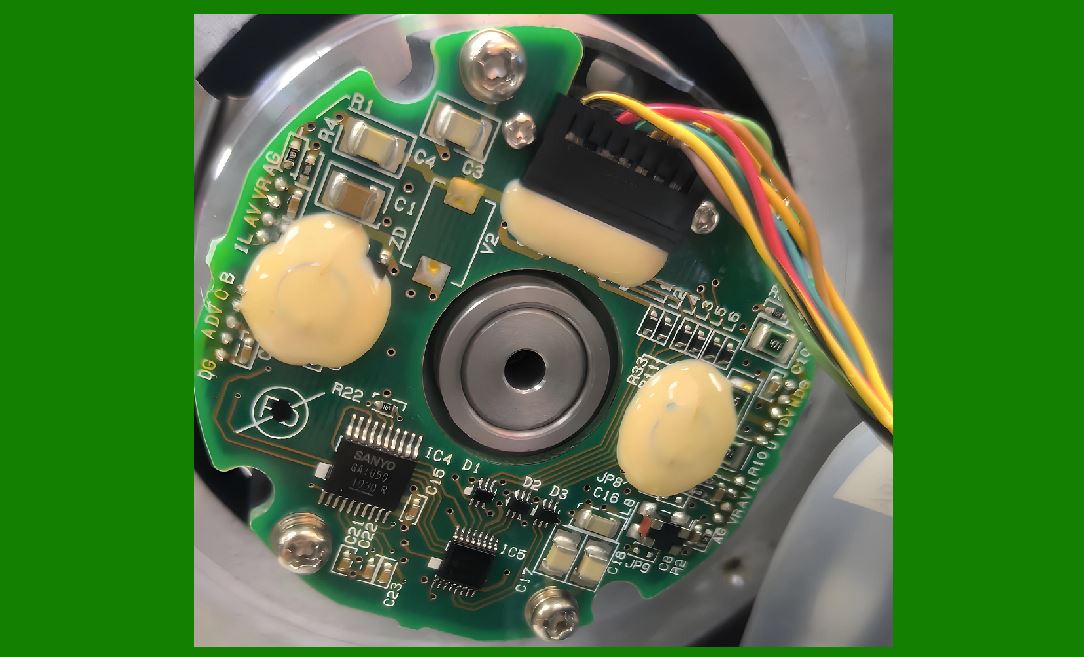
9.3 Selective Scanning Techniques |
1. Targeting systems (laser aiming) |
2. Software filtering |
|
10. Environmental Conditions |
10.1 Temperature Effects |
1. Extreme heat affects electronics |
2. Cold reduces battery efficiency |
10.2 Humidity and Moisture |
1. Can damage internal components |
2. Requires sealed designs |
10.3 Dust and Contaminants |
1. Obstruct optical paths |
2. Reduce signal quality |

|
11. Human Factors in Scanning Performance |
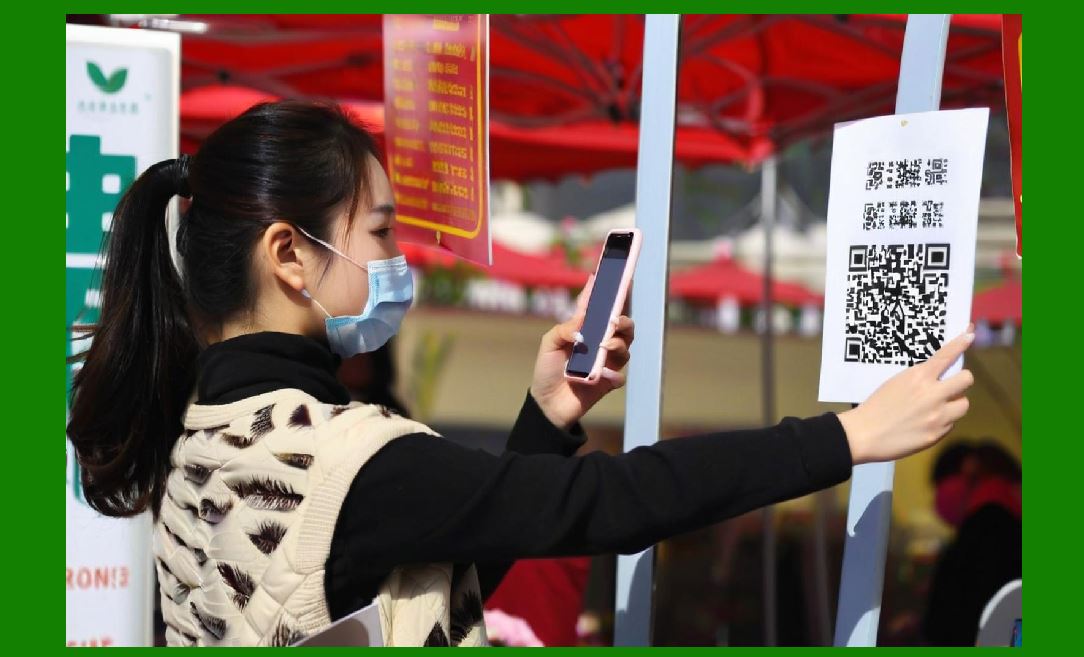
11.1 User Skill and Technique |
1. Proper aiming improves success rate |
2. Experience reduces errors |
11.2 Fatigue and Repetition |
1. Long-term use affects performance |
2. Ergonomic design helps mitigate |
11.3 Training and Best Practices |
1. Proper handling techniques |
2. Understanding scanner capabilities |
|
12. Software Optimization for Performance |
12.1 Adaptive Algorithms |
1. Adjust to lighting conditions |
2. Improve decoding accuracy |
12.2 Image Enhancement Techniques |
1. Contrast adjustment |
2. Noise reduction |
3. Edge sharpening |
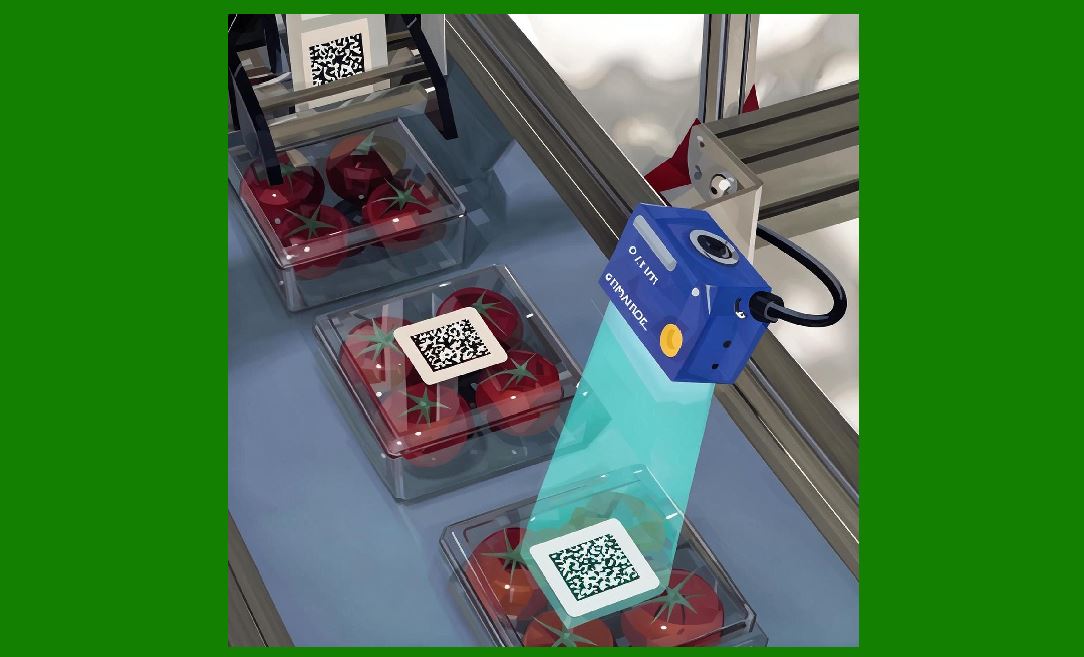
12.3 Real-Time Processing |
1. Low latency |
2. Immediate feedback |
|
13. System-Level Optimization |
13.1 Integration with Workflow |
1. Efficient data handling |
2. Reduced processing delays |
13.2 Network and Data Transfer Efficiency |
1. Fast communication protocols |
2. Reliable connectivity |
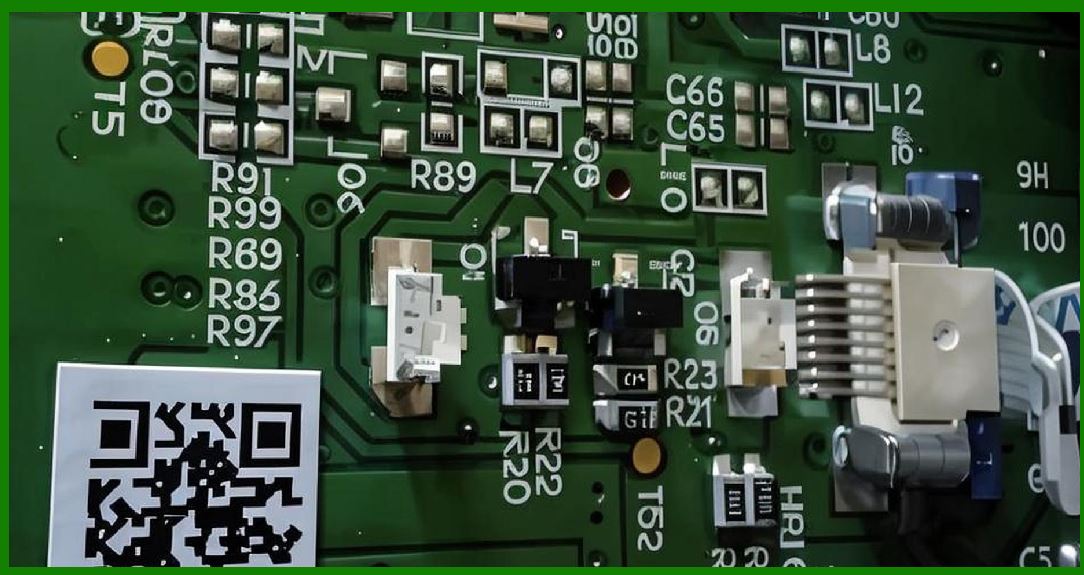
13.3 Maintenance and Calibration |
1. Regular cleaning |
2. Firmware updates |
3. Performance tuning |
|
14. Testing and Benchmarking |
14.1 Performance Testing Methods |
1. Controlled environment testing |
2. Real-world scenario testing |
14.2 Benchmark Metrics |
1. First-pass read rate |
2. Scan time |
3. Error rate |
14.3 Continuous Improvement |
1. Data-driven optimization |
2. Feedback loops |
|
15. Future Trends in Performance Optimization |
15.1 AI-Based Enhancements |
1. Intelligent image processing |
2. Predictive decoding |
15.2 Advanced Sensor Technologies |
1. Higher sensitivity |
2. Better dynamic range |
15.3 Integration with IoT Systems |
1. Real-time data analytics |
2. Smart scanning environments |
|
16. Summary of Part 8 |
In this section, we examined the factors that influence barcode scanner performance in real-world conditions: |
1. Optical performance factors such as contrast and resolution |
2. Effects of environmental lighting |
3. Surface and material considerations |
4. Motion and scanning dynamics |
5. Barcode quality and defects |
6. Angle, orientation, and distance factors |
7. Multi-barcode environments |
8. Environmental conditions like temperature and dust |
9. Human factors and user behavior |
10. Software and system-level optimization |
11. Testing and benchmarking methods |
12. Emerging trends in performance enhancement |
These factors collectively determine how effectively a barcode scanner operates outside controlled environments. |

|
Next Step |
In Part 9, we will explore: |
* Communication protocols and data transmission |
* USB, Bluetooth, Wi-Fi, and industrial interfaces |
* Data formatting and integration with software systems |
* Real-time data synchronization and cloud connectivity |
 cs@easiersoft.com