Part 10: Mechanical Design, Ergonomics, and Industrial Engineering of Image-Based Scanners (Deep Technical Analysis) |
1. Introduction to Mechanical and Industrial Design |
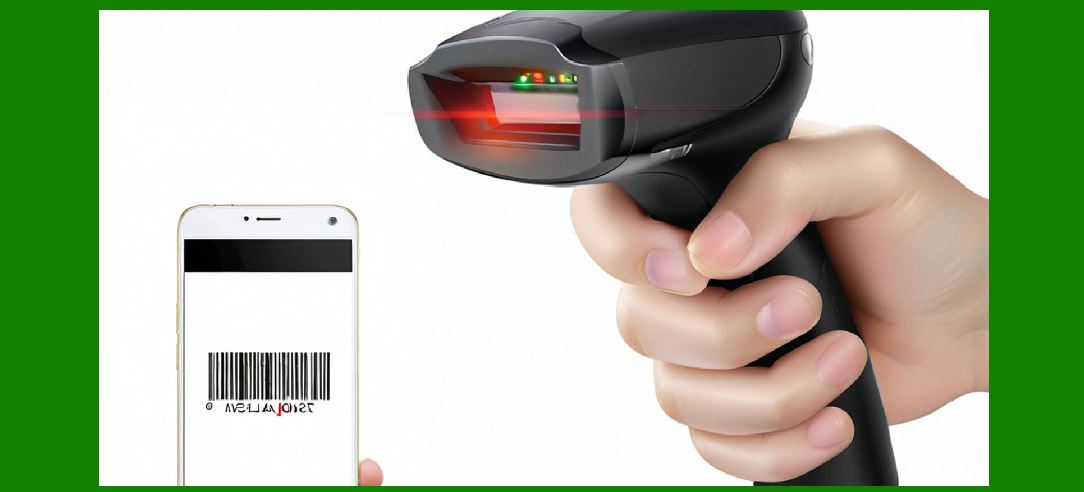
1. The mechanical design of image-based scanners plays a critical role in ensuring durability, usability, thermal stability, and optical alignment. While electronic and algorithmic subsystems define performance, the mechanical structure determines how well that performance is maintained in real-world conditions. |
2. Industrial engineering considerations include: |
* Structural integrity |
* Ergonomics for human interaction |
* Environmental protection |
* Manufacturability |
* Cost efficiency |
3. Mechanical design must integrate seamlessly with: |
* Optical components |
* PCB assemblies |
* Power systems |
* Communication interfaces |
|
2. Structural Design of Scanner Enclosures |
2.1 Housing Materials |
1. Common materials: |
* ABS plastic (lightweight, cost-effective) |
* Polycarbonate (high impact resistance) |
* Metal alloys (industrial-grade durability) |
2. Material selection criteria: |
* Strength |
* Weight |
* Thermal properties |
* Cost |
2.2 Internal Frame and Mounting |
1. Provides support for: |
* PCB |
* Optical module |
* Battery (if applicable) |
2. Must ensure: |
* Vibration resistance |
* Precise alignment of optical components |
2.3 Shock and Drop Resistance |
1. Designed to withstand: |
* Drops from 1meters (typical requirement) |
2. Techniques: |
* Reinforced corners |
* Internal shock absorbers |
* Flexible mounting structures |
|
3. Optical Module Alignment and Stability |
3.1 Importance of Alignment |
1. Misalignment affects: |
* Focus |
* Field of view |
* Decoding accuracy |
3.2 Mounting Techniques |
1. Fixed mounts with precision tolerances |
2. Adjustable mounts (during manufacturing calibration) |
3.3 Long-Term Stability |
1. Must resist: |
* Thermal expansion |
* Mechanical stress |

|
4. Ergonomic Design Principles |
4.1 Handheld Scanner Ergonomics |
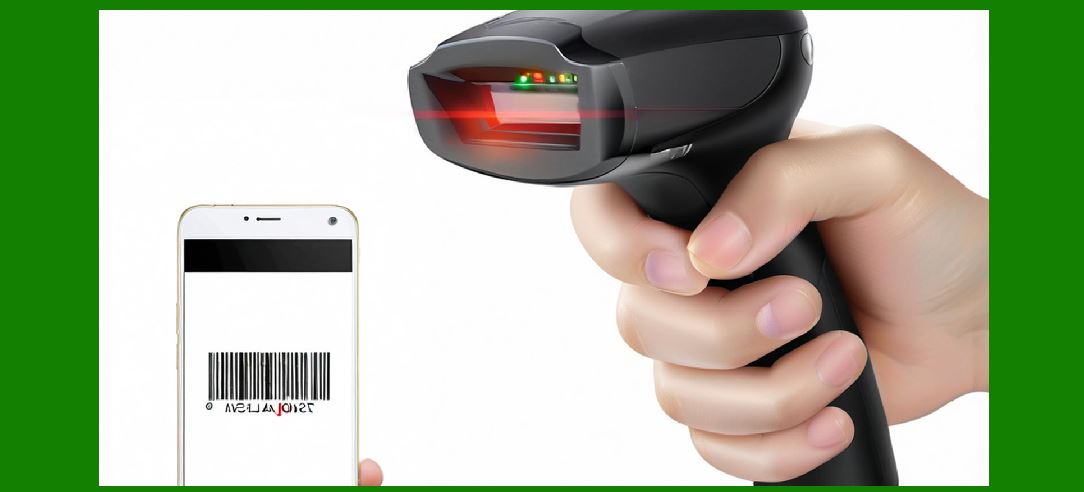
1. Shape designed for: |
* Comfortable grip |
* Reduced wrist strain |
2. Key factors: |
* Weight distribution |
* Handle angle |
* Surface texture |
4.2 Trigger Mechanism Design |
1. Must provide: |
* Tactile feedback |
* Durability |
2. Types: |
* Mechanical switches |
* Capacitive touch triggers |
4.3 User Feedback Elements |
1. Visual indicators: |
* LEDs |
2. Audio feedback: |
* Beepers |
3. Haptic feedback (advanced systems) |
|
5. Thermal Design and Heat Dissipation |
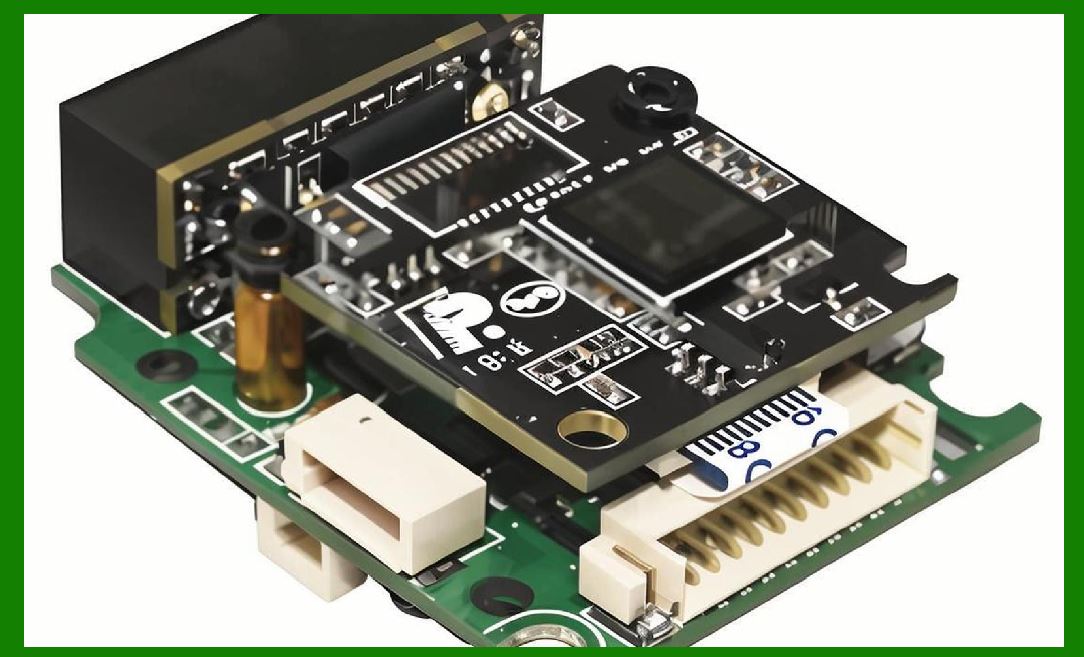
5.1 Heat Sources |
1. LEDs (illumination) |
2. Processors |
3. Power regulators |
5.2 Thermal Management Techniques |
1. Heat sinks |
2. Thermal pads |
3. Heat spreading structures |
5.3 Ventilation Design |
1. Passive airflow channels |
2. Trade-off: |
* Ventilation vs dust protection |
|
6. Environmental Protection |
6.1 Dust and Water Resistance |
1. Rated using IP (Ingress Protection) standards: |
* IP54, IP65, etc. |
2. Sealing methods: |
* Gaskets |
* O-rings |
6.2 Chemical Resistance |
1. Required in: |
* Healthcare |
* Industrial environments |
2. Materials must resist: |
* Cleaning agents |
* Solvents |
6.3 Temperature Resistance |
1. Operating range: |
* Typically -10 to 50 (or wider for industrial devices) |

|
7. Mechanical Design for Different Scanner Types |
7.1 Handheld Scanners |
1. Lightweight |
2. Ergonomic |
3. Portable |
7.2 Fixed-Mount Scanners |
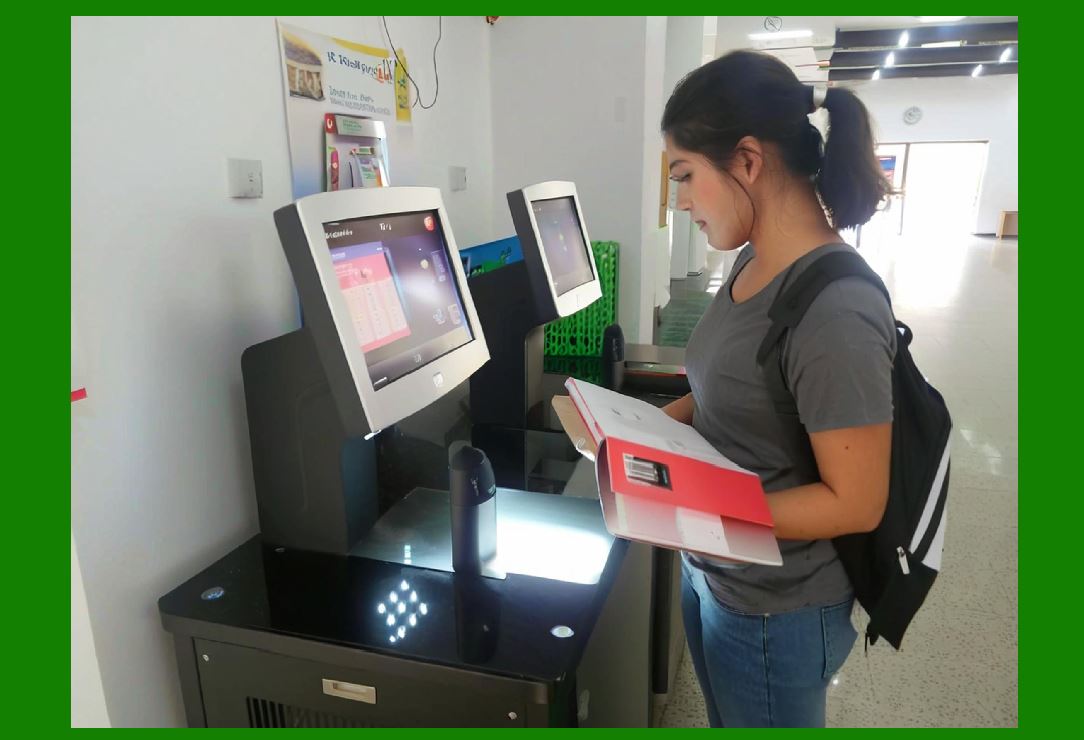
1. Mounted on: |
* Conveyor systems |
* Kiosks |
2. Focus on: |
* Stability |
* Continuous operation |
7.3 Presentation Scanners |
1. Hands-free operation |
2. Design features: |
* Wide scanning window |
* Stable base |

|
8. Optical Window Design |
8.1 Material Selection |
1. Glass or optical-grade plastic |
2. Requirements: |
* High transparency |
* Scratch resistance |
8.2 Anti-Reflective Coatings |
1. Reduce glare |
2. Improve image quality |
8.3 Protection Against Contamination |
1. Coatings to resist: |
* Dust |
* Fingerprints |
|
9. Cable and Connector Design |
9.1 Cable Durability |
1. Flexible and strain-resistant |
9.2 Strain Relief |
1. Prevent cable damage at connection points |
9.3 Connector Types |
1. USB connectors |
2. Industrial connectors |
|
10. Assembly and Manufacturing Considerations |
10.1 Design for Manufacturability (DFM) |
1. Simplify assembly process |
2. Reduce: |
* Number of parts |
* Assembly steps |
10.2 Tolerance Management |
1. Ensure proper fit and alignment |
10.3 Automated Assembly |
1. Use of: |
* Robotics |
* Precision tooling |
|
11. Reliability and Lifecycle Design |
11.1 Wear and Tear |
1. Components subject to wear: |
* Trigger |
* Connectors |
11.2 Lifecycle Testing |
1. Drop tests |
2. Vibration tests |
3. Environmental tests |

|
12. Compliance and Standards |
1. Safety standards: |
* Electrical safety |
2. Environmental standards: |
* RoHS |
* WEEE |

|
13. Aesthetic and Branding Considerations |
1. Product appearance influences: |
* User perception |
* Market appeal |
2. Includes: |
* Shape |
* Color |
* Finish |
|
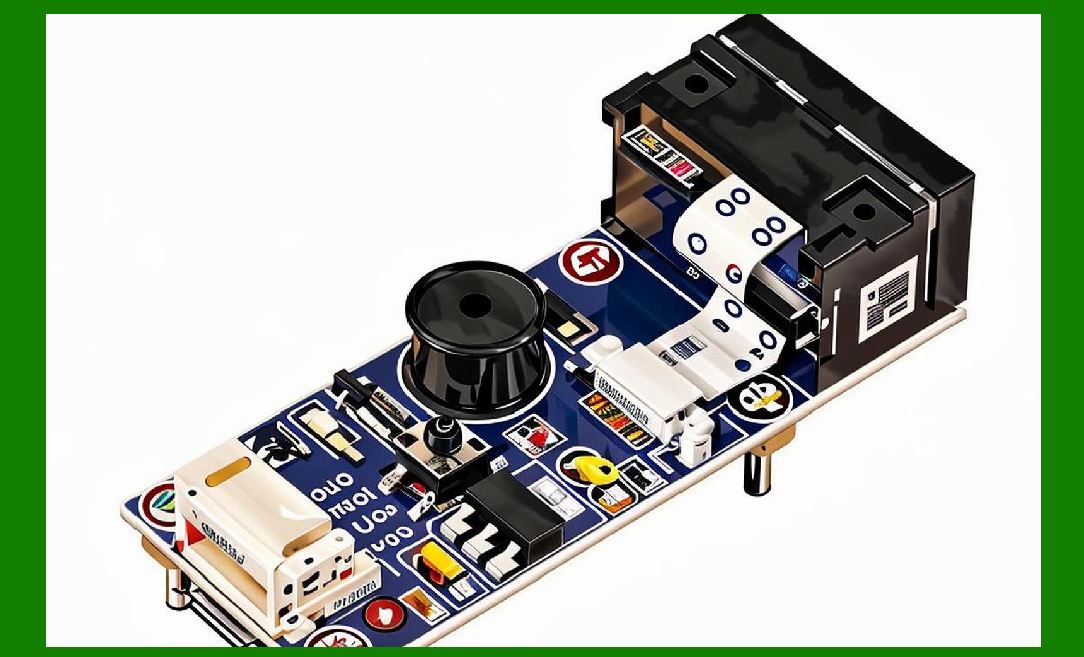
14. Integration with Internal Electronics |
1. Mechanical design must accommodate: |
* PCB layout |
* Heat dissipation |
* Signal routing |
|
15. Advanced Mechanical Innovations |
15.1 Modular Design |
1. Replaceable components |
15.2 Ruggedized Designs |
1. For extreme environments: |
* Military |
* Heavy industry |
15.3 Miniaturization |
1. Compact designs for mobile devices |

|
16. Summary of Part 10 |
1. Mechanical design ensures durability, usability, and reliability. |
2. Ergonomics is critical for handheld scanners. |
3. Thermal and environmental protection are essential for performance. |
4. Manufacturing considerations impact cost and scalability. |
5. Future designs focus on modularity, ruggedness, and miniaturization. |

|
Next Step |
Part 11: Environmental Adaptability and Anti-Interference Technologies in Image-Based Scanners (Deep Technical Analysis) |
 cs@easiersoft.com