Part 15: Security, Data Integrity, and Anti-Counterfeiting Technologies in Image-Based Scanners (Deep Technical Analysis) |
1. Introduction to Security in Image-Based Scanners |
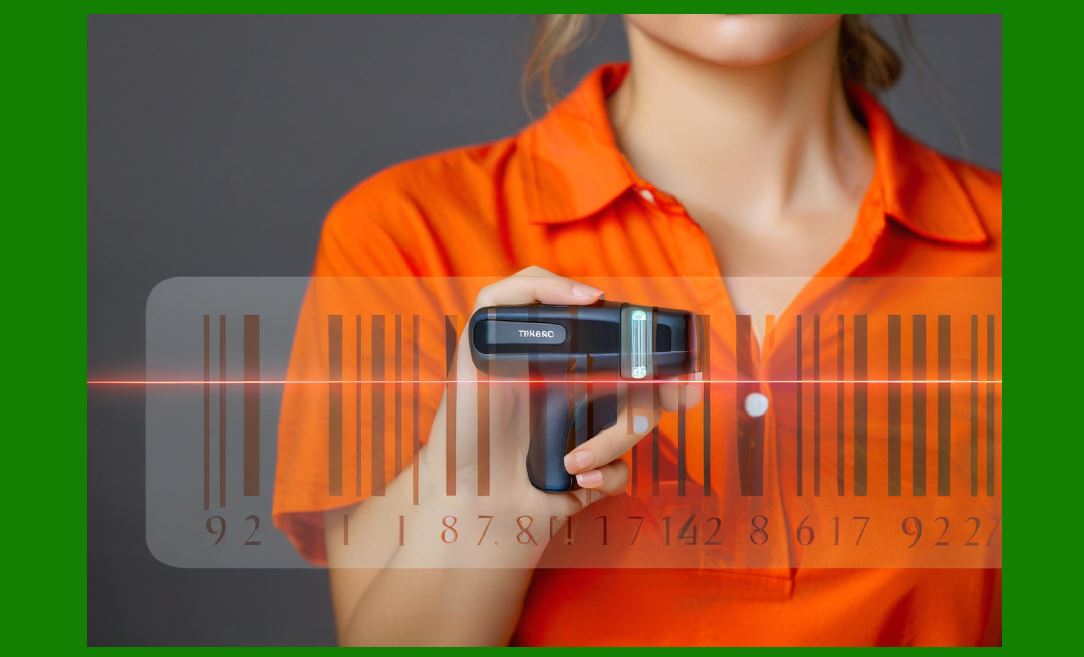
1. As image-based scanners become deeply integrated into payment systems, logistics networks, healthcare, and government infrastructure, security has evolved from a secondary concern to a core design requirement. |
2. Security in this context includes: |
* Protecting decoded data |
* Ensuring data integrity |
* Preventing unauthorized access |
* Detecting fraudulent or counterfeit barcodes |
3. The scanner is often the first point of data entry, making it a critical component in maintaining system-wide trust. |
|
2. Threat Landscape |
2.1 Data Interception |
1. Unauthorized interception of transmitted data |
2. Particularly relevant in wireless communication |
2.2 Data Manipulation |
1. Alteration of decoded data before reaching host systems |
2.3 Unauthorized Device Access |
1. Malicious reconfiguration |
2. Firmware tampering |
2.4 Counterfeit Barcodes |
1. Fake or altered barcodes used for: |
* Fraud |
* Unauthorized access |
* Product substitution |
|
3. Data Integrity Mechanisms |
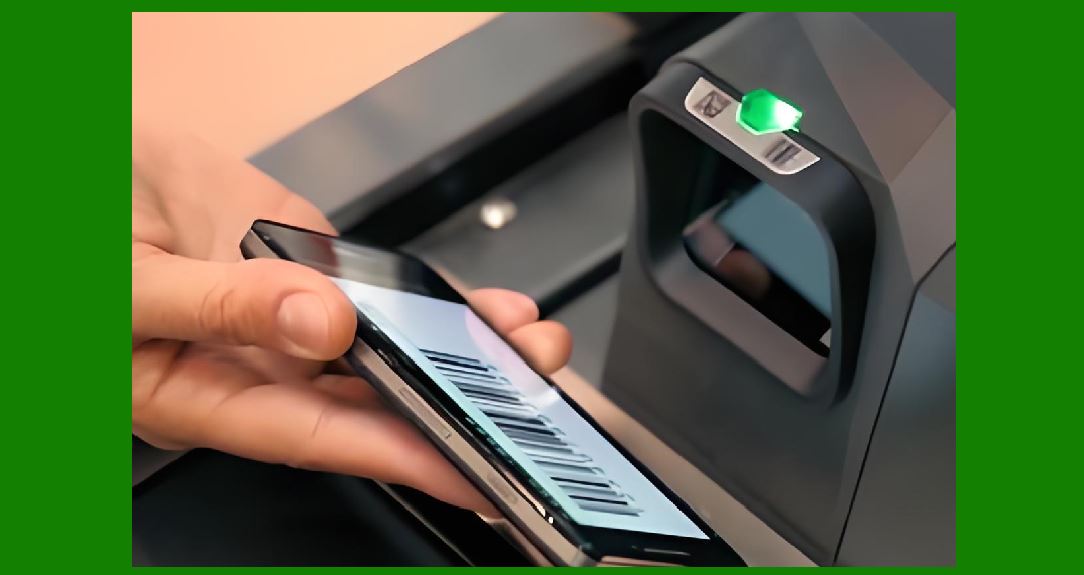
3.1 Checksum Validation |
1. Ensures data correctness |
2. Detects transmission errors |
3.2 Error Detection Codes |
1. CRC (Cyclic Redundancy Check) |
2. Parity checks |
3.3 End-to-End Validation |
1. Verification at: |
* Scanner |
* Host system |
|
4. Secure Data Transmission |
4.1 Encryption Techniques |
1. Protect data during transmission |
2. Common methods: |
* AES (Advanced Encryption Standard) |
* TLS (Transport Layer Security) |
4.2 Secure Communication Protocols |
1. HTTPS for network communication |
2. Secure Bluetooth pairing |
4.3 Key Management |
1. Secure storage of encryption keys |
2. Key rotation mechanisms |

|
5. Device Authentication and Access Control |
5.1 Authentication Mechanisms |
1. Password-based access |
2. Certificate-based authentication |
5.2 Role-Based Access Control (RBAC) |
1. Different access levels for: |
* Users |
* Administrators |
5.3 Secure Pairing |
1. Ensures trusted connections with host devices |

|
6. Firmware Security |
6.1 Secure Boot |
1. Verifies firmware integrity at startup |
6.2 Firmware Encryption |
1. Prevents reverse engineering |
6.3 Tamper Detection |
1. Detects unauthorized modifications |
|
7. Anti-Counterfeiting Technologies |
7.1 Barcode Authentication |
1. Verify authenticity of barcode data |
7.2 Digital Signatures in Barcodes |
1. Embed cryptographic signatures |
2. Benefits: |
* Prevent forgery |
* Enable verification |
7.3 Watermarking and Invisible Codes |
1. Hidden patterns within barcodes |
2. Used for: |
* Brand protection |
* Anti-counterfeiting |

|
8. AI-Based Fraud Detection |
8.1 Pattern Recognition |
1. Identify anomalies in barcode structure |
8.2 Behavioral Analysis |
1. Detect unusual scanning patterns |
8.3 Machine Learning Models |
1. Classify: |
* Legitimate vs fraudulent codes |

|
9. Secure Data Storage |
9.1 On-Device Storage Protection |
1. Encrypt stored data |
9.2 Secure Memory Access |
1. Prevent unauthorized reading |

|
10. Network Security Considerations |
10.1 Firewall Integration |
1. Protect against external attacks |
10.2 Intrusion Detection Systems |
1. Monitor suspicious activity |

|
11. Compliance with Security Standards |
1. Industry standards: |
* PCI DSS (for payment systems) |
* HIPAA (for healthcare) |
|
12. Privacy Protection |
1. Ensure user data confidentiality |
2. Techniques: |
* Data minimization |
* Anonymization |

|
13. Security in Cloud-Connected Systems |
1. Secure APIs |
2. Encrypted data transmission |
3. Access control mechanisms |

|
14. Physical Security |
1. Tamper-resistant enclosures |
2. Secure connectors |

|
15. Incident Response and Recovery |
1. Detect security breaches |
2. Isolate affected systems |
3. Restore secure operation |

|
16. Future Trends in Security |
16.1 Blockchain Integration |
1. Immutable data records |
16.2 Advanced Cryptography |
1. Post-quantum encryption |
16.3 Zero-Trust Architecture |
1. Continuous verification of devices and users |

|
17. Summary of Part 15 |
1. Security is critical in modern image-based scanners. |
2. Threats include data interception, manipulation, and counterfeit barcodes. |
3. Encryption, authentication, and secure firmware protect systems. |
4. Anti-counterfeiting technologies enhance trust and reliability. |
5. Future systems will adopt advanced cryptography and AI-driven security. |

|
Next Step |
Part 16: Future Development Trends and Emerging Technologies in Image-Based Scanners (Deep Technical Analysis) |
 cs@easiersoft.com