Part 18: Advanced Signal Processing Pipelines and Image Reconstruction Techniques in Image-Based Scanners |
1. Introduction to Signal Processing in Scanners |
1. In image-based scanners, raw sensor output is not directly usable for decoding. Instead, it undergoes a multi-stage signal processing pipeline that transforms noisy, distorted optical data into a clean, structured image suitable for barcode decoding. |
2. This pipeline is responsible for: |
* Enhancing image quality |
* Removing noise and distortion |
* Extracting meaningful features |
* Reconstructing missing or degraded data |
3. The performance of this pipeline directly determines: |
* Decode success rate |
* Speed of recognition |
* Robustness in difficult environments |
|
2. Overview of the Processing Pipeline |
2.1 General Flow |
1. Raw sensor capture |
2. Analog-to-digital conversion |
3. Image pre-processing |
4. Geometric correction |
5. Feature enhancement |
6. Segmentation and localization |
7. Decoding preparation |
2.2 Real-Time Constraints |
1. All steps must be executed within milliseconds in most applications. |
2. Pipeline is often: |
* Parallelized |
* Hardware-accelerated |
* Stream-processed |

|
3. Raw Signal Conditioning |
3.1 Noise Sources in Raw Data |
1. Sensor thermal noise |
2. Photon shot noise |
3. Electronic read noise |
4. Quantization noise |
3.2 Analog Front-End Processing |
1. Includes: |
* Signal amplification |
* Analog filtering |
* Offset correction |
3.3 ADC Conversion |
1. Converts analog pixel signals into digital values. |
2. Key parameters: |
* Resolution (e.g., 10-bit, 12-bit, 14-bit) |
* Sampling rate |
|
4. Image Pre-Processing Stage |
4.1 Denoising Algorithms |
1. Spatial filtering: |
* Median filtering |
* Gaussian smoothing |
2. Adaptive filtering: |
* Preserves edges while removing noise |
4.2 Contrast Enhancement |
1. Techniques: |
* Histogram equalization |
* Adaptive histogram equalization (CLAHE) |
4.3 Normalization |
1. Standardizes pixel intensity ranges. |

|
5. Geometric Correction |
5.1 Lens Distortion Correction |
1. Removes: |
* Barrel distortion |
* Pincushion distortion |
5.2 Perspective Correction |
1. Adjusts skewed barcode images. |
5.3 Rotation and Alignment |
1. Ensures barcode orientation independence. |
|
6. Image Reconstruction Techniques |
6.1 Super-Resolution Reconstruction |
1. Combines multiple low-resolution frames into a higher-resolution image. |
6.2 Multi-Frame Fusion |
1. Merges: |
* Multiple exposures |
* Multiple viewpoints |
6.3 Deblurring Algorithms |
1. Removes motion blur caused by: |
* Scanner movement |
* Target motion |

|
7. Feature Enhancement |
7.1 Edge Enhancement |
1. Highlights barcode boundaries. |
7.2 Gradient Extraction |
1. Detects transitions between light and dark regions. |
7.3 Morphological Operations |
1. Includes: |
* Erosion |
* Dilation |
* Opening and closing |
|
8. Binarization Techniques |
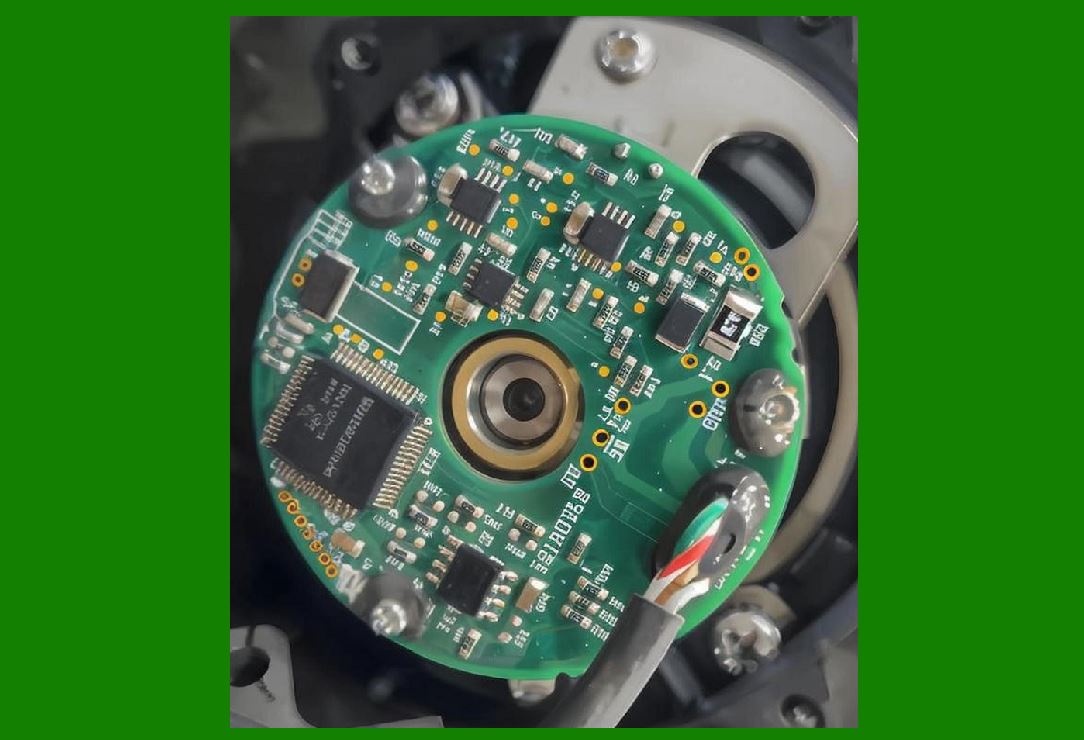
8.1 Global Thresholding |
1. Single threshold for entire image. |
8.2 Adaptive Thresholding |
1. Varies threshold across image regions. |
8.3 Dynamic Illumination Handling |
1. Adjusts for uneven lighting conditions. |
|
9. Barcode Region Localization |
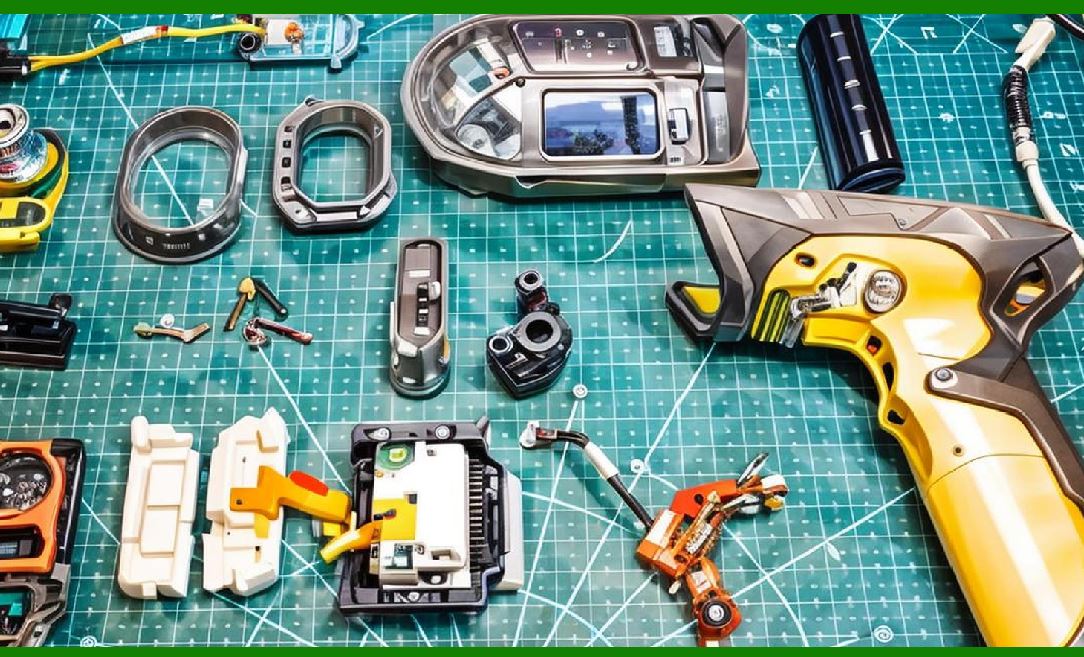
9.1 Candidate Region Detection |
1. Identifies possible barcode areas. |
9.2 Pattern Recognition |
1. Detects: |
* Linear patterns (1D codes) |
* Matrix patterns (2D codes) |
9.3 Machine Learning-Based Detection |
1. CNN models identify barcode regions even in cluttered scenes. |
|
10. Decoding Preparation Stage |
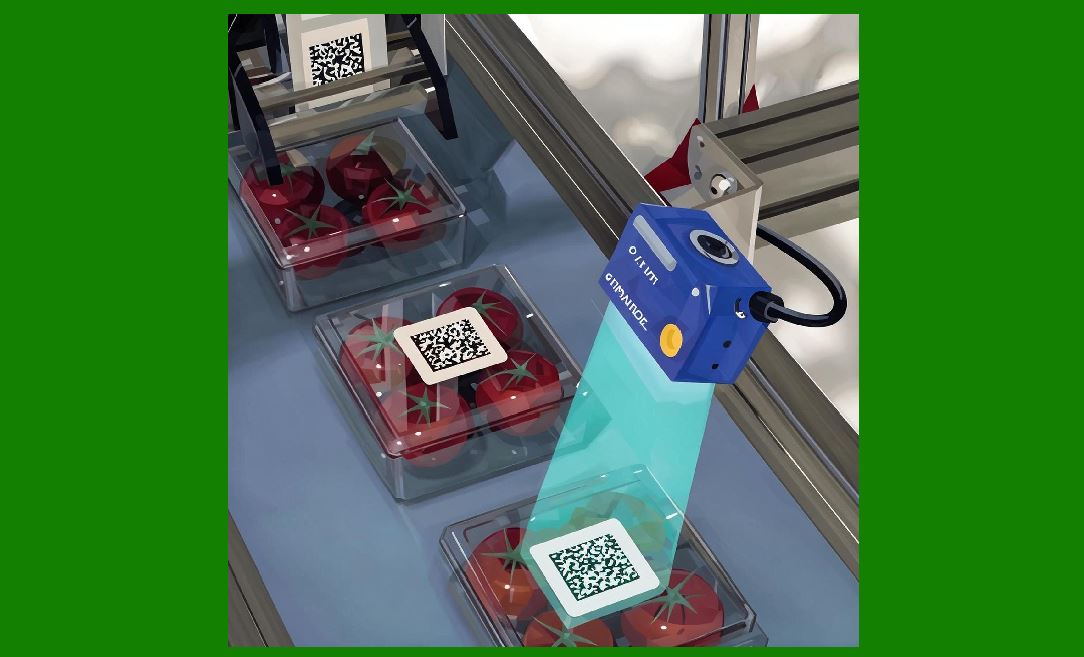
10.1 Data Structuring |
1. Converts image regions into: |
* Symbol grids |
* Bit patterns |
10.2 Error Correction Preparation |
1. Identifies redundant data regions. |
|
11. Error Correction Integration |
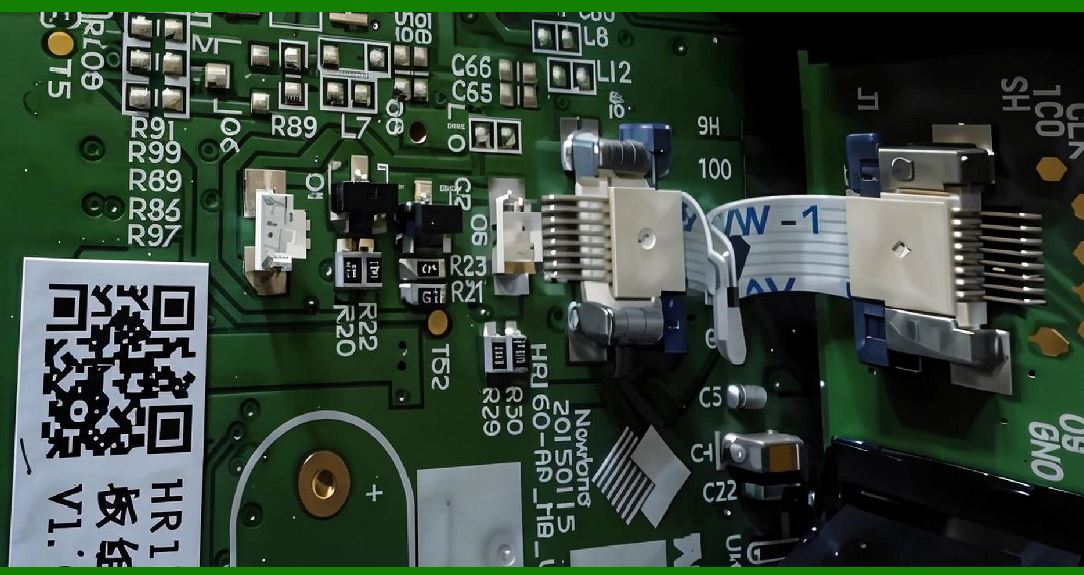
11.1 Reed-Solomon Decoding Support |
1. Used in QR codes and Data Matrix codes. |
11.2 Redundancy Utilization |
1. Reconstructs missing or damaged data. |
|
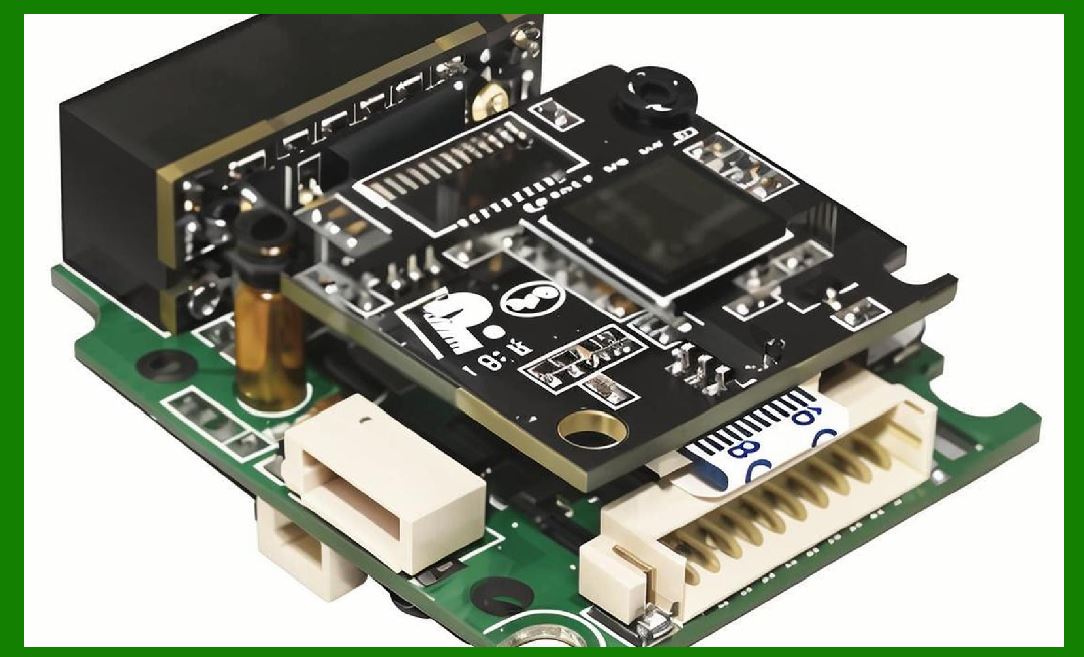
12. Parallel Processing in Signal Pipelines |
12.1 Multi-Core Execution |
1. Different pipeline stages executed simultaneously. |
12.2 SIMD Acceleration |
1. Pixel-level operations performed in parallel. |
12.3 GPU/ISP Acceleration |
1. Dedicated hardware accelerates: |
* Filtering |
* Transformation |
|
13. Real-Time Optimization Techniques |
13.1 Early Exit Mechanisms |
1. Stop processing once barcode is successfully decoded. |
13.2 Region-of-Interest (ROI) Processing |
1. Only process likely barcode regions. |
13.3 Frame Skipping Strategies |
1. Skip unnecessary frames in high-speed scenarios. |

|
14. Deep Learning in Signal Processing |
14.1 Learned Denoising Models |
1. Neural networks replace traditional filters. |
14.2 End-to-End Reconstruction |
1. Direct mapping from raw image decoded data. |
14.3 AI-Based Enhancement |
1. Improves readability of: |
* Damaged codes |
* Low-contrast images |

|
15. Multi-Sensor Fusion (Advanced Systems) |
15.1 Stereo Imaging |
1. Combines two camera views. |
15.2 Depth-Assisted Processing |
1. Improves localization accuracy. |
|
16. Pipeline Bottlenecks and Optimization |
16.1 Memory Bandwidth Limitations |
1. High-resolution images require fast memory access. |
16.2 Computational Load Balancing |
1. Avoids processor overload. |
16.3 Latency Reduction Strategies |
1. Pipeline parallelism |
2. Hardware acceleration |

|
17. Future Trends in Signal Processing |
17.1 Fully AI-Driven Pipelines |
1. Replace traditional steps with neural networks. |
17.2 Event-Based Vision Sensors |
1. Process only changes in image data. |
17.3 Quantum Image Processing (Research Stage) |
1. Experimental high-speed reconstruction methods. |
18. Summary of Part 18 |
1. Signal processing pipelines transform raw sensor data into readable barcode information. |
2. Steps include filtering, correction, enhancement, and localization. |
3. Advanced reconstruction improves performance in difficult conditions. |
4. Parallel processing and hardware acceleration are essential for real-time operation. |
5. Future systems will increasingly rely on AI-driven and sensor-fusion approaches. |

|
Next Step |
Part 19: Advanced Error Correction, Redundancy Systems, and Fault Tolerance in Image-Based Scanners |
 cs@easiersoft.com