Part 22: Embedded Software Architecture and Real-Time Operating System (RTOS) Design in Image-Based Scanners |
1. Introduction to Embedded Software in Scanners |
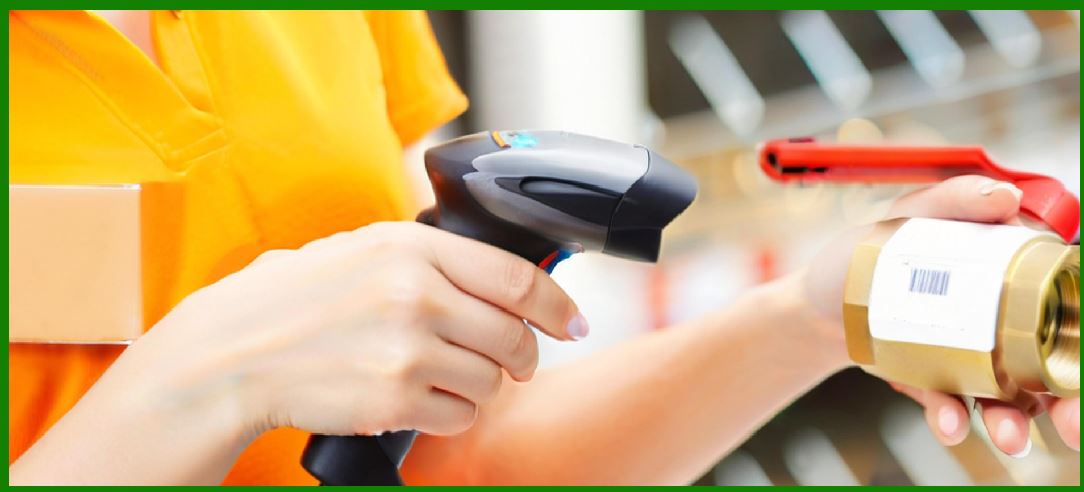
1. Image-based scanners rely heavily on embedded software systems that coordinate imaging, processing, decoding, communication, and device control in real time. |
2. Unlike general-purpose computing systems, scanner firmware must: |
* Respond within strict timing constraints |
* Handle continuous data streams |
* Operate reliably for long periods without reboot |
* Run on constrained hardware (CPU, RAM, power) |
3. The software stack is typically layered into: |
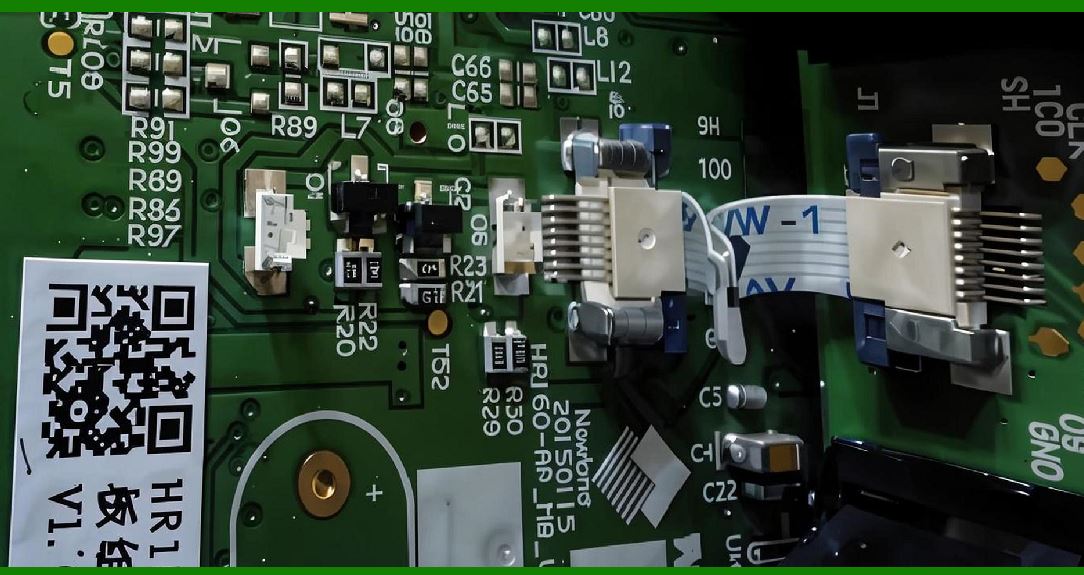
* Hardware abstraction |
* Real-time operating system (RTOS) |
* Middleware services |
* Application-level decoding logic |
|
2. Overall Embedded Software Architecture |
2.1 Layered System Model |
1. Hardware Layer |
* Sensors |
* ISP |
* Memory |
* Communication interfaces |
2. RTOS Layer |
* Task scheduling |
* Interrupt handling |
3. Middleware Layer |
* Image processing libraries |
* Decoding engines |
4. Application Layer |
* Barcode scanning logic |
* Device configuration |
2.2 Event-Driven Architecture |
1. Scanner systems are typically event-driven, responding to: |
* Trigger signals |
* Frame capture events |
* Decode completion events |
|
3. Real-Time Operating System (RTOS) Role |
3.1 Why RTOS is Required |
1. Deterministic timing is essential: |
* Scanning must complete within milliseconds |
* Frame processing must not block capture pipeline |
3.2 Key RTOS Functions |
1. Task scheduling |
2. Interrupt handling |
3. Memory management |
4. Inter-process communication |
|
4. Task Scheduling Model |
4.1 Priority-Based Scheduling |
1. Critical tasks assigned highest priority: |
* Image capture |
* Decoding pipeline |
4.2 Preemptive Scheduling |
1. High-priority tasks interrupt lower-priority tasks. |
4.3 Real-Time Deadlines |
1. Hard deadlines: |
* Must never be missed (e.g., frame capture timing) |
2. Soft deadlines: |
* Decoding completion preferred within target time |
|
5. Interrupt Handling System |
5.1 Hardware Interrupts |
1. Triggered by: |
* Sensor frame ready |
* USB data arrival |
* Button press |
5.2 Interrupt Service Routines (ISR) |
1. Must be: |
* Extremely fast |
* Minimal processing |
* Non-blocking |
5.3 Deferred Processing |
1. Heavy processing moved to background tasks. |
|
6. Memory Management in Embedded Scanners |
6.1 Static Memory Allocation |
1. Preferred for predictability. |
6.2 Buffer Pool Management |
1. Pre-allocated image buffers used for frame storage. |
6.3 Memory Fragmentation Avoidance |
1. Dynamic allocation minimized or avoided. |
|
7. Inter-Task Communication |
7.1 Message Queues |
1. Used for: |
* Passing decoded data |
* Event signaling |
7.2 Shared Memory Buffers |
1. High-speed data exchange between: |
* ISP |
* Decoder |
7.3 Semaphore and Mutex Control |
1. Prevent race conditions in shared resources. |

|
8. Image Processing Middleware |
8.1 Abstraction Layer |
1. Hides hardware complexity from application layer. |
8.2 Pipeline Control Module |
1. Manages: |
* Frame flow |
* Processing stages |
8.3 Algorithm Plug-in Architecture |
1. Supports multiple decoding engines: |
* QR decoding |
* Data Matrix decoding |
* AI-based decoding |
|
9. Barcode Decoding Engine Software |
9.1 Modular Decoder Design |
1. Separate modules for: |
* Detection |
* Localization |
* Decoding |
* Error correction |
9.2 Multi-Strategy Decoding |
1. System may try: |
* Rule-based decoding |
* Pattern-based decoding |
* AI-based decoding |
9.3 Confidence Scoring System |
1. Each decode attempt produces: |
* Confidence value |
* Error estimation |
|
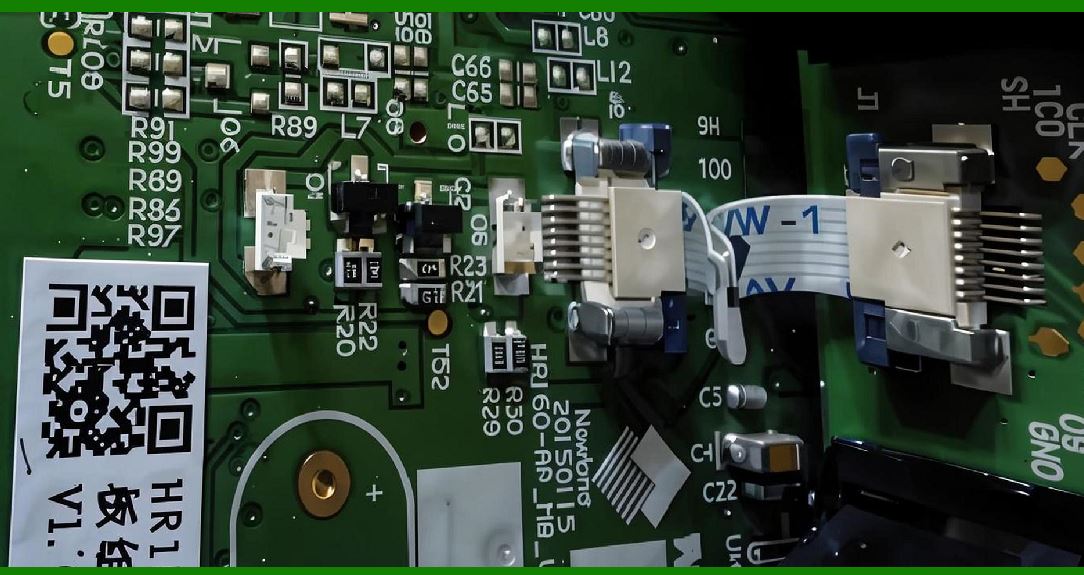
10. Device Control Firmware |
10.1 Hardware Control APIs |
1. Control: |
* LED illumination |
* Sensor exposure |
* Focus (if available) |
10.2 Power Management Logic |
1. Handles: |
* Sleep modes |
* Wake-up triggers |
10.3 Thermal Monitoring |
1. Prevent overheating via: |
* Dynamic throttling |
|
11. Communication Stack Software |
11.1 USB Stack |
1. Handles: |
* Data transfer |
* Device enumeration |
11.2 Wireless Stack |
1. Bluetooth / Wi-Fi protocols: |
* Pairing |
* Data encryption |
11.3 Protocol Abstraction Layer |
1. Ensures compatibility with: |
* POS systems |
* Warehouse systems |
* Mobile apps |

|
12. System Boot Process |
12.1 Bootloader Stage |
1. Initializes hardware |
2. Loads firmware |
12.2 Kernel Initialization |
1. Starts RTOS |
2. Configures scheduling |
12.3 Application Startup |
1. Initializes scanner services |
|
13. Fault Handling and Recovery |
13.1 Watchdog Timer |
1. Resets system if software hangs |
13.2 Error Logging System |
1. Records: |
* Decode failures |
* Hardware faults |
13.3 Self-Recovery Mechanisms |
1. Automatic restart of failed modules |
|
14. Performance Optimization in Software |
14.1 Code Optimization |
1. Reduce CPU cycles per frame |
14.2 Pipeline Parallelism |
1. Overlap: |
* Capture |
* Processing |
* Transmission |
14.3 Real-Time Profiling |
1. Identify bottlenecks dynamically |
|
15. Security in Embedded Software |
15.1 Secure Boot |
1. Prevent unauthorized firmware execution |
15.2 Code Signing |
1. Ensures firmware authenticity |
15.3 Runtime Protection |
1. Detects tampering during operation |

|
16. Scalability of Embedded Systems |
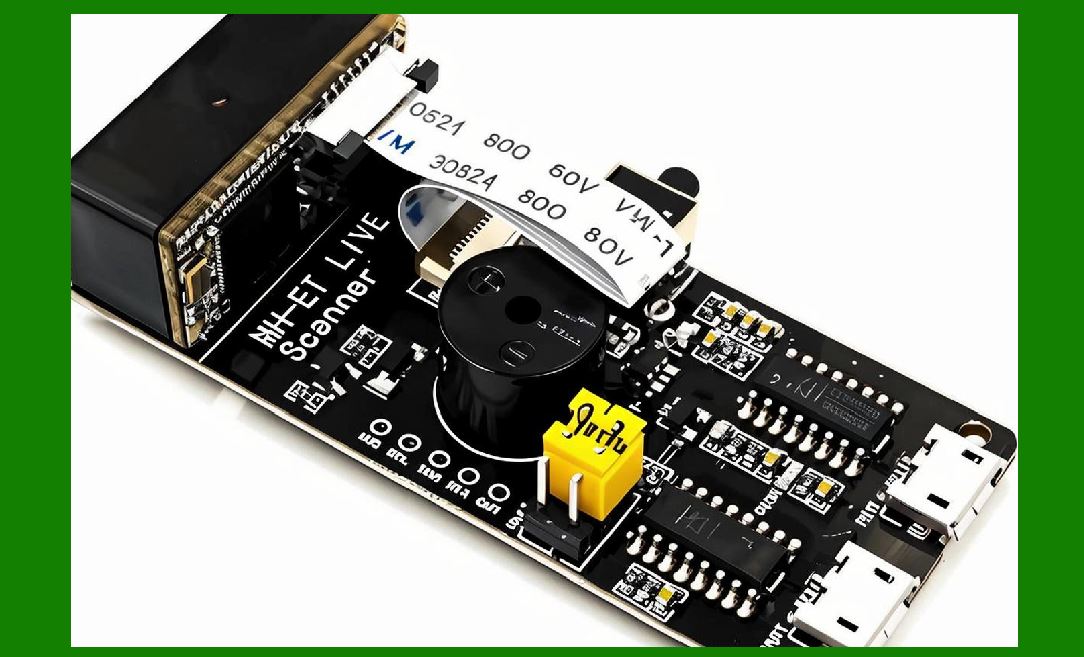
1. Firmware designed for: |
* Multiple hardware variants |
* Different performance tiers |
|
17. Future Trends in Embedded Software |
17.1 AI-Native Firmware |
1. Decoding logic embedded in neural networks |
17.2 Adaptive RTOS Scheduling |
1. Dynamic task prioritization based on workload |
17.3 Cloud-Connected Firmware Ecosystems |
1. Remote updates and optimization |
|
18. Summary of Part 22 |
1. Embedded software is the control center of image-based scanners. |
2. RTOS ensures real-time deterministic behavior. |
3. Task scheduling, memory management, and interrupt handling are critical. |
4. Decoding engines are modular and often multi-algorithm. |
5. Future systems will integrate AI and cloud-based adaptive firmware. |
|
Next Step |
Part 23: Data Communication Protocols, System Integration, and Enterprise Connectivity in Image-Based Scanners |
 cs@easiersoft.com