Part 23: Data Communication Protocols, System Integration, and Enterprise Connectivity in Image-Based Scanners |
1. Introduction to Scanner Communication Systems |
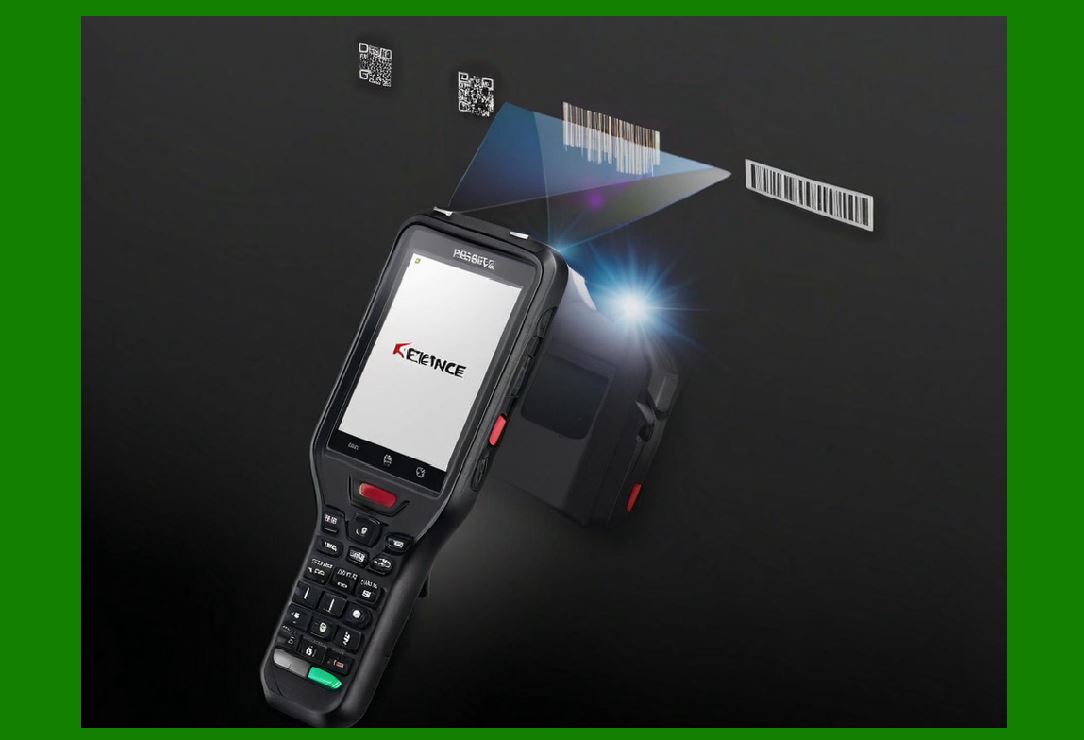
1. Image-based scanners are not standalone devices; they function as data acquisition nodes inside larger enterprise systems. |
2. After decoding a barcode, the scanner must reliably transmit structured data to: |
* POS terminals |
* Warehouse management systems (WMS) |
* ERP systems |
* Mobile applications |
* Cloud platforms |
3. Communication design focuses on: |
* Speed |
* Reliability |
* Compatibility |
* Security |
* Scalability |
|
2. Overview of Communication Layers |
2.1 Physical Layer |
1. USB |
2. UART / Serial |
3. Ethernet |
4. Bluetooth / Wi-Fi |
2.2 Data Link Layer |
1. Packet framing |
2. Error detection |
3. Flow control |
2.3 Application Layer |
1. Barcode payload formatting |
2. Metadata encoding |
3. Device status reporting |

|
3. USB Communication Architecture |
3.1 USB Device Modes |
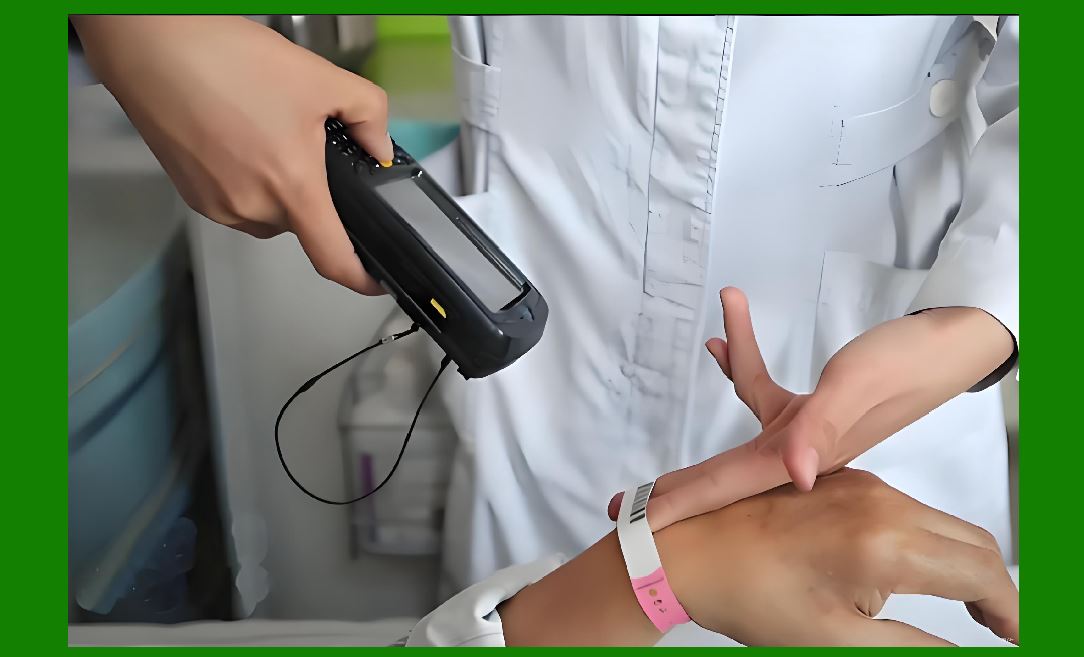
1. HID (Human Interface Device) mode |
* Appears as keyboard input |
2. CDC (Communication Device Class) mode |
* Serial communication emulation |
3. Bulk transfer mode |
* High-throughput data transfer |
3.2 USB Protocol Stack |
1. Enumeration process |
2. Endpoint configuration |
3. Data packet transfer |
3.3 Advantages of USB |
1. Plug-and-play |
2. Low latency |
3. High compatibility |
|
4. Wireless Communication Systems |
4.1 Bluetooth Communication |
1. Used in: |
* Mobile scanning |
* Retail handheld scanners |
2. Features: |
* Low power consumption |
* Short-range connectivity |
4.2 Wi-Fi Communication |
1. Used for: |
* Warehouse systems |
* Cloud-connected scanners |
2. Advantages: |
* High bandwidth |
* Network scalability |
4.3 Wireless Protocol Optimization |
1. Data compression before transmission |
2. Packet aggregation |
3. Retry mechanisms for reliability |

|
5. Ethernet and Industrial Networking |
5.1 Ethernet Integration |
1. Used in fixed industrial scanners. |
2. Advantages: |
* Stable connection |
* High throughput |
* Low interference |
5.2 Industrial Protocols |
1. Common protocols: |
* Modbus TCP |
* PROFINET |
* EtherNet/IP |
5.3 Deterministic Communication |
1. Ensures predictable data delivery timing. |
|
6. Serial Communication Systems |
6.1 UART Interfaces |
1. Simple low-speed communication. |
6.2 RS-232 / RS-485 |
1. Used in legacy and industrial systems. |
6.3 Protocol Simplicity |
1. Lightweight, minimal overhead. |
|
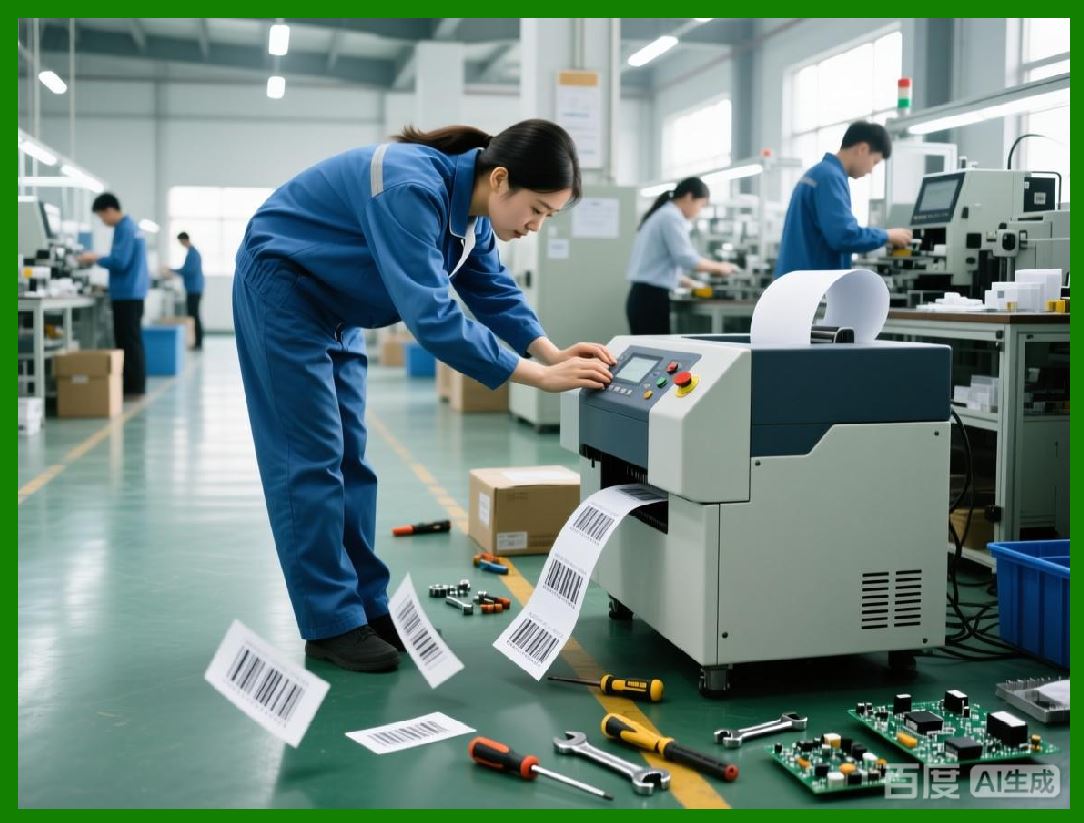
7. Data Packaging and Encoding |
7.1 Barcode Payload Structure |
1. Decoded data includes: |
* Raw value |
* Format type |
* Timestamp |
* Confidence score |
7.2 Frame Structuring |
1. Data organized into: |
* Header |
* Payload |
* Footer |
7.3 Compression Techniques |
1. Reduces transmission load in high-volume systems. |
|
8. Error Handling in Communication |
8.1 Checksum Validation |
1. Ensures data integrity during transmission. |
8.2 Automatic Retransmission |
1. Failed packets are resent. |
8.3 Acknowledgment Systems |
1. ACK / NACK confirmation protocols. |
|
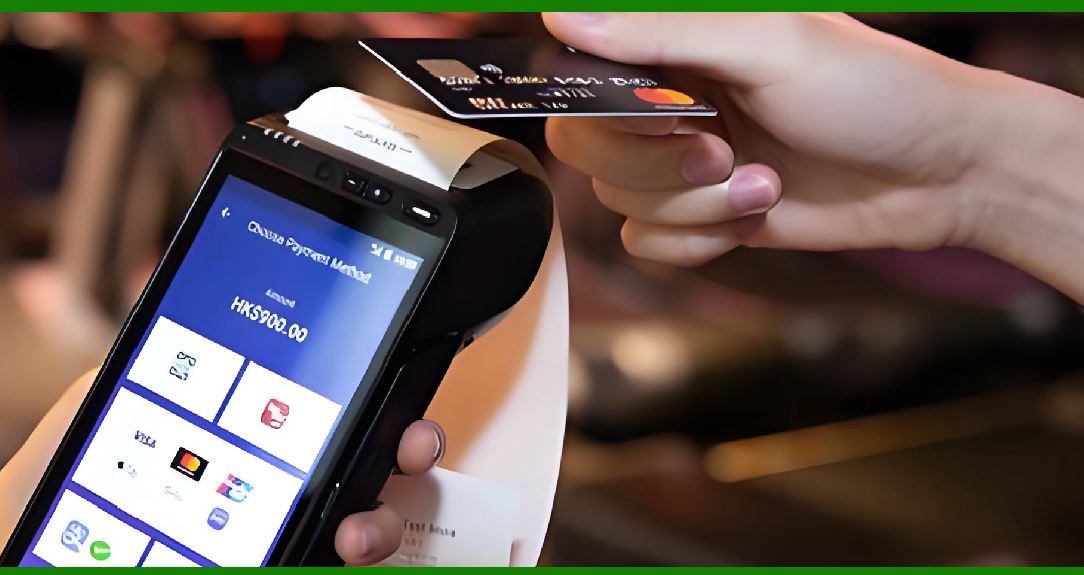
9. Enterprise System Integration |
9.1 POS System Integration |
1. Real-time transaction processing: |
* Product lookup |
* Pricing updates |
* Inventory deduction |
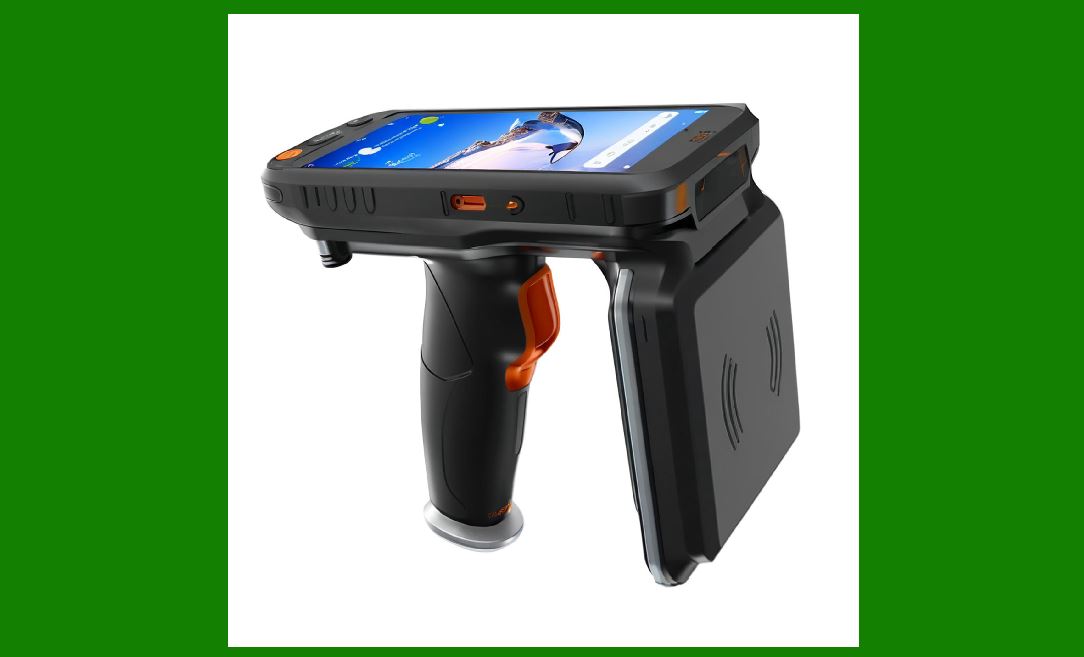
9.2 Warehouse Management Systems (WMS) |
1. Functions: |
* Item tracking |
* Location mapping |
* Shipment verification |
9.3 ERP System Integration |
1. Enterprise-wide data synchronization: |
* Supply chain |
* Procurement |
* Sales analytics |
|
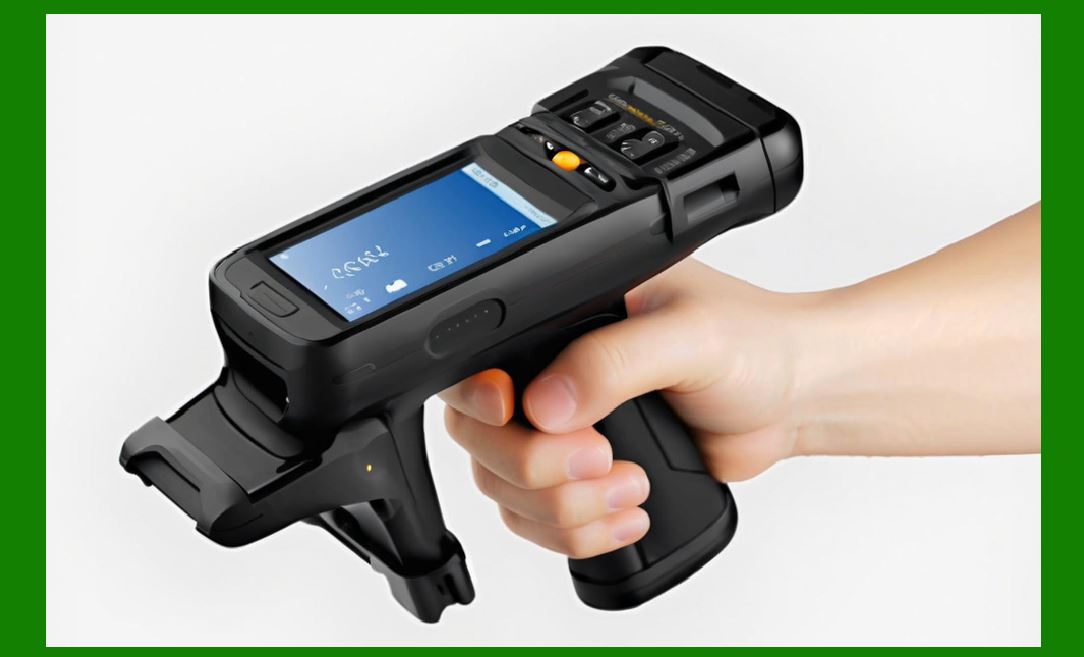
10. Cloud Connectivity Architecture |
10.1 Cloud Data Upload |
1. Scanners send decoded data to cloud servers. |
10.2 API-Based Communication |
1. RESTful APIs used for: |
* Data exchange |
* Device management |
10.3 Real-Time Synchronization |
1. Ensures immediate data availability across systems. |
|
11. Middleware and Integration Layers |
11.1 Device Drivers |
1. Translate hardware signals into software events. |
11.2 SDKs (Software Development Kits) |
1. Enable customization by enterprise developers. |
11.3 Integration Frameworks |
1. Support multiple backend systems simultaneously. |
|
12. Security in Communication |
12.1 Encryption Protocols |
1. TLS for network communication |
2. AES for data payload protection |
12.2 Device Authentication |
1. Ensures only authorized scanners connect to systems. |
12.3 Secure Pairing Mechanisms |
1. Prevent unauthorized wireless connections. |

|
13. Latency and Throughput Optimization |
13.1 Low-Latency Protocol Design |
1. Minimize packet overhead. |
13.2 Batch Transmission |
1. Multiple scans sent together. |
13.3 Prioritization Mechanisms |
1. Critical data sent first. |
|
14. Scalability in Enterprise Environments |
14.1 Multi-Device Management |
1. Hundreds or thousands of scanners in a single network. |
14.2 Load Balancing |
1. Distributes communication load across servers. |
14.3 Centralized Device Management |
1. Remote configuration and monitoring. |
|
15. Fault Tolerance in Communication Systems |
15.1 Offline Mode Operation |
1. Scanners store data locally when disconnected. |
15.2 Automatic Resynchronization |
1. Data is synced when connection resumes. |
15.3 Redundant Communication Paths |
1. Multiple transmission channels for reliability. |
|
16. Emerging Communication Technologies |
16.1 5G Integration |
1. Ultra-low latency communication for mobile scanners. |
16.2 Edge-to-Cloud Hybrid Systems |
1. Local processing + cloud analytics. |
16.3 MQTT and Lightweight IoT Protocols |
1. Efficient messaging for large-scale deployments. |
|
17. Future Trends in Scanner Connectivity |
17.1 Fully Autonomous Device Networks |
1. Scanners communicate directly with each other. |
17.2 AI-Optimized Communication Routing |
1. Intelligent selection of best transmission paths. |
17.3 Blockchain-Based Data Integrity Systems |
1. Immutable scan records for supply chain tracking. |
|
18. Summary of Part 23 |
1. Communication systems are critical for integrating scanners into enterprise environments. |
2. Multiple protocols are used depending on speed, reliability, and deployment context. |
3. USB, wireless, and Ethernet dominate modern systems. |
4. Security and error handling are essential for data integrity. |
5. Future systems will move toward AI-driven, 5G-connected, and decentralized architectures. |

|
Next Step |
Part 24: Power Management Systems, Energy Efficiency, and Thermal Control in Image-Based Scanners |
 cs@easiersoft.com