Part 25: Manufacturing, Assembly, and Quality Assurance Processes for Image-Based Scanner Systems |
1. Introduction to Manufacturing Complexity |
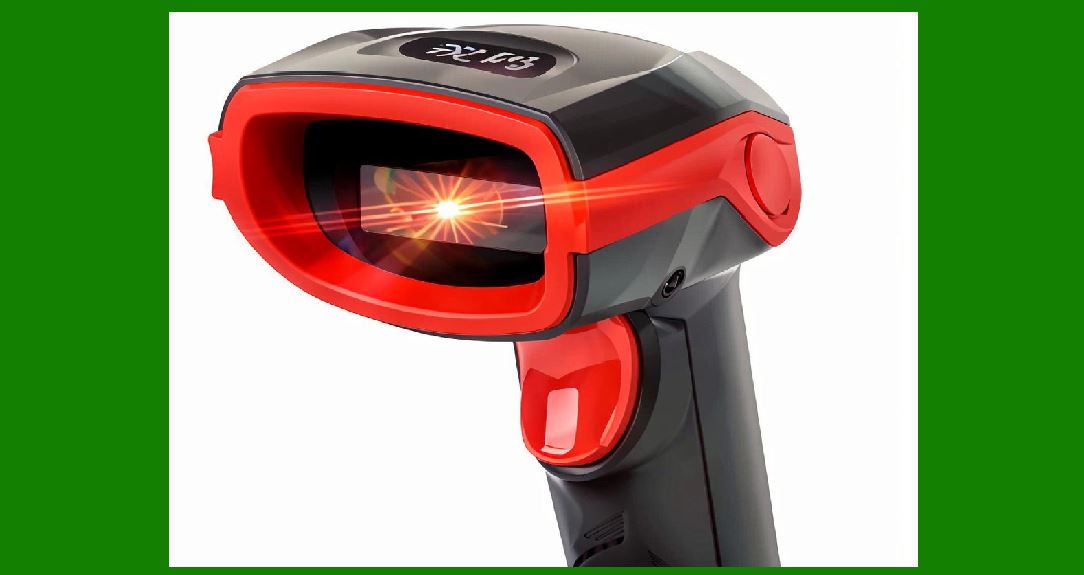
1. Image-based scanners are mixed-technology devices combining optics, precision mechanics, high-speed electronics, embedded software, and calibration-dependent performance. |
2. Manufacturing such systems requires tight coordination between: |
* Semiconductor components |
* Optical assemblies |
* PCB fabrication |
* Firmware loading |
* Final system calibration |
3. Unlike simple electronics, scanner production is calibration-intensive and yield-sensitive, meaning small deviations can significantly affect decoding accuracy. |

|
2. Overall Manufacturing Flow |
2.1 Major Stages |
1. Component sourcing |
2. PCB fabrication |
3. SMT assembly |
4. Optical module assembly |
5. Firmware flashing |
6. System integration |
7. Calibration and tuning |
8. Quality testing |
9. Final packaging |
|
3. Component Sourcing and Supply Chain Control |
3.1 Critical Components |
1. Image sensor (CMOS sensor) |
2. Optical lens module |
3. Processor (SoC / MCU) |
4. Memory chips (Flash / RAM) |
5. LED illumination system |
3.2 Supply Chain Challenges |
1. Sensor variability between batches |
2. Optical lens tolerances |
3. Semiconductor shortages |
4. Component substitution risk |
3.3 Incoming Quality Inspection (IQC) |
1. Electrical validation of components |
2. Optical inspection of lenses |
3. Sampling-based defect detection |

|
4. PCB Fabrication Process |
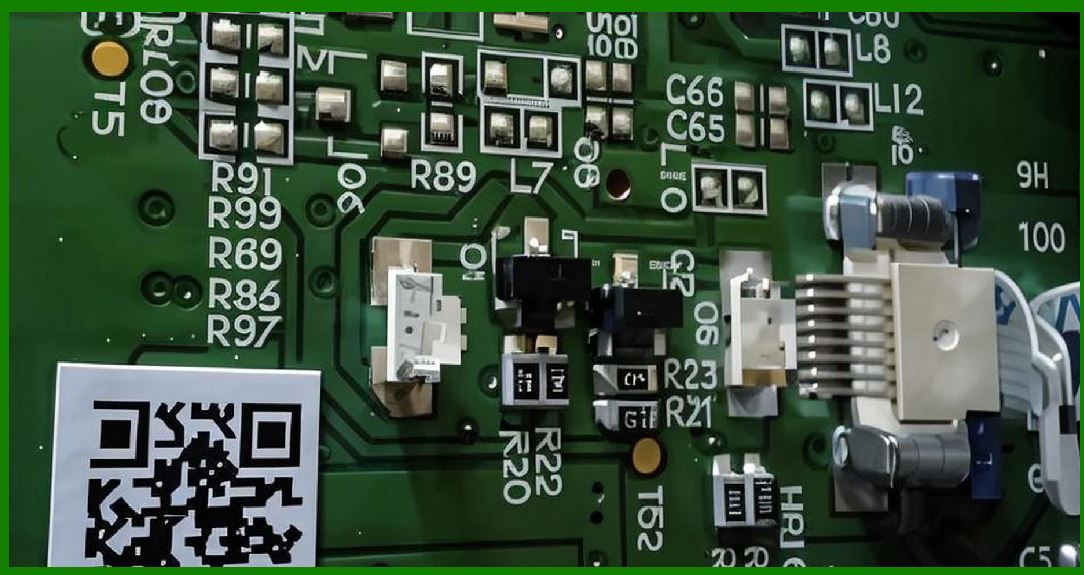
4.1 Multilayer PCB Design |
1. Typically includes: |
* Signal layers |
* Power planes |
* Ground planes |
4.2 High-Density Interconnect (HDI) |
1. Used for: |
* Compact scanner designs |
* High-speed signal routing |
4.3 Impedance Control |
1. Required for: |
* MIPI sensor interfaces |
* High-speed USB signals |
|
5. SMT (Surface Mount Technology) Assembly |
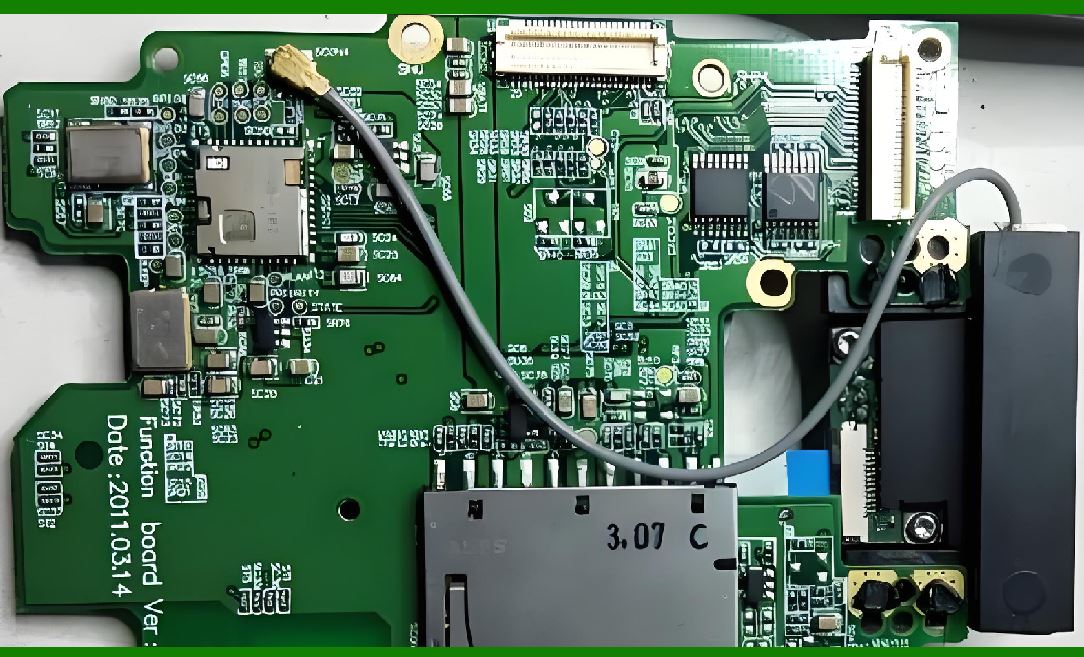
5.1 Solder Paste Printing |
1. Precision stencil printing ensures accurate component placement. |
5.2 Pick-and-Place Machines |
1. Automated placement of: |
* ICs |
* Passive components |
* Connectors |
5.3 Reflow Soldering |
1. Controlled heating process to solder components. |
5.4 Post-Assembly Inspection |
1. Automated Optical Inspection (AOI) |
2. X-ray inspection for hidden solder joints |

|
6. Optical Module Assembly |
6.1 Lens Alignment Process |
1. Lens must align precisely with: |
* Image sensor center |
* Optical axis |
6.2 Adhesive Bonding |
1. Optical-grade adhesives used for: |
* Stability |
* Vibration resistance |
6.3 Focus Calibration at Assembly Stage |
1. Ensures correct focal distance before sealing module. |
|
7. Sensor Module Integration |
7.1 Sensor Mounting |
1. Requires micrometer-level precision. |
7.2 Thermal Interface Materials |
1. Ensure heat transfer from sensor to PCB. |

|
8. Firmware Flashing Process |
8.1 Bootloader Programming |
1. Initial firmware installation. |
8.2 Device Identity Assignment |
1. Each scanner receives: |
* Serial number |
* Configuration profile |
8.3 Secure Firmware Loading |
1. Prevents unauthorized code injection. |

|
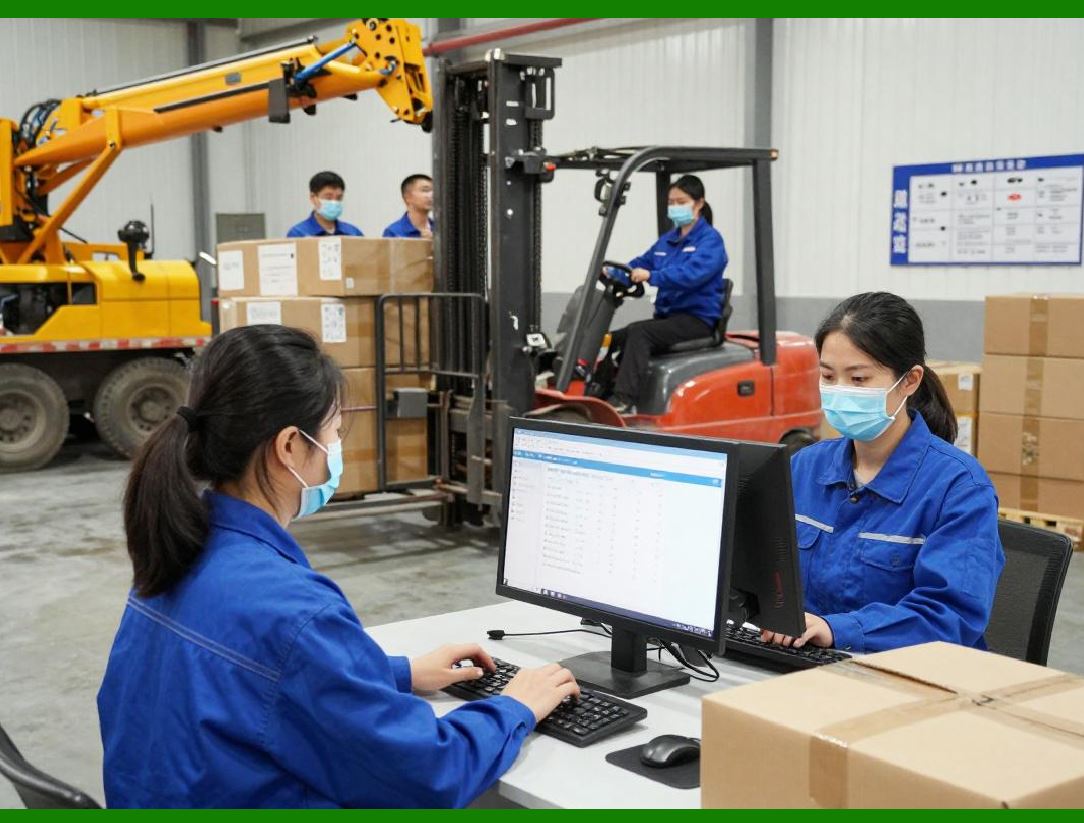
9. System Integration Phase |
9.1 Subsystem Interconnection |
1. Connect: |
* Sensor module |
* Processing unit |
* Power system |
* Communication modules |
9.2 Functional Bring-Up Testing |
1. Verify: |
* Power-on sequence |
* Sensor response |
* Communication initialization |
|
10. Calibration Processes |
10.1 Optical Calibration |
1. Focus adjustment |
2. Distortion correction mapping |
10.2 Illumination Calibration |
1. LED brightness uniformity tuning |
10.3 Sensor Calibration |
1. Pixel correction |
2. Gain and offset adjustment |
10.4 Decoding Calibration |
1. Algorithm parameter tuning for: |
* Contrast thresholds |
* Noise tolerance |

|
11. Functional Testing |
11.1 Barcode Decoding Tests |
1. Test across: |
* 1D barcodes |
* 2D codes |
* Damaged codes |
11.2 Speed Testing |
1. Measure decoding latency under load. |
11.3 Environmental Simulation |
1. Test under: |
* Low light |
* Bright light |
* Motion conditions |

|
12. Reliability Testing |
12.1 Drop Testing |
1. Simulates real-world impacts. |
12.2 Vibration Testing |
1. Ensures durability in transport environments. |
12.3 Thermal Cycling |
1. Tests performance across temperature ranges. |

|
13. Quality Assurance (QA) Systems |
13.1 Statistical Process Control (SPC) |
1. Tracks production consistency. |
13.2 Yield Analysis |
1. Measures percentage of functional units. |
13.3 Defect Classification |
1. Categorizes issues: |
* Optical |
* Electrical |
* Software |

|
14. Final Inspection and Grading |
14.1 Performance Grading |
1. Devices categorized into: |
* High-performance tier |
* Standard tier |
* Reject |
14.2 Burn-In Testing |
1. Extended operation test to detect early failures. |

|
15. Packaging and Logistics Preparation |
15.1 Anti-Static Packaging |
1. Protects sensitive electronics. |
15.2 Firmware Version Labeling |
1. Ensures traceability. |

|
16. Manufacturing Automation Trends |
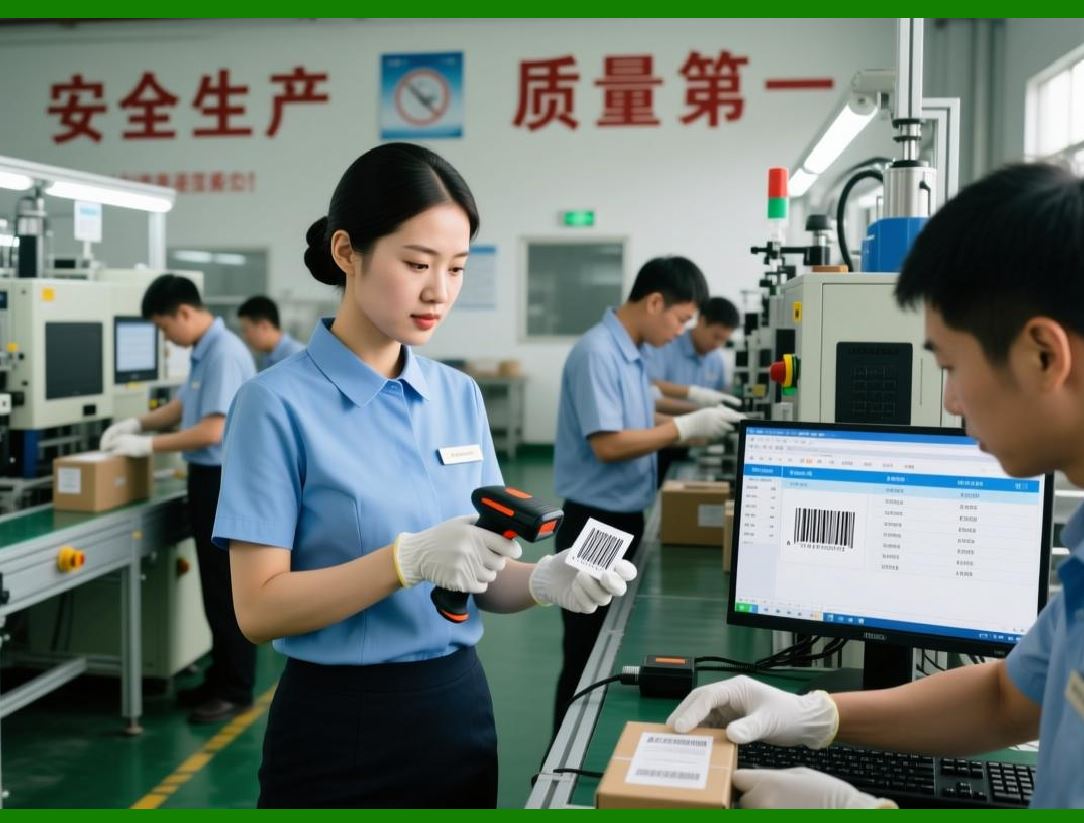
16.1 Smart Factories |
1. Real-time production monitoring. |
16.2 AI-Based Defect Detection |
1. Automated visual inspection systems. |
16.3 Digital Twin Manufacturing |
1. Virtual simulation of production lines. |
|
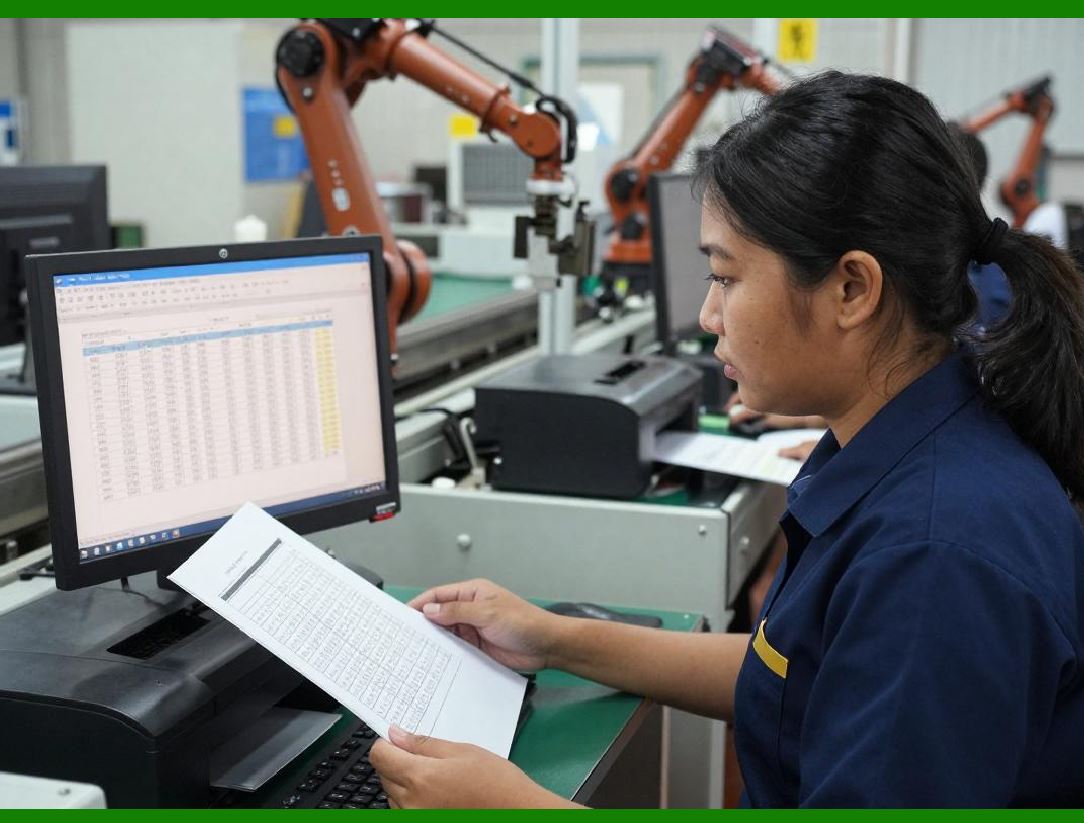
17. Manufacturing Challenges |
1. Optical alignment sensitivity |
2. Component variability |
3. High calibration cost |
4. Yield optimization complexity |
|
18. Future Manufacturing Trends |
18.1 Fully Automated Calibration Lines |
1. No human intervention required. |
18.2 Self-Calibrating Devices |
1. Devices adjust themselves after production. |
18.3 Microfactory Production Models |
1. Distributed localized manufacturing. |

|
19. Summary of Part 25 |
1. Manufacturing image-based scanners requires multi-disciplinary precision engineering. |
2. Optical alignment and calibration are critical success factors. |
3. Quality assurance ensures reliability and decoding accuracy. |
4. Automation and AI are increasingly central to production efficiency. |
5. Future factories will be highly autonomous and data-driven. |

|
Next Step |
Part 26: System-Level Integration, Future Architecture Unification, and Complete Technical Synthesis of Image-Based Scanner Systems |
 cs@easiersoft.com