Part 26: System-Level Integration, Future Architecture Unification, and Complete Technical Synthesis of Image-Based Scanner Systems |
1. Introduction: From Component System to Unified Intelligence Device |
1. Across the previous 25 parts, the image-based scanner has been described as a collection of tightly coupled subsystems: |
* Optical engineering |
* Sensor electronics |
* Signal processing pipelines |
* Embedded RTOS software |
* Communication stacks |
* Power and thermal systems |
* Manufacturing and calibration processes |
2. In modern engineering, the key evolution is not improving any single block, but achieving system-level unification, where all subsystems behave as a single adaptive intelligence unit. |
3. The final stage of scanner evolution is the transformation from: |
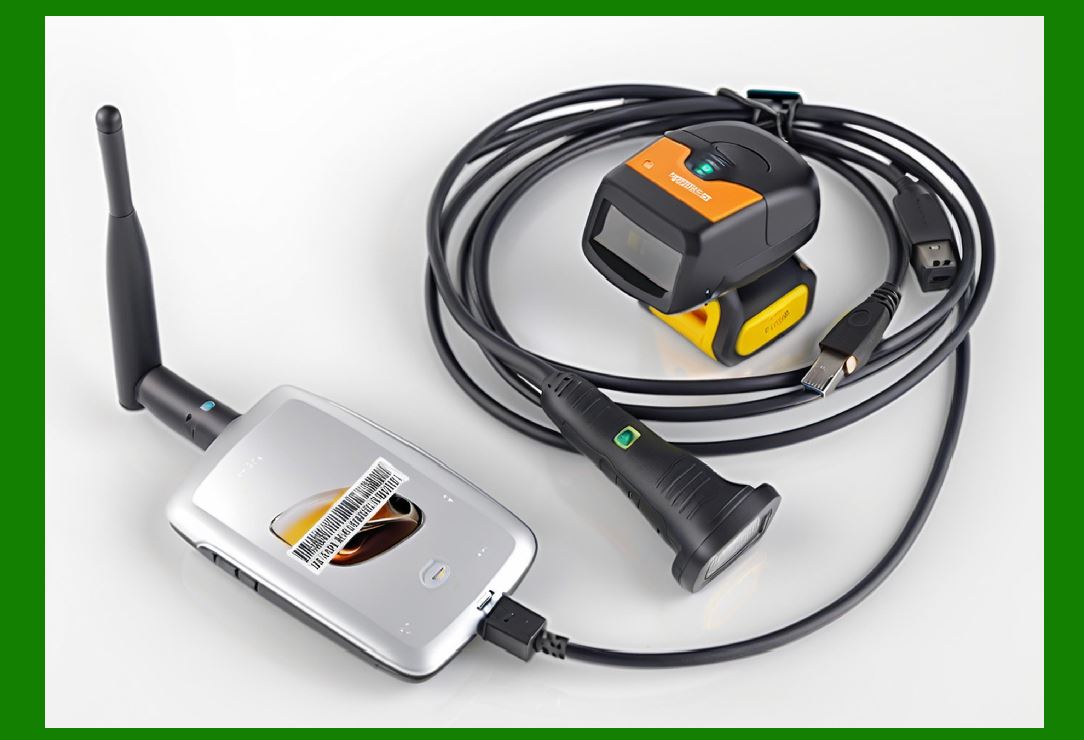
* Barcode reader deviceto real-time visual data interpretation system |
|
2. System-Level Architecture Unification |
2.1 Converged Hardware Architecture |
1. Modern designs increasingly merge multiple subsystems into: |
* SoC (System-on-Chip) platforms |
* Integrated ISP + AI accelerators |
* Shared memory architectures |
2. This reduces: |
* Latency |
* Power overhead |
* Data transfer bottlenecks |
2.2 Unified Data Flow Model |
1. Instead of discrete processing stages, data flows as: |
* Continuous image stream |
* Real-time feature extraction stream |
* Adaptive decoding stream |
2.3 Cross-Domain Integration |
1. Optical + AI + communication + control logic operate as: |
* A single synchronized pipeline |
* Not independent modules |

|
3. End-to-End Functional Model of Image-Based Scanners |
3.1 Input Stage |
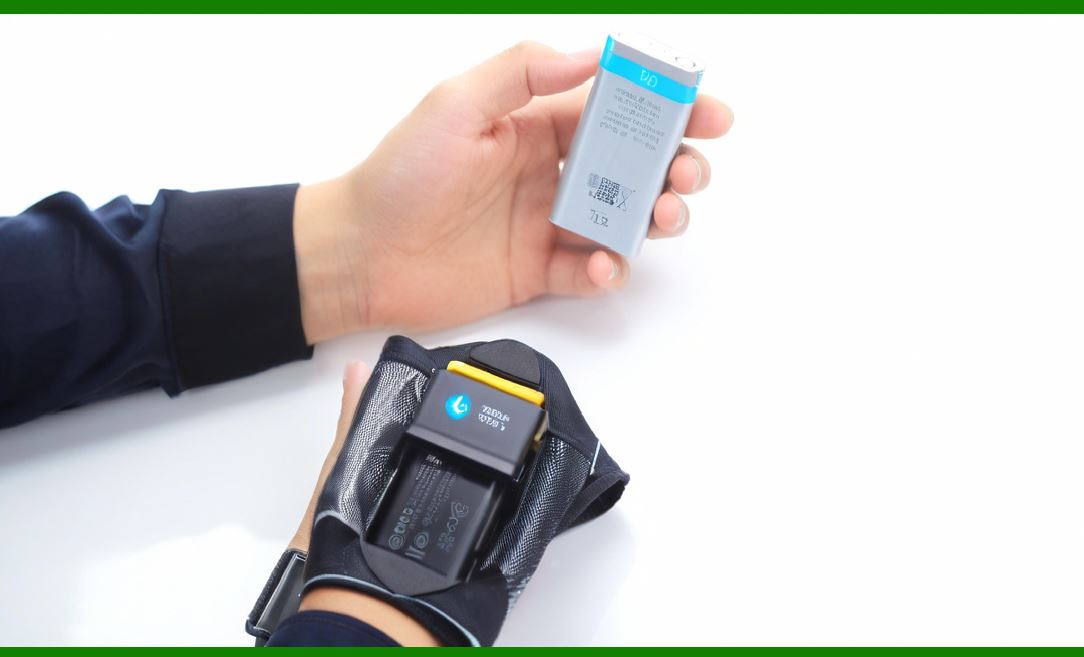
1. Light lens sensor conversion |
2. Produces raw pixel stream |
3.2 Intelligent Processing Stage |
1. Includes: |
* Noise suppression |
* Geometric correction |
* AI-based enhancement |
* Region detection |
3.3 Decoding Stage |
1. Converts image patterns into structured data: |
* 1D barcode strings |
* 2D matrix data |
* Structured metadata |
3.4 Output Stage |
1. Sends structured data to: |
* Local applications |
* Cloud systems |
* Enterprise databases |
|
4. Adaptive System Behavior |
4.1 Environmental Adaptation |
1. Scanner dynamically adjusts: |
* Exposure |
* Gain |
* LED intensity |
* Frame rate |
4.2 Workload Adaptation |
1. System changes processing strategy based on: |
* Barcode complexity |
* Image quality |
* Movement speed |
4.3 Context-Aware Decoding |
1. Uses context such as: |
* Previous scans |
* Expected barcode type |
* Industry-specific patterns |

|
5. AI-Centric System Evolution |
5.1 Unified AI Pipeline |
1. Future scanners replace traditional steps with: |
* Deep neural vision models |
* End-to-end decoding networks |
5.2 Continuous Learning Systems |
1. Devices improve performance over time: |
* Based on real-world scan history |
* Based on environmental adaptation |
5.3 Edge Intelligence |
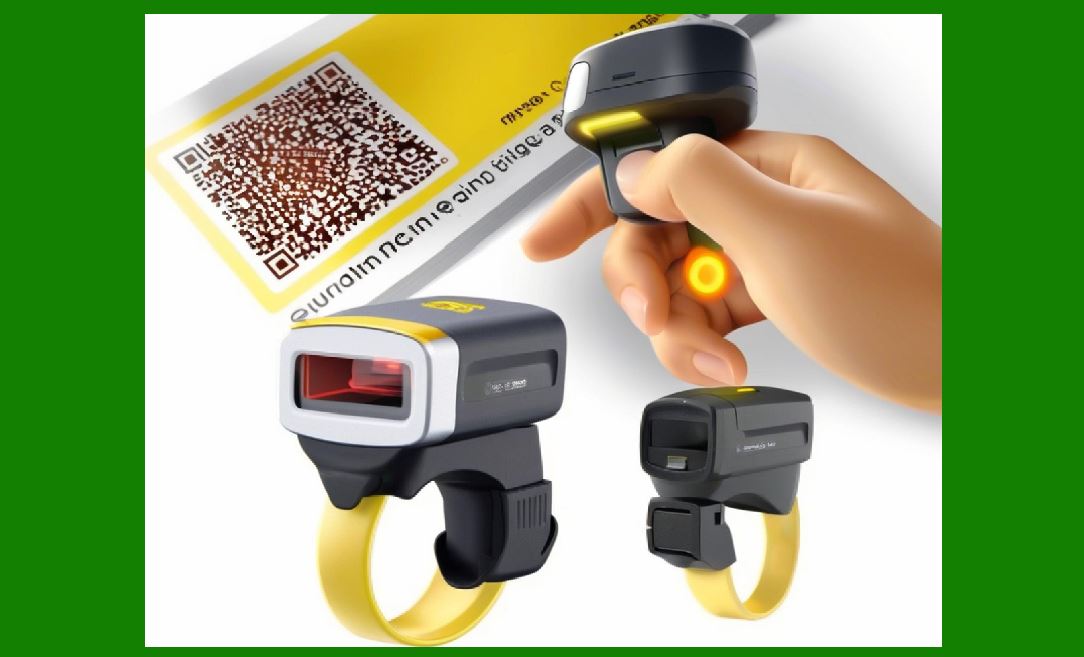
1. AI inference occurs directly on device hardware: |
* No cloud dependency required |
* Ultra-low latency response |
|
6. Cross-System Integration in Enterprise Environments |
6.1 Digital Supply Chain Integration |
1. Scanners become nodes in: |
* Inventory tracking systems |
* Logistics networks |
* Manufacturing pipelines |
6.2 Real-Time Data Ecosystems |
1. Each scan contributes to: |
* Live operational dashboards |
* Predictive analytics systems |
6.3 Cloud-Native Device Networks |
1. Devices continuously synchronized with: |
* Cloud databases |
* API-driven enterprise systems |

|
7. Security as a System-Wide Layer |
7.1 Integrated Security Model |
1. Security is embedded across all layers: |
* Optical integrity validation |
* Firmware verification |
* Encrypted communication |
* Data authentication |
7.2 Trust-Based Scanning Systems |
1. Each scan is: |
* Verified |
* Signed |
* Traceable |
|
8. Performance as a System Property |
1. Performance is no longer a single metric: |
* It is the emergent behavior of all subsystems |
2. Key system-level KPIs: |
* End-to-end latency |
* Decode success rate |
* Energy per scan |
* Environmental robustness |

|
9. Next-Generation Unified Hardware Architectures |
9.1 Single-Chip Vision Systems |
1. Sensor + ISP + AI + decoder integrated into one silicon platform |
9.2 Photonic-Electronic Hybrid Systems |
1. Optical preprocessing reduces digital load |
9.3 Neuromorphic Imaging Architectures |
1. Brain-inspired parallel processing for image interpretation |

|
10. Fully Autonomous Scanner Systems |
10.1 Self-Calibration |
1. Devices adjust: |
* Focus |
* Exposure |
* Decoding parameters |
without human intervention |
10.2 Self-Diagnostics |
1. Detects: |
* Sensor degradation |
* Optical misalignment |
* Communication failures |
10.3 Self-Optimization |
1. System continuously improves performance using: |
* Usage data |
* Environmental feedback |

|
11. Convergence with Broader Technologies |
11.1 IoT Integration |
1. Scanners become standard IoT sensing nodes |
11.2 AI Vision Systems |
1. Barcode scanning evolves into general-purpose object recognition |
11.3 Digital Twin Systems |
1. Physical scanning systems mirrored in virtual environments for optimization |

|
12. Key Engineering Trade-Offs in Unified Systems |
12.1 Complexity vs Reliability |
1. More integration increases: |
* Functional capability |
* But also system complexity |
12.2 Flexibility vs Optimization |
1. Highly optimized systems may be less adaptable across industries |
12.3 Edge vs Cloud Balance |
1. Decision between: |
* Local processing (fast, private) |
* Cloud processing (powerful, scalable) |

|
13. Final System Evolution Model |
1. The image-based scanner evolves through stages: |
* Optical capture device |
* Digital decoding tool |
* Embedded intelligent system |
* Connected enterprise node |
* Autonomous visual intelligence unit |

|
14. Complete Technical Synthesis |
1. Image-based scanners are now best understood as: |
* Real-time embedded vision computing systems |
2. They integrate: |
* Optical physics |
* Semiconductor electronics |
* High-speed signal processing |
* AI-driven interpretation |
* Distributed communication networks |
3. Their performance emerges from system synergy rather than isolated component optimization. |

|
15. Final Future Outlook |
1. The next generation of scanners will: |
* Decode beyond barcodes into general visual semantics |
* Operate autonomously in distributed networks |
* Continuously self-improve using AI |
* Merge with robotics and smart infrastructure |
2. Ultimately, the concept of a scanner will expand into a broader category: |
* Universal visual data interpretation engine |

|
16. Completion Summary of the Full Series (Parts 16) |
Across all 26 parts, we have covered: |
1. Optical systems and lens engineering |
2. CMOS sensor and hardware architecture |
3. Signal processing pipelines |
4. Embedded RTOS software design |
5. High-speed imaging and frame optimization |
6. Error correction and redundancy systems |
7. Security and anti-counterfeiting mechanisms |
8. Power, thermal, and energy systems |
9. Manufacturing and calibration processes |
10. Enterprise integration and communication systems |
11. AI-driven future evolution |
 cs@easiersoft.com