Part 5: Barcode Localization and Detection Algorithms (Deep Technical Analysis) |
1. Introduction to Barcode Localization |
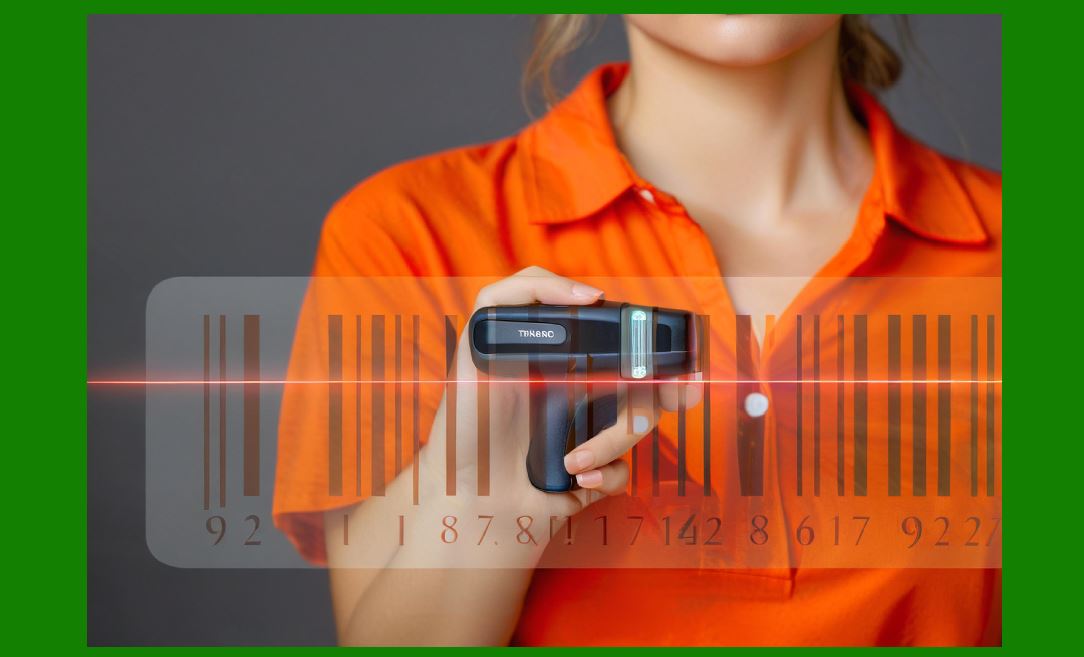
1. After image preprocessing, the next critical stage in an image-based scanner is barcode localization, also referred to as barcode detection. This stage determines where in the image the barcode exists before any decoding can occur. |
2. Localization is fundamentally different from decoding: |
* Localization identifies candidate regions. |
* Decoding interprets the encoded data. |
3. A robust localization system must: |
* Detect barcodes under varying lighting and orientations |
* Handle distortions, blur, and occlusion |
* Support both 1D and 2D symbologies |
* Operate in real time |

|
2. Characteristics of Barcode Patterns |
2.1 Structural Features of 1D Barcodes |
1. Alternating dark bars and light spaces |
2. Strong directional (horizontal) structure |
3. High edge density in one direction |
4. Repetitive patterns |
2.2 Structural Features of 2D Barcodes |
1. Grid-like or matrix structures |
2. Presence of finder patterns (e.g., QR codes) |
3. High corner density |
4. Symmetry and geometric regularity |
2.3 Key Detection Challenges |
1. Complex backgrounds |
2. Low contrast |
3. Partial occlusion |
4. Perspective distortion |
5. Motion blur |

|
3. Localization Pipeline Overview |
1. A typical barcode localization pipeline includes: |
1. Preprocessed image input |
2. Feature extraction |
3. Candidate region generation |
4. Region filtering |
5. Geometric verification |
6. ROI output for decoding |
|
4. Edge-Based Detection Methods |
4.1 Principle of Edge Detection |
1. Barcodes contain strong intensity transitions. |
2. Edge detection highlights these transitions. |
4.2 Gradient-Based Methods |
1. Compute intensity gradients using operators such as: |
* Sobel |
* Prewitt |
2. For 1D barcodes: |
* Strong gradients in one direction (typically vertical edges) |
4.3 Edge Density Analysis |
1. Barcode regions exhibit: |
* High density of parallel edges |
2. Process: |
* Divide image into blocks |
* Measure edge density per block |
* Identify high-density regions |
4.4 Limitations |
1. Sensitive to noise |
2. False positives in textured backgrounds |

|
5. Morphological Processing Techniques |
5.1 Morphological Operations |
1. Used to enhance structural features. |
2. Common operations: |
* Dilation |
* Erosion |
* Opening |
* Closing |
5.2 Application in Barcode Detection |
1. Connect fragmented edges |
2. Remove small noise regions |
3. Highlight continuous barcode structures |
5.3 Structuring Elements |
1. Shape and size are critical: |
* Linear elements for 1D codes |
* Square elements for 2D codes |
|
6. Texture-Based Detection Methods |
6.1 Texture Analysis |
1. Barcodes have distinctive textures: |
* Regular patterns |
* High-frequency components |
6.2 Frequency Domain Analysis |
1. Apply Fourier Transform. |
2. Identify: |
* Dominant frequency patterns |
6.3 Gabor Filters |
1. Detect oriented textures. |
2. Useful for: |
* Identifying linear barcodes |

|
7. Connected Component Analysis (CCA) |
7.1 Principle |
1. Groups adjacent pixels with similar properties. |
7.2 Steps |
1. Binarize image |
2. Label connected regions |
3. Analyze region properties |
7.3 Region Filtering Criteria |
1. Area size |
2. Aspect ratio |
3. Compactness |
7.4 Limitations |
1. Sensitive to binarization quality |
2. May fragment barcode regions |

|
8. Hough Transform for Line Detection |
8.1 Principle |
1. Detects lines in an image. |
8.2 Application in 1D Barcode Detection |
1. Identify parallel lines |
2. Estimate orientation |
8.3 Advantages |
1. Robust to noise |
2. Effective for linear structures |
8.4 Limitations |
1. Computationally intensive |
2. Less effective for 2D codes |
|
9. Detection of 2D Barcode Finder Patterns |
9.1 Finder Patterns in QR Codes |
1. Large square patterns at corners |
2. Unique structure: |
* Black-white-black concentric squares |
9.2 Detection Strategy |
1. Scan for specific geometric patterns |
2. Validate ratios and symmetry |
9.3 Alignment Patterns |
1. Smaller patterns for distortion correction |

|
10. Machine Learning-Based Detection |
10.1 Traditional Machine Learning |
1. Features: |
* HOG (Histogram of Oriented Gradients) |
* Haar-like features |
2. Classifiers: |
* SVM |
* Random Forest |
10.2 Deep Learning Approaches |
1. Convolutional Neural Networks (CNNs) |
2. Tasks: |
* Object detection |
* Region proposal |
10.3 Popular Architectures |
1. YOLO (You Only Look Once) |
2. SSD (Single Shot Detector) |
3. Faster R-CNN |
10.4 Advantages |
1. High detection accuracy |
2. Robust to complex conditions |
10.5 Challenges |
1. Requires training data |
2. Higher computational cost |
|
11. Multi-Scale Detection |
11.1 Need for Multi-Scale Analysis |
1. Barcodes vary in size. |
11.2 Techniques |
1. Image pyramids |
2. Sliding window approach |
11.3 Optimization |
1. Use coarse-to-fine strategies |

|
12. Region of Interest (ROI) Extraction |
12.1 ROI Definition |
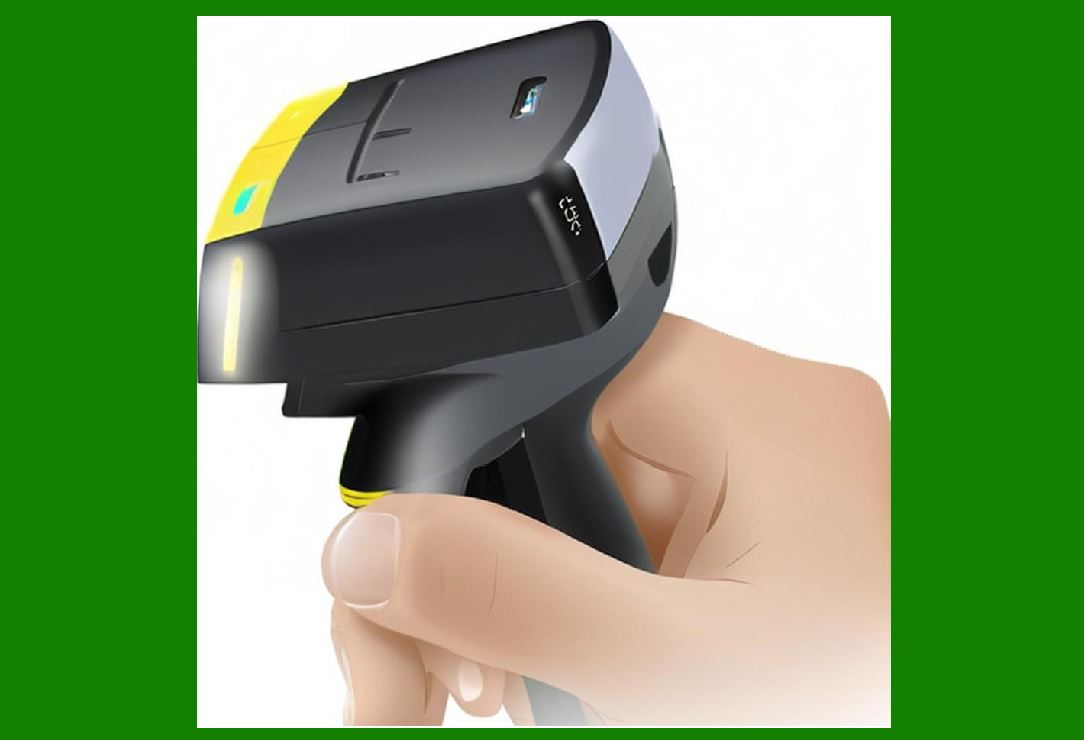
1. Bounding box around detected barcode. |
12.2 Refinement Techniques |
1. Boundary tightening |
2. Perspective correction |
12.3 Importance |
1. Reduces decoding workload |
2. Improves speed |
|
13. Perspective and Geometric Correction |
13.1 Skew Detection |
1. Estimate barcode orientation. |
13.2 Perspective Transformation |
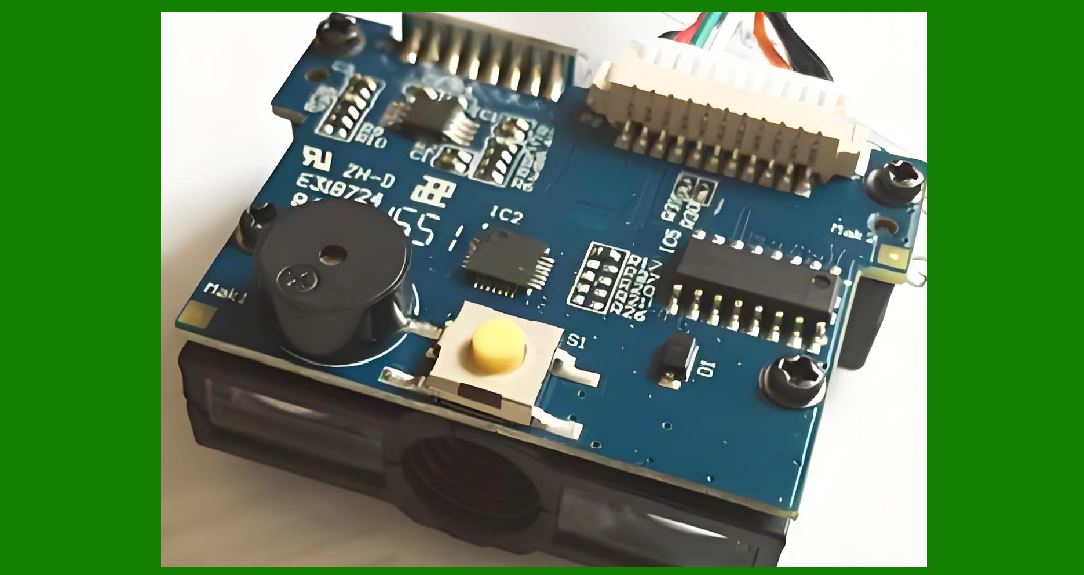
1. Map distorted region to rectangular form. |
13.3 Homography Estimation |
1. Used for 2D codes. |
|
14. Handling Multiple Barcodes |
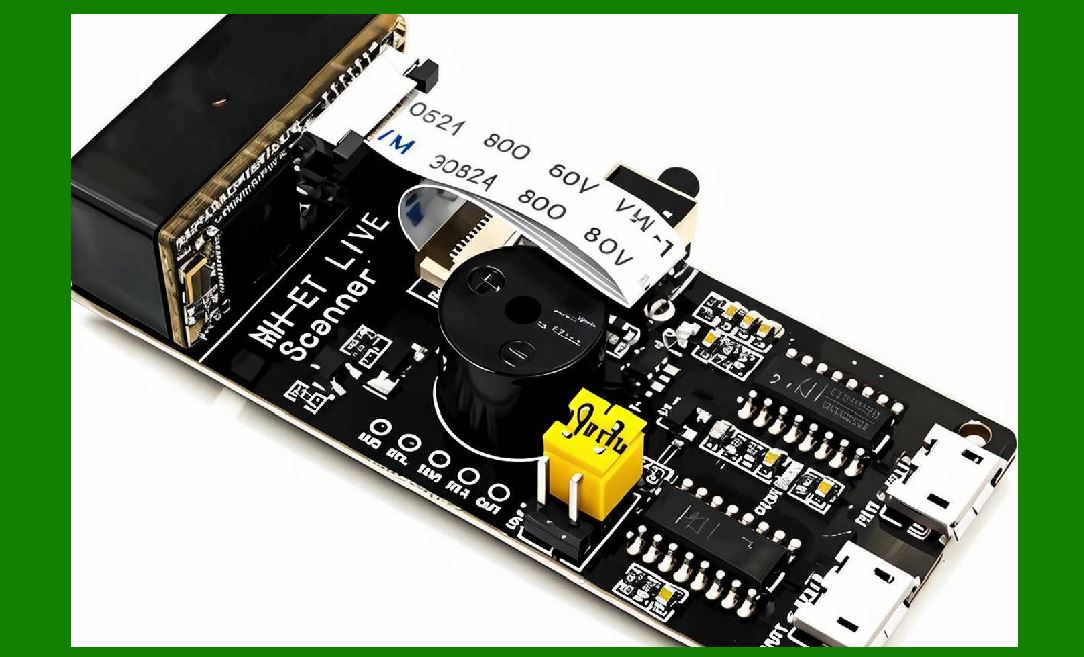
1. Detect multiple regions simultaneously. |
2. Strategies: |
* Parallel processing |
* Priority-based decoding |
|
15. Real-Time Optimization |
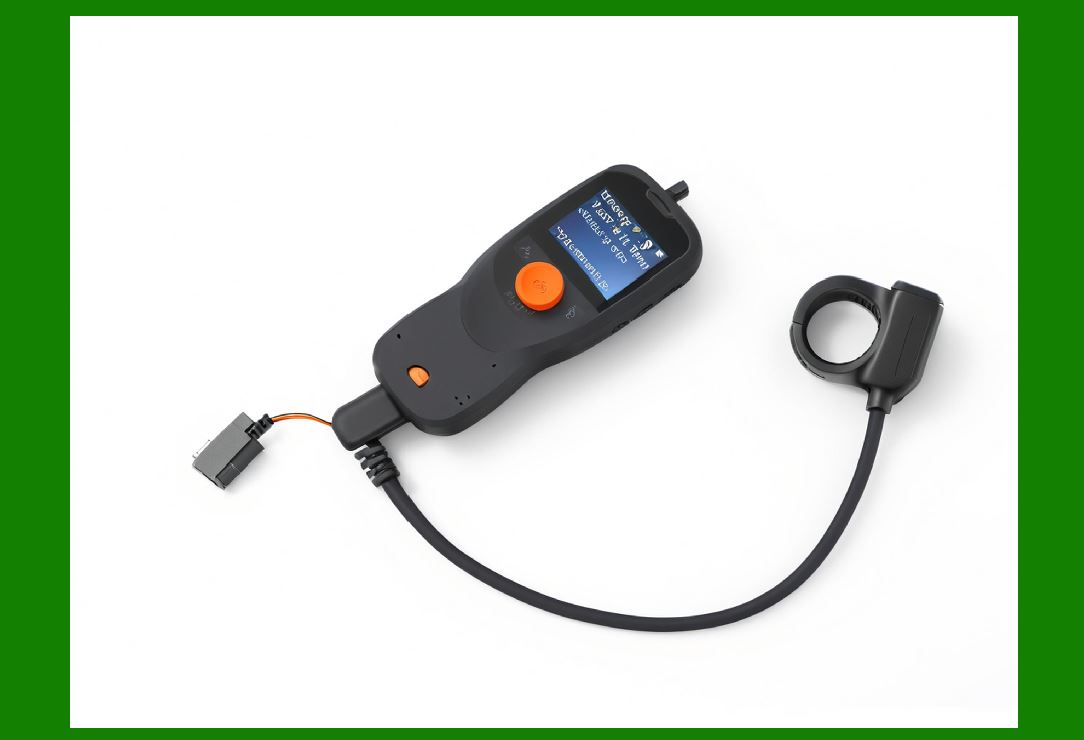
1. Reduce computational complexity |
2. Use hardware acceleration |
3. Implement early rejection mechanisms |
|
16. Integration with ISP and Decoding |
1. Localization depends on preprocessing quality. |
2. Output feeds directly into decoding engine. |
|
17. Advanced Techniques |
17.1 AI-Based Localization |
1. End-to-end detection systems |
17.2 Hybrid Methods |
1. Combine: |
* Edge detection |
* Machine learning |
17.3 Adaptive Algorithms |
1. Adjust based on environment |

|
18. Performance Metrics |
1. Detection accuracy |
2. False positive rate |
3. Processing speed |
4. Robustness |
|
19. Summary of Part 5 |
1. Barcode localization identifies candidate regions for decoding. |
2. Methods include edge detection, morphology, texture analysis, and AI. |
3. Both 1D and 2D barcodes require specialized approaches. |
4. ROI extraction and geometric correction are essential steps. |
5. Real-time performance requires optimized algorithms and hardware support. |
|
Next Step |
Part 6: Barcode Decoding Algorithms for 1D and 2D Codes (Deep Technical Analysis) |
 cs@easiersoft.com