Part 6: Barcode Decoding Algorithms for 1D and 2D Codes (Deep Technical Analysis) |
1. Introduction to Barcode Decoding |
1. After successful localization of barcode regions, the next critical stage is decoding, where visual patterns are translated into meaningful digital data. |
2. Decoding is fundamentally a pattern interpretation process, involving: |
* Signal extraction |
* Symbol recognition |
* Error detection and correction |
* Data reconstruction |
3. The decoding process differs significantly between: |
* 1D (linear) barcodes |
* 2D (matrix and stacked) barcodes |
4. A robust decoding engine must handle: |
* Distortion |
* Noise |
* Partial damage |
* Variable lighting |
* Different symbology standards |
|
2. General Decoding Pipeline |
1. The decoding stage typically follows this sequence: |
1. ROI input (from localization stage) |
2. Image normalization |
3. Feature extraction |
4. Symbol segmentation |
5. Pattern recognition |
6. Error detection and correction |
7. Data output |
2. Each step is optimized for speed and accuracy in real-time systems. |

|
3. Decoding of 1D Barcodes |
3.1 Signal Extraction |
1. Convert the 2D ROI into a 1D signal profile. |
2. Methods: |
* Horizontal or vertical scanning lines |
* Averaging multiple scan lines for robustness |
3.2 Edge Detection and Run-Length Encoding |
1. Identify transitions between: |
* Black bars |
* White spaces |
2. Measure widths of each segment. |
3. Represent data as: |
* Sequence of bar/space widths |
3.3 Normalization of Widths |
1. Normalize measured widths relative to: |
* Narrowest bar (unit width) |
2. Compensate for: |
* Scaling |
* Distortion |
3.4 Symbol Mapping |
1. Match normalized patterns to known encoding tables. |
2. Example: |
* Each group of bars corresponds to a character |
3.5 Start/Stop Pattern Detection |
1. Identify: |
* Beginning of barcode |
* End of barcode |
2. Ensures proper alignment and decoding direction. |
3.6 Checksum Validation |
1. Verify data integrity using: |
* Modulo operations |
* Weighted sums |
2. Reject invalid reads. |
3.7 Challenges in 1D Decoding |
1. Uneven bar widths |
2. Low contrast |
3. Noise interference |
|
4. Skew and rotation |
4. Decoding of 2D Barcodes |
4.1 Grid Sampling |
1. Divide ROI into a grid of modules. |
2. Each cell represents: |
* Black or white module |
4.2 Finder Pattern Utilization |
1. Locate orientation and scale using: |
* Finder patterns (e.g., QR code corners) |
2. Establish coordinate system. |
4.3 Perspective Correction |
1. Apply geometric transformation. |
2. Convert distorted image into: |
* Ideal square grid |
4.4 Module Classification |
1. Determine each cell as: |
* Black (1) |
* White (0) |
2. Use thresholding or adaptive methods. |
4.5 Data Extraction |
1. Follow symbology-specific rules. |
2. Extract: |
* Data bits |
* Format information |
* Version information |
|
5. Error Detection and Correction |
5.1 Importance of Error Correction |
1. Allows decoding even when: |
* Barcode is damaged |
* Portions are missing |
5.2 Reed-Solomon Error Correction |
1. Widely used in 2D barcodes. |
2. Capabilities: |
* Detect errors |
* Correct multiple symbol errors |
5.3 Checksum Methods in 1D Codes |
1. Simpler than 2D methods. |
2. Examples: |
* Modulo-10 |
* Modulo-103 |
5.4 Error Handling Strategy |
1. Attempt correction |
2. Validate result |
3. Reject if unreliable |
|
6. Decoding of Specific 2D Symbologies |
6.1 QR Code Decoding |
1. Steps: |
* Detect finder patterns |
* Align grid |
* Extract data and error correction blocks |
* Decode bitstream |
2. Features: |
* High error correction capability |
* Fast decoding |
6.2 Data Matrix Decoding |
1. Uses: |
* L-shaped finder pattern |
* Timing patterns |
2. Process: |
* Grid alignment |
* Bit extraction |
* Error correction |
6.3 PDF417 Decoding |
1. Stacked linear barcode. |
2. Steps: |
* Row detection |
* Codeword extraction |
* Error correction |

|
7. Handling Distorted and Damaged Codes |
7.1 Geometric Distortion |
1. Correct using: |
* Affine transformation |
* Perspective mapping |
7.2 Partial Occlusion |
1. Use redundancy and error correction. |
7.3 Low-Quality Printing |
1. Apply: |
* Adaptive thresholding |
* Noise filtering |
|
8. Multi-Code Decoding |
1. Process multiple ROIs. |
2. Strategies: |
* Sequential decoding |
* Parallel decoding |
|
9. Performance Optimization |
9.1 Speed Optimization |
1. Use: |
* Lookup tables |
* SIMD instructions |
* Hardware acceleration |
9.2 Memory Optimization |
1. Efficient buffer management |
9.3 Power Efficiency |
1. Reduce unnecessary computations |
|
10. AI-Assisted Decoding |
10.1 Neural Network-Based Decoding |
1. End-to-end decoding systems. |
2. Advantages: |
* Robust to distortions |
* Handles complex cases |
10.2 Hybrid Systems |
1. Combine: |
* Traditional algorithms |
* AI enhancements |

|
11. Security Considerations |
1. Prevent decoding of malicious codes. |
2. Validate: |
* Format integrity |
* Data structure |
|
12. Output Formatting |
1. Convert decoded data into: |
* ASCII |
* Binary |
* Structured formats |
|
13. Integration with Host Systems |
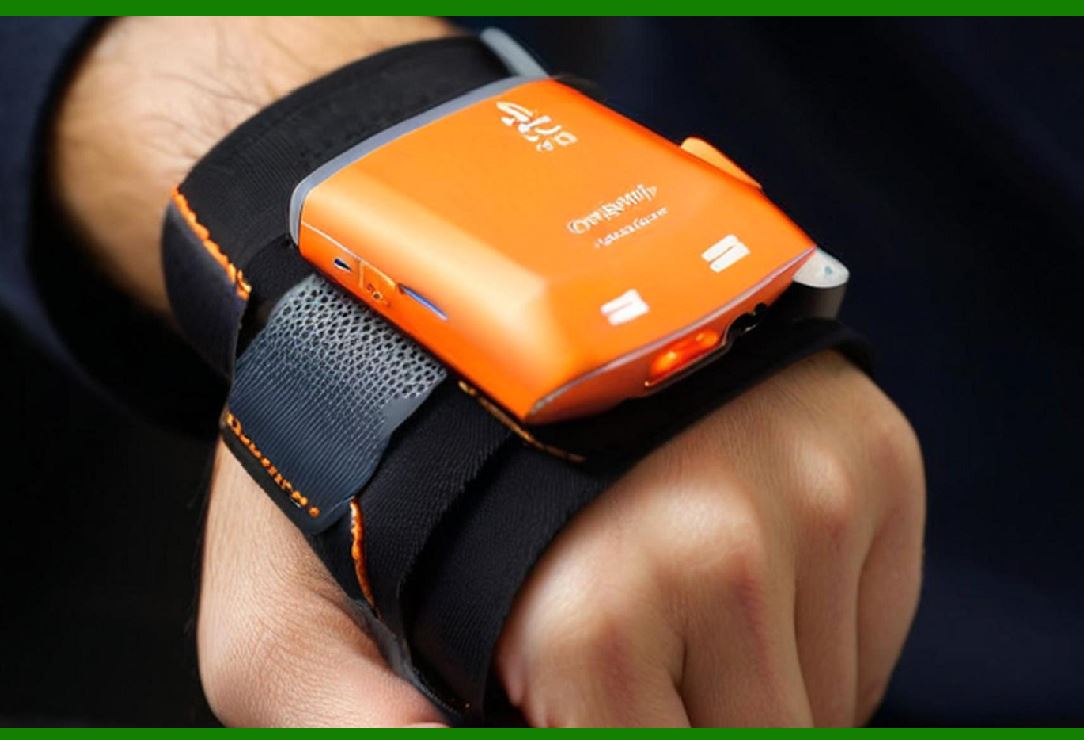
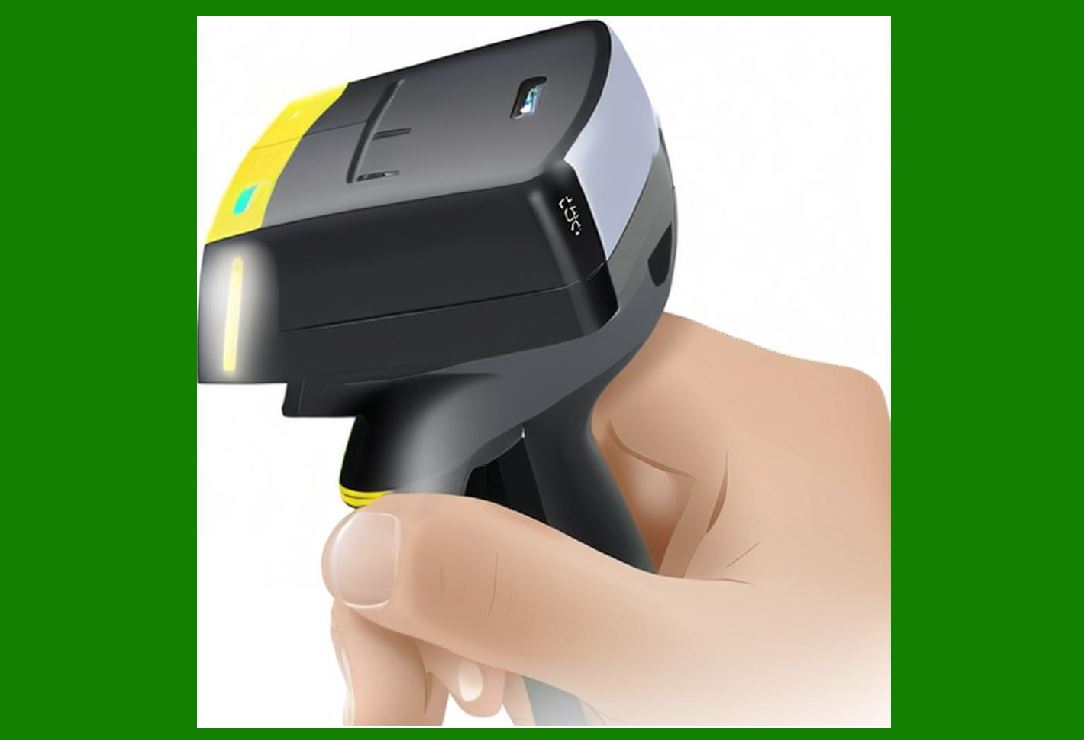
1. Send decoded data via: |
* USB |
* Wireless interfaces |
|
14. Summary of Part 6 |
1. Decoding transforms visual barcode patterns into digital data. |
2. 1D decoding relies on line scanning and width analysis. |
3. 2D decoding uses grid sampling and error correction. |
4. Reed-Solomon codes enable robust error recovery. |
5. Optimization ensures real-time performance. |
6. AI is increasingly enhancing decoding capabilities. |

|
Next Step |
Part 7: Embedded Processing Architecture and Firmware Design in Image-Based Scanners (Deep Technical Analysis) |
 cs@easiersoft.com