1. Introduction to Barcode Recognition |
Barcodes have become integral to the operation of a wide range of industries, from retail to logistics, to healthcare. A barcode is essentially a graphical representation of data that can be scanned and decoded by a machine. The printed barcode label, typically composed of alternating dark and light bars (or spaces), contains information that scanners read and convert into usable data for inventory management, sales tracking, and other purposes. However, there are numerous reasons why a printed barcode label may fail to be recognized by a scanner, which can be due to a combination of factors related to the quality of the print, the condition of the scanner, environmental influences, or even how the label is applied. This article will explore in great detail the reasons behind barcode scanning failures. |
|
2. Barcode Quality Issues |
2.1. Low Print Quality |
One of the most common reasons why a barcode label fails to be recognized is poor print quality. The accuracy and clarity of the printed barcode are essential for proper scanning. If the barcode is not printed with enough contrast between the bars and spaces, or if the bars are too thin or too thick, scanners may struggle to identify the data encoded in the barcode. |
When a barcode is printed with low resolution or improper printer settings, it can result in uneven or jagged edges on the bars, causing distortion. Some of the most common print quality issues include: |
Blurry or Faded Bars: Faded printing often occurs due to low-quality ink or toner, miscalibrated printers, or issues with the printing substrate (e.g., paper). This results in bars and spaces becoming indistinguishable. |
Smudging or Streaking: Excessive ink or toner, especially when the label is exposed to moisture or friction, can cause smudging, which disrupts the clear contrast between the bars and spaces. |
2.2. Incorrect Barcode Density |
The density of a barcode refers to the number of elements (bars and spaces) per unit of length. A barcode that has been printed too densely (too many bars in a small area) or too sparsely (too few bars or spaces) will be difficult to read. Scanners are designed to decode barcodes within specific density ranges. If a barcode exceeds these limits, it may result in misreads or complete failure to scan. |
Barcode density can be affected by the resolution of the printer. Low-resolution printers tend to produce high-density barcodes that are not within the scanner's optimal range, while very high-resolution printers may produce excessively sparse barcodes. Proper calibration and understanding of the printer's limitations are critical for achieving optimal barcode density. |
2.3. Incorrect Barcode Symbology |
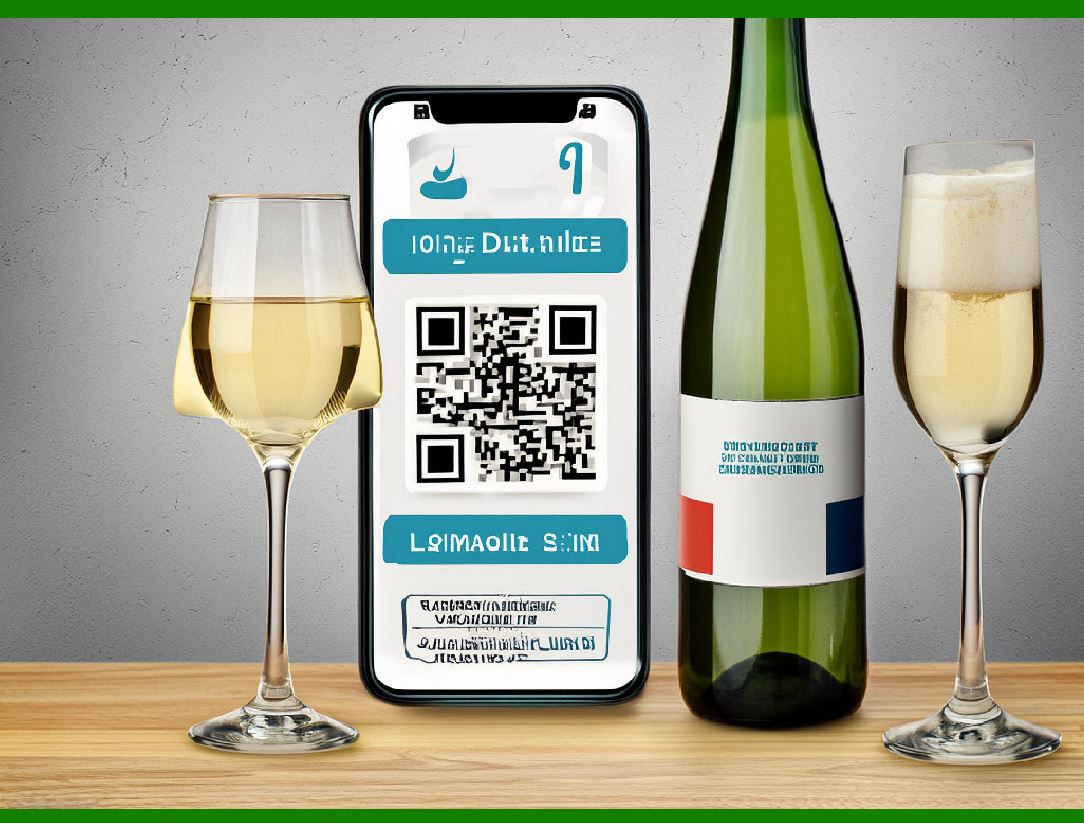
Barcodes are encoded using different symbologies (such as UPC, Code 39, or QR code), each with its unique pattern and specifications for how data should be represented. If the barcode is printed using an incorrect symbology or if the scanner is not compatible with the barcode type, the scanner will be unable to decode the label. Sometimes, a label may look like a typical barcode but could be an unsupported format, resulting in errors. |
When selecting the appropriate symbology, factors such as the type of product, the environment in which the barcode will be scanned, and the scanner's capabilities need to be considered. For example, a scanner might be programmed to recognize only one specific type of barcode, such as Code 128, and will fail to read a different symbology like QR code. |
|
3. Environmental Factors |
3.1. Label Contamination |
External factors such as dirt, dust, oil, and moisture can negatively impact the readability of a barcode label. When these substances accumulate on the label's surface, they create a layer that interferes with the scanner's ability to clearly distinguish between the light and dark bars. Contamination can obscure parts of the barcode or reduce contrast, making it unreadable. |
Additionally, labels exposed to environmental conditions like extreme heat or cold may become damaged or distorted, further degrading their quality. For instance, a barcode that has been exposed to high heat could become warped or fade, rendering it unscannable. |
3.2. Reflective Surfaces |
Barcodes that are printed on reflective materials, such as glossy or metallic surfaces, can cause problems for barcode scanners. Reflective surfaces can cause laser beams or light sources from optical scanners to bounce back in unexpected directions, creating scanning errors. A scanner might interpret the reflected light as noise or background, resulting in misreads or no reads. |
To avoid such issues, it is advisable to use materials that have been specifically designed for barcode printing and scanning, avoiding highly reflective surfaces or coatings that could interfere with the scanning process. |
3.3. Poor Label Placement |
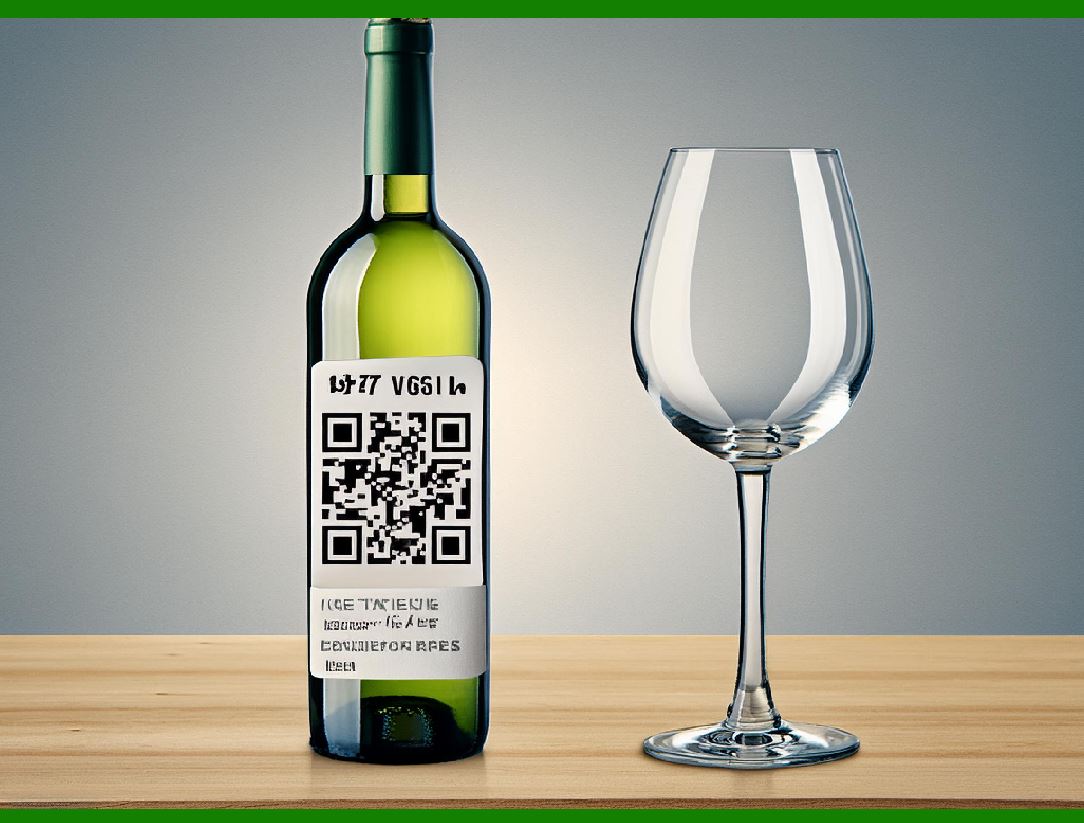
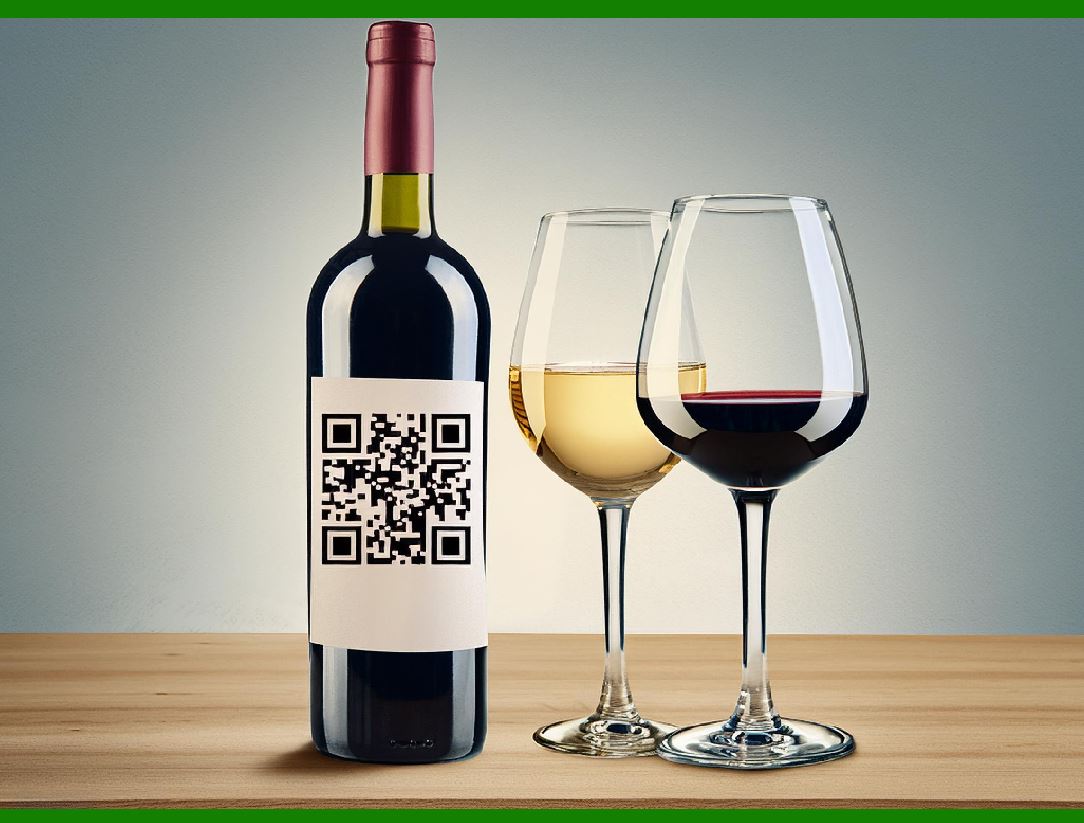
The location of the barcode label on a product or package can affect its readability. Barcodes should be placed on a flat surface where the scanner can clearly scan them from the optimal angle. If the label is applied to a curved or uneven surface, or if it is positioned in such a way that it is partially obscured, the scanner may have difficulty obtaining a clear scan. |
Furthermore, barcodes placed too close to seams, folds, or other elements of the packaging may be partially obscured or distorted, leading to scanning failure. |
|
4. Scanner Issues |
4.1. Incorrect Scanner Settings |
Barcode scanners come with a variety of settings, including scan frequency, contrast sensitivity, and other parameters that allow them to adjust to different barcode types and environmental conditions. If a scanner's settings are not configured properly, it may fail to detect certain barcodes. For instance, if a scanner is set to scan barcodes of a certain density or symbology, it may miss or misread labels that fall outside of these parameters. |
4.2. Misalignment or Faulty Optics |
Scanners use various technologies (laser, CCD, or image-based) to read barcodes. Laser scanners, for example, rely on a laser beam that must align perfectly with the barcode in order to decode it. If the scanner's optics are misaligned, or if the lens is dirty or damaged, the scanner may fail to capture the barcode correctly. |
Additionally, image-based scanners rely on cameras that capture an image of the barcode. If the camera is not in focus or if there is insufficient lighting, the scanner may not be able to accurately process the barcode image. |
4.3. Scanner Sensitivity |
Scanner sensitivity refers to how easily a scanner can detect light variations between the bars and spaces of a barcode. If the scanner's sensitivity is too low, it might fail to recognize the contrast between the bars and spaces. Conversely, if the sensitivity is too high, the scanner may mistake background noise or reflections as part of the barcode, leading to false readings. |
|
5. Barcode Label Application Issues |
5.1. Poor Adhesion |
If the adhesive on a barcode label is of low quality or if the label has not been properly applied, it may peel off or wrinkle, causing portions of the barcode to become unreadable. Over time, labels that are exposed to friction, moisture, or other environmental stresses can begin to degrade, making them less readable by scanners. |
5.2. Label Wrinkling or Creasing |
Barcode labels that are creased or wrinkled are especially difficult to read. Creases can distort the printed bars and spaces, causing scanners to misinterpret the encoded data. If the label has been improperly stored or handled, or if it has been exposed to extreme temperatures or humidity, the material may lose its flatness and become prone to wrinkling. |
In these cases, it's crucial to ensure that labels are applied properly and stored in a manner that prevents any deformation. |
|
6. Human Error |
6.1. Incorrect Barcode Printing |
Human error can also play a significant role in why a barcode label might not be readable. This could include mistakes made in designing the barcode, such as incorrect data being encoded or selecting the wrong symbology. Misprints during the actual printing process, such as misalignment of the printer or incorrect material handling, can result in unreadable barcodes. |
For example, a barcode with a part of the barcode missing or a bar printed out of proportion might be difficult or impossible for a scanner to decode. Barcode verification processes can help prevent such issues by ensuring that the barcode is properly formatted and of high quality before it is printed in large quantities. |
6.2. Failure to Test Scanning |
Before barcodes are used in real-world applications, it is important to test them to ensure that they can be scanned by the intended devices. Failure to conduct thorough pre-deployment testing can lead to errors going unnoticed until the barcode is in use, causing delays and disruptions in operations. |
|
7. Conclusion |
There are many reasons why a printed barcode label might not be recognized by a scanner. These can range from issues related to the label's print quality, the environmental conditions in which it is placed, scanner misconfigurations, and human error. To prevent barcode scanning failures, it is crucial to maintain high standards of print quality, ensure proper label application, and use the right scanning equipment with suitable settings. Thorough testing, maintenance of equipment, and proper training for staff can also help mitigate the risk of scanning issues. By addressing each of these factors, businesses can enhance the accuracy and efficiency of barcode-based systems, improving inventory management, sales tracking, and other operations that depend on barcode scanning technology. |
|
New Technologies to Improve Barcode Recognition |
The evolution of barcode scanning technology is driven by advancements in hardware, software, and material science. As barcode systems continue to evolve, various new technologies are emerging to address the challenges of barcode recognition, ensuring faster, more accurate, and more reliable scanning even in difficult conditions. Below are some of the most promising technologies that will improve barcode recognition in the future: |
1. High-Resolution Imaging Technology |
1.1. Cameras with Increased Resolution |
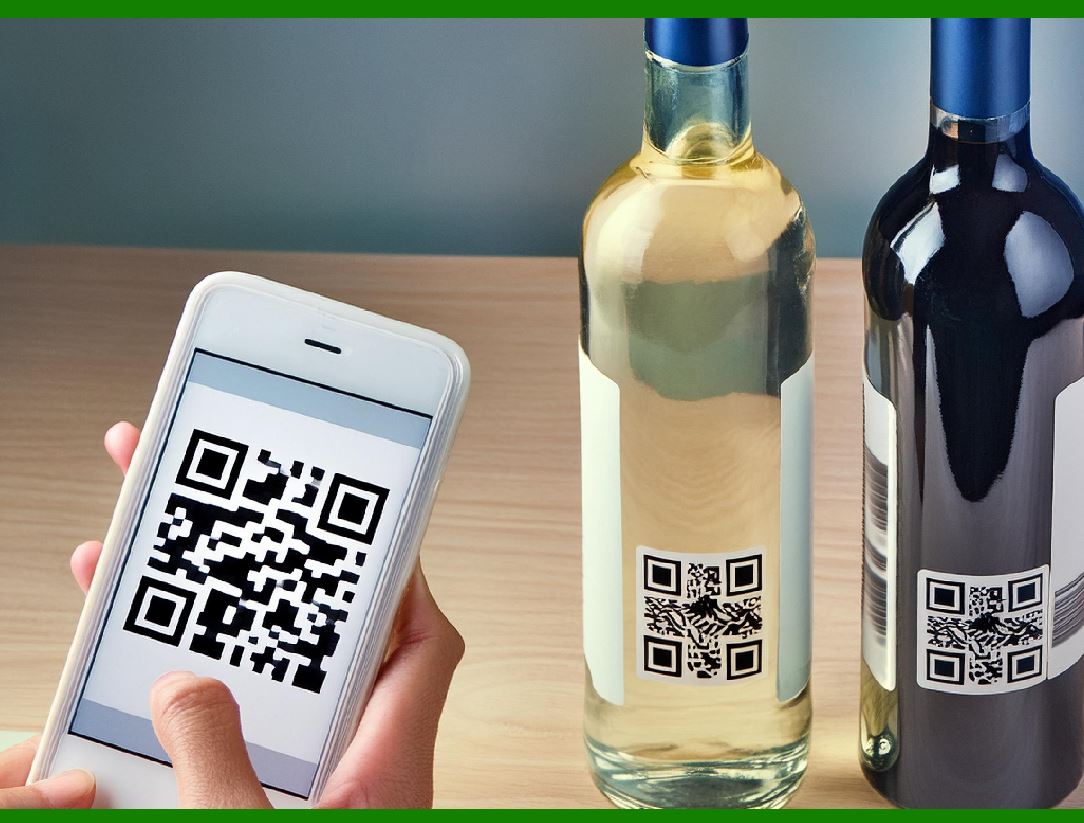
Modern image-based scanners (also called camera-based or 2D scanners) rely on high-resolution cameras to capture the image of the barcode. The trend toward increasing camera resolution is improving the ability of scanners to capture even the smallest or most distorted barcodes with precision. Higher resolution allows scanners to handle smaller barcodes, better recognize partially obscured barcodes, and more accurately decode data even in challenging conditions (e.g., low contrast or fading). |
1.2. Advanced Imaging Algorithms |
These scanners are not only getting better at capturing clearer images but also at processing them more effectively. Advanced imaging algorithms, such as artificial intelligence (AI)-powered image enhancement, are used to compensate for distortion, motion blur, or low contrast in scanned barcodes. With AI, these scanners can adjust the image for optimal decoding by enhancing specific aspects like edges or contrast levels, allowing them to read even poorly printed or damaged barcodes. |
|
2. 3D Scanning and Structured Light Technology |
2.1. Structured Light Scanners |
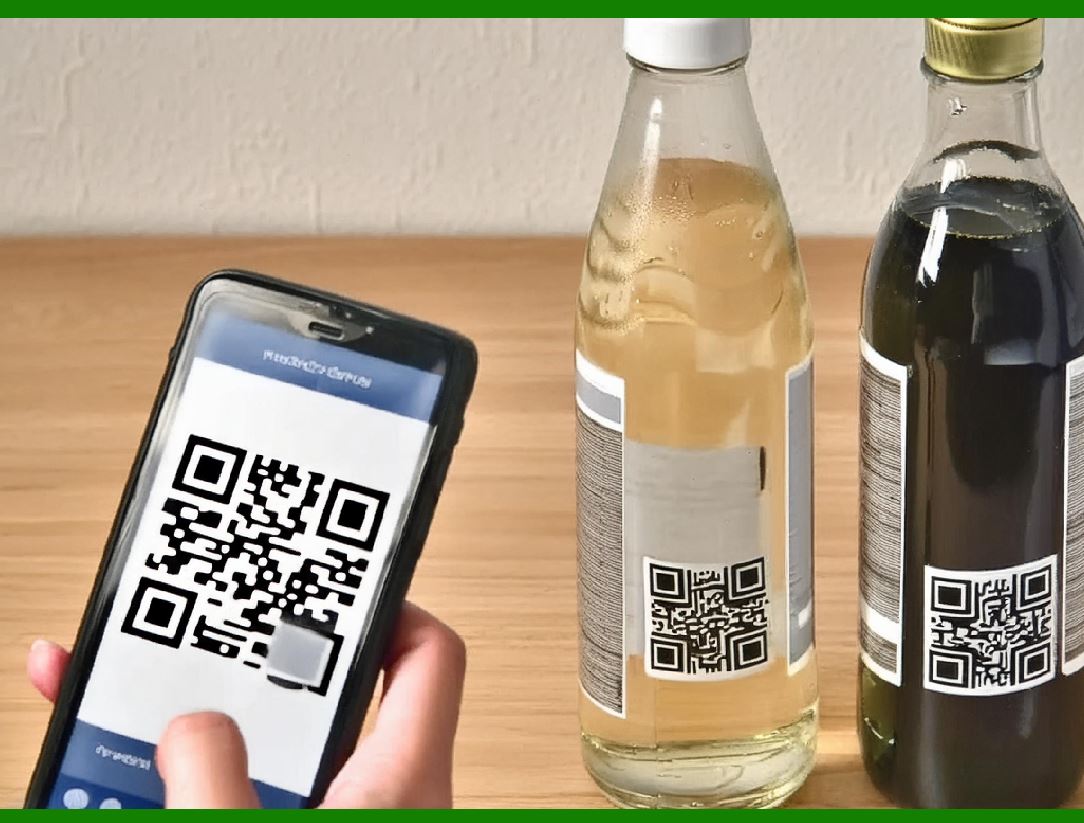
Structured light technology involves projecting a series of light patterns onto a surface and capturing the distortion of these patterns to create a 3D model of the object. This technology is being integrated into barcode scanners to handle complex label shapes and curved surfaces. For example, barcodes applied to cylindrical objects like bottles or tubes often suffer from misalignment when scanned. By using structured light technology, scanners can create a more accurate 3D map of the object and decode the barcode regardless of its orientation or curvature. |
2.2. 3D Barcode Scanning |
Some new scanning systems combine traditional 2D barcode scanning with 3D depth sensing. These systems use depth cameras or laser sensors to capture both the surface texture and shape of the barcode label, significantly improving the accuracy of barcode recognition on non-flat surfaces. By processing both 2D and 3D data, scanners can handle barcodes on complex packaging types like shrink-wrapped items or packaging with irregular shapes. |
|
3. AI and Machine Learning for Smart Recognition |
3.1. Artificial Intelligence (AI) for Barcode Recognition |
AI and machine learning (ML) are being used to significantly enhance the reliability and flexibility of barcode scanners. By using deep learning models, barcode scanners can learn to recognize various barcode types, decode damaged or poorly printed labels, and adapt to changing environmental conditions. These technologies can improve the scanner's ability to interpret barcodes that are faded, poorly printed, or even partially covered by other elements. |
For instance, an AI-powered barcode scanner can 'learn' to identify the correct barcodes based on its historical scans, even when the barcode quality deteriorates over time. This provides significant benefits in environments where labels may get scratched, damaged, or worn, such as warehouses or retail settings. |
3.2. Automated Error Correction |
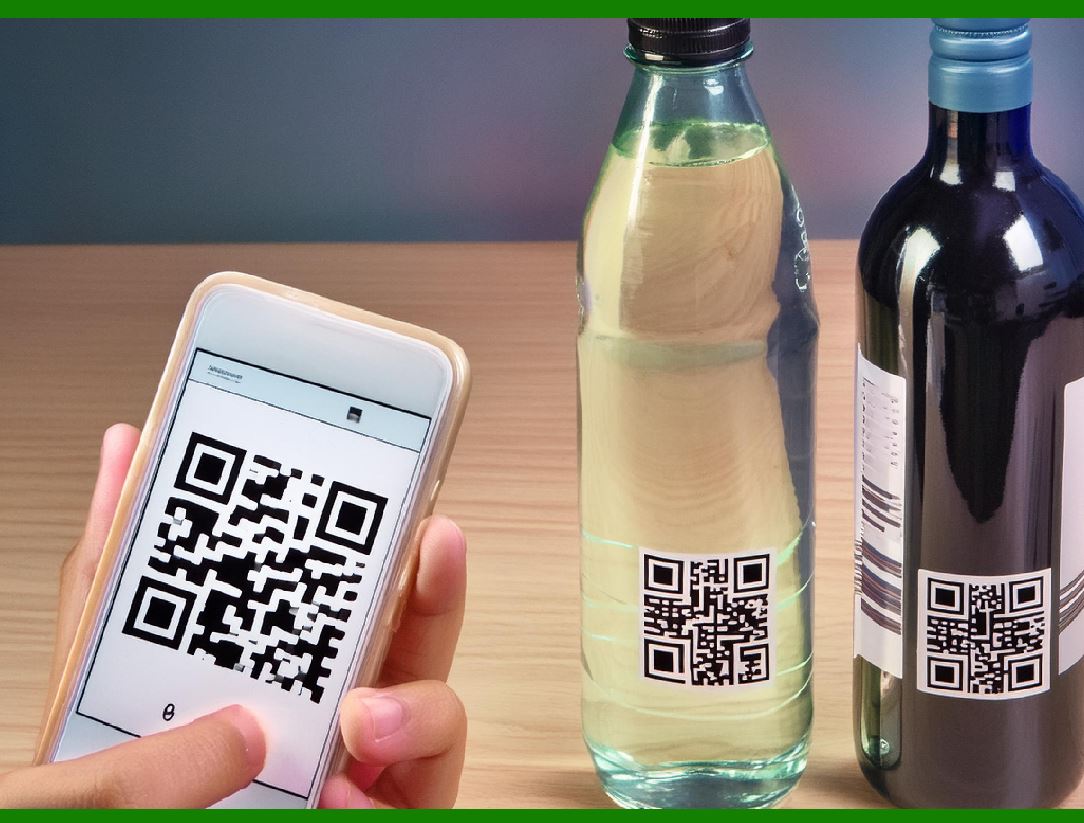
Machine learning algorithms can be used to automatically correct scanning errors. If the scanner misreads a barcode, it can use pattern recognition algorithms to identify the issue and correct the scan, reducing human intervention. For example, an AI-powered system can detect misprints and predict what the correct barcode should look like, compensating for any small issues in print quality. |
|
4. Augmented Reality (AR) and Smart Glasses for Real-Time Data Interpretation |
4.1. Augmented Reality (AR) Overlays |
Augmented reality (AR) technology is being integrated into barcode scanning systems, especially in warehouse and logistics environments. AR systems can be used to project scanning results or real-time data about the barcode directly onto the user's field of vision, enhancing productivity. For instance, a worker wearing AR glasses might scan a barcode, and immediately see relevant product information displayed on their screen. This improves both the speed and accuracy of operations, while also reducing errors due to misreads or missed barcodes. |
4.2. Smart Glasses for Hands-Free Scanning |
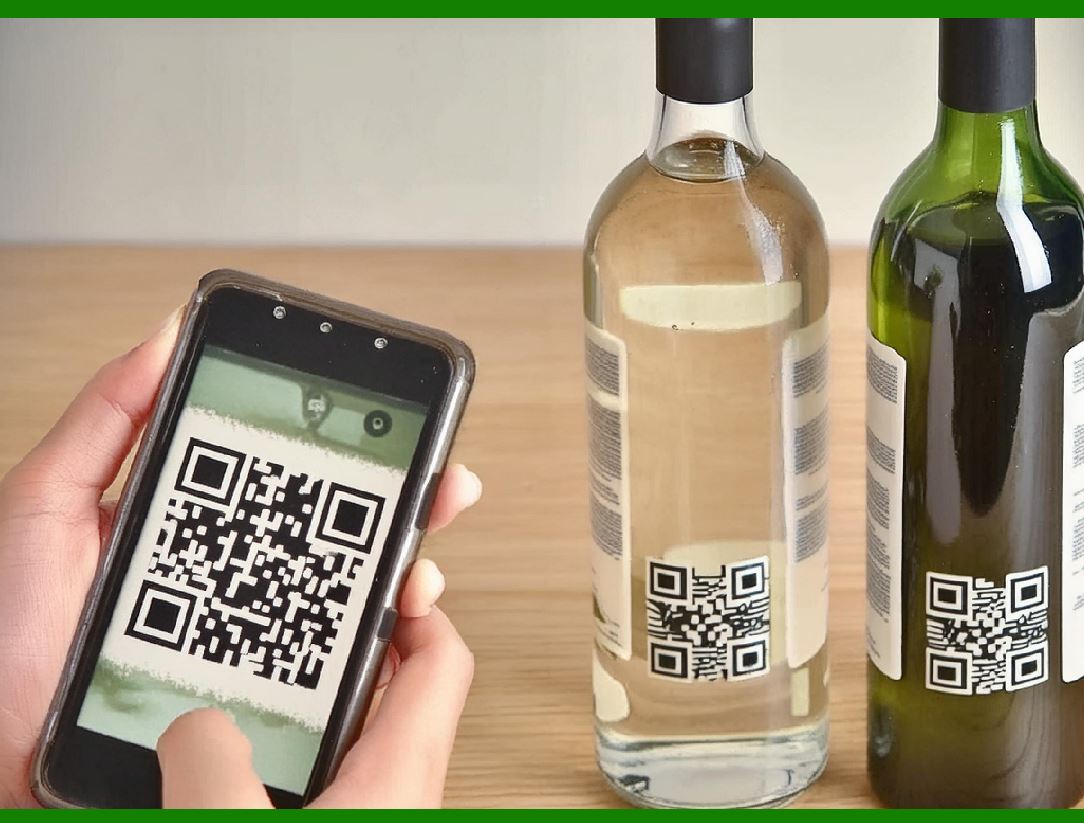
In addition to AR displays, smart glasses that allow workers to scan barcodes hands-free are gaining popularity. These devices allow users to quickly scan and interact with barcodes without having to physically manipulate a handheld scanner. Some smart glasses use embedded scanners or cameras to capture barcode information in real time and instantly provide feedback to the user. This is particularly useful in environments like warehouses or retail stores where workers need to keep their hands free for other tasks. |
|
5. RFID Integration |
5.1. Radio Frequency Identification (RFID) Technology |
RFID is becoming a complementary technology to barcodes. While barcodes require line-of-sight scanning, RFID tags do not need to be directly scanned by a reader. RFID tags are embedded with a chip and antenna that communicate data wirelessly to a reader. This technology is especially useful for improving supply chain efficiency, as RFID can scan multiple items at once from a distance without needing a direct visual line to the tag. |
Although RFID is not a direct replacement for barcode technology in all scenarios, it can significantly reduce the need for manual scanning and eliminate many of the common issues that arise from poorly printed or damaged barcodes. This is particularly beneficial in large-scale inventory management, asset tracking, and retail environments, where speed and accuracy are essential. |
5.2. Hybrid Systems: Combining Barcode and RFID |
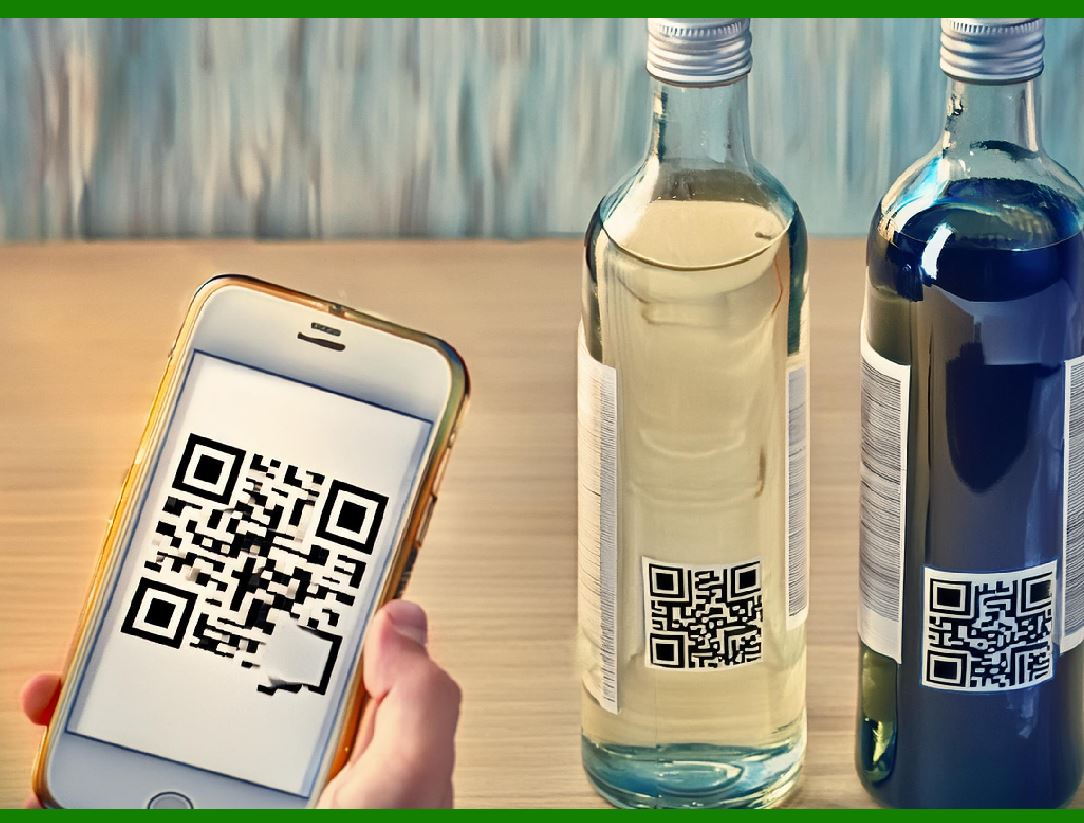
Many systems are now combining barcode and RFID technologies to take advantage of the benefits of both. For example, a barcode on a product can be used for manual scanning, while an RFID tag provides automated inventory tracking without the need for direct visual line-of-sight. By combining these technologies, companies can ensure more accurate data capture and improve the efficiency of inventory management systems. |
|
6. Advanced Barcode Materials and Printing Technologies |
6.1. Smart Materials for Barcode Labels |
New advances in materials science are also improving the quality and durability of barcode labels. Smart materials such as thermochromic, photochromic, and conductive inks are being explored to improve barcode readability. For example, thermochromic inks change color with temperature, which could make the label more resistant to fading due to exposure to heat, or it could allow the barcode to provide feedback or status changes in real-time. |
Additionally, materials that resist smudging, tearing, or fading are being developed for barcode labels. These materials can significantly extend the lifespan of barcodes, even in harsh environments such as outdoor conditions or environments with high humidity, preventing the common issue of barcode degradation over time. |
6.2. Digital Printing Technology |
Digital printing, including inkjet and laser printing technologies, allows for faster, more accurate, and more flexible printing of barcodes. Advances in digital printing technology ensure that barcode labels are printed with higher resolution, sharper contrast, and fewer defects. In addition, digital printing is more adaptable to small-run printing, meaning that labels can be printed on-demand with minimal waste. |
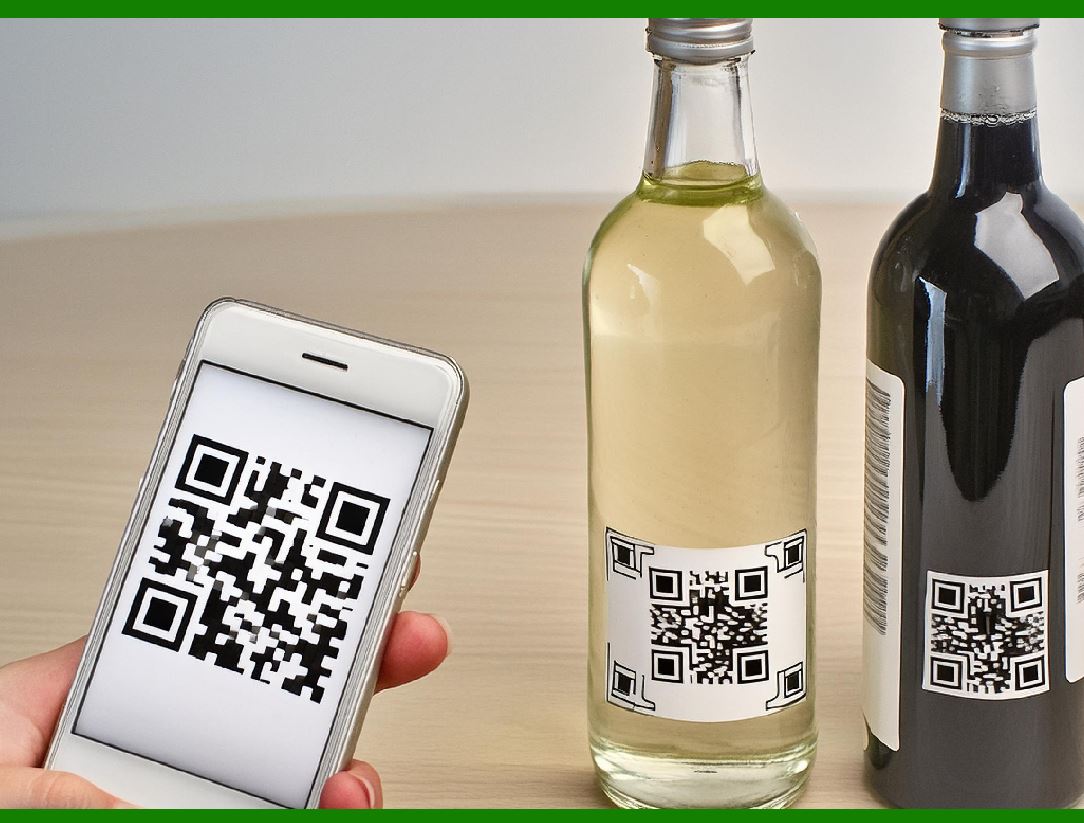
Digital printing technologies also allow for the creation of 'dynamic barcodes' that can change information in real-time. For example, barcodes with embedded QR codes could display updated product details or promotional offers as the product moves through a supply chain, enhancing customer engagement. |
|
7. Quantum Dot Technology for Barcode Printing |
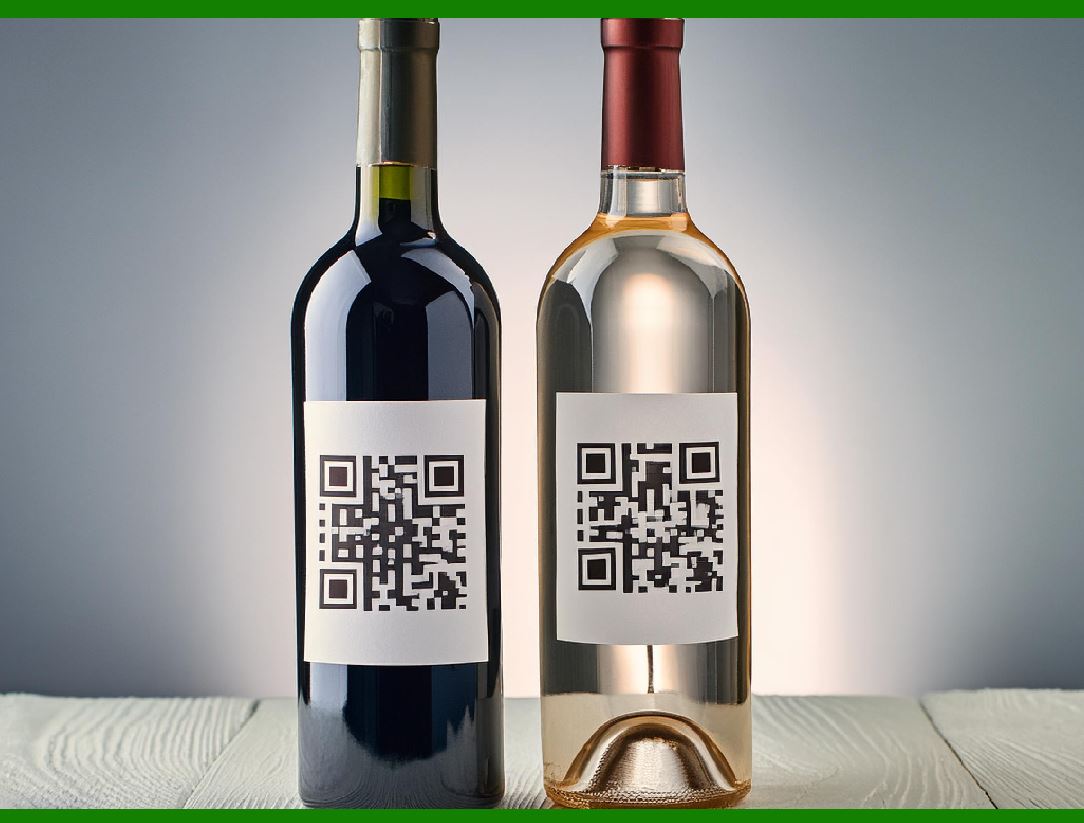
Quantum dot technology, which uses nanometer-scale semiconductor particles, is emerging as a potential way to improve barcode printing. These quantum dots can be used in inks that emit light when exposed to certain wavelengths, allowing the barcode to become more readable under various lighting conditions. |
Quantum dots offer the advantage of providing extremely high-resolution barcodes that are immune to fading, UV light, and physical damage. This opens up new possibilities for applications in fields like healthcare, where barcodes must remain readable for long periods and in environments with high levels of exposure to ultraviolet radiation or other environmental factors. |
|
8. Cloud-Based Barcode Management Systems |
8.1. Real-Time Cloud Synchronization |
Cloud computing is also playing a significant role in barcode management. Cloud-based systems enable businesses to manage and track barcodes in real-time across a global network. These systems can automatically update barcode databases, ensuring that the most current information is available for scanning, and they can integrate with other business systems such as inventory management and supply chain platforms. |
The cloud can also be used to store scanned barcode data, enabling businesses to gain insights into product tracking, customer behavior, and operational performance. This real-time access to data can improve decision-making and enhance the overall efficiency of barcode-based operations. |
8.2. Barcode Database Management |
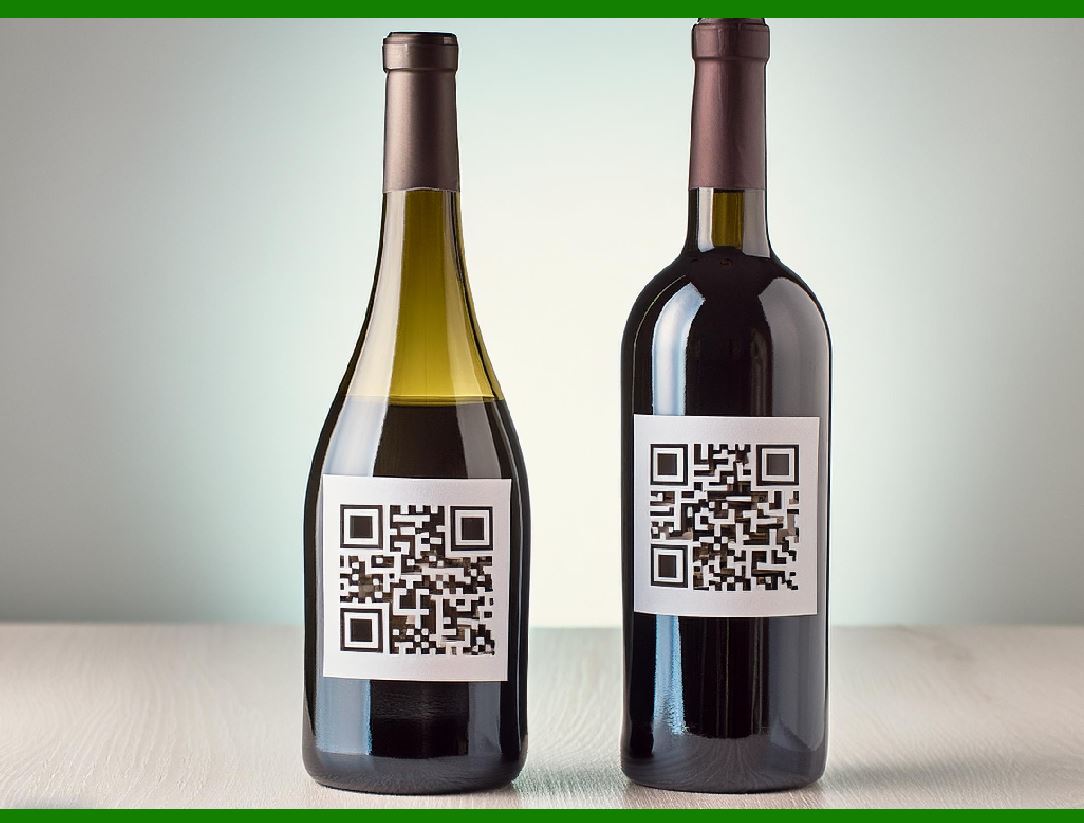
Cloud-based barcode management solutions allow for centralized tracking and database management of barcode labels, reducing errors associated with manual data entry. These systems can automatically generate barcode labels with unique identifiers based on pre-defined templates or dynamic data, ensuring consistent and accurate label printing. This eliminates the risk of human error during barcode creation and provides a more scalable solution for large-scale operations. |
|
Conclusion |
As barcode scanning technology continues to evolve, a combination of high-resolution imaging, AI, machine learning, RFID, and other cutting-edge technologies will vastly improve the efficiency and accuracy of barcode recognition. These innovations will make barcode systems more robust, enabling them to overcome challenges such as poor print quality, environmental factors, and human error. The integration of these new technologies will not only enhance barcode reading capabilities but also lead to broader improvements in supply chain management, inventory tracking, and operational workflows across various industries. |
 cs@easiersoft.com