Part 12 Automation, Scripting, and Server-Side Usage |
12.1 Introduction to Automation Capabilities |
One of the key strengths of the ActiveBarcode Component is its automation-friendly architecture. |
ActiveBarcode is designed to operate in automated environments where human intervention is minimal, making it ideal for: |
1. Batch printing in warehouses and logistics centers |
2. Server-side document generation |
3. Office document automation (Word, Excel, Access) |
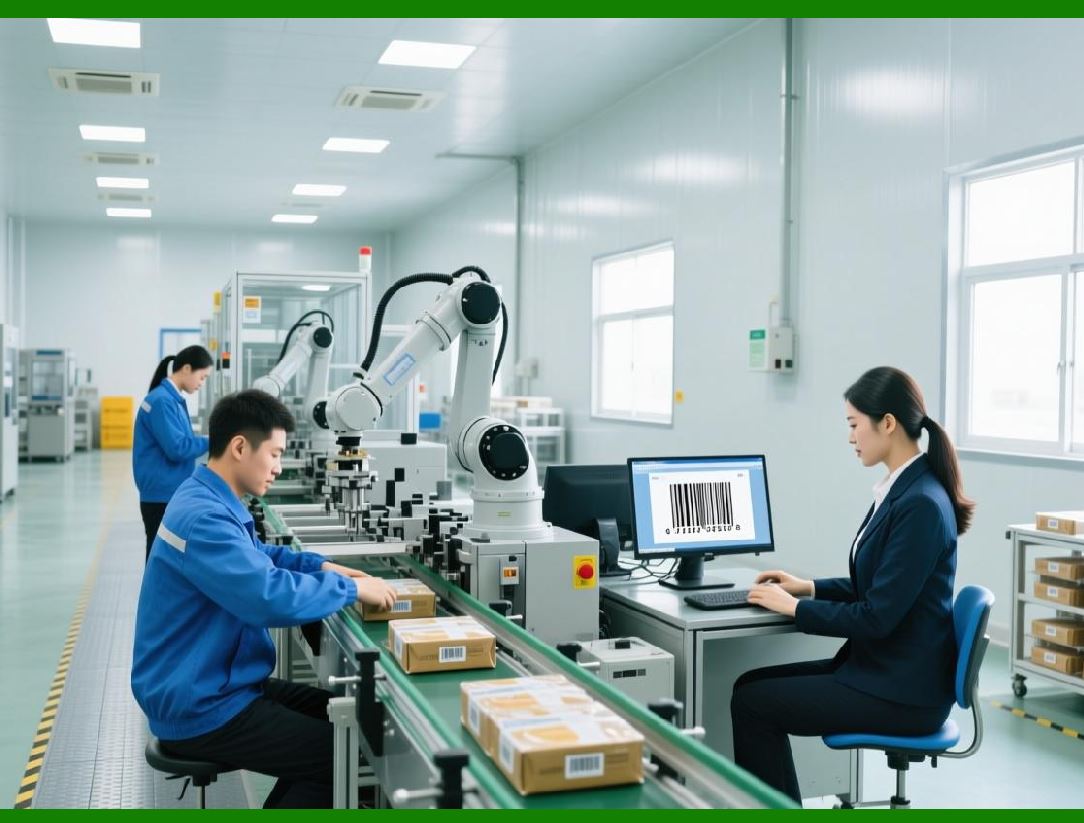
4. Industrial production lines |
Automation reduces human error, ensures consistency, and improves throughput, which is essential for large-scale business operations. |

|
12.2 Office Automation with VBA |
ActiveBarcode integrates seamlessly with Microsoft Office applications using VBA (Visual Basic for Applications): |
1. Developers can embed barcode objects directly into Word, Excel, or Access documents. |
2. VBA macros can dynamically update barcode data based on spreadsheet cells or database queries. |
3. Users can generate multiple barcodes in batch mode using simple loops and ActiveBarcode object methods. |
For example: |
* Generating barcodes for an invoice list in Excel |
* Updating product labels in Word using a mail merge |
* Printing batch labels from Access records |
This integration makes ActiveBarcode accessible to non-developers while maintaining enterprise-grade reliability. |
|
12.3 Automation via COM/ActiveX Interfaces |
For automation outside Office, ActiveBarcode COM/ActiveX interface provides: |
1. Programmatic control of barcode objects |
2. Scriptable access from VBScript, PowerShell, or other COM-aware languages |
3. The ability to generate and render barcodes without user interaction |
This is particularly useful for: |
* Backend processes in business applications |
* Automated report generation |
* High-volume printing workflows |
Developers can use scripting to create fully automated, unattended barcode generation pipelines. |

|
12.4 .NET Automation and Managed Code |
In modern Windows environments, ActiveBarcode .NET assemblies allow: |
1. Integration with C, VB.NET, or Fapplications |
2. Thread-safe barcode generation for server applications |
3. Dynamic assignment of data from APIs, databases, or in-memory objects |
4. Direct printing or image export for downstream workflows |
This allows ActiveBarcode to support both desktop and server-side automation, bridging traditional client-side workflows and modern enterprise applications. |
|
12.5 Server-Side Barcode Generation |
ActiveBarcode can be used in server environments, such as: |
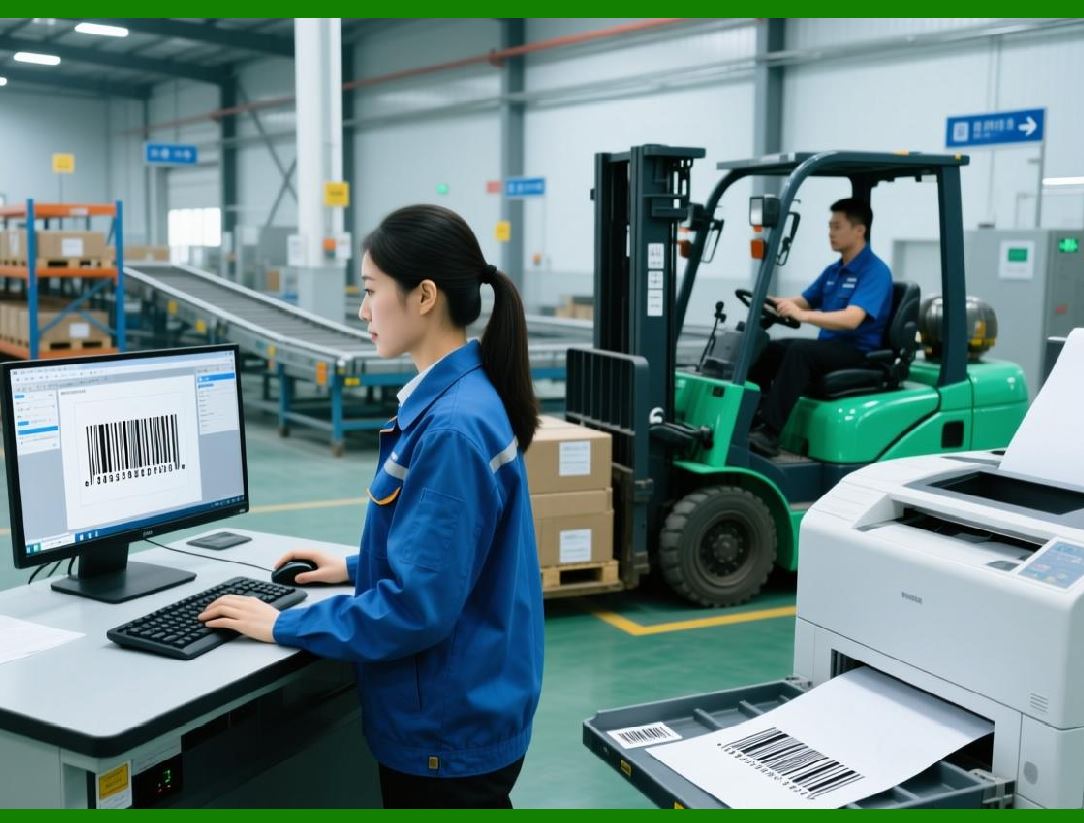
1. Generating shipping labels from an e-commerce backend |
2. Creating barcodes for PDFs on-demand for invoices or product manuals |
3. Dynamically creating QR Codes for marketing campaigns or ticketing systems |
Key considerations for server-side usage include: |
* Instantiating barcode objects in memory without user interaction |
* Thread-safety when multiple requests occur simultaneously |
* Rendering to images or PDFs instead of direct printer output |
* Handling error reporting programmatically |
This server-side capability extends ActiveBarcode from desktop-only to fully enterprise-integrated solutions. |

|
12.6 Scripted Batch Barcode Generation |
Automation often requires batch processing scripts: |
1. Scripts can read input data from files (CSV, XML, JSON) or databases |
2. Each record is processed to generate a barcode |
3. Output can be sent to printers, saved as image files, or exported to PDFs |
For example, a warehouse system might: |
* Pull 500 order IDs from the database |
* Generate a Code 128 barcode for each order |
* Print the barcodes directly on shipping labels |
Such batch processing ensures high efficiency and reduces manual errors. |

|
12.7 Integration with Printing Queues |
ActiveBarcode can integrate with Windows print queues: |
1. Barcodes can be rendered directly to any installed printer |
2. Multiple barcodes can be queued for sequential printing |
3. Print jobs can be automated via scripts or server processes |
This is particularly important in logistics and manufacturing, where labels must be printed continuously and reliably. |

|
12.8 Error Handling in Automated Workflows |
Automation requires robust error handling to prevent failures from propagating. |
ActiveBarcode provides: |
1. Return codes or exceptions to indicate invalid data |
2. Logging mechanisms for troubleshooting batch processes |
3. Warnings when generated barcodes might not meet scanning requirements |
4. Options to skip, retry, or halt processes on errors |
These features ensure that unattended barcode generation remains safe and reliable. |
|
12.9 Automation with Reporting Systems |
ActiveBarcode is often used with reporting frameworks such as: |
1. Crystal Reports |
2. Microsoft SQL Server Reporting Services (SSRS) |
3. DevExpress or Telerik reporting solutions |
In these systems: |
* Barcode objects can be embedded in report templates |
* Data-driven barcodes update automatically based on report queries |
* Output can be rendered to PDF, printed, or exported to multiple formats |
This allows enterprises to produce comprehensive, data-rich reports with embedded barcodes. |
|
12.10 Scheduling and Triggered Barcode Generation |
Automated barcode generation can be time-triggered: |
1. Windows Task Scheduler can run scripts that generate barcodes at specific intervals |
2. Server applications can generate barcodes on demand when events occur (e.g., new order received) |
3. Enterprise systems can generate barcode labels automatically during batch jobs |
This reduces manual intervention and ensures continuous production of barcodes. |
|
12.11 Automation for Compliance and Traceability |
In regulated industries like healthcare, logistics, or manufacturing, automation ensures compliance and traceability: |
1. Automatic recording of data associated with each barcode |
2. Enforcing standardized formats without manual intervention |
3. Generating audit logs for regulatory reporting |
By combining ActiveBarcode with database logging and automation, organizations can ensure traceable, consistent barcode output at scale. |

|
12.12 Dynamic Barcode Generation in Web Services |
Although primarily a desktop component, ActiveBarcode can be used in Windows-based web services: |
1. Generating barcodes on demand for web applications |
2. Serving barcode images dynamically to client browsers or mobile apps |
3. Integrating with e-commerce systems for product labeling and QR Code generation |
Server-side barcode generation allows centralized management of barcode logic and templates. |

|
12.13 Multi-Threaded Automation Scenarios |
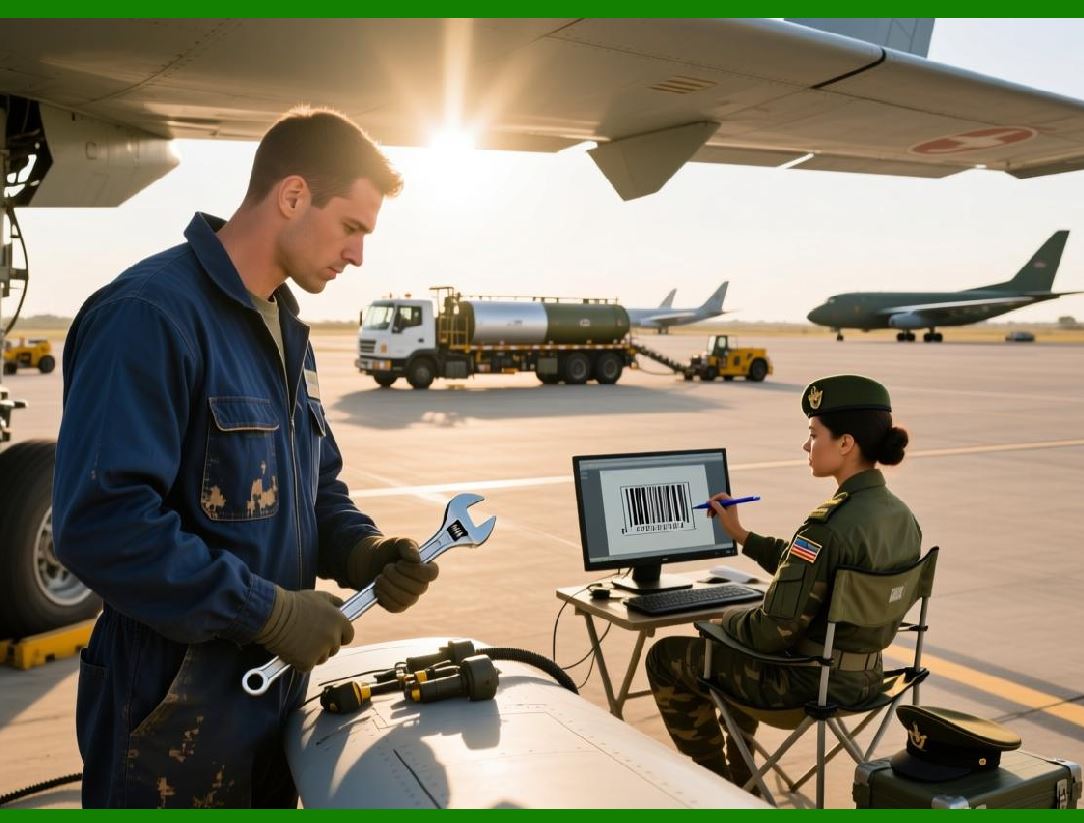
High-throughput environments, such as print-on-demand label production, require multi-threaded processing: |
1. Multiple barcode objects can be generated in parallel |
2. Each thread can handle a separate batch of data |
3. Proper instantiation ensures thread safety and predictable output |
ActiveBarcode design supports these enterprise-scale, multi-threaded workflows, making it suitable for large operations. |
|
12.14 Security in Automated Processes |
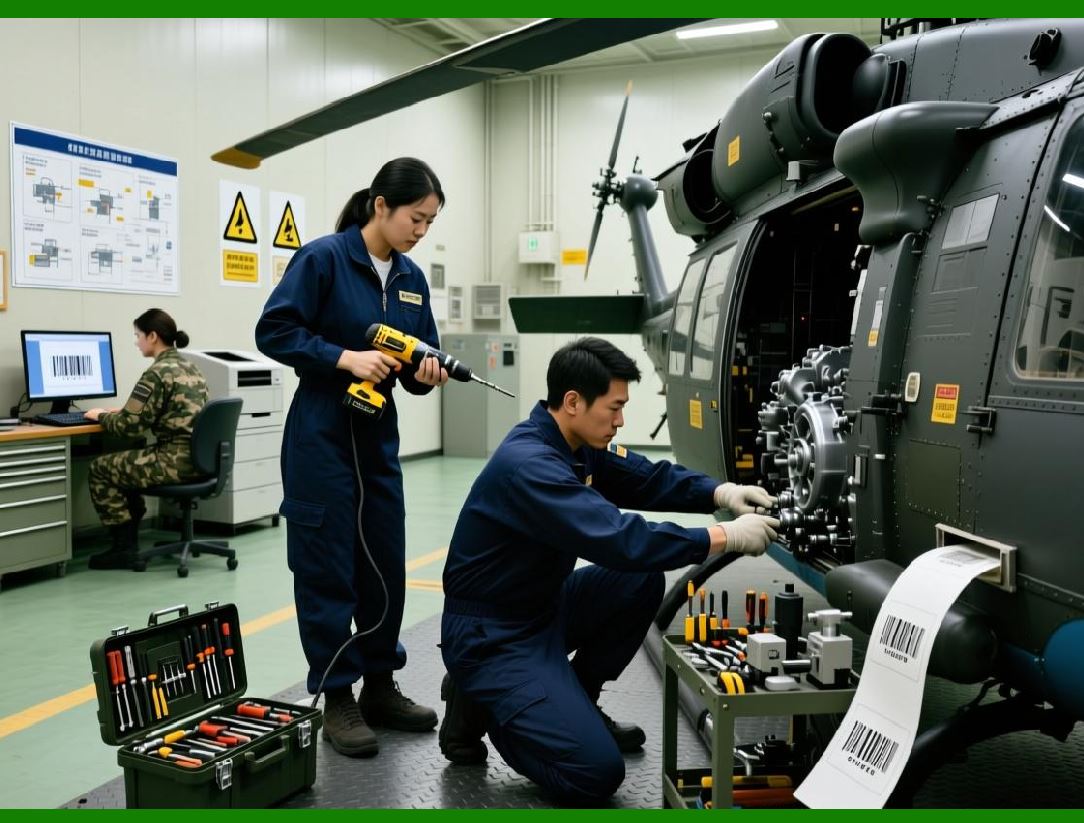
Automation can involve sensitive data. ActiveBarcode enables: |
1. Controlled access to barcode generation APIs |
2. Centralized templates to prevent unauthorized modifications |
3. Logging and audit trails for regulatory compliance |
These security considerations are critical in healthcare, finance, and government sectors. |
|
12.15 Advantages of Automated Barcode Workflows |
The automation capabilities of ActiveBarcode provide several practical advantages: |
1. Consistency: Barcodes are generated in a standardized way every time. |
2. Speed: High-volume generation is faster than manual creation. |
3. Error Reduction: Automated validation prevents non-scannable or invalid barcodes. |
4. Integration: Seamlessly works with Office, ERP, WMS, and reporting systems. |
5. Scalability: Suitable for small offices and large-scale industrial operations alike. |

|
12.16 Summary of Automation and Scripting Capabilities |
ActiveBarcode automation and scripting features provide a robust platform for enterprise barcode generation: |
1. Supports VBA, COM/ActiveX, .NET, and scripting languages |
2. Enables server-side, batch, and on-demand generation |
3. Integrates with printers, reporting systems, and web services |
4. Maintains reliability, consistency, and security in automated workflows |
This makes it ideal for businesses that need high-throughput, data-driven, and unattended barcode production. |
 cs@easiersoft.com