Part 15 Printing, Output Formats, and Device Integration |
15.1 Introduction to Printing and Output |
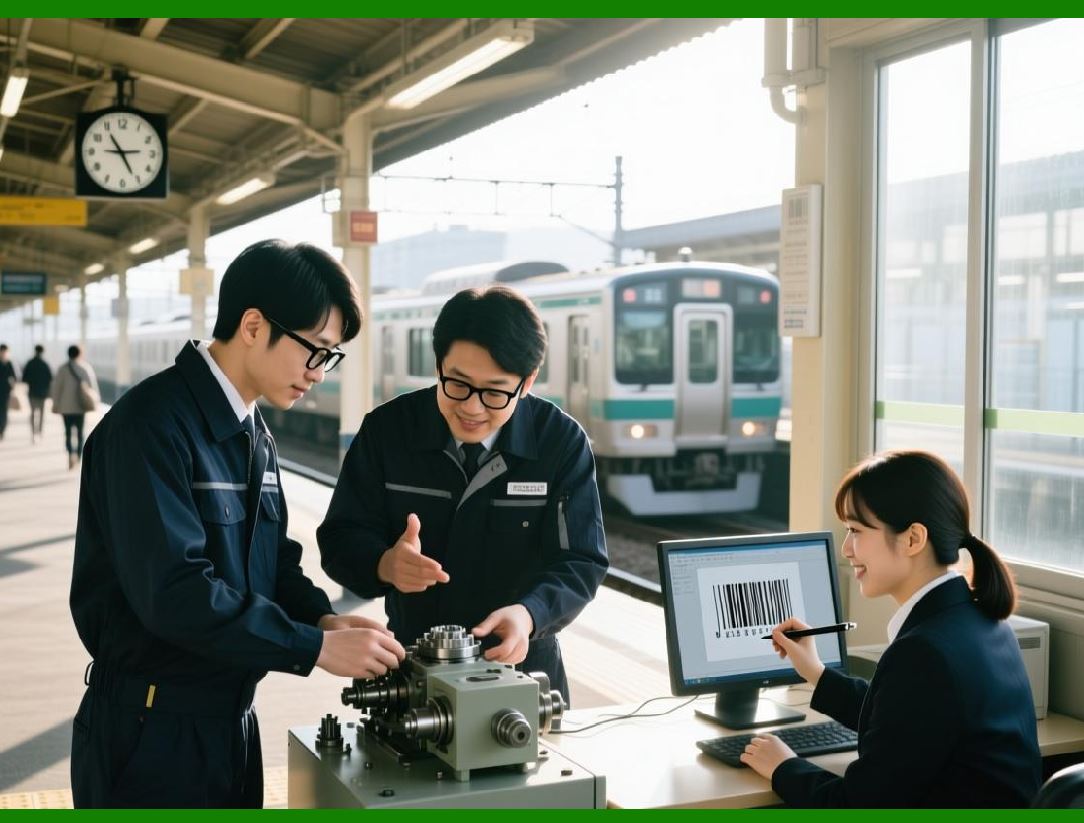
Printing is a core function of the ActiveBarcode Component, as barcodes are ultimately intended for physical scanning or labeling. |
ActiveBarcode provides versatile printing and output capabilities, including direct printing, image export, and integration with various devices. This ensures seamless deployment in operational environments, from office printers to industrial label machines. |
|
15.2 Direct Printing from Windows Applications |
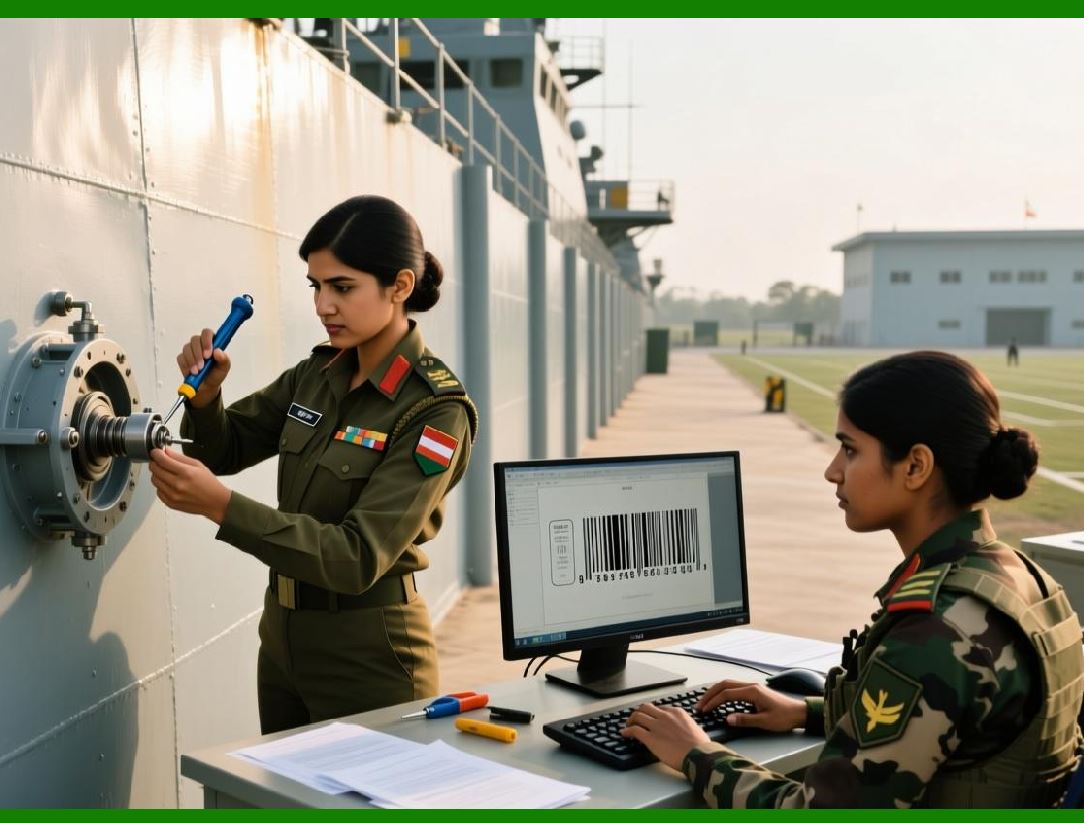
ActiveBarcode integrates with the Windows printing subsystem: |
1. Supports standard printers and specialized label printers |
2. Enables direct printing from desktop applications such as Word, Excel, or custom .NET programs |
3. Allows pre-configured print settings, including page orientation, margins, and number of copies |
4. Ensures consistent scaling and alignment for accurate scanning |
Direct printing is suitable for low to medium volume workflows, such as office labels, shipping, or retail tags. |
|
15.3 Label Printer Integration |
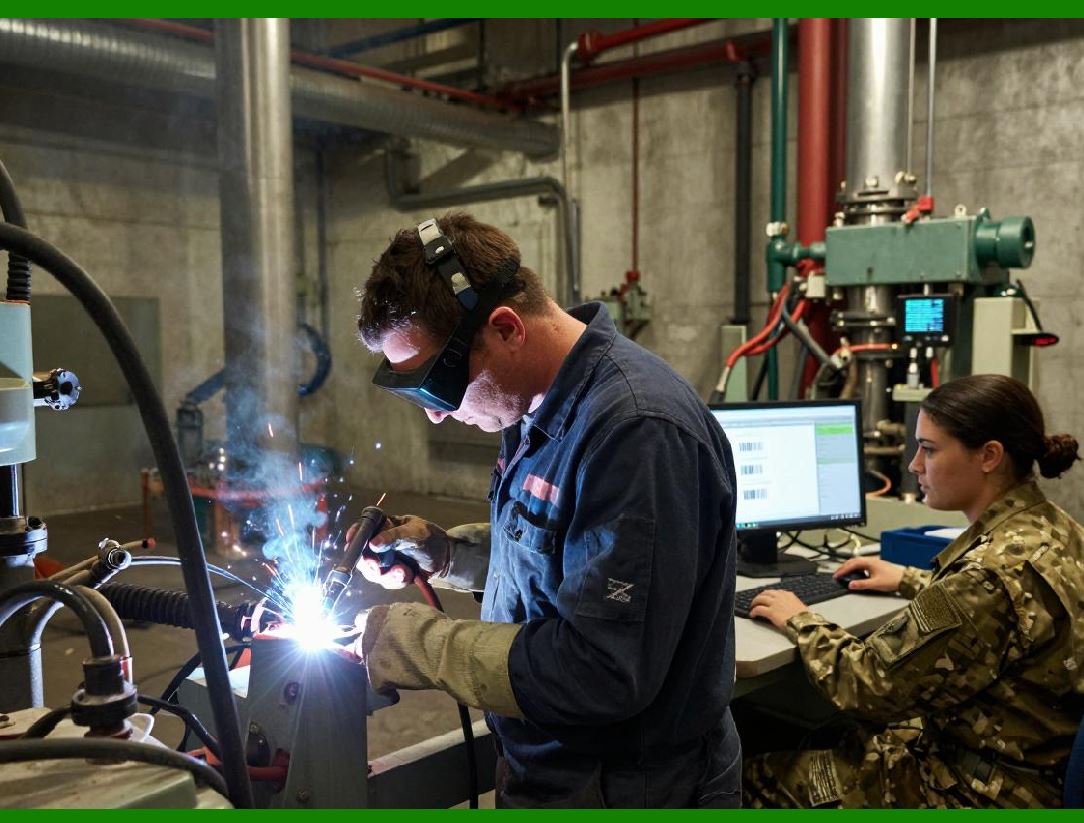
ActiveBarcode works seamlessly with industrial label printers, including: |
1. Thermal transfer printers for durable labels |
2. Direct thermal printers for short-term barcodes |
3. High-speed inkjet or laser printers in manufacturing or distribution centers |
Integration features include: |
* Automatic selection of printer trays or label formats |
* Orientation and rotation adjustments to match label stock |
* Support for multi-label layouts per page or continuous rolls |
This ensures high-quality output in industrial environments. |
|
15.4 Exporting Barcodes as Images |
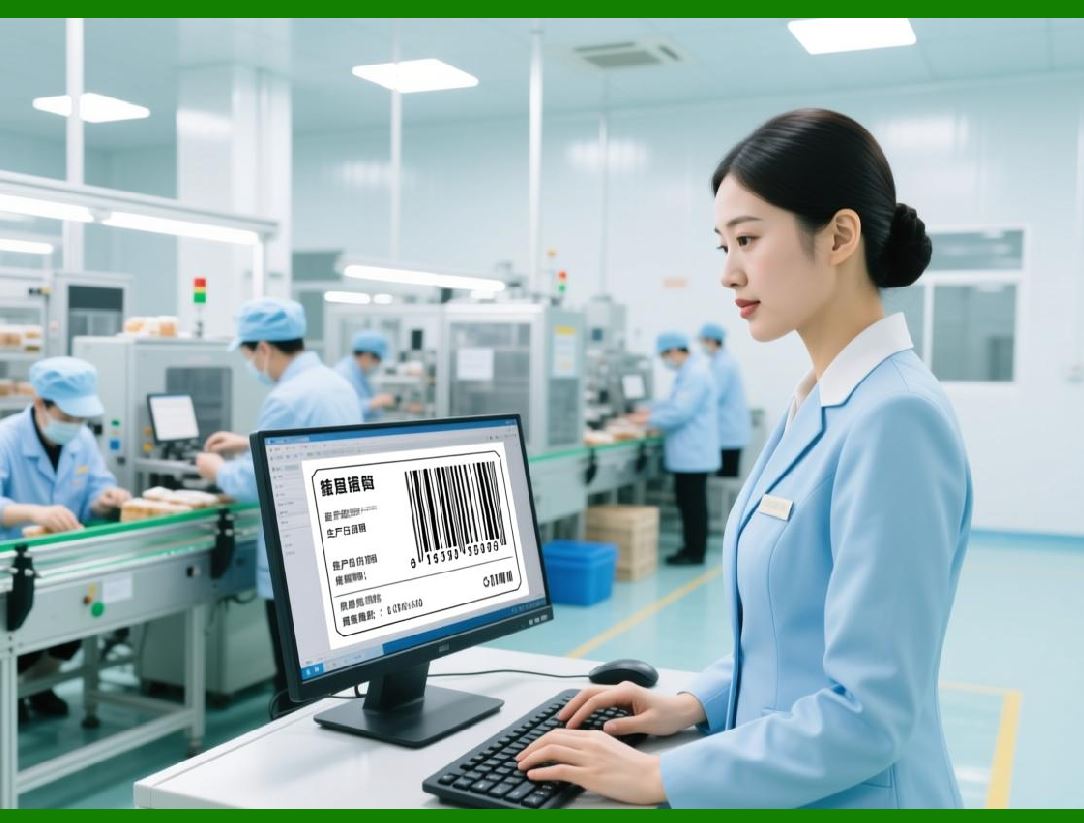
ActiveBarcode allows barcodes to be exported to common image formats, enabling integration with digital documents, websites, or reports: |
1. Bitmap (BMP) Simple raster format |
2. JPEG / PNG Compressed formats suitable for digital media |
3. GIF Supports simple graphics, suitable for small barcodes |
4. TIFF High-resolution format suitable for printing and archival |
5. EMF / WMF Vector formats for scaling without quality loss |
Image export is particularly useful for: |
* Embedding barcodes in PDFs or Word documents |
* Web-based barcode delivery |
* Printing through non-Windows platforms or third-party software |
|
15.5 PDF Generation with Embedded Barcodes |
ActiveBarcode can generate PDFs containing barcodes: |
1. Supports single-page and multi-page layouts |
2. Barcodes remain vector-based for sharp print quality |
3. PDFs can include multiple barcode types and human-readable text |
4. Suitable for shipping labels, invoices, or reports |
This feature is critical for document management and distribution, allowing barcodes to travel digitally while maintaining print fidelity. |

|
15.6 Printer Driver and Device Independence |
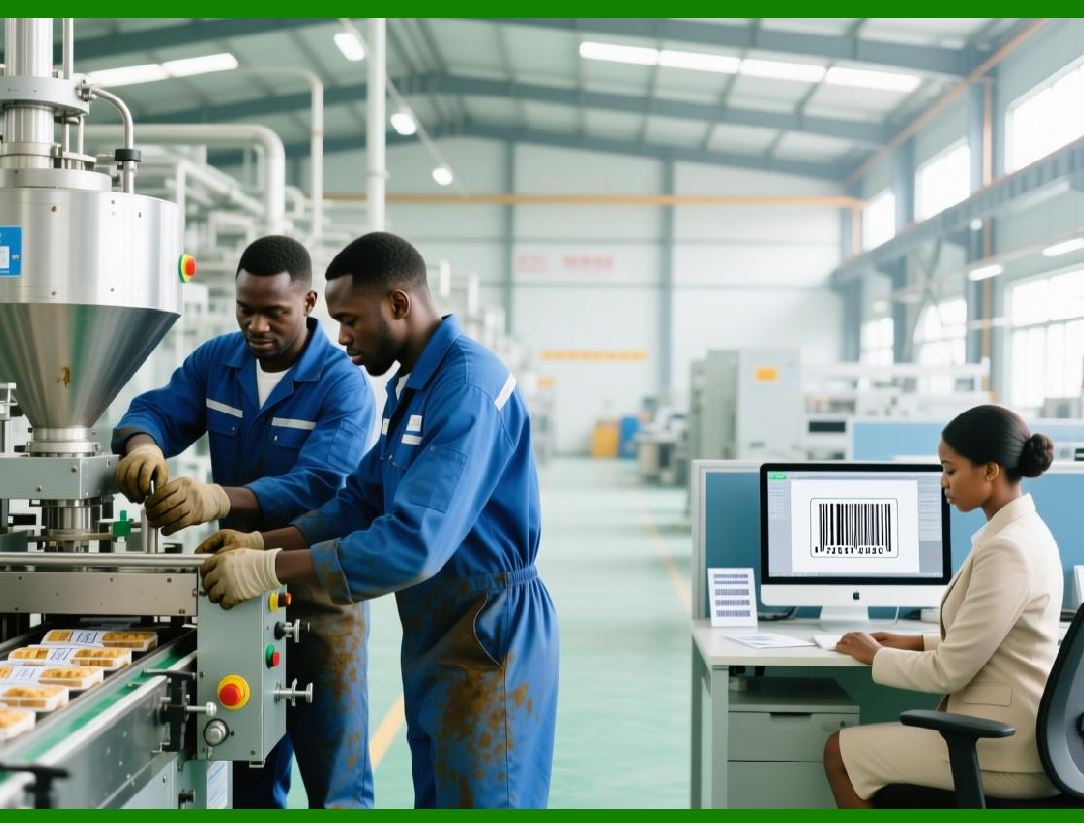
ActiveBarcode abstracts barcode rendering from specific printer hardware: |
1. Works with any Windows printer driver |
2. Maintains consistent module width, height, and quiet zones regardless of device |
3. Supports color printing and black-and-white output |
4. Handles device-specific scaling and resolution automatically |
This ensures that labels and barcodes remain scannable across multiple printers. |
|
15.7 Batch Printing and High-Volume Output |
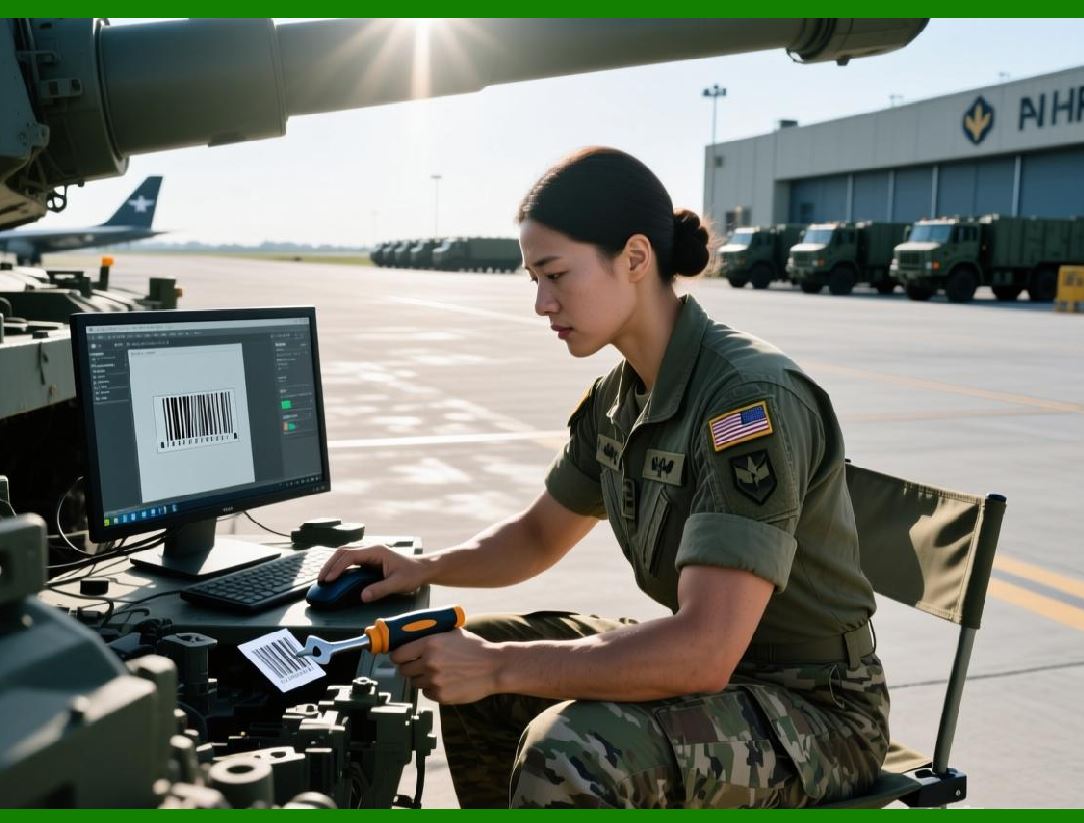
High-volume barcode production requires: |
1. Queuing multiple print jobs |
2. Generating barcodes dynamically from databases or input files |
3. Sending sequential jobs to label printers or networked devices |
ActiveBarcode supports: |
* Iterative generation from datasets |
* Integration with print spoolers |
* Automated sequencing for serialized labels |
This makes it suitable for warehouses, distribution centers, and manufacturing operations. |
|
15.8 Multi-Label Page Layouts |
ActiveBarcode allows multiple barcodes per page or label sheet: |
1. Configurable rows and columns |
2. Alignment, spacing, and margins defined in templates |
3. Optionally include company logos, text fields, or dynamic data |
This feature is critical for office label sheets, shipping manifests, and inventory tags, optimizing paper usage and print efficiency. |
15.9 Rotated and Skewed Printing |
ActiveBarcode supports rotated and skewed printing: |
1. Rotate barcodes 90180or 270for different label orientations |
2. Adjust barcode alignment for multi-label sheets or custom forms |
3. Maintain scanability by automatically compensating for scaling changes |
Rotated printing ensures versatility in packaging, labeling, and logistics applications. |

|
15.10 Color and Contrast Settings for Print |
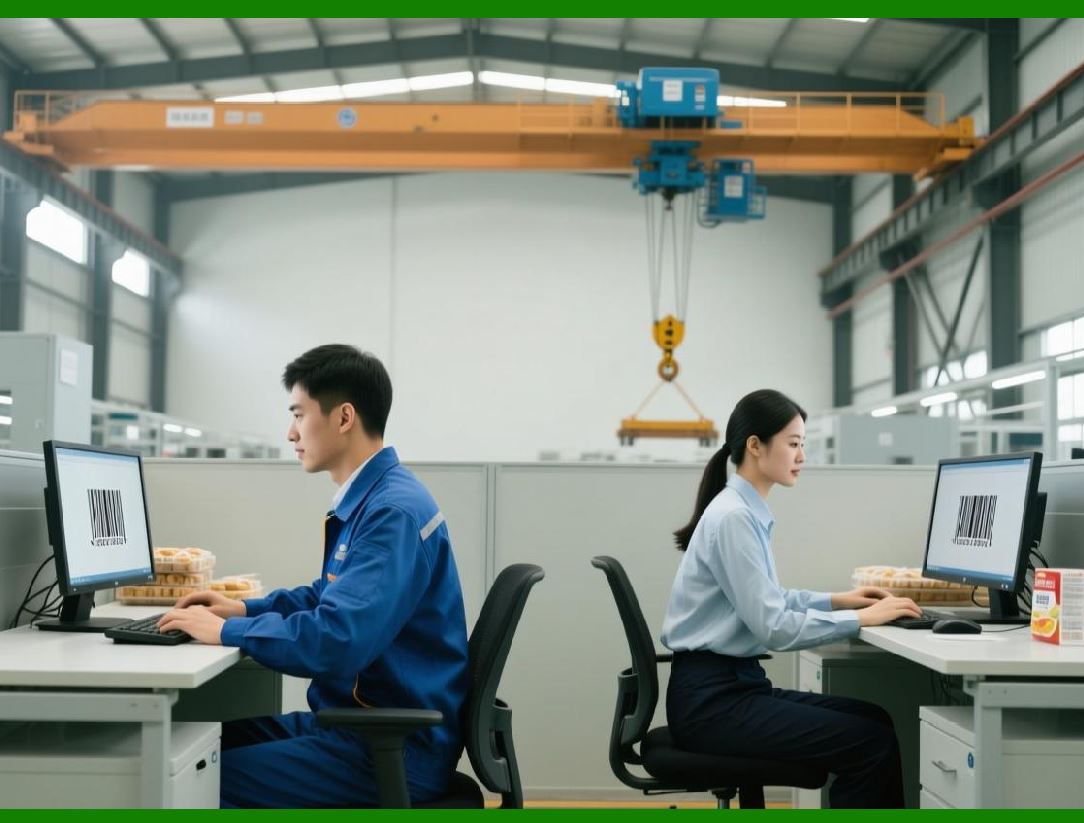
Barcode readability depends on contrast and color: |
1. Foreground and background color settings allow branding or design integration |
2. High contrast (black on white) ensures scanner compatibility |
3. Optional gradient or corporate colors can be applied carefully, without affecting scannability |
Color control is useful for retail packaging, marketing materials, and office labels. |
|
15.11 Device-Specific Considerations |
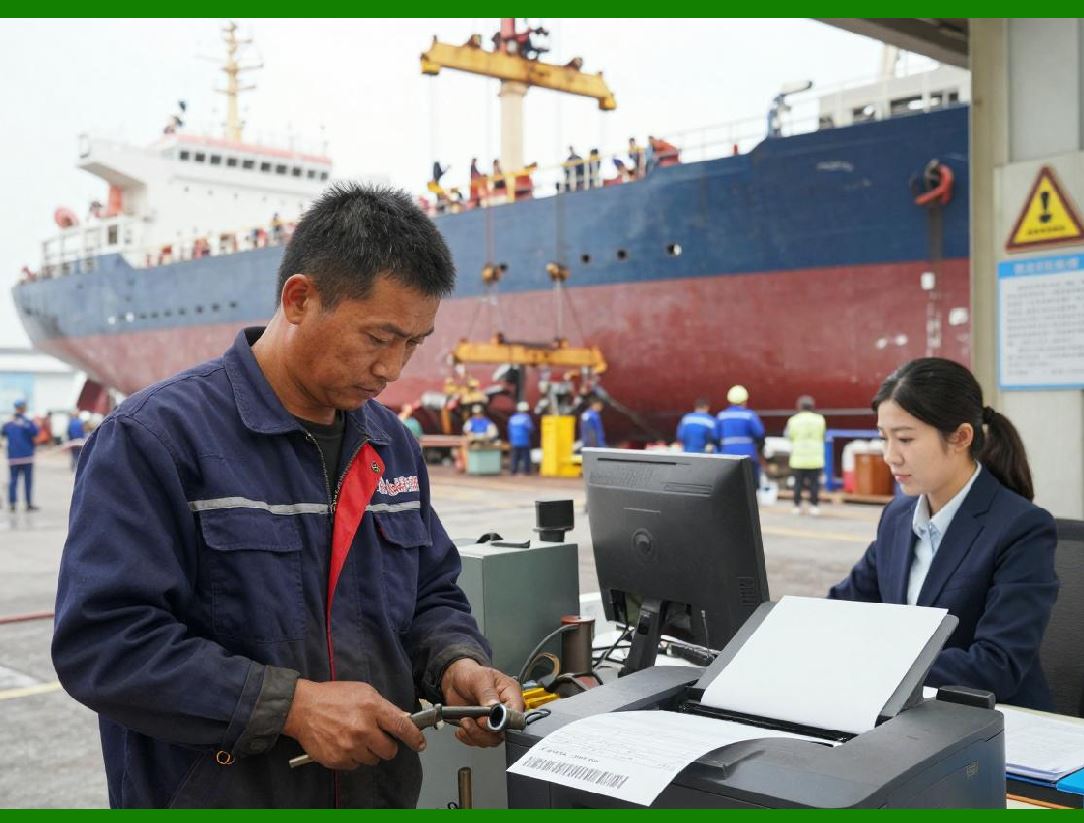
When integrating with diverse printers: |
1. Label stock thickness and material can affect print quality |
2. Thermal printers require correct darkness and speed settings |
3. Laser printers require vector-based output for small barcodes |
4. Barcode dimensions must be maintained for standard scanners |
ActiveBarcode provides tools to preview, adjust, and test print output across devices. |
|
15.12 Printing From Web or Network Applications |
For enterprise environments, ActiveBarcode supports networked or server-side printing: |
1. Generate barcodes on a web server and send to a remote printer |
2. Integrate with ERP, WMS, or e-commerce platforms |
3. Automate print jobs for invoices, packing slips, or serialized labels |
This ensures centralized control of barcode printing across multiple locations. |

|
15.13 Printer Calibration and Verification |
ActiveBarcode supports pre-print verification and calibration: |
1. Check barcode size and resolution before sending to printer |
2. Detect potential scanning issues due to module width or print density |
3. Adjust scaling dynamically for printer-specific limitations |
Calibration reduces errors in high-volume or regulatory-critical printing operations. |
|
15.14 Human-Readable Text Configuration |
ActiveBarcode allows customization of text displayed below or above barcodes: |
1. Choose font, size, and style for clarity |
2. Include dynamic values such as product IDs or serial numbers |
3. Ensure that printed text does not interfere with barcode scanning |
This is essential for manual handling and human verification in warehouses or offices. |
|
15.15 Advantages of Advanced Printing and Device Integration |
Key benefits of ActiveBarcode printing capabilities include: |
1. Versatility: Works with office, industrial, and networked printers |
2. Quality: Maintains accurate barcode dimensions and scannability |
3. Batch capability: Supports high-volume and automated workflows |
4. Compatibility: Integrates with PDFs, images, and various document formats |
5. Customization: Flexible layout, color, orientation, and text control |
These features ensure reliable barcode output for any operational environment. |

|
15.16 Summary of Printing and Output Features |
In summary, ActiveBarcode provides enterprise-grade printing and output capabilities: |
1. Direct printing from desktop applications or automation scripts |
2. Image export for digital documents or web integration |
3. Support for label sheets, multi-barcode layouts, and batch printing |
4. Device-independent rendering and calibration |
5. Human-readable text, color, and rotation control |
Combined with template and automation support, these features make ActiveBarcode a complete solution for barcode deployment across any medium. |
 cs@easiersoft.com