ActiveBarcode Component |
Part 5 of 17 Printing Architecture, Output Pipelines, and Physical Media Handling |
1. Central Importance of Printing in ActiveBarcode |
Unlike many barcode libraries that treat printing as a secondary concern, the ActiveBarcode ActiveBarcode Component was architected from the outset with printing as a primary use case. |
For ActiveBarcode, a barcode is not merely an on-screen graphic or an image file. It is a physical artifact intended to be printed, handled, scanned, and relied upon in real operational environments. This perspective deeply influences the component printing architecture, output handling, and device compatibility strategy. |

|
2. Overview of the Printing Pipeline |
The printing pipeline in ActiveBarcode can be conceptually divided into the following stages: |
1. Logical barcode preparation |
2. Rendered visual object generation |
3. Integration with Windows printing APIs |
4. Printer-specific adaptation |
5. Physical output on paper or labels |
Each stage is designed to preserve barcode integrity while accommodating the realities of diverse printer hardware. |

|
3. Integration with the Windows Printing Subsystem |
3.1 Use of Native Windows APIs |
ActiveBarcode integrates tightly with the Windows printing subsystem, leveraging: |
1. GDI and GDI+ graphics contexts |
2. Printer device contexts |
3. System-managed spoolers |
This allows it to behave like a first-class Windows printing component, rather than a workaround that exports images and hopes for correct output. |
3.2 Printer Independence |
By relying on the Windows print abstraction layer, ActiveBarcode avoids: |
1. Direct hardware dependencies |
2. Vendor-specific printer languages |
3. Custom driver logic |
As a result, the same barcode definition can be printed reliably on different printers without reconfiguration. |
|
4. Print Resolution and DPI Management |
4.1 DPI Awareness Across Devices |
Printers vary widely in resolution, commonly ranging from: |
1. 203 DPI (thermal printers) |
2. 300 DPI (office laser printers) |
3. 600 DPI and above (industrial printers) |
ActiveBarcode dynamically adapts its rendering calculations based on the target printer DPI. |
4.2 Module-to-Dot Conversion |
Barcode modules are converted into printer dots using: |
1. Exact integer scaling when possible |
2. Controlled rounding when unavoidable |
3. Consistent bar width mapping |
This ensures that narrow bars do not collapse or widen unpredictably. |

|
5. Avoidance of Rasterization Pitfalls |
5.1 Vector-Based Rendering Strategy |
ActiveBarcode favors vector-style rendering wherever possible, drawing bars as geometric shapes rather than raster images. |
Benefits include: |
1. Sharp edges at any resolution |
2. No scaling artifacts |
3. Predictable output across printers |
5.2 When Rasterization Is Used |
In scenarios where rasterization is unavoidable (for example, certain document contexts), ActiveBarcode: |
1. Uses high internal resolution buffers |
2. Controls interpolation behavior |
3. Avoids smoothing that would blur edges |
|
6. Label Printing Workflows |
6.1 Label-Oriented Design |
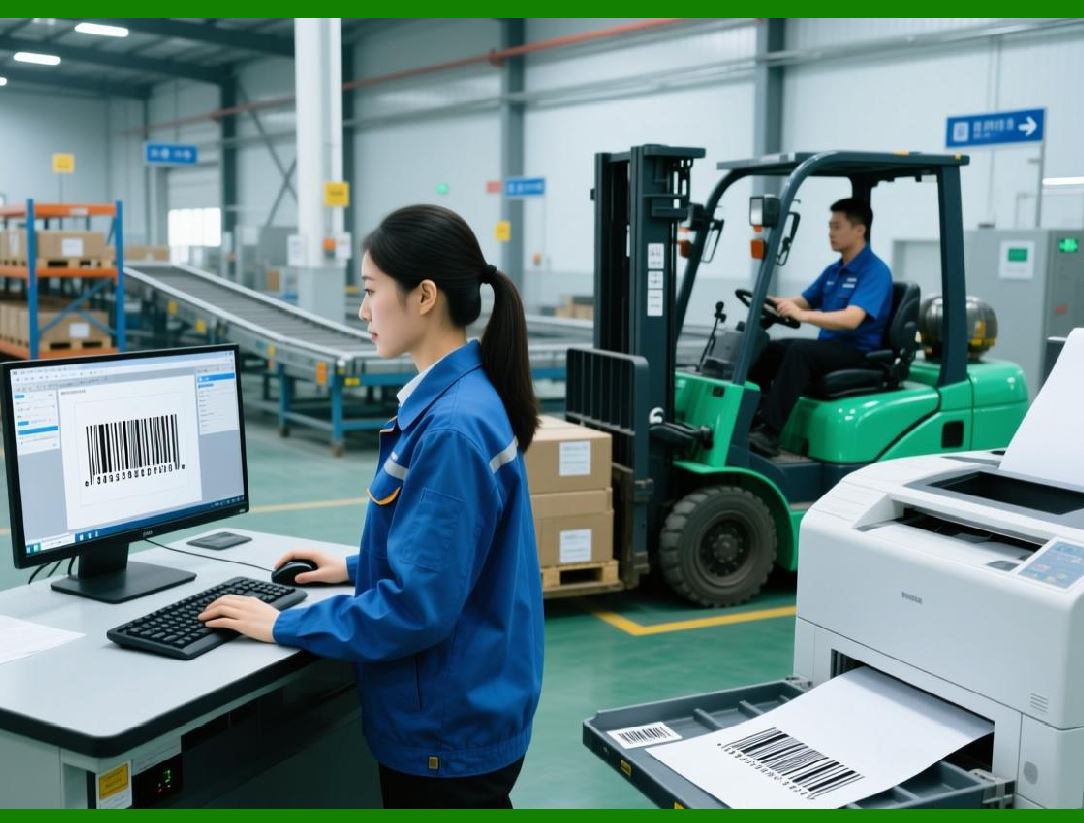
Label printing is one of the most common ActiveBarcode use cases. |
The component supports: |
1. Single-label printing |
2. Multi-label sheets |
3. Continuous label rolls |
6.2 Alignment and Offset Control |
ActiveBarcode provides precise control over: |
1. Horizontal and vertical offsets |
2. Label margins |
3. Inter-label spacing |
This is essential for accurate placement on pre-cut labels. |
6.3 Repeatability and Consistency |
When printing batches of labels, ActiveBarcode ensures: |
1. Identical placement across labels |
2. No cumulative drift |
3. Stable alignment across print jobs |

|
7. Form and Document Printing |
7.1 Embedded Barcode Objects |
When embedded into documents such as Word or Access reports, barcodes: |
1. Print as part of the document flow |
2. Respect document margins |
3. Maintain their quiet zones |
7.2 Report-Based Printing |
ActiveBarcode is frequently used in: |
1. Access reports |
2. Custom reporting tools |
3. ERP-generated documents |
In these cases, the barcode behaves like any other report element. |

|
8. Batch Printing and Automation |
8.1 High-Volume Print Scenarios |
ActiveBarcode is commonly used to print: |
1. Thousands of shipping labels |
2. Large invoice batches |
3. Mass-produced compliance documents |
The printing pipeline is optimized for such workloads. |
8.2 Print Job Stability |
To prevent failures during long print runs, ActiveBarcode emphasizes: |
1. Minimal per-page initialization |
2. Efficient reuse of rendering objects |
3. Deterministic print behavior |

|
9. Thermal Printer Considerations |
9.1 Characteristics of Thermal Printing |
Thermal printers introduce unique challenges: |
1. Lower DPI |
2. Dot gain |
3. Limited grayscale |
ActiveBarcode accounts for these characteristics during rendering. |
9.2 Narrow Bar Preservation |
Special care is taken to ensure: |
1. Narrow bars remain distinguishable |
2. Spaces do not collapse |
3. Contrast remains sufficient |
|
10. Laser and Inkjet Printer Adaptation |
10.1 Laser Printer Output |
Laser printers typically produce crisp output but may introduce: |
1. Toner spread |
2. Slight bar thickening |
ActiveBarcode conservative rendering mitigates these effects. |
10.2 Inkjet Printer Output |
Inkjet printers may cause: |
1. Ink bleed |
2. Edge feathering |
ActiveBarcode emphasis on clear module boundaries improves scan reliability. |
|
11. Page Layout and Scaling Control |
11.1 Avoiding Automatic Scaling |
One of the most dangerous print-time errors is automatic scaling. |
ActiveBarcode actively prevents: |
1. Fit to page distortions |
2. Printer driver scaling overrides |
3. Non-uniform resizing |
11.2 Explicit Scaling Configuration |
If scaling is required, it is: |
1. Explicitly configured |
2. Uniform in both dimensions |
3. Applied before rendering |
|
12. Multi-Page Printing Scenarios |
ActiveBarcode supports: |
1. One barcode per page |
2. Multiple barcodes per page |
3. Mixed barcode and text layouts |
Pagination logic ensures barcodes are not split or clipped. |

|
13. Print Preview Accuracy |
13.1 WYSIWYG Philosophy |
ActiveBarcode adheres to a what-you-see-is-what-you-get approach. |
Print previews accurately reflect: |
1. Barcode size |
2. Placement |
3. Quiet zones |
13.2 Avoiding Preview-to-Print Drift |
The same rendering logic is used for: |
1. On-screen preview |
2. Physical printing |
This eliminates discrepancies between preview and output. |

|
14. Error Detection Before Printing |
ActiveBarcode performs pre-print checks to detect: |
1. Insufficient space for quiet zones |
2. Invalid scaling configurations |
3. Printer resolution incompatibilities |
Errors are surfaced before paper is wasted. |

|
15. Interaction with Printer Drivers |
15.1 Driver Transparency |
ActiveBarcode does not rely on: |
1. Special printer drivers |
2. Barcode fonts |
3. Proprietary extensions |
This reduces deployment complexity. |
15.2 Driver Quirks and Workarounds |
Where common driver quirks exist, ActiveBarcode includes defensive logic to maintain output integrity. |

|
16. Reliability in Regulated Environments |
In regulated industries such as healthcare and logistics, printed barcodes must be: |
1. Consistently readable |
2. Dimensionally correct |
3. Reproducible years later |
ActiveBarcode printing architecture is designed with these requirements in mind. |

|
17. Transition to Office and Automation Integration |
With printing architecture fully covered, Part 6 will explore: |
1. Microsoft Office integration |
2. VBA automation |
3. Excel, Word, and Access workflows |
4. Business-user-driven barcode generation |
 cs@easiersoft.com