Part 9 Printing Architecture, Output Formats, and Print-Focused Design |
9.1 Printing as a Core Design Goal |
From its earliest design decisions, the ActiveBarcode Component has treated printing not as a secondary feature but as a first-class concern. Unlike barcode libraries that primarily target on-screen rendering or image export, ActiveBarcode is engineered around the assumption that most barcodes will ultimately be physically printed. |
This print-centric orientation influences: |
1. Internal measurement units |
2. Scaling algorithms |
3. Font handling |
4. Quiet zone enforcement |
5. Output format abstraction |
As a result, ActiveBarcode-generated barcodes are typically more reliable in real-world scanning environments than those produced by screen-oriented graphics libraries. |

|
9.2 Device-Independent Measurement Model |
One of the most critical aspects of barcode printing is consistent physical size. ActiveBarcode addresses this by using device-independent logical units rather than pixel-based sizing. |
Key principles include: |
1. Barcode dimensions defined in millimeters or logical units |
2. Automatic conversion to printer DPI at render time |
3. Avoidance of fractional pixel rounding errors |
4. Consistent bar width ratios regardless of printer resolution |
This approach ensures that a barcode defined as, for example, 30 mm wide will print at that physical width whether output is sent to: |
1. A 203 DPI thermal printer |
2. A 300 DPI laser printer |
3. A 600 DPI industrial label printer |
|
9.3 Vector-Oriented Rendering Pipeline |
Internally, ActiveBarcode uses a vector-style rendering model rather than raster-first generation. |
This means: |
1. Bars are represented as geometric primitives |
2. Rendering occurs at the final target resolution |
3. Scaling is mathematically exact |
4. No bitmap stretching artifacts are introduced |
Vector-oriented rendering is particularly important for: |
1. High-density linear codes |
2. Small Data Matrix symbols |
3. MicroPDF417 and compact QR Codes |
This design choice is a major contributor to ActiveBarcode reputation for print fidelity. |
|
9.4 Printer Driver Compatibility |
ActiveBarcode is designed to operate correctly across a wide range of printer drivers, including: |
1. GDI-based Windows drivers |
2. PostScript drivers |
3. PCL drivers |
4. Thermal printer drivers with limited graphics support |
Rather than relying on advanced graphics features that may not be supported by all drivers, ActiveBarcode focuses on basic, universally supported drawing primitives, such as rectangles and lines. |
This conservative approach increases compatibility and reduces the likelihood of: |
1. Missing bars |
2. Incorrect scaling |
3. Inconsistent darkness levels |
|
9.5 Thermal Printer Considerations |
Thermal printers are widely used for barcode labels, but they impose unique constraints. |
ActiveBarcode explicitly addresses these constraints by: |
1. Avoiding ultra-thin bar widths |
2. Providing minimum bar width recommendations |
3. Allowing manual control over module size |
4. Supporting monochrome-friendly output |
This makes ActiveBarcode especially suitable for: |
1. Shipping labels |
2. Warehouse inventory tags |
3. Healthcare specimen labels |
4. Manufacturing work-in-progress labels |
The component output remains robust even when printed on lower-cost thermal devices with limited DPI. |
|
9.6 Laser and Inkjet Printing Characteristics |
Laser and inkjet printers introduce different challenges, such as toner spread or ink bleeding. |
ActiveBarcode mitigates these issues through: |
1. Conservative default bar width ratios |
2. Clear separation between bars and spaces |
3. High-contrast default color choices |
4. Precise quiet zone enforcement |
Users can further tune parameters to compensate for specific printer behaviors, ensuring that barcodes remain scannable even on less-than-ideal printers. |

|
9.7 Windows GDI and GDI+ Integration |
In Windows desktop environments, ActiveBarcode integrates deeply with: |
1. GDI for traditional rendering |
2. GDI+ for modern graphics pipelines |
This dual compatibility ensures that ActiveBarcode works reliably across: |
1. Legacy Win32 applications |
2. Modern .NET WinForms applications |
3. Office automation contexts |
The component adapts its rendering strategy based on the available graphics context, while preserving identical barcode geometry. |

|
9.8 Office Printing Workflows |
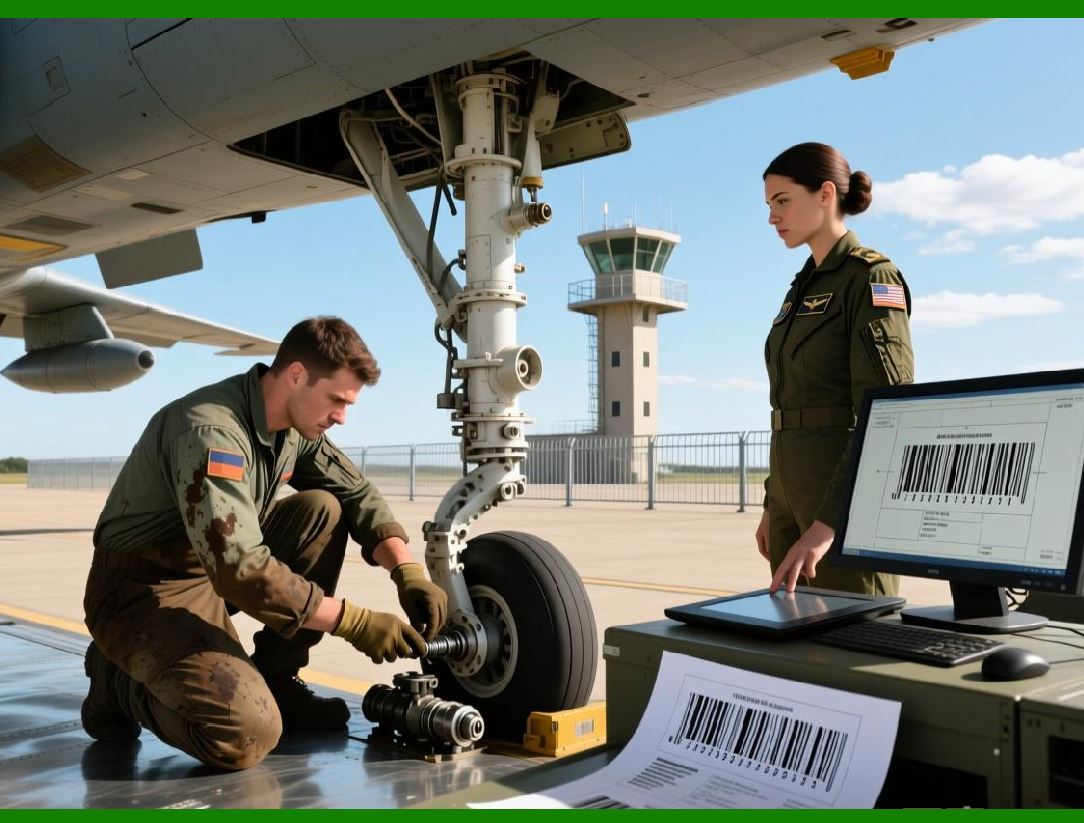
A defining use case for ActiveBarcode is Office document printing. |
Typical workflows include: |
1. Generating invoices with embedded barcodes |
2. Printing product labels from Excel spreadsheets |
3. Creating mail-merge documents in Word |
4. Printing batch labels directly from Access |
ActiveBarcode integrates seamlessly into these workflows by: |
1. Rendering barcodes as native Office objects |
2. Respecting page layout and margins |
3. Scaling correctly during print preview and final output |
This makes it especially attractive to business users without specialized programming knowledge. |
|
9.9 Print Preview Consistency |
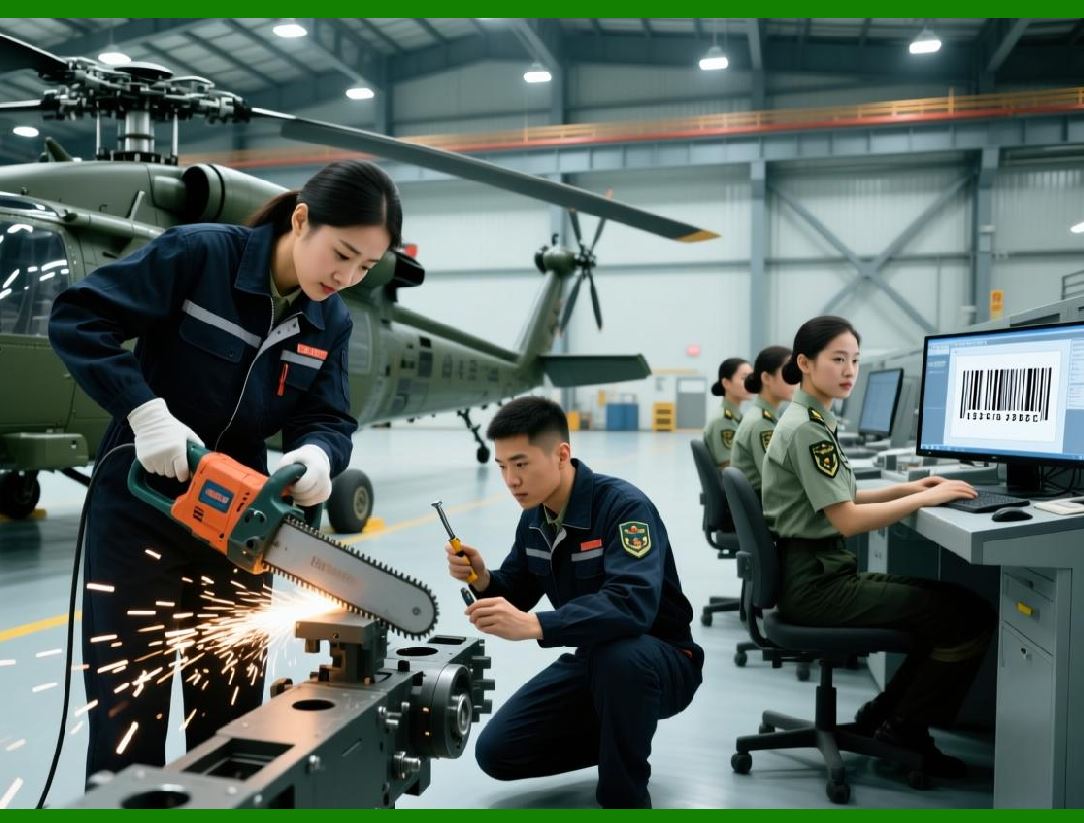
A common issue with document-based barcode generation is mismatch between print preview and actual output. |
ActiveBarcode minimizes this risk by: |
1. Using the same rendering pipeline for preview and print |
2. Avoiding screen-only scaling assumptions |
3. Accounting for printer margins and offsets |
As a result, what users see in preview is usually very close to what is physically printed. |
|
9.10 Label Sheet and Form Alignment |
Many barcode applications involve pre-cut label sheets or pre-printed forms. |
ActiveBarcode supports precise alignment by allowing: |
1. Exact control of barcode position |
2. Margin and offset adjustments |
3. Consistent scaling across pages |
This is essential for applications such as: |
1. Address labels |
2. Asset tags |
3. Compliance stickers |
4. Inventory shelf labels |
The component predictable sizing reduces wasted label sheets and reprints. |
|
9.11 Rotation and Orientation for Printing |
ActiveBarcode supports barcode rotation at multiple angles, commonly: |
1. 0 degrees (horizontal) |
2. 90 degrees |
3. 180 degrees |
4. 270 degrees |
Rotation is handled at the geometric level rather than by bitmap rotation, ensuring: |
1. No loss of bar sharpness |
2. Correct quiet zone placement |
3. Proper text orientation |
This is particularly important for narrow labels and edge-mounted barcodes. |

|
9.12 Print Darkness and Contrast Control |
While barcode scanners are tolerant, insufficient contrast can still cause failures. |
ActiveBarcode provides: |
1. Explicit foreground and background color selection |
2. Default color choices optimized for scanning |
3. Warnings when contrast may be insufficient |
This allows users to adapt barcodes for: |
1. Colored label stock |
2. Branded documents |
3. Specialized printing materials |
The component encourages best practices without strictly limiting customization. |

|
9.13 Batch Printing and Performance |
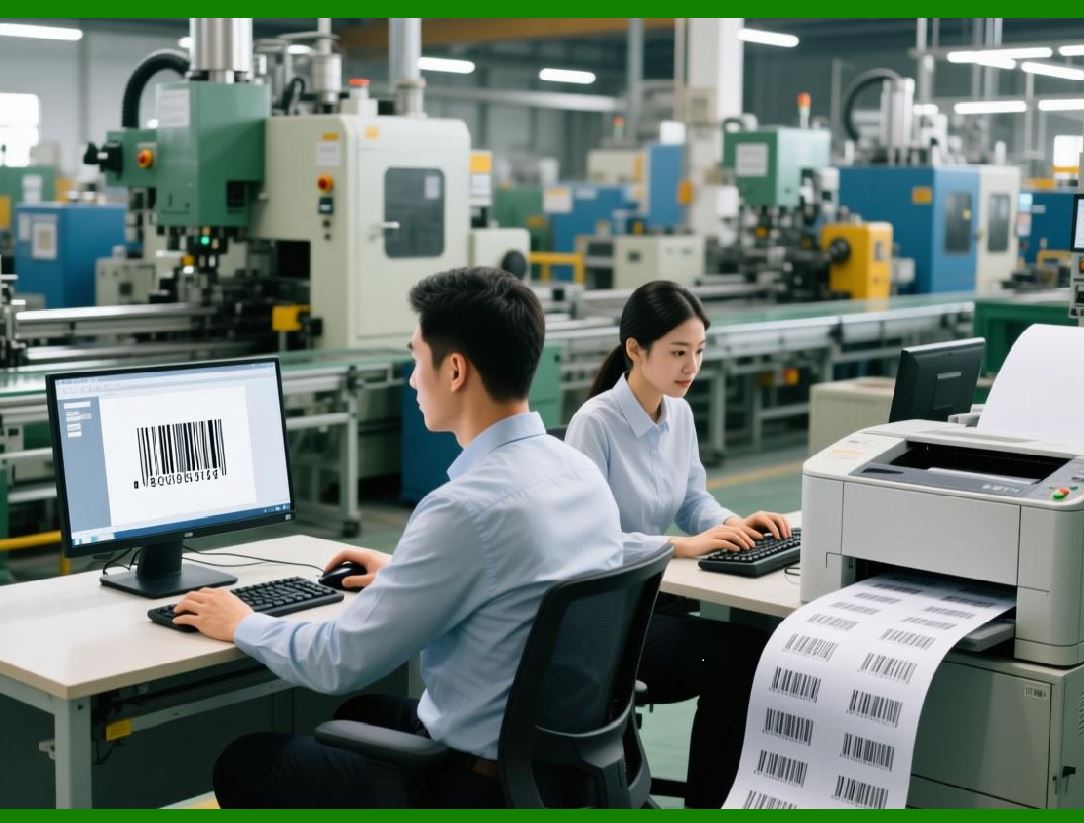
In enterprise scenarios, barcodes are often printed in large batches. |
ActiveBarcode is optimized for: |
1. Repeated barcode generation |
2. Minimal object reallocation |
3. Efficient rendering loops |
This enables high-throughput printing of: |
1. Thousands of shipping labels |
2. Large inventory batches |
3. Mass mailings |
Performance remains stable even in Office automation scenarios where overhead can otherwise be significant. |

|
9.14 Print Reliability in Regulated Environments |
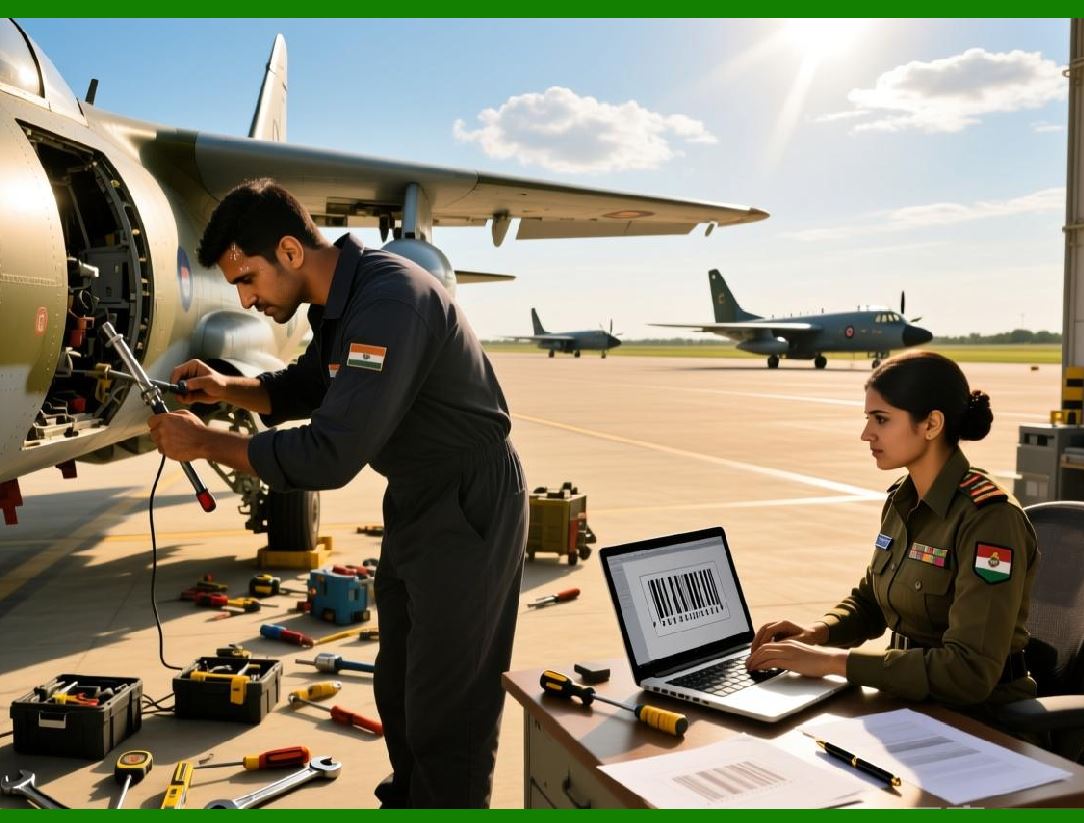
In regulated industries, printed barcodes must meet strict requirements. |
ActiveBarcode printing architecture supports: |
1. Repeatable output across machines |
2. Predictable physical dimensions |
3. Consistent encoding behavior |
This is especially important in: |
1. Healthcare |
2. Pharmaceuticals |
3. Government documentation |
4. Logistics compliance |
The component conservative defaults reduce the risk of non-compliant output. |
|
9.15 Image Export vs Direct Printing |
Although ActiveBarcode supports image export, direct printing is often preferred. |
Differences include: |
1. Image export introduces an extra rasterization step |
2. Direct printing preserves vector precision |
3. Printer-specific optimizations are applied only during direct printing |
ActiveBarcode encourages direct printing when possible, particularly for high-density or small-format barcodes. |
|
9.16 Common Printing Pitfalls and How ActiveBarcode Avoids Them |
ActiveBarcode design avoids many common pitfalls, such as: |
1. Pixel rounding errors |
2. Inconsistent scaling between printers |
3. Missing quiet zones |
4. Distorted bar ratios |
These problems are often seen in generic graphics libraries repurposed for barcode generation. |
|
9.17 Summary of Printing and Output Capabilities |
In summary, ActiveBarcode printing architecture is characterized by: |
1. Device-independent sizing |
2. Vector-based rendering |
3. High printer compatibility |
4. Office-friendly workflows |
5. Strong batch printing performance |
These qualities make ActiveBarcode especially well-suited for real-world, print-heavy barcode applications where reliability matters more than visual effects. |
 cs@easiersoft.com