Part 11: Office Integration, Automation, and Productivity Enhancements |
121. Seamless Microsoft Office Integration |
ActiveBarcode is designed to integrate directly with Office applications, enabling users to generate and embed barcodes in familiar software environments: |
* Word integration: Insert barcodes into documents such as invoices, contracts, product manuals, and reports without leaving Word. Barcodes are dynamically linked to input data or fields within the document. |
* Excel integration: Barcode objects can be tied to spreadsheet cells, allowing each row or data entry to automatically generate a corresponding barcode. Ideal for inventory lists, shipment tracking, or product catalogs. |
* PowerPoint integration: Create interactive presentations with QR Codes or barcodes to link to websites, resources, or interactive surveys. |
* Outlook integration: Embed barcodes in emails for event invitations, tickets, or promotional campaigns. |

|
122. Dynamic Data Binding in Office Applications |
ActiveBarcode supports dynamic data binding to automatically generate barcodes based on changing Office data: |
* Excel cell linkage: Barcode values update automatically when spreadsheet cells change, ensuring up-to-date labels and reports. |
* Mail merge functionality: When combined with Word, generate personalized barcodes for each recipient in a mail merge, useful for direct mail, membership cards, or event tickets. |
* Linked tables: Pull data from internal tables or external databases for automatic barcode generation without manual intervention. |

|
123. Automation Using Macros and Scripts |
ActiveBarcode empowers users to automate repetitive barcode tasks through macros and scripts: |
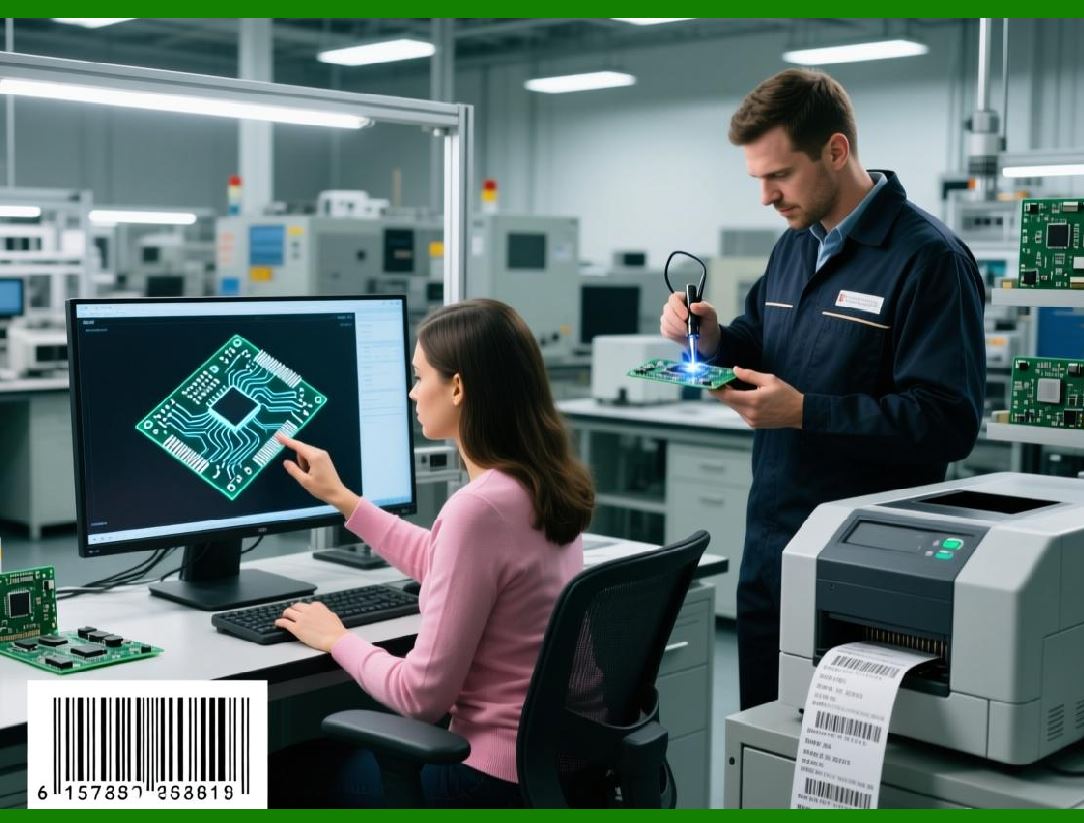
* VBA integration: ActiveBarcode objects can be controlled via Visual Basic for Applications (VBA) within Word, Excel, or Access. Automate barcode creation, formatting, and placement with minimal user input. |
* Batch generation scripts: Automatically generate hundreds or thousands of barcodes based on data input or predefined sequences. |
* Conditional formatting: Scripts can modify barcode type, size, or color based on specific data conditions or categories. |
* Error-checking automation: Validate data, calculate check digits, and verify barcode standards automatically before printing. |
|
124. Productivity Enhancements Through Templates |
ActiveBarcode offers template-based workflows to save time and ensure consistency: |
* Predefined templates: Use built-in layouts for common label types, barcode symbologies, and document formats. |
* Custom templates: Design templates to include barcodes, text, logos, and other visual elements, ensuring consistent branding across documents. |
* Template reuse: Save and share templates across teams to standardize output and reduce design time. |
* Dynamic templates: Combine templates with data sources to automatically populate barcode values and related information. |

|
125. Enhancing Document Professionalism |
ActiveBarcode helps Office users create professional-looking documents: |
* High-quality barcode rendering: Ensure barcodes remain crisp and readable at any size or resolution. |
* Consistent alignment and spacing: Automatic placement tools maintain proper quiet zones, margins, and positioning in documents. |
* Customizable human-readable text: Adjust font type, size, and placement relative to the barcode for clarity and aesthetics. |
* Visual previews: Users can see barcodes in real time before printing or finalizing documents. |

|
126. Improving Efficiency in Office Workflows |
ActiveBarcode streamlines common office tasks related to barcodes: |
* Inventory and asset management: Excel-based lists can automatically generate barcode labels for office equipment, products, or stock items. |
* Event planning: Generate personalized QR Codes or barcodes for attendees in Word or Excel using mail merge, improving check-in efficiency. |
* Shipping and logistics: Embed barcodes in invoices or packing lists generated from Office applications, reducing manual labeling errors. |
* Document archiving: Include barcodes in reports or contracts to link physical copies with digital records for easier retrieval. |

|
127. Batch Processing in Office Environments |
ActiveBarcode supports batch barcode generation within Office applications: |
* Excel-driven batch printing: Generate barcodes for hundreds of rows in a spreadsheet with a single command. |
* Mail merge batch generation: Create personalized barcode documents for large audiences without manual intervention. |
* Template-based batch output: Automatically populate templates with data-driven barcodes, exporting multiple documents for printing or distribution. |
* Networked printing: Send batches to multiple printers in office or departmental environments, enhancing operational efficiency. |

|
128. Custom Barcode Formatting Options in Office |
ActiveBarcode provides flexible design and formatting within Office applications: |
* Barcode size and scaling: Adjust width, height, and module size for readability and layout constraints. |
* Color customization: Change foreground and background colors while maintaining scanner compatibility. |
* Rotation and orientation: Rotate barcodes to fit specific document layouts or printing requirements. |
* Embedded logos and graphics: Integrate corporate logos or symbols without compromising barcode readability, ideal for marketing documents. |

|
129. Data Validation and Error Prevention |
ActiveBarcode ensures accuracy and reliability within Office workflows: |
* Input validation: Restrict entry to valid characters based on barcode symbology. |
* Check digit automation: Calculate and append check digits automatically for standard barcode types. |
* Real-time error detection: Identify data inconsistencies, length issues, or formatting errors before barcode generation. |
* Quality assurance: Pre-print previews allow users to confirm barcode placement and readability in the document. |

|
130. Office Integration Case Studies |
Practical examples illustrate ActiveBarcode impact in Office environments: |
* Corporate asset tracking: Excel-driven barcode generation labeled all office equipment, enabling efficient inventory management. |
* Event management: Word mail merges with dynamic QR Codes automated attendee badges, improving registration efficiency and security. |
* Sales operations: Invoices and packing lists in Word and Excel included barcodes linked to products and order numbers, reducing manual scanning errors. |
* Marketing campaigns: PowerPoint presentations included QR Codes linking to product demos and online promotions, increasing engagement. |

|
131. Cross-Platform Office Compatibility |
ActiveBarcode supports multiple Office environments: |
* Microsoft Office versions: Compatible with current and previous versions of Word, Excel, and PowerPoint. |
* Office 365: Fully integrates with cloud-based Office apps, allowing remote teams to access templates and generate barcodes. |
* Cross-device functionality: Generate barcodes on desktops, laptops, or cloud-connected devices, maintaining consistent output. |
* File export compatibility: Barcodes can be exported from Office applications to PDF, image files, or print-ready formats without losing quality. |

|
132. User-Friendly Tools for Non-Technical Users |
ActiveBarcode balances advanced capabilities with usability: |
* Interactive dialogs: Step-by-step guidance for inserting and configuring barcodes. |
* Drag-and-drop barcode insertion: Simplifies embedding into documents for non-technical users. |
* Tooltips and inline help: Offers explanations for barcode types, settings, and validation rules. |
* Template gallery: Access pre-built layouts for common Office workflows without designing from scratch. |

|
133. Enhancing Productivity and Reducing Errors |
By integrating with Office applications, ActiveBarcode: |
* Reduces manual data entry and labeling errors. |
* Saves time with automated barcode generation and batch processing. |
* Maintains consistency and compliance across documents and departments. |
* Enables easy tracking of assets, inventory, and customer engagement through barcode integration. |

|
134. Summary of Office Productivity Benefits |
ActiveBarcode transforms Office applications into powerful barcode tools: |
* Seamless integration with Word, Excel, and PowerPoint. |
* Automation through VBA, macros, and mail merges. |
* Template-based workflows for consistency and efficiency. |
* High-quality barcode rendering and customization for professional output. |
* Scalable solutions for small teams to enterprise-wide Office deployments. |
This Part 11 emphasizes Office application integration, automation, and productivity enhancements, showing how ActiveBarcode empowers organizations to streamline workflows, reduce errors, and leverage barcodes effectively within familiar software environments. |
Part 12 will focus on barcode symbology support, advanced encoding options, and specialized industry applications. |
 cs@easiersoft.com