Part 11: Licensing, Commercial Positioning, and Market Considerations |
11.1 Licensing Models of Aspose.BarCode |
Aspose.BarCode SDK is a commercial product, and its licensing model is designed to provide flexibility for developers and enterprises while ensuring compliance with commercial usage. Licensing typically involves acquiring a license file or key, which is applied at runtime to unlock the full functionality of the SDK. |
Licenses are generally offered in different tiers based on usage scenario, platform coverage, and deployment scale. Common licensing categories include: |
* Developer License Intended for individual developers or small teams, providing access to the SDK for development and testing purposes. |
* Server License Designed for deployment in enterprise servers or cloud environments, often with limits on the number of cores, threads, or server instances. |
* Site/Enterprise License Covers unlimited deployment across a single organization or site, providing broad usage rights for both development and production systems. |
Each license tier ensures that the software can be used legally while providing options tailored to small businesses, independent developers, or large enterprises. License enforcement is performed at runtime through the inclusion of a license file, which must be loaded during initialization of the SDK in the host application. |

|
11.2 Evaluation and Trial Versions |
Aspose provides evaluation versions of BarCode SDK for developers who wish to assess the functionality before committing to a commercial license. Evaluation versions are fully featured but often include evaluation marks or limitations, such as embedded watermarks in generated barcodes or restricted batch processing capacity. |
The evaluation period allows developers to test barcode generation, recognition, and integration workflows in real-world scenarios. Once satisfied, developers can obtain a commercial license to unlock unrestricted use. This approach is common in commercial component markets and enables informed purchasing decisions. |

|
11.3 Pricing Considerations |
Pricing for Aspose.BarCode is influenced by several factors: the number of developers using the SDK, deployment targets (desktop, server, mobile), and license tier (developer, server, enterprise). In general, commercial SDKs like Aspose.BarCode are priced to reflect both the value of development time saved and the quality and reliability guarantees that the vendor provides. |
Enterprises must evaluate licensing costs in the context of overall operational efficiency. While a commercial SDK may represent a significant upfront cost, the time saved in development, testing, and support—combined with compliance with barcode standards—often justifies the expense. |

|
11.4 Commercial Positioning in the Barcode SDK Market |
Aspose.BarCode occupies a high-end position in the commercial barcode SDK market, targeting developers and organizations that require: |
* Cross-platform support (.NET, Java, Android) |
* Wide symbology coverage (linear, 2D, postal, and specialty barcodes) |
* Standards compliance and reliability for enterprise systems |
* Integration with broader document processing workflows |
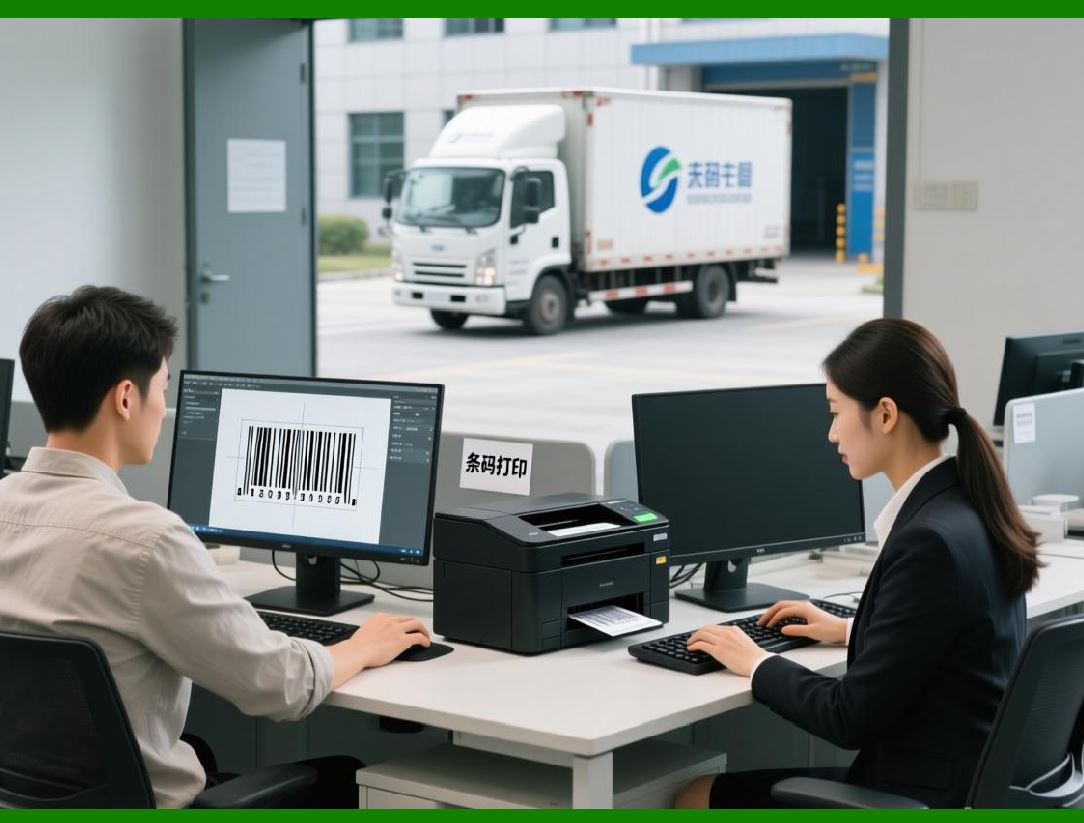
Compared with free or open-source barcode libraries, Aspose.BarCode emphasizes professional support, reliability, and maintenance guarantees, which are crucial for mission-critical applications in logistics, healthcare, and government systems. |
|
11.5 Comparison with Open-Source Alternatives |
While open-source barcode libraries are available, they often present trade-offs in terms of: |
* Symbology support breadth (some 2D or postal barcodes may be missing) |
* Accuracy and error correction reliability |
* Integration and API consistency across platforms |
* Long-term maintenance and vendor support |
Aspose.BarCode differentiates itself by offering enterprise-grade features out-of-the-box, robust recognition accuracy, and compatibility across multiple platforms. This is especially important for large-scale deployments, regulated industries, and applications requiring high reliability under variable conditions. |

|
11.6 Vendor Support and Maintenance |
A significant advantage of using a commercial SDK like Aspose.BarCode is access to professional support and ongoing maintenance. Aspose provides: |
* Technical support for implementation questions, bug resolution, and deployment guidance |
* Regular updates and patches to ensure compatibility with new platform versions |
* Enhancements for performance, new barcode symbologies, and emerging industry standards |
The availability of support and predictable maintenance schedules reduces operational risk and ensures that enterprise barcode systems remain robust over time. |

|
11.7 Enterprise Deployment Considerations |
When deploying Aspose.BarCode in an enterprise environment, licensing strategy and support planning must be aligned with operational needs. Key considerations include: |
* Ensuring all servers and development machines are covered under the appropriate license |
* Planning for cloud or virtualized deployments where scaling may require additional licenses |
* Incorporating licensing checks into deployment pipelines to prevent runtime errors |
* Evaluating long-term license upgrades or renewals to accommodate business growth |
Proper licensing planning is essential to avoid interruptions in service and to ensure compliance with commercial terms. |

|
11.8 Value Proposition for Enterprises |
Aspose.BarCode provides enterprises with multiple tangible benefits: |
* Time-to-market acceleration by abstracting barcode logic into a reliable SDK |
* Reduced development and testing overhead due to pre-built symbology implementations and recognition algorithms |
* Consistency and standards compliance across multiple platforms |
* Integration flexibility with document processing, cloud services, and mobile applications |
* Predictable vendor support and maintenance |
These factors collectively justify the commercial investment, particularly in regulated industries where errors can result in financial penalties or operational inefficiencies. |

|
11.9 Licensing Compliance and Audit Readiness |
Enterprises using Aspose.BarCode must maintain proper licensing records to remain compliant. This is particularly relevant in regulated industries or organizations that undergo internal or external audits. |
Licenses are typically tied to: |
* Deployment targets (servers, desktops, or mobile devices) |
* Developer count for the purpose of development and testing |
* License file validation during runtime |
Adherence to licensing requirements not only avoids legal risks but also ensures access to technical support and updates from Aspose. |

|
11.10 Evaluation of Total Cost of Ownership (TCO) |
When assessing Aspose.BarCode for enterprise use, organizations should consider total cost of ownership (TCO). TCO includes: |
* Licensing fees |
* Developer time saved by using a pre-built SDK |
* Reduced QA and error-handling costs due to reliable barcode generation and recognition |
* Maintenance and support benefits |
* Long-term compatibility and upgrade paths |
A high-quality commercial SDK often lowers TCO compared to the cumulative costs of developing, testing, and maintaining a custom barcode solution in-house. |

|
11.11 Integration into Enterprise Licensing Models |
Aspose.BarCode can be integrated into broader enterprise software licensing models, where multiple third-party components are used. Organizations often track licenses via centralized systems and ensure that software asset management processes account for all instances of the SDK. |
Centralized license management reduces the risk of unlicensed use and simplifies planning for new deployments, cloud migrations, or mobile application rollouts. |

|
11.12 Competitive Landscape Analysis |
Aspose.BarCode competes with both open-source libraries and other commercial SDKs. Its competitive advantages include: |
* Broad platform support and cross-platform API consistency |
* High-quality recognition algorithms for linear, 2D, and postal barcodes |
* Enterprise-grade documentation and support |
* Integration capabilities with other Aspose libraries and document processing workflows |
Its positioning is ideal for organizations prioritizing reliability, maintainability, and professional support over purely cost-driven solutions. |

|
11.13 Industry Adoption and Use Cases |
Aspose.BarCode has been widely adopted across industries, including: |
* Logistics and supply chain management for generating shipping labels, tracking packages, and automating warehouse operations |
* Healthcare and pharmaceuticals for medication tracking, lab sample management, and regulatory compliance |
* Government and postal services for mail routing, identity verification, and document processing |
* Retail and manufacturing for inventory control, point-of-sale systems, and production tracking |
The SDK licensing and commercial positioning ensure that enterprises can deploy these use cases reliably and legally across multiple platforms. |

|
11.14 Risk Management and Vendor Dependence |
While commercial SDKs offer many advantages, organizations must also consider the risks associated with vendor dependence: |
* Potential licensing cost increases over time |
* Reliance on the vendor for support and updates |
* Compatibility with future platform releases |
Mitigating these risks involves careful vendor evaluation, monitoring product roadmaps, and maintaining contingency plans for critical workflows. |

|
11.15 Licensing and Feature Unlock Strategies |
The SDK uses licensing to control access to full feature sets. Without a valid license, evaluation restrictions may be in place, such as: |
* Watermarks on generated barcodes |
* Limited batch processing |
* Reduced output resolution |
Applying the license at runtime fully unlocks the SDK, enabling unlimited barcode generation, recognition, and integration across platforms. Developers are encouraged to implement license checks as part of application initialization to ensure compliance. |

|
11.16 Summary of Licensing and Market Positioning |
Aspose.BarCode SDK licensing model, combined with its commercial-grade features, positions it as a high-value component for enterprise barcode systems. By offering predictable support, cross-platform consistency, and broad symbology coverage, it provides organizations with a reliable foundation for barcode-driven automation and data capture workflows. |
Licensing considerations, cost of ownership, and enterprise deployment planning are critical for maximizing ROI and ensuring compliance, while the SDK strengths in accuracy, performance, and integration support its strong competitive positioning. |
 cs@easiersoft.com