Part 15: Real-World Implementation Examples and Case Studies |
15.1 Introduction to Practical Deployments |
Aspose.BarCode SDK is widely used across multiple industries for barcode generation, recognition, and automation integration. Understanding real-world applications helps illustrate the SDK flexibility, scalability, and practical impact on enterprise operations. This part highlights detailed use cases, deployment strategies, and lessons learned from actual implementations. |

|
15.2 Logistics and Supply Chain Automation |
Scenario: A global logistics company requires automated barcode labeling for packages, parcels, and pallets, along with real-time recognition at sorting centers. |
Implementation: |
1. Barcode Generation Using Aspose.BarCode, shipping labels are dynamically generated in PDF417 and Code 128 symbologies, embedded with routing information, tracking numbers, and shipment metadata. |
2. Integration with WMS/ERP The generated barcodes are automatically linked to the warehouse management system, ensuring accurate inventory tracking and real-time shipment updates. |
3. High-Volume Recognition Packages are scanned at multiple checkpoints. The SDK recognition engine processes thousands of barcodes per hour, identifying damaged or misprinted codes for reprocessing. |
4. Performance Optimization Multi-threading and batch processing pipelines are used to maintain throughput, ensuring scanning operations keep pace with sorting machine speed. |
Outcome: Reduced human error, faster package sorting, and improved tracking accuracy across multiple international hubs. |

|
15.3 Postal Services and Address Validation |
Scenario: A national postal service needs automated recognition of millions of letters and parcels daily, ensuring correct delivery routes. |
Implementation: |
1. Postal Barcode Generation Intelligent Mail barcodes and other postal symbologies are generated for letters and packages. Barcode templates ensure compliance with postal standards. |
2. Integration with Mail Sorting Machines Scanned images from sorting machines are processed using Aspose.BarCode recognition engine. |
3. Error Handling Damaged or unreadable barcodes are flagged, triggering automated rerouting or manual inspection workflows. |
4. Analytics and Reporting Recognized barcodes feed into analytics systems, measuring delivery efficiency, missed scans, and sorting accuracy. |
Outcome: Automation reduces processing time, increases accuracy, and ensures postal compliance with ISO/IEC and national standards. |

|
15.4 Healthcare and Laboratory Management |
Scenario: A large hospital network requires accurate tracking of patient samples, medications, and medical devices. |
Implementation: |
1. Sample Labeling Aspose.BarCode generates 2D Data Matrix barcodes on vials, test tubes, and pathology samples. High error correction ensures readability despite handling and transport. |
2. EMR/EHR Integration Barcode recognition updates patient records automatically upon sample scanning, minimizing manual entry errors. |
3. Regulatory Compliance Generated barcodes meet FDA and HIPAA requirements for traceability and data integrity. |
4. Mobile Device Integration Nurses and lab technicians scan barcodes using Android devices integrated with Aspose.BarCode for immediate updates in EMR systems. |
Outcome: Reduced sample misidentification, faster lab processing, and compliance with healthcare regulations. |

|
15.5 Retail and Inventory Management |
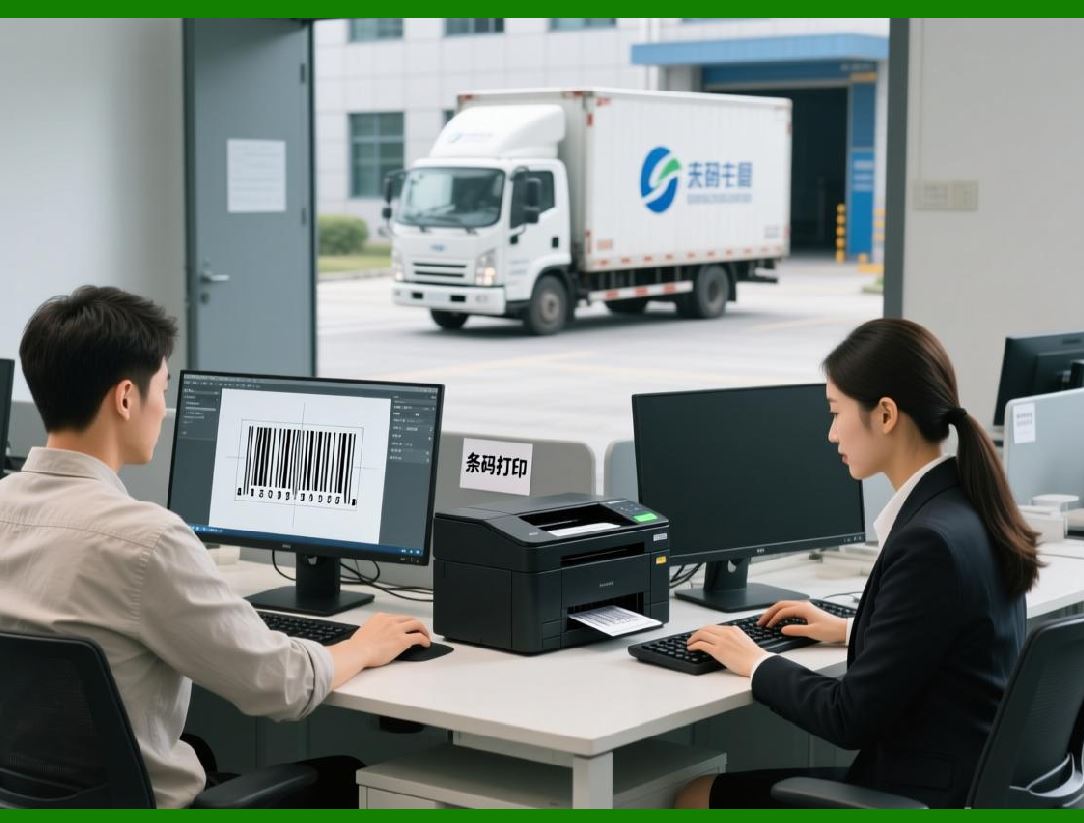
Scenario: A nationwide retail chain needs to manage inventory across hundreds of stores, ensuring accurate stock tracking, pricing, and sales reporting. |
Implementation: |
1. Product Barcode Generation UPC-A, EAN-13, and QR Code labels are generated for all products. Dynamic templates support seasonal promotions and variable pricing. |
2. POS System Integration Barcodes are recognized in real-time at checkout, synchronizing sales data with the central ERP. |
3. Inventory Reconciliation Scanned barcodes from backroom and warehouse audits automatically update stock levels. |
4. Analytics Recognition data feeds into dashboards tracking inventory turnover, shrinkage, and store performance. |
Outcome: Improved stock accuracy, faster checkout processes, and enhanced reporting across the retail network. |
|
15.6 Manufacturing and Production Line Automation |
Scenario: A manufacturing plant requires traceability of components and final products on assembly lines. |
Implementation: |
1. Component Labeling Linear and 2D barcodes identify individual components, assembly stages, and batch numbers. |
2. Automated Assembly Checks Scanners along the production line verify correct assembly sequences and reject incorrectly assembled units. |
3. ERP/WMS Integration Recognized barcodes update inventory and production logs in real time. |
4. Error Correction and Redundancy High error correction levels in Data Matrix codes ensure resilience despite machine vibrations, smudges, or label misalignment. |
Outcome: Reduced production errors, enhanced traceability, and compliance with ISO quality standards. |

|
15.7 Pharmaceuticals and Regulatory Compliance |
Scenario: A pharmaceutical company must label medicines with unique identifiers for anti-counterfeiting and regulatory reporting. |
Implementation: |
1. Serialized Barcode Generation Each medication package receives a unique Data Matrix or QR Code including batch number, expiration date, and product ID. |
2. Mobile Verification Field inspectors and pharmacists use mobile scanners to validate barcodes before dispensing. |
3. Regulatory Reporting Recognized barcodes automatically feed compliance reports for FDA or EU regulatory agencies. |
4. Error Handling Damaged or misprinted barcodes trigger alerts for immediate reprinting. |
Outcome: Enhanced patient safety, traceability, and compliance with pharmaceutical regulations. |

|
15.8 Government and Identity Management |
Scenario: A government agency issues identity cards with barcodes for access control and authentication. |
Implementation: |
1. Secure Barcode Generation QR Codes with encrypted data encode citizen identifiers, access permissions, and issue dates. |
2. Integration with Access Control Systems Recognition of barcodes grants entry to secure facilities or authorizes transactions. |
3. Audit and Logging Every recognition event is logged for security audits, enabling traceability and accountability. |
4. Mobile and Desktop Integration Both handheld scanners and fixed readers utilize Aspose.BarCode recognition APIs. |
Outcome: Secure, auditable, and automated identity management with high reliability. |

|
15.9 Case Study: Multi-National Logistics Provider |
Problem: The company needed to process millions of packages daily across multiple countries, each with different barcode standards. |
Solution: Aspose.BarCode was deployed to generate multi-symbology barcodes dynamically, recognize barcodes across diverse scanners, and integrate with the centralized ERP system. Multi-threading and batch processing pipelines were implemented to maintain high throughput. |
Results: Improved sorting accuracy by 98%, reduced package misrouting, and enabled seamless compliance with international shipping standards. |

|
15.10 Case Study: Hospital Sample Tracking System |
Problem: Manual labeling of patient samples led to misidentification and delayed lab results. |
Solution: Aspose.BarCode generated Data Matrix barcodes with high error correction on all sample vials. Mobile scanning devices integrated with the hospital EMR updated patient records automatically upon scanning. |
Results: Misidentification errors dropped to near zero, lab turnaround times improved by 30%, and regulatory compliance was maintained consistently. |

|
15.11 Case Study: Retail Chain Inventory Automation |
Problem: Manual inventory audits were labor-intensive and prone to errors, affecting stock accuracy and sales reporting. |
Solution: Aspose.BarCode generated EAN-13 and QR Code labels for all products. Barcode recognition at POS systems and during backroom audits automatically updated central inventory databases. |
Results: Inventory discrepancies reduced by 85%, audit time decreased by 50%, and real-time reporting enabled better decision-making. |

|
15.12 Lessons Learned from Deployments |
1. Template Standardization Predefined barcode templates improve consistency and reduce setup time. |
2. Error Correction Tuning Selecting appropriate error correction levels balances redundancy and data density. |
3. Batch vs. Real-Time Processing Choosing the right processing mode is crucial for performance and workflow efficiency. |
4. Monitoring and Analytics Continuous monitoring of barcode operations ensures reliability and identifies bottlenecks. |
5. Integration Flexibility Aspose.BarCode platform-independent APIs enable seamless connection to multiple enterprise systems. |

|
15.13 Best Practices for Deployment |
* Define standard symbologies and error correction levels for each application domain. |
* Optimize module size, scaling, and orientation based on printing and scanning conditions. |
* Implement multi-threaded pipelines for high-volume generation and recognition. |
* Integrate barcode workflows with ERP, WMS, and DMS systems to maximize automation benefits. |
* Ensure security and regulatory compliance for sensitive or regulated data. |

|
15.14 Summary of Real-World Implementation |
Aspose.BarCode SDK proves highly effective in real-world enterprise deployments, offering: |
* Robust barcode generation and recognition |
* High-volume performance and scalability |
* Integration with ERP, WMS, DMS, and mobile workflows |
* Support for regulatory compliance and error correction |
* Flexible customization for visual design and branding |
These capabilities make Aspose.BarCode an indispensable tool in logistics, healthcare, retail, manufacturing, pharmaceuticals, and government applications. |
 cs@easiersoft.com