Popular Barcode Generation and Printing Components Detailed Overview (Part 12) |
67. Brother Print SDK for Enterprise |
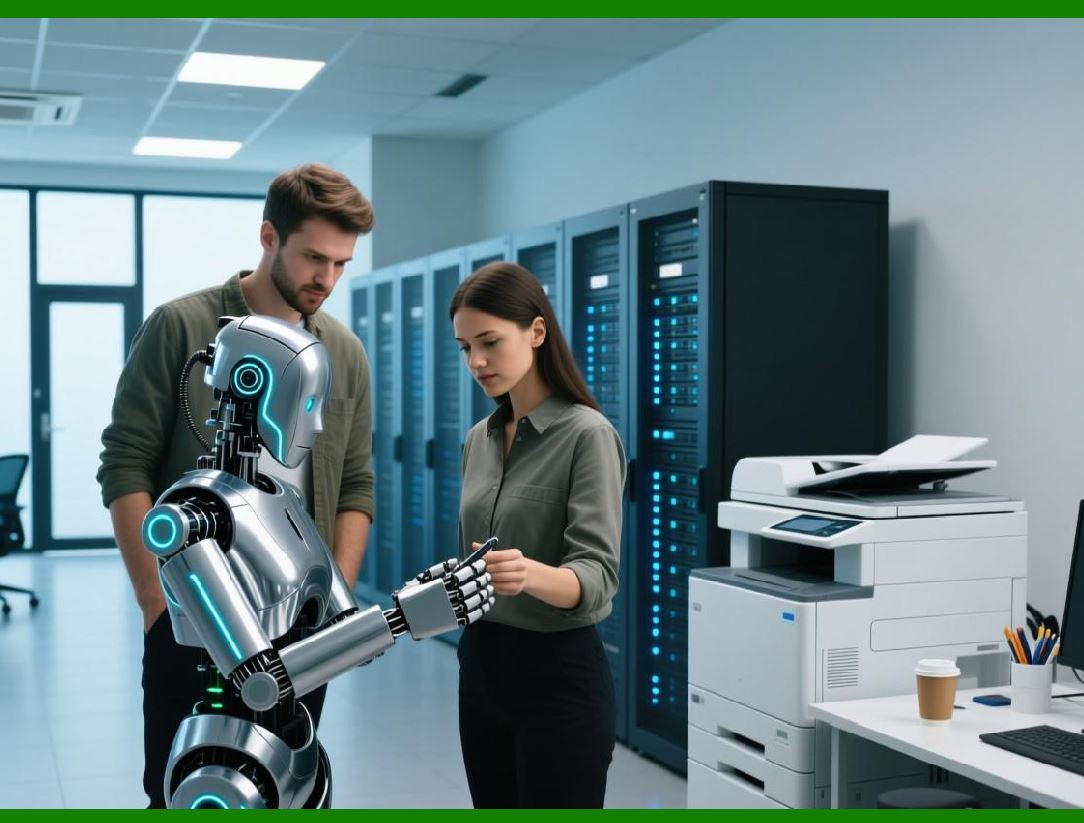
Brother Print SDK for Enterprise is designed for high-volume and mobile label printing applications, providing barcode generation and label management capabilities for Brother printers. |
Key features include: |
* Supported Symbologies: Linear (Code 39, Code 128, EAN, UPC) and 2D (QR Code, Data Matrix, PDF417). |
* Mobile and Desktop Support: Works on Windows, macOS, iOS, and Android applications. |
* Template Management: Developers can create reusable label templates with dynamic data fields, including barcodes, text, and graphics. |
* Printer Connectivity: Supports USB, Bluetooth, and network printers, including mobile printers for field operations. |
* Automation: Enables batch printing and integration with ERP, WMS, and inventory management systems. |
* Customization Options: Controls label size, barcode dimensions, text fonts, colors, rotation, and margins. |
Brother Print SDK for Enterprise is widely used in logistics, warehouse management, retail, and healthcare, where scalable, portable, and automated label printing is essential. |
|
68. DYMO Connect SDK |
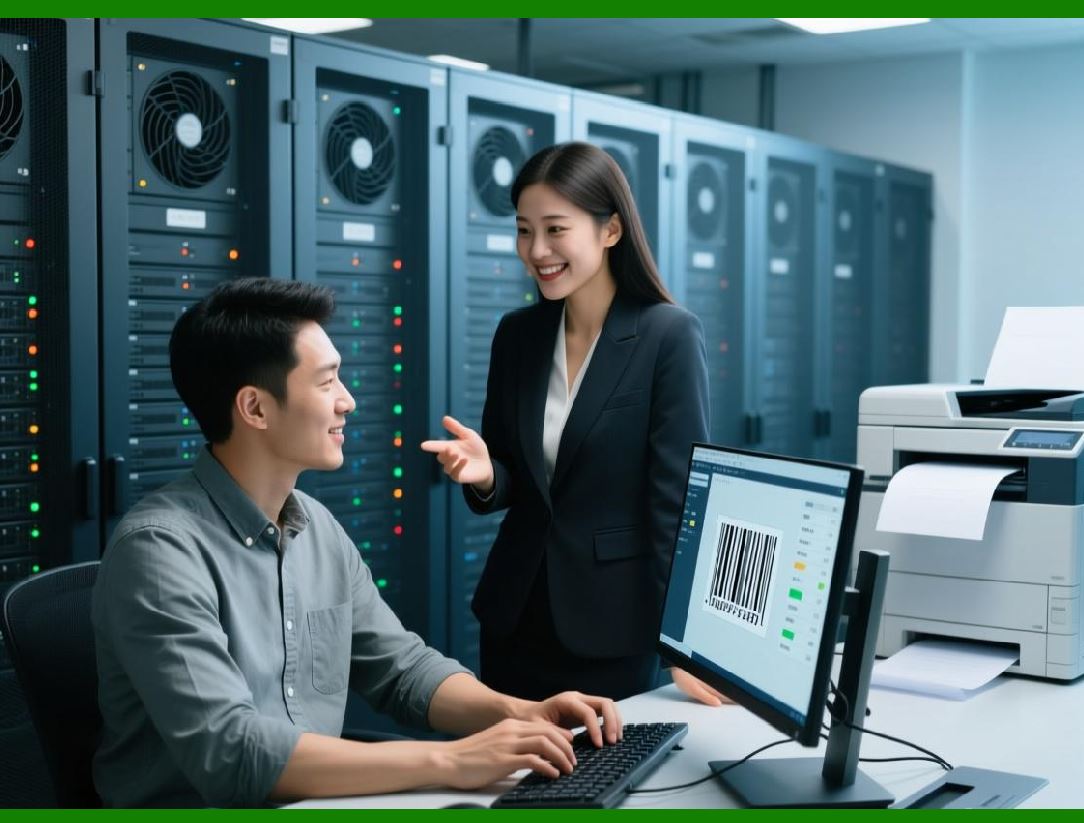
DYMO Connect SDK provides developers with tools to integrate DYMO label printers into web and desktop applications, enabling barcode and label printing with minimal setup. |
Key features include: |
* Supported Symbologies: Linear barcodes (Code 39, Code 128, UPC, EAN) and QR Code. |
* Web and Desktop Integration: Offers JavaScript APIs for web applications and native SDKs for Windows and macOS. |
* Dynamic Printing: Supports label generation and printing from databases, web forms, or application inputs. |
* Template Design: Allows reusable templates with barcode, text, and graphic elements. |
* Printer Connectivity: Supports USB and network connections, ensuring flexibility for desktop and mobile workstations. |
* Ease of Use: Simplifies printer commands and label generation to reduce developer complexity. |
DYMO Connect SDK is popular in small to medium businesses, laboratory environments, office labeling, and retail, where desktop or web-based label printing is frequently needed. |
|
69. Cognex VisionPro SDK |
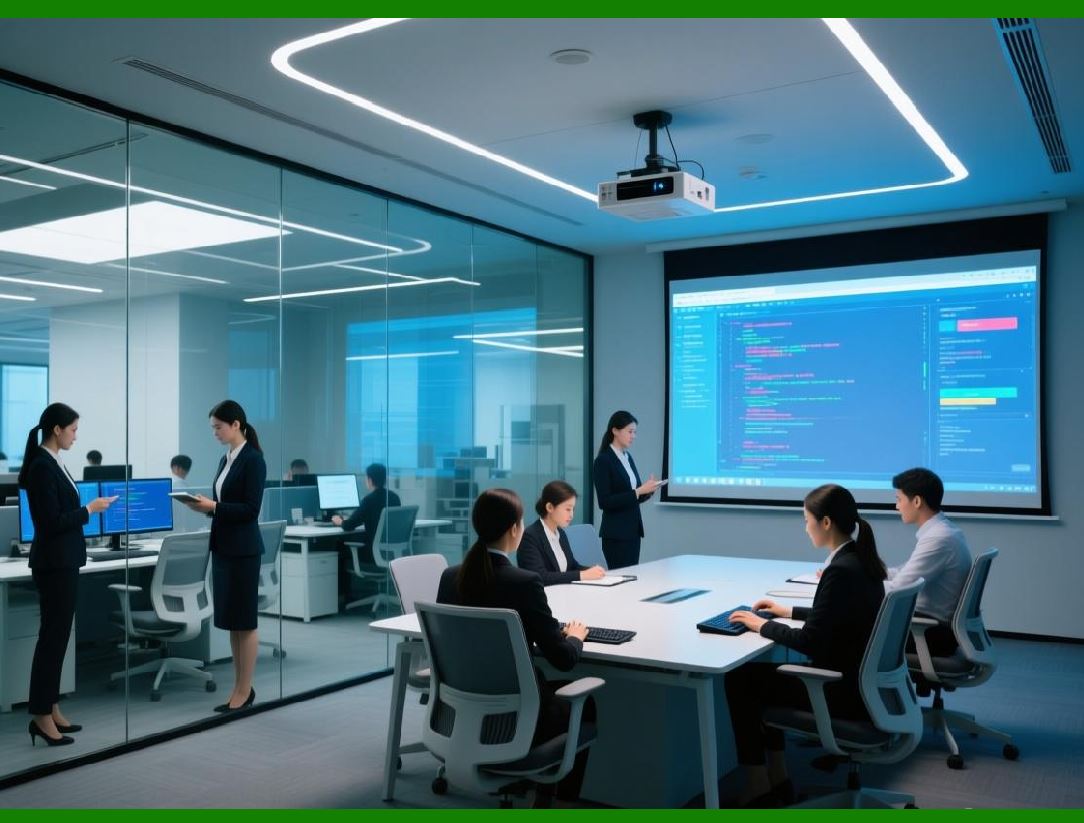
Cognex VisionPro SDK is a barcode reading and machine vision development toolkit, designed for industrial automation and quality control applications. It focuses on high-speed, accurate barcode recognition in complex environments. |
Key features include: |
* Supported Symbologies: Linear and 2D barcodes (Code 39, Code 128, QR Code, Data Matrix, PDF417, Aztec) and direct part mark (DPM) codes. |
* High-Speed Recognition: Capable of reading multiple barcodes in real time on fast-moving production lines. |
* Robust Algorithms: Handles damaged, partially obscured, or low-contrast barcodes. |
* Integration: Connects with industrial cameras, PLCs, robots, and MES systems for automated inspection and workflow control. |
* Customizable Vision Tools: Allows developers to define regions of interest, lighting compensation, and barcode filtering. |
* Cross-Platform Support: Compatible with Windows desktop and embedded industrial systems. |
Cognex VisionPro SDK is extensively used in manufacturing, automotive, electronics, pharmaceuticals, and logistics, where precision barcode reading and industrial automation are critical. |
|
70. Honeywell Smart Printing SDK |
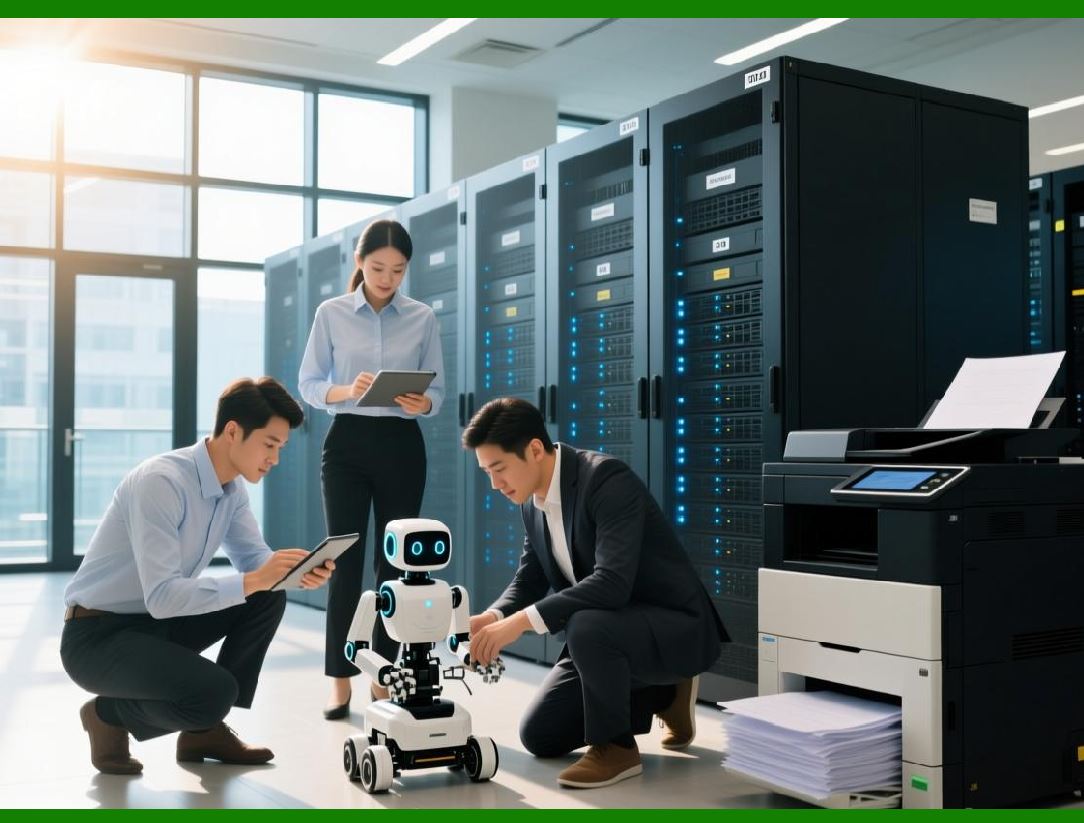
Honeywell Smart Printing SDK is a modern development platform for Honeywell printers, providing barcode generation, label printing, and device management in enterprise and mobile applications. |
Key features include: |
* Supported Symbologies: Linear (Code 39, Code 128, EAN, UPC) and 2D (QR Code, Data Matrix, PDF417, Aztec). |
* Printer Integration: Supports desktop, mobile, and industrial Honeywell printers with Bluetooth, Wi-Fi, and USB connectivity. |
* Label Templates: Offers template-based printing with dynamic fields for barcode, text, and graphics. |
* Cross-Platform SDK: Available for iOS, Android, Windows, and web applications. |
* Device Management: Provides APIs to monitor printer status, manage firmware updates, and configure printing parameters. |
* Batch Printing and Automation: Enables automated label printing from ERP, WMS, or inventory management systems. |
Honeywell Smart Printing SDK is widely used in warehousing, logistics, retail, healthcare, and field service, where mobile, automated, and enterprise-grade printing is required. |
|
71. Emerging AI-Driven Barcode Recognition Platforms |
AI-driven barcode recognition platforms leverage machine learning and computer vision to provide fast, accurate barcode scanning, especially in challenging or real-world conditions. Examples include Scandit AI Barcode SDK, Dynamsoft AI-powered barcode reader, and Honeywell AI vision solutions. |
Key features include: |
* High Accuracy: Uses AI and neural networks to read damaged, blurred, or partially obscured barcodes. |
* Multi-Symbology Support: Linear, 2D, GS1, and direct part mark (DPM) codes, including QR Codes, Data Matrix, and PDF417. |
* Mobile Optimization: Designed for smartphones, tablets, and mobile scanners with live camera scanning. |
* Cloud and Edge Processing: Can perform barcode recognition on-device or via cloud services for heavy workloads. |
* Analytics: Some platforms provide usage insights, scanning speed metrics, and error detection analytics. |
* Cross-Platform SDKs: Support for iOS, Android, Windows, web, and hybrid mobile apps. |
AI-driven barcode recognition platforms are increasingly adopted in retail, logistics, manufacturing, mobile workforce applications, and healthcare, where challenging scanning conditions require intelligent, adaptive barcode reading. |
|
72. Summary of Part 12 |
Part 12 covered: |
* Brother Print SDK for Enterprise |
* DYMO Connect SDK |
* Cognex VisionPro SDK |
* Honeywell Smart Printing SDK |
* Emerging AI-Driven Barcode Recognition Platforms |
These solutions demonstrate the expansion of barcode technology into AI, industrial automation, and mobile enterprise environments, emphasizing intelligent scanning, high-speed recognition, mobile integration, and automation. |
 cs@easiersoft.com