Popular Barcode Generation and Printing Components Detailed Overview (Part 15) |
85. Zebra Mobile SDK |
Zebra Mobile SDK is a comprehensive toolkit for mobile application developers to integrate barcode printing, label generation, and scanning into iOS, Android, and Windows mobile applications. |
Key features include: |
* Supported Symbologies: Linear (Code 39, Code 128, UPC, EAN) and 2D barcodes (QR Code, Data Matrix, PDF417, Aztec, MaxiCode). |
* Mobile Printing: Supports Zebra mobile printers via Bluetooth, Wi-Fi, or USB. |
* Dynamic Label Templates: Allows developers to create templates with variable fields, graphics, and barcodes. |
* Printer Management: APIs for monitoring printer status, managing queues, firmware updates, and print configurations. |
* Cross-Platform SDKs: Native support for iOS, Android, and Windows mobile platforms, enabling seamless integration with mobile apps. |
* Automation and Integration: Compatible with ERP, WMS, and other enterprise systems for real-time label generation. |
Zebra Mobile SDK is widely used in field services, retail, logistics, and warehouse operations, where mobile, reliable, and enterprise-grade barcode printing is essential. |

|
86. Honeywell Smart Printing Cloud |
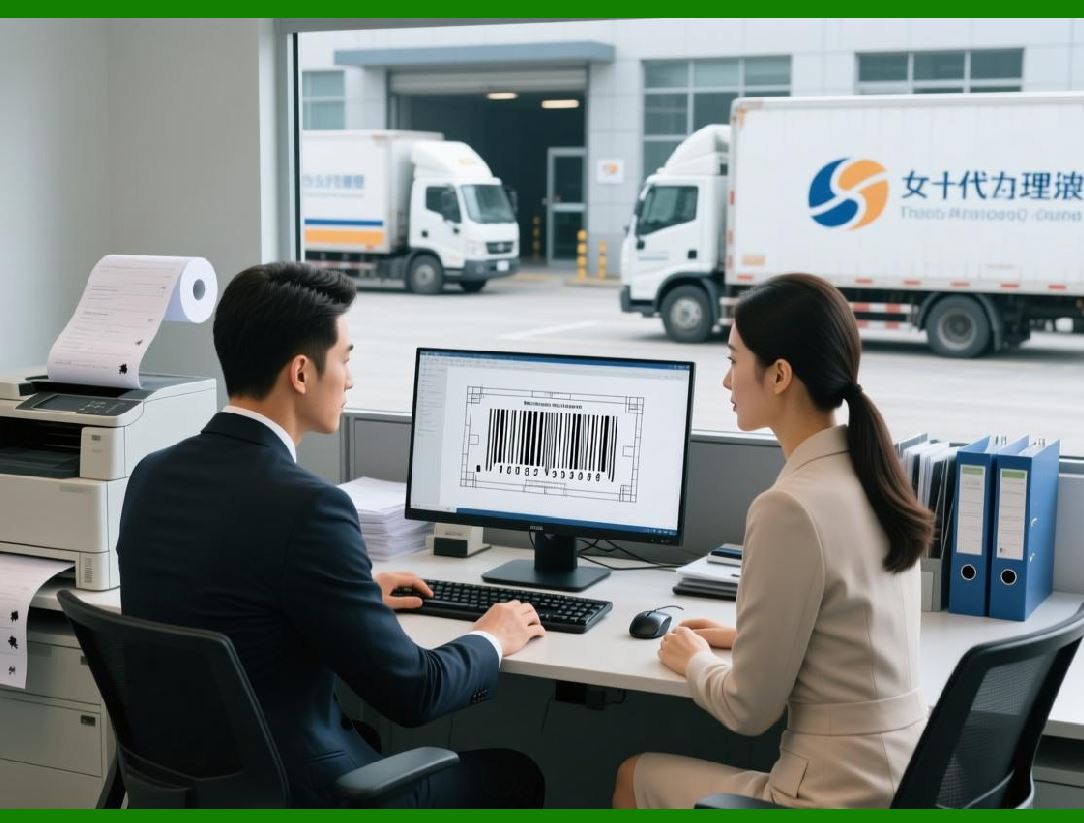
Honeywell Smart Printing Cloud is a cloud-based barcode printing and device management platform designed for distributed enterprises and mobile operations. |
Key features include: |
* Supported Symbologies: Linear, 2D, QR Code, Data Matrix, PDF417, and Aztec. |
* Cloud Connectivity: Provides REST APIs for generating and printing barcodes from anywhere. |
* Printer Fleet Management: Enables remote monitoring, status updates, firmware updates, and configuration of Honeywell printers. |
* Dynamic Printing: Supports label generation with variable data fields from cloud-hosted templates. |
* Cross-Platform Access: Compatible with Windows, iOS, Android, and web applications. |
* Scalability: Handles high-volume printing across multiple sites without requiring local infrastructure. |
Honeywell Smart Printing Cloud is widely used in logistics, healthcare, retail, and manufacturing, where remote, cloud-based, and automated printing is necessary for distributed operations. |
|
87. SATO Cloud SDK |
SATO Cloud SDK is a developer toolkit for SATO printers that enables cloud-hosted barcode generation and label printing across multiple platforms. |
Key features include: |
* Supported Symbologies: Linear, 2D, GS1-compliant barcodes, and RFID barcodes. |
* Dynamic Label Templates: Cloud-hosted templates allow real-time updates and consistent label design across locations. |
* Cross-Platform Support: Available for Windows, iOS, Android, and web-based applications. |
* Printer Integration: Supports desktop, mobile, and industrial printers via network or cloud connectivity. |
* Automation: Enables batch printing, conditional printing, and integration with ERP, WMS, or inventory systems. |
* Analytics and Monitoring: Tracks printer usage, label counts, and printing errors for remote management. |
SATO Cloud SDK is widely used in manufacturing, healthcare, retail, and logistics, where centralized, cloud-based label printing and management is required. |

|
88. Loftware Spectrum Mobile SDK |
Loftware Spectrum Mobile SDK extends Loftware enterprise labeling platform to mobile devices, enabling real-time barcode printing and label management for field operations. |
Key features include: |
* Supported Symbologies: Linear, 2D, GS1, and regulatory-compliant barcodes. |
* Mobile Label Printing: Supports printing to mobile printers in real time from smartphones or tablets. |
* Integration: Connects with ERP, WMS, and MES for dynamic data-driven label generation. |
* Template Management: Allows mobile access to centralized templates with variable fields and graphics. |
* Compliance: Ensures labels meet regulatory standards, including GS1, FDA, and ISO. |
* Remote Device Management: Monitors mobile printers, manages print queues, and supports secure printing workflows. |
Loftware Spectrum Mobile SDK is widely used in field service, logistics, retail, and healthcare, where mobile access to enterprise labeling systems improves operational efficiency and compliance. |

|
89. Hybrid AI-Based Barcode Management Platforms |
Emerging hybrid AI-based barcode management platforms combine cloud, mobile, and AI technologies to provide intelligent barcode generation, scanning, and analytics. Examples include Scandit Cloud + AI, Cognex AI Barcode Platforms, and Dynamsoft AI Cloud Barcode Management. |
Key features include: |
* AI-Powered Recognition: Uses machine learning to accurately read damaged, blurred, or partially obscured barcodes. |
* Multi-Symbology Support: Linear, 2D, GS1, QR Code, Data Matrix, PDF417, and direct part mark codes. |
* Cloud and Edge Processing: Barcode recognition and analytics can occur on-device or via cloud-based services for scalability. |
* Mobile Integration: Supports smartphones, tablets, and mobile scanners for field operations. |
* Dynamic Barcode Generation: Enables real-time creation of barcodes with variable data for tickets, shipping, inventory, and product labeling. |
* Analytics and Workflow Integration: Provides dashboards, performance metrics, error detection, and integration with ERP, WMS, and other enterprise systems. |
These hybrid AI-based platforms are used in logistics, retail, manufacturing, healthcare, and mobile workforce operations, where intelligent, real-time, and scalable barcode management is critical. |

|
90. Summary of Part 15 |
Part 15 covered: |
* Zebra Mobile SDK |
* Honeywell Smart Printing Cloud |
* SATO Cloud SDK |
* Loftware Spectrum Mobile SDK |
* Hybrid AI-Based Barcode Management Platforms |
This part highlights the integration of mobile, cloud, and AI technologies into barcode generation and printing solutions, emphasizing remote management, intelligent recognition, real-time printing, and enterprise scalability. |
Part 15 Completed. |

|
Next Step (Part 16 Final Part): I will conclude with emerging trends, niche solutions, open-source innovations, and future directions in barcode generation and printing technology, covering topics like AI-driven cloud SaaS platforms, IoT-enabled printers, hybrid mobile-cloud systems, open-source libraries, and integration with ERP/IoT ecosystems, providing a full summary of the landscape. |
 cs@easiersoft.com