Popular Barcode Generation and Printing Components Detailed Overview (Part 16) |
91. AI-Driven Cloud SaaS Barcode Platforms |
AI-driven cloud SaaS barcode platforms represent the latest evolution in barcode technology, combining cloud infrastructure, AI-based recognition, and enterprise-grade printing. Examples include BarCloud AI, Dynamsoft Cloud AI Barcode, and Scandit Cloud AI SDK. |
Key features include: |
* AI-Powered Recognition: Capable of reading damaged, distorted, or partially obscured barcodes in real time using deep learning algorithms. |
* Multi-Symbology Support: Linear, 2D, QR Code, Data Matrix, PDF417, Aztec, GS1, and direct part mark codes. |
* Cloud-Based Processing: Enables centralized barcode generation, recognition, and management without requiring local servers. |
* Mobile and Web Integration: Supports smartphones, tablets, and web applications, making scanning and printing accessible anywhere. |
* Dynamic Barcode Generation: Creates barcodes on demand from ERP, WMS, or CRM systems for tickets, labels, inventory, and shipping. |
* Analytics and Workflow Automation: Provides dashboards, error detection, scanning speed metrics, and integration with business systems for intelligent process automation. |
These platforms are increasingly adopted in global logistics, e-commerce, retail, healthcare, and manufacturing, where scalable, intelligent, and remote barcode management is critical. |

|
92. IoT-Enabled Barcode Printers |
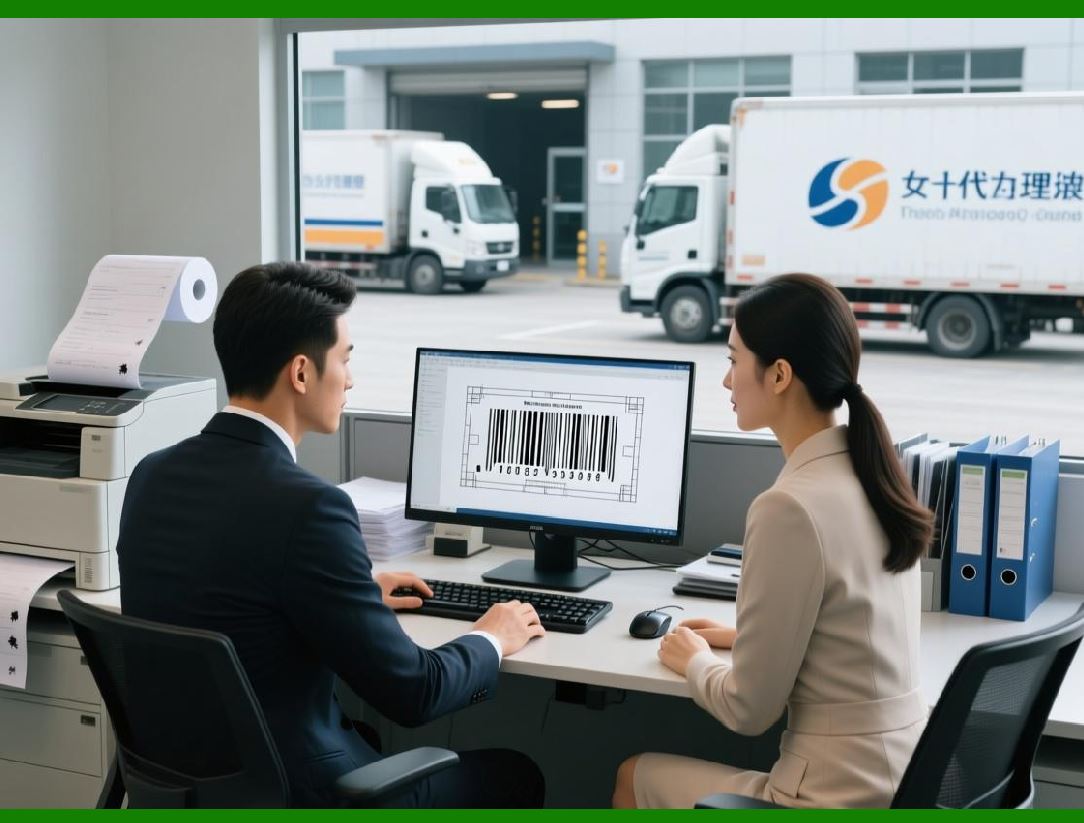
IoT-enabled barcode printers connect directly to networks and cloud services, enabling real-time monitoring, automated printing, and predictive maintenance. Examples include Zebra Savanna IoT, Honeywell Smart Printing IoT, and SATO CLNX IoT. |
Key features include: |
* Supported Symbologies: Linear, 2D, GS1, and RFID barcodes. |
* Real-Time Printer Monitoring: Tracks printer status, label stock levels, and potential errors remotely. |
* Dynamic Printing: Automatically prints labels based on events from ERP, WMS, or IoT sensors. |
* Cloud Integration: Supports cloud-hosted templates and remote management. |
* Predictive Maintenance: AI algorithms predict printer maintenance needs to reduce downtime. |
* Mobile and Web Access: Manage printing operations and monitor devices from mobile apps or web dashboards. |
IoT-enabled printers are widely used in warehousing, logistics, manufacturing, and retail, where real-time, automated, and intelligent printing improves efficiency and reduces errors. |
|
93. Hybrid Mobile-Cloud Barcode Systems |
Hybrid mobile-cloud barcode systems combine mobile devices, cloud services, and on-device processing to offer flexible, real-time barcode scanning and printing solutions. |
Key features include: |
* Multi-Device Support: Works on smartphones, tablets, mobile scanners, and cloud-connected printers. |
* Cloud-Based Data Management: Stores barcode templates, scan data, and print records centrally for easy access. |
* Real-Time Synchronization: Barcode scans and prints are synchronized across devices and locations instantly. |
* Dynamic Label Generation: Supports template-driven labels with variable fields, QR codes, and 2D barcodes. |
* Integration with Enterprise Systems: Connects to ERP, WMS, MES, and CRM for automated workflows. |
* Security and Compliance: Includes authentication, encryption, and audit logs to meet enterprise standards. |
Hybrid systems are widely used in field services, logistics, retail, healthcare, and manufacturing, where mobility, scalability, and cloud integration are crucial. |

|
94. Open-Source Barcode Libraries |
Open-source barcode libraries provide cost-effective, flexible solutions for developers who need barcode generation and recognition without commercial licensing. Examples include ZXing (“Zebra Crossing, Barcode4J, and OpenBarcode. |
Key features include: |
* Supported Symbologies: Linear (Code 39, Code 128, EAN, UPC) and 2D (QR Code, Data Matrix, PDF417). |
* Cross-Platform Compatibility: Works on Java, .NET, Python, C++, and web environments. |
* Dynamic Barcode Generation: Supports creating barcodes from databases, CSV files, or form input in real time. |
* Output Formats: Raster (PNG, JPEG, BMP) and vector (SVG, PDF) formats for printing and document embedding. |
* Customizable Parameters: Barcode size, rotation, quiet zones, human-readable text, and error correction levels can be configured. |
* Community Support: Free libraries often have active developer communities for support and extensions. |
Open-source barcode libraries are used in startups, educational projects, small businesses, and web applications, where low-cost, flexible, and customizable barcode solutions are required. |

|
95. ERP/IoT-Integrated Barcode Platforms |
ERP/IoT-integrated barcode platforms combine barcode generation, scanning, label printing, and IoT monitoring directly within enterprise software. Examples include SAP EWM barcode modules, Oracle Warehouse Management barcode tools, and Microsoft Dynamics 365 barcode integration. |
Key features include: |
* Multi-Symbology Support: Linear, 2D, QR, Data Matrix, PDF417, GS1, and RFID. |
* Seamless ERP Integration: Generates, prints, and reads barcodes directly from ERP or WMS systems for automated workflows. |
* Real-Time Data Synchronization: Barcode scans are immediately reflected in inventory, shipping, and production modules. |
* Dynamic Label Generation: Supports templates with variable data fields, graphics, and regulatory compliance features. |
* Cloud and IoT Connectivity: Connects with cloud printers, mobile devices, and IoT-enabled printers for distributed operations. |
* Analytics and Reporting: Tracks label usage, scanning performance, inventory accuracy, and operational efficiency. |
ERP/IoT-integrated barcode platforms are widely used in large-scale manufacturing, logistics, retail, and healthcare, where real-time visibility, automation, and operational efficiency are critical. |

|
96. Emerging Trends and Future Directions |
The future of barcode generation and printing components is shaped by several emerging trends: |
1. AI and Machine Learning: Increasing use of AI for real-time recognition of damaged, distorted, or partially obscured barcodes. |
2. Cloud-Native Services: Barcode generation, printing, and analytics are moving entirely to cloud platforms, enabling scalable, distributed, and collaborative workflows. |
3. Mobile-First Solutions: Smartphones and tablets are increasingly used as scanning and printing devices, reducing the need for dedicated hardware. |
4. IoT Integration: Printers, scanners, and sensors are connected in IoT ecosystems, enabling real-time monitoring, predictive maintenance, and automated workflows. |
5. Hybrid Mobile-Cloud Architectures: Combining on-device scanning with cloud-based processing for fast, reliable, and intelligent barcode solutions. |
6. Open-Source Innovation: Open-source libraries continue to provide cost-effective, flexible, and customizable solutions for developers and small businesses. |
7. Enterprise Integration: Barcode systems are increasingly embedded in ERP, WMS, MES, and CRM platforms, enabling fully automated, end-to-end business workflows. |
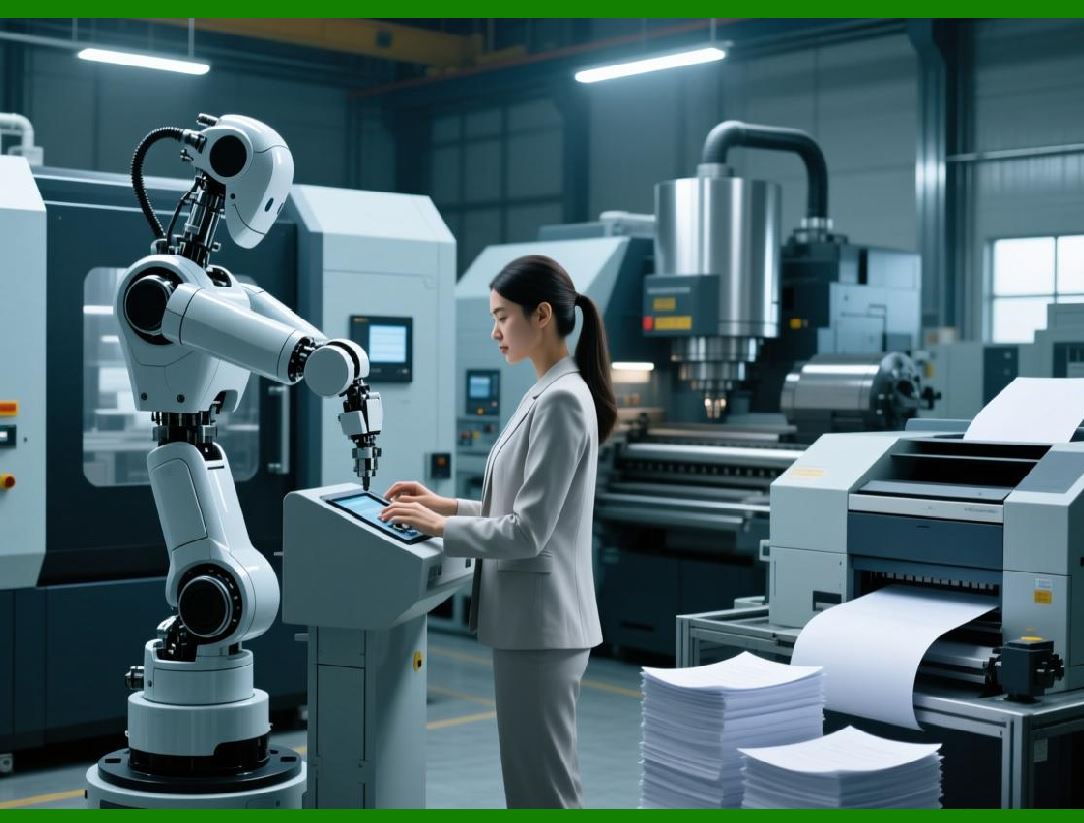
These trends indicate that barcode technology will continue to evolve toward intelligent, cloud-based, and highly integrated systems, capable of meeting the needs of mobile-first, global, and regulated environments. |
|
97. Final Summary |
Across all 16 parts, this series covered: |
* Desktop barcode components: VB6, VC++, C, VB.NET, and Java libraries. |
* Web-based barcode tools: JavaScript SDKs, REST APIs, and cloud services. |
* Mobile barcode SDKs: iOS, Android, and hybrid platforms for field operations. |
* Enterprise-grade solutions: Loftware, BarTender, Zebra Link-OS, Honeywell, and SATO SDKs. |
* Cloud and AI solutions: Cloud-native SaaS, AI-powered recognition, hybrid mobile-cloud platforms, and IoT-integrated printers. |
* Open-source libraries: ZXing, Barcode4J, OpenPrint, and other free developer tools. |
* Integration with enterprise systems: ERP, WMS, MES, and IoT-connected operations. |
Key takeaways: |
1. Barcode components are increasingly platform-independent, supporting desktop, web, mobile, and cloud environments. |
2. Enterprise solutions emphasize automation, compliance, analytics, and large-scale printing. |
3. AI and cloud integration enable intelligent barcode recognition and management, even under challenging conditions. |
4. Open-source and low-cost SDKs provide flexibility for startups, small businesses, and developers. |
5. Future trends point toward hybrid systems, IoT integration, mobile-first solutions, and AI-powered recognition. |
Overall, barcode generation and printing components now form a sophisticated ecosystem, catering to diverse industry requirements ranging from small offices to global enterprise supply chains. |
 cs@easiersoft.com