Popular Barcode Generation and Printing Components Detailed Overview (Part 8) |
43. Bytescout Cloud API |
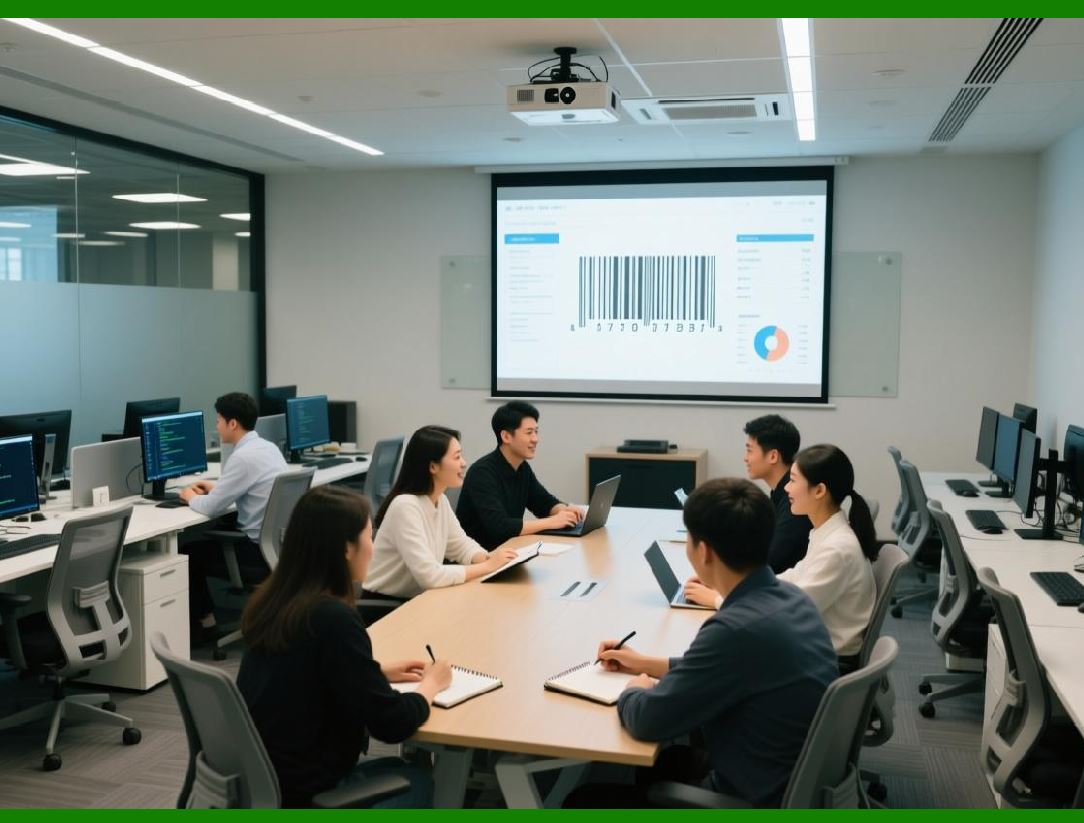
Bytescout Cloud API is a cloud-based barcode generation and recognition service, offering developers the ability to generate and read barcodes without local SDK installation. This solution is ideal for web applications, SaaS platforms, and serverless environments. |
Key features include: |
* Supported Symbologies: Linear barcodes (Code 39, Code 128, EAN, UPC) and 2D barcodes (QR Code, Data Matrix, PDF417, Aztec). |
* Platform Independence: Accessible via HTTP requests from any programming language or environment that supports REST APIs. |
* Barcode Generation: Create barcodes dynamically from database records, form input, or URLs. |
* Barcode Recognition: Decode barcodes from uploaded images, PDF files, or streams. |
* Output Formats: Supports PNG, JPEG, BMP, PDF, and SVG for flexible integration into web pages or documents. |
* Scalability: Cloud infrastructure allows for high-volume barcode generation and recognition without burdening local servers. |
Bytescout Cloud API is widely used in web-based ticketing, e-commerce shipping, mobile apps, and cloud ERP systems, where rapid deployment and cross-platform integration are essential. |
|
44. Neodynamic Barcode Professional |
Neodynamic Barcode Professional is a commercial barcode generation library for .NET, supporting both desktop and web applications. It is particularly popular for ASP.NET websites and Windows applications requiring high-quality barcode generation. |
Key features include: |
* Supported Symbologies: Linear barcodes (Code 39, Code 128, UPC, EAN, Interleaved 2 of 5), 2D barcodes (QR Code, Data Matrix, PDF417, Aztec), and postal codes. |
* Barcode Rendering: Generates high-resolution barcodes in raster (PNG, BMP, JPEG) and vector (SVG, EMF, PDF) formats. |
* Label and Document Integration: Easily embedded into reports, PDFs, and Windows Forms or WPF applications. |
* Dynamic Data Binding: Can generate barcodes from databases, XML files, or user input in real time. |
* Customization Options: Developers can adjust size, rotation, quiet zones, colors, and human-readable text. |
* Web Integration: Supports ASP.NET MVC, Web Forms, and Web API for barcode generation in web applications. |
Neodynamic Barcode Professional is commonly used in retail, logistics, healthcare, and document management systems, where high-quality barcode generation for reports, invoices, and labels is required. |

|
45. IDAutomation Barcode SDKs |
IDAutomation offers a wide range of barcode generation and printing SDKs for multiple platforms, including .NET, Java, ActiveX, Crystal Reports, and mobile applications. It is widely used for enterprise, industrial, and retail solutions. |
Key features include: |
* Supported Symbologies: Linear barcodes (Code 39, Code 128, UPC, EAN), 2D barcodes (QR Code, Data Matrix, PDF417), postal codes, and GS1 barcodes. |
* Multi-Platform Support: Libraries for Windows, macOS, .NET, Java, Android, and iOS. |
* Barcode Rendering: Supports images (PNG, JPEG, BMP), PDFs, and vector formats (SVG, EMF) for embedding in documents or labels. |
* Printing Integration: Can generate barcodes for direct printing on thermal, inkjet, or laser printers, including Zebra, DYMO, and Brother. |
* Database Connectivity: Supports generating barcodes dynamically from databases, Excel sheets, or form input. |
* Compliance and Standards: Offers support for GS1, ISO, and regulatory barcode standards. |
IDAutomation SDKs are widely used in retail POS systems, asset management, shipping labels, healthcare labeling, and ERP integration, where flexibility, standards compliance, and multi-platform support are required. |

|
46. TEC-IT TBarCode SDK for Desktop |
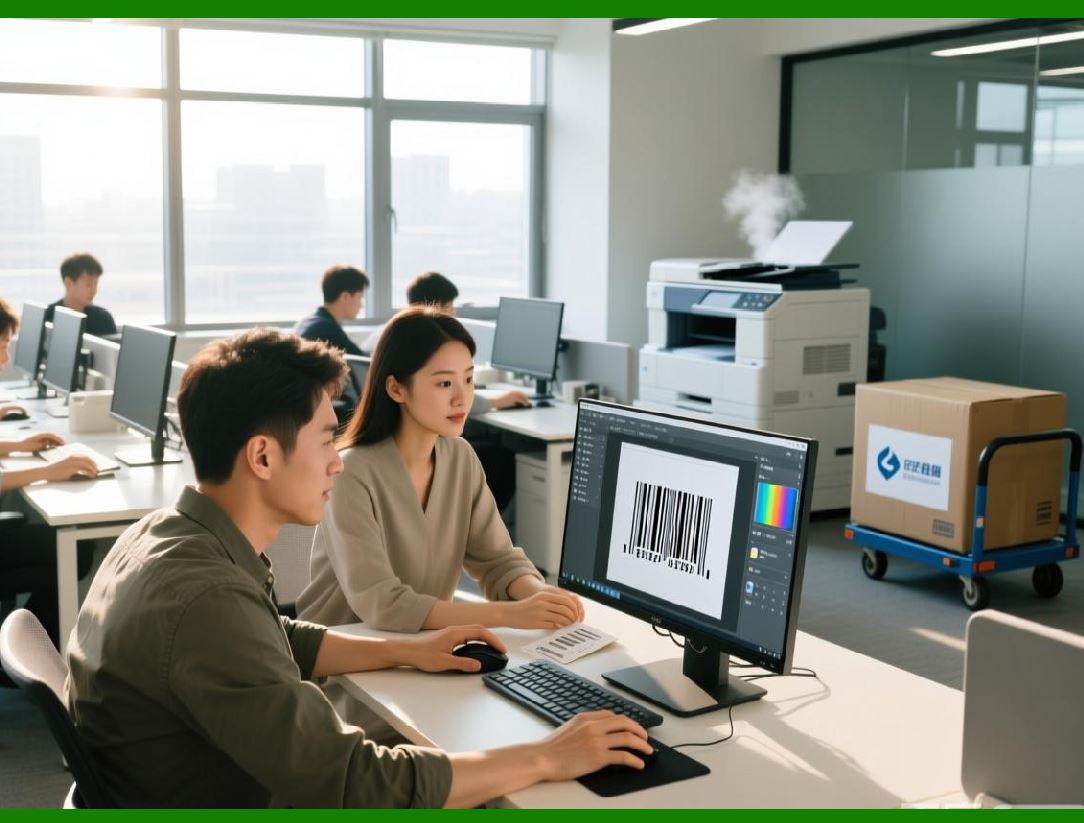
TEC-IT TBarCode SDK for Desktop is a barcode generation library for Windows desktop applications, supporting multiple programming languages including C++, .NET, and Delphi. It is particularly suited for enterprise and industrial label printing. |
Key features include: |
* Supported Symbologies: Linear (Code 39, Code 128, EAN, UPC), 2D (QR Code, Data Matrix, PDF417, Aztec), and postal barcodes. |
* Barcode Rendering: Produces high-resolution barcodes in raster and vector formats, suitable for printing and embedding in reports. |
* Label Printing: Supports printing to all common label and thermal printers, with control over label size, orientation, margins, and DPI. |
* Database Integration: Dynamically generates barcodes from Excel, Access, SQL, or XML for mass labeling. |
* Customization Options: Developers can adjust size, rotation, colors, human-readable text, and quiet zones. |
* Programming Language Support: APIs available for C++, Delphi, C, VB.NET, and COM environments. |
TBarCode SDK for Desktop is commonly used in logistics, manufacturing, document management, and product labeling, where enterprise-grade barcode printing and dynamic data integration are essential. |
|
47. TEC-IT TBarCode SDK for Reporting Systems |
TEC-IT also offers TBarCode SDK variants specifically designed for integration with reporting systems, such as Crystal Reports, Microsoft Reporting Services, and other report generators. |
Key features include: |
* Supported Symbologies: Linear, 2D, GS1, and postal barcodes for inclusion in printed or digital reports. |
* Report Integration: Seamlessly integrates with report templates, allowing dynamic barcode generation for invoices, shipping labels, and product catalogs. |
* Dynamic Data Binding: Generates barcodes from database fields, parameterized reports, or form input. |
* Printing and Export Options: Supports high-quality printing and exporting to PDF, TIFF, PNG, or other image formats. |
* Customization: Provides control over size, rotation, color, and human-readable text for each barcode within reports. |
TBarCode SDK for reporting is widely used in finance, logistics, manufacturing, and administrative reporting systems, where barcodes need to be embedded directly into reports or invoices. |

|
48. Emerging Mobile-First Barcode Solutions |
With the rapid growth of mobile enterprise applications, several mobile-first barcode SDKs have emerged to meet the needs of field operations, retail, and logistics. Examples include Scandit, Dynamsoft, and Microblink. |
Key features include: |
* Mobile Optimization: Designed for iOS and Android, supporting camera-based real-time scanning and generation. |
* High-Speed Recognition: Handles multiple barcodes per frame, damaged or rotated codes, and low-light scanning. |
* Cloud and Local Processing: Offers both on-device and cloud-based barcode recognition and generation. |
* Integration with ERP and WMS: Mobile SDKs often integrate seamlessly with enterprise systems for workflow automation. |
* Customizable UI: Developers can define scanning overlays, detection areas, and barcode types according to business requirements. |
* Support for 1D and 2D Codes: Includes common linear barcodes and 2D codes like QR Code, Data Matrix, PDF417, and Aztec. |
These mobile-first solutions are widely adopted in field service, warehouse management, retail inventory, mobile ticketing, and logistics, where mobility, speed, and accuracy are critical. |
 cs@easiersoft.com