Part 18 Integration with Web, Mobile, and Cloud Applications |
18.1 Overview of Modern Application Integration |
18.1 In contemporary software environments, barcodes are no longer confined to desktop or print applications; they are ubiquitous across web, mobile, and cloud systems. |
18.2 BarcodeLib, being a .NET-based library, can be leveraged in these environments, either directly or via server-side APIs, to provide dynamic barcode generation, delivery, and rendering. |
18.3 Integration strategies focus on: |
* Real-time barcode generation |
* Cross-platform accessibility |
* Seamless delivery to web clients or mobile devices |
* Cloud-based storage, processing, and distribution |

|
18.2 Server-Side Web Integration |
18.4 BarcodeLib can be used to generate barcodes dynamically on web servers for: |
* ASP.NET MVC applications |
* ASP.NET Core Web APIs |
* Traditional Web Forms applications |
18.5 Server-side integration workflow: |
1. Receive a request with barcode data (e.g., SKU, order ID) |
2. Instantiate a `Barcode` object in the server code |
3. Configure symbology, size, and colors based on application rules |
4. Generate the barcode image |
5. Return the image as a stream or base64 string to the client |
18.6 Advantages: |
* Centralized control over barcode generation |
* Ensures consistent symbology and styling |
* Facilitates auditing and logging of barcode creation |
|
18.3 RESTful API Implementation |
18.7 BarcodeLib can be incorporated into RESTful APIs to provide barcode services: |
* Client sends a POST request with barcode data and configuration options |
* Server generates barcode and responds with an image or URL |
* Clients (web or mobile) consume the API for dynamic display or printing |
18.8 Benefits of API-based generation: |
* Decouples barcode generation from client applications |
* Enables cross-platform access from mobile apps, websites, or third-party systems |
* Supports scalable deployment in cloud or microservice architectures |

|
18.4 Web Client Rendering Techniques |
18.9 Once a barcode image is generated on the server, it can be delivered to web clients using: |
* HTTP image responses (`Content-Type: image/png`) |
* Base64-encoded images embedded in `![]() ` tags ` tags |
* Integration with JavaScript frameworks (React, Angular, Blazor) for dynamic rendering |
18.10 Considerations: |
* Ensure proper caching headers to avoid unnecessary regeneration |
* Maintain responsive image sizes for different devices |
* Preserve high resolution for printing from the browser if needed |

|
18.5 Mobile Application Integration |
18.11 BarcodeLib can serve mobile applications in several ways: |
* Server-generated barcodes: The mobile app requests barcode images from a web API |
* Embedded .NET libraries: In Xamarin or MAUI applications, BarcodeLib can generate images locally |
* Hybrid approaches: Pre-generate batches of barcodes in the cloud and download them to the mobile device |
18.12 Key mobile considerations: |
* Limited device memory and CPU resources |
* Image compression without compromising scan accuracy |
* Offline availability of barcode data for inventory or field operations |

|
18.6 Cloud Storage and Distribution |
18.13 Barcode images generated via BarcodeLib can be stored and managed in cloud services for enterprise scalability: |
* Object storage: Azure Blob Storage, AWS S3, or Google Cloud Storage |
* Content Delivery Networks (CDNs): For high-speed distribution to web or mobile clients |
* Secure access control: Implement token-based or signed URLs to prevent unauthorized access |
18.14 Cloud storage allows: |
* Centralized management of barcode assets |
* Easy integration with reporting or printing systems |
* Dynamic access from multiple client platforms |

|
18.7 Dynamic Scaling and Load Balancing |
18.15 For high-demand applications, dynamic scaling strategies can be applied: |
* Deploy BarcodeLib services in containerized environments (Docker, Kubernetes) |
* Use load balancers to distribute barcode generation requests across multiple servers |
* Scale instances automatically based on request volume |
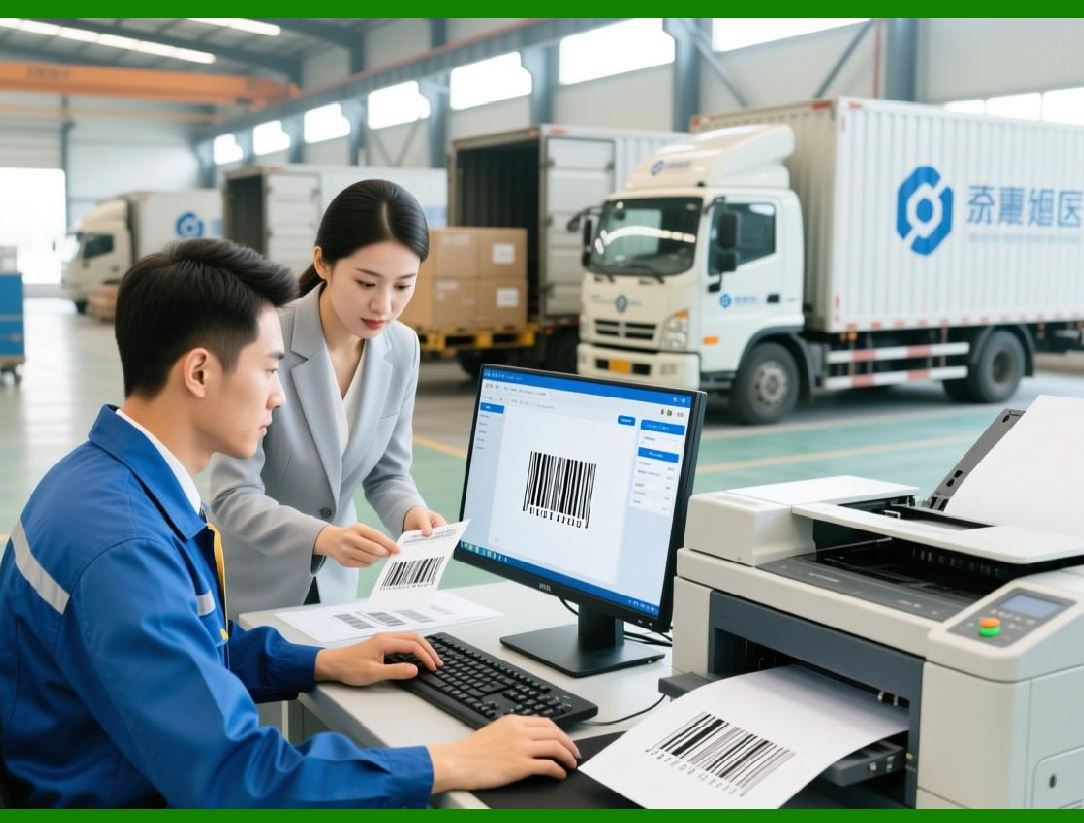
18.16 This ensures consistent performance even under high traffic conditions, such as peak e-commerce events or logistics operations. |
|
18.8 Security and Access Control in Web/Mobile Environments |
18.17 Dynamic barcode generation in web or mobile apps must consider data security: |
* Implement HTTPS for all API calls |
* Authenticate clients using OAuth, JWT, or API keys |
* Validate input data before generating barcodes to prevent injection attacks |
* Optionally encrypt sensitive barcode data before rendering |
18.18 Secure integration ensures that barcode data integrity and confidentiality are maintained across distributed systems. |
|
18.9 Integration with Document Generation and Printing Systems |
18.19 Web and mobile applications often integrate BarcodeLib with document generation pipelines: |
* PDFs: iText7, PdfSharp, or Aspose |
* Reports: SSRS, Crystal Reports, FastReport |
* Label templates: Bartender, NiceLabel |
18.20 Workflow: |
1. Generate barcode on-demand or fetch from cloud storage |
2. Embed barcode image into document template |
3. Render or print document for clients or operational staff |
18.21 This enables end-to-end workflows, from online order placement to printed labels or shipping documentation. |

|
18.10 Practical Case: E-Commerce Fulfillment Platform |
18.22 Example scenario integrating BarcodeLib into a cloud-based e-commerce platform: |
1. Customer places an order via website or mobile app |
2. Order data is sent to a centralized backend service |
3. BarcodeLib generates a Code 128 barcode for each item, including SKU, batch, and order ID |
4. Barcodes are stored in Azure Blob Storage |
5. Shipping labels with embedded barcodes are dynamically generated using a PDF template |
6. Labels are printed in the warehouse or sent to third-party logistics providers |
7. Barcodes are scanned during packing, shipping, and delivery for real-time tracking |
18.23 This example illustrates how BarcodeLib can support modern, scalable, and distributed systems. |

|
18.11 Summary of Part 18 |
18.24 Part 18 has explored integration of BarcodeLib with web, mobile, and cloud applications. |
18.25 Key takeaways: |
* Server-side barcode generation enables dynamic, centralized control |
* REST APIs allow cross-platform access from web and mobile clients |
* Cloud storage and CDNs support high-volume distribution |
* Security measures ensure confidentiality and integrity |
* Integration with document and printing systems enables end-to-end operational workflows |
18.26 Following these strategies allows BarcodeLib to serve as a core component in modern enterprise-grade systems, supporting both dynamic generation and large-scale distribution of barcode assets. |
 cs@easiersoft.com