ByteScout Barcode SDK Comprehensive Technical Analysis |
Part 12 of 19 |
Automation, Batch Workflows, and Business Process Integration |
256. Role of Automation in Barcode Systems |
Automation is critical in modern business processes where barcodes are used for inventory, logistics, manufacturing, and document management. ByteScout Barcode SDK is designed to integrate seamlessly into automated workflows, reducing manual intervention and improving efficiency. |
Automation ensures consistent barcode quality, reduces errors, and accelerates business processes. |

|
257. Batch Barcode Generation Workflows |
Many enterprises require the generation of large quantities of barcodes simultaneously. ByteScout Barcode SDK supports batch workflows by allowing developers to generate multiple barcodes in loops or bulk processes without restarting the application. |
Batch generation can be driven by database records, CSV files, or other structured data sources. |
258. Integration with Scheduled Tasks |
Scheduled tasks or cron jobs often handle routine barcode generation, such as creating daily shipping labels or inventory tags. ByteScout Barcode SDK can be invoked from scheduled processes, producing output automatically on a predefined schedule. |
This reduces manual workload and ensures timely availability of barcodes. |

|
259. Data-Driven Automation |
Enterprise automation often relies on dynamic data from ERP, CRM, or inventory systems. ByteScout Barcode SDK can dynamically generate barcodes using live data streams, ensuring that each barcode accurately reflects the current state of business data. |
Data-driven automation enhances accuracy and traceability. |
260. File-Based Automation |
ByteScout Barcode SDK supports automation based on file input and output. Input files such as CSV, Excel, or XML can provide data for barcode generation, and output files can be saved as images, PDFs, or reports. |
This file-based approach simplifies integration with legacy systems. |

|
261. Integration with Business Process Automation (BPA) Tools |
ByteScout Barcode SDK can be integrated into BPA platforms that orchestrate complex workflows. For example, it can be used in invoice generation, shipment label printing, or automated ticketing systems. |
This integration enhances operational efficiency and reduces manual errors. |
262. Database-Driven Barcode Production |
Enterprise systems often rely on databases for item identifiers, order numbers, or document IDs. ByteScout Barcode SDK supports automated barcode creation directly from database queries, ensuring seamless synchronization between physical barcodes and digital records. |
Database-driven generation ensures consistent and accurate labeling. |

|
263. Event-Triggered Barcode Generation |
Automation workflows frequently respond to events, such as a new order, a shipment request, or a manufacturing milestone. ByteScout Barcode SDK can generate barcodes in response to such events, supporting real-time business processes. |
Event-triggered generation reduces delays and improves operational responsiveness. |
264. Document and Report Automation |
In document-intensive workflows, barcodes are often embedded in invoices, shipping labels, tickets, and reports. ByteScout Barcode SDK integrates with reporting frameworks to automate barcode insertion, ensuring consistency across documents. |
Automated document workflows improve efficiency and reduce manual errors. |

|
265. Multi-Format Output for Automation |
Automation systems may require multiple output formats. ByteScout Barcode SDK supports raster formats like PNG, BMP, and JPEG, as well as vector formats like SVG and PDF. |
This flexibility allows the same workflow to serve multiple channels and devices. |
266. Automation in Cloud Environments |
Cloud-based automation platforms benefit from SDKs that can operate in stateless, scalable environments. ByteScout Barcode SDK is compatible with cloud servers, supporting high-volume barcode generation in multi-instance deployments. |
Cloud integration supports elastic scaling of automated workflows. |
|
267. Parallel Processing for High-Volume Automation |
High-volume automation often requires parallel processing. ByteScout Barcode SDK supports multi-threaded barcode generation, enabling simultaneous processing of multiple items. |
This approach significantly reduces total processing time in batch operations. |
268. Logging and Monitoring Automated Processes |
Automation systems benefit from robust logging. ByteScout Barcode SDK can be integrated with logging frameworks to track barcode generation events, errors, and performance metrics. |
Monitoring supports auditability and rapid troubleshooting. |

|
269. Error Handling in Automated Workflows |
Automated barcode workflows must gracefully handle errors. ByteScout Barcode SDK provides detailed exceptions and error codes that can be captured programmatically. |
This allows automated systems to retry, log, or alert operators as necessary. |
270. Workflow Optimization Techniques |
Efficiency in automation requires optimization. Developers can reuse barcode instances, adjust resolution settings, and pre-cache common barcodes using ByteScout Barcode SDK. |
These techniques improve throughput and reduce resource usage. |

|
271. Integration with Label Printers in Automation |
Automated labeling systems often require direct interaction with label printers. ByteScout Barcode SDK supports printer-ready output formats that can be fed into automated printing pipelines. |
Integration with printers streamlines physical labeling operations. |
272. Automation for Compliance and Reporting |
Automated barcode generation supports compliance by ensuring that labels and documents are consistently produced according to regulatory standards. |
ByteScout Barcode SDK adherence to ISO, GS1, and industry specifications ensures compliance even in fully automated workflows. |

|
273. Use Cases: Warehousing and Logistics |
In logistics, automation is critical. ByteScout Barcode SDK enables automated creation of shipment labels, pallet tags, and tracking codes, reducing errors and improving throughput. |
Automated barcode printing directly enhances supply chain efficiency. |
274. Use Cases: Manufacturing and Production Lines |
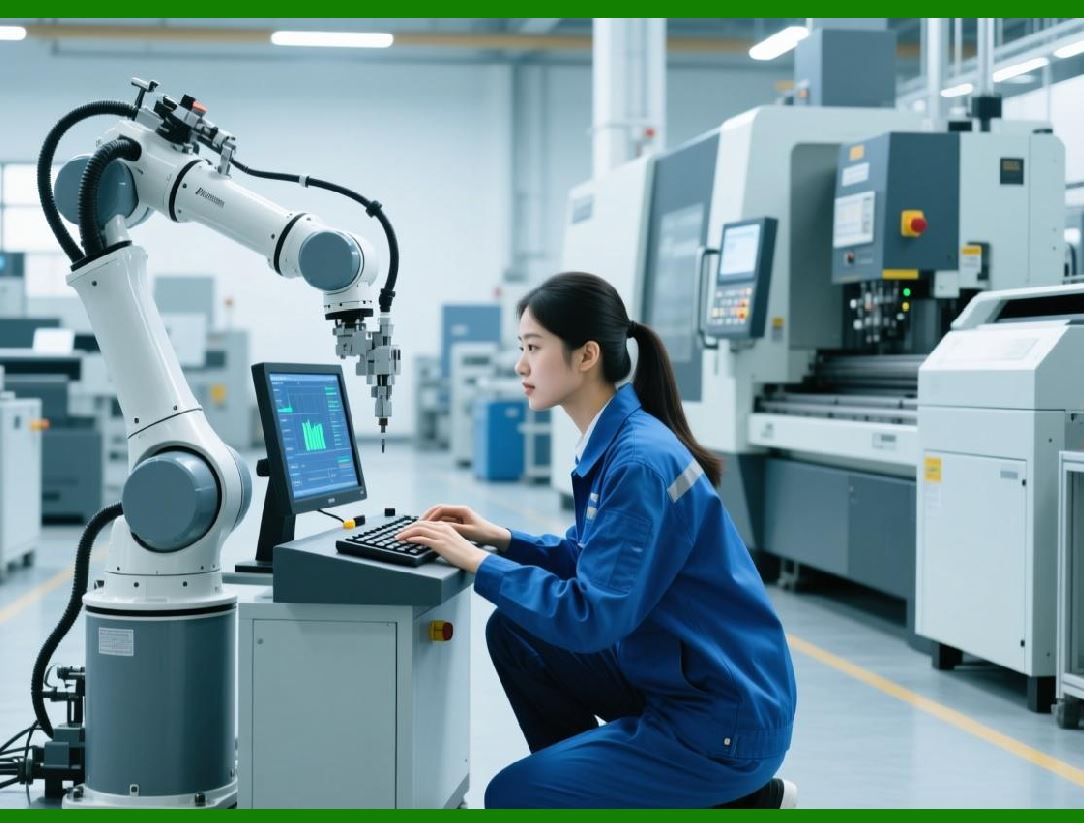
On production lines, barcodes must be generated in real-time for part tracking, assembly verification, and quality control. ByteScout Barcode SDK can generate barcodes quickly enough to support inline automation. |
Real-time generation ensures accurate tracking and reduces human error. |

|
275. Transition to API Integration and Third-Party Interfacing |
Automation often extends beyond internal systems. The next part will examine API integration, third-party interfacing, and external system communication using ByteScout Barcode SDK. |
 cs@easiersoft.com