ByteScout Barcode SDK Comprehensive Technical Analysis |
Part 14 of 19 |
Mobile Integration, Embedded Systems, and On-the-Go Barcode Generation |
295. Introduction to Mobile and Embedded Barcode Generation |
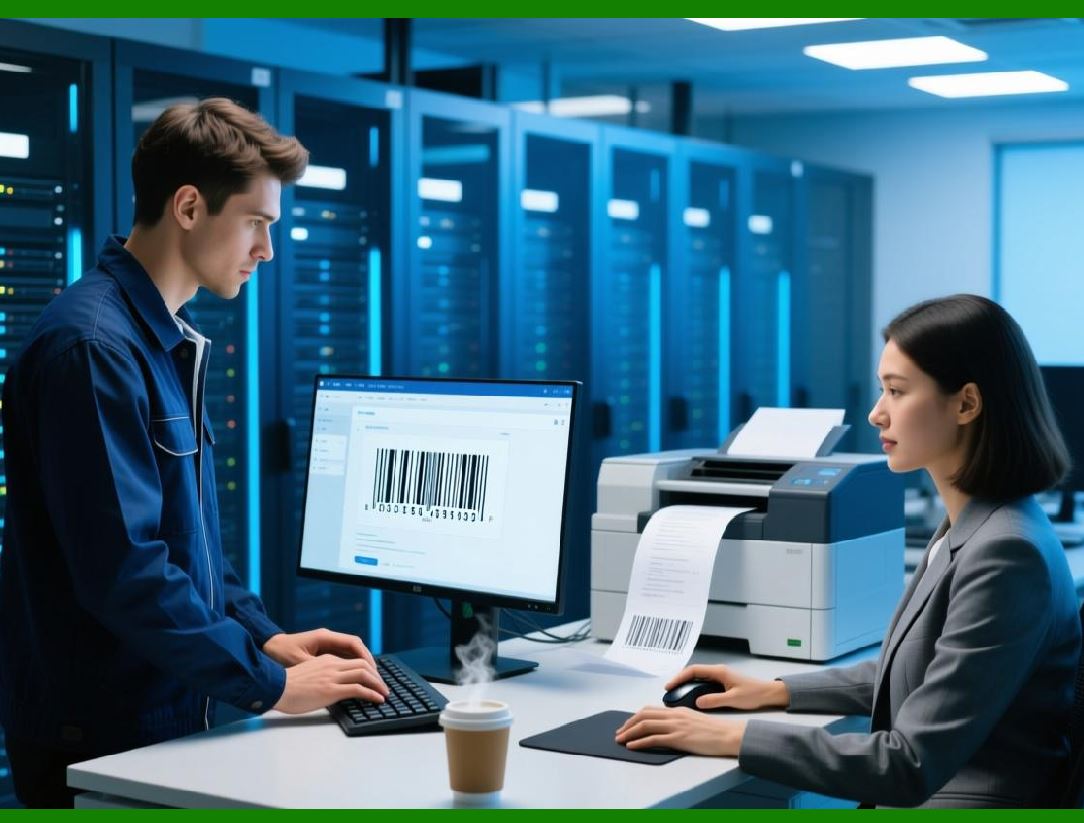
Modern business workflows increasingly rely on mobile devices and embedded systems for barcode scanning, printing, and verification. ByteScout Barcode SDK, while primarily a .NET library, can be integrated into mobile and embedded environments via web services, API calls, or cross-platform frameworks. |
This allows businesses to generate barcodes dynamically on handheld devices or in constrained embedded systems. |
|
296. Mobile Use Cases |
Mobile barcode generation is common in logistics, retail, and field services. Typical scenarios include: |
* On-demand shipping label generation for delivery personnel |
* Mobile ticketing for events or transportation |
* Inventory management in warehouses using handheld scanners |
* Verification barcodes for service and maintenance workflows |
ByteScout Barcode SDK supports these scenarios by providing programmatic access to barcode generation via centralized services. |

|
297. Cross-Platform Mobile Integration |
Although ByteScout Barcode SDK runs on .NET environments, mobile applications built using frameworks like Xamarin or .NET MAUI can interact with it via web APIs. Mobile apps can request barcodes from a server or cloud-hosted service running the SDK, receiving output as images or vector graphics. |
This avoids embedding heavy SDKs directly into mobile apps. |
298. Embedded Systems in Industrial Workflows |
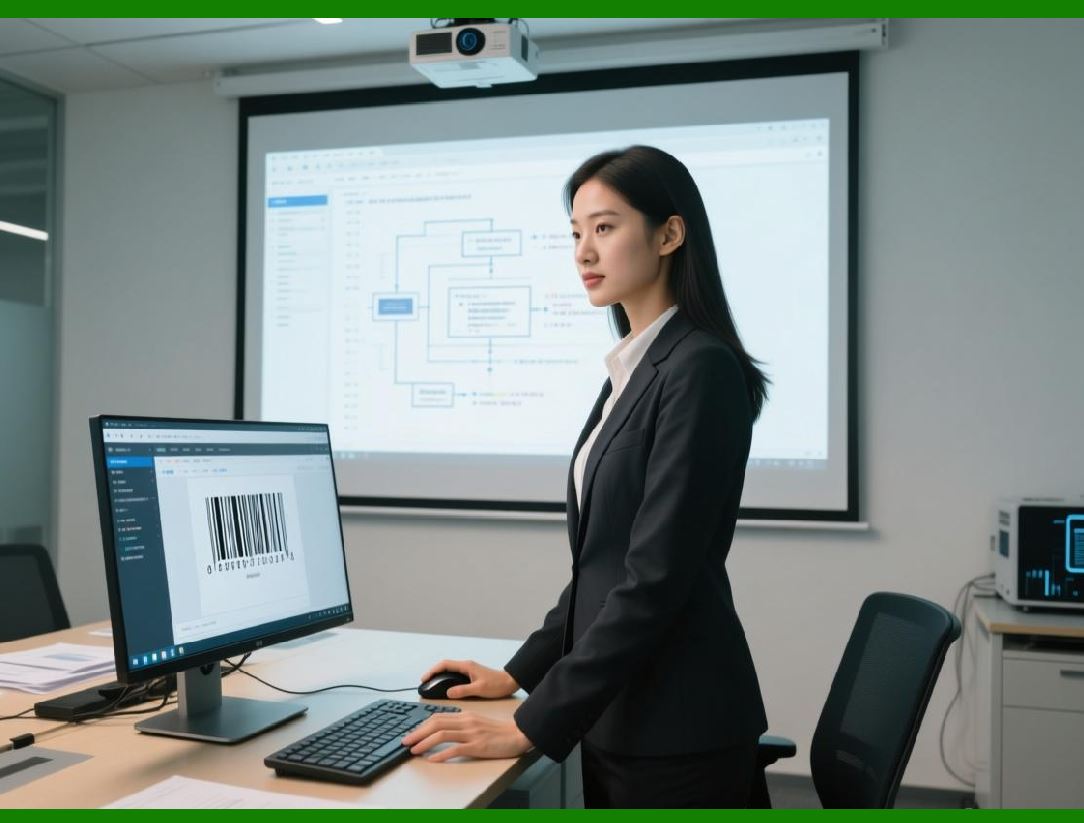
Embedded systems, such as label printers, handheld scanners, kiosks, and production-line devices, often require barcode generation. ByteScout Barcode SDK can be integrated into backend systems that feed these embedded devices with pre-rendered barcodes. |
This enables high-speed automated labeling in manufacturing or logistics environments. |
|
299. Real-Time Barcode Generation on Handheld Devices |
Handheld devices often need barcodes generated in real-time based on user input or sensor data. ByteScout Barcode SDK supports low-latency generation via API calls, providing immediate barcode output suitable for mobile display or printing. |
Real-time generation supports responsive field operations. |
300. Offline and Network-Limited Scenarios |
While mobile devices may be offline or have limited connectivity, ByteScout Barcode SDK can support hybrid approaches: |
* Pre-generating barcodes on a server and syncing to the device |
* Using cached barcode images for repeated scanning operations |
* Supporting asynchronous batch updates when network connectivity is restored |
This approach ensures continuity of operations in remote environments. |

|
301. Output Formats for Mobile Devices |
Mobile applications may require barcode output in different formats depending on display or printing capabilities. ByteScout Barcode SDK supports: |
* Raster formats (PNG, JPEG, BMP) for on-screen display |
* Vector formats (SVG) for high-resolution scaling |
* Embedded output in PDF or document templates for mobile reporting |
This flexibility ensures compatibility across device types. |
302. Integration with Mobile Printing Hardware |
Many mobile workflows require immediate printing. ByteScout Barcode SDK output can be fed to mobile-compatible printers, including Bluetooth and network-enabled label printers. |
This supports logistics, ticketing, and point-of-sale workflows without manual intervention. |
|
303. Performance Optimization for Mobile Workflows |
Mobile workflows require optimized performance due to limited resources. ByteScout Barcode SDK supports efficient generation with minimal memory and CPU usage on backend servers, ensuring that mobile clients receive results quickly. |
Performance tuning reduces wait times and improves user satisfaction. |
304. Security Considerations in Mobile Integration |
Mobile and embedded systems often operate in less secure environments. ByteScout Barcode SDK ensures that sensitive data is encoded securely on servers, not on devices, minimizing risk in case of device loss or compromise. |
This architecture separates data-sensitive operations from device-level vulnerabilities. |

|
305. Barcode Verification on Mobile Devices |
Generated barcodes must often be verified on mobile devices before printing or distribution. ByteScout Barcode SDK produces standards-compliant barcodes that are compatible with scanners embedded in mobile devices, ensuring accurate verification in the field. |
This reduces errors and operational disruptions. |
306. Multi-Symbology Mobile Support |
Mobile applications may encounter diverse barcode requirements. ByteScout Barcode SDK supports multiple symbologies, allowing devices to handle QR Codes, Data Matrix, Code 128, and other formats dynamically. |
Dynamic symbology selection increases application versatility. |
|
307. Integration with Mobile Inventory Management |
Field inventory management often requires scanning and printing on-the-go. ByteScout Barcode SDK, when integrated via APIs, enables handheld devices to generate barcodes dynamically for new items, shipments, or returned goods. |
This ensures accurate real-time inventory tracking. |
308. IoT and Embedded Device Workflows |
IoT devices in warehouses, factories, or retail environments may require barcode generation as part of automated labeling or identification. ByteScout Barcode SDK can feed barcodes into IoT systems via centralized services. |
This enables smart, automated operational workflows. |
|
309. Practical Use Case: Delivery and Logistics |
Delivery personnel equipped with mobile devices can generate tracking barcodes dynamically at pickup or delivery points. ByteScout Barcode SDK ensures these barcodes are standardized, readable, and traceable across the logistics chain. |
310. Practical Use Case: Event Ticketing |
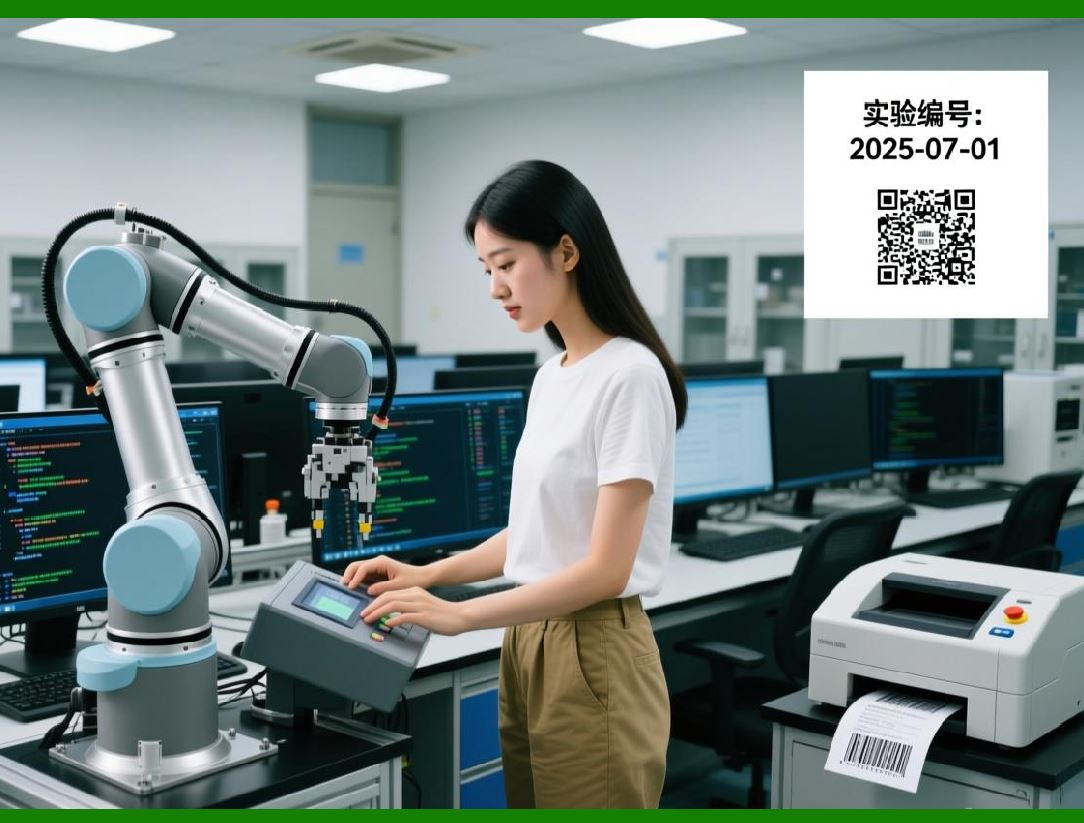
Event organizers can generate QR Codes or PDF417 barcodes on mobile devices for tickets or passes. ByteScout Barcode SDK ensures high-quality output suitable for on-screen scanning or printed tickets. |
|
311. Transition to Output Formats, Customization, and Printing |
While mobile and embedded workflows are critical, developers also need full control over barcode appearance, formats, and printing options. The next part will explore visual customization, output formats, and printing integration using ByteScout Barcode SDK. |
 cs@easiersoft.com