ByteScout Barcode SDK Comprehensive Technical Analysis |
Part 15 of 19 |
Output Formats, Visual Customization, Printing Workflows, and Label Generation |
312. Introduction to Output and Customization |
A critical strength of ByteScout Barcode SDK is its flexibility in output formats and visual customization. Developers can tailor the appearance, size, resolution, and format of generated barcodes to meet diverse business requirements, ensuring compatibility with printing devices, reports, labels, and on-screen displays. |

|
313. Supported Output Formats |
ByteScout Barcode SDK supports multiple output formats for different use cases: |
* Raster Images: PNG, BMP, JPEG, TIFF for screen display or basic printing. |
* Vector Images: SVG and PDF for scalable, high-resolution applications. |
* Stream-Based Output: Memory streams for programmatic workflows, enabling immediate use in web or desktop applications. |
* Direct Printing: Integration with printer APIs for instant output without intermediate files. |
The variety ensures compatibility with almost all enterprise and consumer workflows. |

|
314. Visual Customization Options |
ByteScout Barcode SDK provides comprehensive visual customization: |
* Foreground and Background Colors: Allows the use of brand colors or high-contrast schemes for better scanner readability. |
* Bar Width and Module Size: Developers can adjust bar width in 1D codes and module size in 2D codes to suit printer resolution or label requirements. |
* Margins and Quiet Zones: Configurable margins ensure compliance with scanning standards. |
* Rotation and Orientation: Barcodes can be rotated for vertical or horizontal layouts. |
* Human-Readable Text: Placement, font size, and style of human-readable text can be adjusted to match document or label requirements. |
This level of control allows barcodes to maintain functionality while matching corporate identity or design guidelines. |

|
315. High-Resolution Output for Printing |
Printing barcodes requires higher resolution than on-screen display. ByteScout Barcode SDK allows developers to specify DPI (dots per inch), producing crisp, scannable output for laser, inkjet, or thermal printers. |
High-resolution output ensures that barcodes remain readable even on small labels or with high-density 2D symbols. |
316. Label Design and Layout Integration |
For industrial and retail workflows, barcodes are often part of larger label designs. ByteScout Barcode SDK output can be embedded into label templates alongside text, images, logos, and other design elements. |
Integration with label design software or custom templates ensures consistent production quality. |

|
317. Multi-Barcode Label Support |
Some labels require multiple barcodes for different purposes (e.g., product ID, batch number, tracking code). ByteScout Barcode SDK allows generation of multiple barcodes with varying symbologies on the same label. |
This flexibility is critical in manufacturing, logistics, and healthcare labeling. |
318. Color and Branding Options |
Businesses often require barcodes to match brand guidelines. ByteScout Barcode SDK allows customization of colors while ensuring sufficient contrast for scanning reliability. |
This is useful for marketing, packaging, and consumer-facing labels. |

|
319. Vector Output for Scalable Printing |
Vector formats like SVG and PDF are ideal for high-quality printing on various sizes. ByteScout Barcode SDK ensures scalable vector output without pixelation, making it suitable for large labels, banners, or packaging materials. |
Vector output also simplifies integration with desktop publishing or graphics workflows. |
320. Streamlined Printing Workflows |
ByteScout Barcode SDK integrates seamlessly with printing APIs in desktop and server environments. Developers can print directly to label printers, office printers, or industrial printers without generating intermediate image files. |
This direct printing capability reduces processing time and simplifies automated workflows. |

|
321. Integration with Thermal Printers |
Thermal printers are widely used in logistics, retail, and warehousing. ByteScout Barcode SDK supports thermal printer workflows, producing output compatible with standard printer drivers and label formats. |
This ensures consistent, reliable printing at high speeds. |
322. Output Optimization for High-Volume Printing |
High-volume printing workflows require optimized output to reduce processing time and prevent errors. ByteScout Barcode SDK supports batch rendering and pre-caching, enabling rapid production of thousands of labels. |
Optimization techniques improve throughput in industrial and retail operations. |
|
323. Output Customization for Regulatory Compliance |
Some industries, such as pharmaceuticals and logistics, require barcodes to meet strict regulatory guidelines. ByteScout Barcode SDK allows developers to configure output parameters (size, quiet zones, text placement) to satisfy these requirements. |
This ensures that printed labels comply with industry standards and avoid regulatory issues. |
324. Real-Time Label Preview |
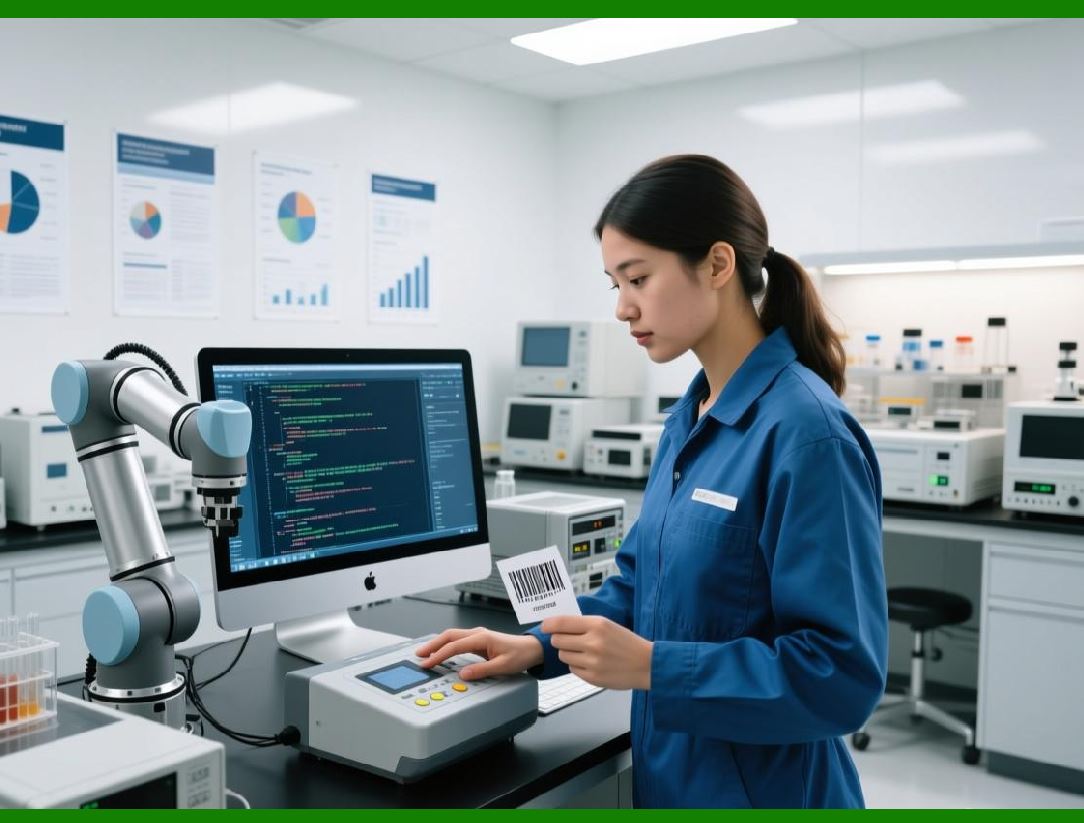
Developers can implement real-time barcode previews in desktop or web applications using ByteScout Barcode SDK. Users can see exactly how the barcode will appear on the label before printing, reducing errors and wasted materials. |
|
325. Dynamic Label Content |
Labels often contain dynamic content beyond the barcode itself, such as serial numbers, expiration dates, and batch codes. ByteScout Barcode SDK can be combined with templating systems to generate dynamic labels with barcodes and accompanying metadata. |
This supports traceability and automated record-keeping. |
326. Multi-Language and Unicode Support |
Label content often includes multiple languages or special characters. ByteScout Barcode SDK supports Unicode, enabling correct rendering of human-readable text in international deployments. |

|
327. Printing Across Multiple Devices |
ByteScout Barcode SDK output can be directed to multiple printing devices, including network printers, local office printers, and industrial label printers. This flexibility supports distributed operations and multi-site deployments. |
328. Practical Use Case: Retail Labeling |
Retail products often require multiple barcodes for inventory, pricing, and promotions. ByteScout Barcode SDK enables creation of high-quality barcodes integrated into visually appealing labels with brand colors, logos, and product information. |

|
329. Practical Use Case: Manufacturing Labels |
In manufacturing, barcodes track parts, batches, and finished goods. ByteScout Barcode SDK supports automated production of labels with multiple barcodes, regulatory information, and dynamic text for real-time tracking on the production line. |
330. Transition to Reporting and Documentation Integration |
While printing and label generation are critical, barcode integration into reports, documents, and PDFs is equally important. The next part will examine document embedding, reporting integration, and PDF workflows using ByteScout Barcode SDK. |
 cs@easiersoft.com