ByteScout Barcode SDK Comprehensive Technical Analysis |
Part 5 of 19 |
Rendering Engines, Output Formats, and Visual Fidelity |
91. Introduction to Barcode Rendering |
Barcode rendering is the process of transforming an abstract, encoded barcode representation into a visual form that can be displayed, printed, or embedded into documents. In ByteScout Barcode SDK, rendering is treated as a distinct and well-defined stage that follows encoding. This separation allows encoding logic to remain independent of output format while ensuring consistent visual results across different mediums. |
From a developer perspective, rendering is where technical correctness meets practical usability. A correctly encoded barcode that is rendered poorly can still fail in real-world scanning environments, making the quality of the rendering engine critically important. |

|
92. Separation of Encoding and Rendering Responsibilities |
ByteScout Barcode SDK follows a clean separation of concerns between encoding and rendering. Encoding produces a logical representation of bars, spaces, or modules, while rendering converts that representation into pixels, vectors, or printable shapes. |
This architectural separation enables the SDK to support multiple output formats without duplicating encoding logic, improving maintainability and extensibility. |
93. Rendering Pipeline Overview |
The rendering pipeline in ByteScout Barcode SDK typically follows a structured sequence: |
1. Retrieval of the encoded barcode model. |
2. Calculation of final dimensions based on scaling, resolution, and margins. |
3. Application of quiet zones and padding. |
4. Conversion of logical modules into graphical primitives. |
5. Output to the selected format. |
Each step is designed to preserve barcode integrity while adapting to the requirements of the target medium. |

|
94. Device-Independent Rendering Logic |
One of the key strengths of ByteScout Barcode SDK is its device-independent rendering approach. Internally, barcodes are defined using logical units rather than physical pixels. |
During rendering, these logical units are translated into device-specific units based on resolution and output format, ensuring consistent proportions across screens and printers. |
95. Raster Image Rendering |
Raster image output is one of the most common rendering targets. ByteScout Barcode SDK supports rendering barcodes to bitmap-based image formats suitable for display and storage. |
Raster rendering is optimized for clarity, ensuring that bar edges remain sharp and well-defined at appropriate resolutions. |

|
96. Common Raster Image Formats |
The SDK supports several widely used raster formats, allowing developers to choose the most suitable format for their application. These formats are commonly used for web delivery, desktop display, and document embedding. |
ByteScout Barcode SDK ensures that image encoding does not introduce compression artifacts that could interfere with barcode scanning. |
97. Resolution and DPI Handling |
Resolution, typically measured in dots per inch, plays a crucial role in barcode readability. ByteScout Barcode SDK allows developers to specify target resolution explicitly or rely on sensible defaults. |
The SDK recalculates module sizes and bar widths based on the specified DPI, preserving scan reliability at different output resolutions. |

|
98. Anti-Aliasing Considerations |
While anti-aliasing improves the visual smoothness of graphics, it can be detrimental to barcode scanning. ByteScout Barcode SDK carefully manages anti-aliasing behavior, typically disabling it for barcode elements to maintain sharp edges. |
This design choice reflects a priority on functional accuracy over aesthetic smoothing. |
99. Color Management and Contrast |
Barcode readability depends heavily on sufficient contrast between foreground and background. ByteScout Barcode SDK allows developers to configure colors while enforcing contrast requirements internally. |
The SDK ensures that color choices do not compromise scanner recognition, particularly for monochrome scanning devices. |

|
100. Background and Transparency Handling |
In addition to foreground bars or modules, background handling is an important rendering consideration. ByteScout Barcode SDK supports solid backgrounds and, in some cases, transparent backgrounds for image output. |
Transparency is particularly useful when embedding barcodes into composite images or documents. |
101. Vector-Based Rendering Philosophy |
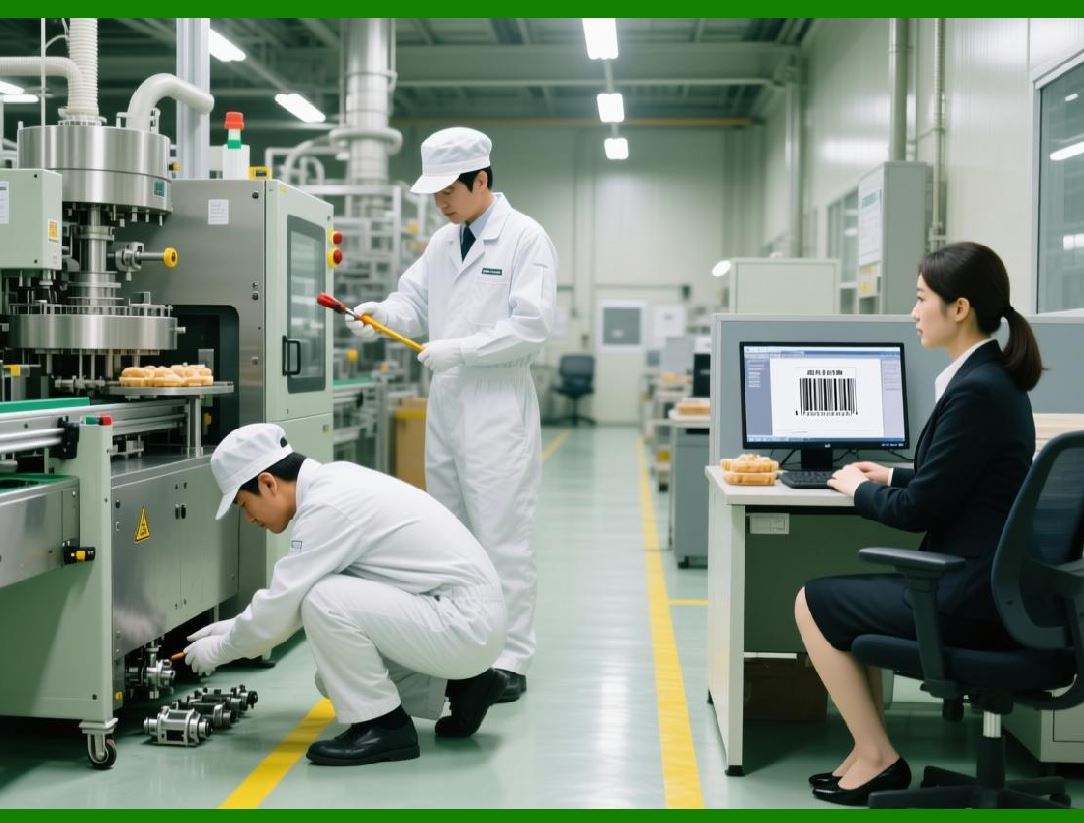
Vector-based rendering provides resolution-independent output, making it ideal for high-quality printing and scalable documents. ByteScout Barcode SDK supports vector rendering for applicable output formats. |
In vector mode, bars and modules are represented as geometric shapes rather than pixels, ensuring perfect scaling without loss of detail. |
|
102. Advantages of Vector Output |
Vector output offers several practical advantages: |
1. Infinite scalability without pixelation. |
2. Precise control over dimensions. |
3. Smaller file sizes for simple shapes. |
4. Improved print fidelity. |
ByteScout Barcode SDK leverages these advantages in professional printing workflows. |
103. Vector Rendering Precision |
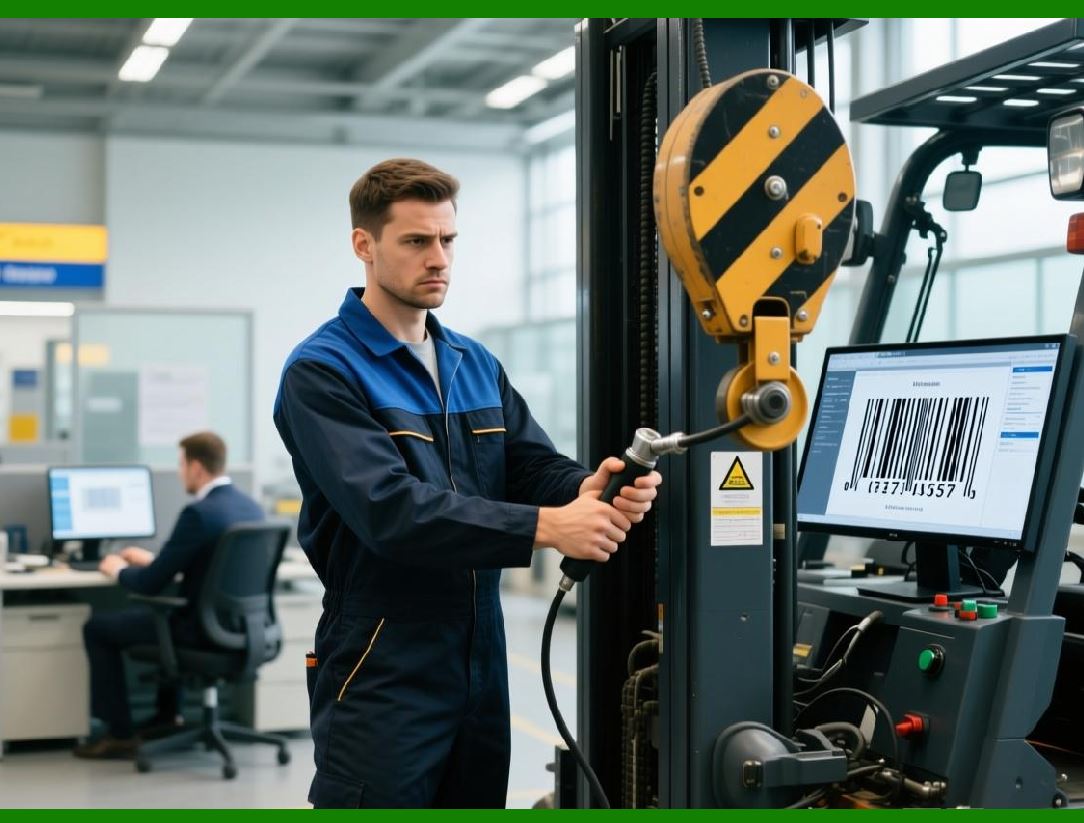
Precision is critical in vector rendering. ByteScout Barcode SDK ensures that vector shapes align exactly with encoding specifications, avoiding fractional positioning that could cause rendering artifacts during printing. |
This precision is especially important for industrial and regulatory applications. |
|
104. Output Format Selection Criteria |
Choosing an output format depends on the intended use case. ByteScout Barcode SDK allows developers to select formats based on factors such as display medium, printing requirements, and downstream processing. |
The SDK flexible output system supports seamless switching between formats without code restructuring. |
105. Printing-Oriented Rendering |
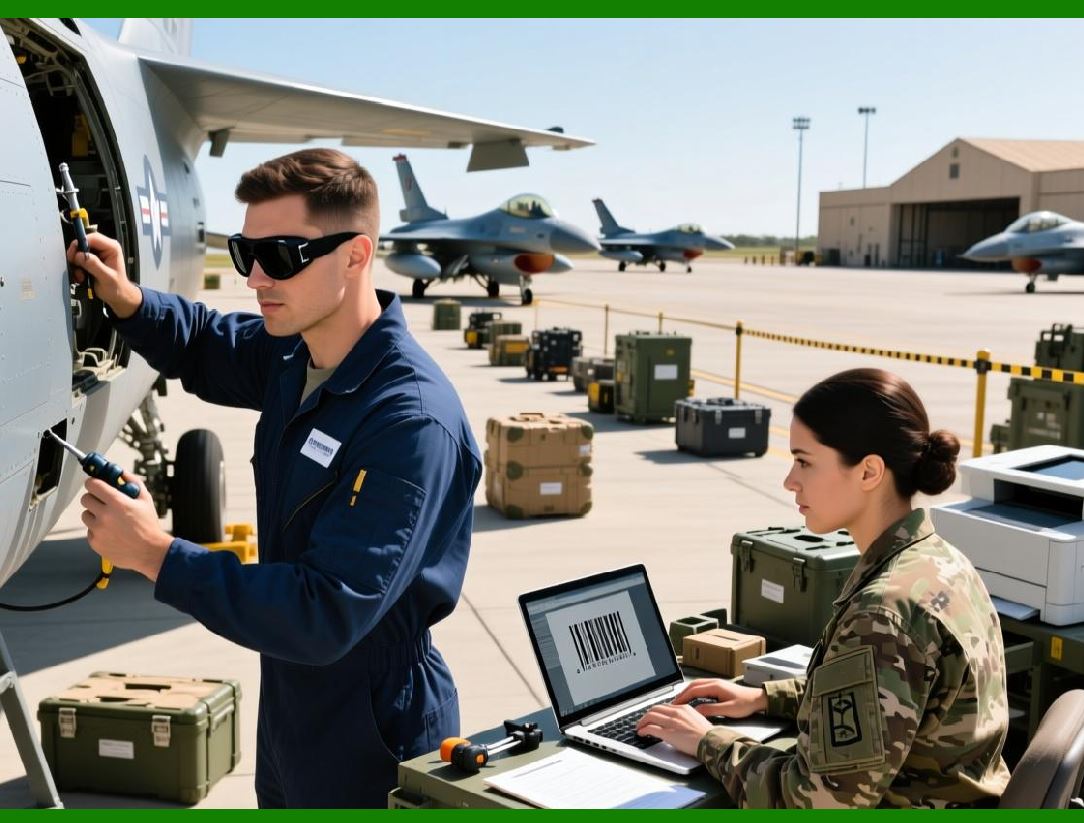
Printing introduces additional constraints, such as printer resolution, dot gain, and media characteristics. ByteScout Barcode SDK accounts for these factors by allowing explicit DPI settings and size control. |
This printing-oriented approach helps ensure that barcodes remain readable after physical reproduction. |
|
106. Margin and Quiet Zone Rendering |
Margins and quiet zones are rendered as part of the output, not as an afterthought. ByteScout Barcode SDK calculates these areas during layout and includes them in the final image or vector output. |
This ensures compliance with symbology requirements and reduces the risk of scanner misreads. |
107. Scaling Behavior and Aspect Ratio Preservation |
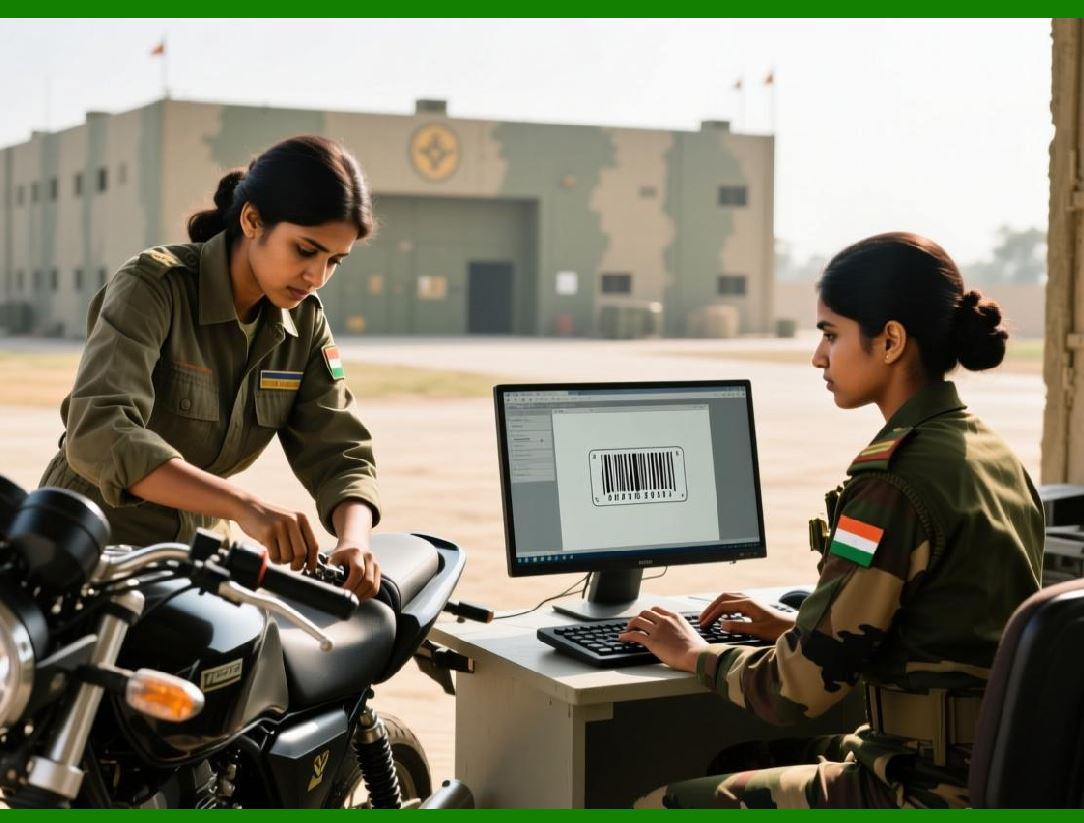
Scaling barcodes incorrectly can distort their proportions. ByteScout Barcode SDK preserves aspect ratios during scaling operations, ensuring that relative dimensions remain intact. |
Developers can specify absolute sizes or scaling factors, with the SDK handling proportional adjustments. |
|
108. Text Rendering Integration |
When human-readable text is enabled, ByteScout Barcode SDK integrates text rendering into the overall layout. The SDK positions text in relation to the barcode symbol while maintaining sufficient separation. |
Font selection and size are managed to balance readability with barcode integrity. |
109. Font Handling and Typography |
Font rendering for human-readable text is handled using system or embedded fonts, depending on the output format. ByteScout Barcode SDK ensures that text rendering does not interfere with barcode scanning zones. |
This typography handling is designed to be predictable across different systems. |

|
110. Rendering Performance Considerations |
Rendering performance affects user experience and throughput in batch systems. ByteScout Barcode SDK optimizes rendering paths to minimize overhead while maintaining accuracy. |
Caching and reuse of rendering resources may be employed internally to improve performance. |
111. Memory Management During Rendering |
Efficient memory usage is essential in high-volume rendering scenarios. ByteScout Barcode SDK manages memory allocation carefully, releasing intermediate structures promptly after use. |
This approach supports scalability in server-side applications. |

|
112. Consistency Across Output Formats |
A key goal of the SDK rendering system is consistency. A barcode rendered to a raster image should be functionally equivalent to one rendered to a vector format. |
ByteScout Barcode SDK achieves this by deriving all outputs from the same encoded representation. |
113. Developer Customization Options |
While defaults are optimized for reliability, ByteScout Barcode SDK allows developers to customize rendering parameters. These options include size, colors, margins, and text display. |
Customization is designed to be safe, preventing changes that would invalidate the barcode. |

|
114. Error Prevention in Rendering |
The SDK includes safeguards to prevent rendering configurations that could compromise barcode readability. When invalid settings are detected, ByteScout Barcode SDK provides warnings or errors. |
This proactive validation helps developers avoid subtle rendering issues. |
115. Rendering in Multi-Threaded Environments |
In server-side or batch scenarios, rendering may occur concurrently. ByteScout Barcode SDK is designed to operate safely in multi-threaded environments when used according to documentation. |
This supports scalable application architectures. |
|
116. Practical Rendering Use Cases |
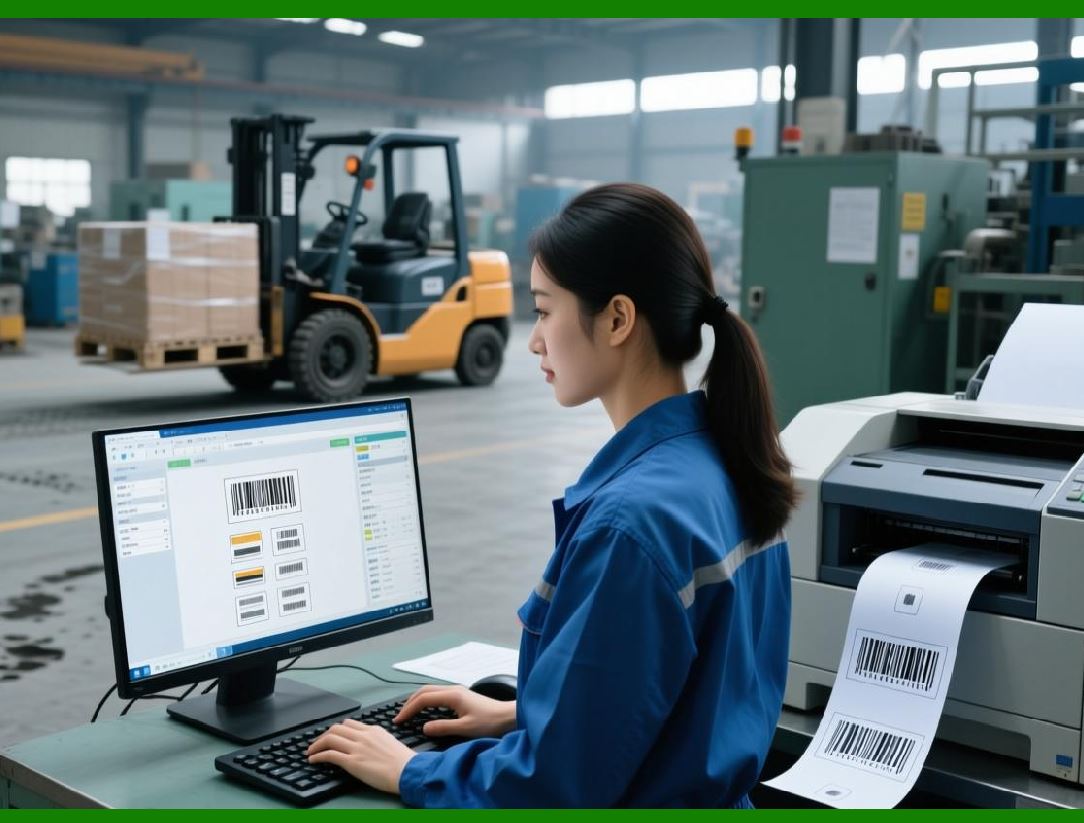
Common rendering use cases include generating barcode images for web pages, producing printable labels, embedding barcodes into reports, and exporting vector barcodes for professional printing. |
ByteScout Barcode SDK supports all of these scenarios with a unified rendering approach. |
117. Testing Rendered Output |
Developers often validate rendered barcodes by scanning them with physical or software scanners. ByteScout Barcode SDK rendering fidelity minimizes discrepancies between on-screen testing and real-world usage. |
This predictability reduces deployment risk. |

|
118. Transition to Printing Workflows |
While rendering produces visual output, printing introduces additional system-level considerations. The next part will focus specifically on printing workflows, printer interaction, and print fidelity in ByteScout Barcode SDK. |
 cs@easiersoft.com