ByteScout Barcode SDK Comprehensive Technical Analysis |
Part 8 of 19 |
Desktop Application Integration, UI Workflows, and Client-Side Usage |
164. Introduction to Desktop Barcode Generation |
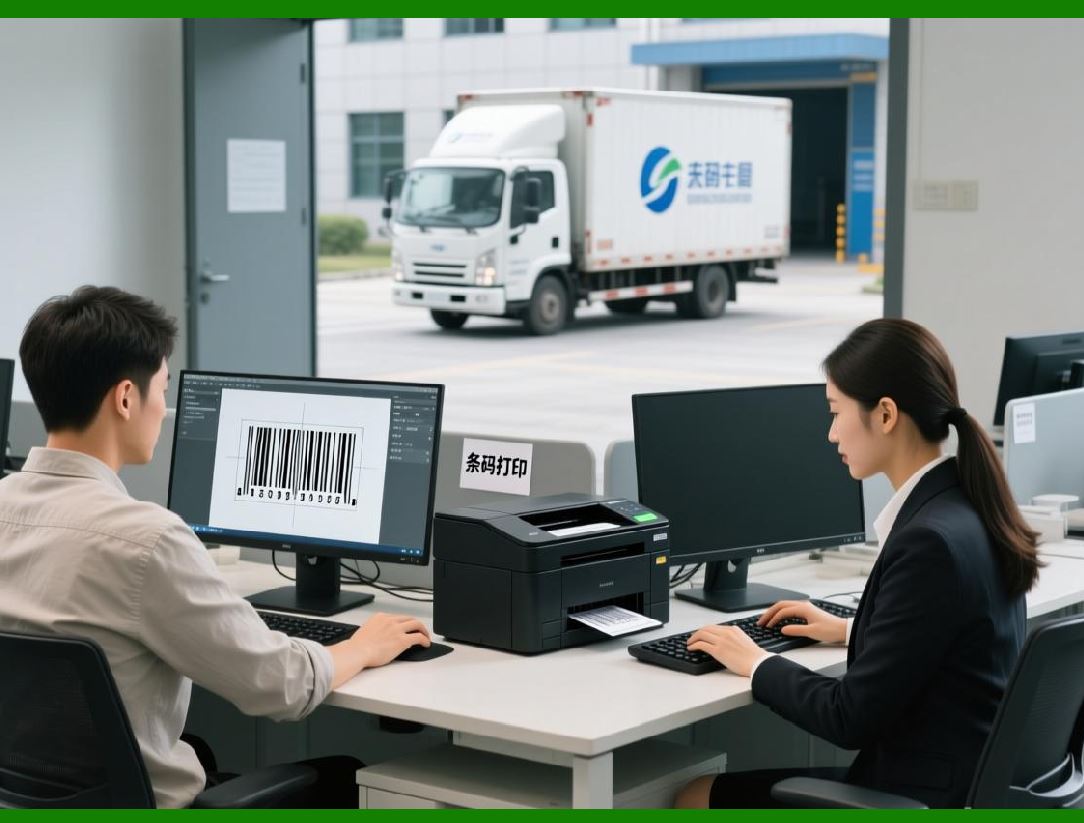
Desktop applications remain a major deployment environment for barcode generation, particularly in enterprise, industrial, and internal business systems. ByteScout Barcode SDK is well-suited for desktop usage due to its tight integration with the .NET framework and its compatibility with common Windows application models. |
Desktop barcode generation often emphasizes responsiveness, precise control over layout, and direct interaction with printers and hardware devices. |
|
165. Windows Application Models |
ByteScout Barcode SDK supports multiple Windows application models, including Windows Forms and Windows Presentation Foundation. These models differ significantly in their UI architectures, but the SDK core barcode functionality remains consistent across both. |
This cross-model compatibility allows developers to reuse barcode logic even when migrating applications between UI frameworks. |
166. Windows Forms Integration |
Windows Forms applications often use GDI-based rendering. ByteScout Barcode SDK integrates smoothly into this environment by providing rendered barcode output that can be displayed in standard controls. |
Developers can generate barcode images and assign them to image containers or draw them directly within paint events. |

|
167. WPF Integration Considerations |
WPF uses a vector-based rendering system distinct from Windows Forms. ByteScout Barcode SDK supports WPF integration by providing image and vector outputs compatible with WPF rendering pipeline. |
This compatibility allows barcodes to scale cleanly within WPF layouts without loss of clarity. |
168. UI Responsiveness and Asynchronous Generation |
Desktop applications must remain responsive during barcode generation. ByteScout Barcode SDK efficient encoding and rendering make it suitable for synchronous usage in many cases, but developers can also generate barcodes asynchronously when needed. |
This flexibility supports smooth user experiences even in data-intensive scenarios. |

|
169. Real-Time Barcode Preview |
Many desktop applications provide real-time previews as users enter or modify data. ByteScout Barcode SDK enables real-time barcode regeneration with minimal latency. |
This capability is particularly valuable in label design and data entry tools. |
170. User Input Validation in Desktop Apps |
Desktop applications often accept direct user input. ByteScout Barcode SDK strict validation of barcode data helps catch errors early, allowing applications to provide immediate feedback to users. |
This validation improves usability and reduces downstream errors. |

|
171. Embedding Barcodes in Desktop Reports |
Desktop reporting tools frequently embed barcodes in printed or on-screen reports. ByteScout Barcode SDK integrates easily into reporting workflows by generating images or vector output that can be embedded into reports. |
This integration supports automated report generation. |
172. Multi-Document Interface Scenarios |
In applications with multiple documents or views, barcode generation may occur in multiple contexts simultaneously. ByteScout Barcode SDK supports such scenarios by allowing multiple barcode instances to coexist without interference. |
Proper resource management ensures stability. |
|
173. Printing from Desktop Applications |
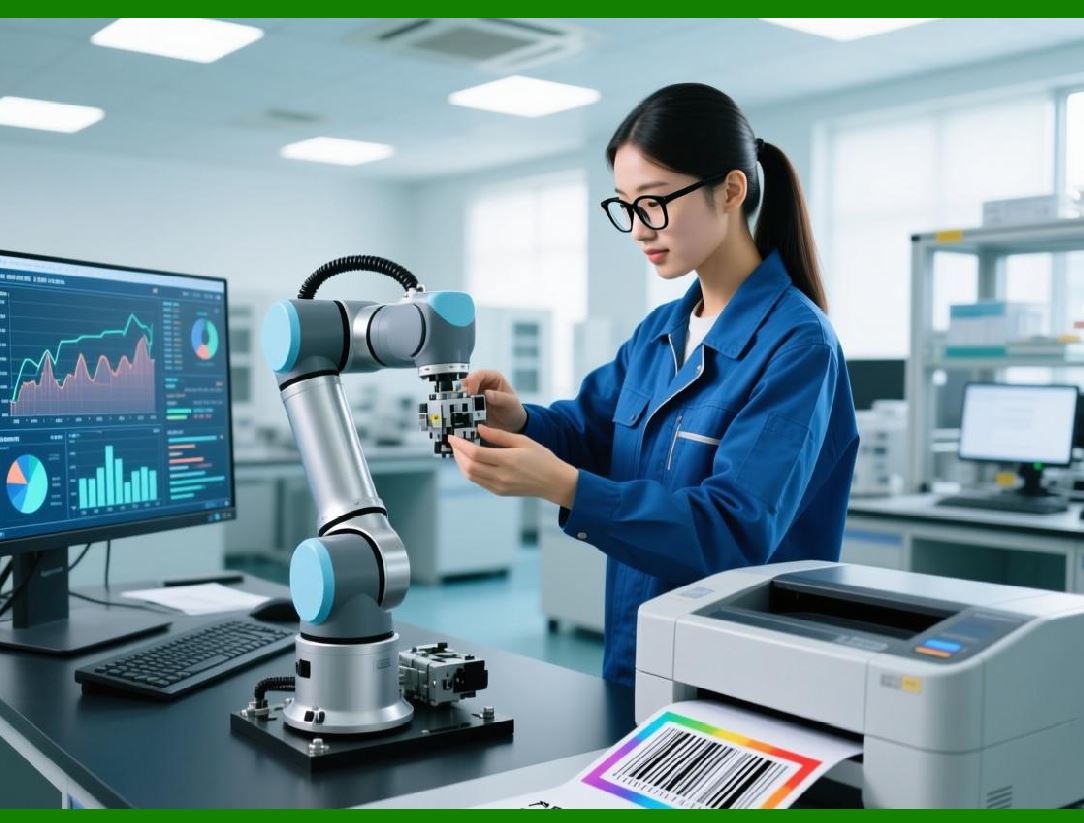
Desktop applications often initiate print jobs directly. ByteScout Barcode SDK integrates with standard printing dialogs and APIs, allowing users to print barcodes with familiar workflows. |
This seamless integration reduces user training requirements. |
174. Hardware Interaction and Scanner Testing |
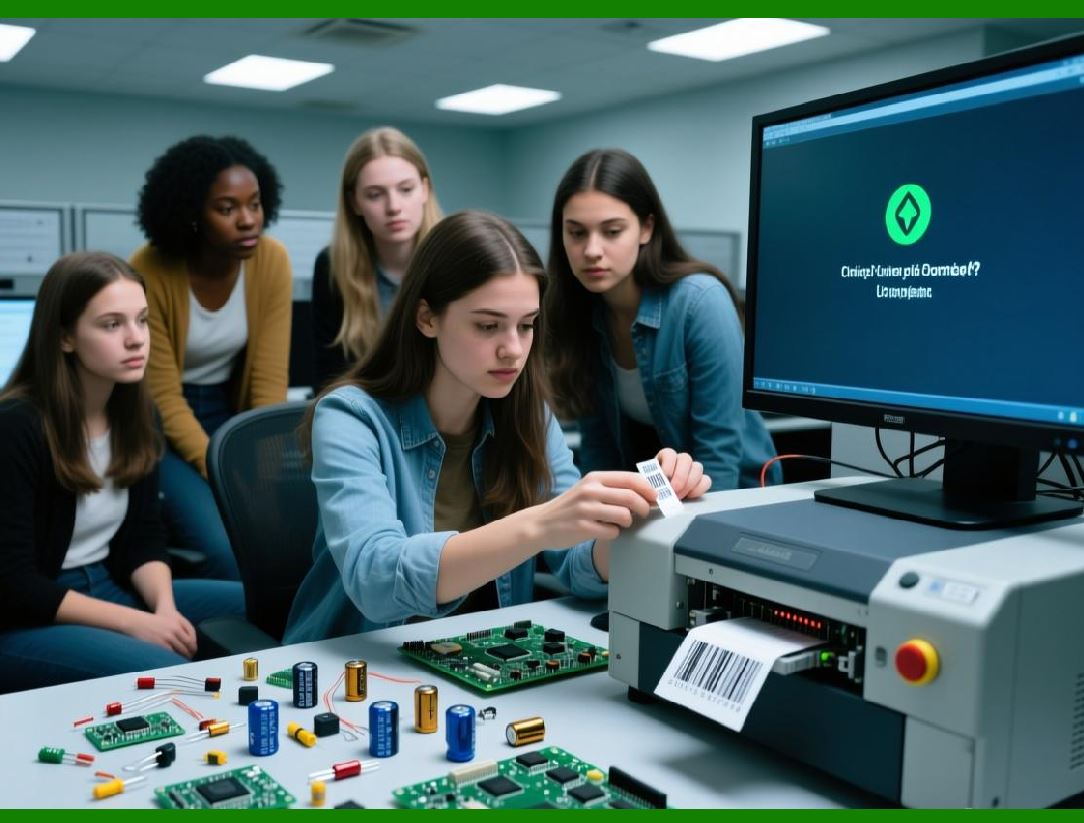
Desktop environments are often used for testing barcode output with physical scanners. ByteScout Barcode SDK predictable rendering output facilitates reliable scanner testing during development and deployment. |
Developers can iterate quickly based on scan results. |
|
175. Offline Operation |
Many desktop applications operate offline. ByteScout Barcode SDK does not require network connectivity, making it ideal for offline barcode generation scenarios. |
This independence is critical for field operations and isolated systems. |
176. Configuration Persistence |
Desktop applications often persist configuration settings across sessions. ByteScout Barcode SDK configurable parameters can be stored and restored easily, supporting consistent behavior over time. |
This persistence improves user experience. |

|
177. Resource Management in Long-Running Applications |
Desktop applications may run for extended periods. ByteScout Barcode SDK is designed to manage resources efficiently, minimizing memory usage and preventing leaks. |
Developers can safely generate barcodes repeatedly without degrading performance. |
178. Integration with Legacy Systems |
Many desktop applications interact with legacy systems. ByteScout Barcode SDK compatibility with older .NET versions facilitates integration into existing software ecosystems. |
This backward compatibility is important for long-lived enterprise applications. |

|
179. UI Customization and Branding |
Desktop applications often require branded barcode output. ByteScout Barcode SDK allows customization of visual aspects, enabling applications to align barcode appearance with corporate branding while maintaining scan reliability. |
This balance is important in customer-facing applications. |
180. Drag-and-Drop and Interactive Layouts |
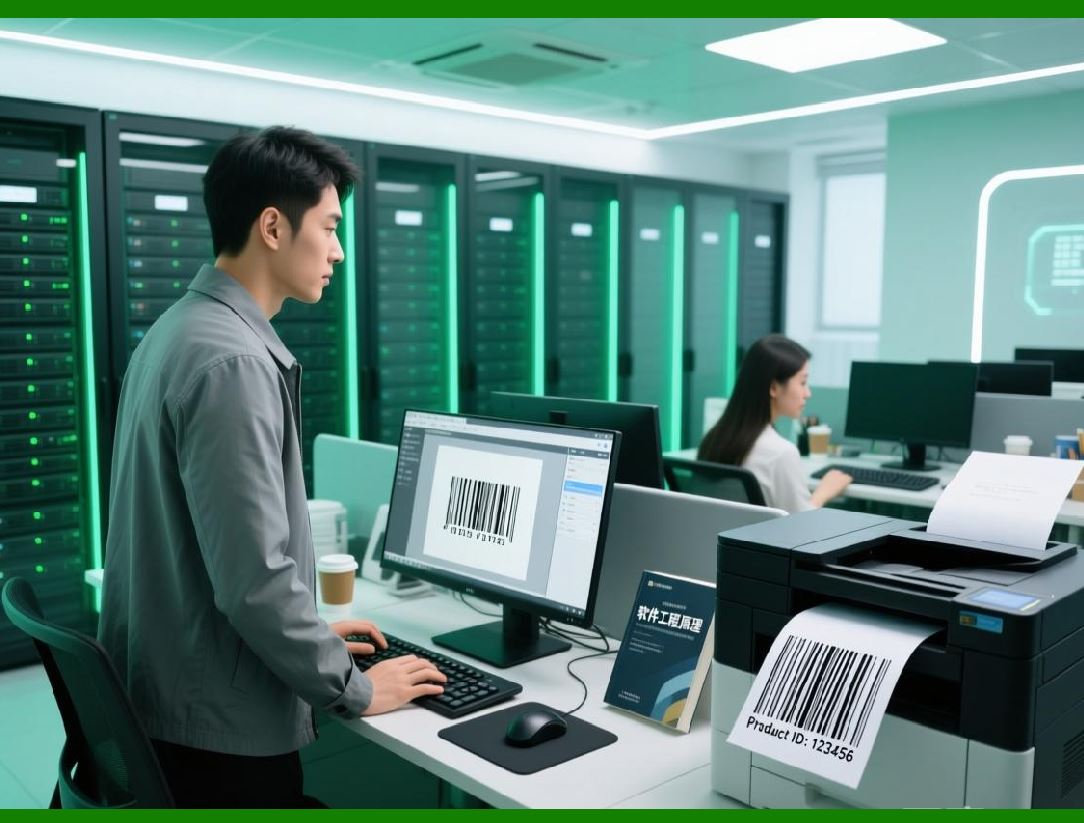
Some desktop applications include interactive layout designers. ByteScout Barcode SDK can be integrated into such tools by generating barcodes dynamically as users manipulate layout elements. |
This supports advanced UI workflows. |
|
181. Error Reporting and User Feedback |
When barcode generation fails, desktop applications can present immediate feedback. ByteScout Barcode SDK provides error information that can be translated into user-friendly messages. |
Clear feedback improves productivity. |
182. Accessibility Considerations |
Accessibility is increasingly important in desktop applications. ByteScout Barcode SDK supports accessibility indirectly by enabling clear human-readable text and predictable output. |
Developers can design accessible interfaces around barcode generation features. |

|
183. Deployment and Distribution |
Desktop application deployment often includes redistributing third-party libraries. ByteScout Barcode SDK is designed to be redistributed as part of desktop applications under appropriate licensing terms. |
This simplifies packaging and installation. |
184. Update and Version Management |
Managing SDK updates is an ongoing concern. ByteScout Barcode SDK maintains API consistency across versions, reducing the risk of breaking changes during upgrades. |
This stability supports long-term maintenance. |

|
185. Practical Desktop Use Cases |
Typical desktop use cases include inventory management systems, asset tracking tools, label printing applications, and internal administrative software. ByteScout Barcode SDK provides the technical foundation for these applications. |
Its reliability and flexibility make it a practical choice. |
186. Transition to Performance and Optimization Topics |
While integration scenarios have been covered, performance considerations apply across all environments. The next part will examine performance optimization strategies and scalability considerations in ByteScout Barcode SDK. |
 cs@easiersoft.com